Two models. One decision. If you are choosing between Flux 1.1 Pro and Ideogram 3.0 for your AI art workflow, the wrong pick means wasted prompts, missed briefs, and creative results that fall short of what you had in mind. Both models are at the top of the text-to-image landscape right now, but they excel in very different areas. Here is everything you need to make the right call.
What Each Model Actually Does
Flux 1.1 Pro and Ideogram 3.0 come from different engineering priorities. That context changes how you write prompts, choose settings, and interpret the results you get back.
Flux 1.1 Pro at a Glance
Flux 1.1 Pro is the flagship release from Black Forest Labs, built for commercial and creative-professional use. Its architecture prioritizes physical plausibility: light behaves like light, surfaces look like real materials, and human faces hold up under close inspection.
Where it performs best:
- Photorealistic portrait and lifestyle photography
- Product visualization with true-to-life material textures
- Architectural and interior design renders
- Close-up detail shots where skin, fabric, or surface texture is critical
The higher-tier sibling, Flux 1.1 Pro Ultra, pushes resolution further, making it the right choice when images need to print large or serve as hero assets for campaigns.
Ideogram 3.0 at a Glance
Ideogram 3.0 is available on PicassoIA in three variants: ideogram-v3-quality, ideogram-v3-balanced, and ideogram-v3-turbo. From version one, the Ideogram team focused on a capability most diffusion models either ignored or handled poorly: accurate text rendering inside images.
Where it performs best:
- Social media graphics, posters, and ad banners requiring in-image text
- Design-oriented content with branding or typography elements
- Wide stylistic range from photorealism to illustrated aesthetics
- Rapid iteration workflows using the turbo variant
💡 If your project ever requires readable words embedded inside the generated image, Ideogram 3.0 has a structural advantage that no amount of Flux 1.1 Pro prompting can replicate.
Photorealism: Where Flux 1.1 Pro Pulls Ahead
When the target output is an image that could pass as a professional photograph, Flux 1.1 Pro is the stronger choice. The model's training emphasis on physical plausibility shows up in every generation.
Skin, Texture, and Micro-Detail
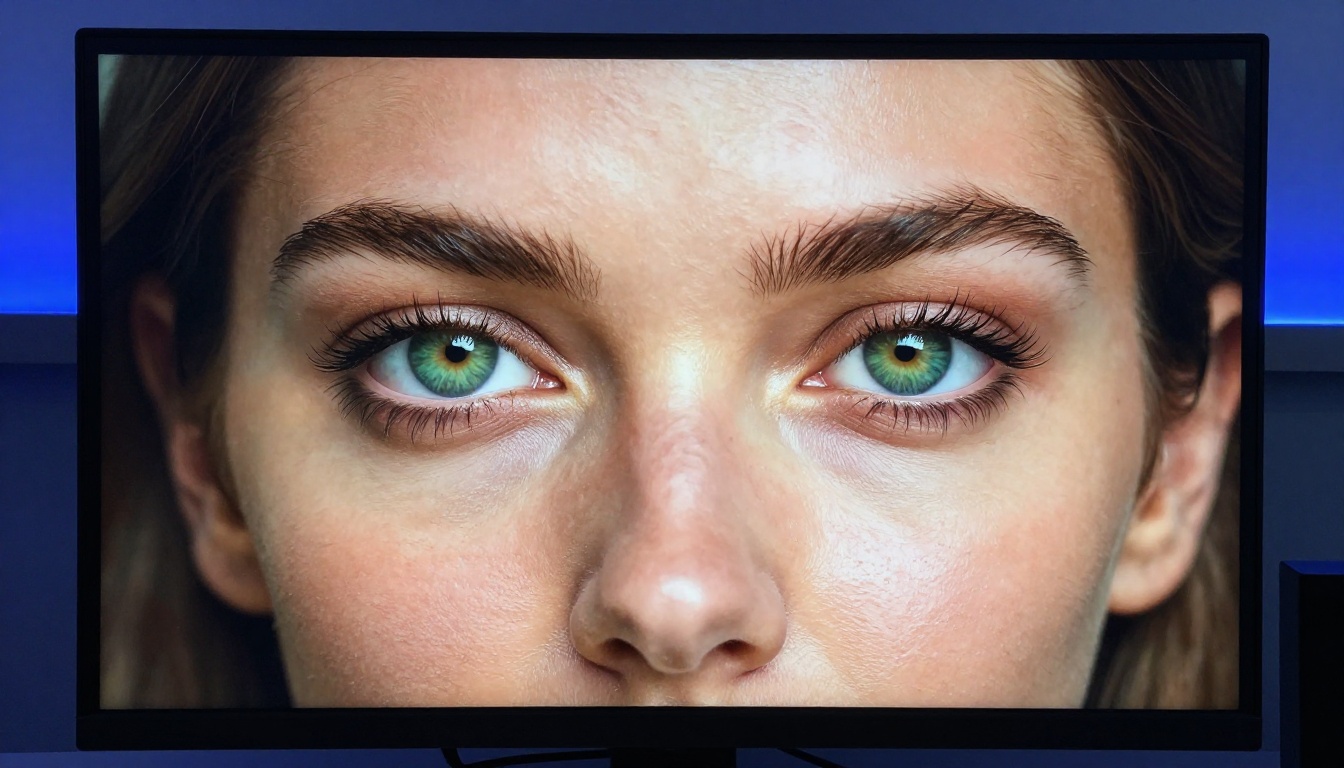
At portrait distances, Flux 1.1 Pro produces results that include:
- Visible pore structure and fine facial hair
- Natural skin tone variation with subsurface scattering
- Eye specular highlights placed in their correct anatomical positions
- Fabric weave, leather grain, and wood texture rendered at near-macro fidelity
This level of micro-detail is what separates images that look photographed from images that look generated. For beauty, fashion, product, or any close-up content where authenticity is required, Flux 1.1 Pro is the safer model.
Scene Coherence and Spatial Logic
One less obvious trait: Flux 1.1 Pro keeps multi-element scenes spatially coherent. Perspective lines are consistent. Shadows fall from the correct source. Reflective surfaces behave correctly. For interior design renders, product photography composites, and prompts involving multiple interacting objects, this physical coherence matters more than style.
Where Ideogram 3.0 Still Competes
Ideogram-v3-quality delivers genuinely photorealistic outputs, particularly for environmental photography and wide-angle lifestyle shots. The quality gap compared to Flux 1.1 Pro narrows considerably when images do not demand close-up detail. For landscapes, architectural exteriors, and group lifestyle imagery, both models produce strong, publishable results.
Text Rendering: Ideogram 3.0's Territory
Every major diffusion model before Ideogram was unreliable for in-image text. Characters blurred, letters merged, and anything beyond a single short word fell apart. Flux 1.1 Pro follows the same pattern. It handles very short single words on simple prompts but degrades quickly on longer phrases, specific typefaces, or tight text-heavy layouts.
Why Ideogram 3.0 Gets It Right
Ideogram-v3-quality was architecturally built to treat typography as a first-class output rather than an afterthought. In practice:
- Multi-word phrases render without spelling errors
- Font style prompts are respected: serif, sans-serif, script, display, condensed
- Text integrates into scenes naturally rather than floating awkwardly on top
- Punctuation and special characters come through with high accuracy
- Layout control is achievable with positional prompts
For anyone producing ad creatives, event posters, packaging mockups, or branded social content, the text-rendering difference between these two models is not subtle. It is the primary reason to choose Ideogram 3.0.

Speed and Iteration Across Variants
Both models offer tiered speed options that shape how you structure creative workflows, especially when testing multiple prompt variations before committing to a final image.
Flux 1.1 Pro Speed Profile
Flux 1.1 Pro generates at moderate speed, typically 15 to 30 seconds per full-resolution image. The broader Flux family on PicassoIA offers a clear speed-quality range:
- flux-schnell: Near-instant outputs at reduced detail. Practical for quick compositional testing.
- flux-dev: A solid balance between speed and output quality.
- flux-1.1-pro: The quality flagship for production-ready outputs.
- flux-1.1-pro-ultra: Maximum resolution and micro-detail, with longer generation times.
Ideogram 3.0 Speed Profile
The three Ideogram 3.0 variants function as a direct quality-to-speed slider:
For most workflows, ideogram-v3-balanced hits the most practical point between turnaround time and output quality.

Prompt Complexity: How Each Model Handles Detail
Long, detail-rich prompts behave differently across these two models, and knowing the difference saves hours of frustration.
Long Prompts in Flux 1.1 Pro
Flux 1.1 Pro handles layered, complex prompts with strong consistency. You can specify subject pose, lighting direction, background environment, camera body, lens focal length, aperture, and film emulation, and the model renders all of these elements faithfully. Earlier diffusion models frequently dropped or ignored prompt elements when descriptions became too complex. Flux 1.1 Pro rarely does this.
Long Prompts in Ideogram 3.0
Ideogram 3.0 is similarly capable with complex prompts, but the turbo variant may simplify environmental details when descriptions run very long. For maximum fidelity to a long, detailed prompt, use ideogram-v3-quality.
One clear difference: Ideogram 3.0 responds better to aesthetic style descriptors than Flux 1.1 Pro. If your brief calls for a specific visual register, such as "editorial fashion photography", "brutalist graphic design", or "1980s film stock print", Ideogram tends to match that style more reliably. Flux 1.1 Pro defaults toward strict photorealism regardless of style descriptors in the prompt.

The Full Comparison
| Feature | Flux 1.1 Pro | Ideogram 3.0 |
|---|
| Photorealism | Excellent | Good |
| In-image text accuracy | Weak | Excellent |
| Human anatomy accuracy | Excellent | Good |
| Stylistic range | Moderate | Wide |
| Speed (standard) | Moderate | Fast to Moderate |
| Prompt adherence | Very High | High |
| Commercial licensing | Yes | Yes |
| LoRA support | Yes (flux-dev-lora) | No |
| Typography rendering | Unreliable | Best-in-class |
| Texture micro-detail | Best-in-class | Good |
| Speed tier options | 4 variants | 3 variants |
💡 Use both models together on the same project. Flux 1.1 Pro for photographic hero imagery. Ideogram 3.0 for supporting graphics where text elements are required.
Pick the Right Model for Your Project
Use Flux 1.1 Pro When...
- Your project requires photorealistic portraits, headshots, or lifestyle images
- You are producing product shots where material texture must look tangible
- The output will be printed or displayed at large format
- You need architectural or interior renders with physical spatial coherence
- You want to fine-tune a specific visual style using flux-dev-lora with custom LoRA weights
Use Ideogram 3.0 When...
- Your image needs readable, styled text embedded naturally in the design
- You are producing social media graphics, ad banners, posters, or event flyers
- The brief calls for a wide range of visual styles beyond strict photorealism
- You need fast iteration using ideogram-v3-turbo
- Branding and typographic accuracy are central to the project
LoRA Support and Custom Style Training
One capability that separates the Flux family from Ideogram 3.0 is LoRA (Low-Rank Adaptation) support. With flux-dev-lora, you can load fine-tuned weights to generate images in a specific visual style, whether that means a particular photographer's aesthetic, a brand's visual identity, or a specialized product category requiring consistent styling across dozens of outputs.
Ideogram 3.0 does not currently support LoRA fine-tuning. For teams running high-volume content production that requires stylistic consistency across all outputs, this is a meaningful structural advantage in favor of Flux 1.1 Pro and its model family. If brand consistency over hundreds of assets matters to your workflow, flux-dev-lora is worth exploring.
How to Use Flux 1.1 Pro on PicassoIA
Flux 1.1 Pro is ready on PicassoIA with no local installation or API configuration required.
Step-by-Step
- Go to Flux 1.1 Pro on PicassoIA
- Write a specific prompt: include your subject, lighting direction, camera details, and environment
- Set your aspect ratio: 16:9 for widescreen, 1:1 for social media, 9:16 for vertical formats
- Generate and review the output
- Iterate by adjusting specific elements rather than rewriting the entire prompt at once
Prompting tips for Flux 1.1 Pro:
- Specify lighting precisely: "soft morning light from the upper left, 5600K color temperature"
- Add lens detail: "85mm f/1.4, shallow depth of field, background bokeh"
- Describe material texture: "brushed aluminum with fine machining marks visible at close range"
- Include film emulation: "Kodak Portra 400, natural grain, warm highlight rolloff"
💡 For large-scale or print use, switch to Flux 1.1 Pro Ultra. The resolution and micro-detail improvement is substantial at high print sizes.

How to Use Ideogram 3.0 on PicassoIA
Start with ideogram-v3-balanced for everyday production work. Move to ideogram-v3-quality when you need final, publishable outputs.
Step-by-Step
- Go to Ideogram V3 Balanced on PicassoIA
- Write your prompt. For in-image text, place exact wording inside "double quotes" within the prompt
- Specify font style if relevant: "bold condensed sans-serif", "elegant serif headline", "handwritten chalk lettering"
- Define text position: "centered near the top", "bottom-right corner", "overlaid across the mid-section"
- Choose your aspect ratio and generate
Prompting tips for Ideogram 3.0 text accuracy:
- Always use double quotes around text you want rendered
- Pair text with a clean background: "flat matte dark surface behind the text for readability"
- Keep individual text elements to 3 to 7 words for best accuracy
- Use ideogram-v3-quality for any final poster, packaging, or ad asset
💡 For rapid campaign ideation, ideogram-v3-turbo generates a dozen draft concepts in minutes. Pick the strongest layout and refine it in quality mode.
Start Generating on PicassoIA
The most direct way to settle this comparison for your specific workflow is to run the same prompt through both models back-to-back. Take a real brief, put it into Flux 1.1 Pro and Ideogram V3 Balanced simultaneously, and let the outputs show you which model fits your project.
PicassoIA gives you access to both models alongside 91 other text-to-image options including Flux 2 Pro, Ideogram V2, Stable Diffusion 3.5 Large, and many more. Beyond image generation, the platform includes background removal, super-resolution upscaling, face swap, and video creation tools, all from one workspace with no local installation required.
Whether your next project calls for photorealistic editorial imagery or a typography-heavy social campaign, both models are available and ready. The only step left is to start generating.