FLUX.2 Max sits at the top of the NSFW AI image generation stack right now, and for good reason. It doesn't hedge. It doesn't soften. It produces photorealistic, high-resolution output that actually looks like it was shot on a camera, not generated by a committee of safety reviewers. If you've spent time trying other models only to get cropped results, blurred subjects, or flat-out refusals, FLUX.2 Max is what you've been waiting for.
What FLUX.2 Max Actually Delivers
FLUX.2 Max is the highest-capability model in Black Forest Labs' FLUX lineup, sitting above FLUX.1 Dev, FLUX.1 Pro, and FLUX.1 Schnell in both resolution potential and prompt adherence. Where the earlier versions introduced the architecture, FLUX.2 Max pushes it to its ceiling.
Higher Resolution, More Detail
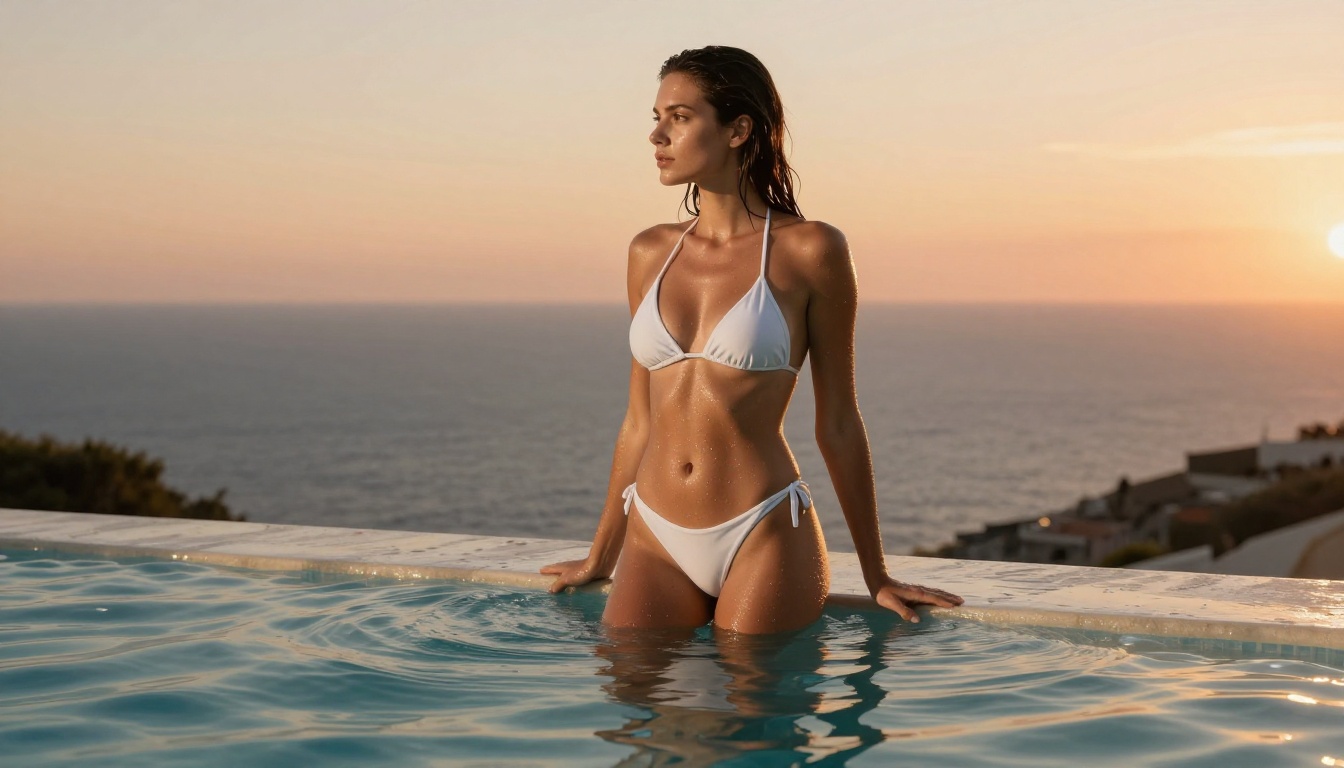
FLUX.2 Max generates images at resolutions that hold up under close inspection. Skin texture, fabric weave, hair strands, subtle lighting gradients across a face — these aren't approximations. The model handles micro-detail in a way that previous FLUX versions simply couldn't. At 1024x576 (16:9) or higher native outputs, the level of photographic fidelity is measurably different.
Prompt Fidelity That Actually Works
Most NSFW models either ignore complex prompts or strip out the parts they don't like. FLUX.2 Max reads the full prompt. Lighting direction, fabric type, camera angle, emotional tone — it synthesizes all of it. A prompt specifying "volumetric morning light from the left" will actually look different from "overhead studio lighting." This matters when you're trying to produce consistent, high-quality output across a set of images.
💡 Tip: The more specific your prompt, the better FLUX.2 Max performs. Include camera lens specs, lighting direction, and surface texture descriptions for the most photorealistic results.
No Restrictive Content Filters
This is the defining advantage. FLUX.2 Max doesn't apply a second layer of filtering that overrides your prompt. What you describe is what you get, within the platform's terms. On platforms that don't restrict the model, it generates adult content without cropping, blurring, or refusal.
FLUX.2 Max vs. Other Popular Models
Understanding where FLUX.2 Max stands requires comparing it honestly against the alternatives.
| Model | NSFW Support | Speed | Resolution | Prompt Adherence |
|---|
| FLUX.2 Max | Full | Medium | Up to 2K+ | Excellent |
| Stable Diffusion XL | With LoRA | Medium | 1024px | Good |
| Midjourney v6 | Limited | Fast | High | Very Good |
| DALL-E 3 | Blocked | Fast | 1024px | Good |
| Seedream 4.5 | Full | Under 3s | Very High | Excellent |
Speed vs. Quality
FLUX.2 Max is not the fastest model. Generation times are longer than optimized variants like FLUX.1 Schnell. But the output quality justifies the wait. If speed is your priority, you'll look at lighter versions. If you need the absolute best results for a final output, FLUX.2 Max is what you use.
The Censorship Problem
Every major platform applies its own layer of restrictions on top of model capabilities. DALL-E 3 won't generate anything suggestive. Midjourney blocks explicit content entirely. Stable Diffusion requires additional LoRA models and custom configurations just to get started with NSFW output. FLUX.2 Max, when accessed through platforms that allow it, bypasses this entirely.
Writing Prompts That Get Results
FLUX.2 Max rewards specificity. Vague prompts produce vague results. These principles consistently improve output quality.
Structure Your Prompts
A high-performing prompt for FLUX.2 Max follows a consistent structure:
- Subject: Who or what is in the image, their pose, expression, physical appearance
- Environment: Where they are, what surrounds them, foreground and background detail
- Lighting: Direction, quality, color temperature, source type
- Camera: Lens focal length, aperture, angle, distance from subject
- Texture: Surface details, fabric types, skin characteristics
- Style: Film stock, color grading, photographic era
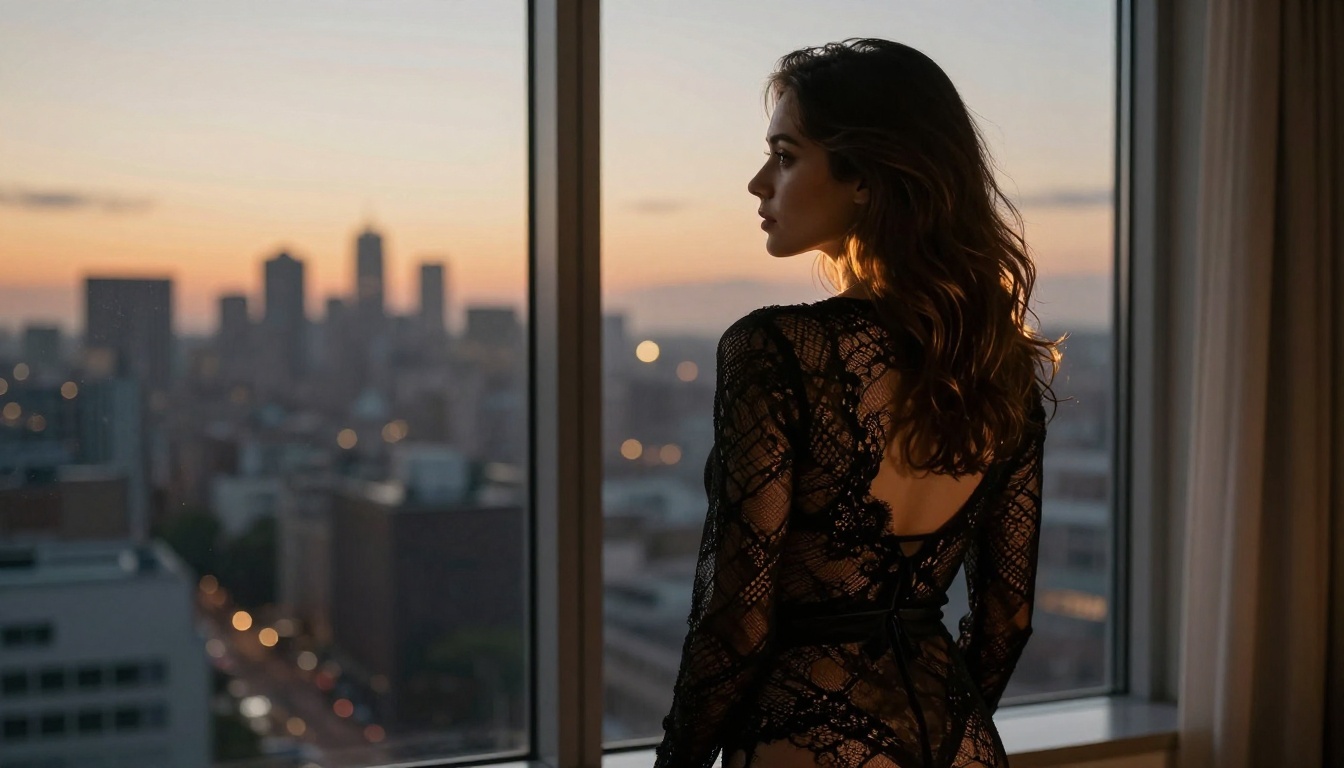
Example: "A woman in black lace lingerie seated on a velvet chair, amber bedroom lighting from the left, 85mm f/1.8, shallow depth of field blurring the background, natural skin texture, Kodak Portra 400 color science"
Settings Worth Knowing
- CFG Scale: 7.0–9.0 for photorealistic output. Higher values increase prompt adherence but can cause artifacts.
- Steps: 30–50 for maximum detail. Lower steps produce faster but softer results.
- Seed Control: Lock the seed to make iterative changes to a specific composition while keeping core elements stable.
- Aspect Ratio: 16:9 for cinematic scenes, 9:16 for portrait orientation, 1:1 for close-ups.
Best NSFW Models on PicassoIA Right Now
PicassoIA gives creators access to a range of uncensored AI image models, all from one platform. No local installation, no VRAM requirements, no technical configuration. Here's what's available and how each one performs.
1. Seedream 4.5 — Top Pick
Seedream 4.5 is the strongest all-around NSFW model on the platform right now. It accepts adult content, supports image editing, and generates ultra-realistic results in under 3 seconds. The speed-to-quality ratio is unmatched. It also allows image-to-image editing, which means you can take an existing image and refine specific elements without regenerating from scratch.
Important: Seedream 5 Lite does not support NSFW content. For adult content generation, use Seedream 4.5.
2. PicassoIA Image Editor Pro — Unlimited Volume
PicassoIA Image Editor Pro is the unlimited-generations option. With an Elite or Infinite plan, you can generate 1,000 images at no additional cost. For reference, generating the same volume on pay-per-generation models like Nano Banana 2 would cost around $100. It accepts NSFW content, delivers results in under one second, and offers a free 3-generation trial with no credit card required.
3. Qwen Image 2
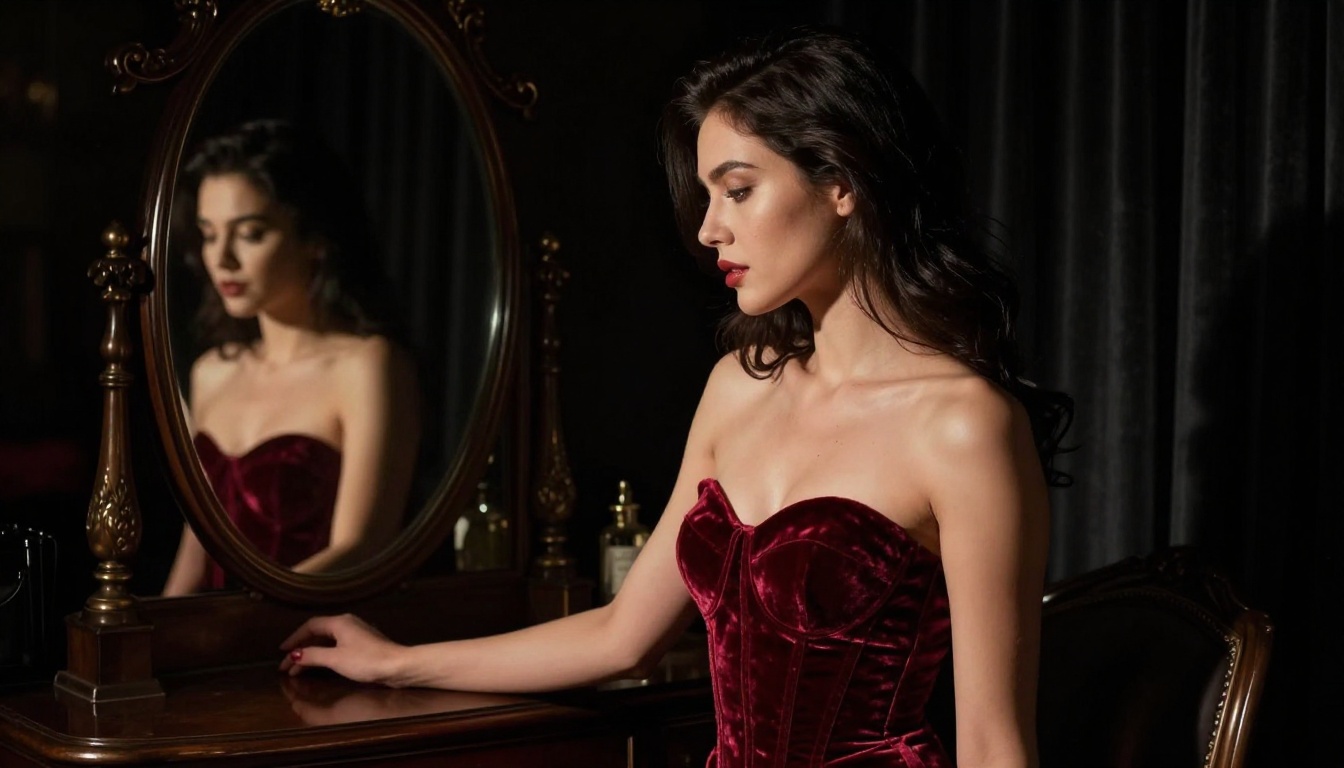
Qwen Image 2 is open source and handles both text-to-image and image editing with strong realism. It's particularly good at following complex compositional prompts and produces detailed skin and fabric textures without content restrictions.
4. Grok Imagine Image
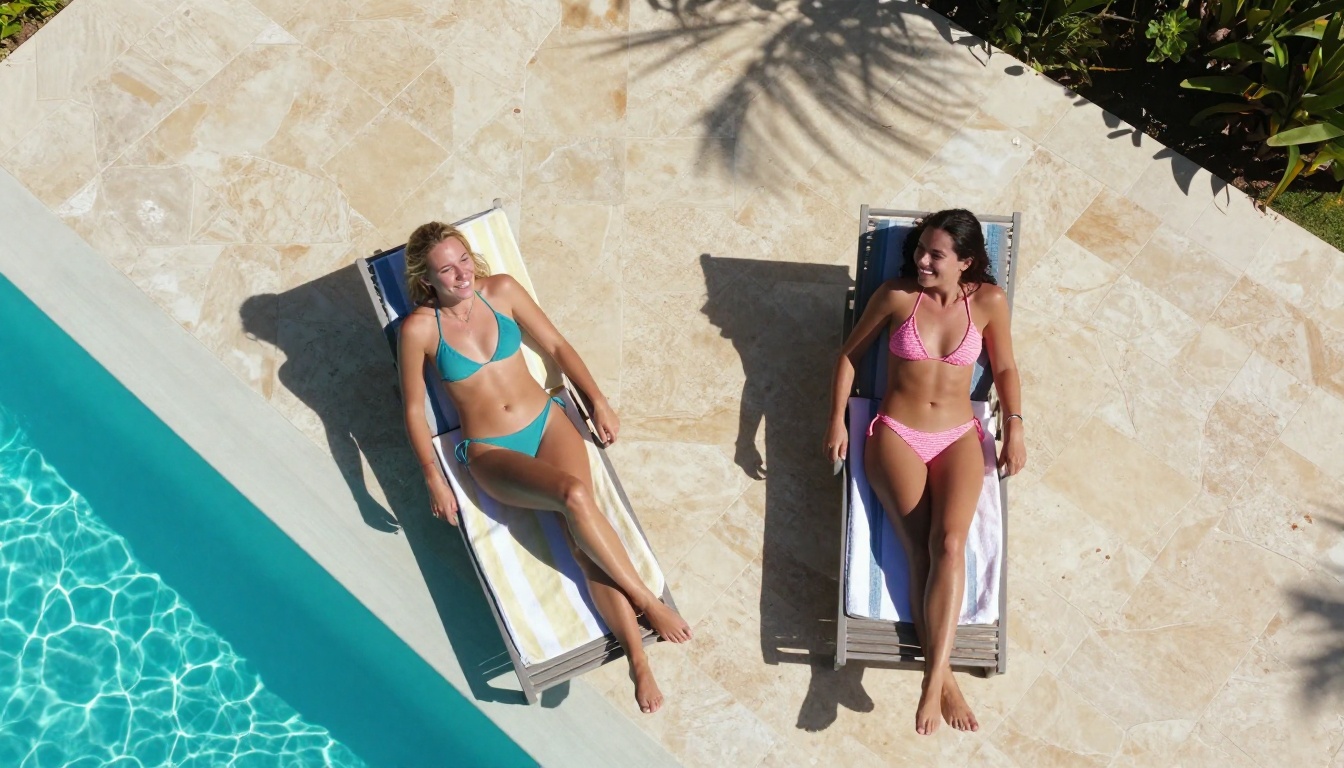
Grok Imagine Image specializes in realistic image-to-image transformations. Feed it a reference photo and it produces natural-looking variations, including swimwear and bikini formats, in a realistic style that doesn't look filtered or artificial.
5. Recraft V4
Recraft V4 focuses on text-to-image with very high photorealism. It handles lighting and skin detail particularly well for portrait and boudoir-style generation.
6. P-Image
P-Image generates NSFW images from text in under one second. It's the fastest option on the platform and produces clean, natural results without content restrictions.
💡 Avoid Seedream 5 Lite for NSFW content. The newer model blocks adult content generation. Stick with Seedream 4.5 for uncensored output.
Upscaling Your Output
Raw NSFW generation output often benefits significantly from upscaling. FLUX.2 Max at 1024px is excellent. The same image at 4K is exceptional. PicassoIA's upscaling tools add resolution and detail without introducing artifacts.
Why Resolution Matters for NSFW Content
Realistic skin texture, fabric detail, and lighting gradients all lose impact at lower resolutions. When you're producing images meant to look like high-end photography, the difference between 1024px and 4096px output is the difference between a preview and a final product. Upscaling also recovers fine detail that generation models sometimes approximate at lower output sizes.
Best Upscalers for NSFW Output
- Clarity Pro Upscaler — The top choice for photorealistic upscaling. Adds genuine detail rather than just interpolating pixels. Handles skin texture and fine hair extremely well.
- Crystal Upscaler — Optimized for portraits. Excellent at preserving facial detail and natural skin characteristics at 4x.
- P-Image Upscale — Fast 4x upscaling with sharp results, ideal for volume processing.
- Topaz Image Upscale — Up to 6x enlargement. The ceiling option when you need maximum resolution output.
- Real ESRGAN — Reliable 4x upscaler that works well across varied content types.
💡 Workflow tip: Generate at 16:9 in your target composition, then upscale 2x or 4x for final output. This gives you the best quality at both the generation and upscaling stages.
What Makes Output Look Real
The difference between AI-generated images that look photographic and those that look synthetic comes down to a small set of factors. Understanding them makes your prompts consistently better.
Lighting Is Everything
Photographic lighting has direction, intensity, color temperature, and source quality. A window in the morning has different light quality than overhead studio strobe. Natural light creates gradients, shadows with soft edges, and bounced fill from surrounding surfaces. When your prompt specifies "volumetric morning light from the left at 3200K," the model responds to all of that.
The Camera Spec Effect
Specifying camera lens and aperture in your prompt changes how depth of field and bokeh render in the output. An 85mm f/1.4 produces different subject isolation than a 35mm f/8. FLUX.2 Max and models like Seedream 4.5 respond to these specifications in ways that produce measurably different images. Include them in every serious prompt.
Skin and Surface Texture
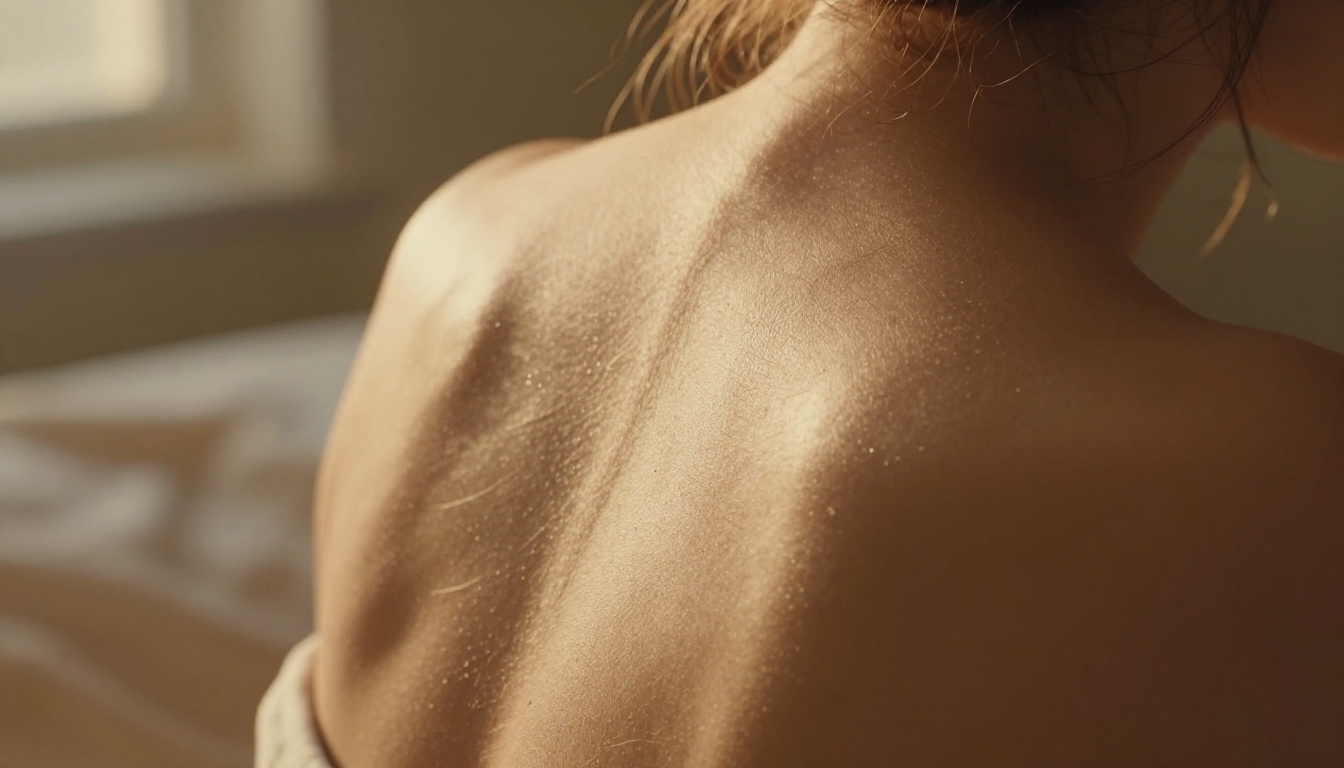
Photorealistic skin has pores, fine hairs, subtle color variations, and responds differently to light across different planes. Prompts that include texture descriptors ("natural pores on cheeks and nose," "fine vellus hairs on shoulders") push the model toward genuinely realistic output rather than the smooth, plastic look that many AI images default to.
Common Mistakes
- Too vague: "Beautiful woman, natural lighting" gives you a generic result every time
- Style contradictions: Mixing "photorealistic" with "digital art" or "illustration" produces output that satisfies neither
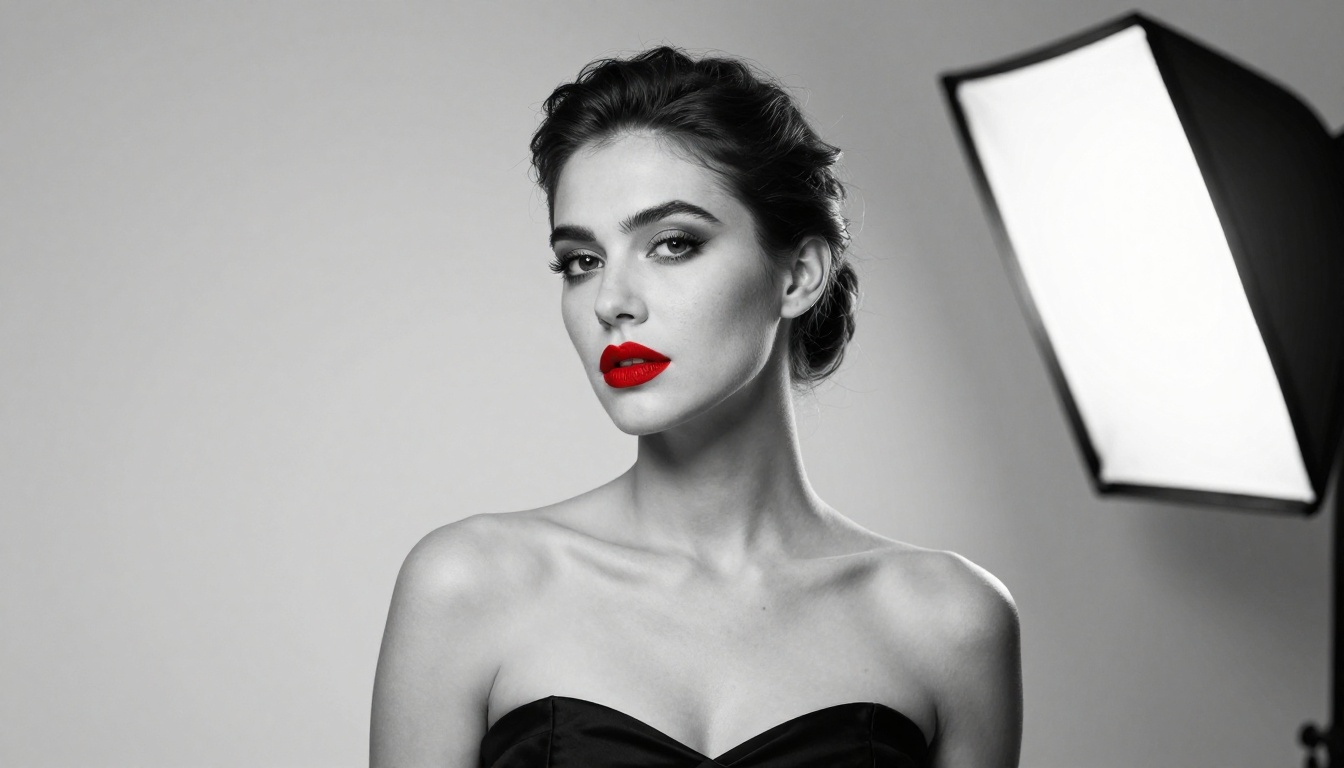
- Ignoring background: The environment in an image contributes to whether it reads as real — a flat white background immediately signals AI generation
- Over-prompting accessories: Piling on jewelry, tattoos, and clothing items in a single prompt causes models to misallocate attention — simplify where possible

Visual Effects That Elevate NSFW Output
Visual effects applied after generation add production value that generation alone can't always achieve.
Film Grain and Color Grading
Natural film grain separates photographic-style AI images from flat digital output. Specifying film stocks in your prompt (Kodak Portra 400, Fujifilm Provia, Ilford HP5) primes the model toward specific color science and grain characteristics. For post-processing, adjusting contrast, adding a slight warm color cast, and introducing subtle grain at 10–15% opacity makes output look significantly more analog and convincing.
Depth of Field That Looks Physical
Bokeh that looks physically accurate has a specific quality: out-of-focus points of light render as circles with slightly brighter edges, and the transition from sharp to soft focus follows a natural fall-off curve. Prompting for this specifically ("85mm f/1.4 bokeh, naturally soft background with circular light reflections") produces better results than just asking for a "blurry background."
Start Creating on PicassoIA
FLUX.2 Max sets the bar for what uncensored AI image generation can produce. The models available on PicassoIA match or exceed that standard, with the added benefit of no local setup, no VRAM requirements, and no platform restrictions layered on top of the model's actual capabilities.
Seedream 4.5 is where to start. Under 3 seconds per image, full NSFW support, and image editing in the same interface. If you want unlimited volume without paying per generation, PicassoIA Image Editor Pro gives you that on Elite and Infinite plans — 1,000 images for the same flat price you'd pay for a handful elsewhere.
Once you have your images, run them through Clarity Pro Upscaler or Crystal Upscaler to push resolution to 4K. The difference in final output quality is immediately visible.
The full catalog of uncensored, high-performance AI models is at picassoia.com/en/all-models. No content filters, no restrictions, no waiting for a local machine to finish rendering.


