Looking for a free adult AI image maker with no limits? Most platforms block you before you even get started: content filters, vague "community guidelines," and paywalls on the only models that actually produce results. It is frustrating, and it sends creators chasing from tool to tool without finding anything reliable. This article cuts through the noise and shows you exactly which AI image models skip the restrictions, how to use them for free, and what separates a blurry, censored output from a genuinely photorealistic adult AI image that looks like it came from a professional shoot.
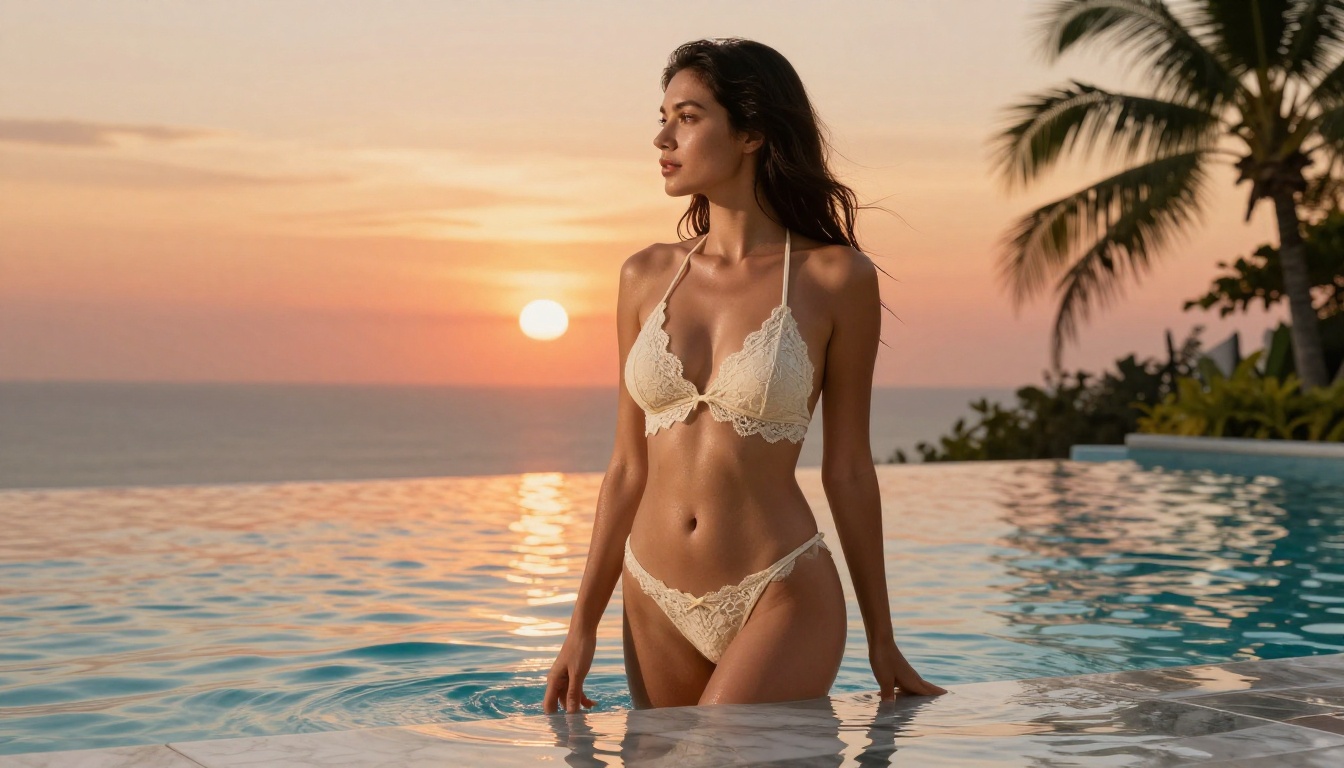
What "No Limits" Actually Means
"No limits" gets thrown around loosely in AI marketing. Before spending time on a platform, it helps to know exactly what freedom you are getting and what is still quietly blocked in the background.
Two types of restrictions to watch for
Content filters are the first layer. Most mainstream AI image tools, including several that claim to be "free and open," run every prompt through a classifier before generation even starts. If your prompt contains flagged words or describes certain subjects, the model refuses outright. You see an error. Nothing is produced. These filters are entirely separate from the model's actual capabilities. The model itself could generate the image perfectly. The platform has simply decided not to allow it.
Output filters are the second layer. Some platforms generate the image and then run a safety scan on the output before showing it to you. If the scan flags the result, the image is deleted before you ever see it. You might not even know it happened, because the platform shows a generic "generation failed" message instead of being transparent.
💡 The best uncensored AI image platforms disable both layers, giving you direct access to the underlying model with no pre-screening and no post-scan deletion.
Why most tools add these restrictions
It comes down to hosting costs, advertising partnerships, and terms of service from third-party APIs. A tool built on top of another company's API inherits that company's content rules. PicassoIA builds directly on top of self-hosted models and open-source checkpoints, which is why it can offer genuinely unrestricted access without passing your prompts through a third-party filter layer. No third-party dependency, no third-party content rules.
Free tools tend to fail in three very specific ways. Knowing them upfront saves hours of trial and error with platforms that will never deliver what you need.
First: the model is censored by default, with no way to disable it. You can prompt anything. The model will not comply. This is the most common situation on consumer-facing AI image generators. They present the illusion of a powerful generation tool while the underlying system refuses entire categories of requests.
Second: the free tier is too restricted to be useful. Three images per day, one model, and no ability to iterate means serious creative work is impossible. Finding the right composition, lighting, and expression requires dozens of generations at minimum.
Third: quality is sacrificed for speed on low-cost hardware. Fast, cheap models running on shared servers often produce muddy skin textures, incorrect anatomy, and flat artificial lighting. The images look AI-generated at a glance, which defeats the purpose of going for photorealism.
| What You Want | What Most Free Tools Actually Offer |
|---|
| No content filter | Strict keyword blocking on input |
| Unlimited generations | 3 to 10 per day |
| 8K photorealistic output | Low-resolution, blurry results |
| Multiple model choices | One locked model |
| Fast generation under 3 seconds | 30 to 60+ second waits |
| Free trial, no credit card | Email capture, then immediate paywall |
PicassoIA addresses every one of these gaps with its model library, infrastructure, and subscription structure.
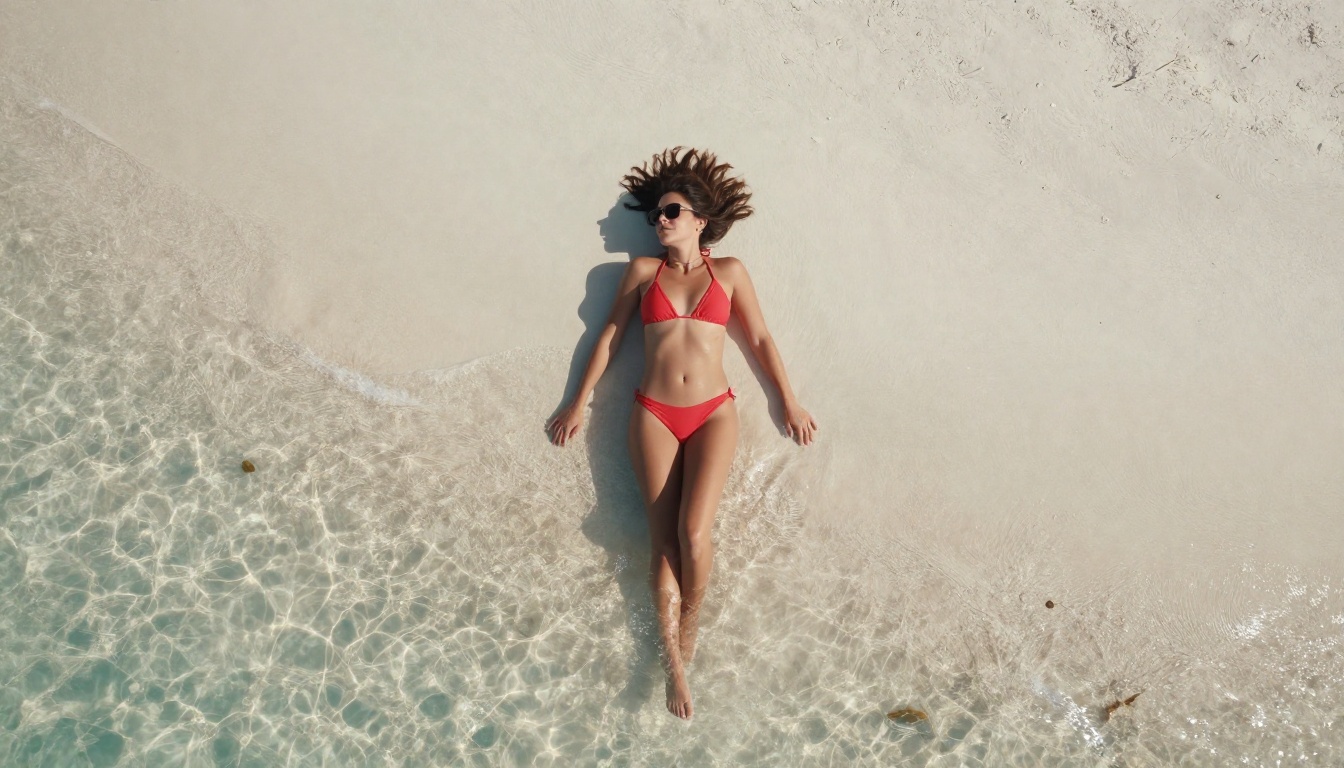
Top Models for Adult AI Image Creation
PicassoIA hosts a curated library of NSFW-capable models, each with different strengths. Here are the ones that consistently produce the best results for adult content, ranked by real-world performance.
1. Seedream 4.5: The Clear Leader
Seedream 4.5 is the strongest all-around model on the platform for adult image generation. It accepts NSFW prompts, supports both text-to-image and image editing workflows, and generates results in under 3 seconds at very high fidelity.
What sets it apart from comparable models is the combination of speed and realism. Skin texture, hair detail, and lighting interactions look genuinely photographic rather than rendered. The model does not produce the classic AI "plastic sheen" that makes so many generated images immediately identifiable as artificial. You get natural pore texture, realistic fabric weight, and accurate shadow behavior in a single generation pass.
💡 Critical note: The newer Seedream 5 Lite does not support adult content. If you switch to it expecting the same freedom, you will hit content blocks on every adult prompt. Stay on Seedream 4.5 for unrestricted creative work.
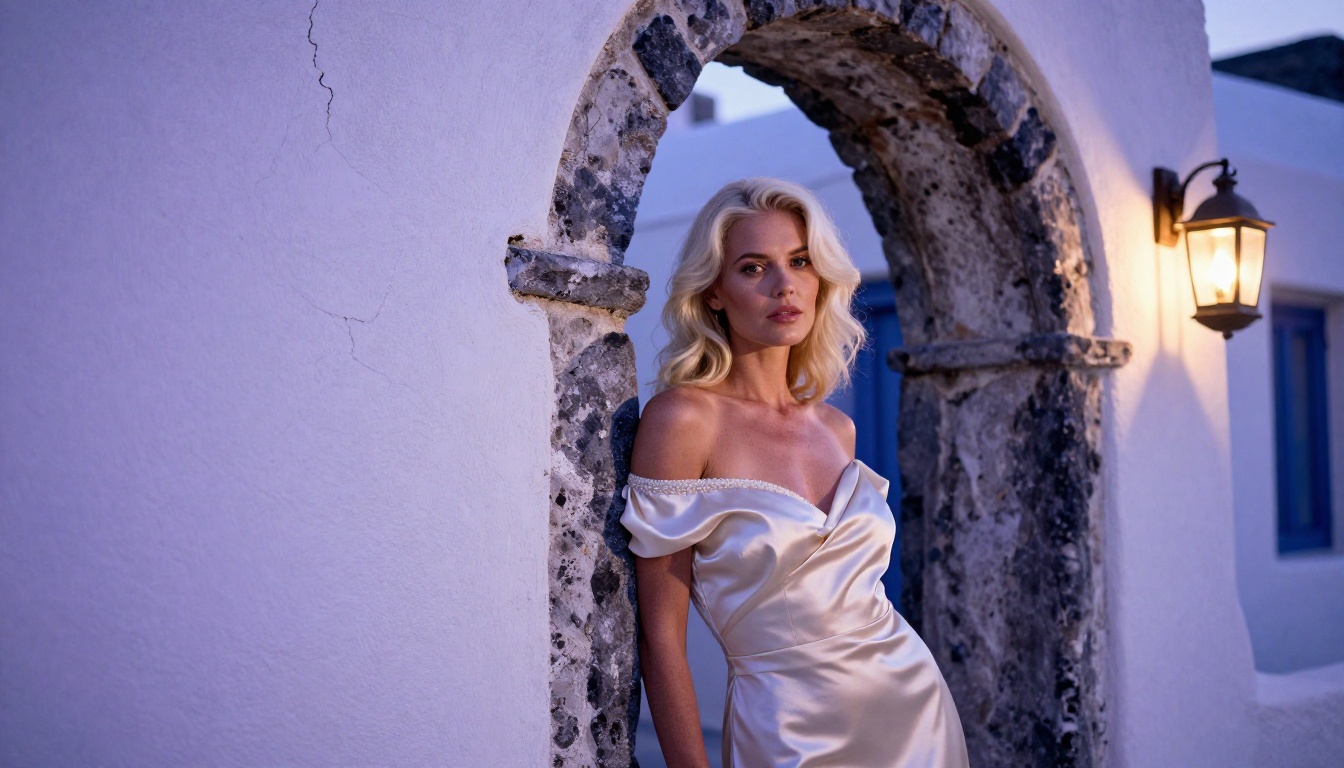
2. PicassoIA Image Editor Pro: Truly Unlimited
PicassoIA Image Editor Pro is an image-to-image model: you supply a source image and the model transforms or extends it. Its defining advantage is one most people overlook until they read the actual plan details: unlimited generations are included in the Elite and Infinite subscription plans.
Think about what that means in practice. Generating 1,000 images with a credit-based model like Nano Banana 2 would cost approximately $100. With PicassoIA Image Editor Pro on an Elite plan, those same 1,000 generations cost nothing extra. The subscription already covers them.
For creators who iterate heavily, this changes the economics completely. Generate 50 variations of a scene, discard 45, keep the 5 that are perfect. Zero incremental cost per generation. The model also accepts NSFW content and returns results in under 1 second. It offers a free trial of 3 generations with no credit card required, so you can verify quality before committing to a plan.
3. Qwen Image 2: Open-Source Realism
Qwen Image 2 is an open-source model with strong realism and no content filtering. It handles both text-to-image and image editing, and the detail level in fabric, skin, and environmental textures is consistently impressive. A reliable alternative to Seedream 4.5 when you want a slightly different aesthetic quality or are iterating on a batch and want to compare outputs from two different model architectures.
4. Grok Imagine Image: Wardrobe Changes Made Simple
Grok Imagine Image has a specific strength that nothing else on the platform quite matches: it converts any uploaded photo into a different wardrobe version with very realistic results. If you have a source image and want to reframe the composition, change the clothing style, or alter the setting, this is the most direct tool for it.
5. Recraft V4: Maximum Detail from Text
Recraft V4 handles text-to-image only, no editing, but the output quality is among the highest on the platform. When you need pristine, ultra-detailed images from scratch and do not need image-editing capabilities, Recraft V4 is worth trying for its clean rendering of complex scenes.
6. P-Image: Speed for Volume Iteration
P-Image generates NSFW content from text prompts in under 1 second. The speed is its primary advantage. When you need to run through 30 variations to find the right composition and lighting before committing to a final high-quality generation, P-Image is the right tool. Use it for rapid scouting, then switch to Seedream 4.5 or Recraft V4 for the final output.
7. Wan 2.2 Image: Realistic from Text, No Filters
Wan 2.2 Image generates highly realistic images from detailed text descriptions without content restrictions. It is particularly strong on complex scenes with multiple subjects, intricate backgrounds, and natural lighting conditions. A solid choice when you need a third model option with a different generative character from both Seedream and Qwen.
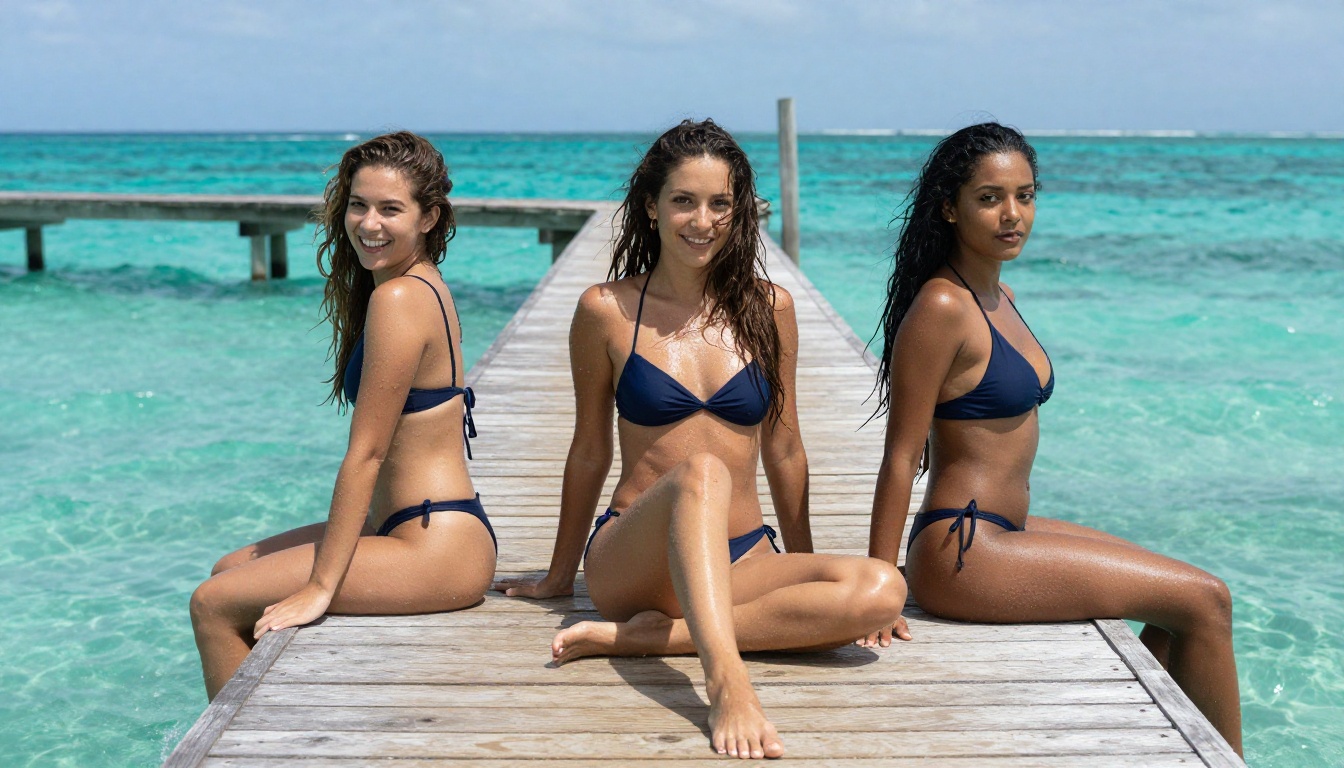
How to Use Seedream 4.5 on PicassoIA
Seedream 4.5 is the recommended starting point. Here is exactly how to get your first generation working.
Step 1. Open Seedream 4.5 on PicassoIA. No setup, no installation, no API key required. The tool runs entirely in the browser.
Step 2. Select your aspect ratio. For horizontal landscape compositions, use 16:9. For portrait shots emphasizing the full figure, use 9:16. For square social media crops, use 1:1.
Step 3. Write your prompt. Be specific: describe the subject, their pose or action, clothing details, the setting, the lighting direction, and the camera angle. Vague prompts produce generic, forgettable results. Specific, layered prompts produce images that look like they were art-directed.
Step 4. Leave the safe mode toggle off. Seedream 4.5 supports adult content by default. There is nothing to disable because there is no filter to begin with.
Step 5. Click generate. Expect your image in 2 to 3 seconds.
Step 6. If the result needs refinement, use the built-in editing interface to fix specific zones. Seedream 4.5 supports inpainting, so you can correct a face, change a background, or adjust clothing in precise areas without regenerating the whole composition.
💡 Pro tip: Record the seed number from any generation you like. Re-entering that seed with a slightly modified prompt lets you iterate from a starting point you already like rather than generating entirely new random compositions every time.
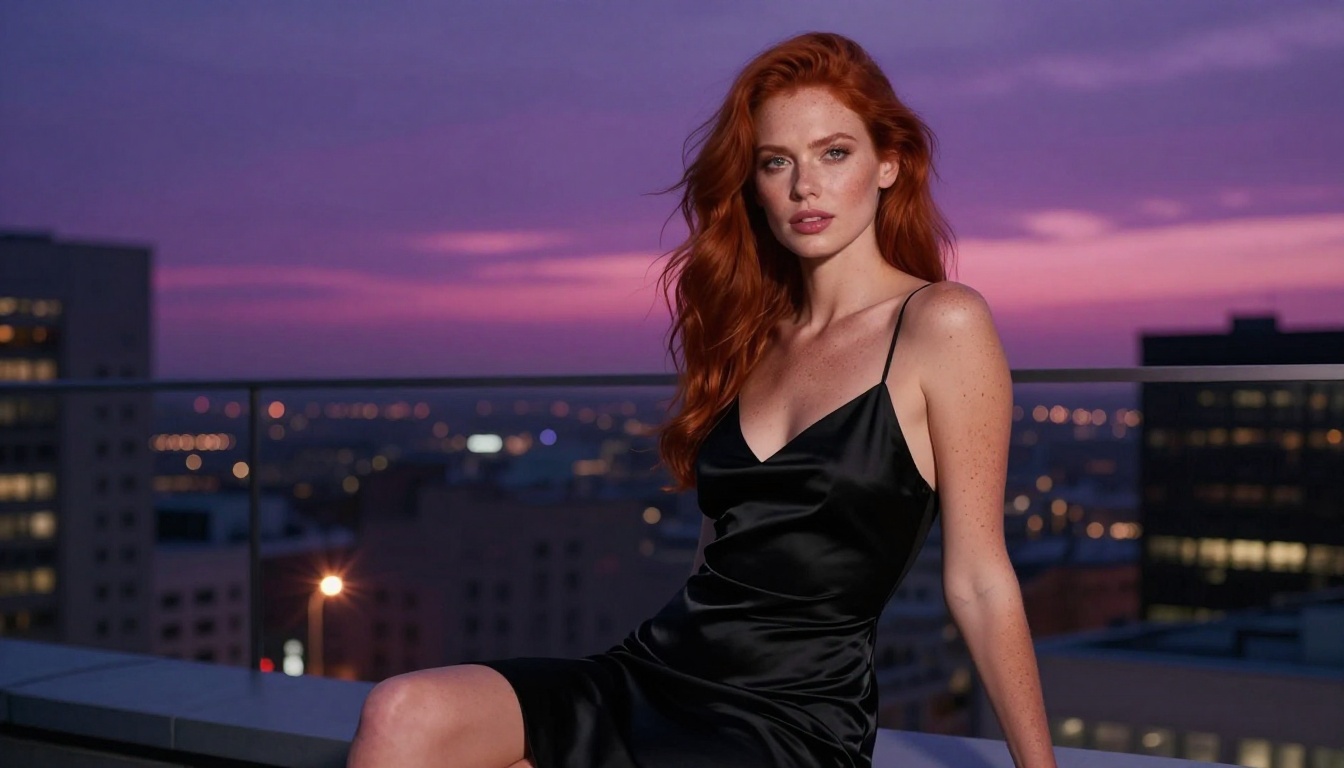
Writing Prompts That Actually Work
Most people underestimate how much the quality of the prompt affects the output. The same model can produce dramatically different results depending on how you describe what you want. These principles apply regardless of which model you use.
Describe the setting before the subject
Start with the environment. AI models do better when they have context before they receive details about the subject. "A sun-drenched Maldivian overwater villa, wooden deck extending over a turquoise lagoon" establishes the scene. Then add the subject: "a woman in a white linen bikini reclining on the deck, gaze directed at the water." The model fills in the scene coherently instead of placing a generic figure against a generic background.
Specify lighting direction and quality
Lighting is the single biggest determinant of whether an image looks photographic or artificial. Use directional language in every prompt. Try: "warm backlight from the west at golden hour, rim lighting on hair and shoulders" or "soft diffused overcast morning light from directly above, no harsh shadows" or "single candle flame from the right side, everything beyond arm's reach in deep shadow." The model cannot infer preferred lighting from a subject description alone. You have to tell it.
Name a specific camera lens
Different lenses create fundamentally different aesthetics:
- 85mm f/1.4: Flattering portrait compression, natural subject-background separation, smooth bokeh
- 35mm f/2.0: Environmental context included, slight wide-angle quality, strong sense of place
- 135mm f/2.0: Extreme background separation, strong telephoto compression, subjects appear sharply isolated
- 24mm f/4.0: Wide sweeping landscape inclusion, dramatic foreground-to-background depth
Adding RAW 8K photography, Kodak Portra 400 film grain at the end of any prompt also pushes most models toward photorealistic aesthetics over digital rendering styles.
Words that damage realism
Some words redirect models toward undesirable aesthetics even on platforms without content filters. Avoid: "3D render," "CGI," "digital art," "illustration," "cartoon," "anime," "fantasy," and "hyperrealistic." That last one seems counterintuitive, but "hyperrealistic" often triggers an over-sharpened, over-processed look that reads as artificial. Stick to photography vocabulary: "photorealistic," "film grain," "natural lighting," "RAW photograph."
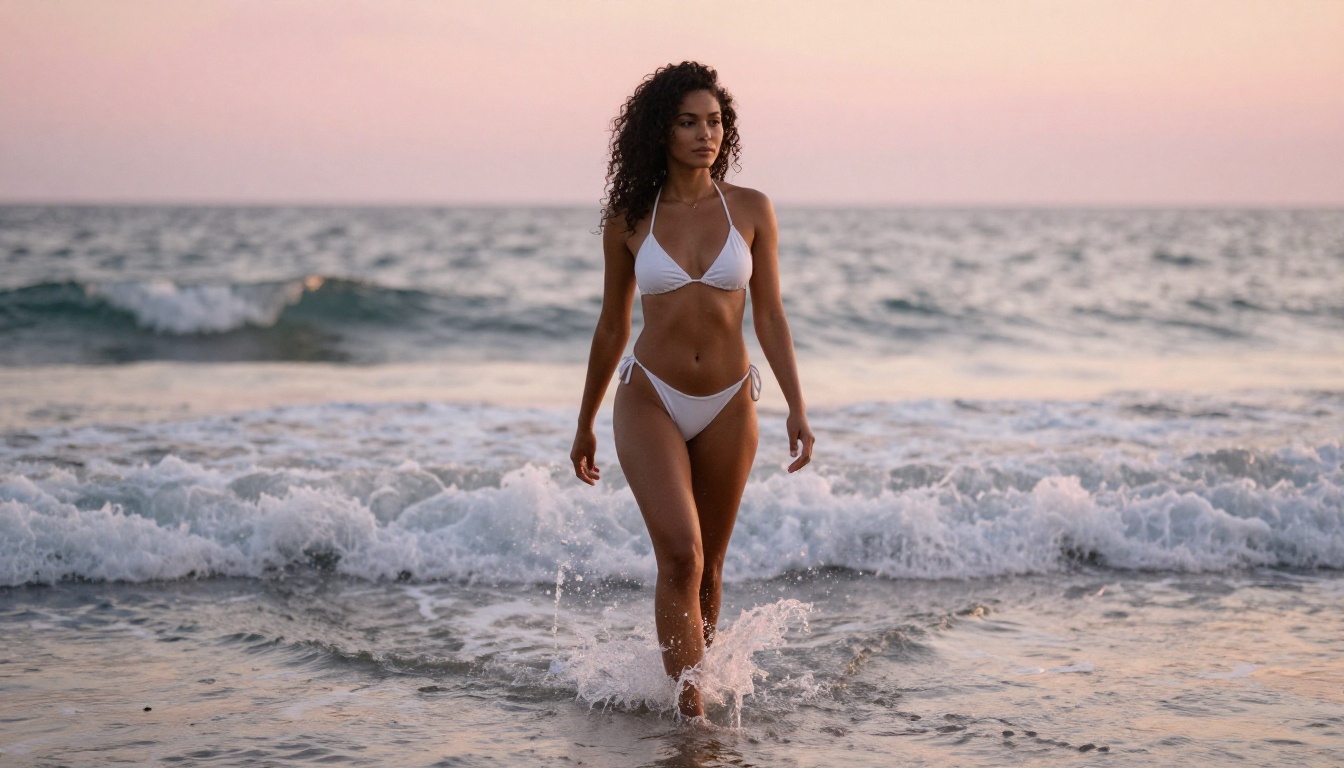
Upscaling and Polishing Your Outputs
Even the best AI image generators sometimes produce images that need a resolution boost before they are suitable for high-quality display or printing. PicassoIA covers this with dedicated super-resolution tools that integrate directly into the same workflow.
Super-resolution upscaling takes your generated image and increases resolution by 2x to 4x while sharpening detail. The result is a larger image with finer skin texture, crisper fabric weave, and more accurate hair strand rendering. This is particularly useful for images that will be cropped, printed at large format, or displayed on high-DPI screens where lower-resolution AI outputs show obvious softness.
AI Image Restoration fixes noise, motion blur, and compression artifacts. If you ran a fast draft generation at lower quality settings and want to bring it up to final-quality resolution, the restoration tool handles it in one step without requiring a full regeneration.
For close-up portrait work, the face enhancement models on the platform resample facial features at higher fidelity than the original generation captured, fixing the occasional soft-focus or asymmetrical eye issue that appears in some generations.
A Full Model Comparison at a Glance
| Model | NSFW Support | Speed | Generation Type | Best Use Case |
|---|
| Seedream 4.5 | Yes | ~3s | Text + Edit | Best all-around |
| Image Editor Pro | Yes | ~1s | Image-to-Image | Unlimited volume |
| Qwen Image 2 | Yes | ~4s | Text + Edit | Open-source realism |
| Grok Imagine Image | Yes | ~5s | Image-to-Image | Wardrobe changes |
| Recraft V4 | Yes | ~6s | Text only | Ultra-detail text-to-image |
| P-Image | Yes | <1s | Text only | Fast iteration at scale |
| Wan 2.2 Image | Yes | ~4s | Text only | Complex multi-subject scenes |
All seven models are accessible from PicassoIA. The free trial for Image Editor Pro requires no credit card.
What About Privacy?
One real concern with adult AI image generation is where your prompts and outputs are stored. Mainstream platforms with content filters often log every prompt for moderation review, meaning your creative inputs are being stored and potentially scanned by an automated system or reviewed by a human moderation team.
PicassoIA does not run your prompts through external moderation APIs. The models are self-hosted and the generation pipeline stays within the platform. For creators who value privacy in their creative work, this is a meaningful distinction. Your prompt describing a specific scene does not travel to a third-party moderation service before the image generates.
You also own what you create. There are no watermarks imposed on images generated through the text-to-image models, and your outputs are yours to use for personal or commercial purposes based on your subscription tier.
Common Mistakes to Avoid
A few patterns come up consistently when creators are not getting the results they want. These are the most common ones and how to fix them.
Overly short prompts. "Beautiful woman at the beach" produces a generic, forgettable image. Forty-word prompts with specific lighting, lens, fabric texture, and setting details produce images that feel intentional. More specificity almost always means better output.
Ignoring the negative prompt field. Most models support a negative prompt where you list what you do not want. Add cartoon, illustration, anime, CGI, 3D render, plastic skin, artificial, flat lighting to your negatives. This actively steers the model away from common failure modes.
Generating once and stopping. The first generation is almost never the best one. The real value of AI generation is the ability to iterate. Adjust the lighting description, change the camera angle specification, shift the setting slightly, and run it again. Three generations often produce one that is substantially better than the first.
Not using seed control. When you get a composition you like but want to refine one element, use the seed from that generation in your next prompt. You preserve the structural elements while adjusting specific details, rather than starting from scratch with a random composition every time.
Start Creating Your Own Images
You have the models, the prompt strategy, and the platform. The most direct path forward: open Seedream 4.5, write a specific prompt using the lighting and lens vocabulary covered above, and generate your first image. If you want to test the unlimited-generation model before committing, the free trial at PicassoIA Image Editor Pro gives you three generations with no credit card required.
For creators who produce content at volume, the economics of Image Editor Pro's unlimited tier are genuinely difficult to match anywhere else. One thousand images included in your subscription versus paying per credit on every other platform is a real, meaningful difference that compounds fast as your output volume grows.
If you want to see everything available before choosing, the complete model catalog is at picassoia.com/en/all-models. Over 91 text-to-image models, filters for category and capability, and direct access to every model page from one view. Browse it, pick the model that fits your creative style, and start generating without restrictions.


