Most AI image platforms shut you down the moment your prompt gets interesting. They wrap their models in layers of content policies, safety filters, and automated moderation that make generating any kind of mature, suggestive, or artistically bold content a frustrating guessing game.
That ends here.
If you want a free AI adult content generator with no censorship, you want control over what you create, how it looks, and what story it tells. This article covers the best tools, the best models, and the exact steps to get photorealistic, uncensored results without spending a dollar.
What "No Censorship" Really Means
The filter problem in AI art
Most AI image generators block content at three levels: prompt filtering (your text gets rejected), output filtering (the image gets blurred or flagged), and model-level restrictions (the underlying model was trained to refuse certain outputs).
When platforms talk about "safety systems," they usually mean all three. The result? Perfectly reasonable creative requests, including glamour photography, boudoir art, or even sheer fabric in a historical context, get blocked alongside genuinely problematic content.
💡 The real issue isn't safety. It's over-filtering. The same system that stops explicit content also stops artistic nudity, swimwear photography, and hundreds of legitimate creative use cases.
What actually changes with unrestricted access
An uncensored AI generator doesn't mean low-quality or irresponsible output. It means:
- Your prompt goes through as written without keyword flags
- The model renders what you describe without softening the result
- Artistic choices stay yours, including lighting, composition, level of suggestion, and aesthetic
The best free AI adult content generators operate with this philosophy: give creators the tools, trust the adult user, let the output speak for itself.
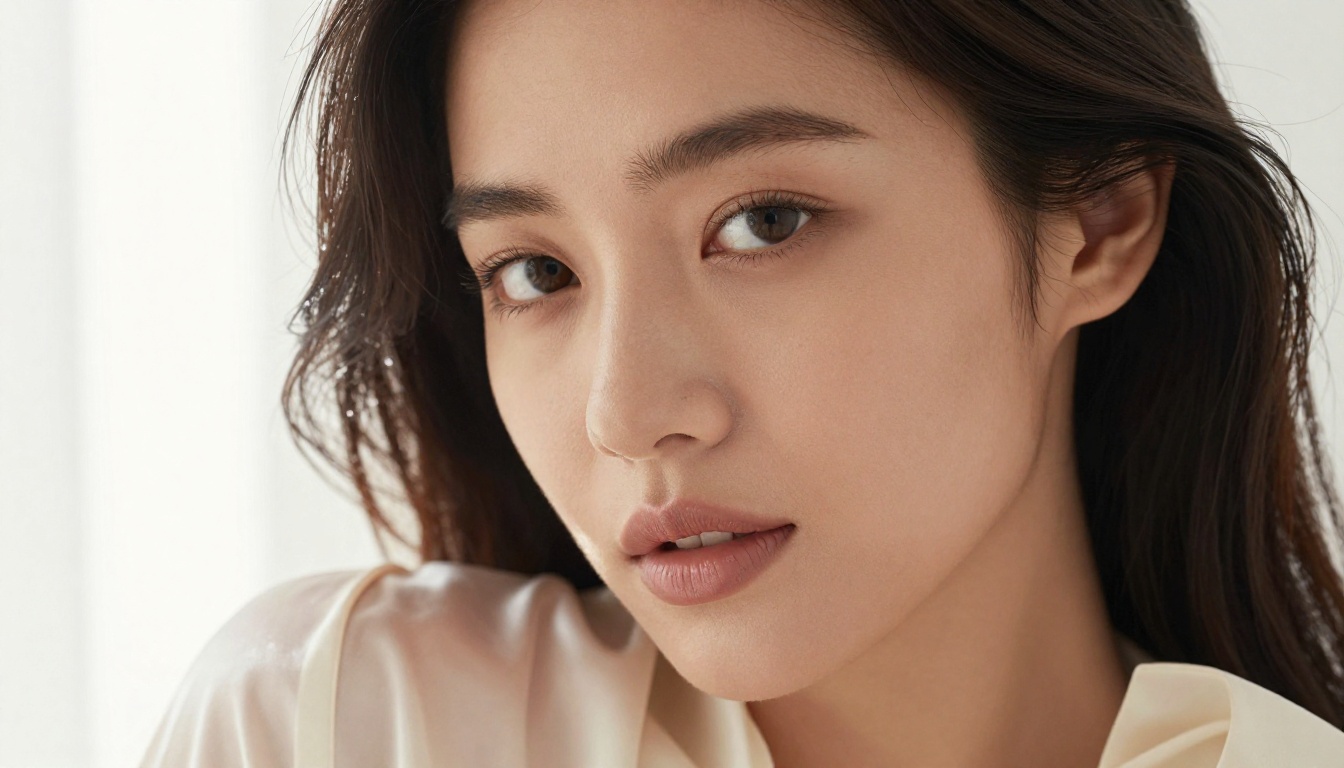
The Models That Actually Deliver
Not all text-to-image AI models perform equally when it comes to photorealism and creative freedom. Here are the ones worth your time.
Flux 1.1 Pro Ultra
Flux 1.1 Pro Ultra is the current benchmark for photorealistic human subjects. Black Forest Labs built this model with exceptional detail fidelity, meaning skin texture, hair, fabric, and light interaction all render at a level that looks genuinely photographed.
For adult content specifically, this matters enormously. Low-resolution models produce waxy skin, distorted anatomy, and plastic-looking hair. Flux 1.1 Pro Ultra does none of that.
Best for: High-fidelity portraits, glamour photography, editorial-style shots
Flux 2 Pro
Flux 2 Pro builds on the Flux architecture with improved color accuracy and better handling of complex compositions. Where Flux 1.1 excels at single subjects, Flux 2 Pro handles environmental context better, placing your subject in beach scenes, interiors, or urban settings with convincing spatial depth.
Best for: Full-body compositions, environmental portraits, fashion-style shots
Stable Diffusion 3.5 Large
Stable Diffusion 3.5 Large is open architecture with massive community support. Stability AI designed this version for high-resolution, detail-rich outputs with excellent prompt adherence. You describe the exact scene you want, and this model follows through.
The 3.5 Large version handles anatomy far better than earlier SD versions, with significantly reduced distortion on hands, faces, and body proportions.
Best for: Detailed scenes, artistic compositions, prompt-following accuracy
Realistic Vision v5.1
Realistic Vision v5.1 was built specifically for photorealistic human subjects. This fine-tuned model produces outputs that regularly get mistaken for actual photography, with natural skin tones, accurate lighting physics, and convincing fabric rendering.
If pure photorealism is your goal, this is the shortlist model.
Best for: Portrait photography, photorealistic human subjects, natural lighting simulations
RealVisXL v3.0 Turbo
RealVisXL v3.0 Turbo combines the SDXL architecture with specialized fine-tuning for photorealistic outputs at speed. The "Turbo" tag isn't just marketing: this model generates at roughly 3x the speed of standard SDXL variants without meaningful quality sacrifice.
Best for: Fast iteration, testing prompt variations, high-volume generation
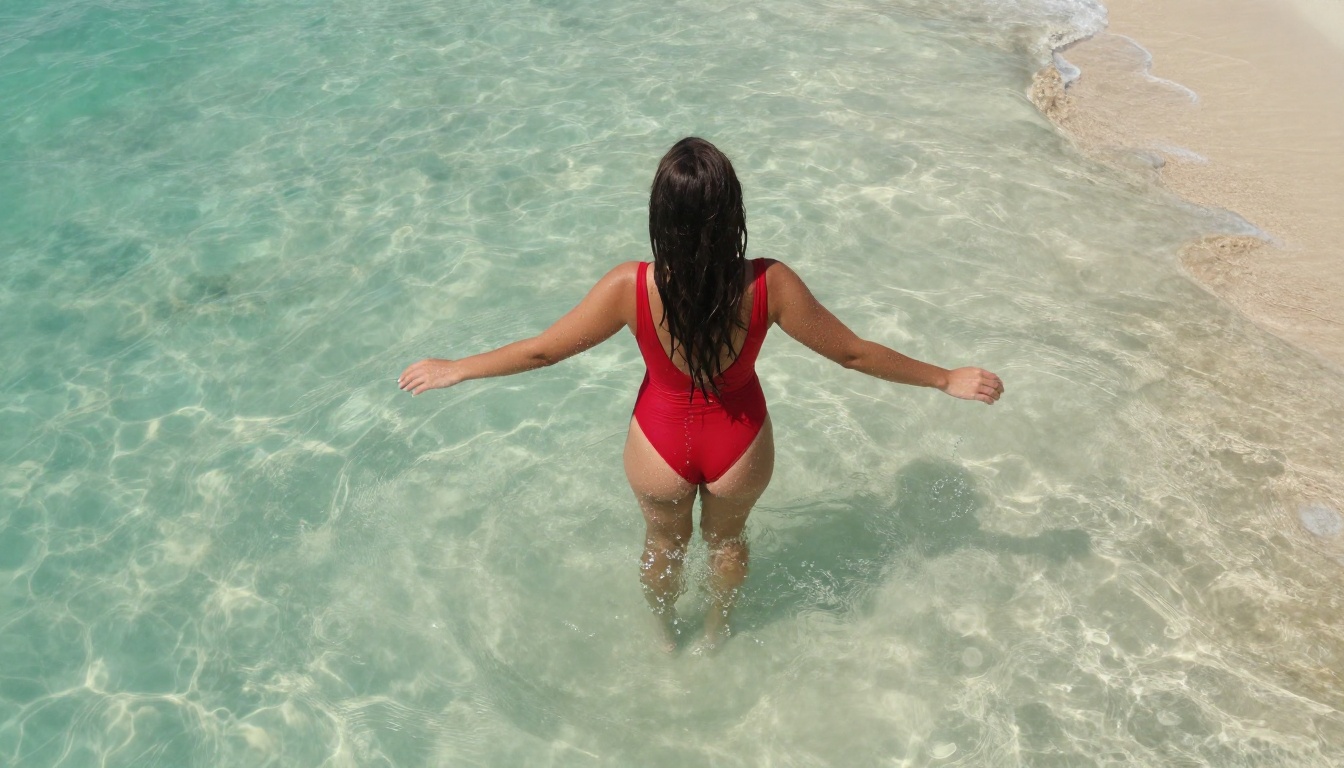
Prompt Writing That Gets Real Results
The anatomy of a great NSFW prompt
Bad prompts produce bad images, regardless of the model. Here's what separates results you'd actually use from ones you'd discard:
The 5-Part Prompt Formula:
- Subject — who or what, with specific physical descriptors
- Setting — where and when, with atmospheric context
- Lighting — direction, quality, and color temperature
- Camera specs — lens, aperture, angle, distance
- Style flags — film stock, grain, mood words
💡 Example prompt structure:
"[Subject description + pose] in [detailed setting], [lighting description] from [direction], shot with [camera + lens] at [aperture], [film stock + mood] --ar 16:9 --style raw"
The --style raw flag is critical. It prevents the model from adding artistic interpretation or stylization on top of your description, which is exactly what you want for photorealistic NSFW content.
Common mistakes that kill image quality
Most failed generations share one of these five problems:
| Mistake | Why It Fails | The Fix |
|---|
| Vague subject description | Model fills gaps randomly | Describe build, hair, skin tone, pose |
| Missing lighting info | Flat, lifeless renders | Specify direction, quality, color temp |
| No camera details | No depth or dimension | Include lens, aperture, angle |
| Conflicting style words | Model splits the difference badly | Pick one aesthetic and commit |
| Short prompts under 30 words | Model lacks enough constraints | Write 50-75 words minimum |
Parameters that change everything
Beyond the text prompt itself, these settings make a significant difference:
- Aspect ratio 16:9: The horizontal format reads as cinematic and professional
- Prompt upsampling off: Let your prompt stand as written for adult content
- High CFG scale (7-12): Tighter prompt adherence, less creative interpretation
- DPM++ 2M Karras sampler: Best balance of detail and coherence for human subjects
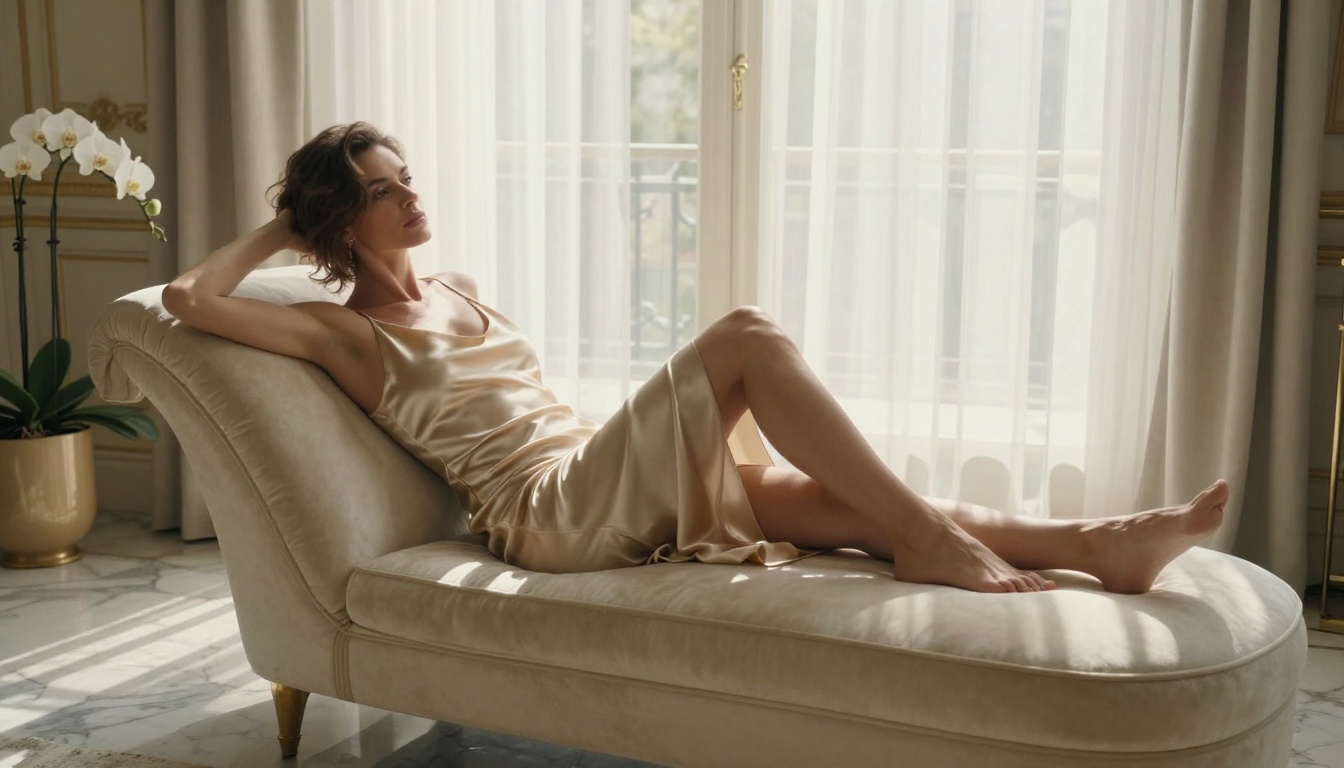
Free vs Paid: The Real Comparison
Here's an honest breakdown of what you actually get at each price point:
| Feature | Free Tier | Paid Tier |
|---|
| Daily generations | 5-20 images | Unlimited |
| Resolution | Up to 1024px | Up to 4K |
| Model selection | Limited | Full access |
| Queue priority | Standard | Immediate |
| Commercial use | Restricted | Licensed |
| NSFW content | Available | Available |
For most casual creators, the free tier provides more than enough to experiment and iterate. The paid tier makes sense when you're producing content at volume or need commercial licensing.
💡 Pro tip: Generate during off-peak hours (early morning UTC) for faster queue times on free tiers. Most platforms batch free requests during high-traffic periods, so timing matters.
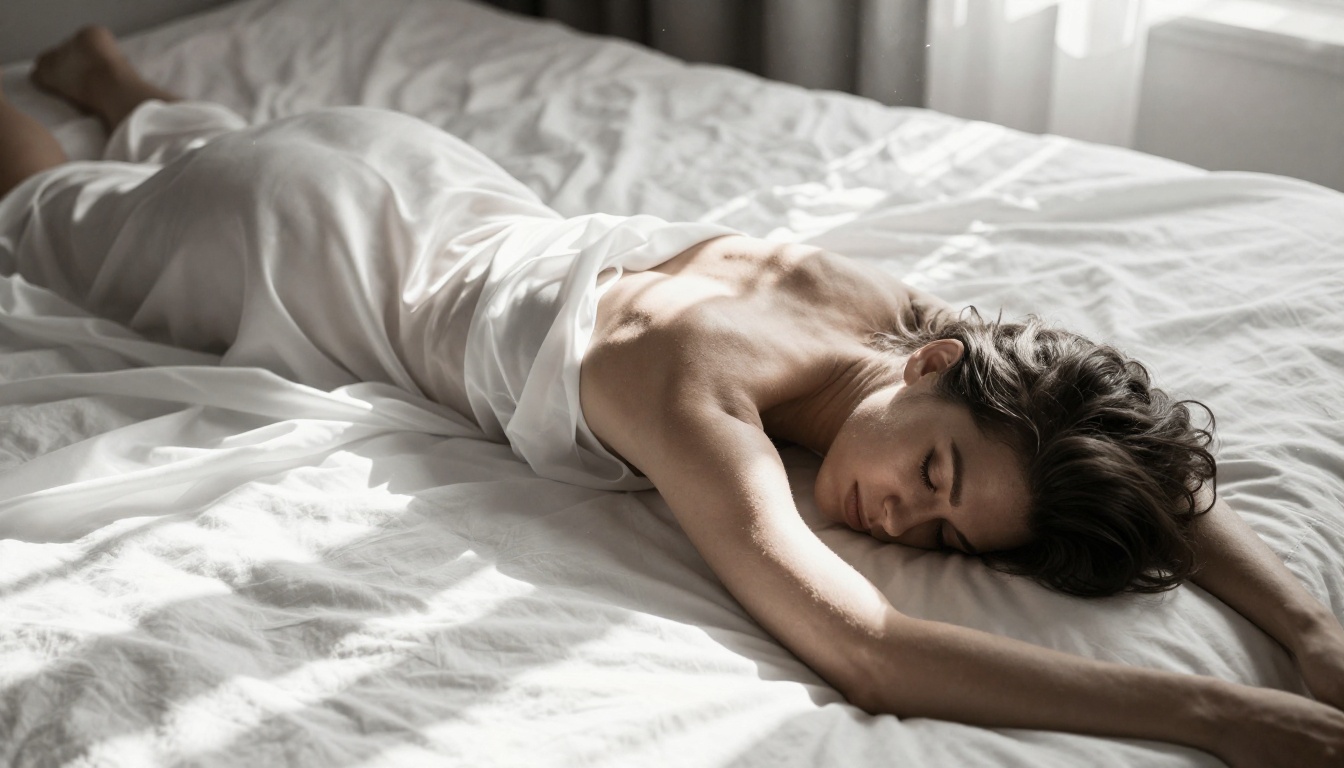
How to Create Adult AI Images on PicassoIA
PicassoIA gives you direct access to all the models listed above without requiring a local install, GPU, or technical setup. Here's exactly how to do it.
Step 1: Pick your model
Navigate to the text-to-image collection and select the model that matches your intent:
Step 2: Write your prompt
Use the 5-part formula above. Be specific. Longer is better. Include all five elements: subject, setting, lighting, camera, style.
Avoid single-word triggers. "Sexy woman" produces generic, poor results. "A woman with sun-kissed skin in a minimal bikini, reclining on white sand beach at golden hour, warm volumetric light from the left, shot with 85mm f/1.4, Kodak Portra 400 grain" produces a photograph.
Step 3: Set your parameters
- Aspect ratio: 16:9 for landscape, 9:16 for portrait
- Negative prompt: Add
cartoon, illustration, CGI, 3D render, painting, anime to prevent unwanted styles
- Steps: 30-40 for quality outputs on SD-based models
- CFG scale: 7-9 for balanced adherence
Step 4: Iterate fast
Your first output is rarely your best. The workflow is:
- Generate at standard settings
- Identify what's wrong (anatomy, lighting, composition)
- Adjust the specific part of the prompt that controls that element
- Regenerate with a new seed
Most strong final images come from the 3rd to 5th iteration, not the first.
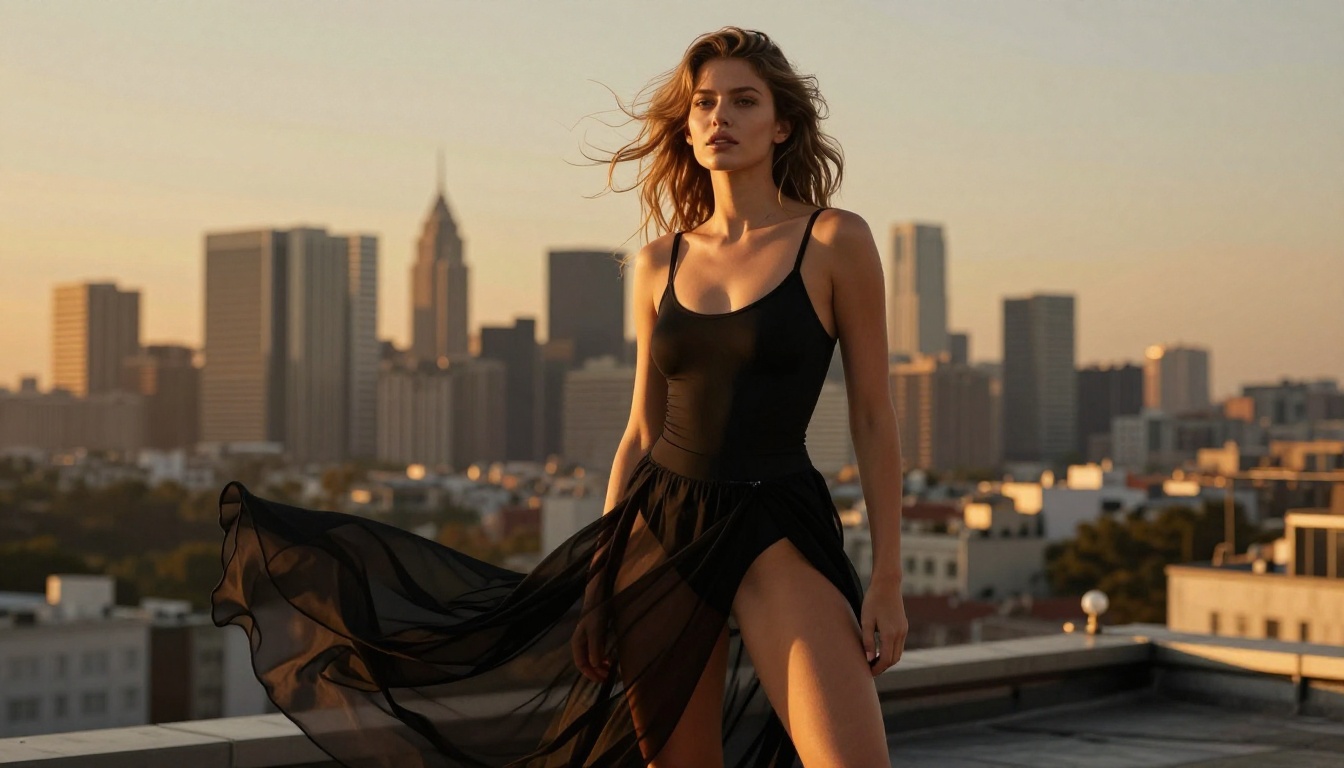
Lighting: The Difference Between Good and Great
No element of an AI-generated NSFW image matters more than lighting. It's what makes skin look real, what creates dimensionality, and what separates a clinical flat result from something that reads as genuinely photographic.
The 4 lighting setups that work
Golden Hour (Outdoor): Warm, directional, low-angle light at roughly 15-30 degrees above horizontal. Creates long shadows, warm skin tones, and a soft diffusion that flatters every subject. Specify "warm volumetric afternoon light from the left at 15 degrees above horizon."
Rembrandt (Studio Portrait): A single light source at 45 degrees, elevated, creating a small triangle of light on the shadow side of the face. Dramatic, sculptural, and intensely flattering for close-up portraits.
Window Light (Interior): Soft, diffused light from the side, replicating the quality of natural window light in a room. Produces gentle gradients with no hard edges. Specify "soft diffused window light from the right, no direct sun."
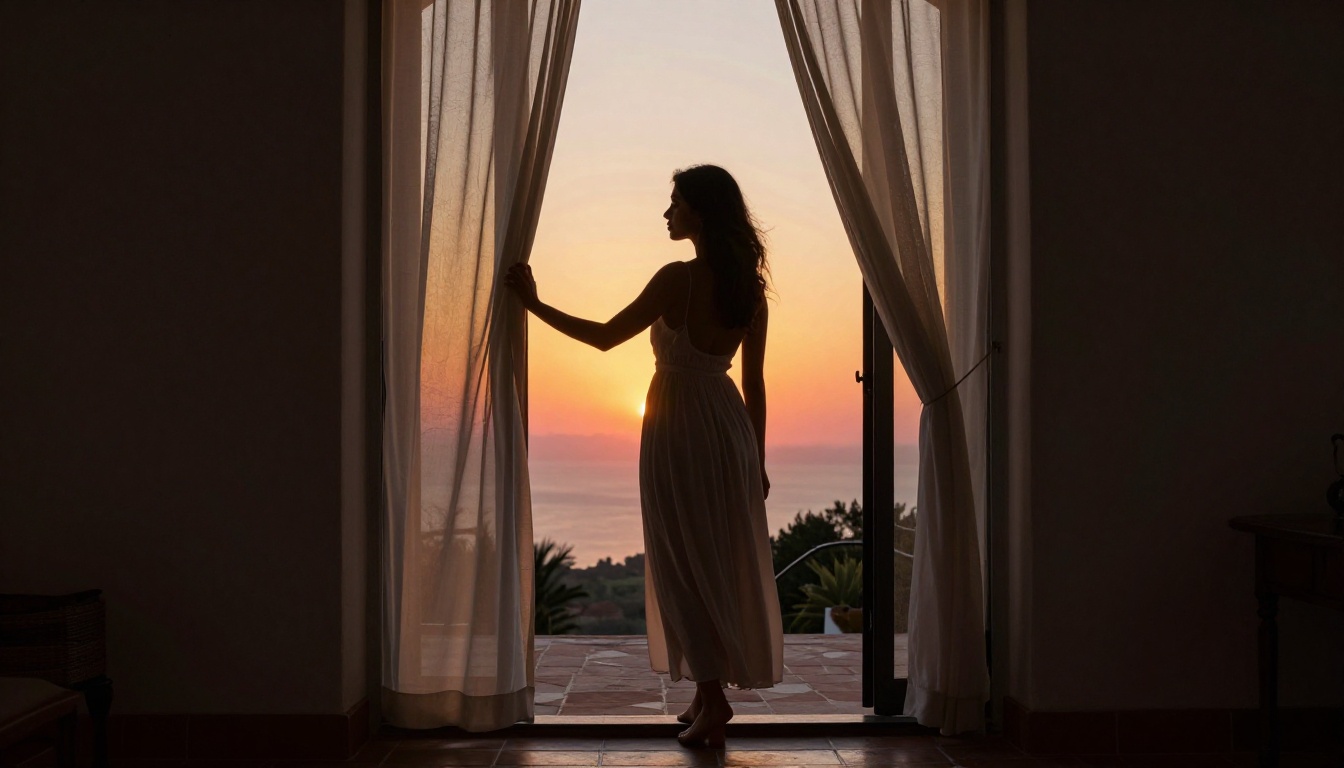
Backlight/Rim Light: The light source is behind the subject, creating a luminous outline. Works brilliantly for silhouettes, sheer fabric, and hair. Specify "backlit by warm sunset, rim light creating halo effect along subject outline."
💡 One rule: Never describe more than two light sources in a single prompt. Models handle single-source and two-source lighting accurately. Three or more sources produce inconsistencies in shadow direction that read as artificial.
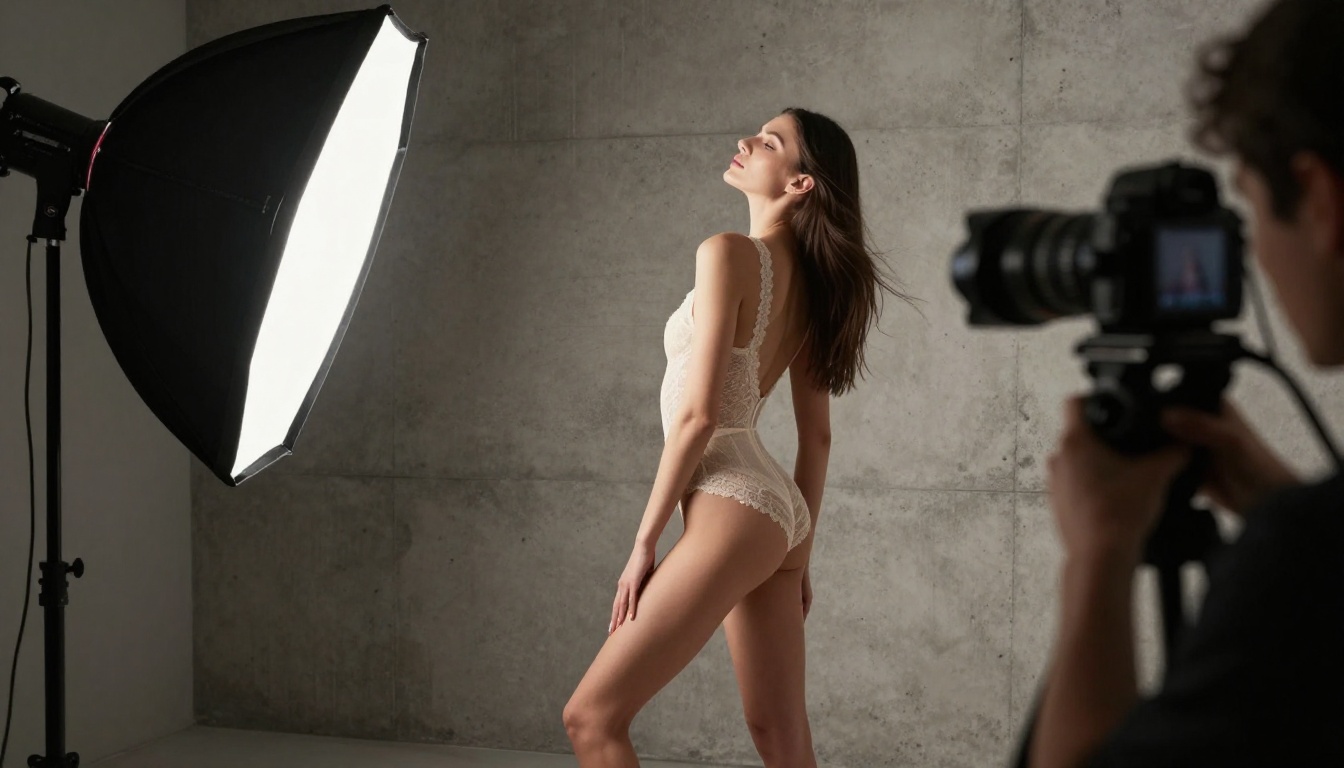
Beyond Photos: Other AI Capabilities Worth Using
Once you've mastered text-to-image generation, the platform opens up additional workflows that multiply what you can create.
Face and body tools
Face Swap AI lets you maintain a specific face across multiple generated scenes, which matters when you're building a consistent character or style across a content series.
Super Resolution upscales your generated images 2x-4x without quality loss, which is essential if you're using free-tier outputs (typically 768-1024px) and want to use them at full size.
Image editing
Inpainting lets you fix specific areas of an otherwise strong image, like correcting a hand, changing a fabric pattern, or adjusting composition, without regenerating the entire image.
Outpainting extends the frame beyond its original edges, useful when you want to add more of the environment or reframe the composition without starting over.
The ControlNet advantage
SDXL Multi ControlNet LoRA gives you pose control: you can specify exact body positions by feeding in a reference skeleton or image, which solves the most common anatomy problem in AI-generated human figures.
For adult content specifically, this is significant. Unguided models often produce anatomically incorrect poses. ControlNet constrains the output to a pose you've defined, producing much more accurate results.
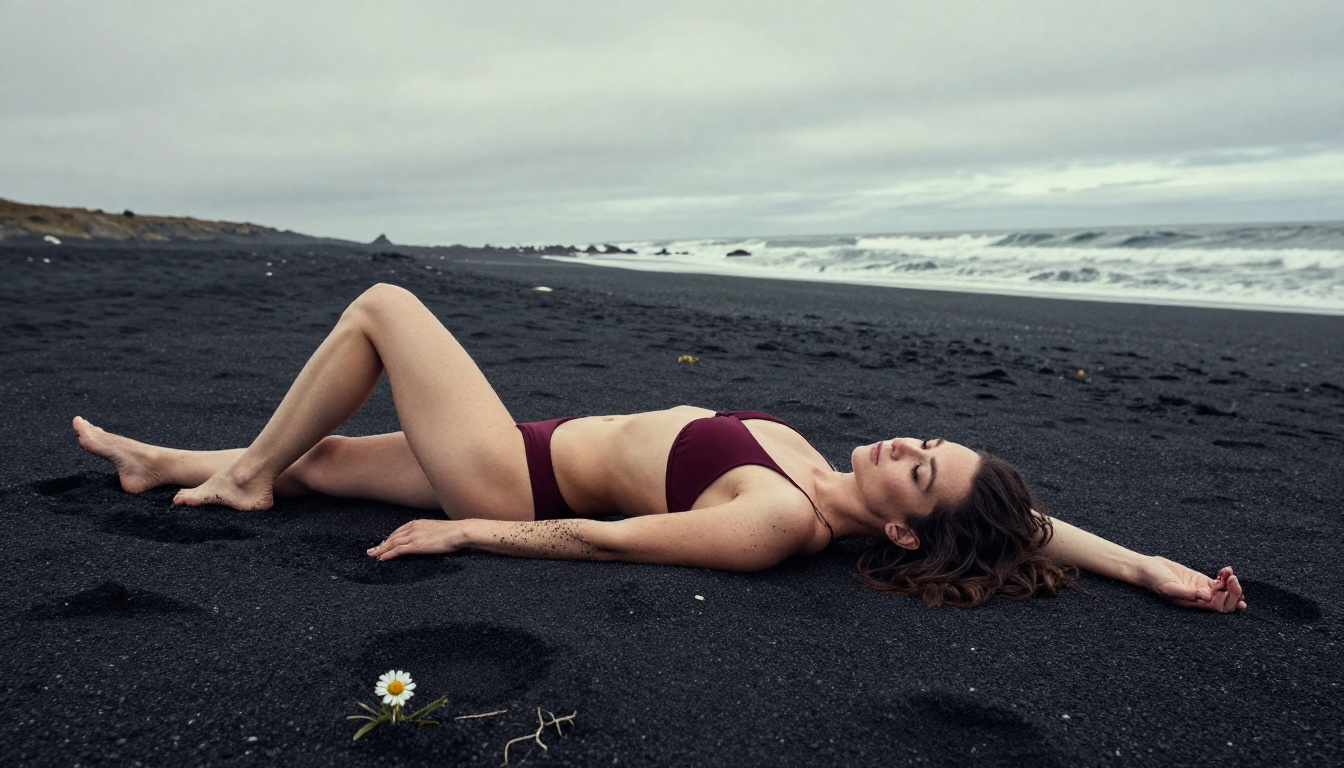
The Quality Hierarchy
Not every model performs equally for every use case. Here's the honest quality ranking for adult and NSFW content specifically:
Tier 1: Photorealistic Champions
Tier 2: Strong Performers
Tier 3: Fast and Functional
- Flux Schnell — best for rapid prototyping
- SDXL — most community resources and documentation available
The one thing all great outputs share
Every high-quality NSFW AI image comes down to the same foundation: prompt specificity drives output quality. The models in Tier 1 can't rescue a vague 10-word prompt, but even a Tier 3 model can produce surprisingly strong results with a detailed, well-structured 70-word prompt.
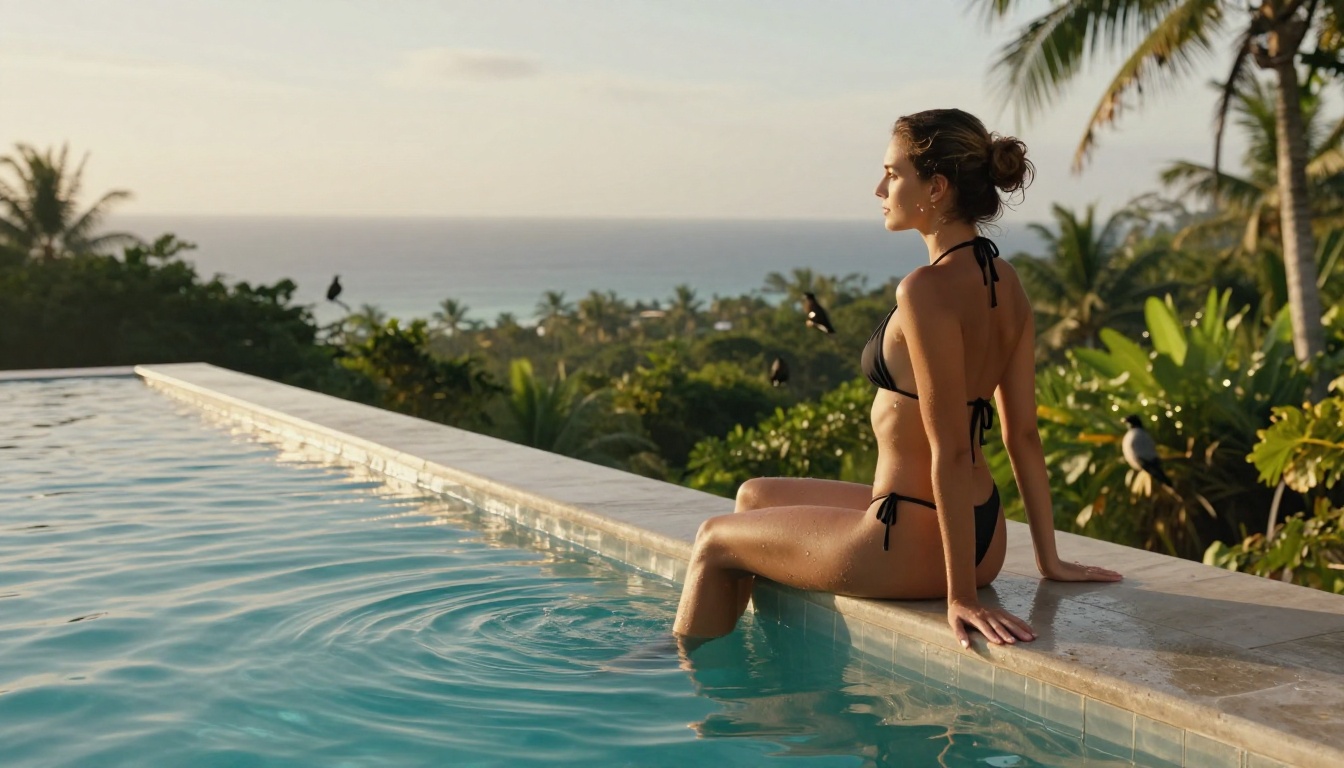
Prompt Words That Shape Your Results
The AI model interprets your prompt as a collection of weighted concepts. Certain phrases reliably push results toward photorealistic, high-quality adult outputs:
Quality anchors: RAW photo, 8K, photorealistic, film grain, Kodak Portra 400, natural skin texture, realistic lighting
Lighting specifics: volumetric morning light, Rembrandt lighting, golden hour, soft diffused window light, rim light from behind
Camera specs: 85mm f/1.4, 50mm f/1.2, 135mm f/2, shallow depth of field, Sony A7R V, Canon EOS R5
Mood descriptors: intimate, natural, organic, atmospheric, cinematic, editorial, high-fashion
Combine these with your specific subject description and setting, and you've built a prompt that a top-tier model can actually execute with precision.
💡 Negative prompt essentials for adult content: cartoon, anime, 3D render, CGI, illustration, watermark, text, painting, sketch, low resolution, blurry
What the negative prompt actually does
The negative prompt is a second, separate text input that tells the model what to actively avoid. It doesn't just filter the output. It shapes the generation process from the start, steering the model away from styles, artifacts, and quality issues that would otherwise creep in.
For NSFW and adult content, these negative prompt additions consistently improve results:
plastic skin, doll-like, over-smoothed — prevents the porcelain look that marks AI-generated images as fakeharsh flash lighting, overexposed — prevents flat, clinical looksdistorted hands, extra fingers — still a weakness in most models, flagging it explicitly helpslow quality, jpeg artifacts — maintains output quality even on free tiers
Putting It All Together
The formula isn't complicated. It's just specific.
- Pick a photorealistic model from the Tier 1 list
- Write a detailed 60-75 word prompt using the 5-part structure
- Set 16:9 aspect ratio and a CFG of 7-9
- Add a strong negative prompt covering cartoon styles and quality issues
- Generate, assess, adjust one variable, regenerate
Repeat that loop 3-5 times and you'll consistently produce results that look photographed rather than generated. That's the bar worth aiming for: images that pass the photorealism test, where someone looking at the output questions whether it's AI at all.
The free tier on PicassoIA gives you enough daily generations to practice this workflow without any cost. Once you find prompts that work reliably, you have templates you can modify indefinitely.
Start Making Your Own Images Now
Every image in this article was generated using the models and prompt structure described above. No photography equipment, no professional shoots, no licensing fees.
You have the models. You have the prompt formula. You have the parameter settings. The only thing missing is your first generation.
Pick your model. Start with Flux 1.1 Pro Ultra if you want the most photorealistic results on the first try, or RealVisXL v3.0 Turbo if you want to iterate quickly through multiple concepts.
Write a 60-word prompt. Include your subject, setting, lighting, camera specs, and style flags. Set the aspect ratio to 16:9. Add a negative prompt to block cartoon styles. Generate.
No installations, no GPU required, no content filters blocking your creative vision. The best free AI adult content generator with no censorship isn't the one with the most features. It's the one you actually use, with models that deliver results, on a platform that stays out of your way.


