Right now, there are dozens of platforms claiming to offer a free NSFW AI image generator, but most of them hit you with a paywall after two images, censor the output before you even see it, or quietly swap your uncensored prompt for something safe. This article cuts through that noise. You will find the actual models that work, the platforms that do not restrict your creativity, the prompts that produce real results, and a clear comparison of what free actually gets you in 2027.
What "Free NSFW AI" Actually Means
The phrase gets thrown around loosely. Before spending time on any tool, it helps to understand exactly what you are dealing with.
NSFW vs. Explicit: The Real Line
NSFW (Not Safe For Work) is a broad category. It covers anything from a woman in a bikini to artistic nudity, suggestive fashion photography, and mature-themed storytelling imagery. Explicit content is a much narrower and legally distinct category involving pornographic depictions.
Most platforms that advertise "free NSFW AI generation" are comfortable with:
- Glamour and swimwear photography aesthetics
- Artistic implied nudity (shoulders, back, partial silhouettes)
- Suggestive fashion and boudoir-style imagery
- Mature creative fiction illustration
They draw a firm line at graphic sexual content. That distinction matters because it shapes which models are accessible to you without special permissions.
Why Platforms Filter This Content
The filtering is not always ideological. Liability, payment processor terms (Visa/Mastercard have strict rules), app store policies, and EU/US advertising regulations all create pressure to restrict what models output by default. Some platforms add their own filters on top of open-source models that have no native restrictions.
💡 The workaround is simple: use platforms that run models directly without adding their own content layer on top, or use self-hosted open-source models where you control the safety settings entirely.
The Models That Actually Deliver
Not all text-to-image models handle NSFW prompts equally. The architecture, training data, and fine-tuning all affect how well a model interprets mature creative prompts. Here are the models worth knowing.
Flux Dev and Flux Schnell
Flux Dev from Black Forest Labs is widely regarded as the current gold standard for photorealistic generation. Its attention to skin texture, lighting physics, and anatomical accuracy makes it a top choice for glamour and fashion-style NSFW work. The model does not add heavy content restrictions by default when accessed through the right interface.
Flux Schnell is the speed-optimized sibling. It generates in under 4 seconds per image, which makes rapid iteration practical. The quality ceiling is slightly lower than Dev, but for testing prompt ideas quickly, it is unmatched.
For users who want the absolute best output, Flux 1.1 Pro and Flux 1.1 Pro Ultra push resolution and detail further, with the Ultra variant handling up to 4MP output natively.
SDXL and Its Variants
SDXL from Stability AI has a massive ecosystem of fine-tunes specifically for realistic human subjects. The base model is competent, but the real power comes from community checkpoints built on top of it.
SDXL Lightning 4Step (ByteDance) takes the SDXL architecture and distills it down to 4 inference steps without significant quality loss. This is important for free-tier users who get limited compute per session.
Stable Diffusion 3.5 Large and the Turbo variant represent Stability AI's latest architecture. SD 3.5 uses a multimodal diffusion transformer that handles complex prompts with better compositional accuracy than older versions.
Realistic Vision and RealVisXL
Realistic Vision v5.1 has been a community favorite for years. It is fine-tuned specifically on photographic datasets and produces skin tones and facial features that look genuinely captured rather than generated. It handles NSFW prompts more naturally than many alternatives because the training data reflects real photography.
RealVisXL v3.0 Turbo scales this to SDXL resolution. The Turbo suffix means it uses the distilled pipeline for faster outputs while retaining the photographic quality that made the original popular.
DreamShaper XL Turbo
DreamShaper XL Turbo sits in an interesting middle ground. It is not purely photorealistic but produces glamour-style imagery with a polished, editorial quality. Fashion and boudoir prompts tend to look especially good here because the model has a strong aesthetic sense built into its fine-tuning.
How to Use Flux Dev on PicassoIA for NSFW Imagery
PicassoIA runs over 91 text-to-image models in a single interface, with no additional content filter layered on top of the models themselves. This is the key difference from platforms that wrap open models in restrictive safety systems.
Step-by-Step
Step 1. Go to the Flux Dev model page on PicassoIA.
Step 2. In the prompt field, write a detailed, scene-specific description. The more specificity you provide about lighting, camera angle, setting, and subject details, the better the output. Vague prompts produce vague results.
Step 3. Set the aspect ratio to 16:9 for landscape or 9:16 for portrait-style imagery. For boudoir or fashion content, 2:3 mimics editorial photography proportions well.
Step 4. Run the generation. If the first result misses the composition, adjust the prompt rather than re-running the same text. Tweak one variable at a time: lighting description, camera angle, or background detail.
Step 5. Use Super Resolution to upscale promising outputs to 4x before saving.
Prompting Tips That Change Everything
Most people write NSFW prompts like search queries. That is why most people get mediocre results. Treat your prompt like a shot brief for a photographer.
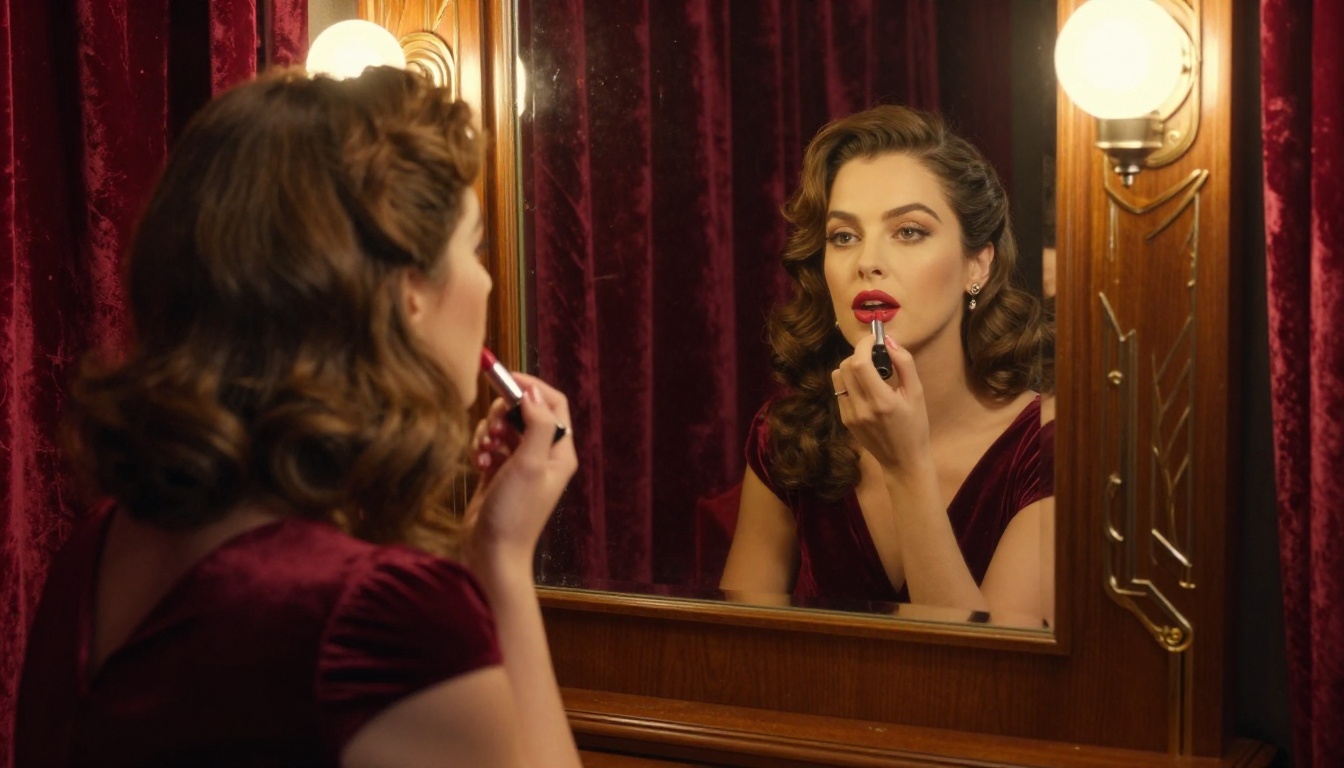
💡 What works: "Close-up portrait, soft natural window light from the left, shallow depth of field 85mm f/1.8, warm amber skin tone, visible pore detail, Kodak Portra color grade"
💡 What fails: "beautiful woman nsfw realistic"
The specificity of the lighting setup alone has more impact on perceived realism than any other single factor. Naming a specific camera lens (85mm vs. 24mm) tells the model about perspective compression and depth of field. Naming a film stock (Kodak Portra, Fujifilm Pro 400H) shifts the color science of the entire image.
Style keywords that reliably improve photorealism:
photorealistic, 8K RAW, natural lightfilm grain, Kodak Portra 40085mm f/1.4, shallow depth of fieldvolumetric morning light, soft shadowsskin pore detail, natural hair texture
Style keywords that destroy realism (avoid these):
hyperrealistic digital art3D render, CGI, octane renderanime, cartoon, illustrationneon lights, glowing effects, HDR
Free vs. Paid: What You Actually Get
This is the honest breakdown. Free tiers are real and usable. They have limitations you should know about before committing time to a workflow.
| Feature | Free Tier | Paid Tier |
|---|
| Generations per day | 10-30 (varies by platform) | Unlimited or high quota |
| Max resolution | 512px-1024px | Up to 4MP+ |
| Queue priority | Standard (slower) | Priority processing |
| Model access | Core models | All models including premium |
| Commercial use | Usually no | Yes (license dependent) |
| API access | No | Yes |
| Batch generation | No | Yes |
The free tier on PicassoIA gives you access to models like Flux Schnell, SDXL Lightning 4Step, and Stable Diffusion 3.5 Medium. These are not stripped-down versions. They are the same production models that paid users access, just with a daily generation limit.
4 Common Mistakes That Kill Quality
Most users hit a quality ceiling not because of the model, but because of how they are using it.
1. Treating the prompt like a Google search. Short prompts (under 15 words) consistently produce generic outputs. The model needs scene context, not just a subject description.
2. Not specifying light. Lighting is the single biggest determinant of realism. "Soft diffused morning light from the right" produces fundamentally different results than "harsh overhead sun." Both can be beautiful, but neither happens by accident.
3. Running the same prompt repeatedly expecting a different result. If a generation misses, change the prompt. Add a camera angle, a season, a time of day, or a specific texture detail. Iteration through prompt variation yields far better results than re-rolling the same seed.
4. Ignoring upscaling. A 512px output looks rough. The same image run through Super Resolution at 4x looks like a high-resolution photograph. This single step transforms the perceived quality of free-tier outputs dramatically.
💡 Pro tip: Generate at low resolution with Flux Schnell to test your prompt quickly, then re-run your best prompt at full resolution with Flux Dev once you have the composition right.
Which Model Fits Which Type of Output
Different models genuinely shine in different sub-categories of NSFW content. Matching the model to your intent matters.
Glamour and Fashion Photography
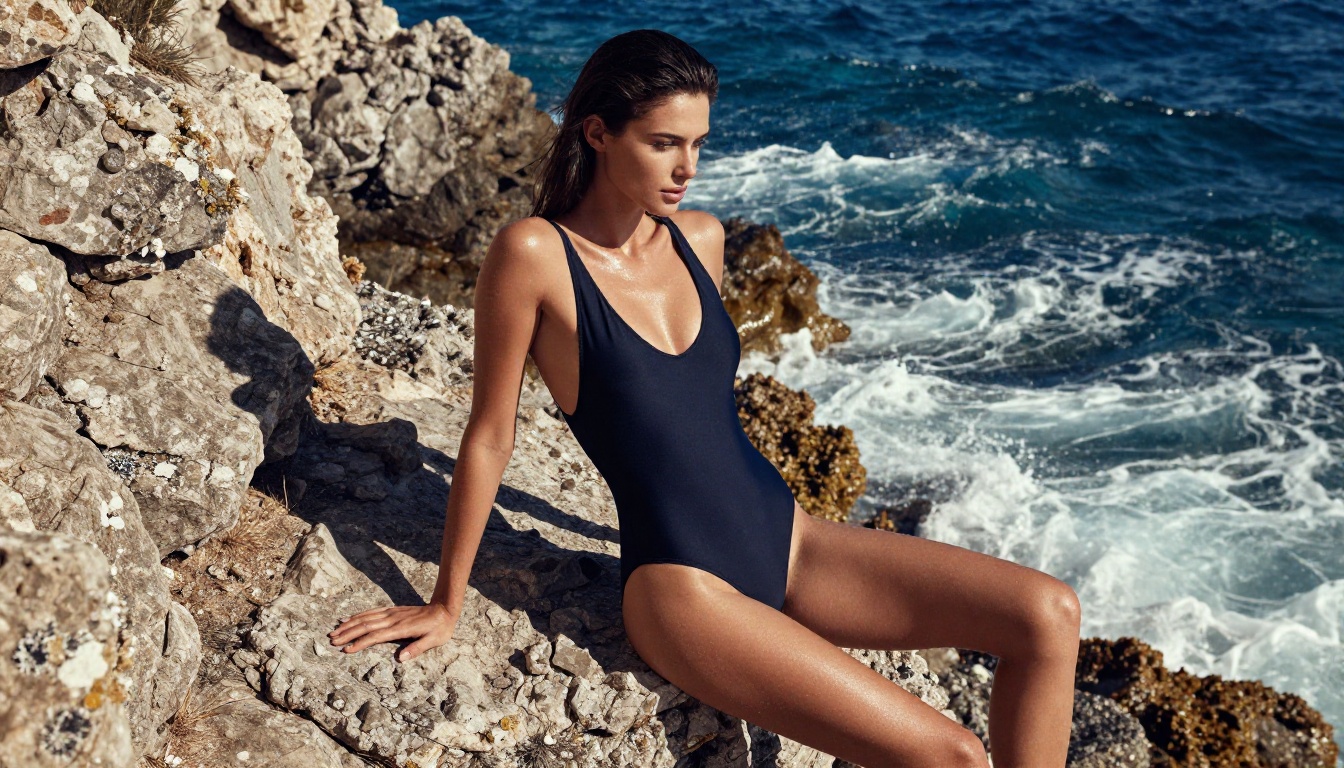
For editorial glamour: Realistic Vision v5.1 and RealVisXL v3.0 Turbo consistently produce the most believable skin tones and natural lighting physics. Combine with a Kodak Portra-style color prompt and you get outputs that are genuinely difficult to distinguish from photography.
Artistic and Implied Nudity
Flux Dev handles implied and artistic nudity with the most compositional intelligence. It understands concepts like "silhouette in backlit window" or "partially draped figure on linen sheets" in ways that older SDXL-based models sometimes interpret too literally.
High-Fashion Boudoir
DreamShaper XL Turbo excels here. The model's aesthetic fine-tuning gives it a sense of styling that purely photorealistic models sometimes lack. If you want the output to feel like a high-end lingerie campaign rather than a snapshot, this model is worth trying.
Rapid Concept Iteration
Flux Schnell at 4-second generation times is the only practical choice when you are testing 20 prompt variants to find the right angle. Once you find the prompt that works, move to a higher quality model.
Beyond Images: What Else You Can Do
Once you have a strong image, the creative pipeline does not stop there. PicassoIA offers tools that let you push that base image further.
Outpainting expands the canvas beyond the original crop. If your image cuts off a composition that should have more space, outpainting fills it in coherently.
Inpainting lets you fix specific problem areas. A hand that looks wrong, a background element that does not fit, or a lighting inconsistency can all be corrected without regenerating the entire image.
Face Swap AI replaces the face in a generated image with a reference photo. This is how creators maintain a consistent character identity across multiple scenes without regenerating from scratch every time.
Super Resolution upscales any output 2x to 4x while adding texture detail. This is effectively free quality improvement that most users skip.
💡 Workflow: Generate at medium quality with Flux Schnell, fix composition problems with Inpainting, then upscale with Super Resolution. This produces final outputs that rival full-resolution premium generation at a fraction of the compute cost.
For more experimental approaches, Proteus v0.3 handles stylized NSFW content well if you want something with a distinct aesthetic rather than straight photorealism. Playground v2.5 Aesthetic leans into a polished commercial look that works well for fashion and beauty-adjacent content.
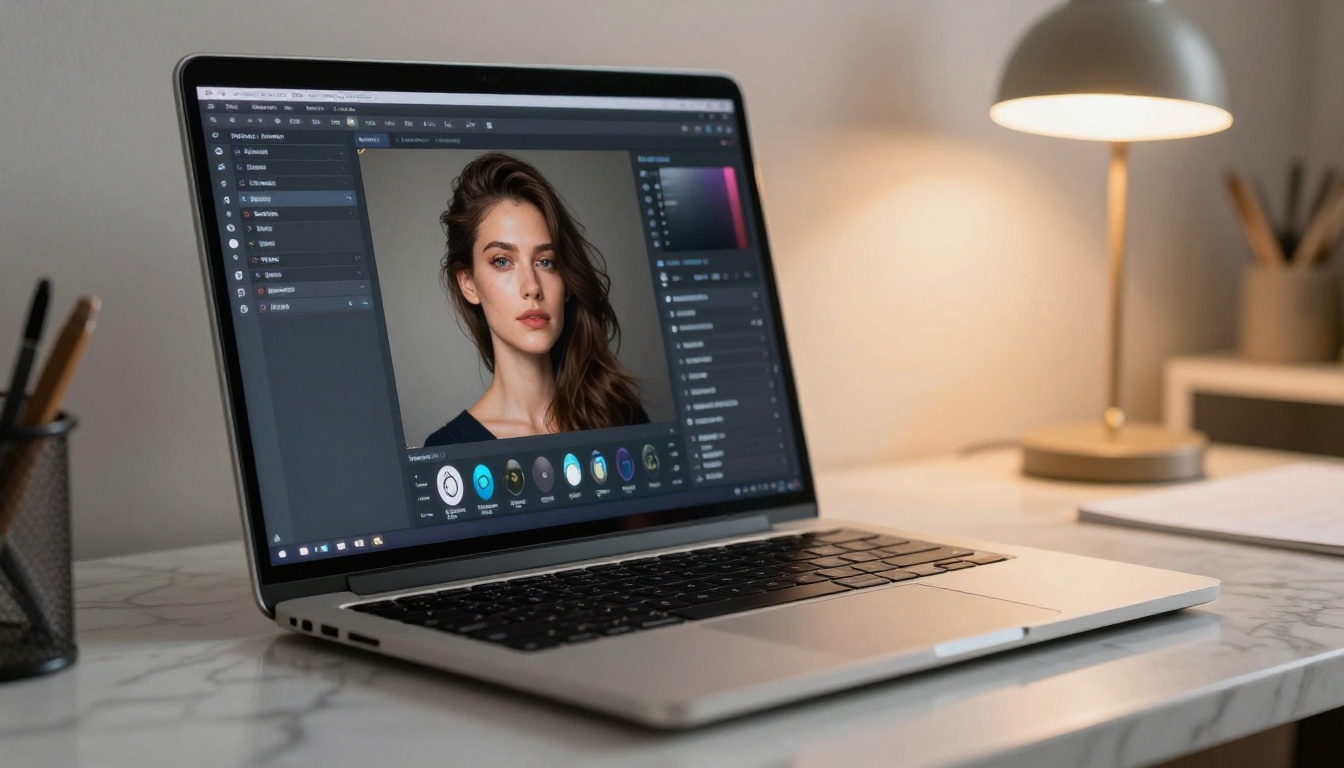
The Honest Answer on "Truly Free"
There is no platform offering unlimited, high-resolution, zero-restriction generation with no cost. Anyone advertising that is either throttling quality severely, serving you other people's outputs, or building a dataset from your prompts without disclosing it.
What is genuinely free right now:
- PicassoIA free tier: Real models, real quality, daily generation limit. No credit card required to start.
- Local self-hosted models: Completely free after initial setup cost. Models like Flux Dev and Stable Diffusion 3.5 Large can run on a consumer GPU with no ongoing cost.
- Open-source model demos: Hugging Face Spaces and similar platforms host demos, but they are shared infrastructure with queue times and usage limits.
If you are serious about NSFW AI image generation as a creative practice rather than occasional use, a paid tier removes the friction that makes free tiers frustrating at volume. But the free tier is a completely legitimate starting point, and for many users it covers everything they actually need.
Start Creating Your Own AI Imagery
The fastest way to see what these models are actually capable of is to run your own prompt. Not a copied template from a forum, not someone else's seed. Write a scene you want to see, specify the lighting and angle, pick a model that matches your intent, and run it.
Flux Dev, Realistic Vision v5.1, and SDXL Lightning 4Step are all accessible right now on PicassoIA with no account required to try. When your free generations run out and the results are worth it, the upgrade is straightforward.
The creative floor for NSFW AI image generation has moved substantially higher in 2026. The models available for free today would have been paid-only premium tools 18 months ago. Take advantage of that while the free tiers are still this generous.


