No account. No email. No drama. If you've spent more than five minutes searching for a free NSFW AI image generator no sign up needed, you already know the frustration: half the tools ask for your credit card before you see a single result, and the other half produce blurry, heavily censored outputs that look nothing like what you imagined. The good news is that the landscape has shifted dramatically. There are now genuinely powerful AI image generators that let you create realistic, suggestive, and artistically beautiful images without creating an account, handing over your email, or sitting through a sales funnel.
This article breaks down what actually works, which models produce the best results, and how to write prompts that don't waste your time.
What to Actually Look For
No Sign Up Really Means No Sign Up
There's a difference between "free tier" and "no sign up required." Many platforms advertise free access but still require account creation, email verification, and sometimes even phone numbers before you can generate a single image. That's not what this covers.
A genuinely no sign up AI image generator means:
- Open the platform
- Type your prompt
- Generate your image
- Done
No cookies farming your data profile. No onboarding flows. No free trial that locks you out after 3 images unless you subscribe.
Quality Over Convenience
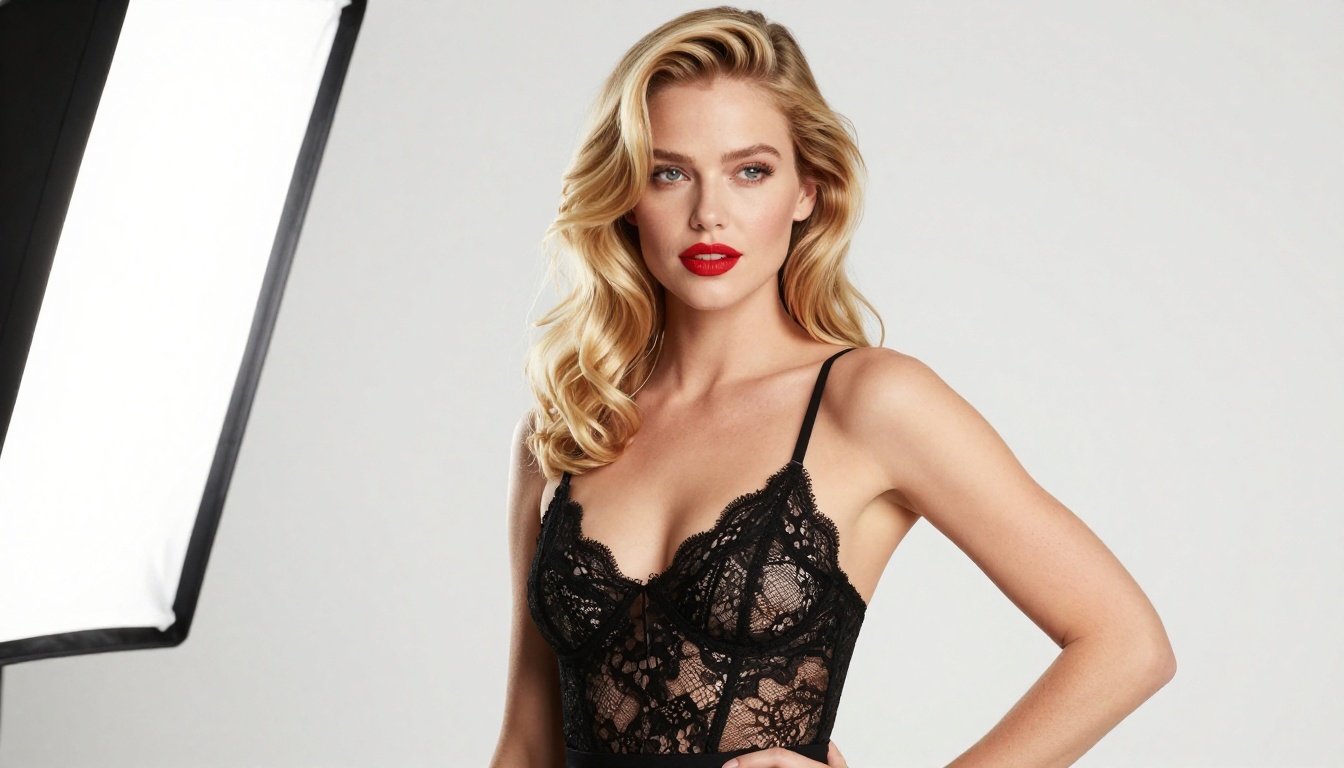
The biggest trap in free NSFW AI art tools is sacrificing output quality for accessibility. A tool that's fast to access but produces muddy, anatomically broken, or heavily watermarked results isn't worth your time. The models that actually deliver on photorealistic NSFW results are the same ones used by professionals: Flux Dev, Flux Pro, Realistic Vision v5.1, and SDXL.
NSFW Without Explicit Content
💡 There's a wide spectrum between "fully safe for work" and "explicit." The sweet spot most platforms operate in is suggestive but not pornographic: bikinis, lingerie, artistic nudity implied through shadow and fabric, glamour photography aesthetics. This is where most free tools allow content generation without login requirements.
Why No Sign Up Matters for NSFW Content
Privacy Is the Real Reason
When you create NSFW imagery, you probably don't want that tied to an identity. An account means a database entry. A database entry means potential exposure through data breaches, policy changes, or platform deactivations that suddenly surface your generation history.
No sign up = no data trail. That matters more for adult content creation than almost any other use case.
No Payment Details Required
Many platforms that offer "free" access use the sign-up process to capture payment information "for verification purposes." In reality, this is just an onboarding funnel. True no-sign-up tools skip this entirely because they monetize differently, through ads, usage caps, or premium upsells that only trigger if you want higher resolution or faster generation.
Instant Access to AI Image Generators
For platforms that support non-explicit NSFW content, removing the sign-up barrier means you can test quality immediately. You find out in 30 seconds whether the model can handle your prompt rather than investing 10 minutes in account setup only to discover the outputs don't match what you wanted.
The Best Models for NSFW AI Art
Not all models are created equal when it comes to realistic human figure generation. Here's how the major players stack up:
Flux Models Dominate Photorealism
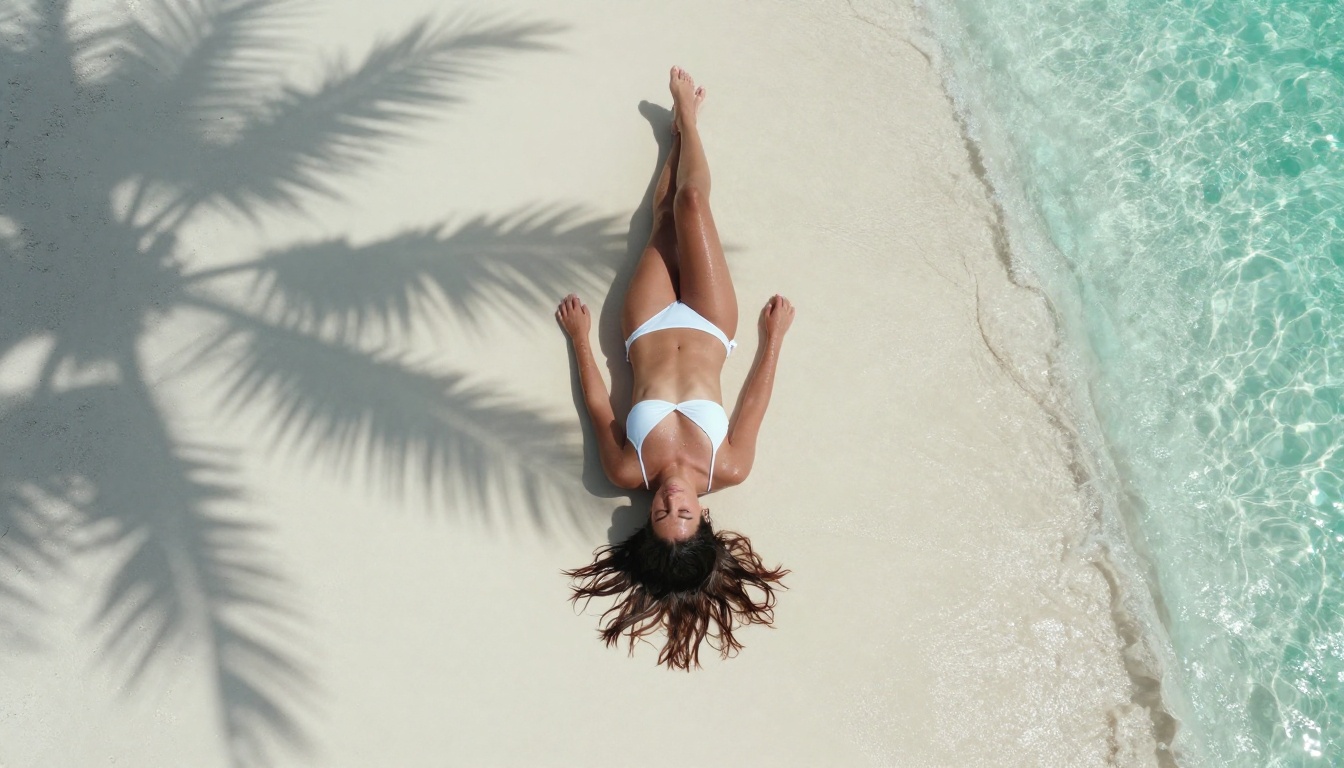
The Flux family from Black Forest Labs has become the gold standard for photorealistic human figure generation. Flux Dev handles skin texture, lighting, and anatomical proportions better than almost any other freely accessible model. The newer Flux 2 Pro and Flux 2 Max push this further with improved coherence in complex poses.
Stable Diffusion Still Has a Place
Don't sleep on Stable Diffusion 3.5 Large. While Flux models win on raw photorealism, Stable Diffusion's open-source ecosystem means there are countless fine-tuned versions (called LoRAs) optimized specifically for different body types, art styles, and NSFW aesthetics. If you want something beyond standard photorealism, SD-based models remain extremely relevant.
Realistic Vision v5.1 is a Stable Diffusion fine-tune built specifically for photographic realism. It renders skin pores, natural lighting, and clothing fabric with impressive accuracy for its size. Pair it with SDXL Multi ControlNet LoRA for pose-guided generation and your results become significantly more consistent.
Context-Aware Editing With Flux Kontext
If you want to edit existing images rather than generate from scratch, Flux Kontext Pro and Flux Kontext Max allow text-based image editing that preserves the original subject while modifying specific elements. This is particularly useful for NSFW work where you want to adjust clothing, background, or lighting without regenerating the entire composition.
Writing Prompts That Actually Work
The difference between a mediocre NSFW AI image and a stunning one is almost always in the prompt. Here's the structure that consistently produces the best results.
The Core Prompt Formula
Use this structure every time:
[Subject description] + [Clothing/state] + [Environment] + [Lighting direction] + [Camera lens specs] + [Film stock/quality tags]
Weak prompt:
beautiful woman in bikini
Strong prompt:
stunning brunette woman in a white string bikini, standing at the edge of a turquoise ocean, warm golden hour light from the left, shot on 85mm f/1.8 lens, Kodak Portra 400 film grain, photorealistic, 8K, natural skin texture
The second prompt gives the model everything it needs: subject, clothing, environment, lighting direction, camera specs, and quality markers.
Lighting Is Everything
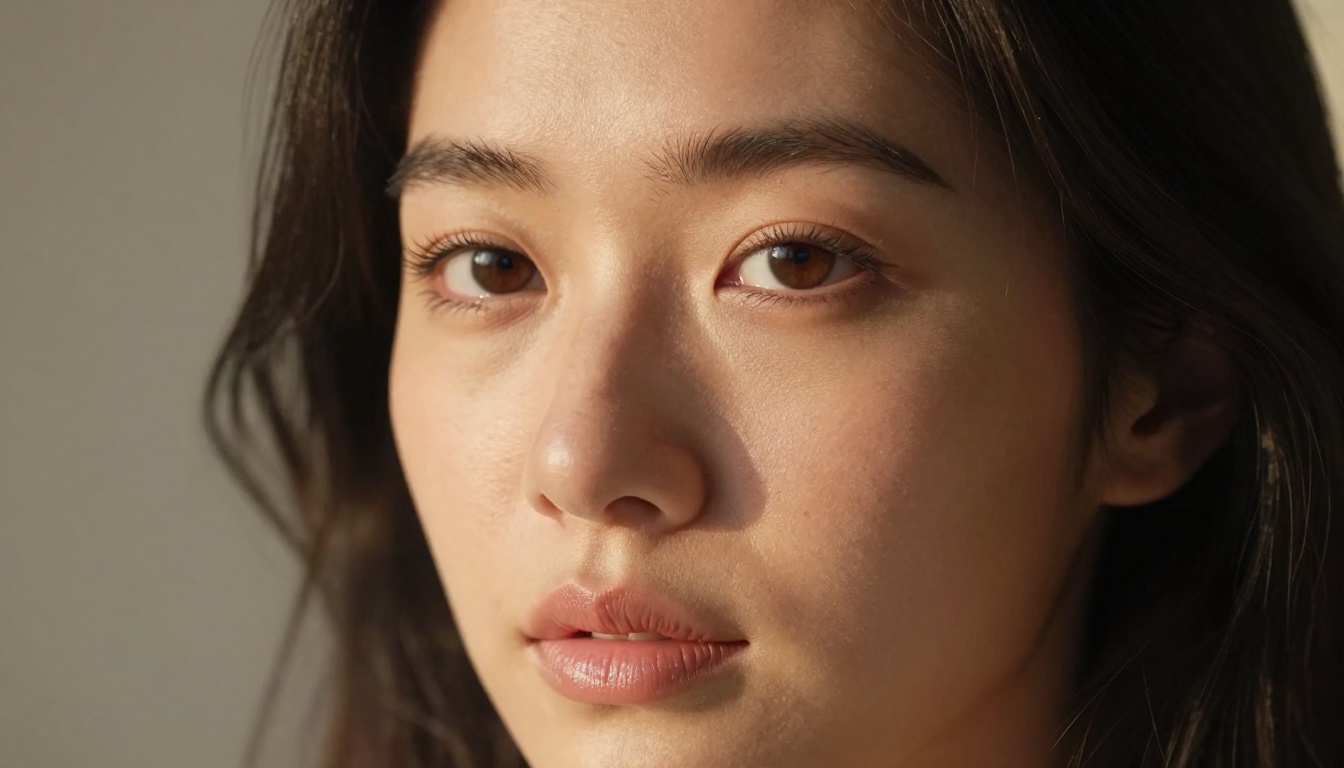
Lighting direction makes or breaks photorealistic NSFW images. Specify it explicitly:
- "volumetric morning light from the left" creates soft, flattering shadows
- "golden hour backlit" produces rim lighting that emphasizes silhouettes
- "soft studio octabox" gives clean, even editorial lighting
- "candlelight from below" adds warmth and dramatic intimacy
Negative Prompts That Clean Up Results
Most platforms support negative prompts. These tell the model what to avoid:
cartoon, illustration, 3D render, CGI, painting, watermark, text, blurry, deformed hands, extra limbs, ugly, oversaturated, plastic skin
Adding these prevents the most common failures in AI figure generation: anatomically incorrect hands, plastic-looking skin, and obvious AI artifacts.
Camera Lens Specs Change Everything
Specifying a real camera lens forces the model to simulate realistic optics:
| Lens | Effect |
|---|
| 85mm f/1.4 | Flattering portrait compression, beautiful bokeh |
| 35mm f/2 | Environmental context, less distortion |
| 100mm macro | Extreme close-up skin and texture detail |
| 50mm f/1.8 | Natural perspective, balanced composition |
| 28mm f/2.8 | Wide environmental shots, slight edge distortion |
How to Use PicassoIA for Free NSFW Images
PicassoIA gives you access to over 91 text-to-image models in one place, including all the Flux variants, Stable Diffusion models, and specialized photorealism tools. Here's how to get the best results.
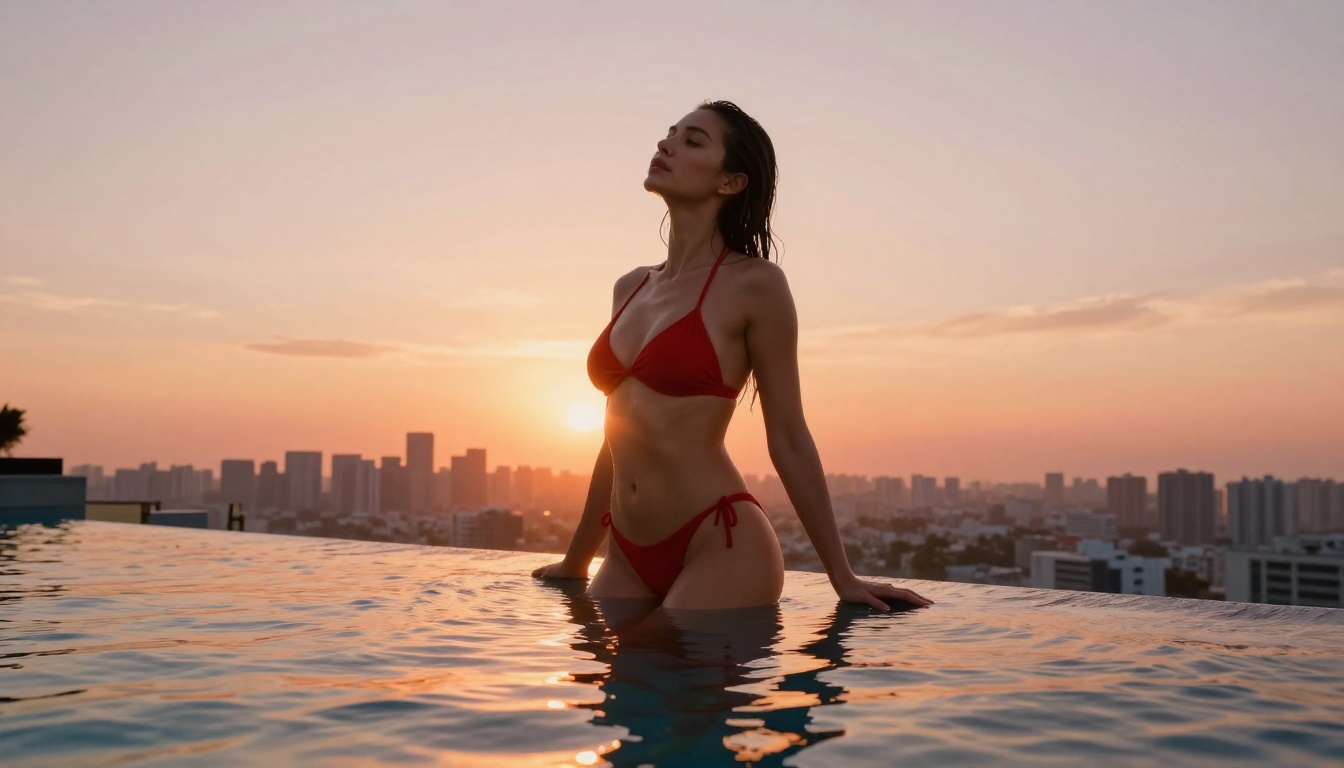
Step 1: Choose the Right Model
Navigate to the text-to-image collection and filter by your use case. For photorealistic figure work, start with Flux Dev or Flux 1.1 Pro. For faster iteration at slightly lower quality, RealVisXL v3.0 Turbo or Flux Schnell let you test prompt variations quickly without waiting.
Step 2: Set Your Aspect Ratio
For NSFW figure photography, 9:16 (portrait) or 16:9 (landscape) work best depending on your composition. Full-body shots benefit from portrait orientation. Environmental and setting shots work better in landscape. Square 1:1 crops work well for tight close-up portraits where background context matters less.
Step 3: Write a Detailed Prompt
Use the formula above. Include:
- Subject description (hair color, body type, expression, skin tone)
- Clothing details (fabric type, color, fit, coverage level)
- Environment (interior, outdoor, studio, specific location type)
- Lighting specification (direction, source, quality, time of day)
- Camera lens and settings (focal length, aperture)
- Film stock or color profile (Kodak Portra, Fujifilm Pro, etc.)
- Quality tags (8K, photorealistic, film grain)
Step 4: Iterate Quickly
Generate 3-4 variations of your prompt before making major changes. Small wording differences create dramatically different outputs. If skin quality is off, add "natural skin texture, visible pores" to your prompt. If lighting feels flat, specify the direction and source more precisely.
💡 Pro tip: When a pose or composition works but the lighting doesn't, use Flux Kontext Pro to edit the image with a text instruction like "change to warm golden hour light from the left" without regenerating the full scene.
Free vs Paid: What Actually Changes
If you're generating NSFW content seriously, understanding where the free tier ends matters for planning your workflow.
What Free Gets You
- Access to most major models including Flux Dev and Flux 2 Dev
- Standard resolution outputs (typically up to 1024px)
- Reasonable generation speed on off-peak hours
- No account required on most platforms
What Paid Unlocks
- Higher resolution: 2K, 4K, and ultra modes that capture skin and fabric texture at a fundamentally different level
- Priority queue: No waiting during peak hours
- More daily generations: Free tiers typically cap at 10-50 images per day
- Advanced controls: ControlNet for pose control, inpainting for targeted edits, outpainting to expand compositions
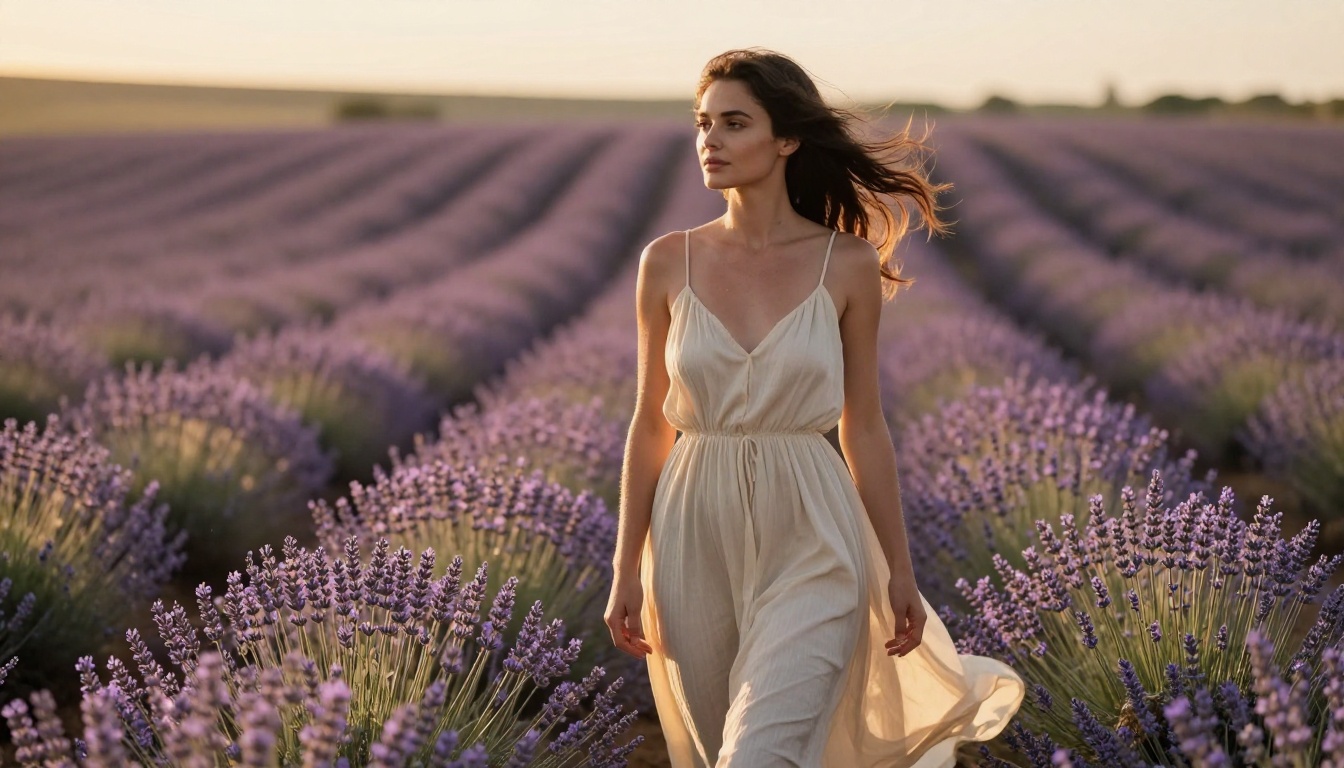
When Free Is Enough
For most casual users, the free tier is genuinely sufficient. If you're testing concepts, building a prompt library, or creating occasional images for personal use, you'll rarely hit the limits that make paid access feel necessary.
The quality ceiling on free tiers has risen significantly. Models like Flux 2 Dev accessible on free tiers produce outputs that would have required premium tools just 18 months ago.
Common Mistakes That Ruin Results
Vague Subject Descriptions
"Beautiful woman" tells the model almost nothing. It will guess on body type, skin tone, hair, expression, and clothing. Be specific about every element that matters to you.
Weak: beautiful woman
Strong: tall slender brunette woman with pale skin and hazel eyes, confident expression, slightly parted lips, long wavy hair
Ignoring Anatomy Fixes
AI models still struggle with hands, feet, and complex body positions. If anatomy is critical to your image:
- Add "correct anatomy, perfect hands, natural proportions" to your positive prompt
- Add "deformed, extra fingers, missing limbs, distorted body" to your negative prompt
- Use Flux Kontext Pro to fix specific anatomical issues without regenerating the whole image
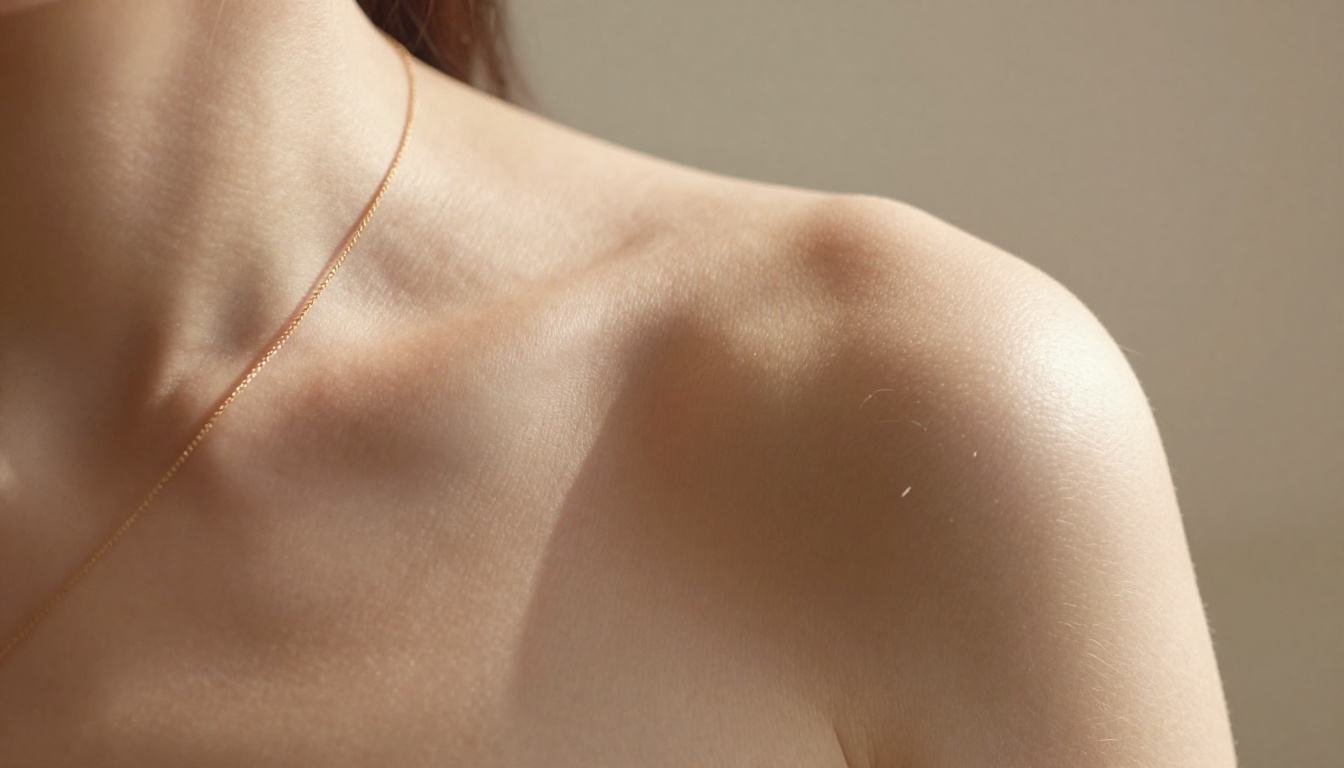
Stacking Too Many Quality Tags
More quality tags don't equal better quality. "8K, 4K, photorealistic, ultra-detailed, hyperrealistic, masterpiece, best quality" stacked together actually confuses some models and can produce over-processed, waxy-looking results. Pick 2-3 quality descriptors and let the model handle the rest.
Not Specifying the Background
Background context matters enormously for NSFW imagery. An unspecified background often produces generic studio gradients or inconsistent environments that break the realism. Always describe at minimum: interior or exterior, time of day, and the primary background element (bed, beach, window, pool, nature).
Super-Resolution for Maximum Detail
Generated a great composition but want more pixel detail? Super-resolution tools can upscale your images 2x to 4x while adding genuine detail rather than just stretching pixels. This is particularly impactful for skin texture, fabric weave, and hair strand clarity. After generating your base image with Flux Dev or Realistic Vision v5.1, running it through a super-resolution model can push it from "good AI image" to "indistinguishable from photography."
The same principle applies to face restoration tools if a face comes out slightly soft or inconsistent in a wide shot. These post-processing models are available on PicassoIA and work best when paired with a strong base generation from a photorealism-focused model.
Your Images Are Waiting
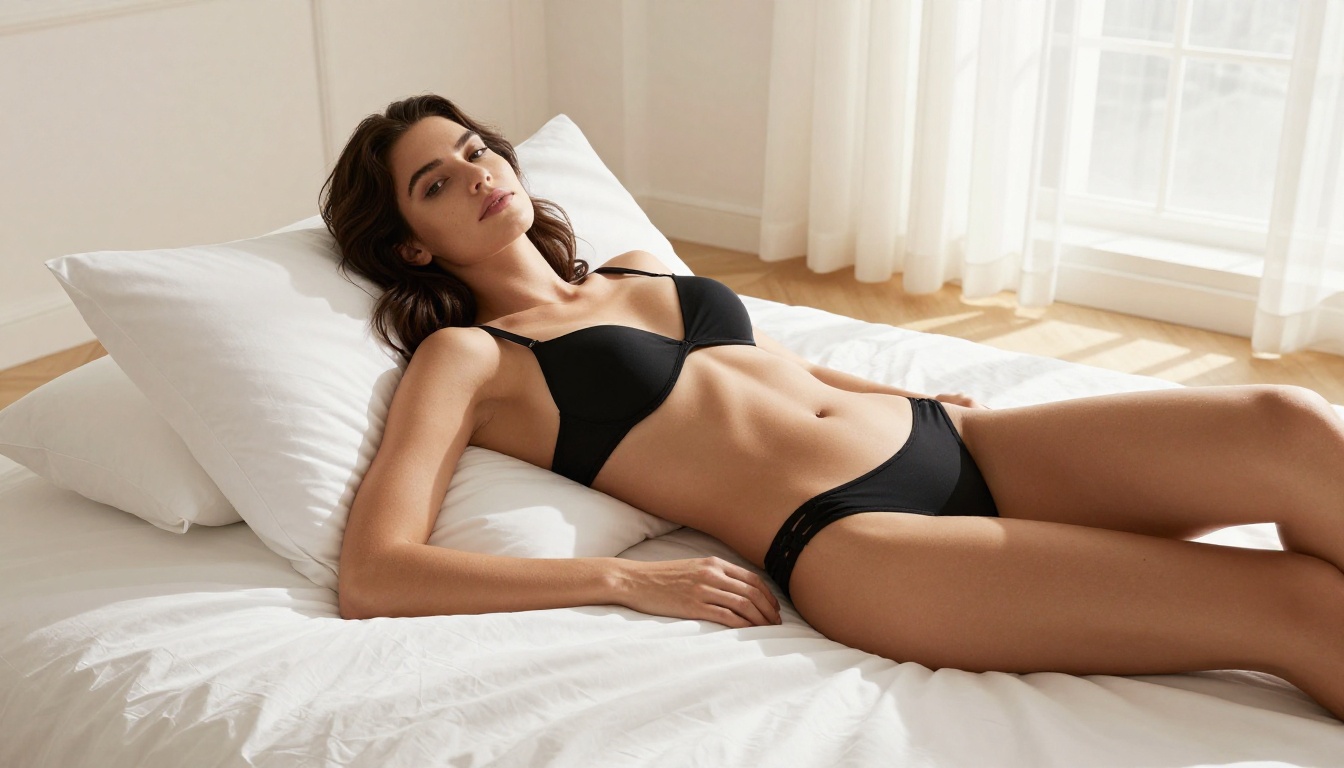
The images in this article were generated using the same models and techniques described above. Every detail, from the skin texture in the close-up portraits to the rim lighting in the outdoor shots, came from carefully crafted prompts fed into Flux Dev, Flux Pro, and Realistic Vision v5.1.
💡 Start with a single subject, a specific lighting direction, and one clear camera angle. Get that working first, then layer in environment and clothing detail. Don't try to describe everything in your first prompt.
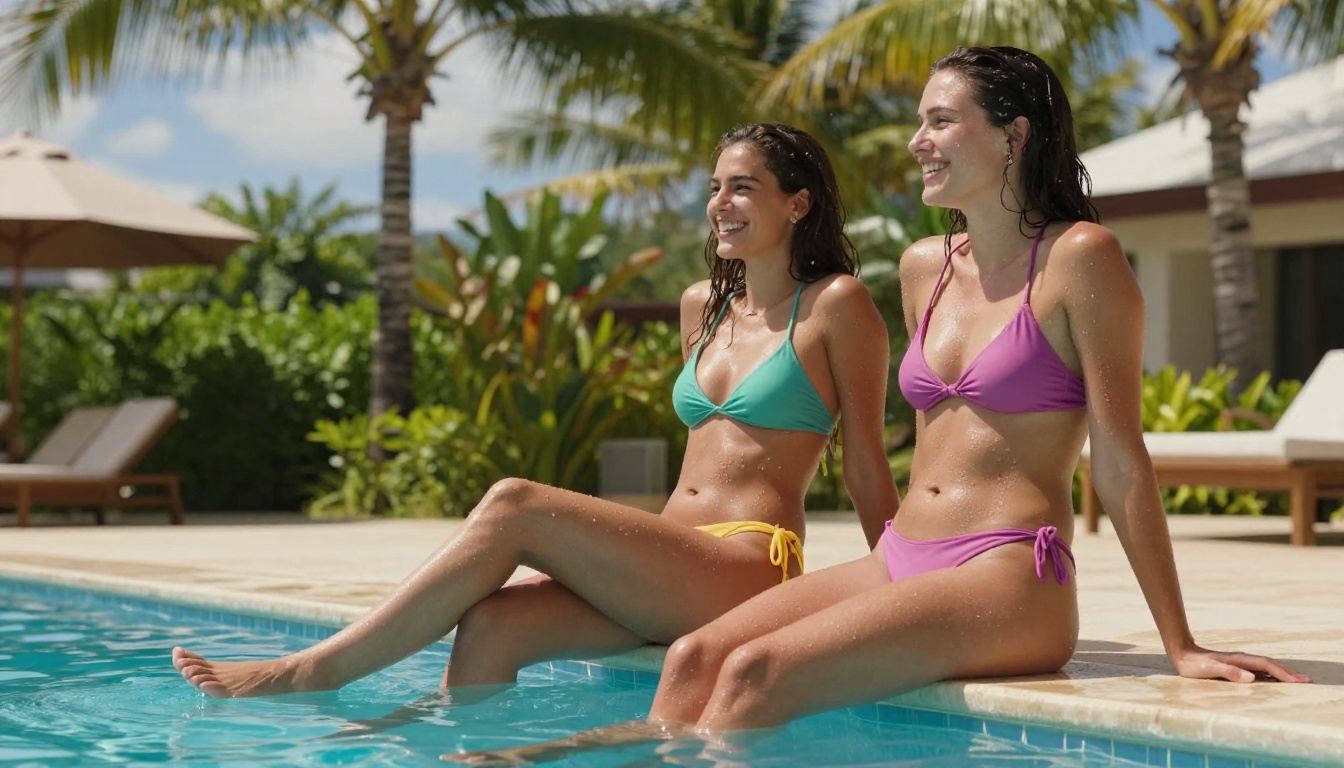
PicassoIA gives you access to all of these models right now, with no barriers in the way. Over 91 text-to-image models are available, from fast iterations with Flux Schnell to ultra-detailed work with Flux 1.1 Pro Ultra. The prompt formulas above work across all of them. Pick a model, write a detailed prompt, and start generating. The only thing between you and the image you have in mind is the prompt itself.


