The free tier used to mean blurry outputs, slow queues, and watermarks stamped across everything. In 2026, that is no longer true. Free NSFW AI tools have closed the quality gap with paid platforms to a point that would have seemed impossible just 18 months ago. Whether you are a digital artist, a content creator, or simply someone who wants to generate suggestive, glamorous, photorealistic images without spending money, the options available right now are substantial. This article ranks what is worth your time, explains the differences between each model, and shows you how to pull the best results from each one.
What NSFW AI Actually Means Right Now
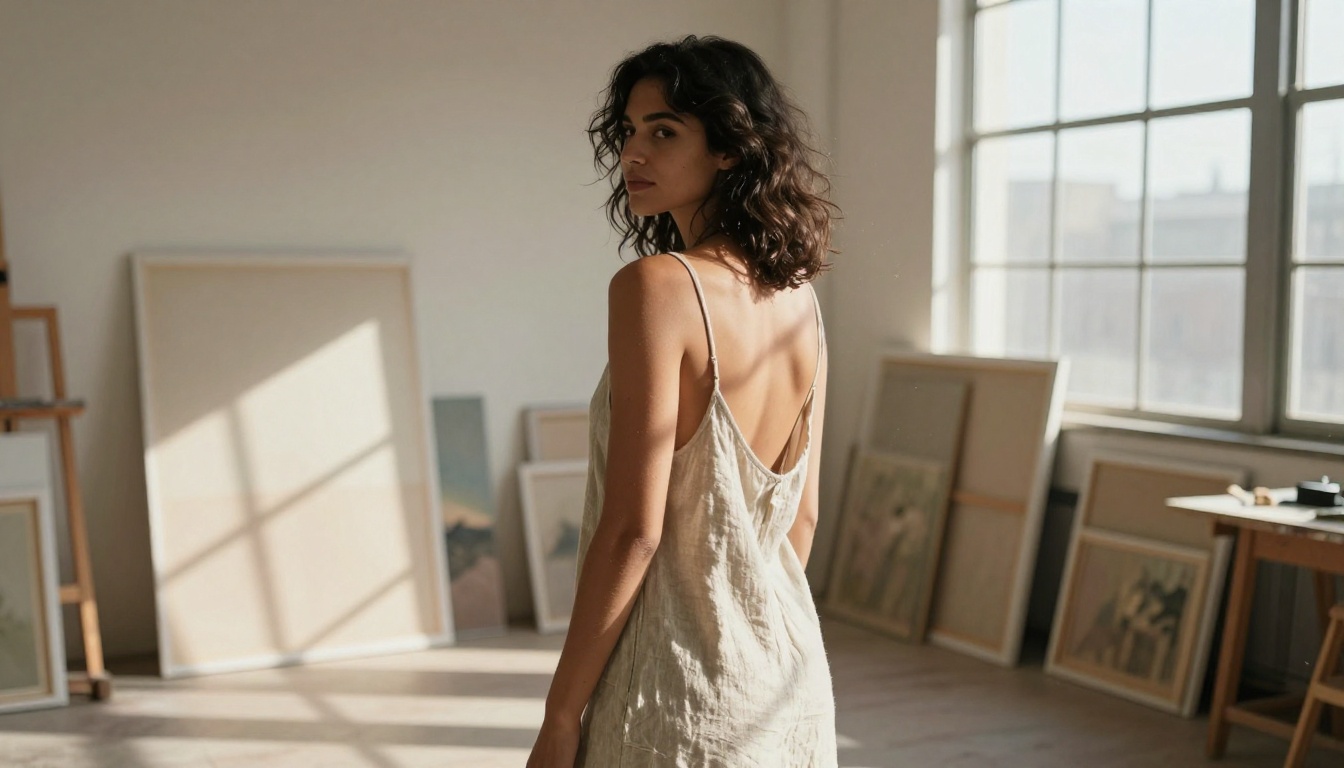
Before listing tools, it helps to be clear about scope. The phrase "NSFW AI" covers everything from a woman in a bikini to genuinely explicit content. Most free AI image generators available through mainstream platforms operate in what you could call the suggestive zone, which is glamorous, sensual, and beautiful imagery that stays on the right side of explicit. That is the territory this article covers, and it is more than enough to produce stunning, professional-quality work.
The Suggestive-to-Explicit Spectrum
Most public, free-tier models draw a hard line before explicit content. That does not mean results are boring. The space between "tasteful" and "explicit" includes:
- Bikini and swimwear photography with photorealistic skin textures
- Glamour and boudoir style portraiture with dramatic lighting
- Artistic implied nudity where clothing is minimal but the image remains non-pornographic
- Fashion and editorial shots with suggestive posing
The best free tools handle all of these extremely well in 2027. Getting explicit outputs generally requires running models locally or using platforms specifically built for adult content, which are almost always paid. For everything short of that, there has never been more available for free.
Why 2026 Changed Everything
Three things converged to make this the best year yet for free NSFW AI image generation:
- Open-weight models matured. Flux Dev, Stable Diffusion 3.5 Large, and SDXL all hit a quality ceiling that previously only closed commercial models could reach.
- Inference got cheaper. Running a diffusion model now costs a fraction of what it did in 2023. Platforms can afford generous free tiers.
- Prompt following improved dramatically. Modern models follow complex anatomical and lighting descriptions, which is the real factor separating good suggestive results from great ones.
The Best Free NSFW AI Image Models
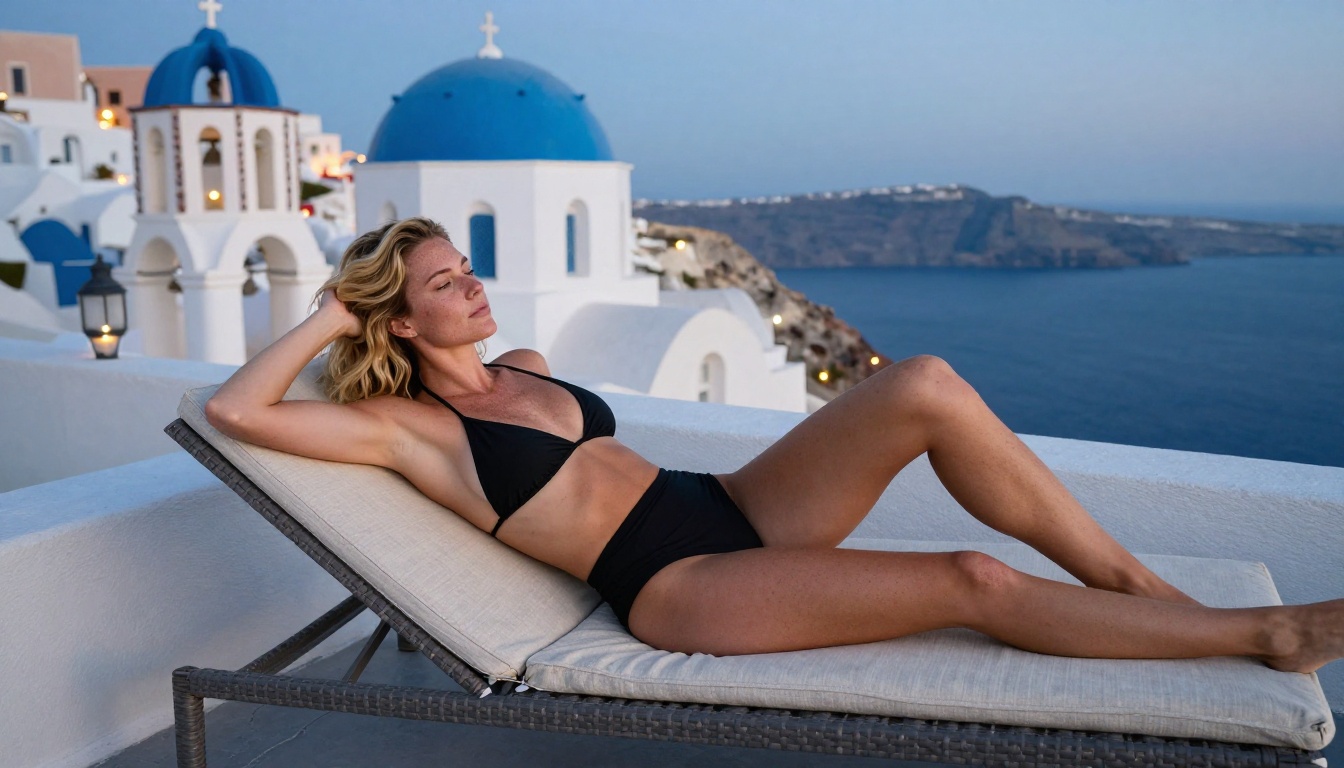
These are the models worth actually using. Each has distinct strengths that make it better for specific types of imagery.
Flux Dev: The Photorealism Standard
Flux Dev from Black Forest Labs is the benchmark for free photorealistic image generation in 2027. It handles skin texture, hair, fabric, and lighting in a way that puts many paid models to shame. For suggestive glamour photography, the results are genuinely striking.
What Flux Dev does best:
- Skin micro-detail: pores, fine hairs, natural imperfections
- Complex lighting setups described in text (Rembrandt, backlit, golden hour)
- Realistic fabric behavior: silk, linen, and cotton all render distinctly
- Body anatomy consistency across angles
💡 Tip: When using Flux Dev for NSFW-adjacent content, describe lighting before pose. "Volumetric morning light from the left, 85mm f/1.4" produces dramatically better anatomy than prompting the pose directly.
The newer Flux 2 Dev iteration pushes this further with even higher coherence on complex scenes. Both are available on the platform's free tier.
Realistic Vision v5.1: Built for Portraits
Realistic Vision v5.1 was specifically tuned on real photography datasets with an emphasis on human faces and bodies. For close-up portraits and intimate photography, it produces some of the most convincing results of any open-weight model.
Its strength is in naturalism: instead of the slightly-too-perfect look that some models produce, Realistic Vision adds small imperfections that read as genuinely photographic. Freckles, uneven skin tones, natural lip texture, and slightly asymmetric features all appear without prompting them explicitly.
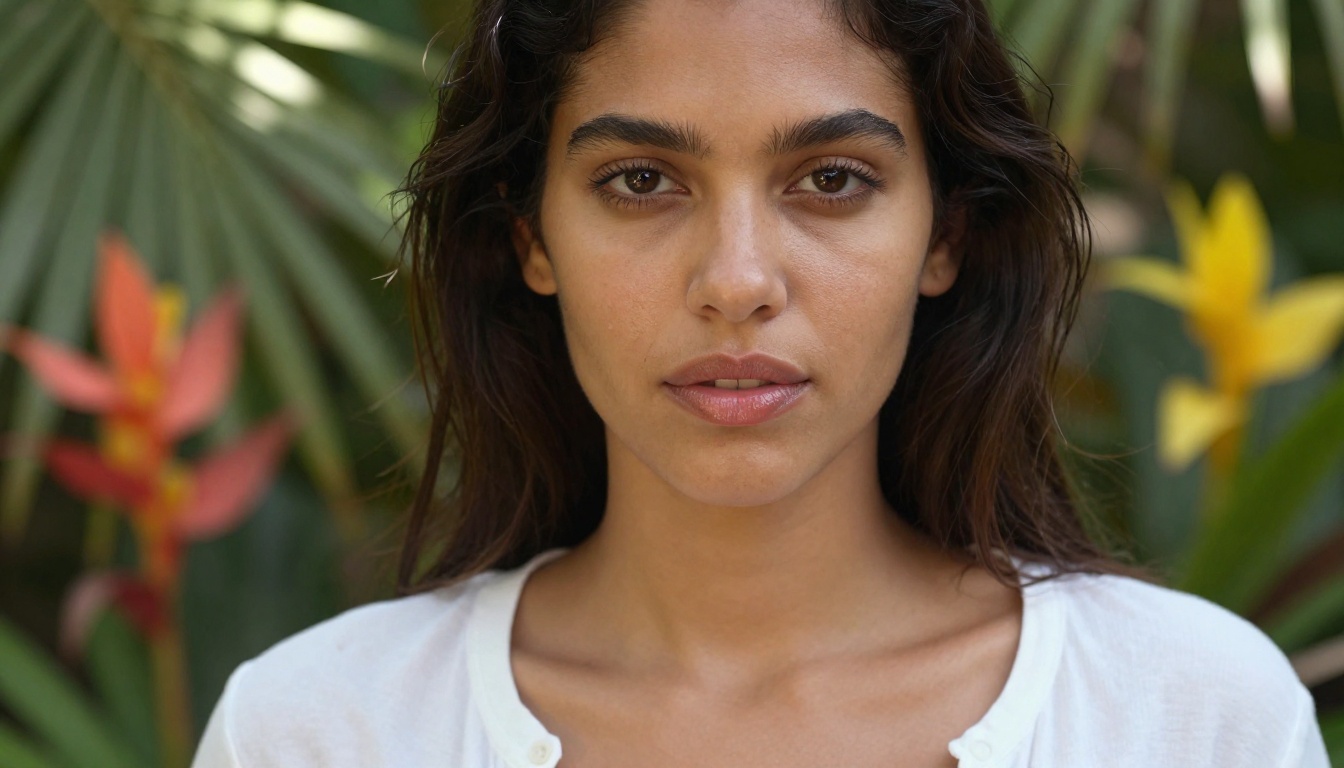
RealVisXL v3.0 Turbo: Speed Without Sacrifice
RealVisXL v3.0 Turbo is the fastest of the photorealistic free options while still delivering results you would actually use. Where standard SDXL-based models need 20-40 steps to look good, RealVisXL Turbo does the same work in 4-8 steps.
For workflow speed, particularly when iterating on prompts or generating multiple variations to find the right composition, this is the tool to reach for first.
DreamShaper XL Turbo: The Versatile All-Rounder
DreamShaper XL Turbo occupies an interesting middle ground between photorealism and stylization. It is not as strictly photographic as Realistic Vision, but it handles a much wider variety of aesthetics including cinematic, editorial, and glamour photography styles.
Its anatomy handling is particularly strong for full-body shots in fashion or swimwear contexts, where other models sometimes struggle with proportions at wider shot distances.
Stable Diffusion 3.5 Large: The Workhorse
Stable Diffusion 3.5 Large is the current generation of the original open-source diffusion model and a significant step up from everything that came before it. Resolution, coherence, and text-following all improved substantially. The Stable Diffusion 3.5 Large Turbo variant cuts generation time in half with minimal quality loss.
For NSFW-adjacent content, SD 3.5 Large rewards very detailed positive prompts and targeted negative prompts to keep anatomy clean.
How to Use These Models on PicassoIA
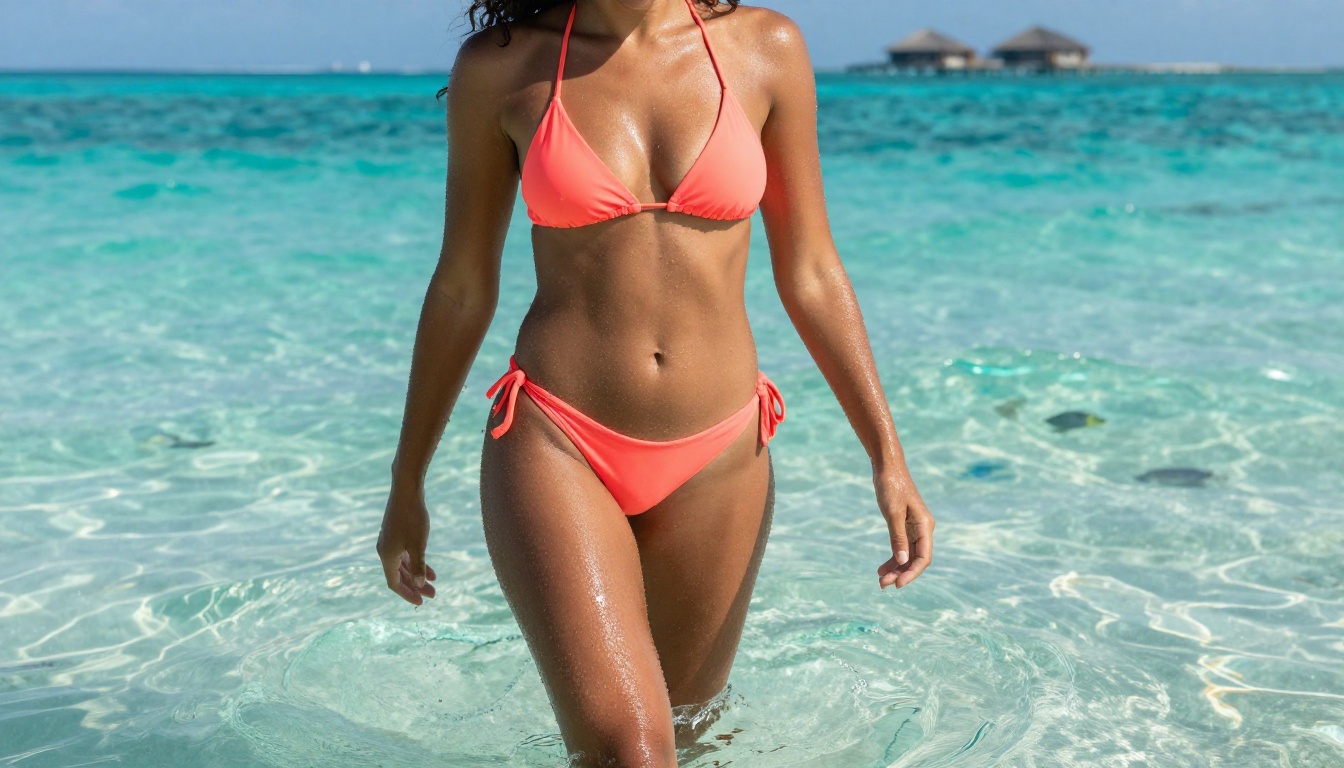
PicassoIA gives you access to all of these models from a single platform, at no cost. Here is exactly how to get the best results.
Step 1: Choose Your Model
Go to the text-to-image collection and filter by the use case:
Step 2: Write a Prompt That Actually Works
Most people write prompts that are far too short. The models available in 2027 reward detail heavily. A prompt like "beautiful woman in bikini on beach" will produce a mediocre result. Compare it to this:
"A woman with sun-kissed skin sitting on the edge of a white marble infinity pool, wearing a high-cut white bikini, long auburn hair catching the breeze, volumetric golden afternoon light from the left, 85mm f/1.4 lens, Kodak Portra 400 film grain, shallow depth of field, photorealistic, 8K"
The second prompt tells the model the lighting source, lens, film stock, and atmospheric context. The result lands in a completely different quality bracket.
Prompt structure that works:
- Subject and action (be specific about what she is doing and her physical details)
- Clothing description (fabric type, color, fit, drape behavior)
- Environment (location, time of day, specific background elements)
- Lighting (direction, quality, color temperature)
- Camera specs (lens focal length, aperture, camera model)
- Film or texture (Kodak Portra, Fujifilm Pro 400H, Cinestill 800T)
Step 3: Add Negative Prompts
For photorealistic NSFW-adjacent work, the negative prompt matters as much as the positive. Common issues and what stops them:
- Anatomical errors:
deformed hands, extra fingers, bad anatomy, mutated limbs
- Artificial look:
CGI, 3D render, plastic skin, airbrushed, illustration, cartoon
- Poor quality:
blurry, low resolution, jpeg artifacts, overexposed
- Unwanted styles:
neon, cyberpunk, futuristic, glowing effects
Step 4: Iterate Fast, Then Refine
Use RealVisXL v3.0 Turbo or DreamShaper XL Turbo to test prompt variations quickly. Once you find a combination that produces the composition and mood you want, switch to Flux Dev or Flux 2 Pro for the final high-quality render.
Free vs Paid: The Real Difference
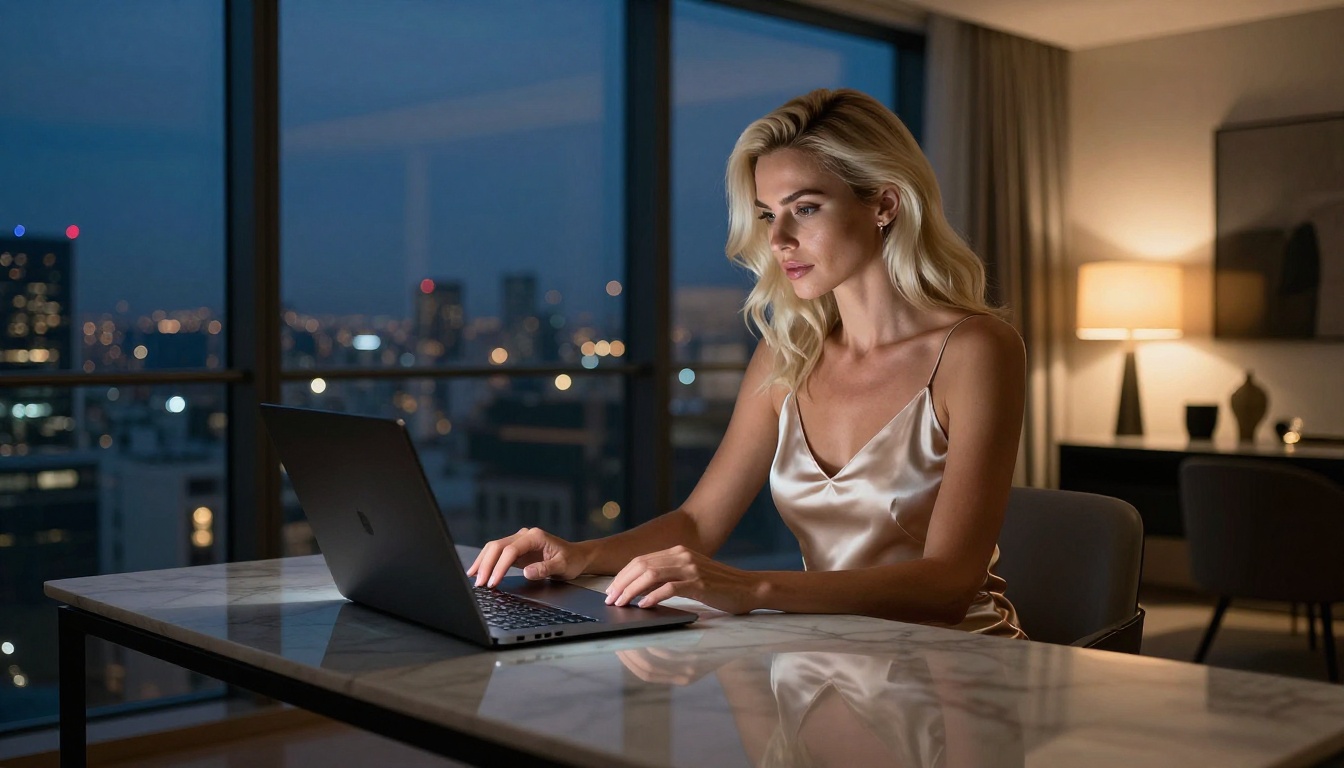
People assume paid models are dramatically better. In 2026, for suggestive NSFW content specifically, the gap is much narrower than it used to be.
| Feature | Free Tier | Paid Tier |
|---|
| Image quality | Very good to excellent | Excellent to exceptional |
| Generation speed | 10-30 seconds | 3-10 seconds |
| Queue priority | Standard | Priority |
| Resolution limit | Up to 1024px | Up to 2048px+ |
| Model access | 90+ models | All models including beta releases |
| NSFW capability | Suggestive and glamour | Same range |
| Daily limits | Yes, but generous | Unlimited or very high caps |
For most casual creators and even many professionals, the free tier covers everything. Upgrading makes sense when you need volume, faster turnaround, or ultra-high resolution for print work.
Other Models Worth Using
SDXL for Consistency
SDXL remains one of the most widely used models because of how well it handles consistent character generation. If you are creating a series of images featuring the same character across different scenes, SDXL paired with LoRA adapters via SDXL Multi ControlNet LoRA gives you significant control over consistency without expensive fine-tuning.
Proteus v0.3 for Stylized Results
Proteus v0.3 sits at the intersection of photorealism and stylized illustration. For suggestive imagery with a slightly more polished, commercial look, it produces visually distinct results that stand apart from pure photography simulation. The slightly heightened proportions and smoother skin rendering give it a high-end editorial quality that some creators specifically want.
Ideogram v3 Quality for Composition Control
Ideogram v3 Quality has unusually precise spatial composition abilities. When you describe a specific camera angle or compositional arrangement, it follows those instructions more accurately than most other models. Particularly useful for complex scenes with multiple environmental elements or specific framing requirements.
HiDream L1 for Fast High-Resolution
HiDream L1 Full is among the newer generation of models specifically optimized for high-speed inference without sacrificing realism. It is worth knowing as a fast-generation option when you need quick results at higher resolutions than standard turbo models allow.
Prompt Patterns That Change Everything
Lighting Is the Single Most Important Variable
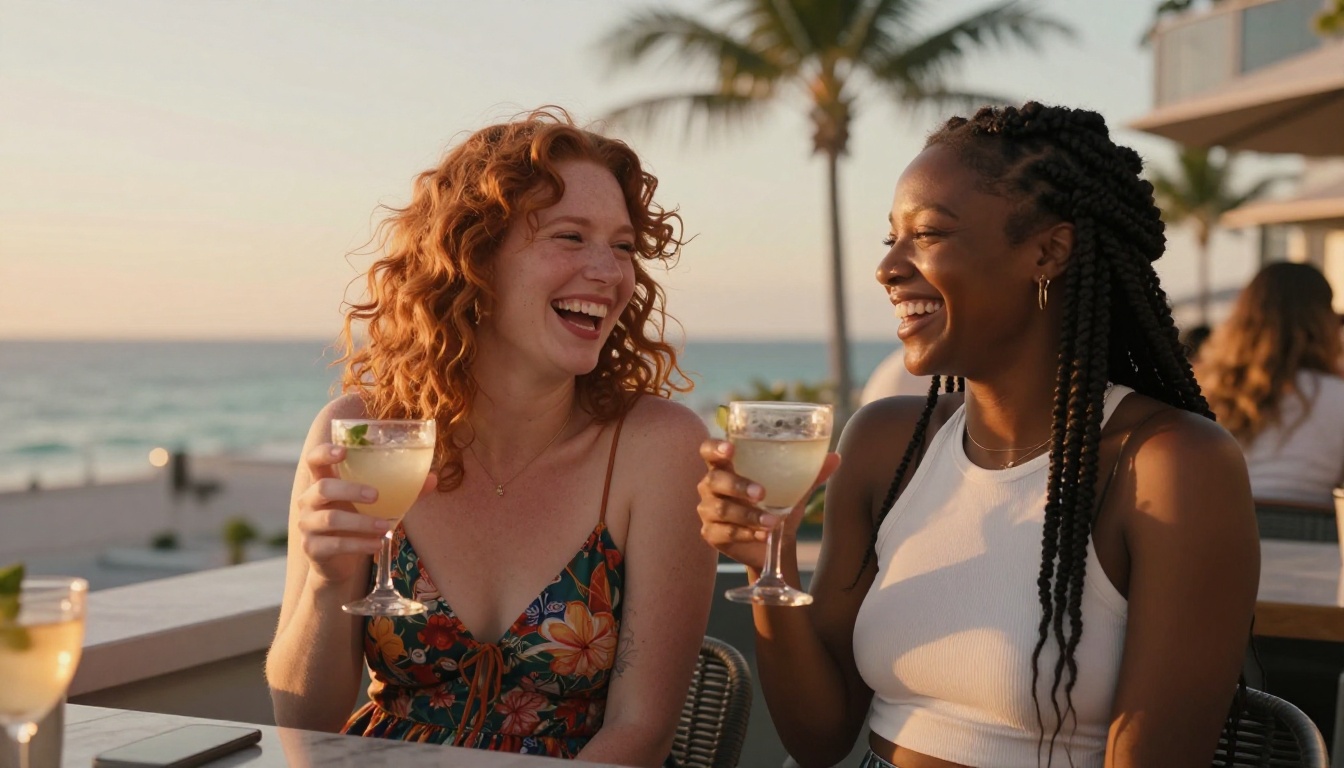
Nothing affects the perceived quality and sensuality of an AI image more than the lighting description. Generic prompts produce flat, even-lit images that look like AI output. Specific lighting language produces results that read as real photography.
These work:
- "Volumetric morning light from the upper left"
- "Single-source warm lamp creating deep shadows on the right side"
- "Golden hour backlight creating a rim-lighting halo on the hair"
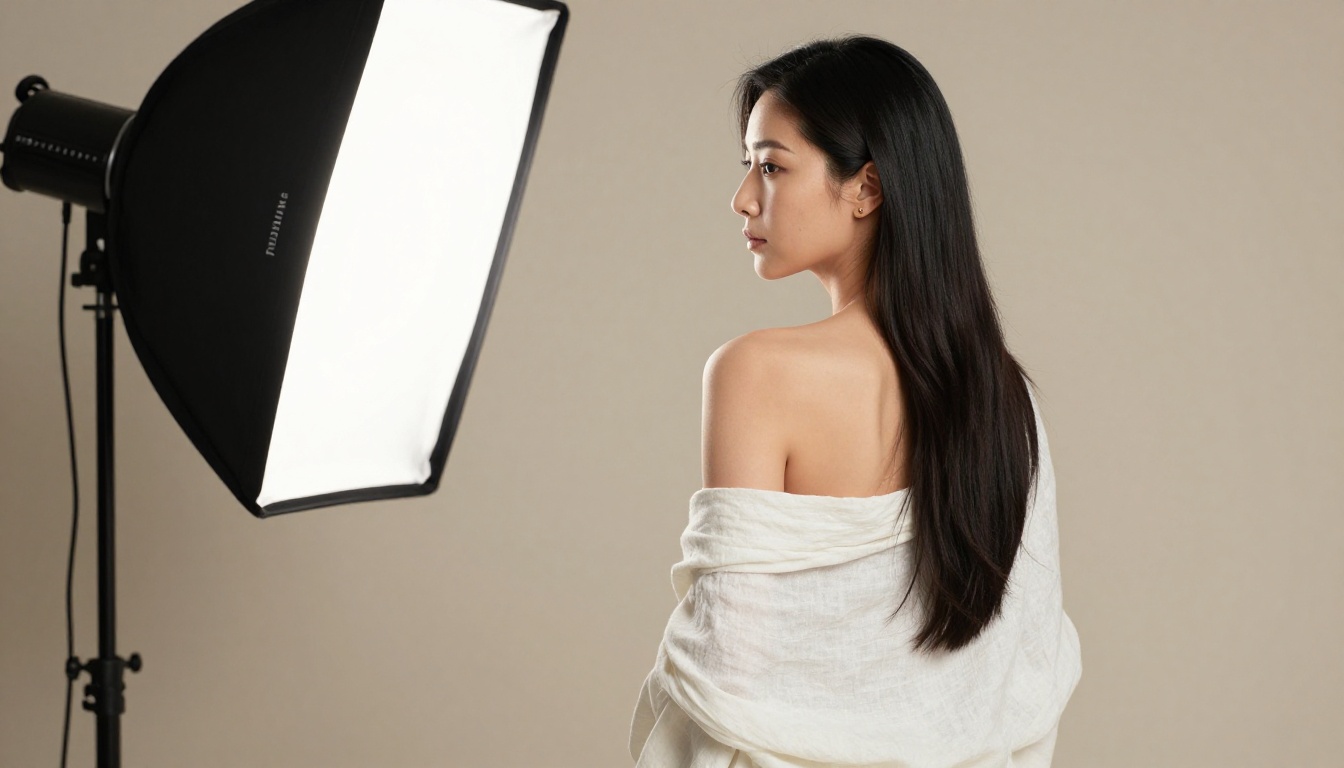
- "Rembrandt lighting setup, large softbox positioned camera-left"
These do not:
- "Good lighting"
- "Beautiful light"
- "Dramatic lighting" (too vague for the model to act on)
Camera Lens Descriptors Matter
Lens choice in a prompt affects apparent depth, compression, and how the subject relates to the background. For suggestive portraiture, these deliver the most:
- 85mm f/1.4: Classic portrait compression, beautiful background separation
- 135mm f/2: Even more compression, very intimate and close feel
- 35mm f/1.4: Environmental context, subject placed in their space
- 24mm f/2.8: Wide environmental shots, full body with the setting visible
Skin and Texture Language
Modern models respond to micro-texture prompts. Including phrases like "visible skin pores," "natural tan lines," "fine body hair," "lip texture," and "natural imperfections" produces images that read as photographically real rather than digitally generated. These are small additions that make a large difference in the final output.
3 Mistakes That Kill Quality
Using Generic Prompts
The fastest way to get a mediocre output from any free NSFW AI tool is to write a short prompt. "Beautiful woman in bikini" could mean literally anything, so the model defaults to an average of its training data, which produces an average result. Every specific visual word you add pushes the output toward something intentional and original.
Skipping Resolution and Upscaling
Most free-tier outputs top out at 1024x1024 or 1024x576 for 16:9 aspect ratios. For many uses that is fine, but if you need larger outputs for social media or print, the platform includes Super Resolution models that upscale 2x to 4x while adding detail rather than simply stretching pixels. Running your best outputs through upscaling before publishing makes a visible difference.
Not Using Seed Control
When you get an output you like, note the seed number. Changing the prompt slightly while keeping the same seed produces variations that share compositional DNA with your original, making it far easier to iterate toward your ideal image without throwing away what already worked.
Start Creating Your Own Images Right Now
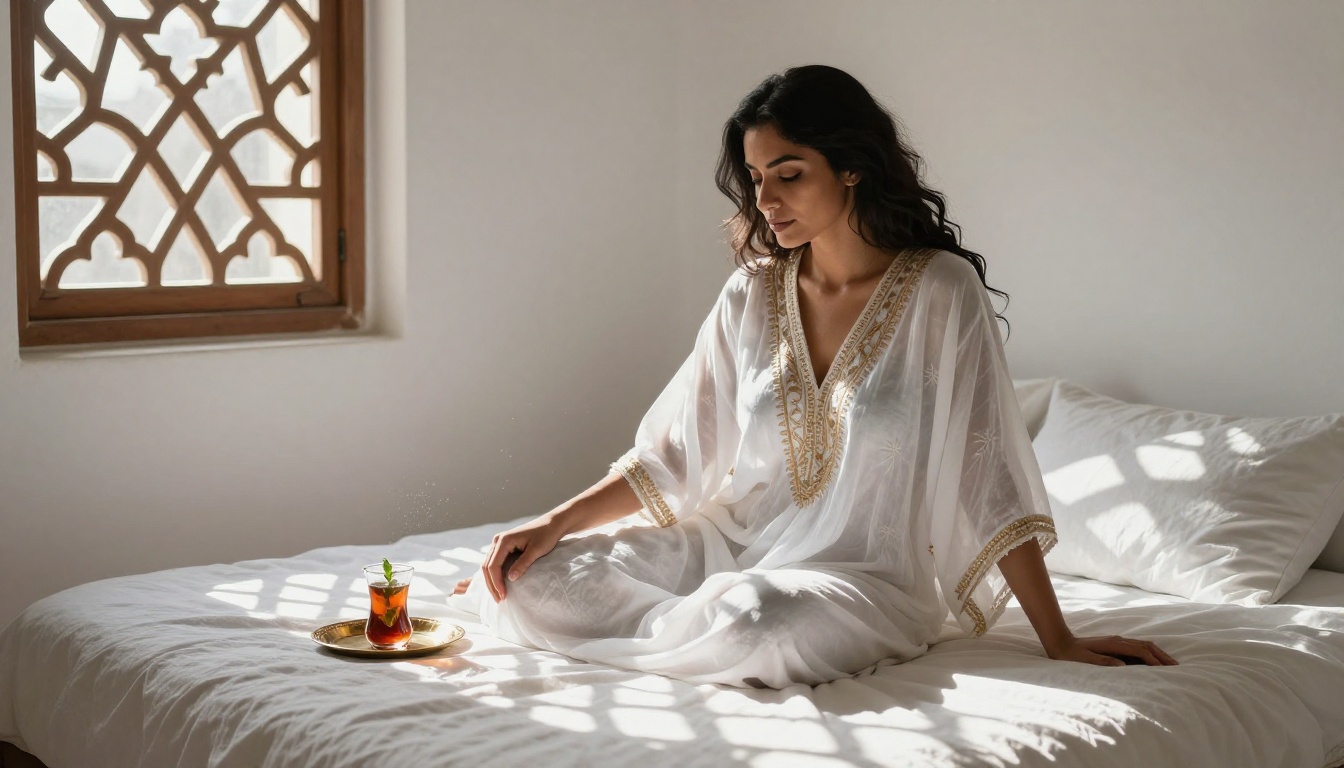
The barrier to creating high-quality, suggestive, photorealistic AI images in 2027 is essentially zero. The models are free, the platform is accessible from any browser, and the results with a well-crafted prompt are genuinely impressive.
For anyone who has not yet tried Flux Dev or Realistic Vision v5.1 through a platform that makes them available cleanly, the first generation will be a revelation. The quality difference between a detailed, structured prompt and a vague one will also be immediately apparent.
Start with one of the recommended models. Apply the prompt structure from this article: subject, clothing, environment, lighting, camera, film stock. Generate, adjust, save your seeds, and iterate. The workflow becomes fast once you have done it a few times.
PicassoIA gives you access to all of these models in one place, with no setup, no installation, and no cost to begin. Over 90 text-to-image models are available the moment you open the platform. Pick the one that fits your use case from the table above, write something specific and visual, and generate.
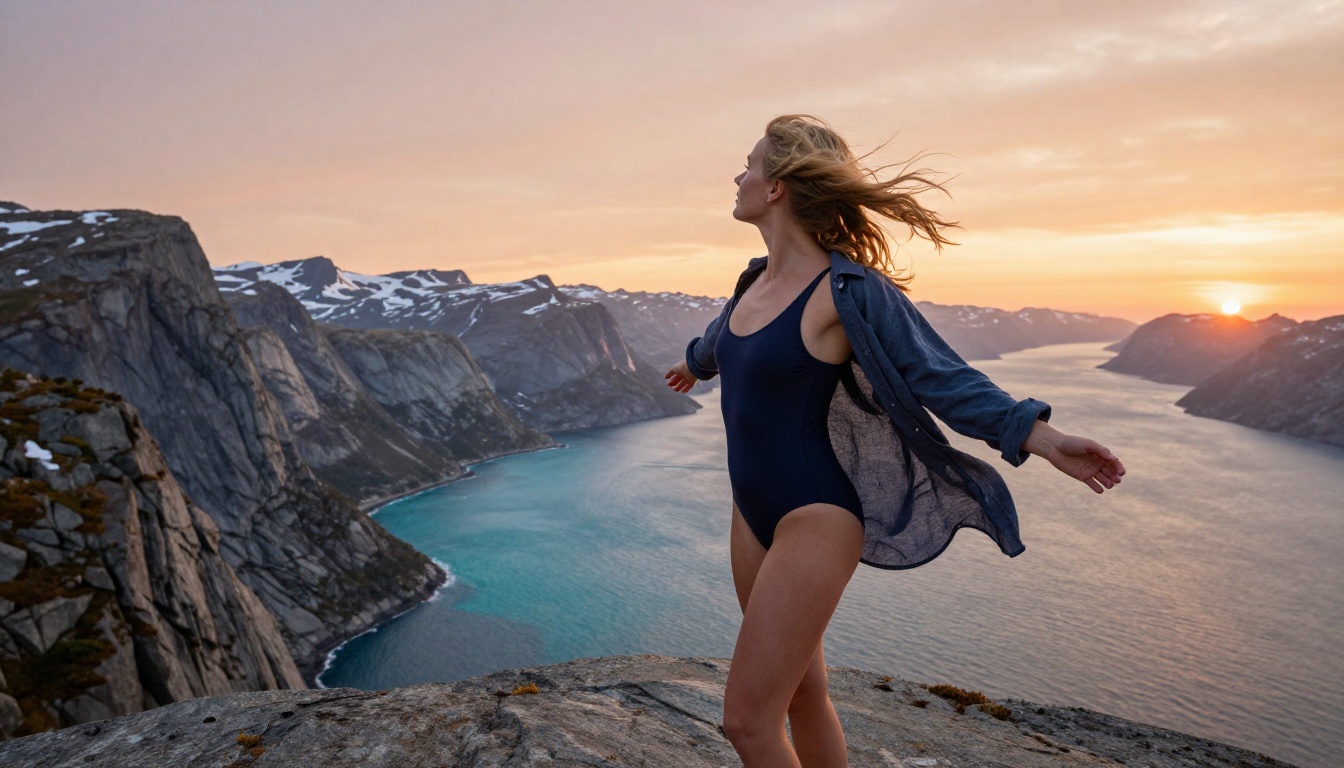
The images you are trying to create are a prompt away. Every model listed in this article is accessible right now without signing up for anything expensive or navigating complicated local installations. The quality floor for free NSFW AI image generation in 2027 is higher than the quality ceiling was two years ago. That is worth taking seriously, and worth trying today.


