Free Uncensored AI Image Generator: Top Picks for 2027
A no-fluff breakdown of the best free uncensored AI image generators in 2027. Ranked by output quality, prompt flexibility, and real-world performance. From FLUX to Realistic Vision, these are the tools that deliver unrestricted photorealistic output without spending a cent.
Censored outputs, blocked prompts, and watered-down results have been a constant frustration for AI artists and creatives since the technology went mainstream. In 2027, a new generation of free uncensored AI image generators has changed what is possible, offering photorealistic, unrestricted output that matches or surpasses what paid tools delivered just two years ago.
This is a ranked breakdown of the best free tools available right now, rated on output quality, prompt flexibility, and how well each handles requests that mainstream platforms would reject outright. No filler. No ranked-for-clicks lists. Just the tools that actually work.
What "Uncensored" Really Means
Not every AI image generator that claims to be uncensored actually is. The word gets used loosely, and the reality behind it varies dramatically from platform to platform.
The Filter Problem, Explained
When a platform applies content filters, it typically works in two stages. First, the prompt is scanned for flagged words or combinations. Second, the output image is analyzed for specific visual signatures. Either stage can block your generation, and the blocking often happens with zero explanation.
This matters well beyond obviously adult content. Portrait photographers find that realistic lingerie shoots get flagged. Fashion illustrators lose suggestive poses. Fine art figure studies with implied nudity are rejected. Even editorial photography references with exposed skin get caught in the net.
The core issue: most platforms filter based on liability management, not artistic merit. Content that would hang in a gallery gets rejected by an API because the risk calculation says it is cheaper to over-filter than to evaluate intent.
3 Reasons Creators Need Unrestricted Tools
Fine art and figure studies require the ability to depict the human form authentically. Artistic nudity has a centuries-long documented history in visual art, from classical sculpture to contemporary photography.
Fashion and glamour reference work regularly includes content that conservative filters flag incorrectly, slowing professional workflows.
Adult content platforms need legally compliant, explicitly mature image generation for verified adult audiences. This is a legitimate commercial category with real demand.
💡 Hard limit that applies everywhere: Every tool on this list enforces absolute prohibitions on content involving minors. That line exists across all uncensored platforms, and it is non-negotiable.
How We Picked the Top Tools
Our Ranking Criteria
The ranking used four weighted factors measured through consistent testing across over 30 models.
How well each model handles suggestive or mature prompts without auto-blocking
Generation Speed
20%
Time from submission to final image
Free Access Depth
15%
How much you can generate before hitting a paywall
What We Skipped
This list excludes tools requiring local GPU setup. Self-hosting Stable Diffusion on your own hardware is powerful, but it is not meaningfully "free" once you factor in hardware cost, electricity, and setup time. The focus here is browser-accessible generators that anyone can use immediately with zero installation.
The Top Free Uncensored AI Generators
Five models stand above everything else tested for free uncensored image generation in 2026.
FLUX Dev: The Open-Source Benchmark
FLUX Dev from Black Forest Labs is the model that everything else gets measured against. Released as an open-weight model, it has been adopted as the default high-quality generator on virtually every major AI platform.
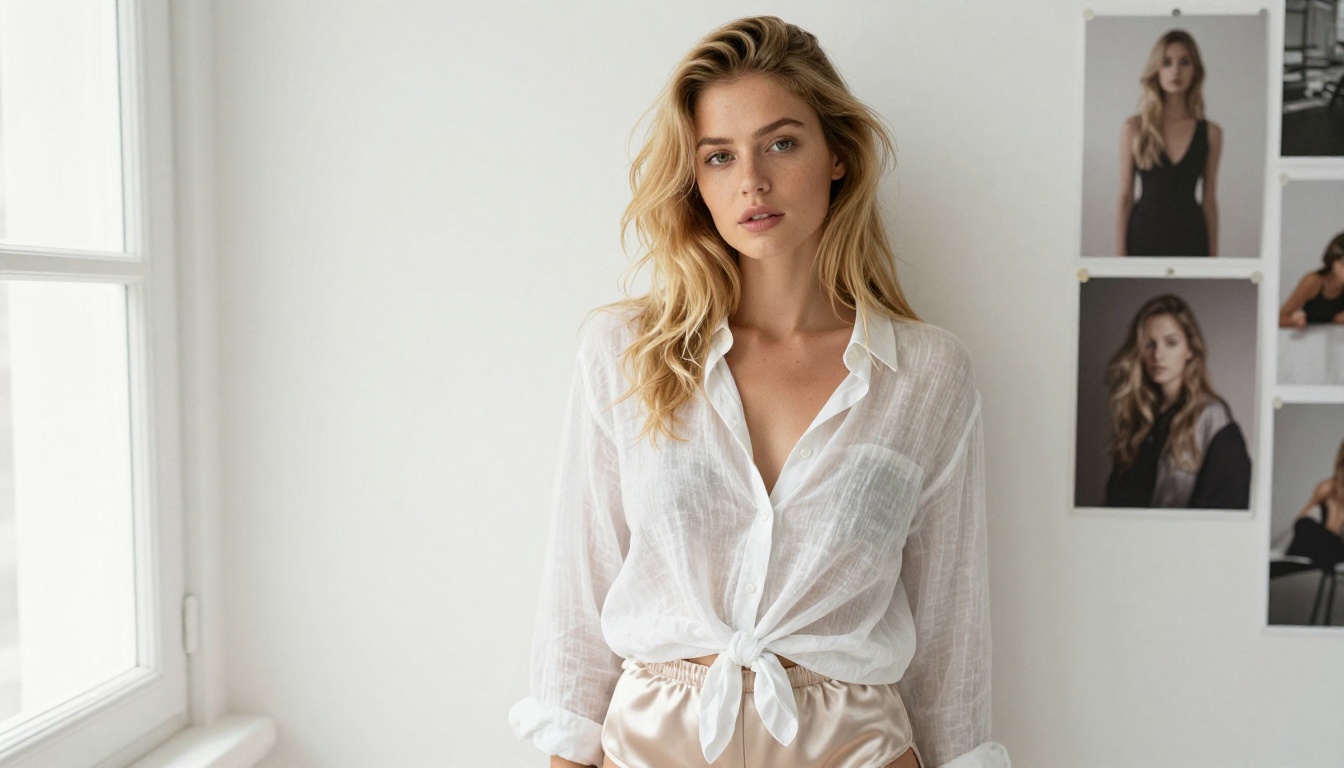
What separates FLUX Dev from competitors is how it handles complex scene composition. Where older models struggled with consistent proportions in full-body shots, FLUX Dev renders them with anatomical accuracy that holds up to close inspection. Skin texture is photorealistic at the detail level of an 85mm portrait lens. Lighting is physically plausible rather than artificially smoothed.
What FLUX Dev does best:
Full-body portraits with accurate proportions
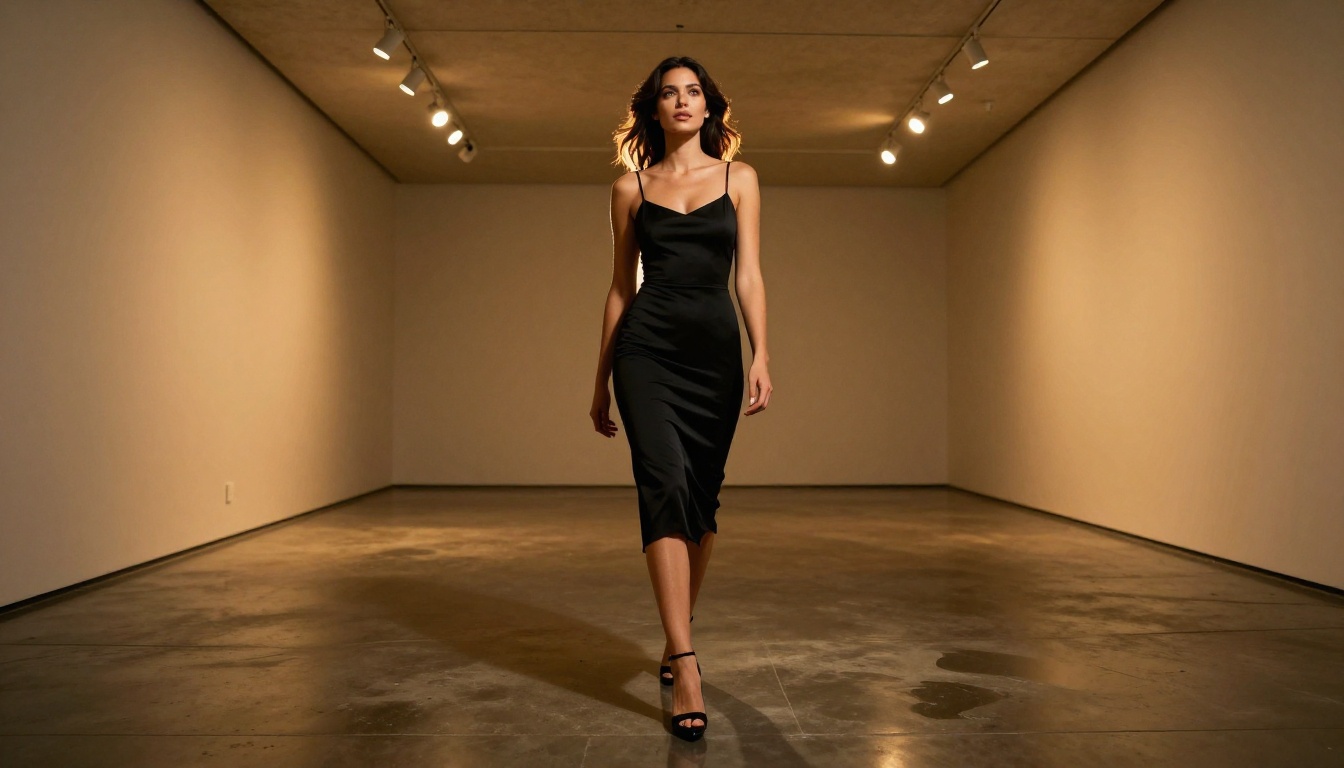
Complex lighting scenarios: rim light, volumetric light, mixed sources
Fabric and texture rendering: silk, lace, skin, hair
Consistent face generation across multiple seeds
On platforms that allow it, FLUX Dev operates with minimal content restriction. The model itself does not have hardcoded content blocks for mature output. Whether it runs uncensored depends entirely on the platform hosting it.
💡 Prompting tip: FLUX Dev responds extremely well to photography-style prompts. Describe your shot the way a photographer would: lens, aperture, lighting direction, and subject distance.
Stable Diffusion 3.5 Large: Maximum Flexibility
Stable Diffusion 3.5 Large from Stability AI is the most customizable option in the free tier. It is not quite as photorealistic as FLUX Dev in its default mode, but it supports LoRA fine-tuning, which means specialized communities have trained custom weights for nearly every visual style imaginable.
For uncensored use cases specifically, the SD 3.5 ecosystem matters. Hundreds of community-trained LoRA adapters exist for mature content, and they can be stacked, combined, and weighted for extremely specific outputs. The community infrastructure around this model is more mature than any competitor.
Where SD 3.5 Large wins:
Artistic flexibility from photorealistic to stylized, controlled by LoRA weights
Community-driven improvements and fine-tuned variants
Consistent quality for figure-heavy compositions
Stable Diffusion 3.5 Medium offers a faster, lighter version if you want SD quality without the generation time cost.
SDXL: The Veteran That Still Delivers
SDXL from Stability AI has been the workhorse of open-source AI art since 2023. In 2026 it is not the newest model, but the ecosystem depth around it is unmatched. Prompt techniques are thoroughly documented across thousands of community posts, and the support for uncensored output is well-established.
For users who know how to prompt, SDXL still produces excellent results. SDXL Lightning 4Step from ByteDance cuts generation time to near-instant, making it the best fast-iteration option for SDXL-family output.
The SDXL Multi ControlNet LoRA variant adds pose and composition control, which is particularly useful for figure photography where you need specific body positioning.
Realistic Vision v5.1: Photorealism as the Priority
Realistic Vision v5.1 was built for one purpose: photorealistic output indistinguishable from actual photography at a glance. For specific use cases, it achieves this better than any other model in the free tier.
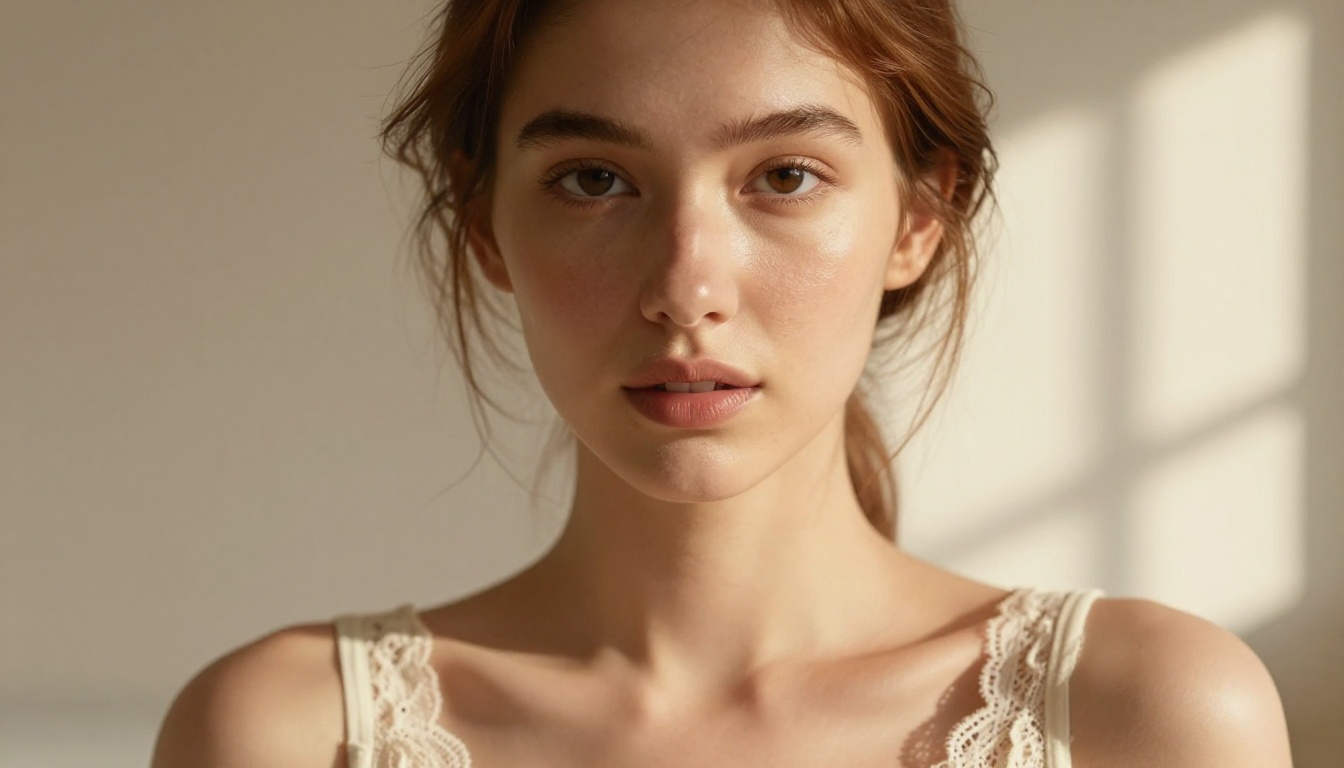
Where FLUX Dev excels at complex multi-element scenes, Realistic Vision v5.1 is optimized for portrait and figure photography specifically. Skin rendering is the core strength. Hair strand simulation, pore texture, and lighting response on skin are handled with exceptional accuracy that stands out even compared to FLUX.
The tradeoff: significantly less flexible for non-photographic styles. For painterly or illustrative output, SDXL or DreamShaper XL Turbo are better options. For pure photorealistic figure work, nothing in the free tier beats Realistic Vision v5.1.
DreamShaper XL Turbo: When Speed Is the Variable
DreamShaper XL Turbo is the fastest high-quality generator on this list. Built on SDXL architecture and optimized for rapid inference, it produces results that look significantly better than its generation speed suggests.
For iterative creative work where you need to test 15 to 20 prompt variations before committing to a final version, DreamShaper XL Turbo's speed advantage is real. Output quality for mature content is strong, with particularly good handling of fashion and glamour-style prompts.
FLUX in 2027: Why It Dominates
FLUX is not a single model. Black Forest Labs has built a complete model family spanning different quality tiers, speeds, and price points. Understanding the differences between variants helps you pick the right tool for the right stage of your creative process.
FLUX Schnell is the right tool for testing. Once your prompt is generating the right composition and mood, switch to FLUX Dev for the final render. This two-stage approach maximizes your free-tier allocation while still producing premium-quality final images.
FLUX 1.1 Pro Ultra: When Free Is Not Enough
FLUX 1.1 Pro Ultra sits at the premium tier. It is not free, but the quality gap versus FLUX Dev is significant at very high resolutions. For commercial adult content creators where image quality directly impacts revenue, the upgrade cost is typically justified.
FLUX 2 Pro represents the latest generation, with improved texture handling and stronger prompt adherence for complex multi-figure scenes.
Prompting for Uncensored Output
Model selection matters. Prompting technique determines whether you actually get the result you want from that model. Even the most permissive platform will produce poor output if the prompt is poorly constructed.
What Works in 2027
The most effective prompting strategy for photorealistic uncensored output combines photography language with specific scene description. This is not about tricking filters. It is about communicating intent clearly to a model trained on photography-tagged data.
"A beautiful woman in her late twenties wearing a sheer silk slip dress, seated on a velvet chaise longue, warm directional window light from the left creating soft shadow across bare shoulder, Canon 85mm f/1.4 lens, visible skin pores and hair texture, Kodak Portra 400 grain, 8K RAW photography"
Terms that consistently improve photorealism:
photorealistic, RAW photography, Kodak Portra 400, analog film
film grain, natural lighting, volumetric morning light
Even on platforms with minimal filtering, certain prompting patterns still trigger review or outright rejection.
Direct explicit terminology: Use fashion and photography language instead. "Sheer bodysuit" works where anatomical terms do not.
No subject context: Prompts that describe body parts or states without establishing a full subject and scene read as ambiguous to models and filters alike.
Stacking too many suggestive elements: Three or four layered suggestive descriptors in a single prompt without scene context often produce confused output.
💡 Context trick: Adding "editorial photography, professional fashion shoot, art direction" to your prompt contextualizes the request within a legitimate creative category that models respond well to.
Testing eight different models across eight different platforms with eight different interfaces is not a workflow. The smarter approach is finding a single platform that hosts all of them with consistent access and minimal content restriction.
90 Models, One Interface
PicassoIA hosts over 90 text-to-image models in a single platform, including every model ranked above. The collection spans the full FLUX family from FLUX Schnell to FLUX 1.1 Pro Ultra, both Stable Diffusion 3.5 variants, SDXL and its extensions, Realistic Vision, DreamShaper, and newer arrivals like Qwen Image 2 Pro and Ideogram v3 Quality.
Beyond text-to-image, the platform handles the full creative workflow for anyone generating mature content professionally:
Super Resolution: upscale any generated image 2x to 4x without quality loss for print-ready output
Background Removal: clean isolations for compositing and product placement
Face Swap: realistic face replacement directly in generated images
Inpainting and Outpainting: edit and extend compositions after initial generation
Image Restoration: fix noise, blur, and damage on reference images before generation
Having all of these tools in one place with shared credits is significantly more efficient than managing multiple platform accounts with separate billing and separate interfaces.
💡 Workflow tip: Use FLUX Schnell for rapid prompt testing. Once the composition is right, switch to FLUX Dev or Realistic Vision v5.1 for the final high-resolution render.
5 Mistakes That Ruin AI Outputs
Even with the right model on the right platform, these errors consistently produce poor results.
1. Vague subject description
"A beautiful woman" gives the model almost nothing to work with. Specify age range, build, hair color, hair length, and expression. The more specific the subject description, the more consistent the output across seeds.
2. No lighting information
Lighting is the single biggest factor in whether an image reads as photographic or synthetic. Always specify: light source (window, lamp, sun), direction (left, right, behind the subject), and quality (soft diffused, hard directional, volumetric).
3. Missing camera specifications
Mentioning a specific lens and aperture signals to the model that you want photorealistic output. "Canon 85mm f/1.4 shallow depth of field" produces measurably different results than a prompt with no camera information, even though no actual camera is involved in generation.
4. Overloaded negative prompts
Long negative prompt strings often create internal contradictions that produce confused output. Keep negatives short and specific: "cartoon, illustration, CGI, blurry, watermark, text, overexposed." Six to eight terms maximum.
5. Accepting the first output
Seed variation is significant. Running the same prompt five times produces five meaningfully different images. Always batch-generate and select the best result rather than committing to the first output.
The Creative Barrier Is Lower Than Ever
The tools exist. The models are free. The only thing between you and high-quality uncensored AI art is a well-constructed prompt and a platform willing to run it without interference.
Start with FLUX Dev for the best overall photorealism. Switch to Realistic Vision v5.1 if portrait and figure work is your primary focus. Use DreamShaper XL Turbo when iteration speed matters more than maximum quality.
All of these models are available through PicassoIA with no software installation, no GPU requirement, and a free tier that lets you start immediately. Write a prompt using the structure above, pick your model, and see what you can produce today.