Getting Started with Seedream 5 Lite: What Changes in This Version
Seedream 5 Lite is ByteDance's fastest text-to-image model yet, built for creators who need photorealistic results without the wait. This article walks you through exactly how it works, the prompts that produce great images, how it stacks up against older Seedream versions, and what kinds of content it handles best.
The first time you type a prompt into a text-to-image model and get back something that actually looks real, something clicks. Seedream 5 Lite does that faster than most models in its class, and with a level of photorealistic detail that was harder to achieve even six months ago. ByteDance built this as a lightweight variant of their flagship Seedream 5, trimming inference time without gutting the output quality that made the original worth using. If you've been waiting for an AI image tool that doesn't demand patience, this is worth your time.
What Is Seedream 5 Lite?
ByteDance's Lightweight Powerhouse
Seedream 5 Lite is a text-to-image generation model developed by ByteDance, the company behind TikTok and CapCut. It's the efficiency-optimized variant of Seedream 5, designed to produce high-resolution photorealistic images with significantly reduced generation time. Where the full Seedream 5 prioritizes maximum fidelity, the Lite version balances quality and speed in a way that makes it practical for high-volume creative work.
The model was trained on a massive dataset emphasizing photorealism, human anatomy, natural lighting, and compositional coherence. It performs especially well with portrait subjects, fashion imagery, architecture, product photography, and landscapes. The outputs tend toward a clean, editorial aesthetic rather than the painterly or stylized look you might get from diffusion models trained on mixed datasets.
How the Lite Version Differs
The "Lite" in the name doesn't mean a stripped-down experience. It refers specifically to the inference architecture. ByteDance reduced the model's parameter count in specific layers to speed up generation while preserving the quality of the trained weights in areas that affect visual output most. The result is a model that generates images in roughly 40-60% less time than the full version, with visual quality that holds up well for most use cases.
The main tradeoff shows up in edge cases: extremely fine architectural details, complex multi-subject scenes, and images requiring very precise text rendering. For the vast majority of creative prompts, especially portraits, lifestyle, fashion, and product work, the Lite version produces results that are essentially indistinguishable from the full model.
Why Seedream 5 Lite Stands Out
Speed That Actually Matters
The speed difference in AI image generation isn't just a quality-of-life improvement. It changes how you work. When generation takes 45 seconds to 2 minutes, you hesitate before iterating. You commit to a prompt more than you should, wait, evaluate, then wait again. When generation drops to 10-20 seconds, iteration becomes natural. You test variations, refine your prompt mid-flow, and build toward a result instead of gambling on a single attempt.
Seedream 5 Lite is optimized for exactly this kind of iterative workflow. Faster generation means:
More prompt variations tested per session
Faster feedback loop on style and composition
Less friction between idea and output
Better results through iteration rather than luck
The Resolution Advantage
Seedream 5 Lite supports generation at high resolutions, including 1024x1024, 1280x720, and portrait-oriented formats. The model maintains coherence at larger sizes without the common artifacts that plague lower-quality models: distorted hands, double features, floating objects. This makes the outputs ready for real-world use without needing a separate upscaling pass.
💡 Tip: For editorial or commercial work, always generate at the highest resolution your workflow allows. Downscaling a sharp 1280x720 output always looks better than upscaling a blurry 512x512 one.
Your First Image with Seedream 5 Lite on PicassoIA
Seedream 5 Lite is available directly on PicassoIA with no API setup required. Here's exactly how to use it.
Step 1: Open the Model Page
Go to Seedream 5 Lite on PicassoIA. You'll land on the model's dedicated page, which shows the prompt input field, generation settings, and example outputs from other users. The interface is clean and requires no technical background to operate.
If you've used other text-to-image tools before, the layout will feel familiar. If this is your first time with any AI image generator, the model page shows you visible example prompts you can click and modify.
Step 2: Write Your First Prompt
The prompt field accepts natural language descriptions. Seedream 5 Lite responds well to descriptive prompts that specify:
Subject: Who or what is in the image
Setting: Where it takes place
Lighting: What kind of light and from which direction
Camera: Lens, angle, and depth of field
Style: Film stock, mood, or photography type
A weak prompt produces weak results. A strong prompt gives the model the specificity it needs to produce something worth keeping.
Weak prompt: woman portrait
Strong prompt: Close-up portrait of a woman in her late twenties, natural window light from the left, warm afternoon, white linen background, 85mm lens, shallow depth of field, Kodak Portra 400, photorealistic, 8K
Step 3: Adjust the Settings
Before generating, check the settings panel:
Setting
What It Controls
Recommendation
Aspect Ratio
Image dimensions and orientation
16:9 for landscape, 9:16 for portrait, 1:1 for product
Resolution
Output pixel count
Use highest available for quality work
Seed
Randomization of output
Set a fixed seed to reproduce a result
Guidance Scale
How closely the model follows the prompt
7-9 for balanced results
Step 4: Generate and Download
Click generate. Seedream 5 Lite typically returns results in well under 30 seconds. Evaluate the output, refine your prompt if needed, and iterate. When you have a result you're satisfied with, download it directly from the page.
💡 Tip: Save your best-performing prompts in a text file. Seedream 5 Lite responds consistently to prompt patterns, so a structure that worked once is worth keeping.
Writing Prompts That Actually Work
Prompt Structure That Delivers Results
The single biggest variable in output quality isn't the model. It's the prompt. Seedream 5 Lite is capable of producing photorealistic, high-detail images, but it needs direction. Vague prompts produce generic outputs. Specific prompts produce specific results.
photorealistic, 8K RAW photography, natural lighting, film grain, [film stock name]
5 Prompt Examples to Try Right Now
Here are five prompts that produce consistently strong results with Seedream 5 Lite:
1. Editorial Portrait
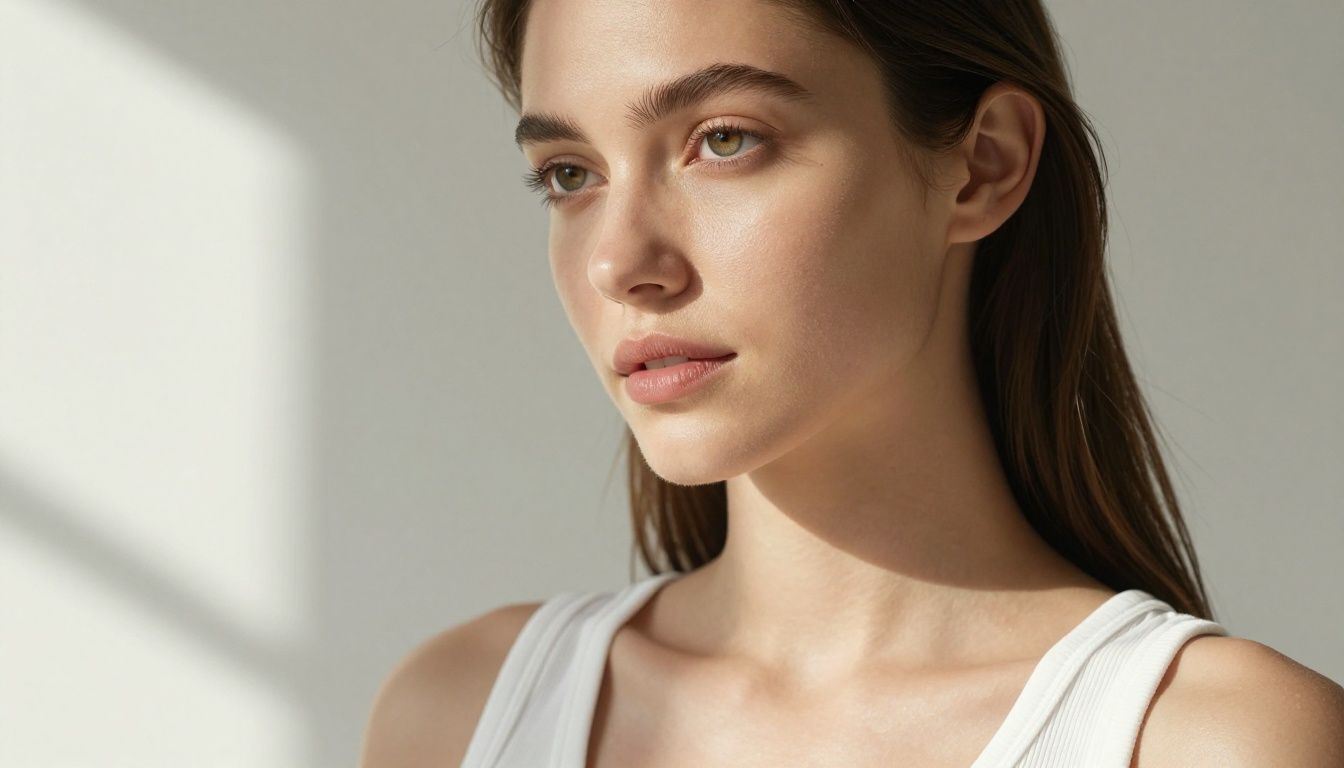
Young woman with natural curly hair, minimal makeup, white studio backdrop, large softbox light from left, slight shadow across cheek, Canon 85mm f/1.8, Kodak Portra 400, photorealistic, 8K
2. Lifestyle Scene
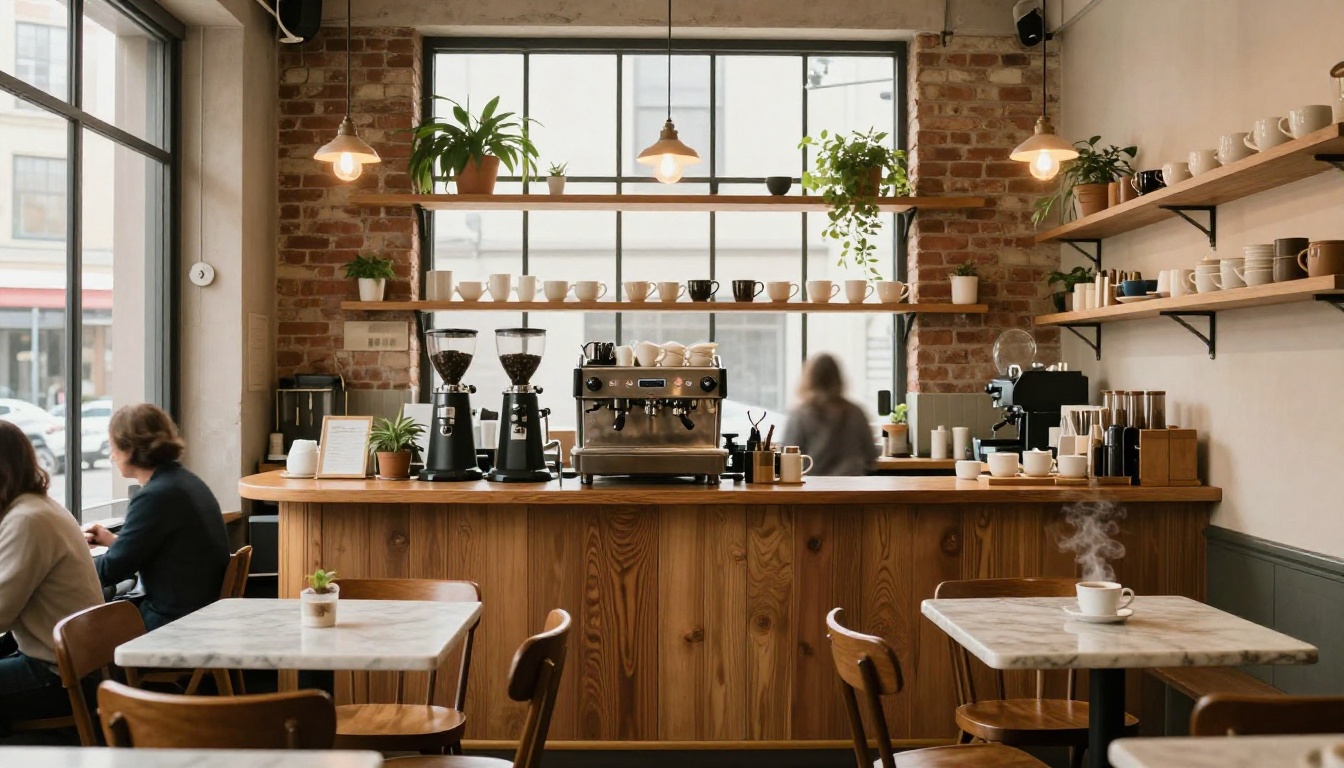
Woman reading a book in a sunlit cafe window seat, morning light, steam rising from coffee cup, shallow depth of field, 50mm lens, warm tones, Fuji Pro 400H, photorealistic
3. Fashion
Full-length shot of a model in a structured navy blazer and white trousers on a city sidewalk, overcast diffused daylight, Sony 70-200mm at 135mm, editorial fashion photography, photorealistic, 8K RAW
4. Landscape
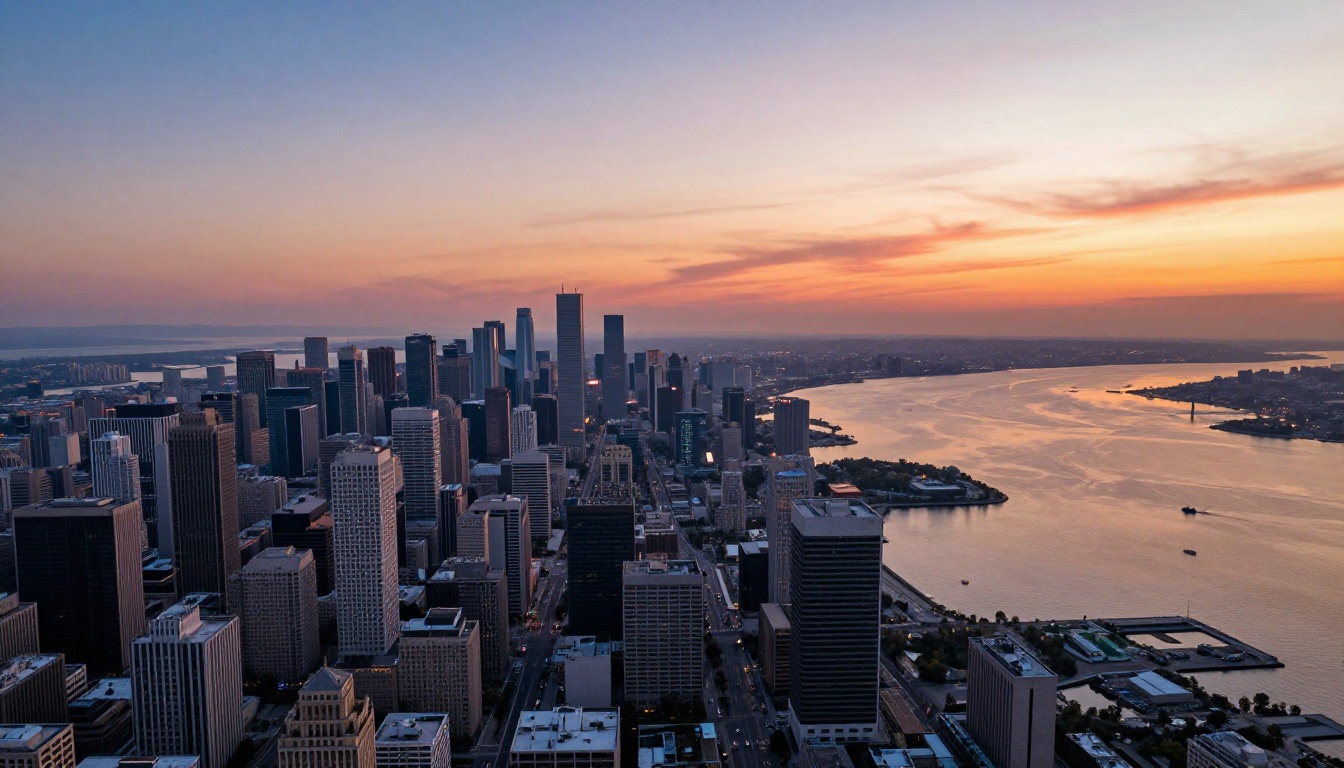
Aerial view of a coastal town at dusk, orange sky reflected on calm harbor water, warm ambient light, DJI drone shot from 400 meters, wide angle, photorealistic, ultra-detailed, 8K
5. Product Photography
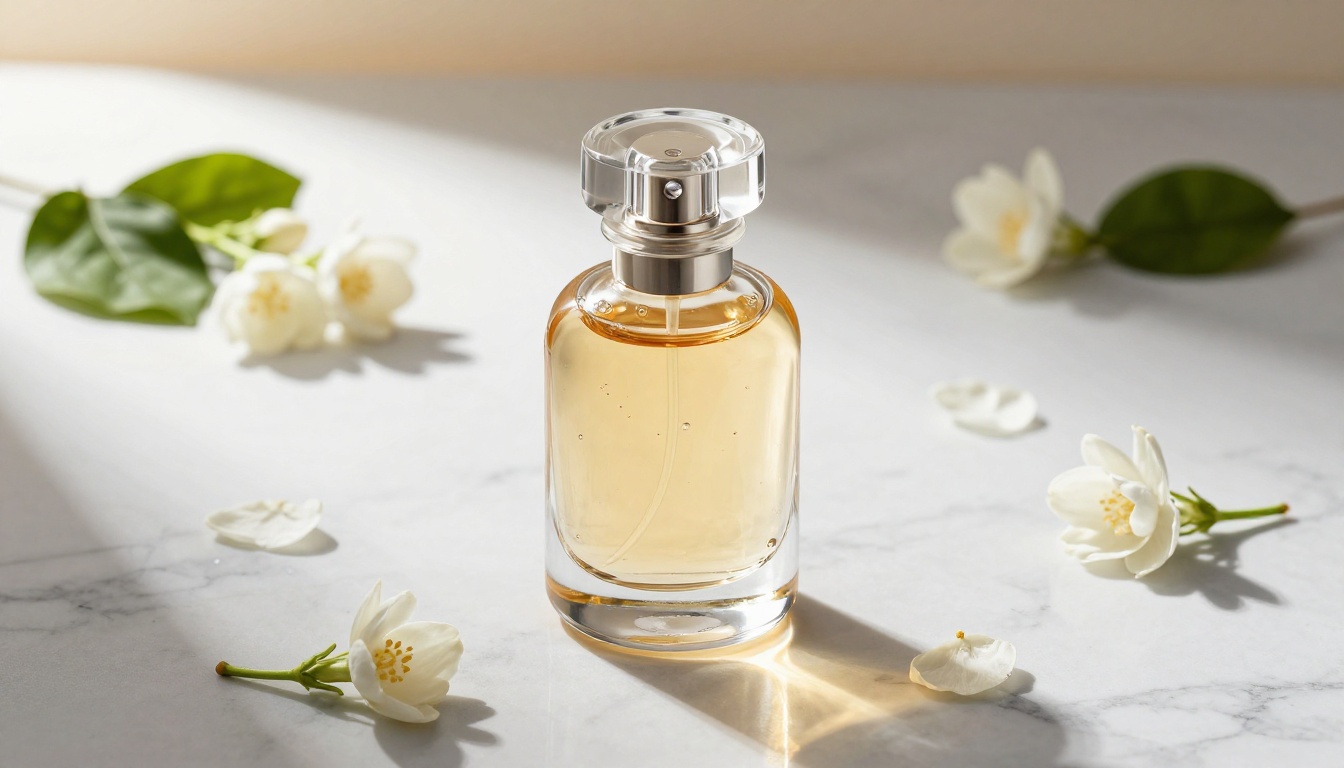
Luxury glass skincare serum bottle on white marble surface with scattered rose petals, directional studio light from upper-left, Phase One camera 120mm macro, photorealistic, 8K, no CGI
Seedream 5 Lite vs Other Seedream Versions
Side-by-Side Comparison
All Seedream models are available on PicassoIA. Here's how they stack up:
The jump from Seedream 4.5 to Seedream 5 Lite is meaningful in two ways: generation speed and handling of human subjects. Skin texture, facial symmetry, and natural expression rendering all improved noticeably. If your work involves portraits or people in any capacity, Seedream 5 Lite is the version worth using.
💡 Tip: Use Seedream 5 Lite for rapid prototyping and iteration. If a concept produces excellent results in Lite, test the same prompt in the full Seedream 5 to see whether the quality increase justifies the longer generation time for your final output.
3 Common Mistakes Beginners Make
Vague Prompts Kill Quality
The most common beginner mistake is writing minimal prompts and expecting the model to fill in the gaps creatively. AI image models don't improvise well without direction. "A beautiful landscape" gives the model almost nothing to work with. "Rolling green hills at golden hour, morning mist in the valleys, volumetric light from the right, Sony wide-angle 16mm, Kodak Ektar 100, 8K photorealistic" gives it everything.
Every element you specify is one less element left to chance. This is especially true with Seedream 5 Lite, which responds proportionally to prompt specificity.
Ignoring Aspect Ratio Settings
The default aspect ratio on most platforms is 1:1. For portrait photography and fashion, 9:16 produces more natural compositions. For landscape, architecture, and atmospheric scenes, 16:9 or 3:2 gives the image room to breathe. Using the wrong aspect ratio for your subject forces the model into awkward cropping decisions that reduce output quality.
Set the aspect ratio before you write the prompt, and write the prompt with that format in mind.
Not Iterating Enough
A single generation is rarely the best result the model can produce for your prompt. The model has randomness built in, and the difference between two outputs from the same prompt can be significant. Generate at least three to five variations before concluding that a prompt doesn't work. Often the fourth or fifth output is the one worth keeping.
What to Create with Seedream 5 Lite
Portrait Photography
Seedream 5 Lite excels at photorealistic portrait work. The model handles skin texture, eye detail, and facial lighting with a level of accuracy that makes the outputs usable for editorial and commercial contexts. Portrait prompts with specific lighting direction, lens choice, and film stock references consistently produce the strongest results.
For beauty and portrait work, the combination of a tight focal length reference (85mm, 105mm) and a specific film stock (Kodak Portra 400, Fuji Pro 400H) reliably pushes Seedream 5 Lite toward the editorial aesthetic that makes AI portraits look less artificial and more like they came from a real shoot.
Lifestyle and Fashion
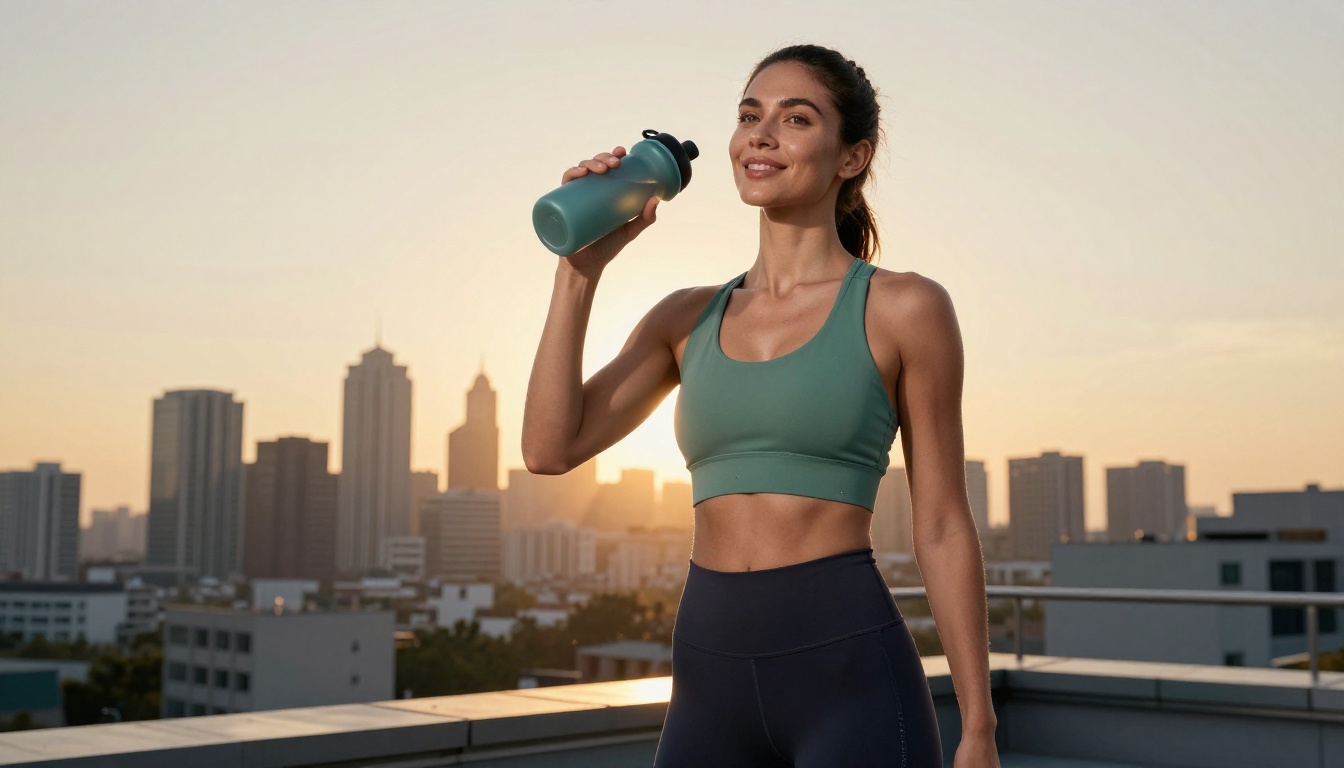
Fashion and lifestyle content is where Seedream 5 Lite shows how much it improved over Seedream 4.5. Fabric texture, natural body movement, and environmental interaction, including wind, water, and light, all render with noticeably higher accuracy. Full-body shots with clothing detail benefit from specifying camera distance (full-length, three-quarter) and lighting setup explicitly.
Product Mockups
Product photography is one of the most practical applications for Seedream 5 Lite in a commercial context. Cosmetics, accessories, food, and packaging all photograph well when the prompt structure includes surface material (marble, oak, linen), light direction, and camera specifics.
Brands and freelancers use this kind of output for mood boards, concept pitches, and social media content before committing to full production shoots. The time and cost savings are significant, and the quality from Seedream 5 Lite holds up at the sizes required for most digital placements.
Landscape and Architecture
For expansive scenes, Seedream 5 Lite handles atmospheric depth and light distribution well. Aerial perspectives, golden hour scenes, and architecture with interesting light conditions produce strong results when the prompt specifies camera height, atmospheric conditions, and time of day.
The model's handling of large-scale environmental scenes improved significantly over Seedream 3 and Seedream 4. Atmospheric haze, reflections, and the interaction of light across a wide scene all render with more accuracy and fewer artifacts.
Try It Yourself on PicassoIA
The fastest way to see what Seedream 5 Lite can do is to use it. PicassoIA gives you access to the model alongside the full Seedream family, including Seedream 3, Seedream 4, and Seedream 4.5, so you can test the same prompt across versions and see the difference firsthand.
Pick one of the prompt examples from this article, paste it into the Seedream 5 Lite model page, adjust the aspect ratio for your subject, and generate. Then change one element of the prompt and generate again. That iterative habit, adjusting one variable at a time, is how you build intuition for what the model responds to.
PicassoIA also gives you access to super-resolution tools to upscale your best outputs, background removal for isolating subjects for product or social use, and a library of over 90 additional text-to-image models when you want to experiment with different aesthetics. Everything you need to build a real AI image workflow is in one place.
Start with one good prompt. See what comes back. Then make it better.