GPT Image 1.5 changed the conversation around AI image generation the moment it shipped. Not because of its resolution or prompt adherence, but because OpenAI quietly introduced a tiered content moderation system that gives operators the ability to adjust what the model will and will not produce. For anyone working in creative, fashion, beauty, or adult-adjacent content, this shift matters. Here is everything you actually need to know about GPT Image 1.5's NSFW mode, from how the filter levels work to how to write prompts that produce results.
What GPT Image 1.5 Actually Is
GPT Image 1.5 is OpenAI's latest multimodal image generation model, built on the same architecture as GPT-4o but specifically trained and fine-tuned for high-fidelity visual output. It replaces DALL-E 3 as the primary image generation backend in OpenAI's product stack and represents a significant technical leap in photorealism, prompt understanding, and contextual awareness.
The Model Behind the Results
Unlike earlier diffusion-based models, GPT Image 1.5 operates as a native multimodal model. It does not generate images by denoising latent space. Instead, it produces pixels directly as part of a generative sequence, which is why it handles text, complex compositions, and fine details better than almost any competing model.
The results speak for themselves: skin textures at the pore level, fabric weaves that catch light correctly, hair strands rendered individually. When you push GPT Image 1.5 toward photorealistic portrait work, the output is often indistinguishable from a professional photograph.
Why Content Policy Matters Here
Every major image generation model ships with a content policy. What makes GPT Image 1.5 different is the operator-level customization. OpenAI allows API customers to specify their platform's content requirements, and GPT Image 1.5 responds to those specifications at inference time. This means the same model can produce conservative outputs on one platform and significantly more permissive outputs on another, all within the bounds of OpenAI's terms of service.
💡 Important: NSFW mode is an operator-level setting. End users do not toggle it themselves. The platform you use determines what the model will generate.
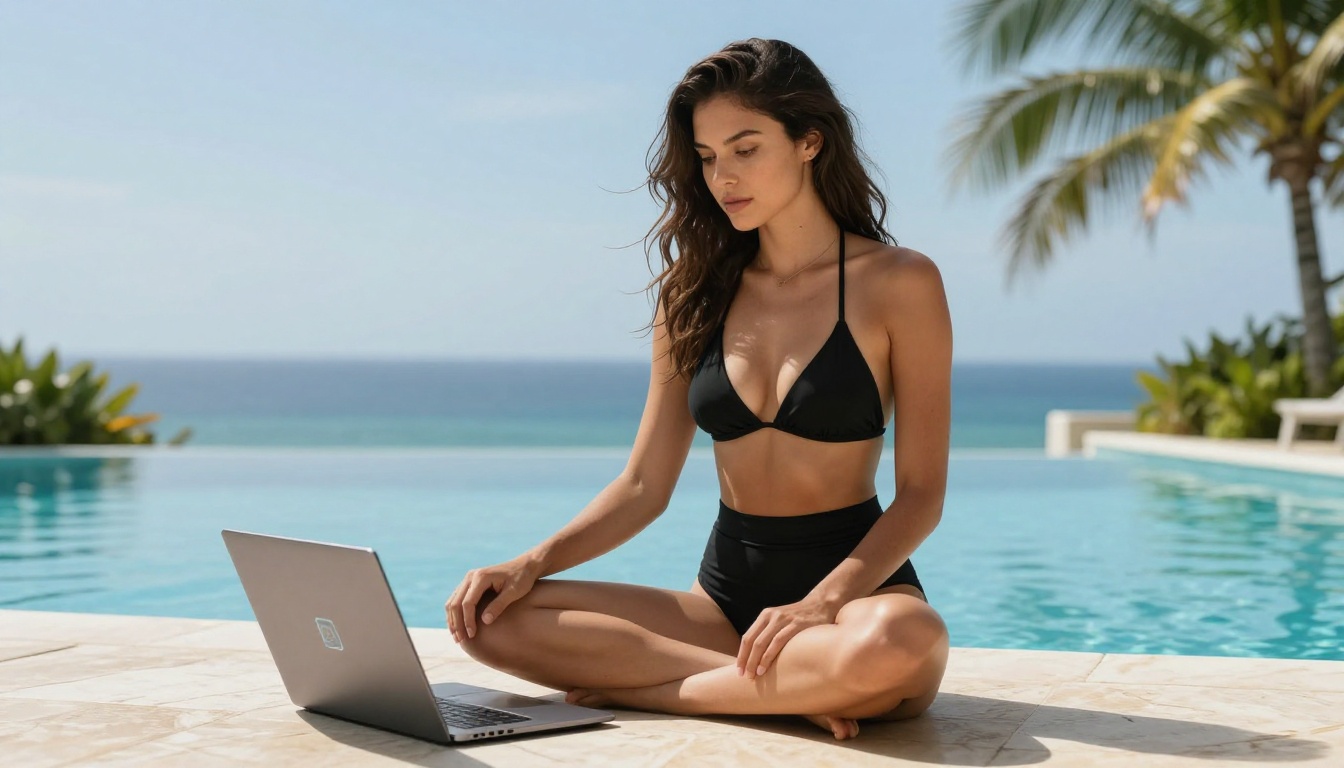
The NSFW Settings Breakdown
OpenAI defines three tiers of content moderation for GPT Image 1.5. Understanding these tiers is the difference between knowing what to expect from a platform and being confused when your prompt gets rejected.
Three Filter Levels
| Level | Name | Typical Use Case |
|---|
| 1 | Low | Conservative defaults, family-friendly platforms |
| 2 | Medium | General creative work, fashion, beauty, fine art |
| 3 | High | Adult content platforms with verified age-gating |
These levels are not arbitrary. They map directly to the types of content that operators are legally permitted to serve based on their audience verification, jurisdiction, and platform terms.
What Each Level Allows
Level 1 (Low permissiveness) is the default for most public-facing deployments. At this level, the model avoids generating content that includes visible skin above swimwear coverage, suggestive poses, or romantic or intimate scenarios. Think stock photography, corporate imagery, family content.
Level 2 (Medium permissiveness) is where most creative platforms operate. At this level, GPT Image 1.5 will generate fashion photography, swimwear, lingerie in editorial contexts, implied nudity where the subject is clearly nude but nothing explicit is shown, and suggestive but non-explicit scenarios. Most glamour, beauty, and lifestyle imagery falls squarely here.
Level 3 (High permissiveness) is reserved for platforms with explicit adult content licensing and user age verification. At this level, the model generates explicit adult content within the bounds of OpenAI's absolute limits, which remain non-negotiable regardless of operator settings.
💡 For most creators, Level 2 is the sweet spot. It covers everything from editorial swimwear to artistic implied nudity, which is the range where GPT Image 1.5's photorealism truly shines.
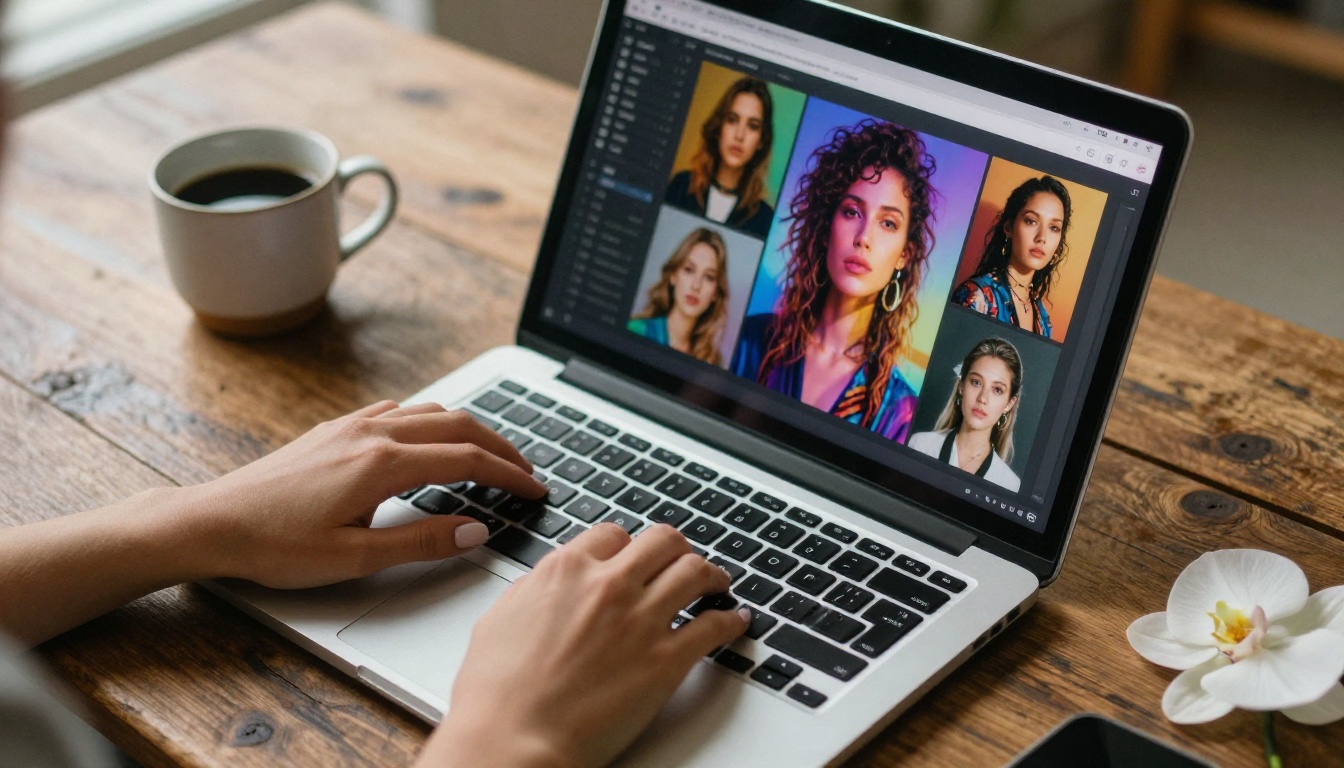
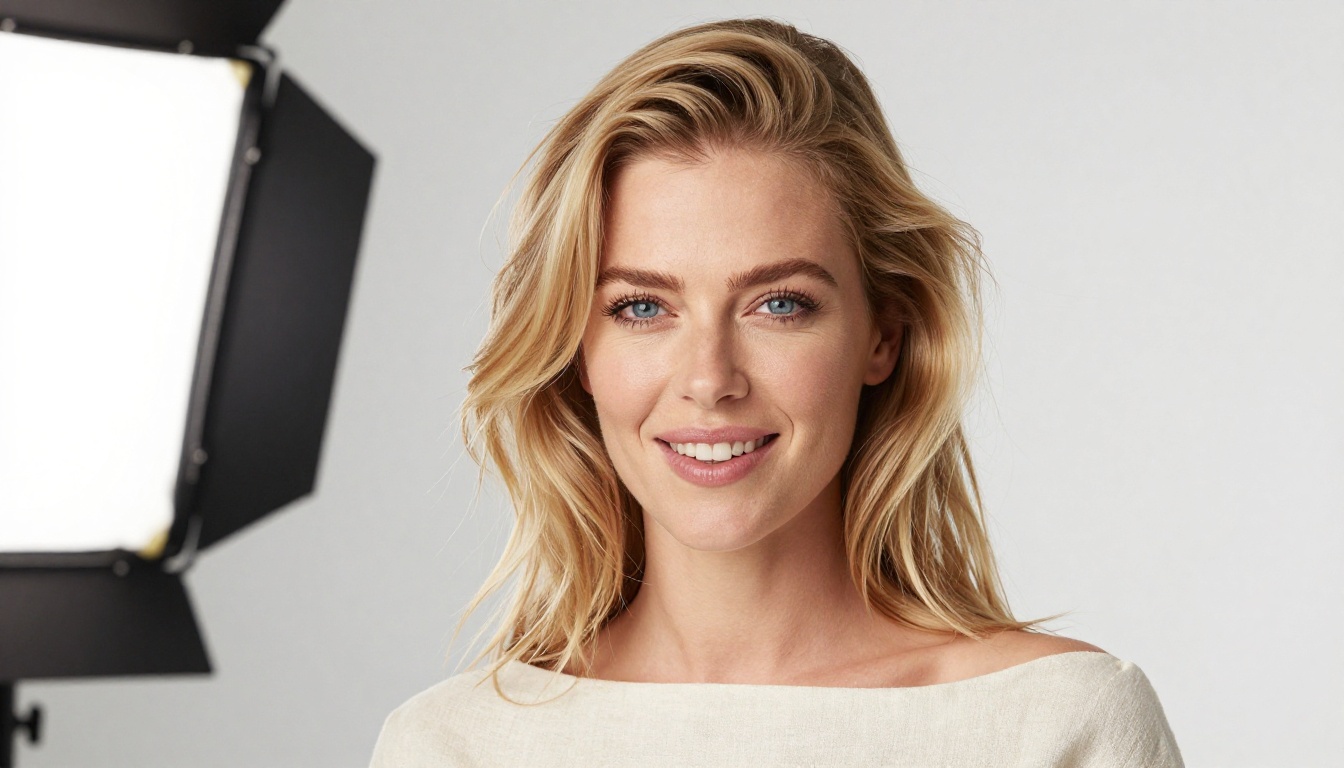
What You Can Create in Permissive Mode
The creative space at medium-to-high permissiveness is substantial. Here is where most users find real value in the model.
Glamour, Fashion, and Beauty Work
At Level 2, GPT Image 1.5 excels at:
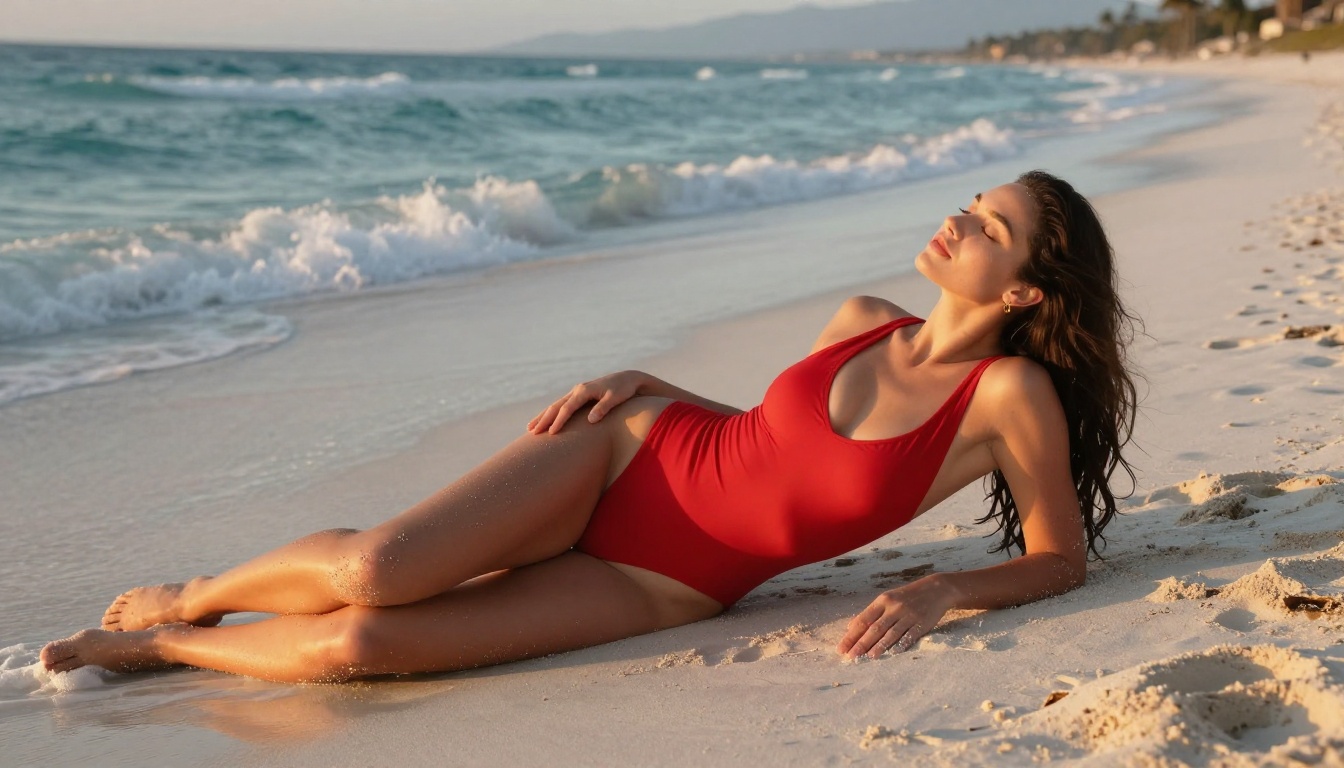
- Editorial swimwear photography: Photorealistic results with accurate fabric physics, water droplets, and natural beach lighting
- Lingerie campaigns: Fashion-forward imagery with the production value of a professional shoot
- Beauty and skincare campaigns: Close-up skin texture work that would cost significant studio time to replicate photographically
- Fitness and athletic photography: Body-forward imagery for sports brands, wellness platforms, and health content
The model's ability to handle lighting in these scenarios is particularly impressive. Ask for golden hour beach photography, and it will correctly simulate how sunlight interacts with wet skin, sand, and water. Ask for studio beauty lighting, and you get a technically accurate Rembrandt or octabox setup that any working photographer would recognize.
Artistic and Suggestive Content
Beyond commercial applications, GPT Image 1.5 handles artistic content with genuine nuance:
- Implied nudity: Classical art-style compositions where the subject's nudity is clear but nothing explicit is visible
- Boudoir photography: Intimate, private-feeling imagery with soft natural light and careful composition
- Figure studies: Artist reference material for life drawing, character design, and anatomy study
Prompt Writing That Gets Results
GPT Image 1.5 is not a pure diffusion model, and prompting it requires different thinking than models like Flux Dev or Stable Diffusion 3.5 Large. It responds to natural language more fluidly and needs less technical syntax, but it is also more sensitive to tone and framing.
Words and Phrases That Work
For suggestive or mature content at Level 2, the model responds well to:
- Descriptive, compositional framing: "a woman in a sheer white sundress standing in a backlit doorway"
- Photographic context: "editorial fashion photography, natural light, film grain"
- Artistic reference: "in the style of a 1990s fashion editorial, Helmut Newton aesthetic"
- Environmental specificity: "on a marble terrace, late afternoon light, infinity pool in background"
The model wants to understand the scene, not just the subject. The more clearly you describe the environment, lighting conditions, and photographic parameters, the better the output quality.
What Triggers Refusals
At Level 2, the model will refuse:
- Explicit sexual descriptions using clinical or slang terminology
- Prompts that describe minors in any suggestive context (absolute limit at all levels)
- Content that describes non-consensual scenarios
- Attempts to use coded language to bypass filters
The model is trained to understand intent, not just keywords. Attempting to circumvent restrictions through euphemism or indirect language often produces worse creative results and may still trigger refusals.
💡 Best practice: Write the prompt you would use for a professional fashion photographer brief. If it reads like a legitimate creative direction, it will likely produce great results. If it reads like an attempt to work around safety systems, it will not.
How to Use GPT Image 1.5 on PicassoIA
GPT Image 1.5 is available directly on PicassoIA. No API key required, no technical setup, no per-generation billing overhead. You access the model through PicassoIA's generation interface and the platform handles the operator-level configuration for you.
Step-by-Step to Your First Image
- Go to the GPT Image 1.5 model page at PicassoIA using the link above.
- Write your prompt in the text field. Use natural, descriptive language. Include lighting conditions, camera angle, environment, and subject description.
- Select your aspect ratio. For portrait and fashion work, 9:16 is typically ideal. For landscape scenes and wide editorial shots, 16:9.
- Set quality level if the option is available. Higher quality settings produce more detail at the cost of slightly longer generation time.
- Generate and review. GPT Image 1.5 usually produces strong results on the first attempt with well-structured prompts. If adjustment is needed, tweak the lighting description or composition framing first before changing anything else.
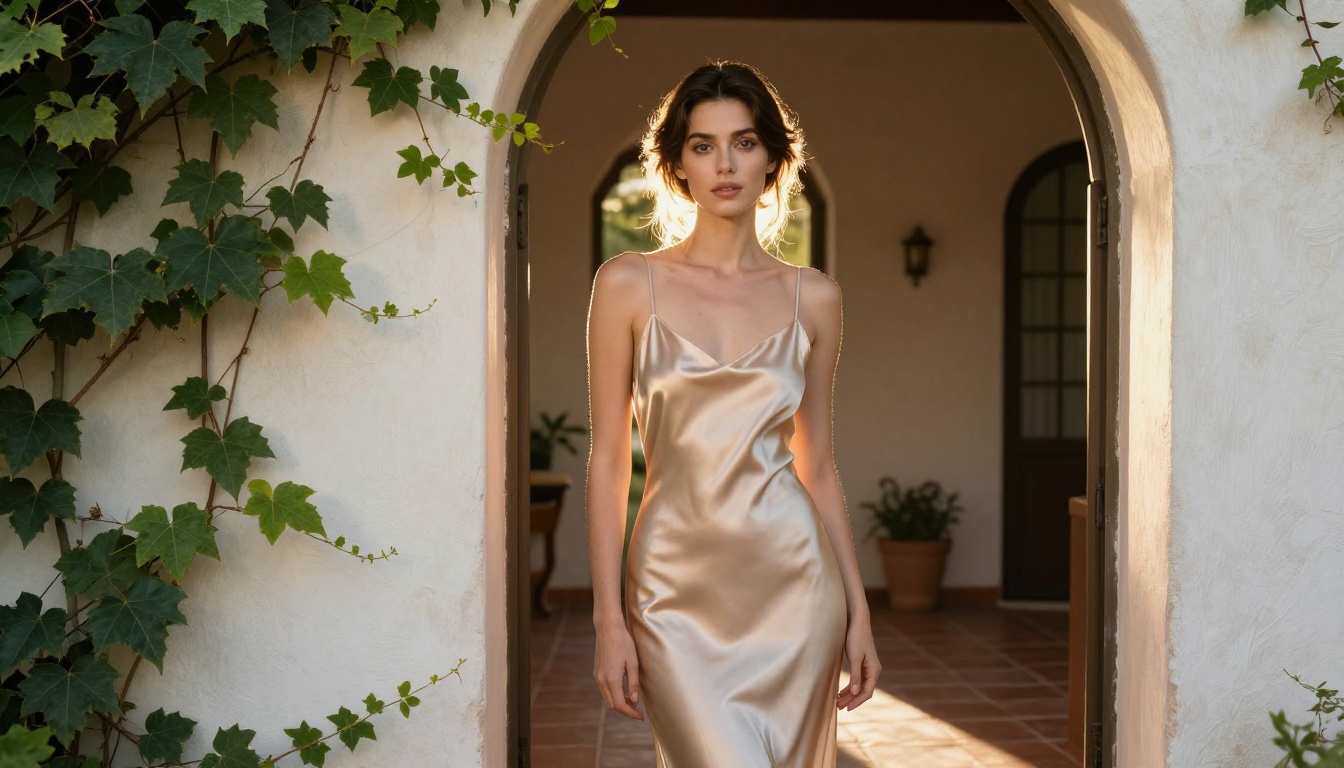
Parameter Tips for Better Outputs
| Parameter | Recommendation |
|---|
| Prompt length | 60-120 words performs best. Too short loses detail, too long dilutes focus. |
| Lighting specification | Always name the light source: golden hour, octabox, window light, overcast diffusion. |
| Camera details | Specify focal length (85mm for portraits, 35mm for environmental) and aperture for depth of field. |
| Film reference | Adding "Kodak Portra 400 film emulation" or "Fujifilm Pro 400H" pushes the model toward warmer, more organic tones. |
| Negative framing | Avoid negative prompts like "not X" as the model handles exclusion poorly. Describe what you want instead. |
Models Worth Comparing
GPT Image 1.5 is exceptional but not the only option for this type of work. PicassoIA has a catalog of over 91 text-to-image models, and several are worth knowing if you want to diversify your outputs or work with different aesthetics.
For Ultra-Realism
Flux 1.1 Pro Ultra from Black Forest Labs is the strongest direct competitor to GPT Image 1.5 for photorealistic outputs. It handles skin texture and natural lighting with similar fidelity and is particularly strong on complex multi-figure compositions.
Realistic Vision v5.1 is a fine-tuned model specifically optimized for photorealistic human subjects. It produces softer, more cinematic results than GPT Image 1.5 and handles close-up portrait work with beautiful organic quality.
Flux 2 Pro sits at the top of the Flux 2 family for quality, delivering extremely detailed, high-fidelity outputs that rival GPT Image 1.5 in many scenarios.
For Artistic Flexibility
SDXL by Stability AI remains one of the most versatile base models on the platform. It handles a wider range of artistic styles than GPT Image 1.5 and allows more creative interpretation of ambiguous prompts.
Ideogram v3 Quality is ideal when your output needs text elements or graphic design integration alongside photorealistic imagery. Its typography rendering is best-in-class among models currently available on the platform.
GPT Image 1.5 vs. Alternatives
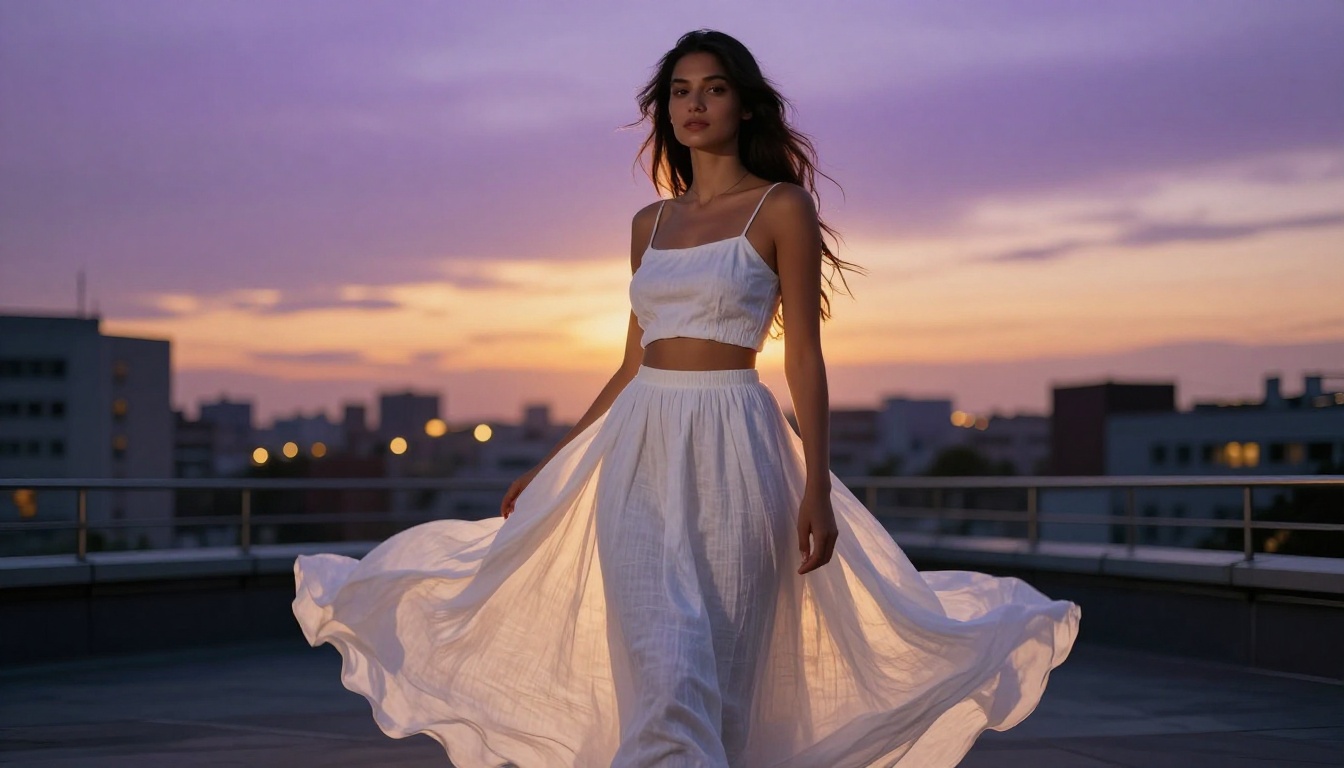
Here is how the top models on PicassoIA compare for NSFW and mature creative content:
The Real Limits You Should Know
What It Will Never Generate
Regardless of operator-level settings, GPT Image 1.5 maintains hard limits that cannot be overridden by any platform or prompt:
- No minors in sexual contexts: Absolute. No exceptions. No workarounds at any access level.
- No non-consensual scenarios: The model refuses to produce content that depicts or implies non-consent.
- No real person harm: The model will not generate realistic-looking imagery designed to harm, defame, or non-consensually sexualize a real identifiable individual.
These limits are baked into the model weights, not enforced only at the API layer. You cannot prompt or engineer your way past them.
API Access vs. Platform Access
If you are accessing GPT Image 1.5 through the OpenAI API directly, the default content moderation level is Low (Level 1). To access higher permissiveness levels, you need to apply for expanded access through OpenAI's operator program, which includes verification and policy agreement.
If you are using GPT Image 1.5 through PicassoIA, the platform has already handled the operator-level configuration. You benefit from the platform's access tier without managing API keys or compliance paperwork yourself.
💡 For most creators, using a platform that has already integrated GPT Image 1.5 with appropriate permissions is significantly easier than managing direct API access. The results are identical because it is the same model.
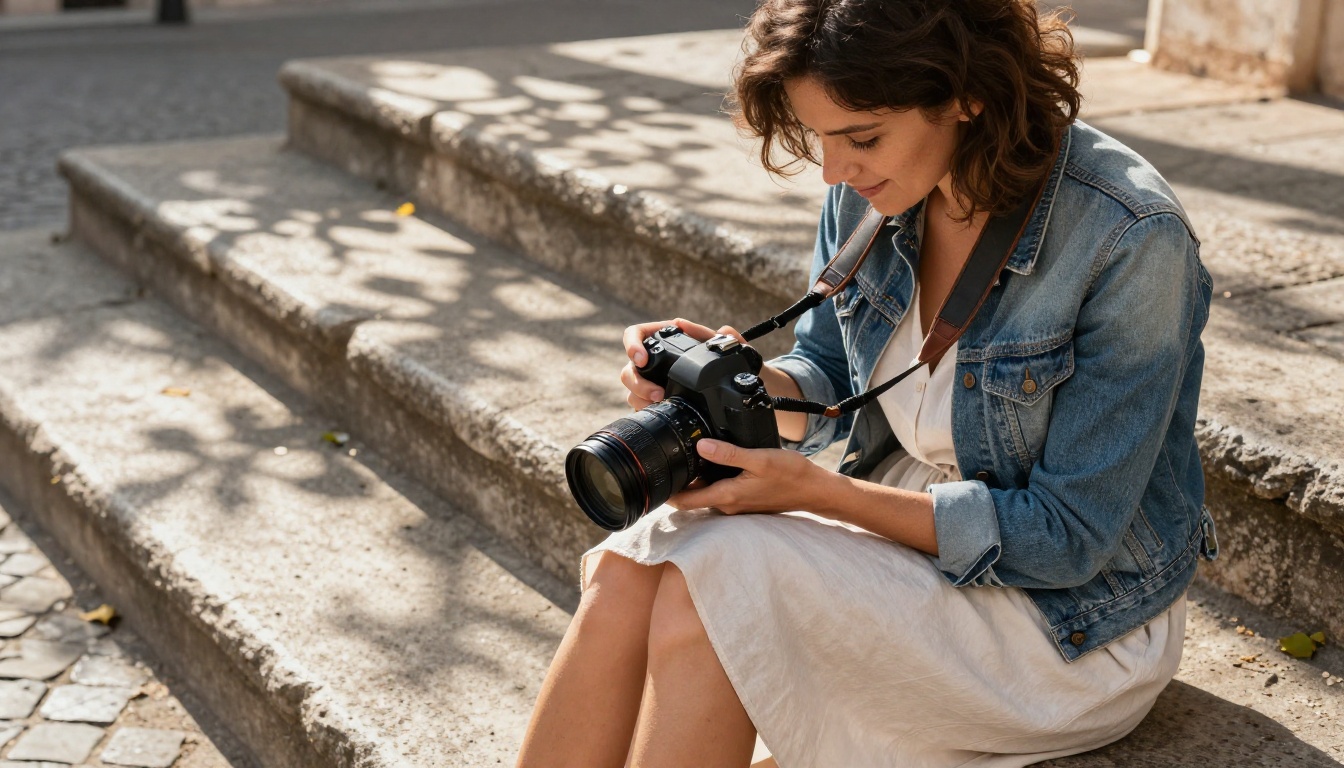
Make Your First GPT Image 1.5 Creation
GPT Image 1.5's tiered content system is genuinely well-designed. It does not censor creative work arbitrarily. It gives platforms and operators control over what their audience sees, and it gives creators enough room to produce professional-grade glamour, fashion, beauty, and artistic content without fighting the model at every step.
The best way to understand what GPT Image 1.5 can do is to use it. Head to GPT Image 1.5 on PicassoIA and start with a scene you know well photographically. Describe the light source, the lens, the environment, and the subject with the same specificity you would give a real photographer. You will be surprised how close to an actual photograph the output lands on the first attempt.
If you want even more control over your outputs, PicassoIA also offers Flux 2 Pro, Realistic Vision v5.1, and over 88 other text-to-image models in the same interface. Test them side by side. Find the one that matches your creative vision. The p-image model is also a fast and capable option for quick iterations before committing to a final high-quality generation with GPT Image 1.5.
Whatever your project, the tools are ready. Now it is your turn.


