Free access to a genuinely good AI image generator is rarer than it sounds. Most tools tease you with watermarked outputs or cap your daily generations behind a paywall before you've had a chance to see what they can actually do. Grok Imagine Image is different. Built by xAI and integrated into the X (formerly Twitter) platform, it hands you real photorealistic generation power without asking for a credit card first. This article breaks down exactly what it does, how to get results from it, and where to push beyond its limits when you need more.
What Grok Imagine Actually Does
Grok Imagine Image is xAI's text-to-image system, accessible directly through the Grok chatbot on X. You type a description, and within seconds it returns a photorealistic image that matches what you asked for. That's the whole transaction. No complex settings, no model selection menus, no prompt syntax to memorize.
What makes it notable is the quality floor. Even simple prompts produce images with convincing lighting, coherent composition, and believable textures. The output doesn't look "AI" in the obvious way that early generators did. Skin looks like skin. Fabric folds correctly. Backgrounds hold spatial logic.
Free Access, Real Results
The free tier on X gives you a fixed number of Grok image generations per day. Premium X subscribers get more. Either way, you're working with the same underlying model. The limitation is quantity, not quality, which is an important distinction. You're not getting a downgraded version of the tool just because you haven't paid.
For casual use, portrait work, social media content, or product concept sketching, the free daily limit is enough to produce something genuinely useful. It's not a trial. It's a working creative tool.
What Kinds of Images It Produces
Grok Imagine Image handles a wide range of subjects well:
- Portraits: Detailed, natural-looking faces with accurate lighting and expression
- Landscapes: Wide establishing shots with atmosphere and depth
- Lifestyle and fashion: Clothing, textures, and environmental context rendered realistically
- Architecture and interiors: Rooms, buildings, and spaces with accurate perspective
- Product concepts: Object photography with controlled lighting conditions
It's weaker on complex multi-character scenes and precise text rendering inside images. These are common limitations across most AI image generators.
How Grok Image Compares to the Rest
The free AI image generation space has gotten crowded. Positioning Grok Imagine Image correctly means knowing what else is out there and where each tool has its edges.
The Quality Difference
Grok sits comfortably in the top tier of free image generators, alongside tools like Flux Schnell and Stable Diffusion 3.5 Large. Its photorealism is strong, and its handling of human subjects is noticeably better than older open-source models. The images feel intentional, not accidental.
Where it differs from premium options like Flux 1.1 Pro or GPT Image 1.5 is in fine-detail control. The paid models give you more consistent responses to complex, layered prompts. Grok performs excellently on well-structured prompts but can simplify a request if it's too dense.
Grok vs the Competition
| Tool | Free Tier | Best For | Output Style |
|---|
| Grok Imagine Image | Yes (daily limit) | Portraits, lifestyle, quick concepts | Photorealistic |
| Flux Schnell | Yes | Speed, iteration | Clean, detailed |
| Stable Diffusion 3.5 Large | Yes (via platforms) | Fine art, detailed compositions | Versatile |
| Ideogram v3 Quality | Limited | Text in images, typography | Crisp, graphic |
| GPT Image 1.5 | Paid only | Complex scene accuracy | Photorealistic |
| Flux 1.1 Pro | Paid only | High-detail work | Ultra-realistic |
💡 For free daily creation, Grok Imagine Image consistently delivers some of the best photorealistic output without requiring a subscription.

How to Use Grok Imagine Image on PicassoIA
Grok Imagine Image is available directly on PicassoIA, meaning you can access the model in a dedicated interface without needing an X Premium subscription. Here's exactly how to use it.
Step 1: Open the Model
Head to Grok Imagine Image on PicassoIA. You'll land on a clean generation interface with a text prompt field and output settings. No account setup required to start experimenting.
Step 2: Write Your Prompt
The model responds best to descriptive, scene-based prompts. Describe what you want to see as if you're briefing a photographer. Include:
- Subject: Who or what is in the image
- Setting: Where the scene takes place
- Lighting: Time of day, direction, quality of light
- Mood: The emotional tone of the image
- Camera detail (optional but effective): lens type, depth of field, angle
Example: "A woman in her late twenties sitting at a sunlit Paris café table, reading a worn paperback, morning golden light from the left, shot with 50mm lens, shallow depth of field, Kodak film grain"
Step 3: Generate and Iterate
Click generate and review the output. If the image is close but not right, adjust specific details in your prompt rather than rewriting everything. Small changes produce cleaner iteration than starting over. Swap one variable at a time: change the lighting, or the subject's position, or the background, never all three at once.
Pro Tips for Better Results
💡 Lighting is your most powerful variable. Describing lighting direction and quality has the largest single impact on photorealism. "Soft morning light from the left" produces a dramatically different image than "harsh midday overhead sun."
- Use real photography references in your language: "Kodak Portra 400," "85mm f/1.4," "Rembrandt lighting"
- Specify skin texture, fabric type, and surface materials for portrait and product shots
- Avoid vague aesthetic words like "beautiful" or "stunning" and instead describe what makes something beautiful in your specific scene
- For outdoor scenes, describe the weather, time of day, and horizon condition explicitly
Types of Photos You Can Create
The range of what Grok Imagine Image can produce is genuinely broad. The model's photorealistic output makes it practical for real-world creative use cases.
Portraits and People
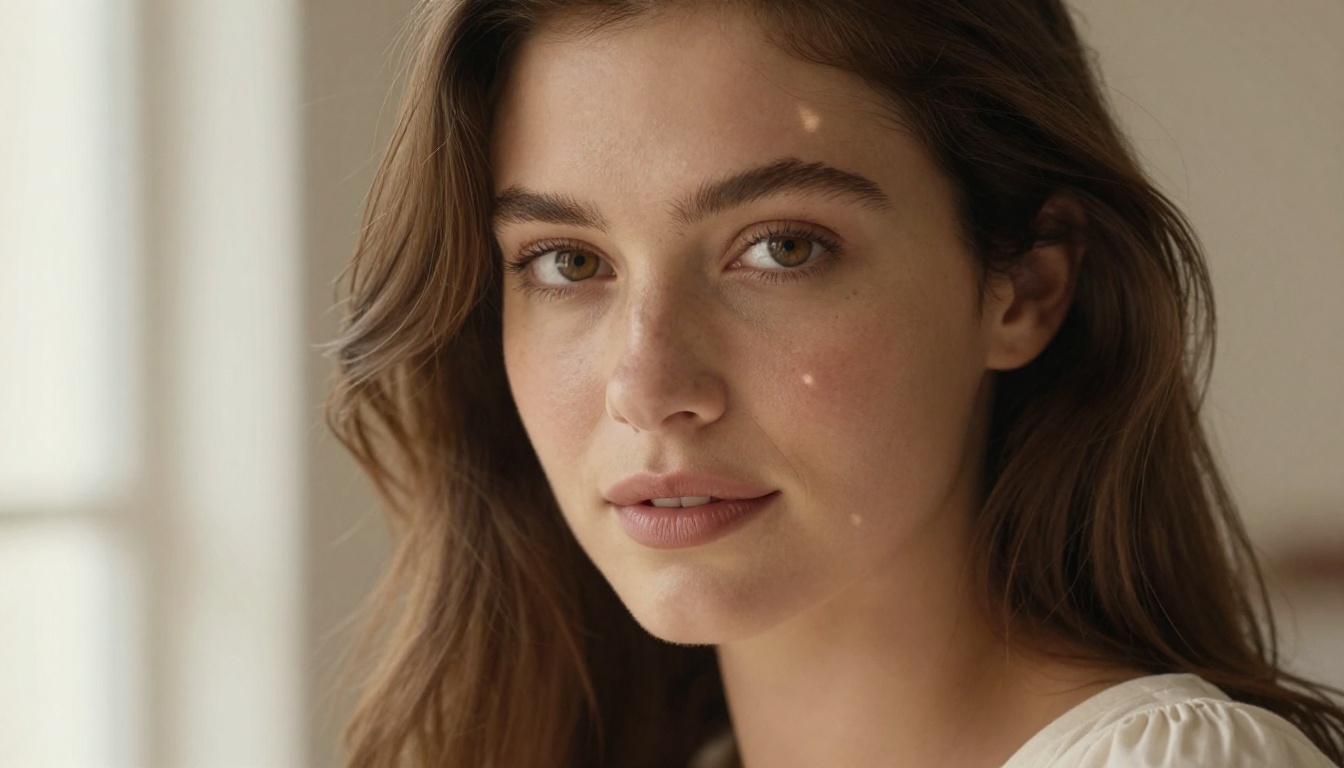
Portrait work is where Grok Imagine Image shines most consistently. The model handles:
- Natural facial expressions without the uncanny valley flatness seen in older models
- Accurate skin texture with pore detail, natural color variation, and subsurface light scattering
- Clothing that drapes and folds naturally on a body in three-dimensional space
- Eye detail with iris texture, catchlights, and appropriate moisture
For portrait work, pair Grok Imagine Image with Realistic Vision v5.1 when you want an alternative that specializes in hyperrealistic human subjects.
Landscapes and Scenery
Natural environments are reliably strong. The model handles atmospheric perspective, natural color gradients in skies, water surface reflections, and the way light behaves differently in forests versus open plains versus coastal settings.
Effective landscape prompts include:
- The season and specific weather condition
- Time of day with precise light quality ("golden hour," "overcast flat light," "blue hour")
- A specific focal element in the foreground
- Distance reference points to establish spatial depth
Fashion and Lifestyle
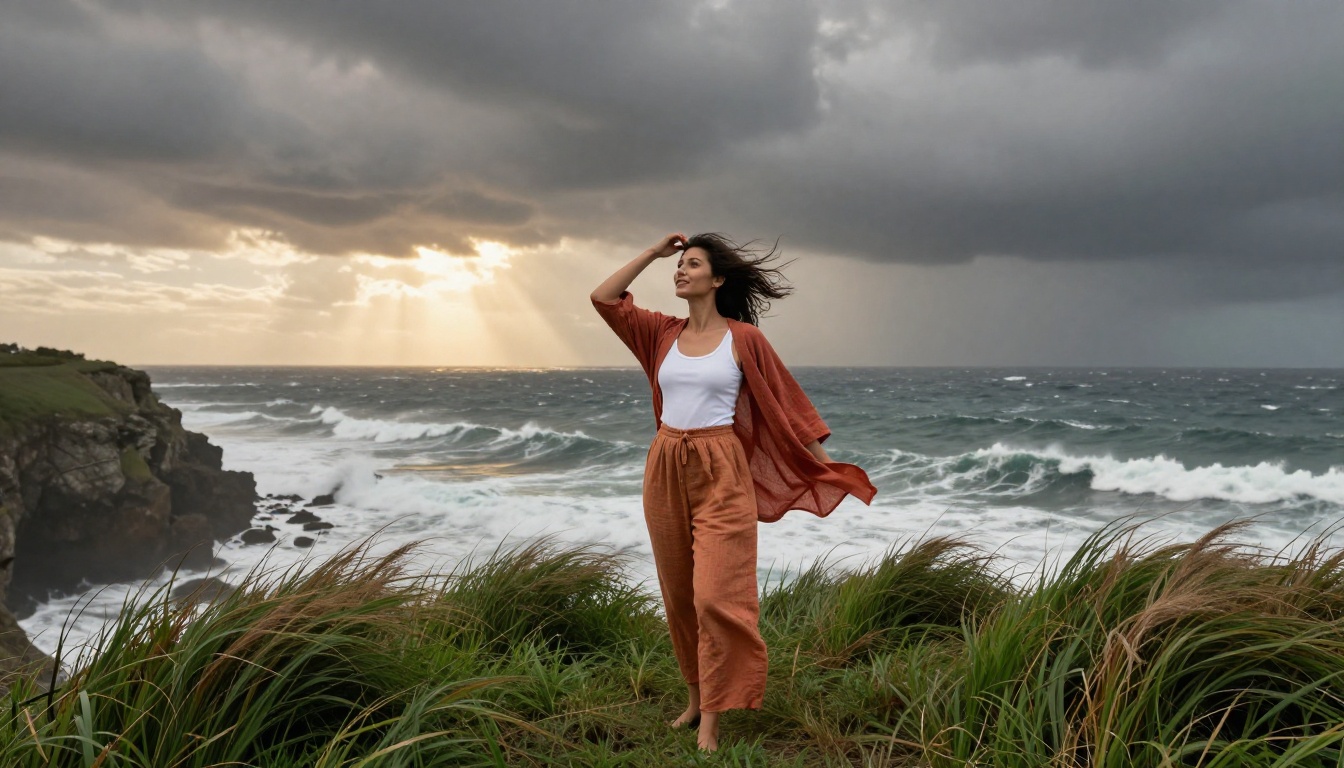
Grok Imagine Image produces commercially viable fashion and lifestyle content. Clothing renders with fabric-accurate texture, and lifestyle scenes carry genuine environmental believability. A woman in a linen dress at a Mediterranean terrace café looks like it was shot on location, not generated from a text box.
For brand or product-adjacent use, consider complementing Grok's output with Flux 2 Pro for images requiring tighter prompt adherence and finer detail control.

Writing Prompts That Actually Work
The difference between a mediocre Grok output and a stunning one is almost entirely in the prompt. This section is about writing prompts that predictably produce high-quality results.
The Anatomy of a Good Prompt
A well-built prompt has these layers:
- Scene foundation: Subject + location + action
- Light description: Direction, quality, time of day, color temperature
- Camera specification: Focal length, aperture, angle of view
- Atmosphere and texture: Materials, weather, emotional tone
- Film/style reference: A film stock, photography style, or color profile
Think of it as briefing a cinematographer rather than describing a painting.
5 Prompt Templates That Deliver
Portrait:
[Age/gender] with [specific physical features], wearing [clothing detail], photographed in [lighting setup], shot with [lens] f/[aperture], [film stock] color, [texture detail], photorealistic 8K
Landscape:
[Location type] at [time of day], [weather condition], [foreground element] in sharp focus, [background atmospheric detail], [camera angle], [color grade reference], photorealistic RAW
Lifestyle:
[Person] in [setting], [action/pose], [environmental details], [lighting from direction], [lens and depth of field], candid, [film emulation], photorealistic
Interior:
[Room type] with [furniture/decor details], [light source type] casting [shadow description], [camera angle], [architectural detail], [color palette], photorealistic architectural photography
Product Concept:
[Object] on [surface material], [surrounding context], [lighting setup from direction], [camera angle], [shallow/deep] depth of field, [color grading], commercial photography
💡 The most common mistake is a prompt that's too short. Two sentences almost never produce a great result. Eight to twelve descriptive phrases usually do.
Other AI Image Models Worth Trying
Once you've worked through your free daily Grok generations, these models on PicassoIA let you keep creating without interruption.
For Photorealism
Flux 1.1 Pro Ultra produces some of the most realistic output currently available. It handles fine skin detail, complex fabric interactions, and atmospheric lighting with exceptional accuracy. The output has a "shot on film" quality that's difficult to distinguish from professional photography.
Realistic Vision v5.1 is purpose-built for photorealistic human subjects. If portrait work is your primary need, this model's consistency with facial features and skin tone makes it a reliable choice.
Imagen 4 from Google brings strong prompt adherence and impressive spatial accuracy, particularly for architectural and product photography.
For Speed and Volume
Flux 2 Dev gives you fast generation without sacrificing the detail quality that makes images actually usable. It's the right choice when you're iterating through prompt variations and need rapid feedback on what's working.
Seedream 4 handles ultra-high resolution output with speed, which makes it well suited for batch creation when you need multiple images across a single project.
💡 Beyond image generation, PicassoIA offers background removal, super resolution upscaling (2x to 4x), face swap, and image-to-video tools that let you extend your AI-generated photos into richer creative work.
What Free Actually Gets You
The word "free" in AI tools usually comes with a catch. With Grok Imagine Image, the catch is the daily generation limit, and that's genuinely the whole catch. The quality isn't degraded, the outputs aren't watermarked, and the model isn't a stripped-down version.
For most personal projects, content creation workflows, and visual prototyping, the free allocation is workable. You can plan your generations, batch your strongest prompts, and get consistently professional-quality images without spending anything.
When you need volume beyond the daily cap, or you want to push into finer detail work or specialized styles, models like Flux 1.1 Pro and GPT Image 1.5 pick up exactly where the free tier leaves off.
Start Creating Your Own Photos
Grok Imagine Image is one of the most capable free tools in AI photography right now, and it's accessible without any friction. Type a prompt, see what it builds, refine the description, and repeat. The curve from first generation to something genuinely impressive is flat, the output ceiling is high, and the daily free allocation is enough to produce real creative work.
PicassoIA puts Grok Imagine Image alongside over 90 other text-to-image models, all in one place. Whether you want to run your concept through Grok first and then compare it against Flux 2 Max, Ideogram v3 Quality, or Imagen 4, you can do it without switching platforms or managing multiple accounts.
The image you've been imagining is one prompt away. Head to Grok Imagine Image on PicassoIA and start generating.


