Two platforms have been dominating conversations in NSFW AI art circles lately: Grok Spicy (xAI's Aurora-powered image generator with its more permissive content settings) and PixelDojo (a dedicated adult AI art platform built specifically for creative freedom). If you've been wondering which one actually delivers better image quality, more realistic skin, sharper detail, and the wider content range, this breakdown cuts straight to it.
What Is Grok Spicy
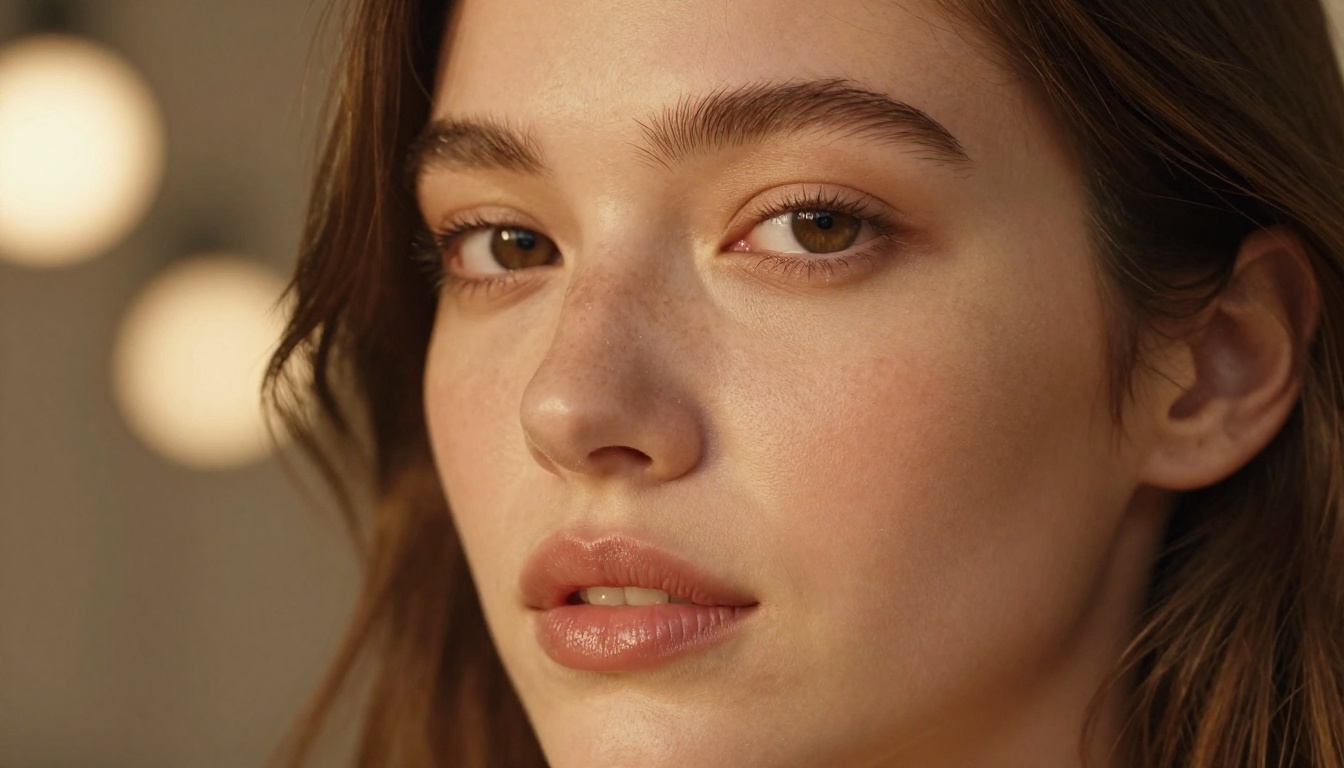
Grok is xAI's chatbot and AI platform, but the image generation side is what gets interesting for NSFW creators. When users refer to "Grok Spicy," they're talking about Grok's Aurora image model running with its content filters loosened. This isn't a separate product but rather a mode that xAI Premium subscribers can access, allowing for more suggestive and mildly explicit image outputs compared to standard AI platforms.
The Aurora model represents xAI's in-house image generation architecture, trained differently from open-source alternatives like Stable Diffusion or Flux. It sits in an unusual position in the market: it's part of a mainstream chatbot platform, yet it allows content most mainstream platforms prohibit.
Aurora and the Spicy Toggle
Aurora is the backbone of Grok's image output. Without any permission adjustments, it generates standard photorealistic images with conservative content guidelines. When the "allow adult content" option is enabled in Grok settings (available to Premium and Premium+ subscribers), the model shifts into what the community calls "Spicy mode."
What changes in practice: the model will generate suggestive poses, partial nudity, lingerie photography, and implied nudity. It stops short of fully explicit pornographic content in most cases, though the boundaries have shifted over time as xAI updated its policies. The outputs tend toward a natural, editorial photography aesthetic, which gives them a specific look and feel that longtime users find consistent.
Who Uses Grok Spicy
The typical Grok Spicy user isn't primarily a dedicated adult content creator. They're often:
- Subscribers already using Grok for writing and coding who discovered the image capabilities
- Social media content creators wanting tasteful but bold imagery
- People testing AI capabilities across platforms for comparison
- Writers and artists looking for reference imagery with creative freedom
The audience skews toward casual to intermediate users. The access barrier is low if you already pay for Grok Premium, and the interface is conversational: you describe what you want and iterate through chat.

PixelDojo NSFW: The Basics
PixelDojo takes a different approach entirely. It's a platform built around adult AI art as its primary purpose, not as a side feature unlocked via subscription tier. The platform aggregates multiple open-source and fine-tuned models, giving users a wider selection of generation engines alongside dedicated NSFW content capabilities.
The core proposition is simple: PixelDojo gives you more model choices, more granular controls, and fewer restrictions. If you've ever used Stable Diffusion WebUI or ComfyUI locally, PixelDojo has a similar "advanced user" energy but delivered through a browser interface that removes the technical setup barrier.
The Models Powering PixelDojo
PixelDojo doesn't rely on a single proprietary model. It offers access to a curated collection of fine-tuned models, including popular community checkpoints built on SDXL, Pony Diffusion, and dedicated photorealism models. This matters enormously for NSFW quality because the model choice determines the aesthetic ceiling.
Fine-tuned models trained specifically on high-quality photorealistic content produce very different results than a general-purpose model. PixelDojo's catalog includes models optimized for:
- Hyperrealistic skin rendering with authentic pore detail
- Consistent body proportions without the anatomical errors common in older generation models
- Cinematic lighting that mimics professional photography setups
- Scene coherence across complex compositions
Content Flexibility
PixelDojo allows explicit NSFW content, going further than Grok Spicy's suggestive-to-mild range. The platform operates under a "legal adult content only" policy with age verification requirements, positioning itself as a dedicated adult platform rather than a mainstream tool with unlocked features.
Users can toggle content settings per generation, apply negative prompts to fine-tune what they want to avoid, and adjust the intensity level of content. This granularity is the main differentiator versus Grok's more binary approach.
💡 Tip: Fine-tuned models on PixelDojo often produce noticeably better anatomical accuracy than base models. Selecting the right checkpoint before generating makes a larger quality difference than any individual prompt tweak.
Image Quality Head to Head
This is where things get substantive. Comparing raw output quality between these two platforms reveals meaningful differences tied to their underlying architectures.
Skin Detail and Texture
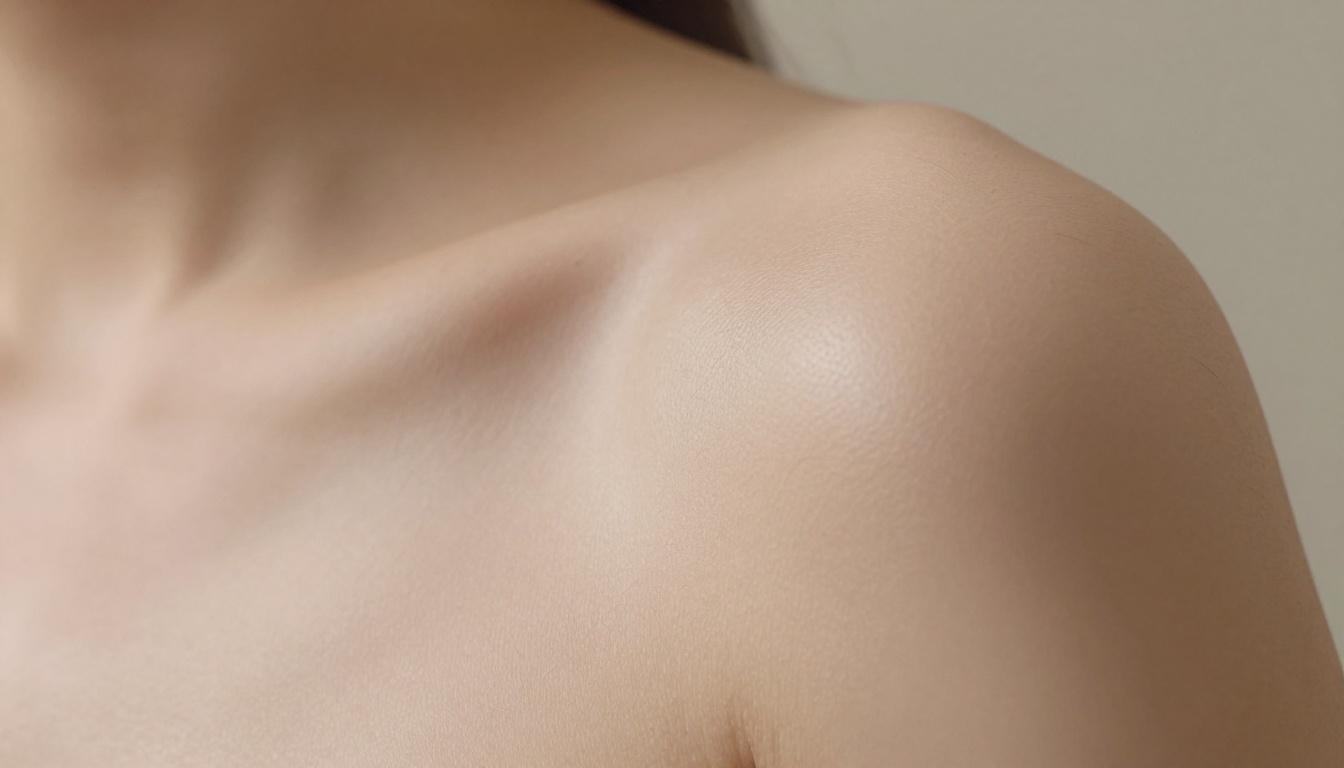
Grok Spicy (Aurora) produces skin that looks clean, smooth, and consistent. The textures are convincing at typical viewing sizes. Close-up crops, however, reveal that Aurora tends toward slightly processed, airbrushed skin rendering. It's photogenic but lacks the microscopic imperfection that makes truly photorealistic images feel authentic. Think high-end retouched fashion photography versus raw editorial.
PixelDojo's top-tier checkpoints can produce skin that goes deeper. When running a well-tuned photorealism model with the right prompts, you get fine pore texture, subtle skin variations, realistic undertones, and the kind of detail that passes the "100% zoom" test. This level requires the right model selection: PixelDojo's worst models are worse than Aurora, but its best models are measurably better.
| Quality Factor | Grok Spicy (Aurora) | PixelDojo (Best Models) |
|---|
| Skin texture depth | Smooth, polished | Fine pore-level detail |
| Consistency | High (uniform style) | Variable (model-dependent) |
| Color accuracy | Warm, editorial | Varies by checkpoint |
| Close-up viability | Moderate | High (right model) |
| Anatomical accuracy | Good for poses | Excellent (tuned models) |
Lighting and Mood
Aurora's lighting outputs tend to be warm, even, and flattering. The model has a strong built-in aesthetic toward golden-hour tones and soft studio lighting. This is beautiful for the majority of outputs but can feel samey over time. If you generate 20 images across different subjects, you'll notice a signature Aurora "look" that becomes recognizable.
PixelDojo's lighting versatility is wider precisely because you're choosing between multiple models with different training aesthetics. You can get:
- Hard, dramatic chiaroscuro lighting
- Soft natural window diffusion
- Night-scene practical lighting with realistic color casts
- Harsh overhead flash with authentic shadows
The trade-off is consistency. Getting stunning lighting in PixelDojo requires knowing which model achieves which aesthetic. Aurora gives you reliable good results; PixelDojo gives you the ceiling at the cost of a learning curve.
Anatomy and Proportions
This has historically been AI's biggest weakness in NSFW content, and both platforms have improved significantly in 2027. Aurora handles typical poses well, with acceptable proportions across standard compositions. It struggles more with complex poses, unusual angles, or tight crops that expose hand/finger detail.
PixelDojo's dedicated NSFW checkpoints have been specifically fine-tuned to address anatomical accuracy because their user base demands it. The result is that top-tier models on PixelDojo produce body proportions and pose accuracy that outpace Aurora's defaults in difficult compositions.

NSFW Range: What Each Allows
Understanding the content limits of each platform is essential before committing to one for NSFW creation work.
Grok's Content Limits
With adult content enabled, Grok Spicy allows:
- Suggestive poses and alluring compositions
- Partial nudity (topless implied, artistic nudity)
- Lingerie and swimwear photography with no restrictions
- Romantic and intimate scene compositions
What Grok still avoids or struggles with: fully explicit sexual content, graphic scenes, and certain types of explicitly requested NSFW content. The model's policy has evolved, and xAI has made adjustments over time. The current version sits firmly in the "tasteful NSFW" to "mildly explicit" range.
There's also the platform context to consider: because Grok is a mainstream chatbot used for productivity, there are reputational guardrails in place that constrain how far the content can go regardless of subscription level.
PixelDojo's Range
PixelDojo allows the full spectrum of legal adult content, making it the more suitable platform for creators whose work sits at the explicitly NSFW end. With age verification in place, the platform operates as a dedicated adult content tool without the dual-purpose limitations that constrain Aurora.
The practical implication: if your NSFW work is in the tasteful, artistic, or glamour range, both platforms deliver. If you need fully explicit content, PixelDojo is the clear answer. Grok Spicy simply doesn't go there.
💡 Tip: For non-explicit glamour and fashion-adjacent NSFW content, Grok Spicy often delivers faster results with less prompt engineering because Aurora's aesthetic leans naturally toward that polished look.
Speed, Pricing, and Access
Cost Breakdown
| Factor | Grok Spicy | PixelDojo |
|---|
| Access model | Premium subscription | Credits or subscription |
| Monthly cost (est.) | $8-30 (Grok Premium/Premium+) | $10-25 (varies by plan) |
| NSFW access | Included in Premium+ | Core feature |
| Credits system | Included generations | Credit-based or unlimited plan |
| API access | Limited | Available on higher tiers |
Grok's NSFW capabilities come bundled if you're already a Premium subscriber, making it effectively free for existing users. PixelDojo requires a separate subscription or credit purchase, but for users who want a dedicated tool, the cost is comparable to other specialized AI art platforms.
Generation Speed
Aurora tends to generate within 5-15 seconds for standard resolution outputs. PixelDojo's speed varies by model: faster checkpoints like those based on SDXL Lightning or Turbo variants can match or beat that, while higher-quality models at higher resolutions take 20-45 seconds.
For rapid iteration and fast prototyping, Grok has a slight edge due to its conversational interface and consistent generation speed. For final-quality outputs, waiting 30 seconds on PixelDojo's best model is worth it.
How to Use Grok Imagine on PicassoIA
Since PicassoIA gives you direct access to Grok Imagine Image, you can take advantage of Aurora's photorealistic capabilities without needing a separate Grok subscription. Here's how to use it effectively for high-quality NSFW-adjacent and glamour imagery.
Step 1: Open the Model
Navigate to Grok Imagine Image on PicassoIA. This gives you access to xAI's Aurora architecture through a familiar web interface without requiring a Grok account. Sign in or create a PicassoIA account if you haven't already.
Step 2: Write a Targeted Prompt
Aurora responds best to prompts that describe the subject, setting, lighting, and mood in concrete terms. Avoid vague adjectives and instead use specific photography language:
- Instead of: "beautiful woman, seductive"
- Use: "editorial portrait of a young woman in silk robe, morning light from window, 85mm f/1.8, Kodak Portra 400 aesthetic"
For glamour content, specify: the clothing, the setting (boudoir, beach, studio), the lighting direction, the camera angle, and the mood. Aurora's training leans toward professional photography aesthetics, so prompt it like you're briefing a photographer.
Step 3: Adjust Model Parameters
PicassoIA's interface for Grok Imagine Image lets you:
- Set aspect ratio: 16:9 works well for editorial and scene compositions; 9:16 for portrait orientation
- Adjust generation count: start with 2-4 variations before committing to a direction
- Add a negative prompt to suppress common issues (extra limbs, blur, text artifacts, oversaturation)
For photorealistic glamour work, a basic negative prompt like "cartoon, illustration, 3d render, painting, anime, digital art, watermark, text, blurry" keeps the outputs in the RAW photography aesthetic.
Step 4: Iterate and Refine
Aurora is strong at iterative refinement. Once you get an output you like, reuse that core prompt with minor modifications to the lighting, angle, or setting. Small adjustments to camera angle descriptors ("low angle shot" vs "eye level" vs "high angle") create significantly different compositions.
You can also pair Grok Imagine with PicassoIA's Super Resolution tools to upscale outputs for print-quality results, or use Face Swap AI to customize faces across your generated images.

Which Wins for NSFW Quality
There's no single answer because it depends entirely on what you're making.
For Casual and Glamour Creators
Grok Spicy wins for casual use. If your NSFW work sits in the glamour, boudoir, tasteful nude, or suggestive photography range, Aurora's polished aesthetic and ease of use through chat puts it ahead. The conversational iteration is fast, the outputs are consistently attractive, and there's no steep learning curve around model selection.
For PicassoIA users specifically, Grok Imagine Image brings this same Aurora quality directly to the platform, making it the strongest choice for creators in the tasteful-to-mildly-explicit range. You can also complement it with models like Flux 1.1 Pro, Flux 2 Pro, and Realistic Vision v5.1 for different aesthetic goals.
For Dedicated NSFW Creators
PixelDojo wins if you need the full explicit range and maximum photorealistic quality at scale. The ceiling is higher when using the right checkpoints, the content freedom is broader, and the granular controls over negative prompts and model selection give serious creators more leverage over their outputs.
The trade-off is time investment. Getting the best out of PixelDojo requires knowing the model ecosystem, which changes as new checkpoints drop. It rewards dedicated users who invest in learning the platform.
| Use Case | Best Choice |
|---|
| Glamour and boudoir | Grok Spicy / PicassoIA Grok Imagine |
| Artistic nudity | Either (both handle this well) |
| Fully explicit NSFW | PixelDojo |
| Quick iteration and speed | Grok Spicy |
| Maximum skin detail quality | PixelDojo (best models) |
| No extra subscription needed | PicassoIA via existing account |
💡 Bottom line: Grok Spicy is better for most people because it's easier, faster, and delivers consistently beautiful results in the most common NSFW categories. PixelDojo is better for dedicated creators who need the full range and are willing to invest in model selection.
Start Creating Right Now
You don't need a PixelDojo account or a Grok Premium subscription to start testing Aurora-quality image generation today. Grok Imagine Image on PicassoIA puts xAI's Aurora model directly in your browser alongside dozens of other top-tier generators including Flux 2 Pro, SDXL, RealVisXL v3.0 Turbo, and Stable Diffusion 3.5 Large.
The real power of having all of these in one place: you can run the same prompt across multiple models back to back and see which one nails your specific aesthetic vision. That side-by-side testing workflow is something neither Grok nor PixelDojo offers internally. Whether you're after Aurora's editorial warmth, Flux's technical precision, or RealVisXL's hyperrealistic skin rendering, PicassoIA has the full toolkit in a single interface. Pick a prompt, start generating, and find your model.


