If you've been trying to generate NSFW AI videos and hitting a wall of content filters, refusals, and blurred outputs, you're not alone. Most mainstream AI tools are built with aggressive content policies that block anything even remotely suggestive. But the landscape has shifted dramatically in 2027, and several powerful, unrestricted AI video models are now accessible through platforms that give you actual creative control.
This article breaks down exactly how to create NSFW videos with AI without filters: which models work, how to write prompts that produce results, and a step-by-step workflow using the tools available right now.
Why Most AI Tools Block NSFW Content
The Filter Problem
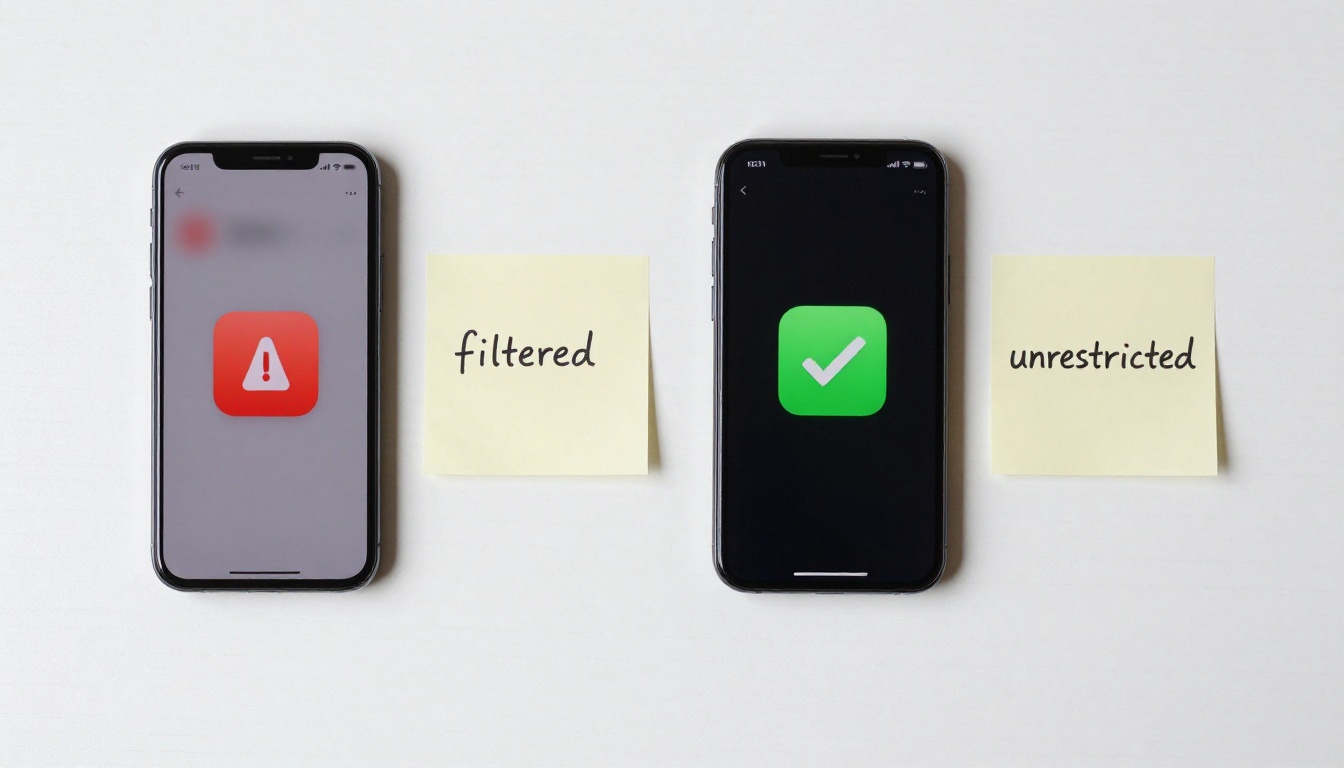
Every major consumer AI product ships with content safety layers. These range from keyword-based blockers in prompt fields to deep neural classifiers that analyze output frames before delivery. ChatGPT's video tools, Gemini, and Adobe Firefly all refuse NSFW requests by design.
The problem isn't just moral posturing. It's commercial risk management. When tools are tied to app stores, ad networks, or enterprise clients, explicit or suggestive content becomes a liability. What this means for creators: the most capable models are often locked behind the strictest filters, while platforms built specifically for adult content tend to run older, lower-quality models.
What "Without Filters" Actually Means
"Without filters" doesn't mean operating in a lawless void. It means using platforms and models that:
- Don't classify or reject prompts containing suggestive language
- Don't blur or degrade outputs based on content detection
- Allow adult themes at the platform level, within legal boundaries
The legal boundary here is non-negotiable: all content must involve fictional, AI-generated subjects. Real people, minors, or non-consensual depictions are categorically off-limits and illegal in most jurisdictions. The tools covered here are designed for creative adult fiction, nothing more.
The Best Unrestricted AI Video Models
Kling v3 Is Setting the Standard
Kling v3 Video from Kwaivgi is currently the most capable text-to-video model for generating high-fidelity, physically realistic video content. Its motion coherence, skin texture rendering, and body physics are noticeably ahead of competing models released in the same timeframe.
For NSFW-adjacent content, Kling v3's strength is in human figure realism. It handles clothing physics, hair movement, and ambient light across skin accurately, which is what separates photorealistic glamour content from uncanny valley outputs.
The Kling v3 Omni Video variant adds image-to-video capability, so you can start from a generated still and animate it directly with full control over the first frame.
💡 Tip: Kling v3 responds best to prompts that describe camera movement explicitly. "Slow push-in, 35mm prime, golden hour rim light" produces far better results than simply describing the subject.
Wan 2.6 for Open-Weight Flexibility
WAN-2.6-T2V (text-to-video) and Wan 2.6 I2V (image-to-video) are open-weight models that run with minimal content filtering. They're particularly strong for:
- Long continuous motion sequences
- Smooth camera panning and dolly movements
- Consistent character appearance across many frames
Because Wan 2.6 is open-weight, many platforms host it with their own moderation policies, some of which are significantly more permissive than closed proprietary systems. This makes it one of the most versatile options for uncensored AI video content creation.
PixVerse v5.6 for Speed and Style
PixVerse v5.6 generates stunning results fast. Where Kling v3 takes more processing time for longer clips, PixVerse v5.6 is optimized for rapid iteration. This makes it ideal for testing prompt variations before committing to a full-length generation run.
Its style is slightly more cinematic and punchy, with stronger color contrast and sharper motion edges. For fashion, glamour, and editorial-style NSFW content, it competes directly with Kling v3 and sometimes wins on visual drama.
Seedance 2.0 with Native Audio
Seedance 2.0 from ByteDance is the only model in this list that natively supports audio generation alongside video. If your NSFW content requires ambient sound, music, or voiceover, Seedance 2.0 is the most capable end-to-end option without requiring separate audio tools.
It also handles low-light and indoor scenes particularly well, making it ideal for intimate interior settings where other models tend to struggle with dark areas and shadow detail.
Hailuo 2.3 for Image Animation
Hailuo 2.3 from MiniMax excels at converting a static photorealistic image into smooth, fluid video. If you start by generating a high-quality still image of a subject, Hailuo 2.3 brings it to life with natural micro-movements: eye blinks, subtle breathing, hair settling, cloth rippling.
This is the most reliable workflow for NSFW video creation: generate the image first with an image model, then animate it with Hailuo 2.3 for precise control over the starting frame.
How to Write Prompts That Get Results
Prompt Structure That Works
The difference between a generic prompt and one that produces high-quality output is specificity. Vague prompts return vague results. Here's the structure that consistently works for NSFW video generation:
[Subject + Appearance] + [Clothing or State] + [Environment] + [Lighting] + [Camera Movement + Lens] + [Motion Description] + [Style Reference]
Bad prompt:
"Attractive woman in a bikini on a beach"
Good prompt:
"25-year-old woman with long dark hair, wearing a black string bikini, standing at the edge of an infinity pool at sunset, warm golden rim light from behind, slow push-in on an 85mm prime lens, hair lifting gently in the breeze, photorealistic, Kodak Portra 400 film grain"
💡 Tip: Reference real camera lenses, real film stocks, and real lighting setups. Models trained on photography data respond to this language precisely and produce more naturalistic results.

Words to Use and Avoid
| Use These | Avoid These |
|---|
| photorealistic, RAW, 8K | animated, cartoon, CGI |
| film grain, Kodak Portra | neon, cyberpunk, render |
| volumetric light, rim light | glowing, holographic |
| slow push-in, dolly shot | fast cut, zoom burst |
| natural skin texture | smooth, plastic, glossy skin |
| implied nudity, suggestive | explicit anatomical terms |
Keeping prompts in the language of photography and cinematography rather than fantasy or explicit description gives you better outputs and lower rejection rates across all platforms.
How to Use Kling v3 on PicassoIA
This is the most reliable end-to-end NSFW video workflow currently available.
Step 1: Generate Your Base Image
Before creating a video, start with a high-quality still. Use a text-to-image model to generate the subject and scene exactly as you want it. Fine-tune composition, lighting, and subject appearance at this stage because the video inherits everything from the source image.
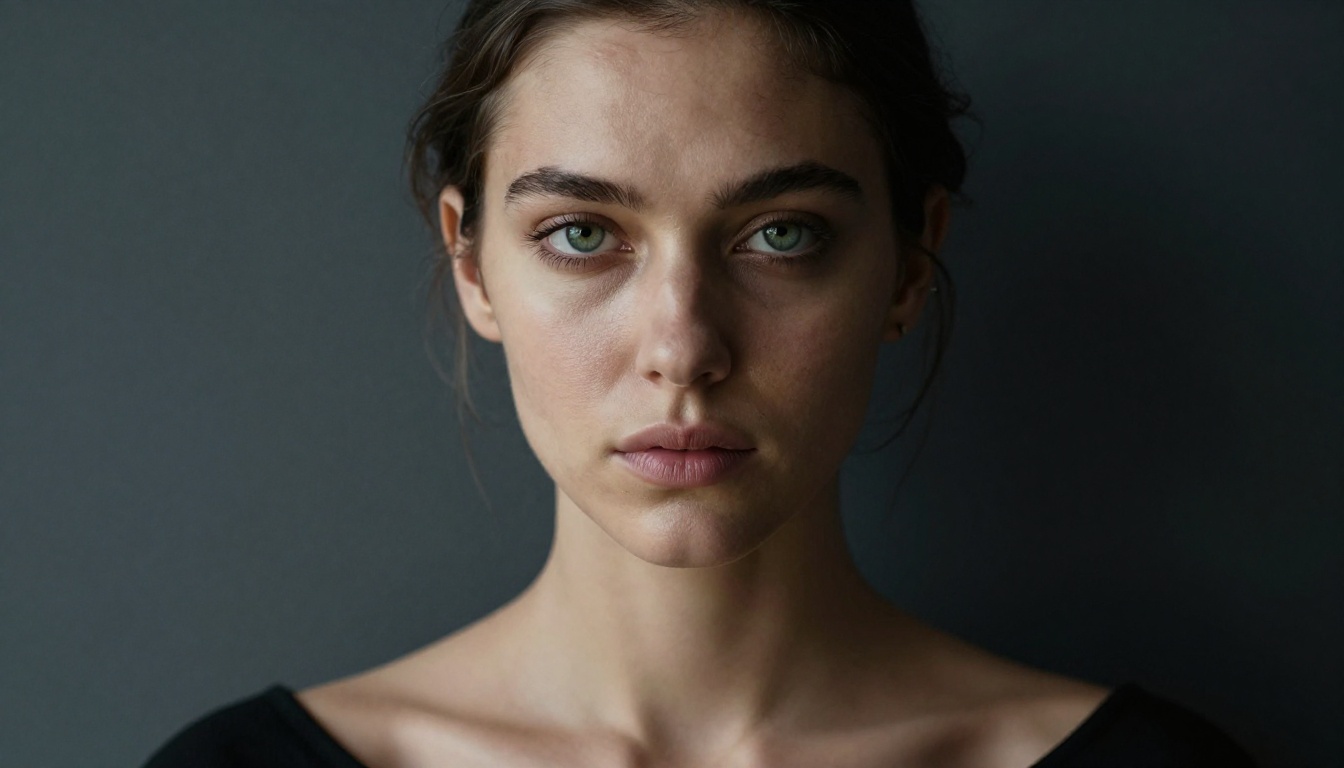
Step 2: Go to Kling v3
Navigate to Kling v3 Video on PicassoIA. No account creation, no waitlist, no restricted access.
Step 3: Upload Your Base Image
If using Kling v3 Omni Video, upload the generated still as your starting frame. This locks in character appearance and scene composition from frame zero.
Step 4: Write Your Motion Prompt
Focus the prompt on movement, not appearance. The image already defines appearance. The motion prompt should describe:
- Camera movement: "Slow dolly forward"
- Subject motion: "Hair swaying left to right in breeze"
- Environment dynamics: "Waves lapping softly in background"
- Lighting shift: "Sun setting slightly warmer over 5 seconds"
Step 5: Set Duration and Quality
- 5 seconds is the sweet spot for NSFW clips. Long enough to feel cinematic, short enough to maintain frame-to-frame coherence.
- Pro quality setting is non-negotiable for realistic skin and cloth physics
- Aspect ratio 16:9 for standard horizontal output, 9:16 for mobile-first content
Step 6: Download and Iterate
Run 2-3 variations with small prompt changes. Even minor rewording produces noticeably different motion behavior. Pick the best output and stack clips for longer sequences.
💡 Tip: Using Kling v3 Motion Control, you can apply reference motion from one video to a completely different character, which is powerful for consistent character animations across clips.
Choosing the Right Tool
Not all platforms that host the same model behave identically. The model's capabilities are fixed, but the platform layer can add additional filters before your prompt reaches the model or before you receive the output.
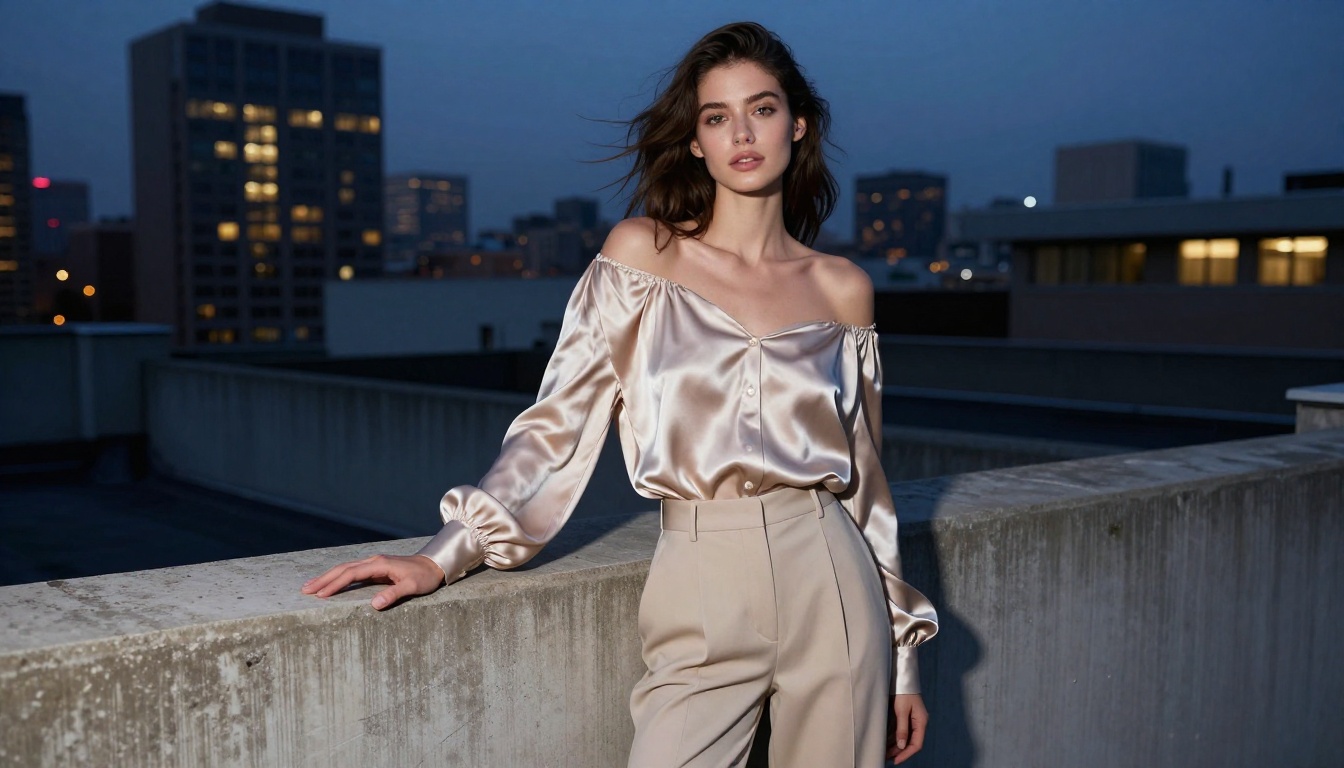
Platform Matters as Much as the Model
Running Wan 2.6 I2V through a permissive platform gives you dramatically different results than running the same model through a consumer app with strict policies. The prompts reach the model differently, and the output passes through different post-processing layers.
This is the core insight most people miss: the model is not the bottleneck, the platform is. Choosing a platform built specifically for unrestricted AI content generation is step zero of the workflow, before you write a single prompt.
Output Quality and What Affects It
Resolution and Frame Rate
Every model in this list outputs at different base resolutions. Here's what matters for final quality:
- 720p at high motion quality outperforms 1080p at standard quality in most cases. Compression artifacts in low-quality 1080p are more visually distracting than clean 720p motion.
- 24fps is the cinematic standard for dramatic, slow-paced NSFW content. 30fps can feel slightly artificial compared to film-like rendering.
- Use LTX-2.3-Pro if you need real-time generation with immediate preview. It trades some quality for speed, which is valuable during prompt iteration phases.
- Use P-Video AI for a versatile option that handles text, image, and audio inputs together in a single generation pipeline.
Motion Coherence
This is the hardest problem in AI video generation. The model must maintain consistent:
- Character identity: the same face, body proportions, and hair across every frame
- Physics behavior: cloth draping, water reflection, and skin deformation must follow realistic rules
- Camera perspective: if the camera pans, every object in frame must respond consistently
Kling v3 currently leads in all three metrics for realistic human subjects. Seedance 2.0 is close behind and carries the advantage of native audio support.
5 Mistakes That Ruin NSFW AI Videos
1. Explicit anatomical language in prompts
Even on permissive platforms, hyper-explicit phrasing tends to produce degraded outputs. Models trained on photography data respond better to descriptive, aesthetic language than to anatomical specifics. Think fashion photography, not medical diagrams.
2. Skipping the base image step
Generating straight to video without a reference image gives the model too much freedom on character design, resulting in inconsistent faces and body proportions across clips. Always start with a still.
3. Ignoring motion description
A prompt that's 100 words of subject description and zero words of motion will produce a beautiful still that barely shimmers. Motion prompts are what drive video generation.
4. Using fantasy or CGI references
"Epic fantasy", "cyberpunk", "magical glow" — any reference to non-photorealistic styles pulls the output away from realism. Keep prompts in the vocabulary of real cinematography.
5. Over-generating before editing
It's tempting to run 20 variations immediately. Better workflow: run 3, compare carefully on motion coherence, pick the best one, make surgical adjustments, repeat.
Ready to Make Your First NSFW Video?
The combination of the right model and the right platform is what makes unrestricted NSFW video generation actually work. Kling v3 for maximum realism, Hailuo 2.3 for image animation, Wan 2.6 T2V for long-form clips, and Seedance 2.0 for audio-enabled output. These four models cover every production scenario you'll encounter.
All of these models are available on PicassoIA right now: no subscriptions, no waitlists, no hidden restrictions.
Start with a strong base image, feed it into Kling v3 Omni Video, write your motion prompt in cinematic language, and iterate. The gap between what mainstream filtered tools offer and what these models produce is enormous, and once you've seen real uncensored AI video output at full quality, filtered results simply don't cut it anymore.