If you've spent any time trying to film, edit, and post consistent Reels content, you already know how much time it eats. Sora 2 Pro changes that equation completely. OpenAI's most capable video generation model converts a single text prompt into a cinematic, photorealistic short-form video clip in minutes, with no camera, no crew, and no editing software required. What used to take a half-day production now takes about ten minutes of focused prompt writing.
This article breaks down exactly how to use Sora 2 Pro to produce Instagram Reels, from the structure of your prompt all the way to formatting and posting the final clip.
What Sora 2 Pro Actually Does
Sora 2 Pro is OpenAI's flagship text-to-video model, built specifically for high-fidelity, high-resolution video output. It generates clips with consistent physics, realistic motion, and proper spatial depth, which are things that earlier AI video models consistently struggled with.
Text to Video at HD Quality
The model accepts natural language prompts and returns MP4 clips at up to 1080p resolution. You describe what you want to see — the subject, environment, lighting, camera movement, and mood — and the model renders it. Generation times vary by length and complexity, but most Reels-length clips (7 to 20 seconds) complete within a few minutes.
What separates Sora 2 Pro from standard text-to-video tools is how it handles motion. People walk naturally. Fabric moves with the breeze. Camera pans feel like a real dolly shot. This is the quality gap that makes Sora 2 Pro-generated Reels look like filmed content rather than AI outputs.
The Quality Gap Is Real
Compare a clip from Sora 2 Pro against something from a basic model and the difference is immediately obvious. Hair doesn't glitch. Hands have the right number of fingers. A character walking doesn't slide or jitter. For Reels, this matters because Instagram's algorithm rewards watch time, and low-quality AI video kills watch time instantly.

Before getting into the production workflow, it's worth being explicit about why Reels specifically is the right target format for Sora 2 Pro output.
The Vertical Video Advantage
Sora 2 Pro can output in multiple aspect ratios, including 9:16 vertical, which is exactly what Reels requires. You don't need to crop or reformat anything. Generate in 9:16, download the clip, add captions, post. The workflow is shorter than most people expect.
Vertical video also forces a compositional discipline that benefits AI generation. You're working with a tighter frame, which means less background complexity, fewer moving elements, and a more focused subject. That plays directly to Sora 2 Pro's strengths: it renders central subjects with higher fidelity than wide-angle scenes with lots of simultaneous motion.
What the Algorithm Rewards
Instagram's Reels algorithm prioritizes two signals above most others: watch completion rate and saves. Cinematic, visually rich clips get watched to the end because they don't look like low-effort content. When your Reel looks expensive, people watch it twice. That compounds.
AI-generated content from Sora 2 Pro tends to be visually dense — rich color, smooth motion, clear subject — which hits both signals when the prompt is written correctly.
How to Use Sora 2 Pro on PicassoIA
Sora 2 Pro is available directly on PicassoIA, which means you don't need a separate OpenAI account or API key. You access the model through the platform's interface and generate videos from any browser, on any device.
Setting Up Your First Generation
- Go to Sora 2 Pro on PicassoIA
- In the prompt field, type your scene description. Start simple: one subject, one environment, one lighting condition.
- Set the aspect ratio to 9:16 for Reels. This is the most critical setting — getting this wrong means reformatting later.
- Set duration to between 10 and 20 seconds. Reels between 7 and 15 seconds tend to have the highest completion rates.
- Click Generate and wait for the render to complete.
💡 First-time tip: Run a short 7-second test generation before committing to a longer clip. It lets you validate your prompt direction before using more credits on a full-length generation.
Choosing the Right Parameters
Sora 2 Pro gives you control over several key generation parameters. Here's how to use each one:
| Parameter | Recommended Setting | Why |
|---|
| Aspect Ratio | 9:16 | Native Reels format |
| Duration | 10-15 seconds | Optimal for watch completion |
| Resolution | 1080p | Required for feed quality |
| Motion Intensity | Medium | Prevents motion artifacts |
| Camera Movement | Specify in prompt | More precise control |
Getting the Best Output
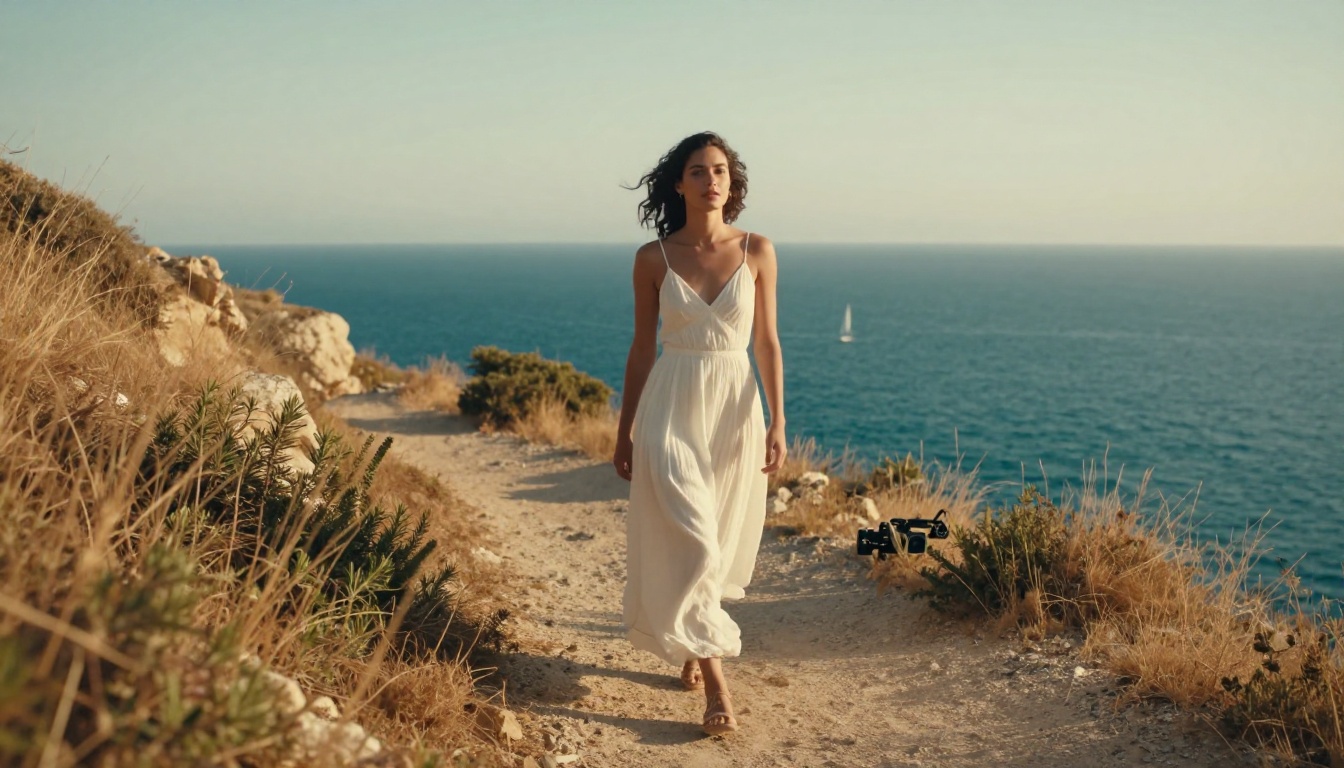
The single most reliable way to improve output quality is to specify the camera in your prompt. Instead of writing "a woman walking in a park," write "a woman in a beige trench coat walking through a sun-dappled city park, slow push-in shot, 35mm lens, golden hour light from the left."
That level of specificity gives the model a clear compositional target. Vague prompts return vague results. Specific prompts return specific results.
Writing Prompts That Work
Your prompt is the most important part of the entire workflow. A weak prompt with a great model still returns a mediocre clip. A strong prompt with Sora 2 Pro returns something that looks produced.
Structure Your Prompt Correctly
Every effective Sora 2 Pro prompt follows the same basic structure:
[Subject + Action] + [Environment + Details] + [Lighting] + [Camera Angle + Lens] + [Mood/Atmosphere]
- Subject + Action: Who or what is the focus, and what are they doing?
- Environment: Where is the scene? Interior, exterior, urban, natural?
- Lighting: Describe the light source and direction. "Golden hour from the left" is more useful than "nice light."
- Camera: What angle? What focal length? Is the camera moving?
- Mood: What feeling should the clip have? Calm, energetic, intimate, epic?
The more specific each layer, the better the output.
5 Prompt Formulas That Convert
These formats consistently produce high-watch-completion Reels:
-
Lifestyle loop: "A young woman in a white linen set making espresso in a sunlit modern kitchen, slow-motion pour shot, warm morning light, handheld camera slightly drifting, cozy and calm mood."
-
Travel reveal: "Aerial drone shot slowly tilting down to reveal a turquoise bay surrounded by white cliffside buildings in Santorini, golden hour light, 24mm wide-angle, cinematic color grade."
-
Product close-up: "Close-up macro shot of a luxury perfume bottle being placed on a marble countertop, water droplets on the glass, soft diffused window light, 100mm macro lens, elegant and minimal."
-
Urban mood: "A man in a charcoal overcoat walking through a rainy Tokyo street at night, neon reflections on wet pavement, slow push-in from behind, 85mm lens, moody cinematic atmosphere."
-
Nature transition: "Time-lapse of morning fog slowly lifting over a dense pine forest, warm sunrise light filtering through the trees, low static wide shot, 35mm, peaceful and cinematic."
What to Avoid in Your Prompts
- Vague descriptors: "beautiful," "amazing," and "stunning" tell the model nothing. Describe what makes something beautiful.
- Too many subjects: One clear subject per clip. Multiple people in motion creates motion artifacts.
- Conflicting moods: Don't ask for "energetic and calm" or "dramatic and peaceful." Pick one direction.
- No camera direction: Always specify the shot type. "Close-up," "wide shot," "aerial," "over-the-shoulder" — this controls the entire composition.
From Raw Clip to Published Reel
Sora 2 Pro gives you the video file. Getting it posted correctly takes a few more steps.
Trimming and Formatting the Video
AI-generated clips sometimes have a slow ramp-in or a flat ending. Use any video editor — CapCut, Adobe Premiere, DaVinci Resolve, or Instagram's native editor — to:
- Trim the first half-second if the clip starts static
- Cut the last second if the motion slows unnaturally
- Adjust contrast and saturation slightly if the clip looks flat (a +10 contrast and +5 saturation is usually enough)
Keep the final clip between 7 and 20 seconds for best Reels performance. Anything longer needs a strong hook in the first two seconds to hold attention.
Adding Captions and Audio
Captions increase Reels accessibility and significantly boost completion rate. Instagram's auto-caption feature works well for spoken content. For purely visual clips, add a text overlay with the key message in large, bold font centered on screen for the first 3 seconds.
For audio: use Instagram's built-in trending sounds library. Pairing a trending audio track with a high-quality AI-generated visual often gets the clip pushed to the Reels Explore feed, which is where most organic growth comes from.
💡 Pro tip: Search for trending sounds that are 15 seconds or shorter and match your clip's energy. Upbeat for lifestyle content, slow and spacious for travel or fashion content.
Posting at the Right Time
Timing matters. Post when your audience is most active:
- Best days: Tuesday, Wednesday, Thursday
- Best times: 6-9 AM and 6-9 PM in your audience's primary timezone
- Frequency: 4-5 Reels per week is the volume range where most accounts see compound growth
Consistent volume of quality clips beats perfectly timed sporadic posting every time.
3 Reel Ideas You Can Make Right Now
These are ready-to-prompt ideas for three of the highest-performing Reels content categories.
The Product Demo Reel
What it is: A close-up, visually rich clip of a product being used or revealed. Perfume, skincare, coffee, jewelry, or tech.
Sample prompt: "Close-up macro shot of a woman's hand with natural nails applying a clear serum from a glass dropper to her forearm, skin texture visible, soft diffused daylight from the left, 100mm macro lens, f/2.8, minimal and clean aesthetic."
Why it works: High visual quality makes the product look premium. Watch completion is naturally high because viewers wait for the full reveal.
The Lifestyle Travel Reel
What it is: A cinematic scene from an aspirational travel destination. No narration needed — the visuals speak.
Sample prompt: "Wide establishing shot of a solitary woman in a wide-brim hat sitting at a small cafe table on a cobblestone street in Lisbon, soft overcast morning light, steam rising from her coffee cup, 35mm lens, slow zoom out, tranquil and contemplative mood."
Why it works: Travel content consistently drives saves, which is one of Instagram's strongest ranking signals.
The Fashion and Beauty Reel
What it is: A model showcasing an outfit or beauty look in a visually rich environment.
Sample prompt: "Medium shot of a woman in a tailored caramel wool coat walking across a leaf-covered park path in autumn, volumetric late-afternoon light filtering through bare trees, slow side-tracking shot, 50mm lens, warm color palette, editorial fashion photography aesthetic."
Why it works: Fashion Reels with cinematic quality consistently outperform amateur-looking content in both reach and saves.
Sora 2 Pro vs Other Video Models
There are several strong text-to-video models available on PicassoIA. Here's how Sora 2 Pro compares against the main alternatives:
| Model | Best For | Max Resolution | Motion Quality | Reels Ready |
|---|
| Sora 2 Pro | Premium cinematic output | 1080p | Excellent | Yes |
| Kling v2.1 Master | Fast 1080p generation | 1080p | Very Good | Yes |
| Veo 3 | Audio-synced video | 1080p | Excellent | Yes |
| Seedance 1 Pro | High-detail scenes | 1080p | Very Good | Yes |
| Gen 4.5 | Cinematic motion | 1080p | Very Good | Yes |
| Wan 2.6 T2V | Volume generation | 1080p | Good | Yes |
Sora 2 Pro sits at the top for subject realism and motion fidelity. If you need audio-synced content natively, Veo 3 is a strong alternative. For high-volume generation at lower cost, Kling v2.1 Master is a practical choice.
The right model depends on your content category, volume requirements, and quality threshold. Most serious creators rotate between two or three models depending on the clip type.

Building a Reels System With AI
The real power of Sora 2 Pro isn't in creating one good Reel — it's in building a repeatable production system. With a library of tested prompt formulas, you can produce 10 to 15 Reels in a single session, schedule them across two weeks, and maintain a consistent posting cadence without any filming.
Batch Your Generations
Generate in sessions, not one at a time. Sit down with 10 prompts, run them all, review the outputs, select the best, and format them for posting. This approach takes 45 to 60 minutes and produces two weeks of content.
Build a Prompt Library
Every prompt that produces a great clip goes into a document with notes on what worked. Over time, you accumulate a library of proven formulas that you can iterate on rather than starting from scratch each time. Note the subject type, lighting condition, camera spec, and any adjustments you made between versions.
Combine With Other PicassoIA Tools
Sora 2 Pro covers the video generation step. PicassoIA also offers tools for text-to-image (for creating thumbnail frames and cover stills), super-resolution (for upscaling clip stills to poster quality), and lipsync (for adding natural voiceover sync to your AI-generated clips). The entire pipeline lives in one platform.
If you're generating still images for Reels covers or story slides, PicassoIA's text-to-image collection offers over 90 models to choose from, including options for hyper-realistic photography and editorial styles.
Improve Output Quality Over Time
Getting consistently great results from Sora 2 Pro is a skill that develops through iteration. Here are the most reliable ways to improve faster:
- Study reference frames: Before writing a prompt, find a photo or film still that captures the look you want. Use it as a visual reference and translate its elements into prompt language.
- Iterate on your best outputs: When a clip comes out well, run it again with slight prompt variations. Small adjustments to lighting descriptions or camera direction often produce even better results.
- Test multiple durations: The same prompt at 10 seconds and at 20 seconds can produce noticeably different rhythm and pacing. Test both before choosing.
- Use Sora 2 for drafting: If you want to test a concept quickly before committing to a Sora 2 Pro generation, Sora 2 is a faster, lighter alternative for validating prompt direction.
💡 Iteration principle: The first generation is the draft. The third generation of the same prompt, refined each time, is usually the one worth posting.
What to Try Next on PicassoIA
AI-generated Reels are no longer a novelty — they're a production strategy. The creators using Sora 2 Pro systematically are out-posting and out-performing accounts that rely solely on traditional filming. The quality ceiling is high enough that audiences often can't distinguish the content from filmed material. The production cost and time are a fraction of traditional methods.
PicassoIA gives you access to Sora 2 Pro alongside dozens of other text-to-video models — from Kling v3 Video to Hailuo 2.3 — so you can find the right tool for every content type without switching platforms.
Pick one of the five prompt formulas from this article, open Sora 2 Pro on PicassoIA, and run your first generation today. The first clip is always the hardest. The tenth one feels automatic.