Millions of TikTok videos get posted every single day. The vast majority disappear without reaching more than a few dozen people. The creators who consistently pull high view counts are not working harder; they are working with smarter tools. AI now covers the entire production pipeline, from generating footage with a text prompt to adding auto-synced captions and contextual audio. This breakdown shows you exactly how to create viral TikToks with AI tools, which platforms to use, and how to chain the full workflow together so every post has a real shot at spreading.
Why Most TikToks Die in the First 3 Seconds
The TikTok algorithm is not random. It is a signal processor. Every video gets shown to a small test group first. If that group watches it, shares it, and finishes it, TikTok pushes it to a larger audience. That first test window is tiny, which means the first 3 seconds of your video carry enormous weight.
Most creators fail at this stage for predictable reasons: visuals that look cheap, no hook, and nothing that makes a stranger stop scrolling. AI tools eliminate all three of these problems simultaneously.
Here is what the algorithm actually rewards in 2025:
- High completion rate: Viewers watching more than 80% of your video is a strong signal
- Shares over likes: Shares tell TikTok the content was worth passing on
- Re-watches: Someone playing your video again is one of the strongest quality signals in the system
- Fast early retention: Drop-off in seconds 0 to 3 determines whether TikTok keeps showing your video
AI tools help you optimize all of these by making polished, visually rich content faster than any traditional production pipeline.
The AI Stack That Actually Works
You do not need dozens of tools. You need the right stack for each stage of TikTok production.
| Stage | What AI Does | Tool Type |
|---|
| Script | Generates hooks and tight outlines | LLM writing tool |
| Visuals | Creates or edits video footage | Text-to-video |
| Captions | Transcribes and styles subtitle text | Caption AI |
| Audio | Adds music and sound design layers | Audio AI |
| Format | Reformats footage to 9:16 vertical | Video editing AI |
| Quality | Upscales and sharpens final output | Super resolution |
Miss any one of these stages and your output will look half-finished. Nail all six and you have a production pipeline that rivals teams with expensive equipment.
Text-to-Video Is Your Content Engine
Text-to-video models are the most powerful tool in a TikTok creator's arsenal right now. You type a scene description and the AI generates real footage. No camera, no location, no actors, no problem.
The best text-to-video models for short-form content:
- Kling v2.6: Cinematic motion with strong scene coherence. Best for storytelling content and brand narratives where smooth, professional motion matters.
- Veo 3: Google's flagship video model. Generates footage with native audio, which is a serious advantage because TikTok rewards original sound.
- Seedance 2.0: ByteDance's own model, naturally tuned for short-form vertical content. Fast generation and visually clean output.
- Pixverse v5: 1080p output with sharp detail. Built for product showcases and lifestyle visuals where texture and clarity count.
- Hailuo 2.3: High cinematic quality with smooth motion and rich color depth. Strong for emotional or atmospheric content.
💡 Pro tip: Generate at 16:9 then use a reframe tool to crop to 9:16. This gives you more compositional flexibility and often produces better-framed shots than generating vertical-native footage directly.
Auto-Captions That Look Like They Cost Money
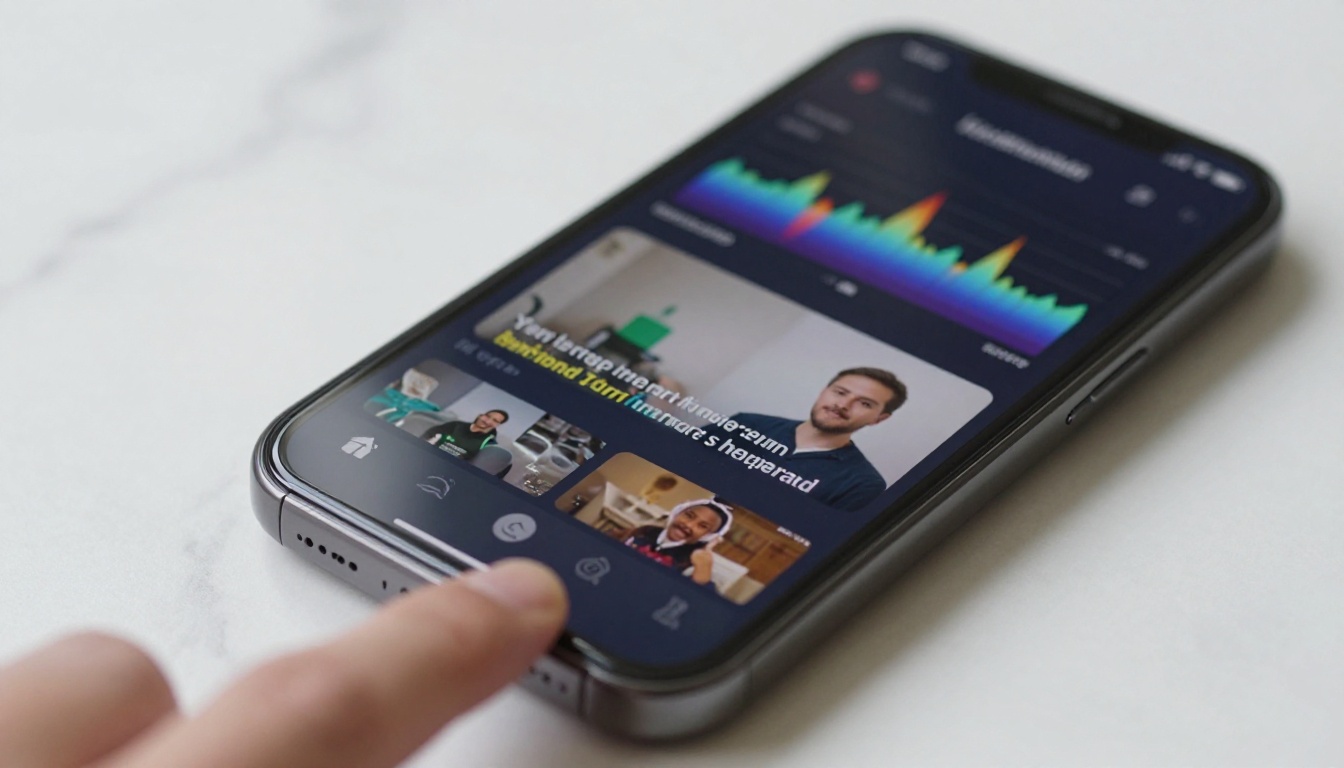
Open-caption videos consistently outperform no-caption videos on TikTok. Not by a small margin, by a significant one. Many people watch without sound, especially in public spaces. Captions keep them watching.
Bad captions lose viewers. Wrong transcriptions, ugly fonts, and out-of-sync text actively hurt your performance. AI caption tools fix all of this automatically.
Autocaption handles the full workflow: it transcribes your video accurately, styles the subtitles with custom colors and fonts, and syncs them perfectly to audio. Drop in your TikTok clip, pick a style, and export. No manual adjustment needed.
AI Audio Layers That Elevate Everything
TikTok is 50% audio. The right sound makes average visuals feel cinematic. The wrong sound makes great visuals feel cheap.
Two tools that belong in your stack:
- Thinksound: Analyzes your video content and adds contextually appropriate sound design. Cooking video? It adds sizzle sounds. City scene? Layered ambient city audio.
- MMAudio: AI-generated audio layers synchronized to your video with direct control over sound type and intensity.
Layer these with a trending audio track from TikTok itself, and your content stands out immediately from the baseline noise.
How to Script Viral Hooks
The hook is the first 1 to 3 seconds of your video. It is also the only thing that matters in your initial push. Everything else can be perfect, but a weak hook kills the video before it starts.
The Formula That Pulls People In
High-performing TikTok hooks follow consistent patterns. They either:
- State a bold, specific claim that sounds controversial or surprising
- Open a loop that creates curiosity the viewer must close by finishing the video
- Call out the viewer directly using "you" or their exact situation
- Show something visually unexpected in the very first frame
Examples of hooks that work across niches:
| Hook Type | Example |
|---|
| Contradiction | "This is the worst advice you hear about going viral" |
| Direct call-out | "If you post 3x a week and still get nothing, watch this" |
| Curiosity gap | "Here is why your video dies at 200 views every time" |
| Result first | "I hit 2 million views doing this one thing differently" |
Write your script around the hook, not after it. The hook determines the structure of everything that follows.
Writing Fast with AI
AI language models are effective for TikTok scripting. Feed the model your niche, target viewer, and the topic. Ask for 10 hook variations. Pick the two strongest, then ask it to write a 30-second script for each. Iterate from there.
The script should stay short. 150 words maximum for a 60-second TikTok. Every sentence either hooks, holds, or delivers value. Cut anything that does not do one of those three things.
Your Step-by-Step AI Content Workflow
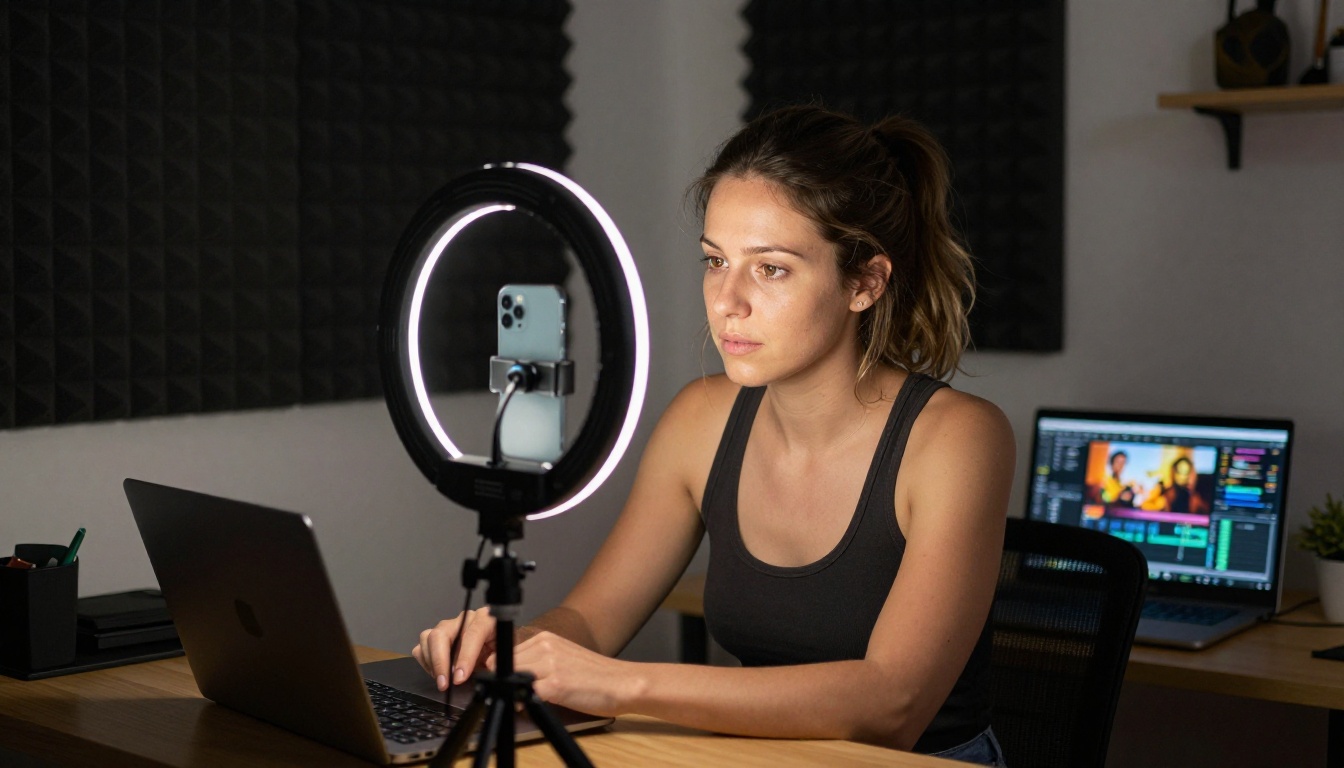
Here is a repeatable production workflow that uses AI at every step.
Step 1: Find What Is Already Trending
Pick a topic performing in your niche. Search TikTok for that topic, sort by recent, and look for videos in the 10k to 500k view range posted in the last 7 days. Those are trending but not saturated. That is your target zone.
Step 2: Script and Hook
Use an AI writing tool to draft 5 hook variations and a tight 150-word script around the strongest one. The script is your blueprint for what footage to generate.
Step 3: Generate Your Base Footage
Write 3 to 5 scene descriptions based on your script. Feed them into Kling v2.6 or Seedance 2.0 and generate each scene separately. Generate multiple variations per scene; the second or third generation is usually sharper than the first.
Even if you record yourself talking to camera, AI-generated B-roll dramatically improves watch time by breaking up visual monotony.
Step 4: Reformat to 9:16
TikTok is vertical. Any 16:9 footage needs reframing before posting. Reframe Video automatically detects the main subject in your clip and recrops it for vertical format without losing the focal point.
💡 Always use smart reframing, not simple cropping. Smart reframing tracks subject movement. A simple crop cuts off heads and edges the moment your subject moves left or right.
Step 5: Add Captions, Audio, and Polish
Run your assembled video through Autocaption to add styled subtitles. Layer in sound design with Thinksound or MMAudio. If you want a clean subject-only look, use Video Remove Background to isolate your subject without a green screen.
For final quality, run through Video Increase Resolution to upscale your finished video. Sharper video holds attention, and TikTok's compression is brutal on low-resolution files.
Picking the Right AI Video Generator for Your Style
Different niches have different visual requirements, and not every AI video generator produces the same output style.
Best for Cinematic and Storytelling Content
Kling v2.6 and Sora 2 lead here. Both produce long, coherent motion with natural physics and realistic camera movement. They handle complex scene descriptions well and generate footage that looks shot on a proper camera. Best for travel content, brand storytelling, cinematic short clips.
Best for Speed and Volume
Wan 2.6 T2V and Seedance 2.0 generate quickly without sacrificing quality. When you need to produce multiple clips in a single session, these are your default choice.
Best for Talking Avatars
Kling Avatar v2 animates faces and creates talking avatar clips from a photo and a script. Useful if you do not want to appear on camera or need a branded spokesperson at scale.
LTX 2.3 Pro generates 4K video with precise scene control, ideal for high-end product content where image quality is non-negotiable.
How to Use Kling v2.6 on PicassoIA
Kling v2.6 is one of the top text-to-video models available in 2027 for creators who want cinematic quality from simple text prompts. Here is the full process.
Open the Model Page
Go to Kling v2.6 on PicassoIA. No local installation needed. Everything runs in the browser and results are delivered directly to you.
Write Your Prompt
Your prompt is your direction to the AI. Be specific. Instead of writing "a woman walking in a city", write:
"A young woman in a beige trench coat walks confidently through a rain-slicked city street at dusk, warm yellow shop lights reflected on the wet pavement, slow-motion, cinematic, photorealistic"
Specificity produces better footage. Describe:
- Subject: Who or what appears in the scene
- Action: Exactly what they are doing
- Environment: Where the scene takes place
- Lighting: The quality and direction of light
- Camera style: Angle, movement, or lens feel
Parameters to Configure
| Setting | Recommended Value for TikTok |
|---|
| Duration | 5 to 6 seconds (loops cleanly on TikTok) |
| Aspect ratio | 16:9 (reframe to 9:16 after) |
| Quality mode | High |
| Motion intensity | Medium (high settings produce shaky footage) |
Generate and Iterate
Generate at least 3 variations of each scene. The first is rarely the best. Small phrasing changes in your prompt often produce dramatically different motion and composition on subsequent generations. Keep what works, discard the rest.
💡 Combine your best clips with Video Merge to stitch Kling v2.6 scenes into a full 30 to 60 second TikTok before adding captions and audio in the next stage.
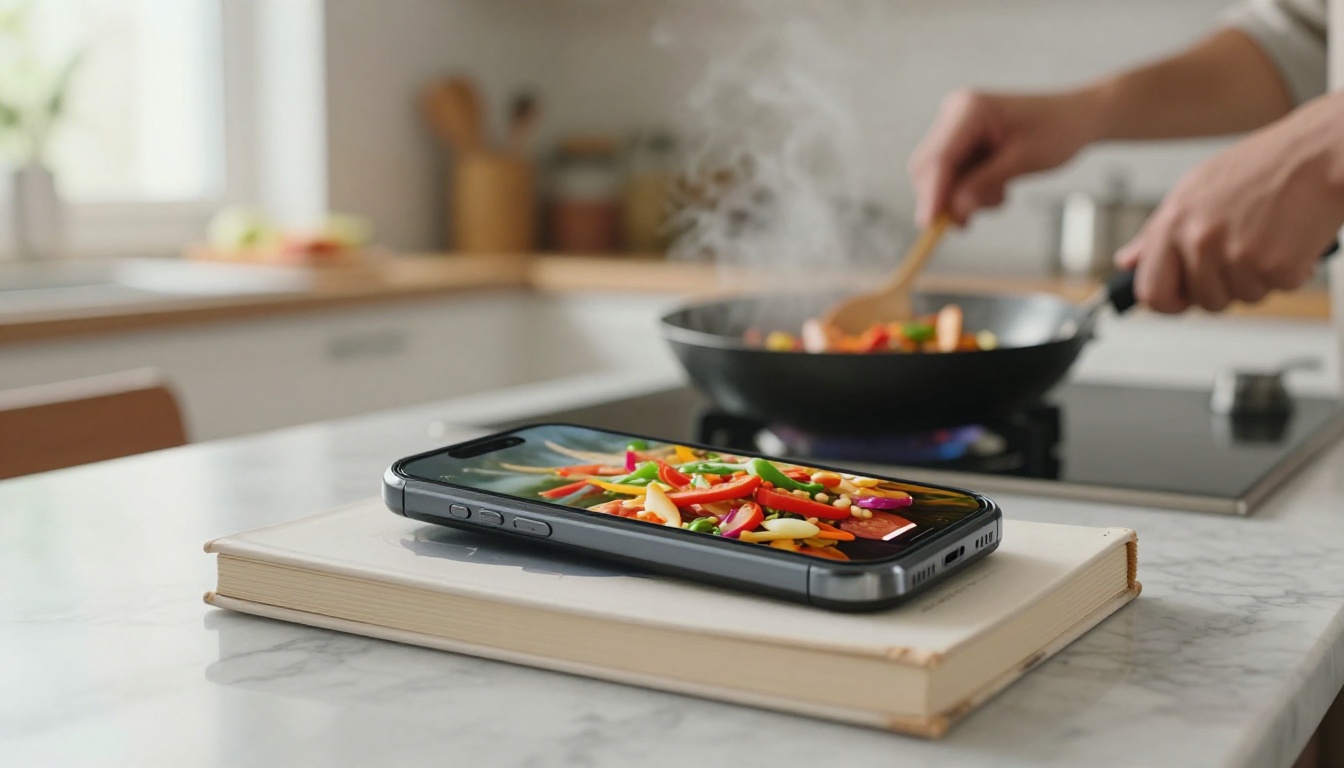
The right tool depends on what you create. Here is how to match your niche to the right AI stack.
Cooking and Food Content
Generate mouth-watering B-roll with Pixverse v5 using food-focused scene prompts: steaming pasta close-ups, overhead flat-lay shots of ingredients, sauce pours in slow motion. Pair the footage with Thinksound for sizzling and bubbling audio that makes viewers react before the dish is even shown.
Lifestyle and Travel
Kling v2.6 and Hailuo 2.3 produce the soft, warm-light aesthetic that performs well in travel content. Generate scenic location B-roll you could never afford to shoot in person, and cut it with your real footage for a polished, hybrid look.
Educational and Explainer
For talking-head content, run everything through Autocaption for styled captions, then cut to relevant AI-generated visuals during the explanation to break up the visual monotony. Real ESRGAN Video upscales your smartphone recordings to 4K, which makes even budget footage look broadcast-quality on TikTok's compressed feed.
What the Algorithm Actually Rewards
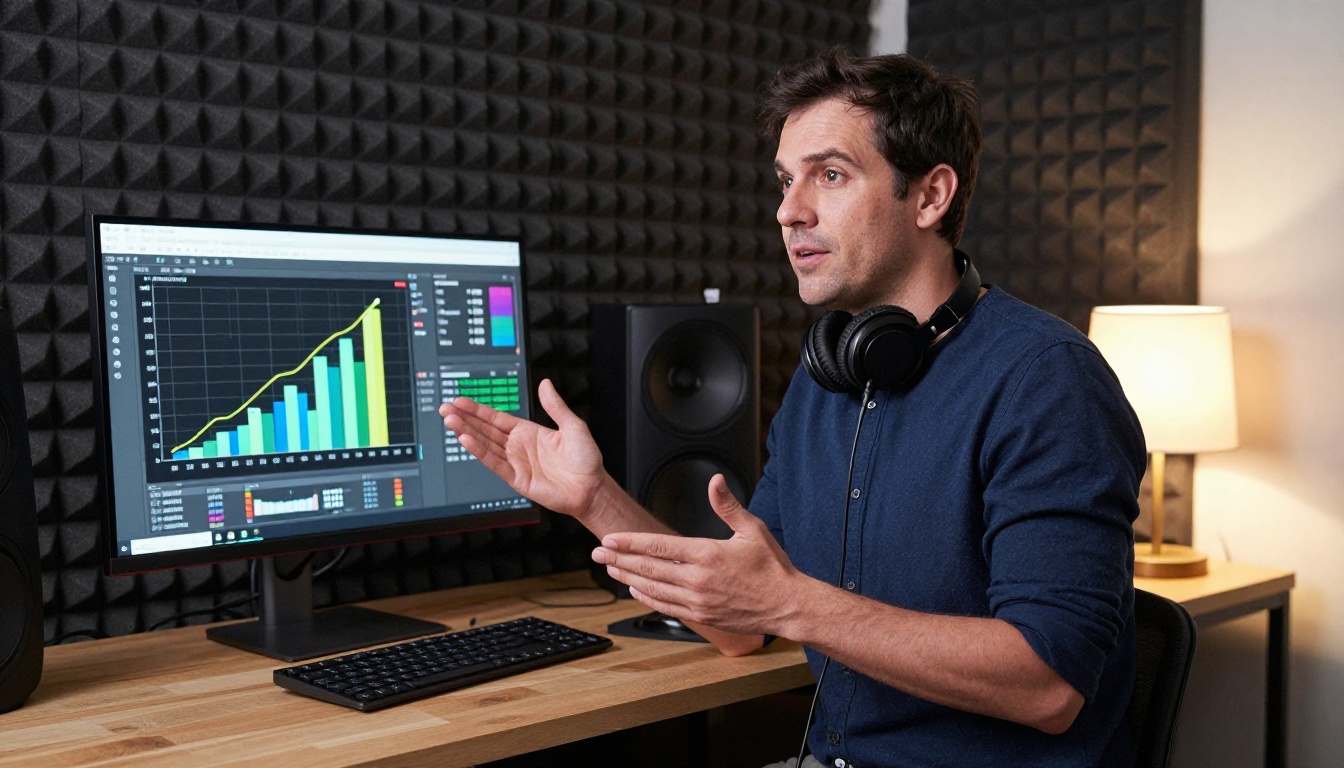
The biggest misconception about going viral on TikTok is that it is about luck. It is not. The algorithm responds to specific, measurable signals.
Watch time is the primary signal. A video watched 100% of the way through by a high percentage of the test audience gets pushed to the next tier. AI tools help by making tighter, faster, and visually richer content that holds attention all the way through.
Shares are the second most powerful signal. People share content that is surprising, useful, or emotionally resonant. AI tools help you hit all three: surprising visuals from generative video, useful information delivered efficiently, and emotionally resonant footage from cinematic AI scenes.
Early retention determines whether TikTok expands your audience beyond the initial test group. AI-generated hooks, strong visual openings, and auto-captions all reinforce those critical first three seconds.
Audio strategy matters more than most creators realize. TikTok actively promotes content using trending audio. When you layer in original sound design from MMAudio or Thinksound, you control your audio completely, which lets you add a trending track on top without competing sounds muddying the mix.
💡 Post 3 to 5 AI-generated clips as a test batch. Watch the analytics for the first 6 hours after each post. The clip with the strongest early retention tells you which visual style and hook format to double down on going forward.
A few practices that consistently hurt performance:
- Slow intros: Anything other than the hook in the first second loses viewers
- No captions: A large portion of your audience watches without sound
- Low resolution output: TikTok's compression punishes low-quality source files heavily
- Generic thumbnails: The first frame is your cover on the For You Page feed
Fixing all four of these is straightforward with the AI tools covered in this article.
Start Building Your First AI TikTok
The barrier to creating polished TikTok content has dropped substantially. You no longer need a camera crew, a studio, a budget for stock footage, or hours inside a video editing timeline. The entire production pipeline from script to published video now has an AI tool at every step.
PicassoIA brings over 89 text-to-video models and a full suite of video editing tools into a single browser-based platform. Whether you want to generate cinematic footage with Kling v2.6, create fast clips with Seedance 2.0, or polish your final cut with Autocaption and Reframe Video, everything you need is ready to use right now.
Start with one experiment. Pick the niche you already post in. Write a tight 150-word script around a strong hook. Generate 3 scenes with Kling v2.6. Reframe with Reframe Video. Add captions with Autocaption. Post it and watch the first 6 hours of analytics carefully. That single experiment will show you more about what works for your specific audience than any amount of planning. Then do it again with what you learned.


