Photorealistic 4K images that look like they came from a professional camera shoot. That's exactly what Gemini 3 Pro delivers, and right now you can access it directly through PicassoIA without writing a single line of code. This article breaks down exactly how to use it, what prompts actually produce stunning results, and how it stacks up against every other high-resolution AI model available today.
What Makes Gemini 3 Pro Different
Google's third-generation image architecture brings something that earlier models consistently struggled with: genuine 4K fidelity at the pixel level. Not upscaled. Not filtered. Actually generated at high resolution from the ground up.
The 4K Output Advantage
Most AI image generators produce output at 1024x1024 pixels and call it "high resolution." Gemini 3 Pro, accessed via Nano Banana Pro on PicassoIA, outputs at true 4K dimensions, which means you get roughly 4x the pixel data of standard models. That matters the moment you zoom in: individual fabric threads stay sharp, skin texture reads naturally, architectural details don't dissolve into mush.
For anyone creating content for large-format print, social media headers, product mockups, or portfolio work, this is a significant shift from what's been possible with free browser-based tools.
Photorealism Without the Hassle
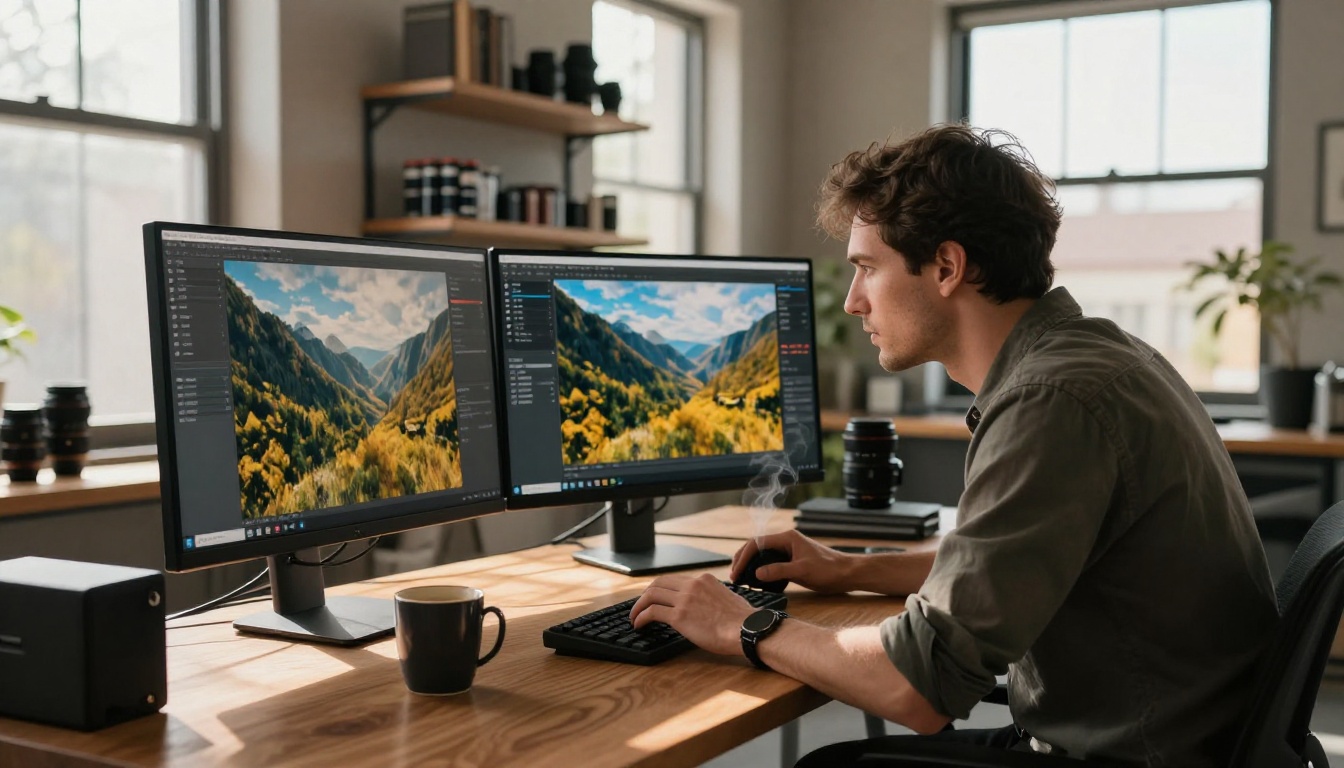
Earlier Google models like Imagen 3 and Imagen 4 showed strong realism in faces and lighting. Gemini 3 Pro pushes that further by improving coherence in complex scenes: a crowd doesn't just look like a crowd, you can see distinct individuals. A forest isn't just green, you get depth layers, shadow gradients, and bark texture variation that holds up at full zoom.
💡 Pro Tip: The model performs best when you describe the specific light source in your prompt. "Afternoon sunlight from the left at 30 degrees" beats "bright lighting" every single time.
The other practical advantage: Gemini 3 Pro handles prompt interpretation more literally than most models. If you say "85mm f/1.4," the output actually mimics that depth of field behavior. This makes it the most reliable tool for anyone who thinks in photographic terms.
Nano Banana Pro on PicassoIA
PicassoIA hosts the Gemini 3 Pro architecture under the name Nano Banana Pro, Google's production-ready 4K image generation model. It sits alongside the base Nano Banana and Nano Banana 2 versions, which are excellent for editing and multi-image composition tasks, but Nano Banana Pro is the one you want when resolution and photorealism are the primary goals.
Where to Find It
Go to PicassoIA, open the Text to Image collection, and filter by Google models. Nano Banana Pro appears in that list. The interface is fully browser-based: no installs, no API keys to manage on your end, no watermarks on the output.
What It Can Do
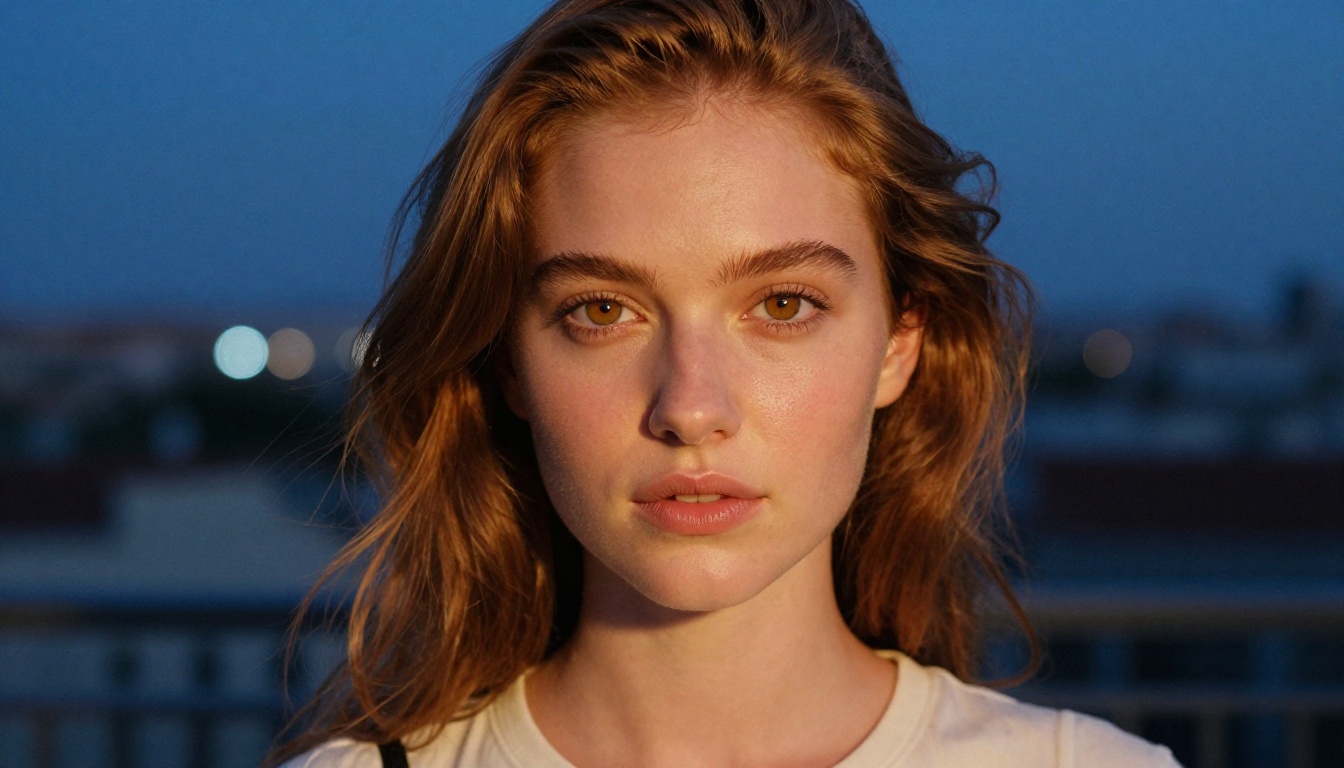
Here's how Nano Banana Pro performs across common use cases compared to alternatives:
| Category | Nano Banana Pro | Standard 4K Models |
|---|
| Portrait realism | Exceptional | Very good |
| Landscape depth | 4K native generation | Often upscaled from 1K |
| Text in images | Improving rapidly | Mixed results |
| Generation speed | Fast | Varies widely |
| Complex multi-element scenes | Strong coherence | Can fragment |
| Lighting accuracy | High fidelity | Model-dependent |
| Prompt literalness | Very high | Moderate |
How to Write Prompts That Actually Work
The biggest mistake people make when generating 4K images is writing vague prompts. Gemini 3 Pro's power comes directly from how specifically you describe the scene. The model responds to photographic language the way a professional camera responds to settings: precise input produces precise output.
The 5-Part Prompt Formula
Every high-performing prompt for Nano Banana Pro follows this structure:
- Subject — who or what is in the image, and exactly what they're doing
- Environment — where precisely the scene takes place, including background details
- Lighting — direction, color temperature, intensity, and source type
- Camera — lens focal length, aperture, shooting angle, and film stock
- Texture/Atmosphere — surface qualities, weather conditions, mood, grain character
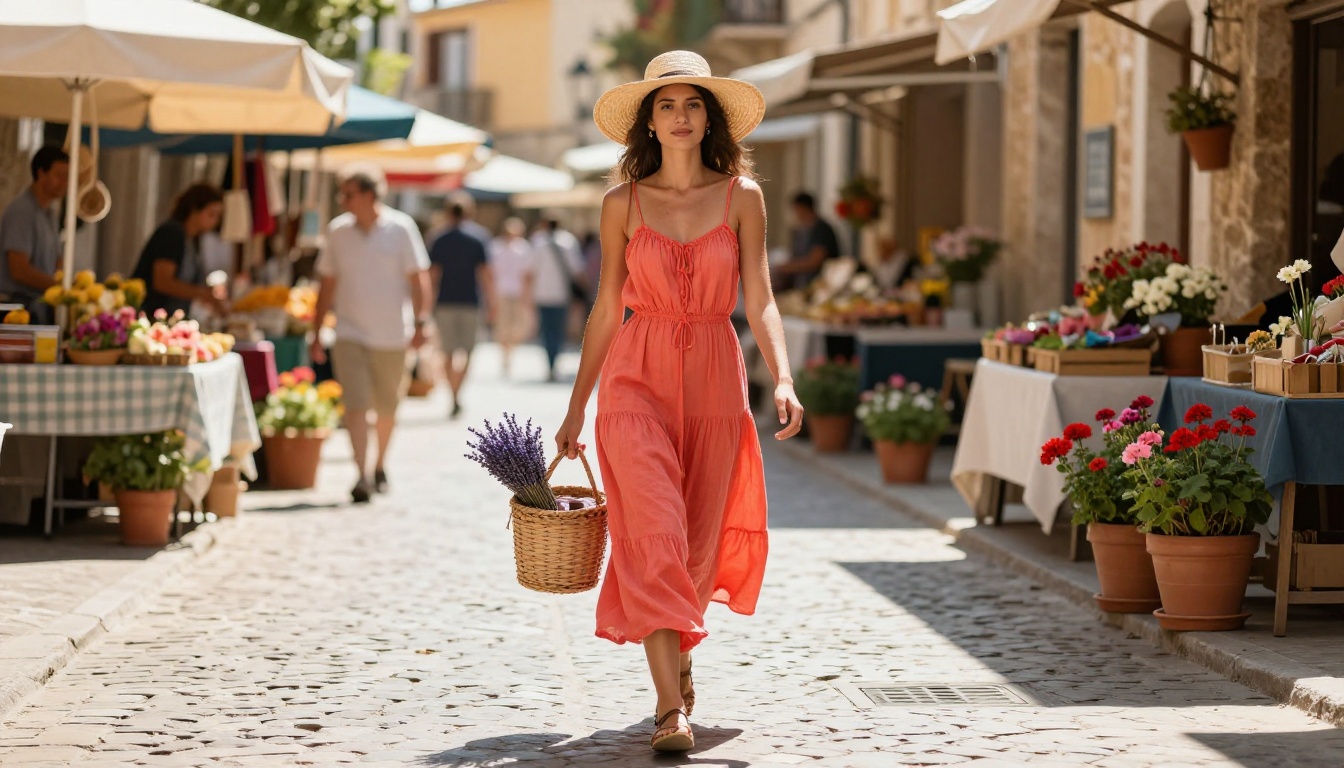
Example of a strong prompt: "A woman in a flowing coral sundress walking through a Moroccan market at midday, golden sandstone walls and spice stalls softly blurred behind her, harsh directional overhead sunlight creating crisp shadows on paving stones, shot on a Nikon 50mm f/1.8 lens, individual linen threads visible on dress hem, warm desert-toned Kodak Portra 400 film grain"
That prompt will consistently produce a dramatically better result than: "woman in dress at market." The difference at 4K resolution is enormous because the model has more pixels to fill, and without specific direction it fills them with guesses.
Camera Settings That Matter
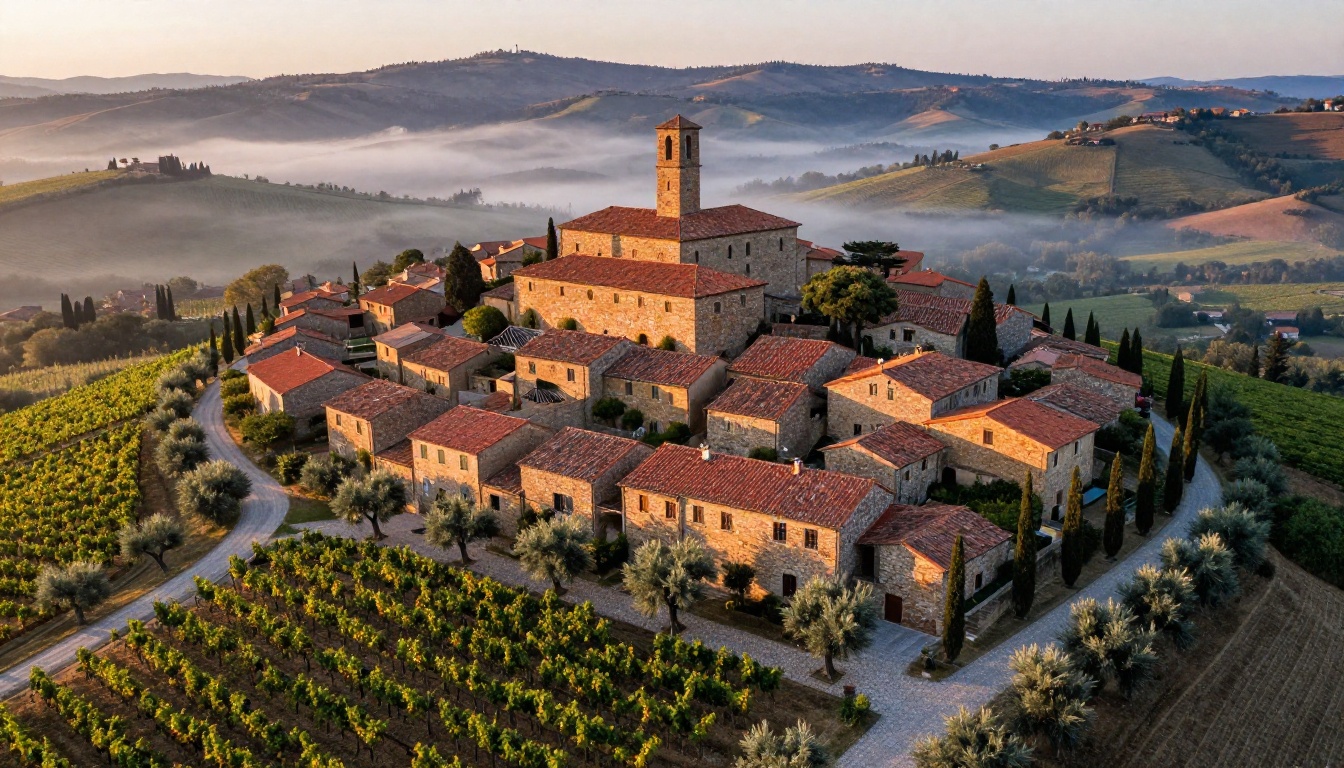
These camera references reliably improve output quality on Nano Banana Pro:
- 85mm f/1.4 for portraits with creamy background separation and subject isolation
- 24mm f/8 for architecture and wide landscapes with edge-to-edge sharpness
- 100mm macro f/3.5 for extreme close-ups with razor-thin depth of field
- 35mm f/2 for environmental portraits and street photography feel
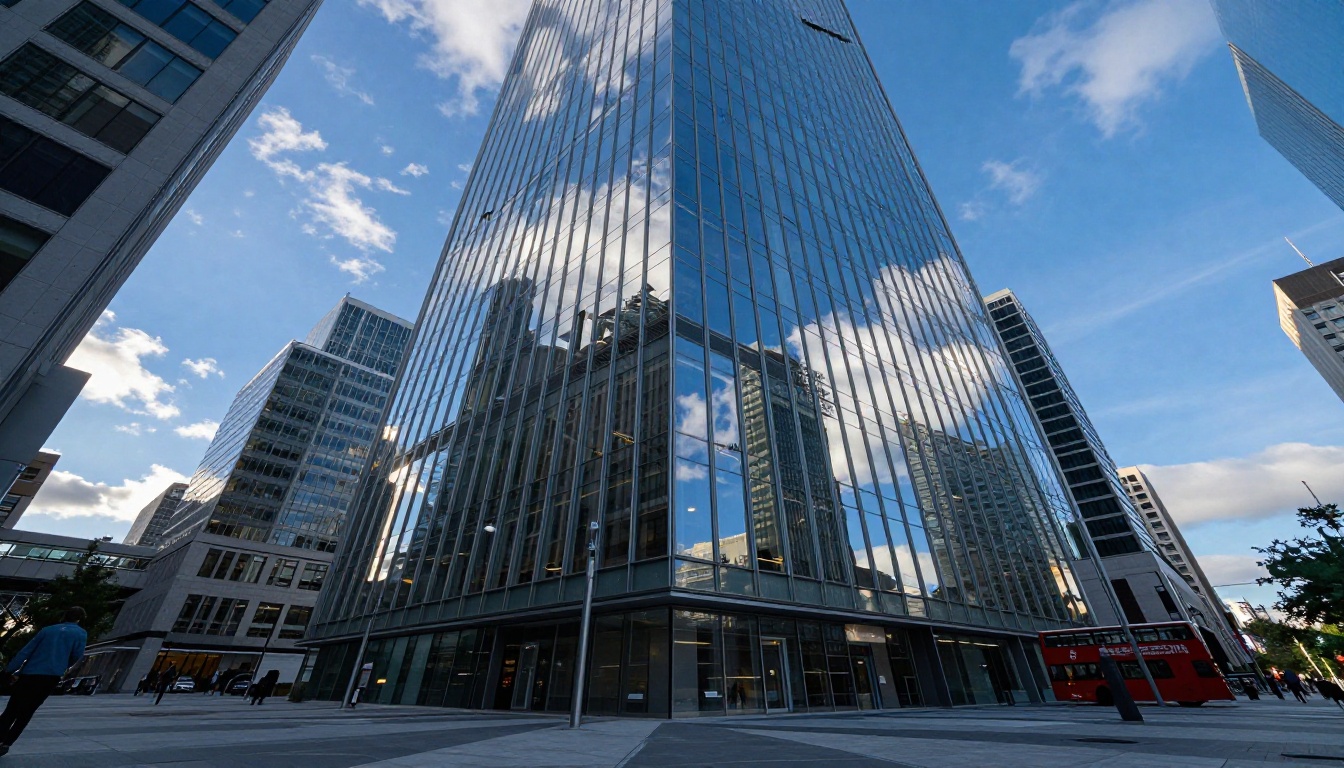
- 16-35mm f/2.8 ultra-wide for dramatic low-angle architectural or interior shots
Pairing a focal length with an aperture tells the model exactly how much depth of field to render. This single addition often doubles the perceived realism of a result, especially in portraits and environmental shots.
Lighting Descriptions That Work
| Lighting Phrase | Effect Produced |
|---|
| "Volumetric morning light from left at 15 degrees" | Long warm shadows, atmospheric depth |
| "Harsh overhead noon sun" | High contrast, crisp defined shadows |
| "Diffused overcast skylight" | Even, shadow-free, soft tones |
| "Backlit at golden hour from behind" | Rim glow, warm flare potential |
| "Studio softbox directly overhead" | Clean, product-photography quality |
| "Candlelight from below-right" | Warm, dramatic, intimate atmosphere |
8 Image Styles That Hit Hard in 4K
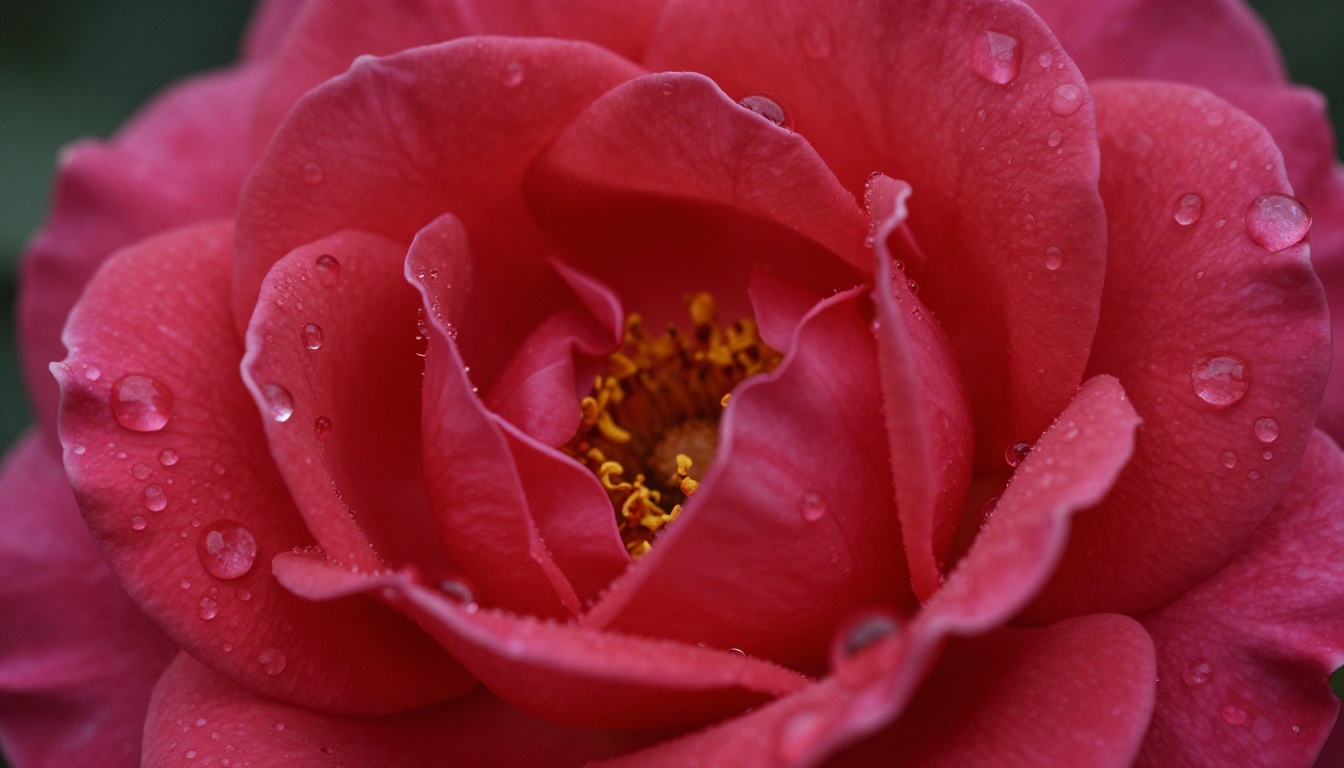
Not all subjects benefit equally from 4K generation. These eight categories produce the most visually dramatic results at ultra-high resolution, because they contain the kind of fine detail that only becomes visible at this pixel density:
- Macro photography — botanical subjects, food close-ups, product shots where surface texture carries the entire image
- Landscape aerial views — wide environments with layered depth, atmospheric haze, and distant detail that resolves clearly
- Portrait work — skin texture, iris detail, individual hair strands, and micro-expressions that read as genuinely photographic
- Architecture — sharp straight lines, glass reflections, material surface variation, and environmental context
- Street photography — crowd scenes with distinct individuals, environmental storytelling, and motion-implied compositions
- Fashion and lifestyle — fabric weave, color accuracy, and the way clothing interacts with light and movement
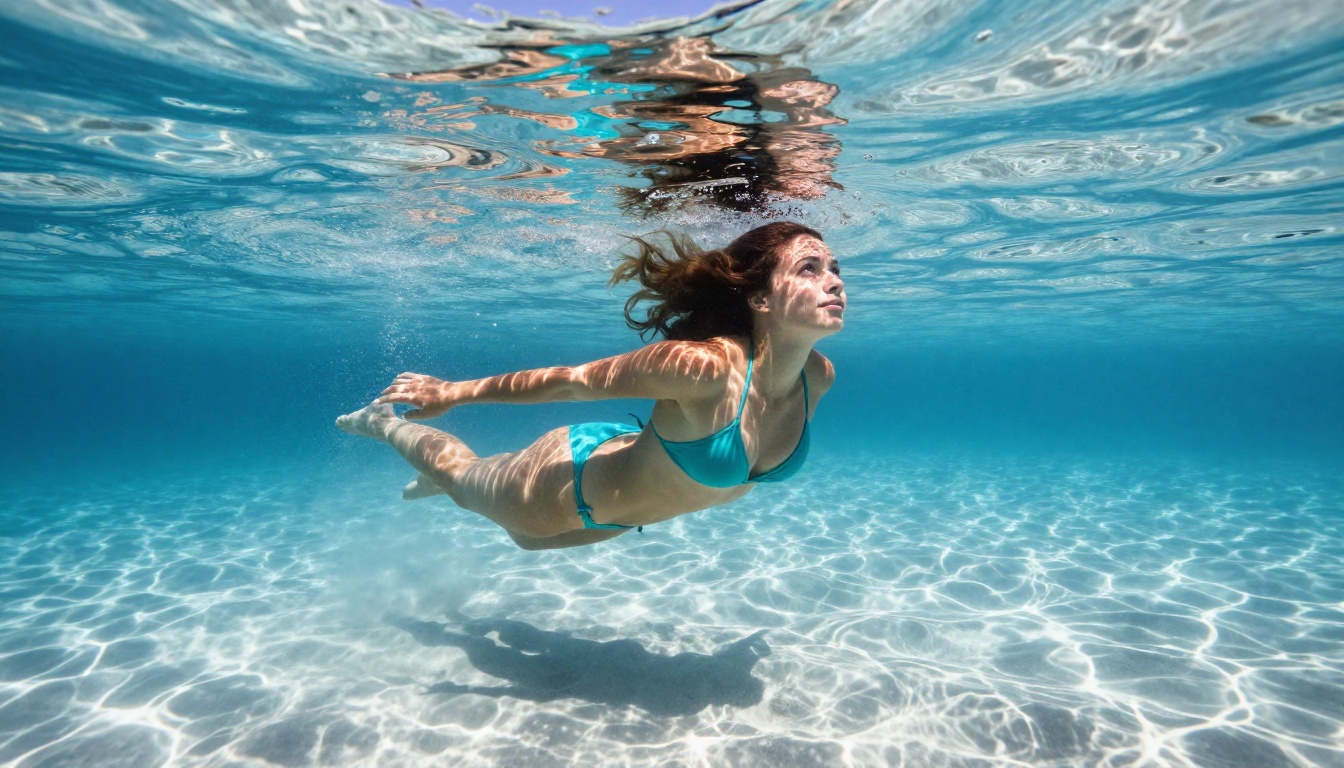
- Underwater photography — caustic light refraction, water clarity gradients, bubble trails, and surface reflections
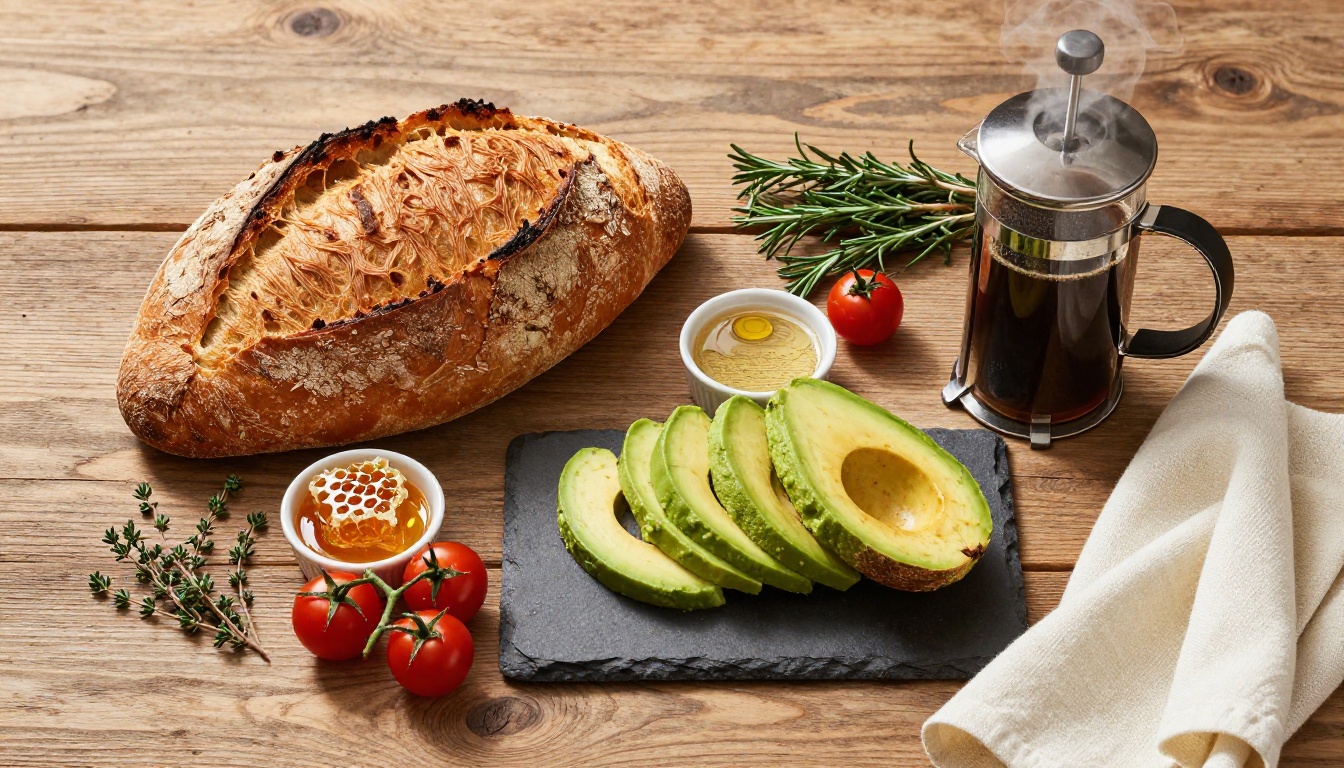
- Food photography — steam, condensation, bread crumb structure, sauce texture, and the interplay of matte and glossy surfaces
💡 Tip: For landscape and aerial shots, always include a specific foreground element in your prompt. It forces the model to create depth layers that look especially striking at 4K resolution.
How to Use Nano Banana Pro Step by Step
Here's the complete process from a blank prompt field to a finished 4K image, step by step:
Step 1: Open the Model
Navigate to the Nano Banana Pro page on PicassoIA. You'll see the prompt input field, aspect ratio selector, and optional parameter controls. No account required to run your first generation.
Step 2: Write Your Prompt
Apply the 5-part formula. Aim for 50-80 words minimum. Describe the subject and their action, the environment in specific terms, the exact lighting angle and color temperature, a camera lens and aperture, and at least one surface texture detail. End with a film stock reference for color character.
Step 3: Set the Parameters
- Aspect ratio: 16:9 for wide cinematic scenes and landscapes, 1:1 for square portraits and social thumbnails, 9:16 for vertical mobile content
- Prompt upsampling: Enable this when your prompt is under 30 words. The model expands it before generating, often improving results meaningfully
- Seed: Set a specific seed number when you want to run prompt variations on the same base composition, keeping the overall structure consistent
Step 4: Download at Full 4K
Once the image renders, the download saves the full-resolution output. No compression applied. The file is ready for large-format print, high-resolution web use, or direct publishing without any upscaling step required.
How Nano Banana Pro Compares to Other 4K Models
PicassoIA hosts several models capable of high-resolution output. Here's how Nano Banana Pro stacks up against the strongest alternatives in the collection:
| Model | Resolution | Strongest At | Realism |
|---|
| Nano Banana Pro | 4K native | Portraits, landscapes, photorealism | ★★★★★ |
| Imagen 4 Ultra | Ultra HD | Complex multi-element scenes | ★★★★★ |
| Flux 2 Max | 4MP | Creative, stylized, controlled output | ★★★★☆ |
| Flux 1.1 Pro Ultra | 4MP | Mixed realism and creative styles | ★★★★☆ |
| Seedream 4.5 | 4K | Asian aesthetic, precise facial features | ★★★★☆ |
| Sana | Up to 4K | Fast generation across diverse styles | ★★★★☆ |
💡 For pure photorealism in portraits and natural scenes, Nano Banana Pro and Imagen 4 Ultra are the two top choices. The difference is scene complexity: Imagen 4 Ultra edges ahead on elaborate multi-element compositions with many interacting subjects and environments.
Tips That Separate Good From Great
After testing hundreds of prompts on Nano Banana Pro, a handful of patterns consistently separate average outputs from images that stop people mid-scroll.
Aspect Ratio Strategy
Most people default to 1:1 square output. That's a missed opportunity. The 16:9 ratio forces the model to fill a horizontal canvas, which naturally creates more cinematic, context-rich compositions. For any subject that exists within an environment, including a person in a city, a building in a plaza, or a food spread on a table, 16:9 produces more depth and storytelling in the image.
For vertical social media content, 9:16 at 4K resolution means creating material that fills a phone screen perfectly without any cropping, scaling, or quality loss.
When to Use Prompt Upsampling
Turn it on when:
- Your prompt is under 30 words and you're not sure how to expand it
- You have a strong visual concept but limited photography vocabulary
- You're exploring a new subject category and want the model to interpret creatively
Turn it off when:
- You've crafted a precise, detailed prompt of 80 or more words
- You need exact control over a specific camera angle or lighting condition
- You're running seed-locked variations and need consistent prompt interpretation across generations
Style Modifiers Worth Memorizing
These phrases reliably improve photorealistic output quality on Nano Banana Pro:
Kodak Portra 400 for warm, natural skin tones and organic shadow characterKodak Ektar 100 for saturated landscapes and high-contrast architectureFuji Superia X-TRA 400 for cool-to-warm tonal splits and street photography feel8K RAW photography to signal the highest base resolution intentf/1.4 depth of field for smooth background separation and subject isolationfilm grain to add organic texture instead of digital smoothnessvolumetric light for atmospheric depth and directional light shafts
Why 4K Resolution Actually Changes What You Can Do
There's a specific threshold where AI-generated images cross from "clearly AI" to "is that a real photo?" Gemini 3 Pro sits firmly on the right side of that line for most subject categories, and the resolution is the reason.
At 4K, the artifacts that give AI images away — soft skin with no pore texture, backgrounds that blur into indistinct mush, or hair that looks like painted strokes — simply don't appear. The pixel count is high enough that the model has room to render detail properly rather than faking it with smooth blending.
This matters practically for:
- Photographers using AI as a pre-visualization tool before actual shoots
- Designers creating mood boards, lookbooks, and presentation assets that clients take seriously
- Content creators who need thumbnail-quality images that hold up at large sizes
- E-commerce teams generating lifestyle imagery around products without full production shoots
- Writers and bloggers who need editorial visuals that feel authentic rather than obviously generated
Each of these use cases depends on images that look photographed. That's the actual value proposition of Nano Banana Pro: not that it generates images, but that it generates images people believe.
Start Creating Right Now on PicassoIA
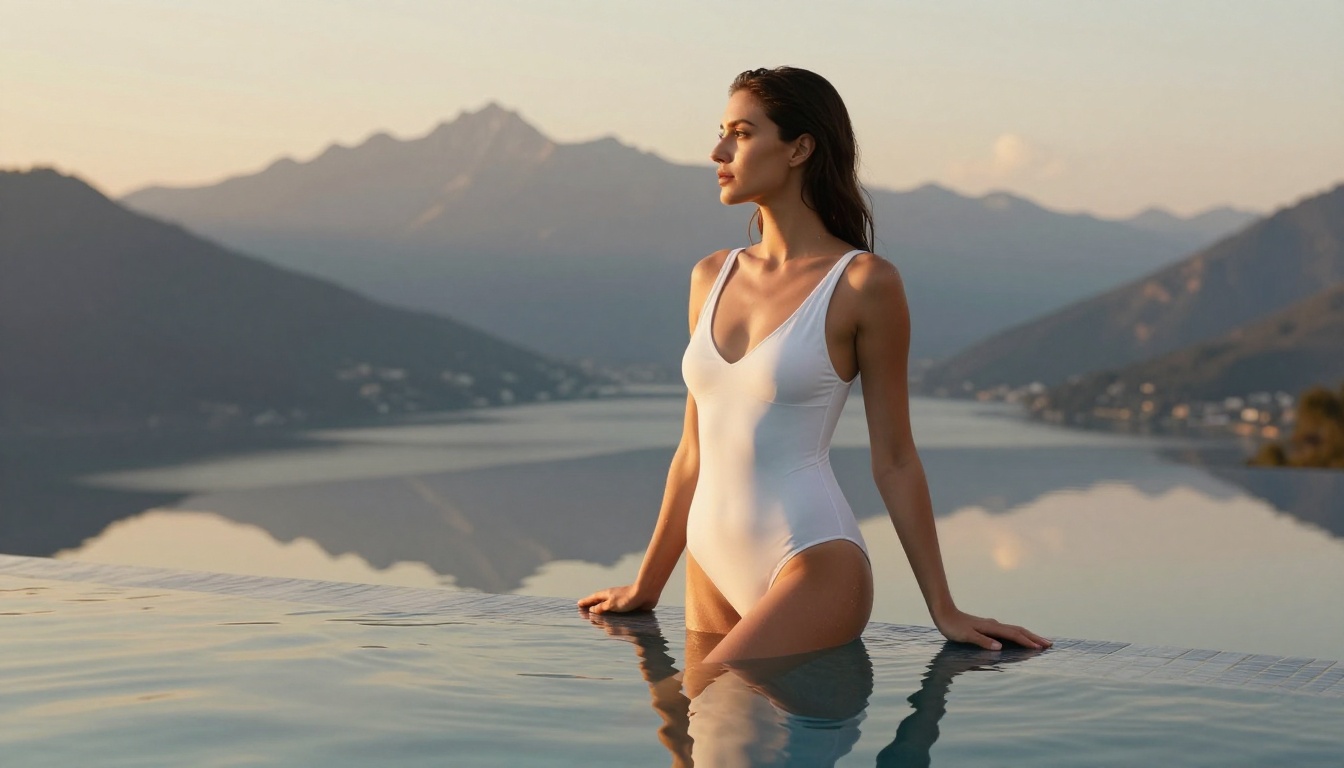
Everything covered in this article is available for free, directly in your browser, with no signup wall between you and your first 4K image.
Nano Banana Pro sits alongside 90 other text-to-image models in PicassoIA's collection, including Imagen 4 Ultra for complex compositions, Flux 2 Max for stylized output, Seedream 4.5 for precision facial work, and Sana for fast multi-style generation.
If portrait realism and landscape fidelity are your starting point, open Nano Banana Pro first. Write a prompt using the 5-part formula. Set your ratio to 16:9. Specify a camera lens and a lighting angle. Download the result at full 4K.
The workflow takes about 60 seconds from blank field to finished image. The quality is what used to require hours of post-processing or an actual camera crew. Try it now and see for yourself what prompt precision does at 4K resolution.


