Realistic adult imagery used to be the hardest thing to make with AI. The skin looked plastic, the hands melted, and most platforms blocked the prompt before you ever pressed generate. That has changed. In 2027 a handful of uncensored models produce photorealistic NSFW art in seconds, with believable skin, natural lighting, and full creative freedom. This walkthrough shows you exactly how to do it, which models give the most realistic results, and how to write prompts that turn a one-line idea into a gallery-worthy image.
Why NSFW AI Got So Good
For years, adult AI art carried a tell. Waxy skin, warped fingers, dead eyes. The models simply were not trained for it, and the platforms that hosted them filtered anything suggestive. The result was frustrating for creators who wanted tasteful, realistic work and kept hitting a wall instead.
Three things shifted in 2026, and together they moved this from a novelty into a real creative tool.
From Plastic To Photoreal
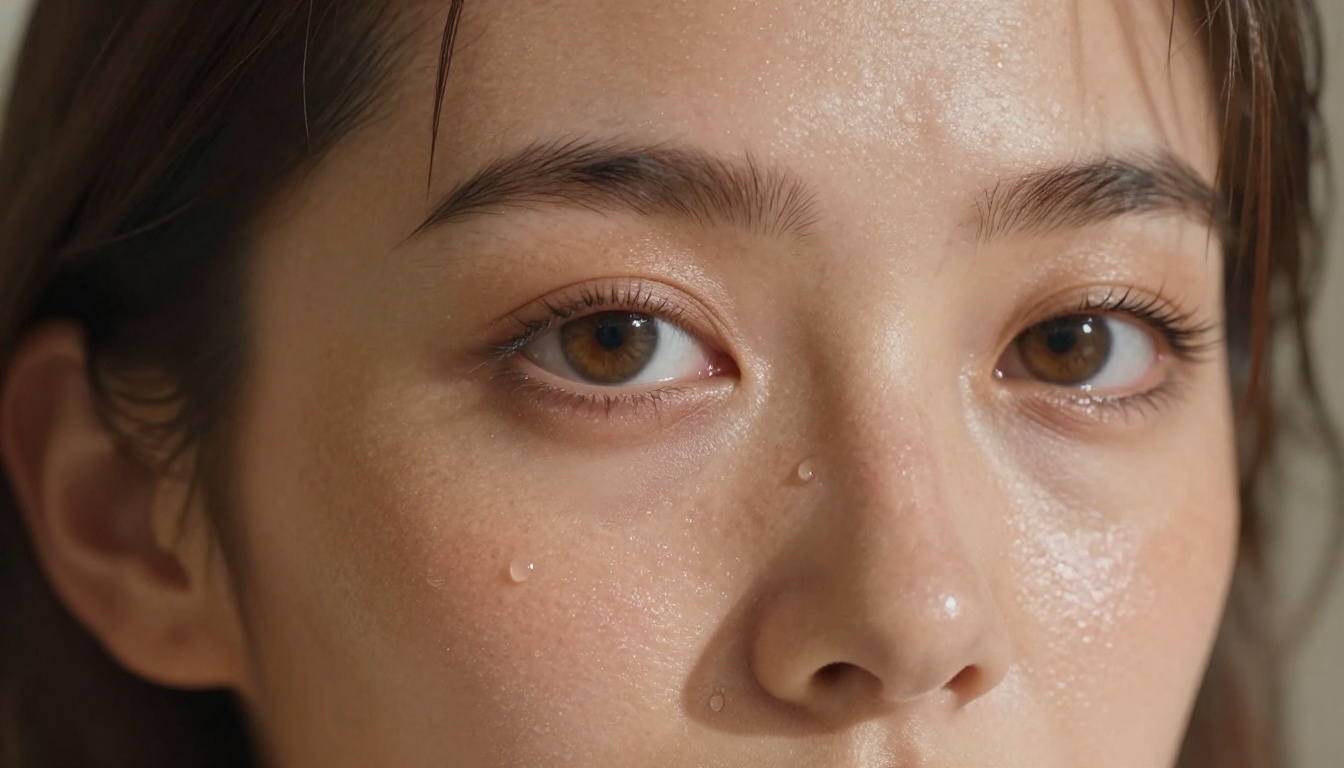
Newer base models render skin with real pores, subsurface scattering, and natural blemishes instead of an airbrushed sheen. A close shot now holds up to scrutiny, with freckles, fine hair, and the soft imperfections that make a face read as human. Older models gave you a mannequin. The current generation gives you a person.
Speed Caught Up
Generation that once took a minute now lands in under three seconds on the fastest models. That speed matters more than it sounds, because realistic results come from iteration, and iteration is painful when every attempt costs you a long wait. When a render takes two seconds, you can run an idea ten times and keep the best frame without losing patience.
Filters Became Optional
The biggest change is access. Platforms like PicassoIA run models that do not block adult content, so you spend your energy on the image instead of fighting a refusal screen. No more rewording a harmless prompt five times to sneak it past a filter that should not have been there.
What You Need Before You Start
You do not need a powerful computer or any design background. The whole process runs in a browser. You need two things: a model that allows the content, and a clear picture in your head of what you actually want to see.
A Model That Allows It
This is where most people get stuck. Mainstream image tools quietly ban anything sensual, and you waste hours on prompts that never render. Start with a platform built for unrestricted work so the model says yes the first time. The next section lists the best options in the order worth trying.
A Clear Picture In Mind
The single biggest difference between a flat image and a stunning one is how specifically you describe it. Before you type a word, decide the setting, the lighting, the mood, the camera angle, and the wardrobe. A prompt that names all five beats a vague one every single time. Treat it like briefing a photographer, not typing into a search box.
Your Content Stays Private
Realistic adult art is personal by nature. PicassoIA lets you generate without restrictive filters and without your prompts being policed, so your ideas stay yours. That freedom is the whole point: creative control with no one looking over your shoulder.
Best Models for NSFW AI Generation on PicassoIA
PicassoIA runs several models designed for unrestricted, realistic creation. Here they are in the order worth trying, with the strength of each one called out so you can pick fast.
- Seedream 4.5 is the best all-around pick. It accepts adult content, supports image editing, and renders ultra-realistic results in under three seconds. Its successor, Seedream 5 Lite, does not allow NSFW, so stay on 4.5 for this kind of work.
- PicassoIA Image Editor Pro is an image-to-image editor with unlimited generations. Need a thousand images? They are free on the Elite or Infinite plan, while that same volume would run around $100 on models like Nano Banana 2. It accepts NSFW, returns results in under a second, and includes a three-generation free trial with no credit card required.
- Qwen Image 2 is open source and edits or creates any image in seconds with very detailed realism.
- Grok Imagine Image realistically converts any photo into a bikini format.
- Recraft V4 delivers very realistic results for text-to-image work.
- P-Image handles NSFW text-to-image in under a second.
- prunaai-wan-2.2-image renders highly realistic images from text with no content filters.
For motion, four models stand out:
- PicassoIA Video offers unlimited video generation from text prompts at up to 720p and five seconds per clip.
- P-Video turns text, an image, or audio into clips up to 1080p, with the safety filter off by default and a draft mode for instant previews.
- Grok Imagine Video makes clips up to 15 seconds from text or a photo, with no watermarks.
- LTX 2.3 Pro is the highest-fidelity option at up to 4K and 50fps, with retake and extend editing for precise control.
| Model | Type | Best For | Speed |
|---|
| Seedream 4.5 | Text to image plus edit | Top realism overall | Under 3s |
| Image Editor Pro | Image to image | Unlimited free volume | Under 1s |
| Qwen Image 2 | Text to image plus edit | Open-source detail | Seconds |
| Grok Imagine Image | Image to image | Bikini conversions | Seconds |
| P-Image | Text to image | Fast drafts | Under 1s |
💡 Tip: Start a concept on Seedream 4.5 for the cleanest realism, then move the winner into Image Editor Pro to refine pose, outfit, or background as many times as you want at no extra cost.
Why Unlimited Volume Matters
Realism is a numbers game. The first render is rarely the best one. With Image Editor Pro you can run the same idea fifty times until the lighting and pose click, and none of those attempts cost extra on an Elite or Infinite plan. On pay-per-image tools, that habit gets expensive fast, which quietly pushes people to settle for a worse frame. Unlimited volume removes that pressure, so you keep going until it is right.
How to Write Prompts That Work
A great NSFW prompt reads like a photographer briefing a shoot, not a pile of tags. Build it in five layers: subject, scene, lighting, camera, and texture. Stack those and the model has everything it needs to render something believable.
Describe The Scene, Not Labels
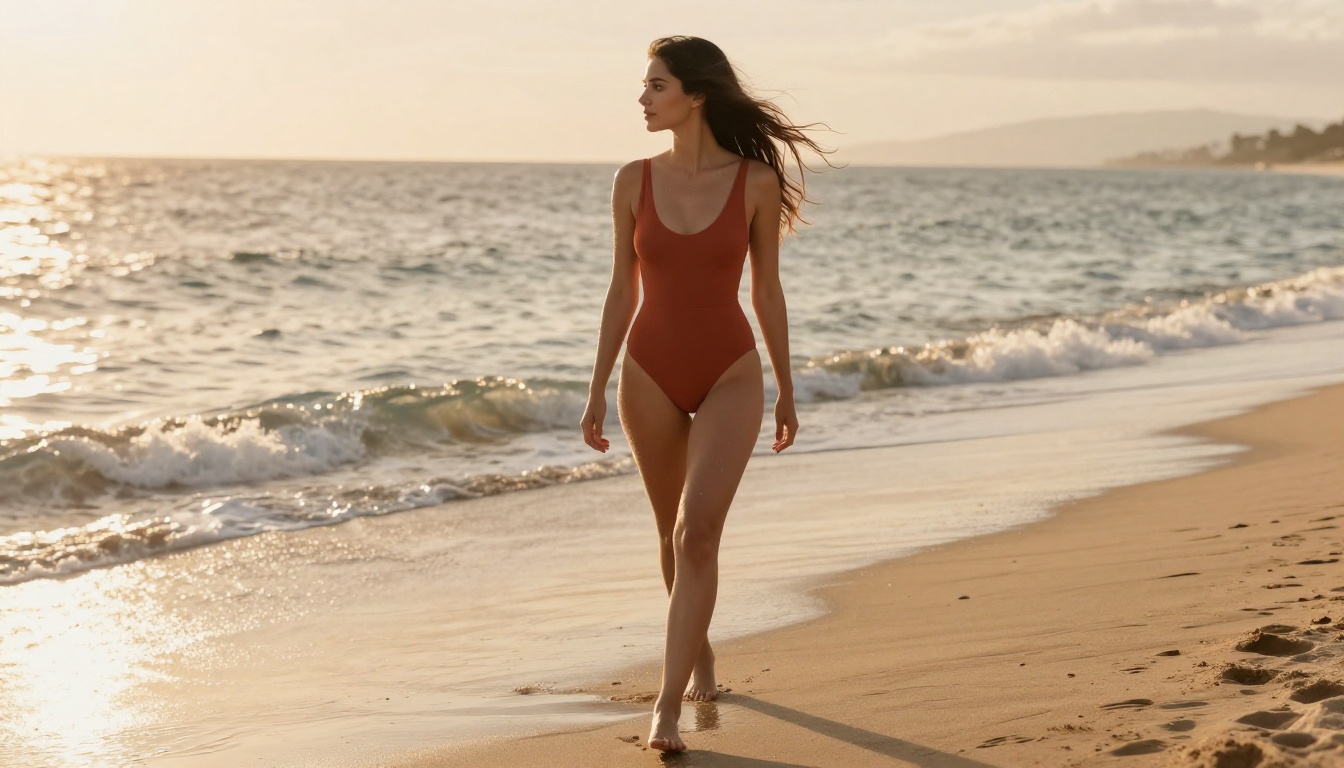
Instead of "hot woman, sexy," write what the camera sees: a woman in a terracotta swimsuit walking along wet sand at sunset, hair lifting in the breeze. Specific scenes render with intent. Lazy tags render generic, and generic is exactly the plastic, stock-photo look you are trying to avoid.
Lighting Makes Or Breaks It
Light is what separates a snapshot from a stunning frame. Name the source and the direction. "Soft volumetric morning light from the left" or "warm low sunset backlight" tells the model how skin should glow and where the shadows should fall. Skip this layer and the model picks flat, even light that flattens everything.
Add Camera And Lens Detail
Photographers think in glass, so borrow their language. "85mm f/1.8, shallow depth of field" gives you a creamy blurred background and flattering compression. "Macro 100mm" pushes into pore-level detail. These phrases nudge the model toward photographic realism instead of illustration, which is half the battle.
💡 Tip: End every prompt with texture and film cues like "realistic skin pores, Kodak Portra 400 film grain, photorealistic." It is the fastest way to kill the plastic look in a single line.
Prompt Examples You Can Copy
Steal these three and swap the details for your own scene.
Beach glamour: A woman in a terracotta one-piece swimsuit walking along wet golden sand at sunset, hair lifting in the ocean breeze, warm low backlight, 70mm lens, shallow depth of field, realistic skin texture, Kodak Portra 400 film grain, photorealistic.
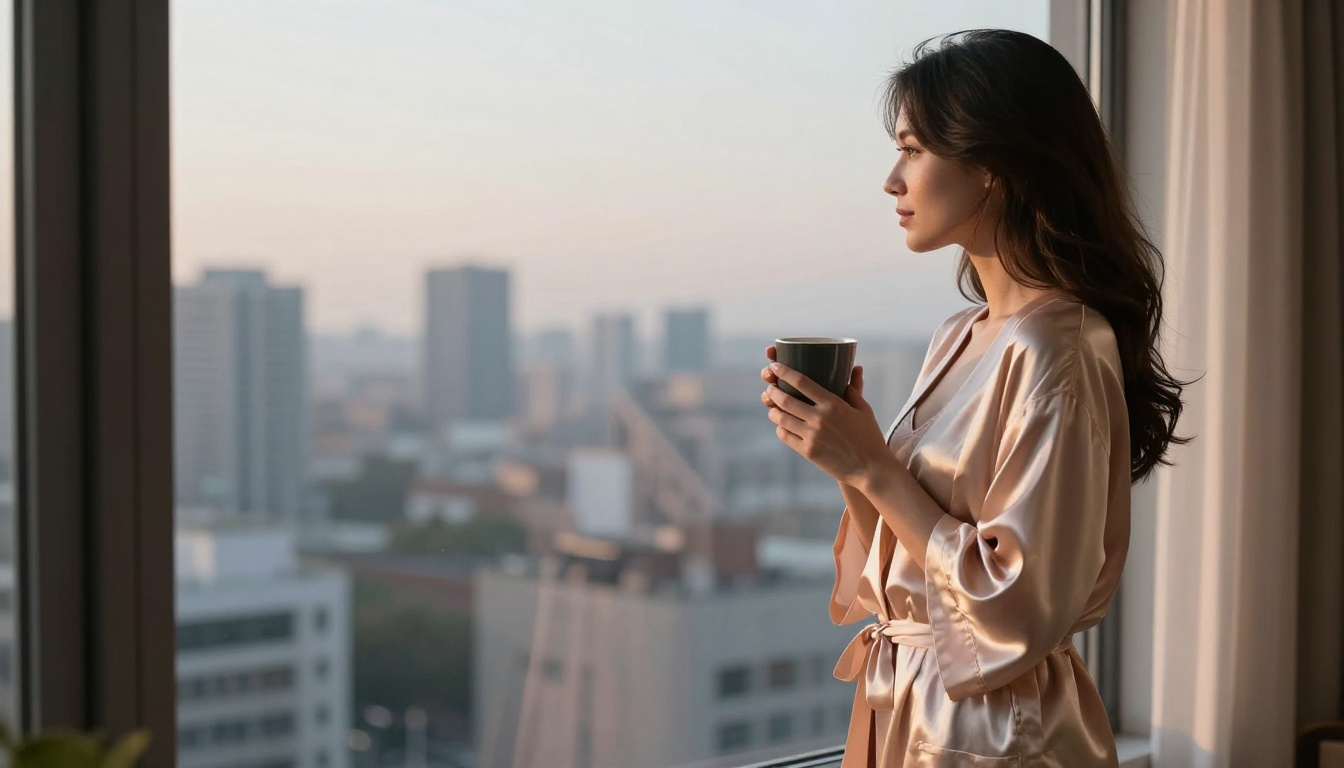
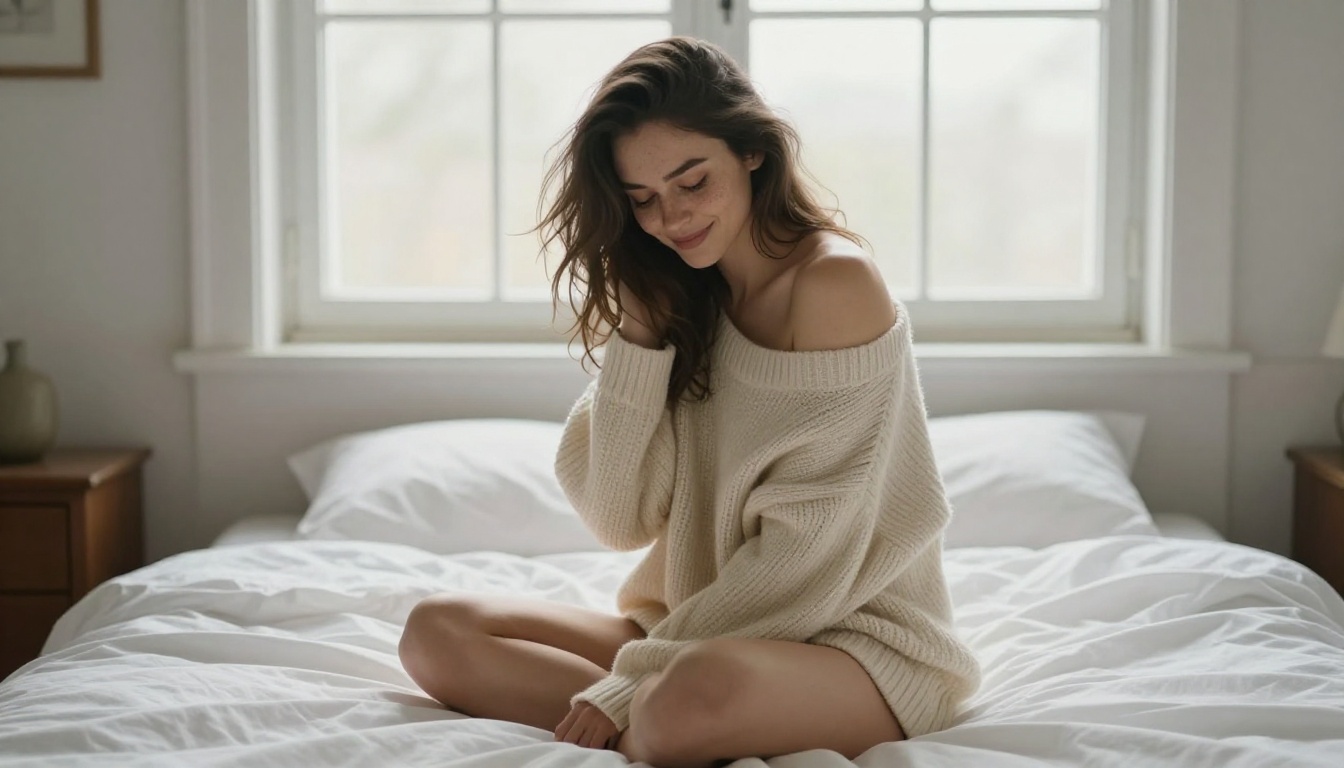
Boudoir morning: A woman seated on white bed sheets by a bright window, oversized knit sweater off one shoulder, soft diffused morning light, 85mm f/1.4, creamy bokeh, visible pores and freckles, photorealistic.
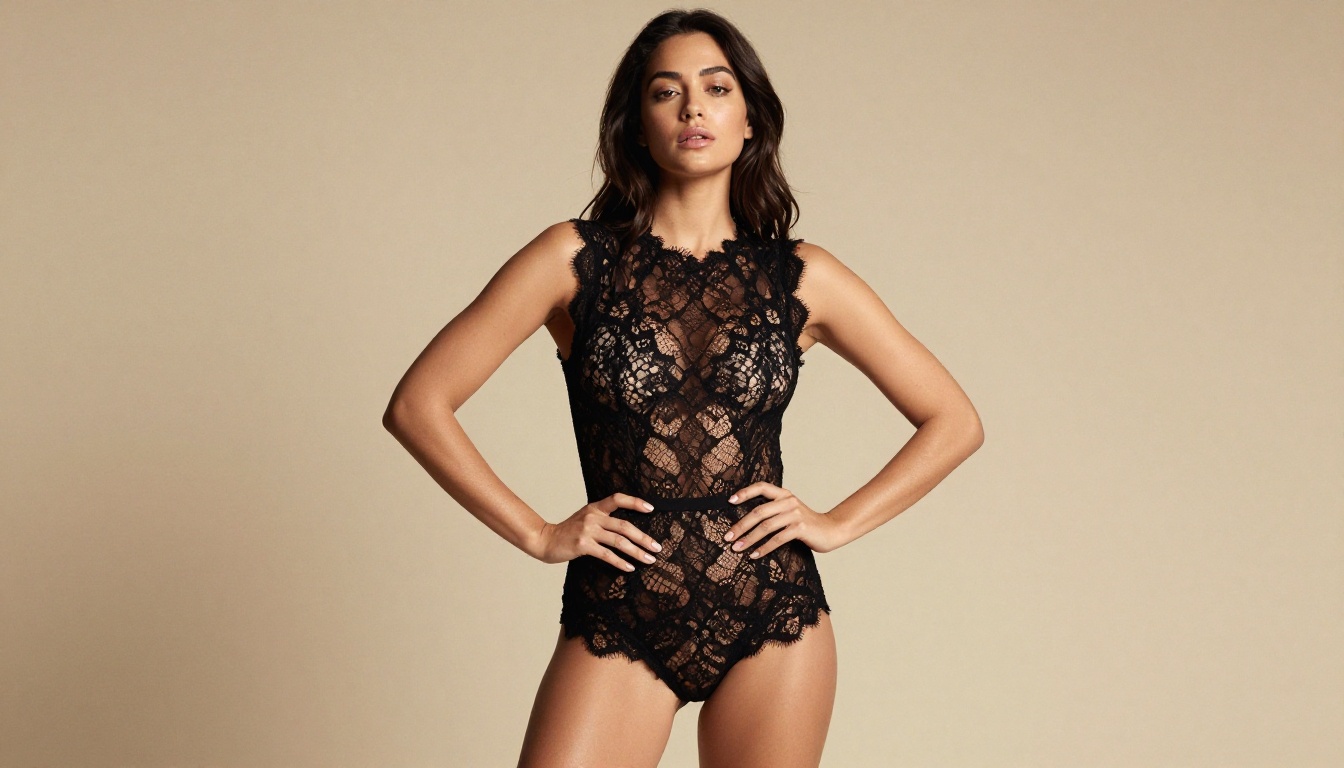
Studio editorial: A confident woman against a warm beige backdrop in a black lace bodysuit, single softbox from the upper left, 50mm lens, sculpted shadows, fine lace and skin detail, subtle film grain, photorealistic.
Step by Step on PicassoIA
Here is the full flow from idea to finished image. Start to end, it takes a couple of minutes.
Pick Your Model
Open Seedream 4.5 for a fresh creation, or Image Editor Pro when you want to edit an existing photo. Both accept adult content, so you choose based on whether you are starting from scratch or reworking a base image.
Write And Refine The Prompt
Paste your five-layer prompt: subject, scene, lighting, camera, texture. Read it back out loud and cut any word that does not describe something the camera could actually see. Fewer, sharper words beat a wall of adjectives.
Set Resolution And Ratio
Choose 16:9 for wide scenes, 9:16 for phone wallpapers, or 1:1 for portraits. Higher resolution holds more skin and fabric detail, so push it up when the pose is a close shot where texture carries the image.
Generate, Judge, Repeat
Press generate, study the result, and change one thing at a time. Wrong mood? Adjust the lighting line. Stiff pose? Rewrite the action. Because each render takes seconds, three or four passes get you a frame you are genuinely proud of instead of one you settle for.
Turn Still Images Into Video
A still is only the start. Image-to-video models bring your scene to life with natural motion and even synced audio, all from a single frame you already made.
Animate A Photo You Made
Feed any image you generated into a model like PicassoIA Video or Grok Imagine Video. Describe the motion in order: where she moves, how the camera glides, and what the light does over the five seconds. Chronological motion prompts give the smoothest, most natural animation.
Push Fidelity When It Counts
For client-ready work, LTX 2.3 Pro renders up to 4K at 50fps and lets you retake a single segment or extend a clip without starting over. For instant drafts with the safety filter off, P-Video previews in seconds, then renders the final clip once you like the motion.
Common Mistakes That Ruin Realism
Most disappointing results trace back to the same handful of errors. Avoid these four and your hit rate jumps right away.
Over-Stuffing The Prompt
Twenty adjectives fight each other. The model loses the plot and averages everything into mush. Pick the six or seven details that matter most and drop the rest. A tight prompt almost always beats a bloated one.
Forgetting Skin Texture
Leave out texture cues and you get that telltale airbrushed plastic finish. Always ask for pores, fine hair, and film grain. It is the small difference between a doll and a real person, and it costs you one extra line.
Wrong Aspect Ratio
A full-body pose crammed into a square gets cropped or distorted. Match the ratio to the shot: tall frames for standing figures, wide frames for reclining scenes. The right ratio saves you from awkward limbs and missing feet.
Skipping The Edit Pass
The first render is a draft, not the finished piece. Move it into an editor, fix the one thing that bugs you, and ship the second version. That single habit lifts quality more than any prompt trick on its own.
Make Your First Image Today
The barrier to realistic adult AI art is gone. No filters, no plastic skin, no long waits. With the right model and a prompt that reads like a photo brief, you can go from a passing idea to a frame that looks shot on a real camera in the time it takes to refill your coffee.
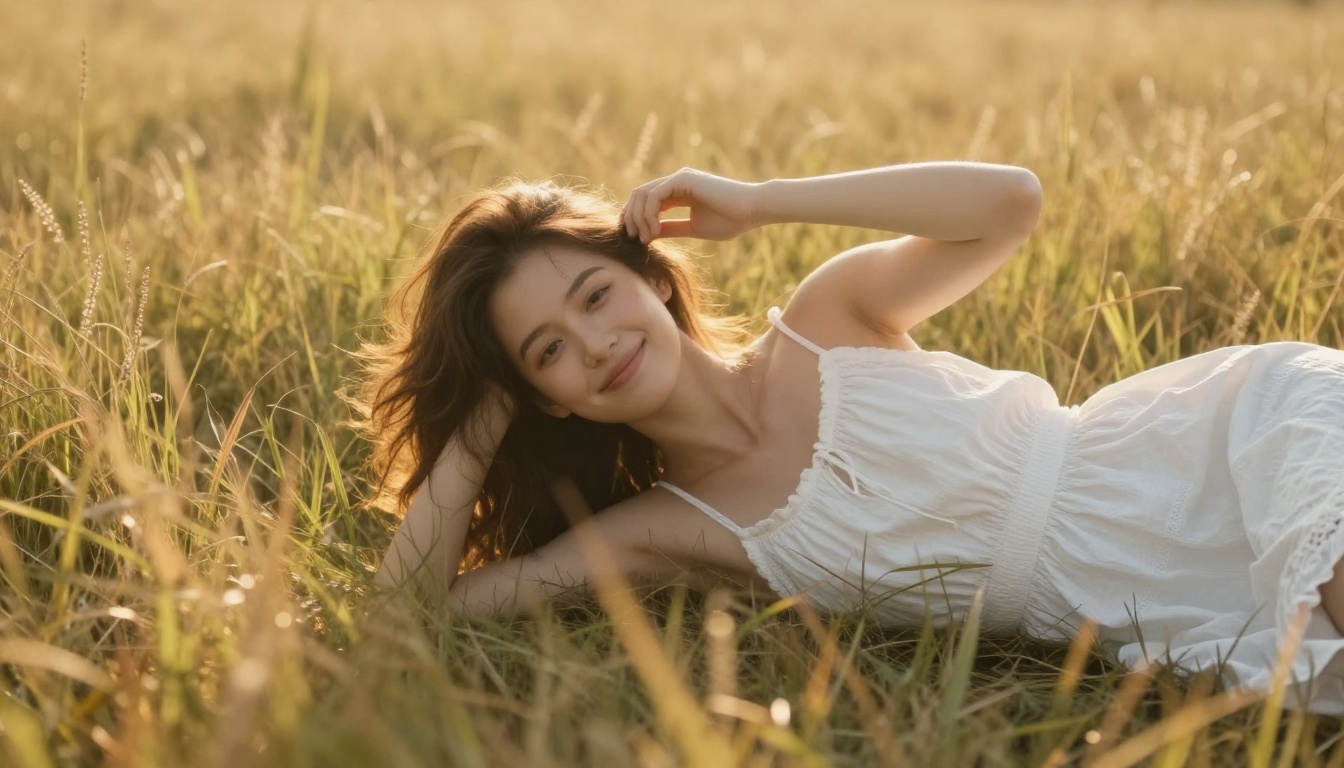
Start with Seedream 4.5 for the cleanest realism, then lean on PicassoIA Image Editor Pro to iterate without limits on your Elite or Infinite plan. When you want motion, animate your favorite frame with PicassoIA Video or LTX 2.3 Pro.
Pick a scene, write your five layers, and press generate. Your first realistic image is a couple of minutes away.
👉 Browse the full lineup of the best NSFW AI models and create without limits at picassoia.com/en/all-models.


