Unlimited Free NSFW Images: Model Choice and Prompt Craft
Want to create NSFW AI images without paying a subscription? This article breaks down the best free AI models, how to write prompts that actually work, and how to use PicassoIA's tools to get suggestive, glamorous, and artistic results with zero cost.
Free NSFW AI image generation has changed dramatically over the past two years. What used to require expensive hardware, technical setup, and hours of configuration now takes less than 30 seconds on a browser. The models are sharper, the results are more realistic, and the free tiers are actually usable. If you want to create suggestive, glamorous, or artistic AI images without spending a cent, this is exactly where to start.
What NSFW AI Images Actually Are
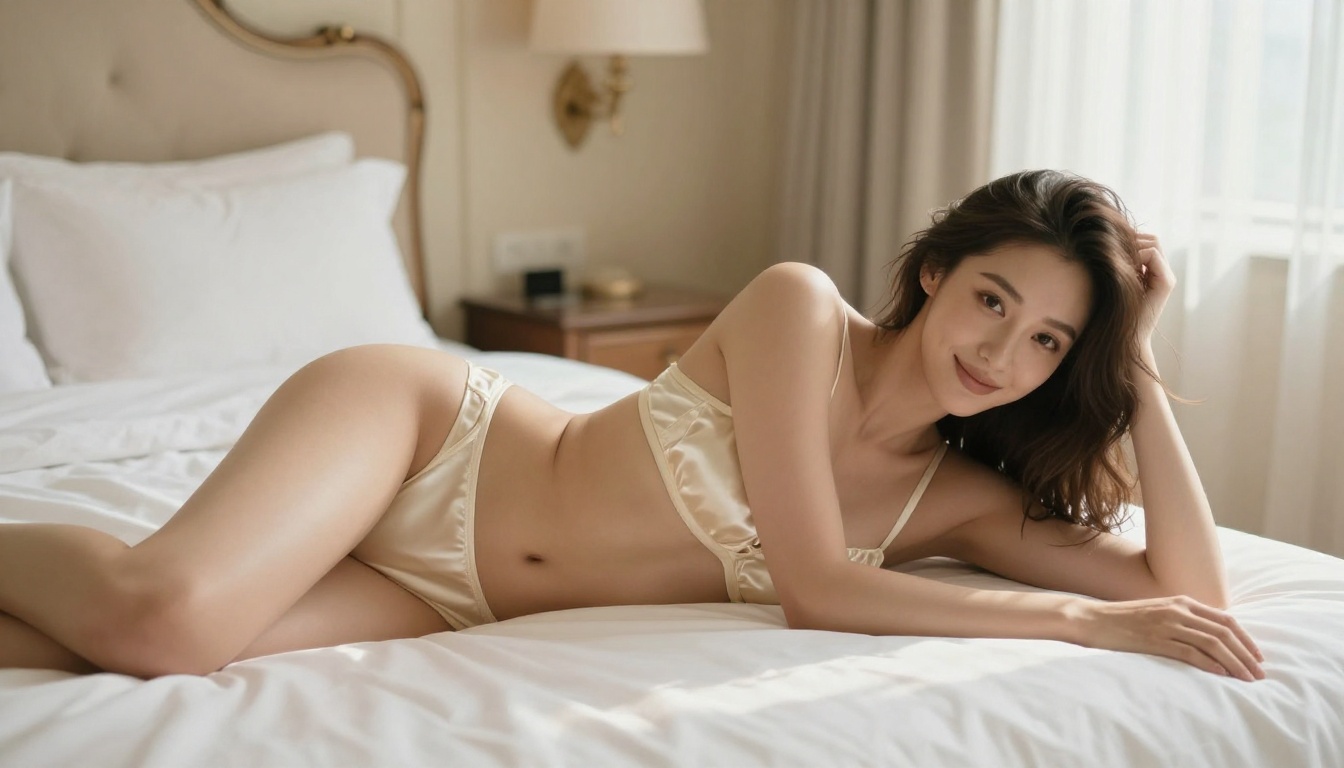
Before diving into tools and prompts, it helps to be clear about what falls under the "NSFW" umbrella in the context of AI art. The term covers a wide spectrum, from lingerie and glamour photography to implied nudity and artistic body work. None of this requires explicit content to be interesting or visually striking.
The Suggestive-to-Explicit Spectrum
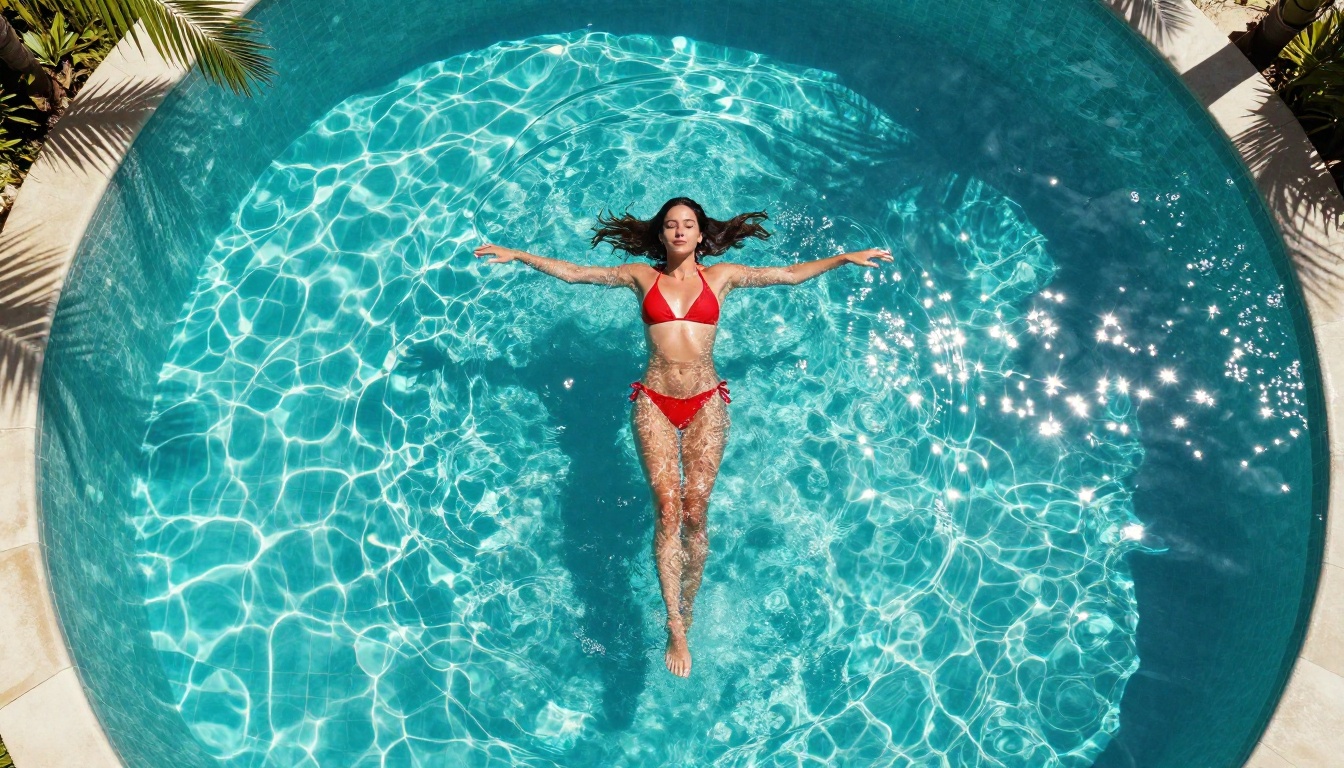
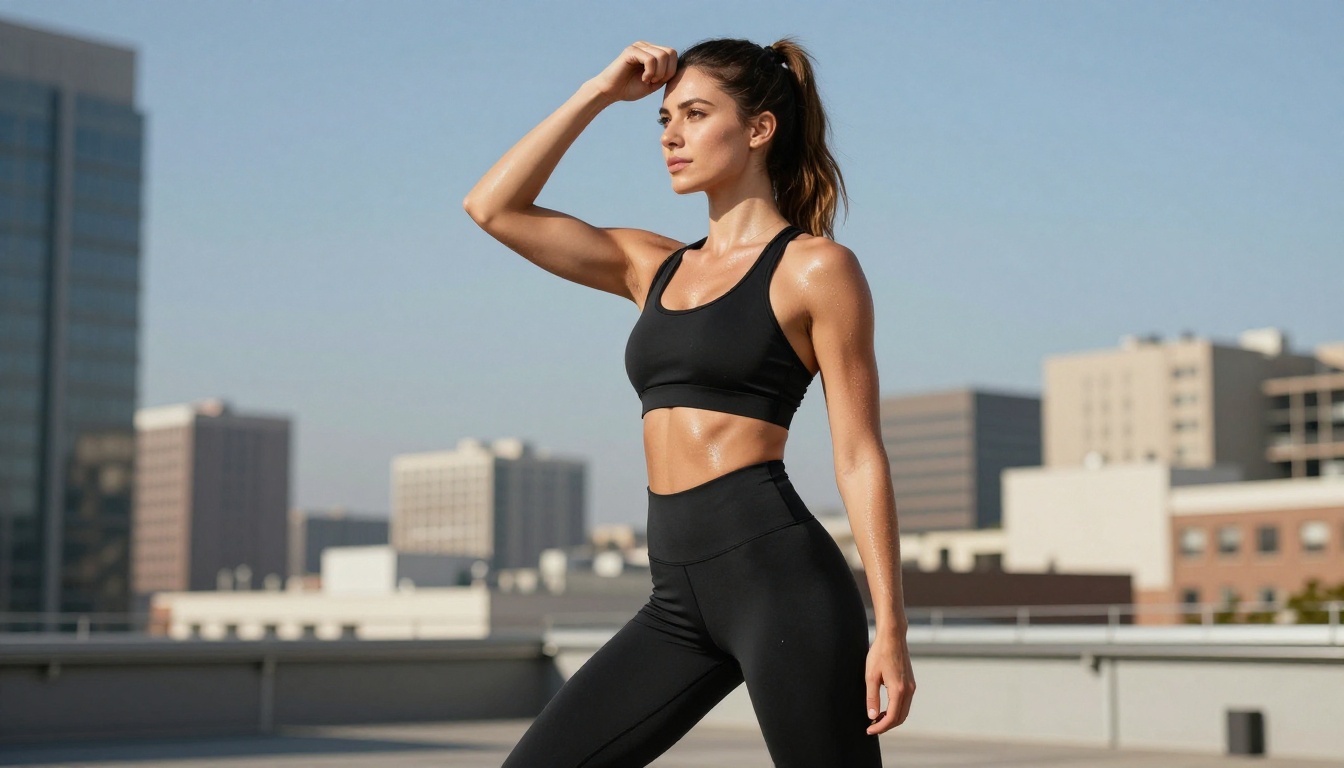
At one end, you have standard fashion photography: bikinis, form-fitting dresses, athletic wear. In the middle sits glamour and boudoir styles: lingerie, sheer fabrics, implied nudity. At the far end, explicit content. Most free AI platforms operate in the first two zones, and honestly, the results there are where the real artistry lives.
Why Artistic NSFW Looks Better
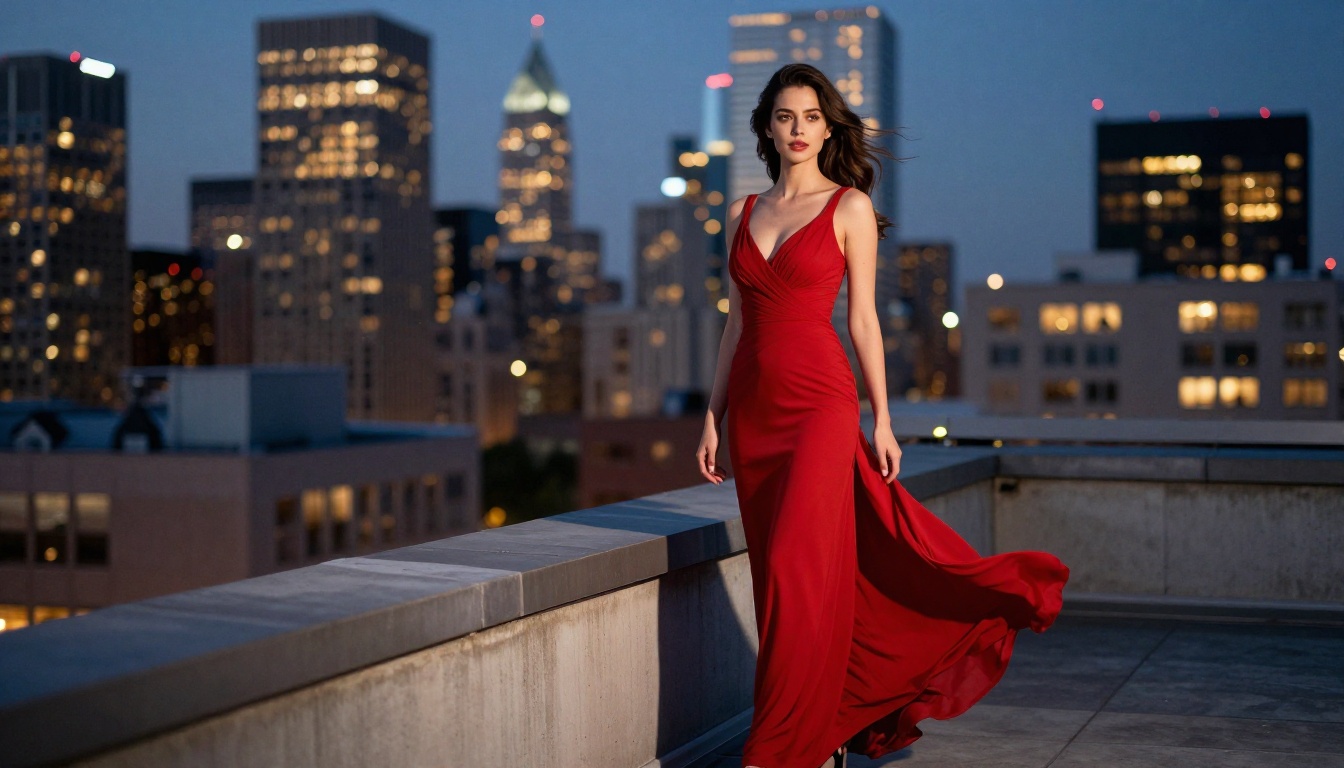
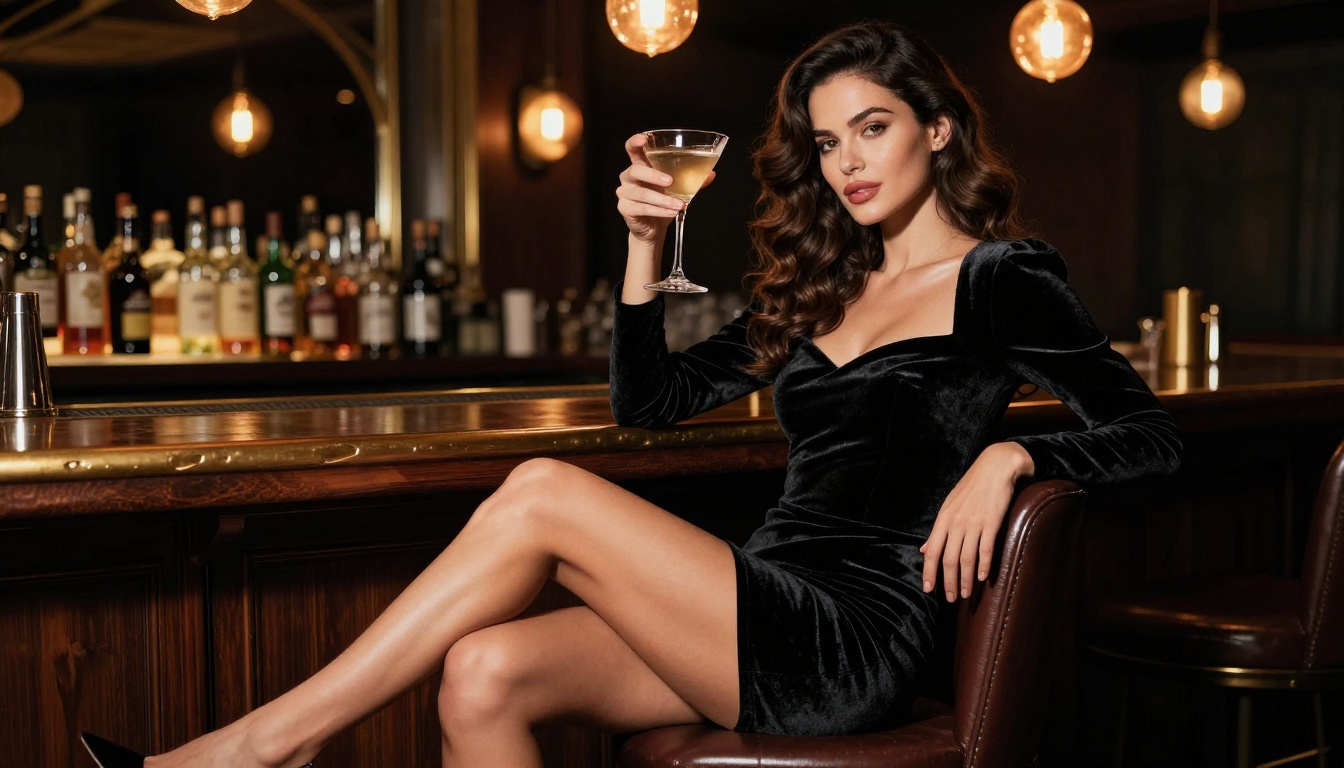
The models that produce the most compelling results are not the ones with the loosest filters. They are the photorealistic heavy-hitters: Flux 1.1 Pro Ultra, Realistic Vision v5.1, and RealVisXL v3.0 Turbo. When you pair high realism with strong composition and lighting in your prompt, the output looks like professional photography, not generic AI art.
The Best Free Models for NSFW Images
Not every AI model is equal for this type of content. Some are tuned for illustrations, others for logos. The ones worth using for suggestive, realistic imagery share three traits: strong human anatomy training, photorealism focus, and flexible safety settings.
Flux 1.1 Pro Ultra
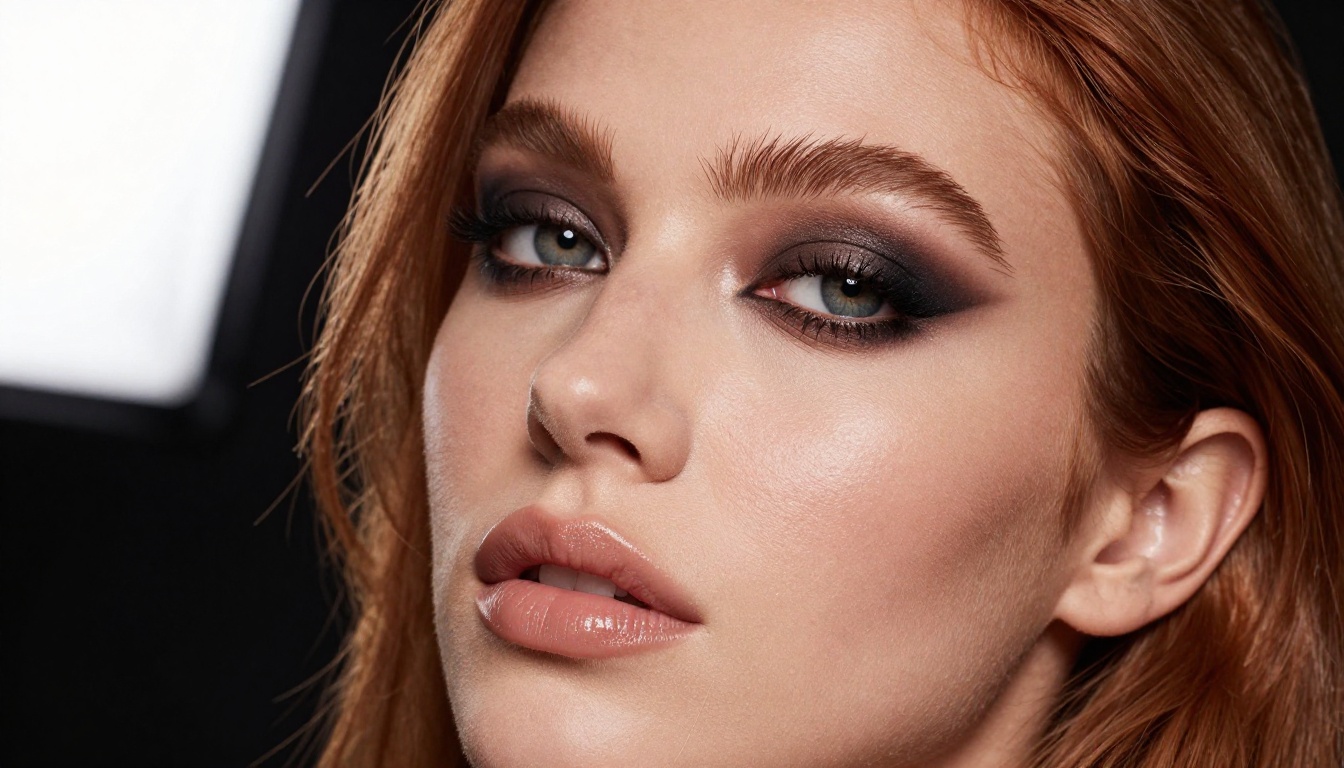
Flux 1.1 Pro Ultra is currently one of the strongest models for photorealistic human subjects. It handles skin texture, hair, and lighting with exceptional fidelity. The "ultra" variant specifically excels at fine detail preservation, which matters enormously when your subject is a person in minimal clothing. Skin pores, fabric texture, lighting gradients all render with a level of realism that older SDXL-era models simply cannot match.
Realistic Vision v5.1
Realistic Vision v5.1 was purpose-built for photorealistic outputs. It is specifically trained on real photography datasets, which makes it ideal for fashion, glamour, and boudoir styles. It handles natural skin tones, wet skin effects, and fabric drape extremely well.
RealVisXL v3.0 Turbo
RealVisXL v3.0 Turbo combines SDXL's architecture with photorealism fine-tuning and turbo-speed generation. You get near-instant results without sacrificing anatomical accuracy. For high-volume free generation, this is one of the most efficient options on the platform.
Stable Diffusion 3.5 Large
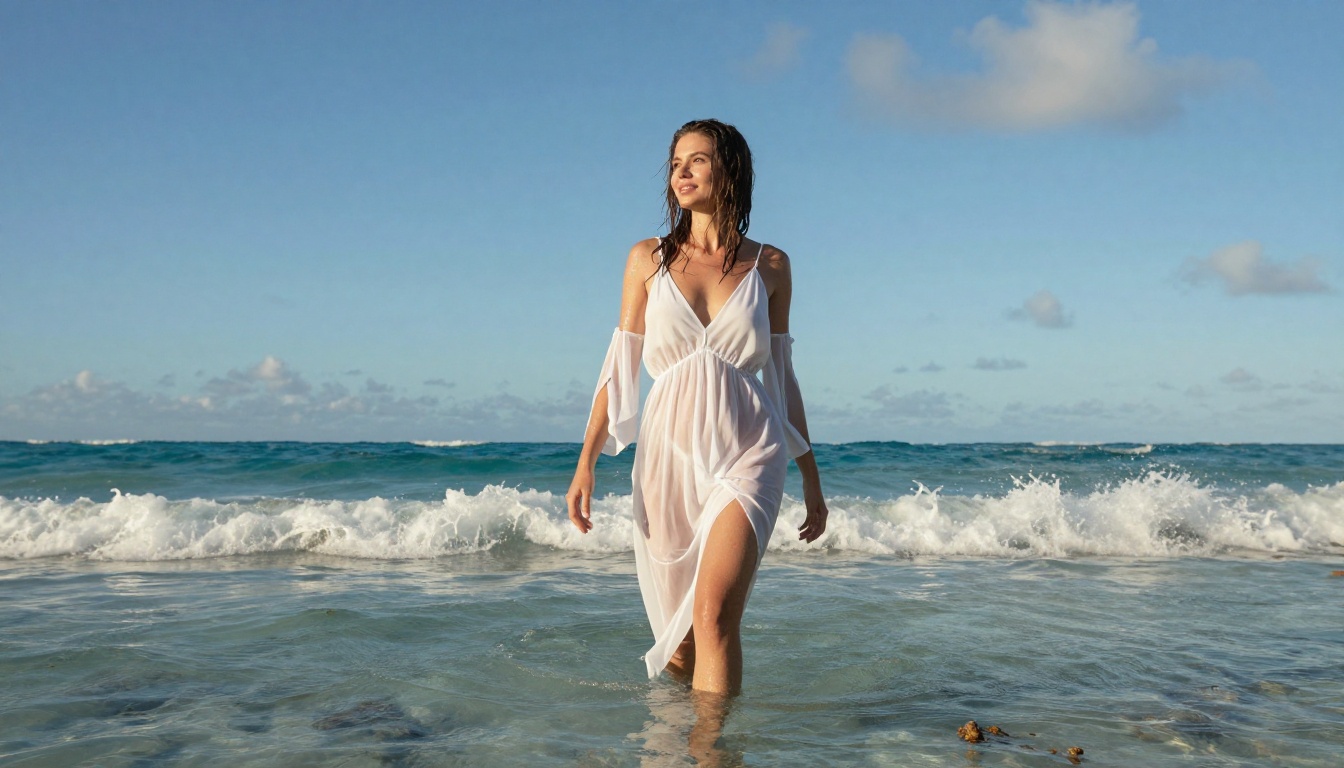
Stable Diffusion 3.5 Large brings Stability AI's latest architecture to bear on complex compositions. It handles multi-element scenes better than its predecessors, making it strong for environmental settings: beach shoots, rooftop scenes, luxury interiors.
The difference between a generic, flat result and a stunning photorealistic image comes down almost entirely to the prompt. Most beginners write something like "beautiful woman bikini beach" and wonder why the output looks like a stock photo reject. Here is what actually works.
The Anatomy of a Strong Prompt
A well-structured NSFW prompt has four layers:
Subject: Who or what is in the frame, with specific physical details
Environment: Where they are, with specific background elements
Lighting: Direction, color temperature, quality of light
💡 The more specific you are about lighting, the better. "Warm morning light" produces different results than "volumetric sidelight from the left window at 45 degrees creating soft shadows across curves." The second version wins every time.
Style Words That Boost Realism
These words consistently improve photorealistic NSFW outputs:
Camera specs: Canon EOS R5, Sony A7R IV, 85mm f/1.4, 50mm f/1.8
Film emulation: Kodak Portra 400, Fujifilm Pro 400H, film grain
Lighting: volumetric light, rim light, diffused softbox, golden hour
Quality tags: RAW 8K, photorealistic, ultra-detailed, hyperrealistic
Common Prompt Mistakes
Avoid these patterns that reliably degrade output quality:
Using generic adjectives like "beautiful" or "gorgeous" without specifics
Not specifying a camera angle (the model will pick a random one)
Skipping lighting details (flat, unappealing light is the default)
Over-stuffing the prompt with contradictory instructions
Using style words that trigger illustration modes: "anime", "3D render", "digital art"
How to Use Flux 1.1 Pro Ultra on PicassoIA
Since Flux 1.1 Pro Ultra consistently delivers the best photorealistic NSFW results, here is a step-by-step workflow for using it on the platform.
Step 1: Open the Model
Go to the Flux 1.1 Pro Ultra page on PicassoIA. You will see the prompt input field and parameter controls. No account is required to start generating on the free tier.
Step 2: Write Your Prompt
Use the four-layer structure from above. Here is a working example:
Woman in white bikini standing at ocean edge at sunset,
low-angle shot from hip height, volumetric golden light from left horizon,
wet skin with visible texture, Kodak Portra 400 film grain,
Canon EOS R5 85mm f/1.4, photorealistic RAW 8K, shallow depth of field
Step 3: Adjust the Parameters
The main parameters for photorealistic NSFW content:
Aspect Ratio: Set to 16:9 for cinematic framing or 9:16 for portrait or phone wallpaper
Steps: Higher steps (30+) produce more refined skin and fabric detail
CFG Scale: Keep between 6 and 8. Too high creates plasticky, over-saturated skin
Seed: Once you find a good result, save the seed to recreate variations
💡 Pro tip: Set the seed to a fixed number and change only one word in the prompt at a time. This lets you A/B test specific words without randomizing everything else.
Step 4: Iterate Fast
The free tier gives you enough credits to run 10 to 20 generations per session. Do not try to perfect a prompt on the first try. Run 3 or 4 quick tests, identify what is working (lighting, pose, skin), then refine from there.
Getting Unlimited Free Generations
"Unlimited" is a strong word, but there are legitimate strategies to significantly extend your free access across platforms.
How Free Tiers Work
Most AI image platforms operate on a credit system:
Platform Feature
Free Credits
Reset Period
Daily free generations
10-25 images
Every 24 hours
Bonus credits on sign-up
50-100 images
One-time
Referral bonuses
Varies
Per referral
Fast models (Schnell/Turbo)
2x to 5x more per credit
N/A
Maximize Credits with Faster Models
When you are in exploration mode, not final production, switch to faster, credit-efficient models:
Flux Schnell: 4-step generation, costs a fraction of Pro. Use for prompt testing.
Once you have confirmed a prompt works on a fast model, switch to Flux 1.1 Pro Ultra or Flux 2 Pro for the final high-quality output.
3 Tools That Take Results Further
Once you have the basics down, these tools push quality to a professional level.
ControlNet for Pose Control
SDXL Multi ControlNet LoRA lets you control the exact pose of your subject using a reference image. Instead of describing a pose in text and hoping the model interprets it correctly, you feed it a pose skeleton and it matches the body position precisely. This is invaluable for specific NSFW compositions: lying poses, arched backs, seated positions.
Inpainting for Targeted Edits
If a generation is 90% perfect but the face or one body part looks off, you do not need to regenerate from scratch. Use the inpainting tools on the platform to mask only the problem area and regenerate it while keeping everything else identical. This preserves the composition, lighting, and skin tone you worked to achieve.
Super Resolution for Print-Quality Output
After generating at standard resolution, run your image through a Super Resolution model to upscale 2x or 4x. The AI adds detail rather than just scaling pixels, sharpening individual hair strands, fabric weave, and skin pores that were implied at lower resolution but become crisp at 4K.
3 Things That Kill Your Results
Even with the right model and prompt structure, these mistakes consistently produce bad outputs.
Using Illustration Style Words
Words like "cinematic" and "epic" seem like they would boost quality. They often trigger stylized, non-photographic rendering. Stick to photography-specific language: camera brand, lens focal length, film stock, lighting equipment.
Ignoring Negative Prompts
Most generators accept negative prompts alongside your main prompt. Use them aggressively:
Negative: cartoon, illustration, 3D render, anime, painting,
digital art, CGI, deformed, extra limbs, blurry, low quality,
watermark, text, logo
💡 A solid negative prompt does as much work as the positive one. Think of it as telling the model what to filter out before it starts rendering.
Setting CFG Scale Too High
CFG (Classifier-Free Guidance) scale controls how strictly the model follows your prompt. At 12+, skin looks plastic, colors blow out, and anatomy becomes distorted. The sweet spot for realistic human subjects is 6.5 to 7.5. Higher for abstract content, lower for naturalistic outputs.
Platform Policies Worth Knowing
Every AI platform has content policies. Understanding them helps you stay within the free tier without getting flagged or losing access.
What Gets Flagged
The content that consistently triggers filters:
Explicit sexual content (graphic acts or full nudity)
Minors in any suggestive context (strict zero tolerance across all platforms)
Non-consensual scenarios described in text prompts
Public figure likenesses in NSFW contexts
The platforms covered in this article allow suggestive, glamour, and artistic content. They do not allow explicit pornography on free tiers. If you stay in the suggestive and boudoir range, you will have no issues.
Why This Range Produces Better Art Anyway
There is a practical reason to work within the suggestive range beyond policy compliance: it forces better artistry. When you cannot rely on explicit content to carry an image, you invest in composition, lighting, and atmosphere. The results are consistently more striking than anything produced purely for shock value.
Try It Right Now
Everything described in this article is available for free on PicassoIA. Open Flux 1.1 Pro Ultra and type your first prompt. Use the four-layer structure: subject, environment, lighting, technical specs. Add a negative prompt. Set CFG to 7.
If the first result is not what you wanted, change one variable and run it again. That is the entire workflow. No subscription, no credit card, no software to install.
The models available today, from Realistic Vision v5.1 to Flux 2 Max to Seedream 4, represent a level of quality that was not accessible to non-professionals two years ago. The free tiers are generous enough to produce a full portfolio of images in a single session.
Pick a model. Write a real prompt. See what comes back.