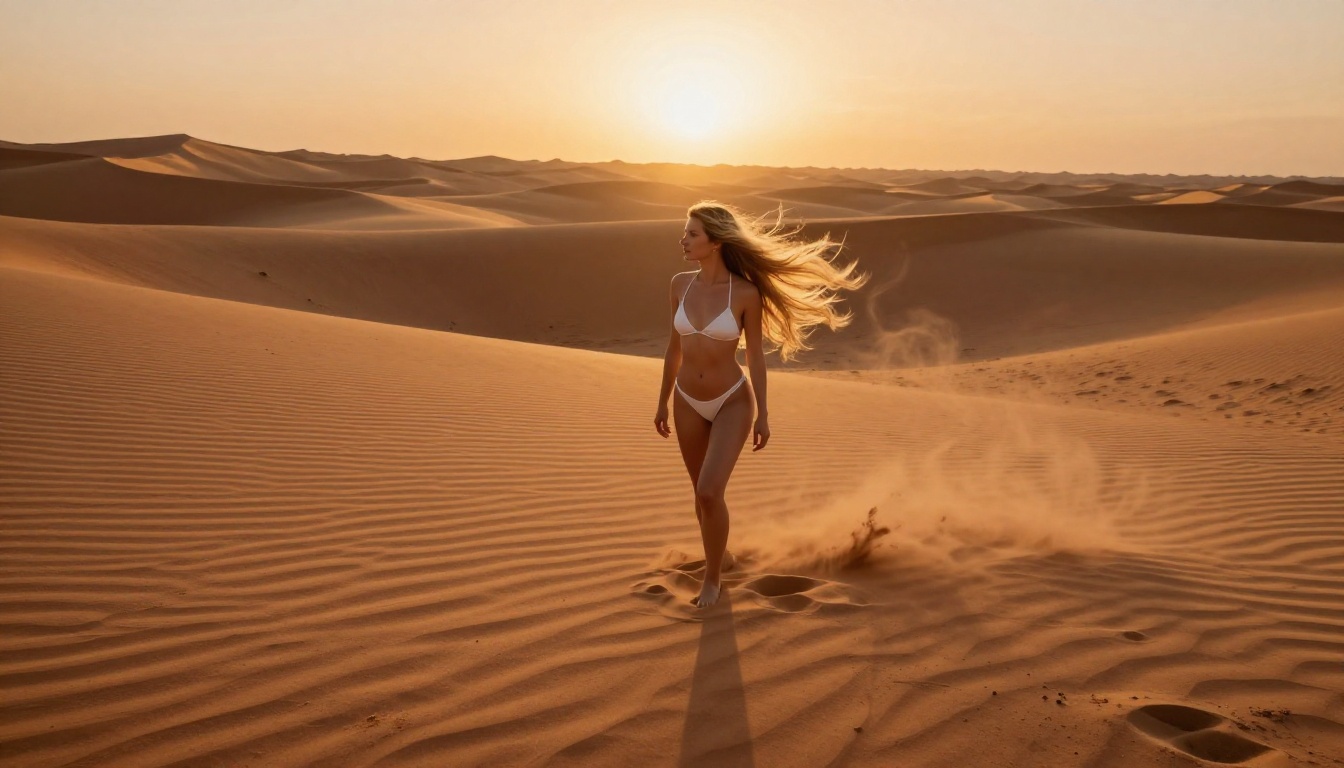
The ability to generate NSFW AI images for free has completely shifted how people interact with creative AI tools. What once required expensive software, a professional setup, or connections in the adult creative industry is now accessible to anyone with a browser and a well-crafted prompt. The barrier is lower than it has ever been, and the quality? Better than most people expect.
What "NSFW AI Images" Actually Means
The Spectrum from Suggestive to Explicit
When people search for NSFW AI image generation, they rarely want the same thing. The term covers a wide range:
- Suggestive glamour: Bikinis, lingerie, artistic body photography
- Implied nudity: Tasteful artistic compositions where the subject is partially covered
- Fashion-forward shoots: High-fashion editorial that pushes creative limits
- Artistic body studies: Classic fine-art style figure compositions
For this article, the focus is on non-explicit content: beautiful, suggestive, and photorealistic images that sit firmly in the "glamour photography" category. Think the kind of image you would see in a professional fashion shoot, not something that would get your account flagged.
Why the Free Tier Actually Works
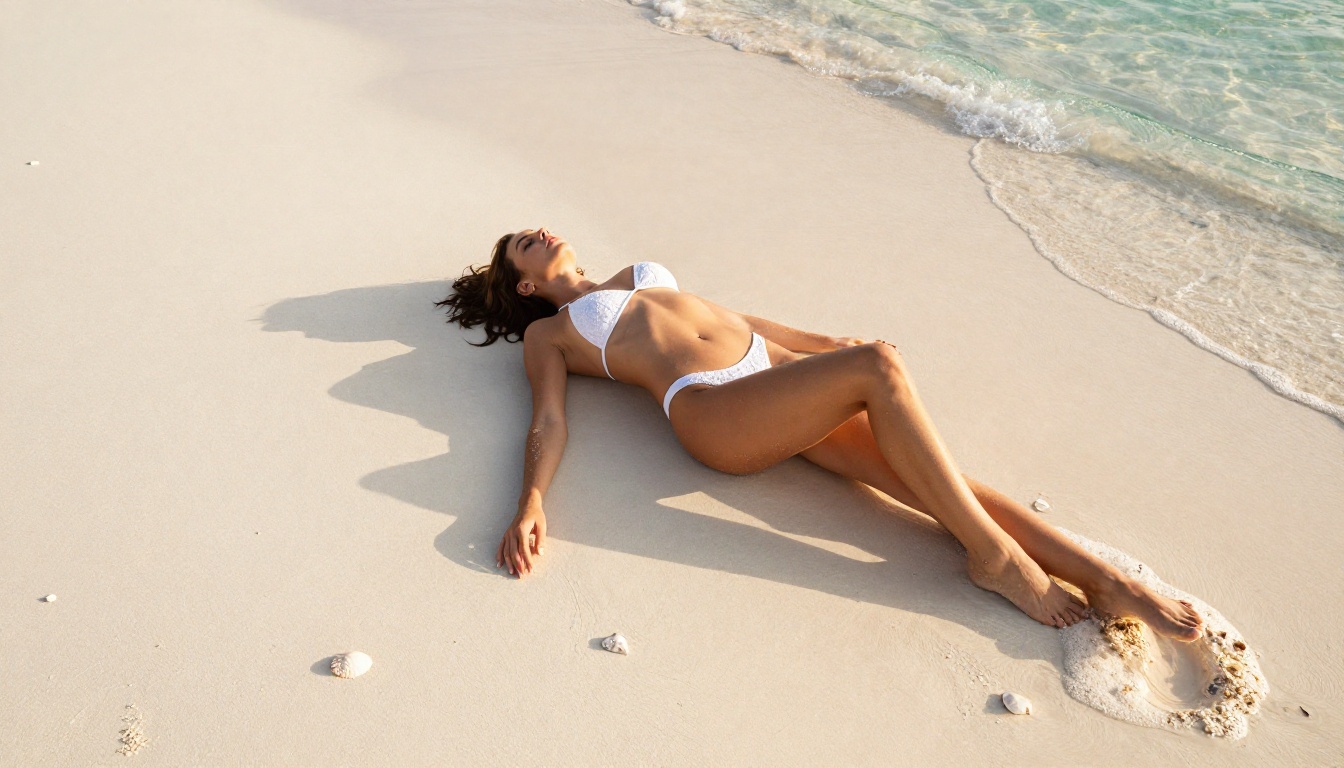
Most people assume free AI tools produce garbage. That assumption is wrong. Modern free-tier image generation models, especially those running on platforms with generous credit systems or fully unlimited access, now produce results that rival what cost $0.10 per image two years ago.
💡 The secret: The real gap in quality today is not "paid vs. free" but "good prompt vs. bad prompt." A well-written prompt on a free model will outperform a lazy prompt on a premium model every time.
The free-versus-paid conversation has largely been settled by the open-source community. Models trained on billions of real photographs, available at no cost, now produce photorealistic outputs that were simply not possible in 2022. The question is no longer whether free tools can do it. The question is how to use them correctly.
The Best Free Models for NSFW Content
What Makes a Model "NSFW-Friendly"
Not every AI image model will generate suggestive content even with the right prompt. Some models apply strict content filters that block anything remotely mature. What you want is a photorealistic model trained on diverse human photography data, without heavy-handed filtering applied at the inference level.
The top characteristics to look for:
| Feature | Why It Matters |
|---|
| Photorealistic training data | Natural skin texture, lighting, anatomy |
| No aggressive NSFW filter | Actually generates what you describe |
| High resolution output | At least 1024px for usable quality |
| Prompt adherence | The model follows complex instructions |
| Free tier availability | Unlimited or generous credits |
Flux Models: The Photorealism Standard
The Flux 1.1 Pro model from Black Forest Labs is widely considered the current benchmark for photorealistic human figures. Its successor, Flux 1.1 Pro Ultra, pushes this even further with ultra-high resolution outputs that capture skin pores, fabric texture, and hair strands at a level that was previously impossible in AI-generated content.
For free use specifically, Flux Dev and Flux Schnell are the strongest options. Flux Schnell produces 4-step generations in seconds, making it ideal when you are iterating quickly on prompts and do not want to burn through credits waiting for results.
Realistic Vision: Built for Photography
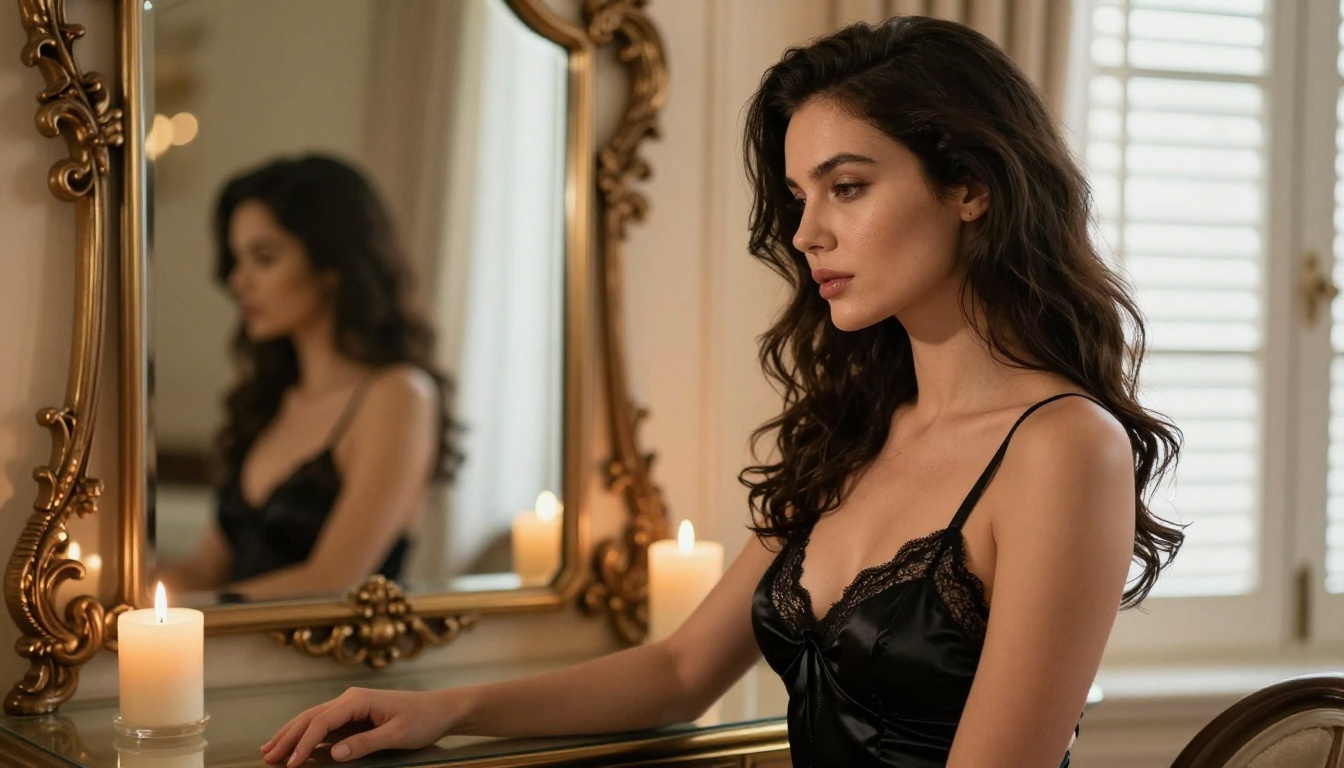
Realistic Vision v5.1 is a community fine-tuned model explicitly designed to produce photographic-quality human subjects. It handles skin texture, hair, and body proportions with remarkable accuracy. For glamour-style NSFW content, this model consistently sits at the top of free options because it was built specifically for this use case, not adapted from a general-purpose base.
Paired with RealVisXL v3.0 Turbo for faster generation, you get a powerful workflow that produces editorial-quality results with zero cost.
SDXL and Its Fine-Tunes
SDXL from Stability AI remains a solid free base model. Its real power comes from fine-tuned variants built on top of it:
How to Write Prompts That Actually Work
The Anatomy of a High-Quality NSFW Prompt
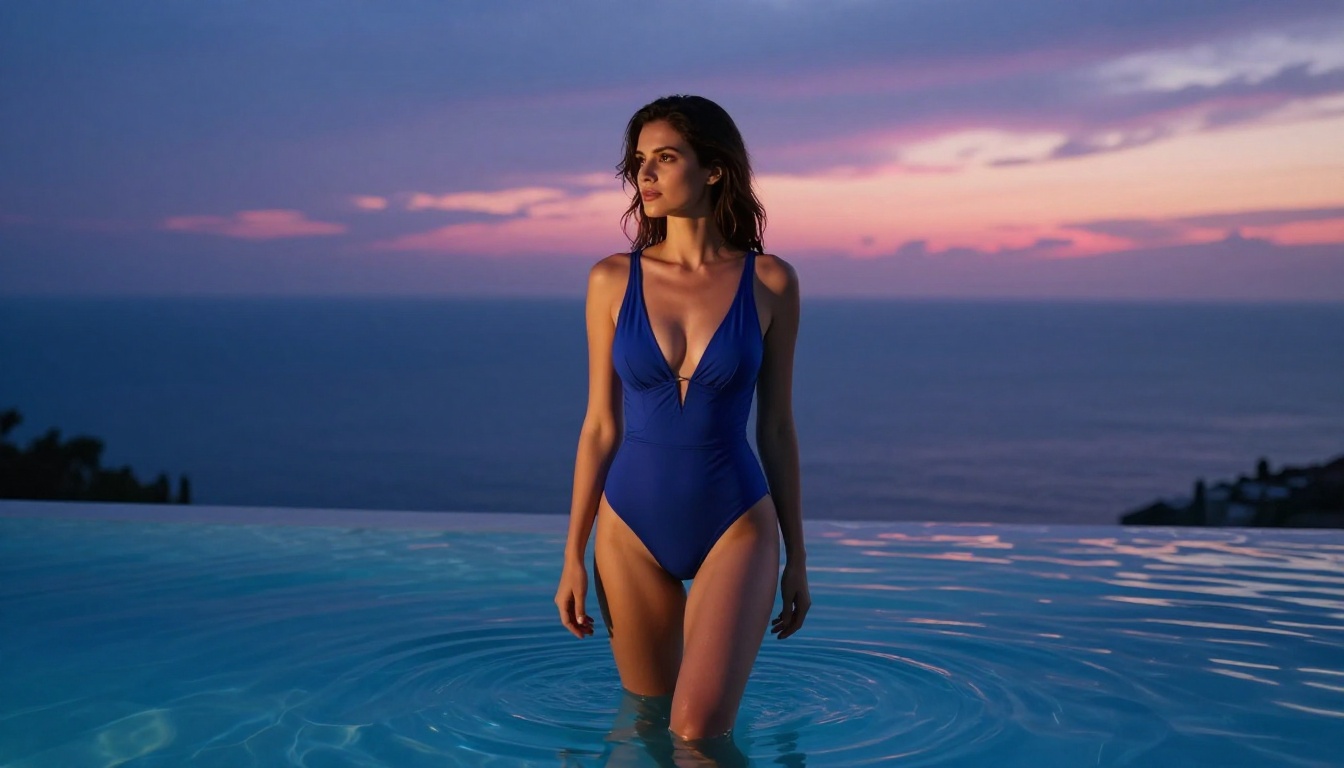
Most people who fail at generating good NSFW content fail at the prompt level. They type something vague like "attractive woman in bikini" and wonder why the result looks generic. The approach that consistently produces stunning results is far more specific.
A winning prompt has these six components:
- Subject description: Age range, hair color and style, expression, clothing described with material and color
- Environment: Specific location, time of day, architectural or natural details
- Lighting specification: Direction of primary light source, quality (hard or soft), color temperature
- Camera and lens details: Focal length, aperture, camera body model
- Texture and atmosphere: Skin texture descriptors, fabric quality, ambient particles or haze
- Style anchors: Film stock name, photography style, color grade direction
Lighting Is Everything
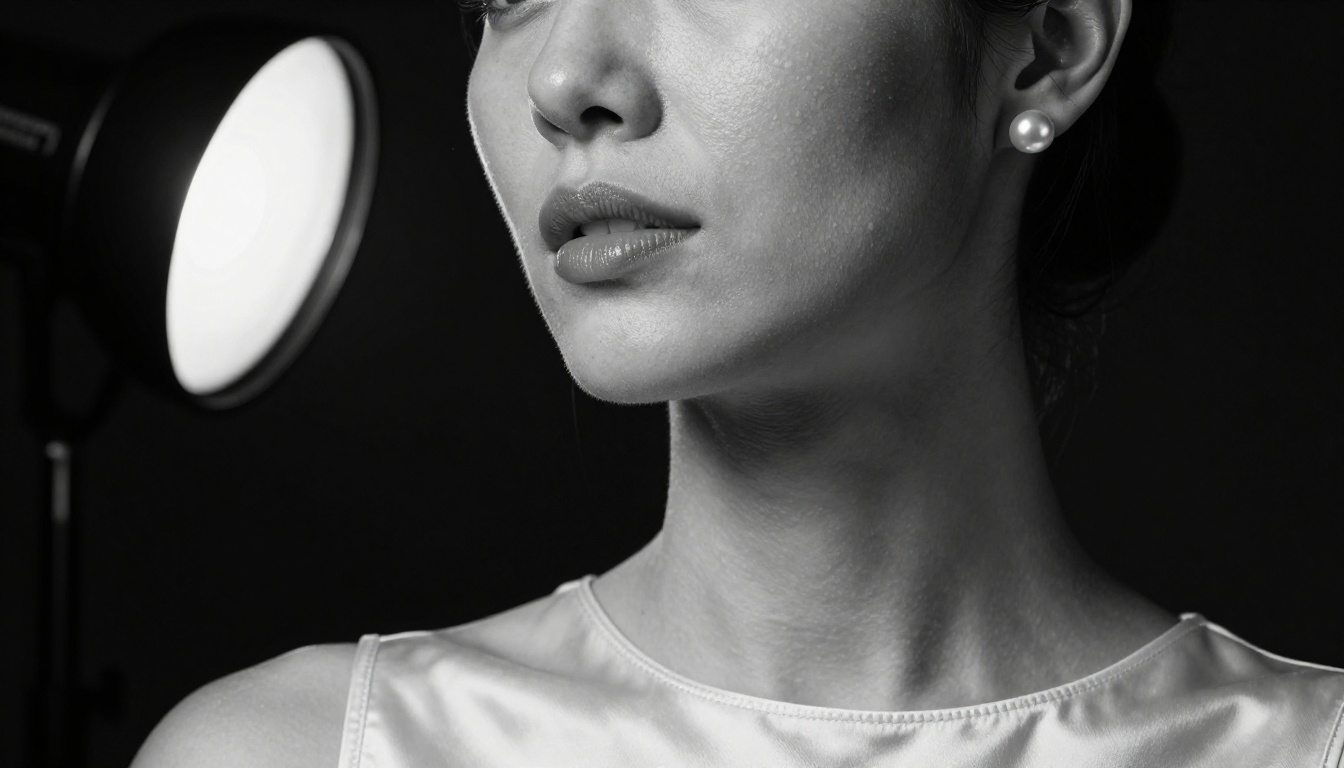
This is the single factor most beginners ignore. AI models trained on real photography respond dramatically to lighting descriptions. Compare these two approaches:
Weak: "woman on beach, warm lighting"
Strong: "golden hour directional sidelight from the left at 15 degrees elevation, creating long warm shadows across white sand, secondary bounce fill from reflective water surface cooling the shadow side, volumetric haze from ocean moisture diffusing the light"
The second prompt produces a result that looks like a professional photographer was actually there. The first produces a generic bright image.
💡 Pro tip: Study real photography terminology. Words like "Rembrandt lighting," "catchlight," "bokeh," "volumetric rays," and "rim light" are understood by photorealistic models and dramatically improve outputs.
Camera Angles That Change Everything
The angle and distance you specify changes not just the composition but the emotional quality of the entire image:
| Angle | Effect | Best For |
|---|
| Low angle (waist height) | Powerful, imposing, empowering | Full body shots |
| Eye level | Natural, intimate, relatable | Portraits |
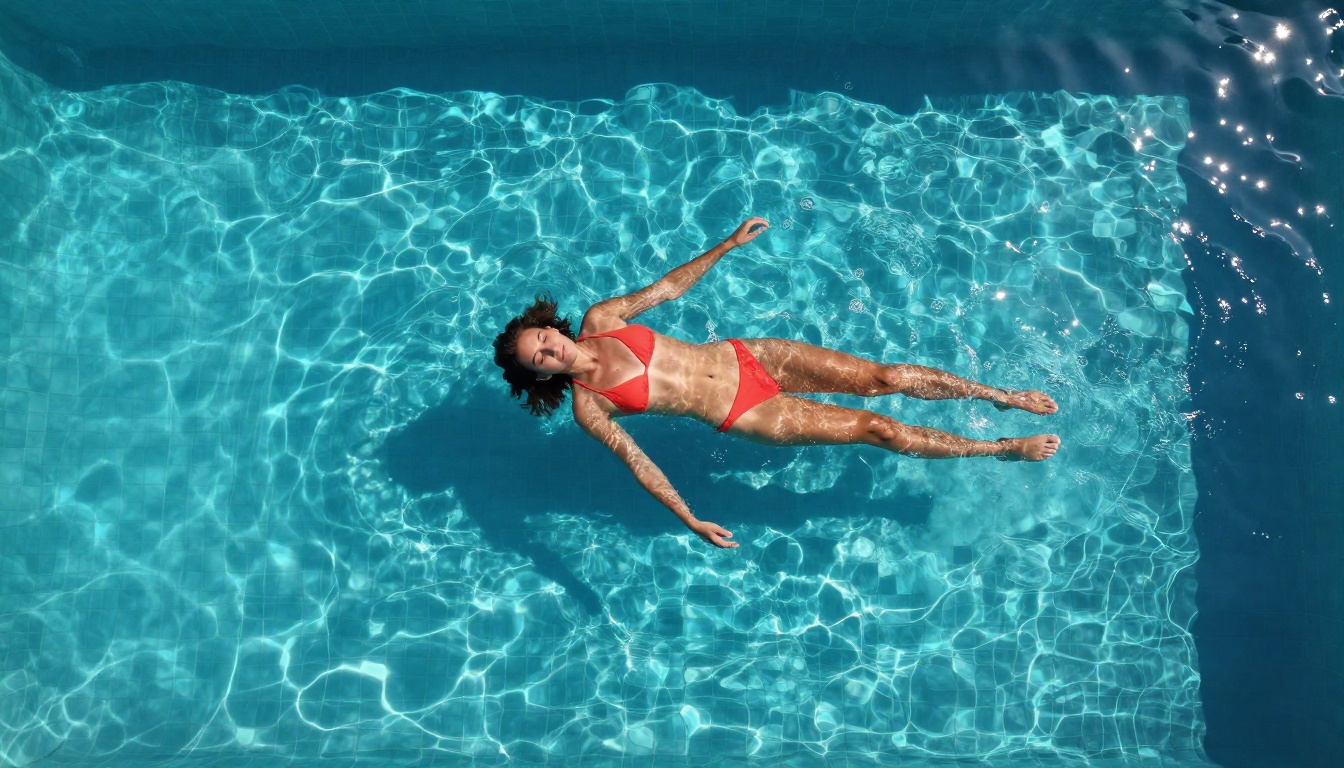
| Aerial overhead | Abstract, graphic, striking | Pool and beach shots |
| Three-quarter | Most flattering for figures | Fashion editorial |
| Close-up macro | Intimate, textural, highly detailed | Beauty photography |
Film and Grain Anchors
Adding real film stock names to your prompt forces the model to replicate those specific film characteristics:
- Kodak Portra 400: Warm skin tones, fine grain, the standard for portrait photography
- Kodak Ektar 100: Saturated colors, sharp details, vibrant for landscape scenes
- Fujifilm Velvia 50: High saturation, cool shadows, dramatic color contrast
- Kodak Tri-X 400: Classic black and white, gritty texture, high contrast
How to Get Unlimited Free Generations
Platforms With Free Tiers
The word "unlimited" in AI generation is a spectrum. Here is what it actually means across different scenarios:
Truly unlimited: Some platforms offer older open-source models like Stable Diffusion without hard generation caps, running on shared community infrastructure.
Generous free credits: Most modern platforms including those offering Flux Pro and GPT Image 1.5 provide substantial daily or monthly free allotments that reset automatically.
Open-source model downloads: Models available for local use do not charge per generation at all. Once downloaded, every image costs nothing beyond electricity.
Running Models Locally
For true unlimited generation with zero restrictions, running models on your own hardware is the gold standard. A GPU with 8GB VRAM can run Stable Diffusion 3.5 Medium or SDXL at no per-image cost. Once you download the model weights, every generation is free, fast, and completely private. No terms of service, no content moderation at the API level, no credit system.
The trade-off is setup complexity. For users who want quality without configuration overhead, a web-based platform with a solid free tier remains the faster path to results.
Batching Your Generations
One of the most effective strategies for maximizing free credits:
- Plan your prompt variants in advance before opening the generator
- Use seed locking to iterate on a composition without starting over completely
- Generate in batches of 4 rather than 1 at a time, as most platforms support multi-image batches at no extra credit cost
- Save your best prompts in a text file so you can reuse what works across sessions
💡 Time your sessions: Many free-tier platforms reset credits at midnight UTC. Generating right after the reset maximizes your daily output with zero additional cost.
How to Use PicassoIA for NSFW AI Images
Setting Up Your First Generation
PicassoIA gives access to 91+ text-to-image models from a single interface, including flagship photorealistic options and experimental community models. To start generating:
- Navigate to the Text to Image section
- Select a photorealistic model: Flux 1.1 Pro, Realistic Vision v5.1, or RealVisXL v3.0 Turbo
- Set your aspect ratio: 16:9 for landscape, 9:16 for portrait fashion shots
- Enter your detailed prompt using the six-component structure above
- Enable prompt upsampling if your starting prompt is short and needs automatic expansion
Choosing the Right Model for Your Goal
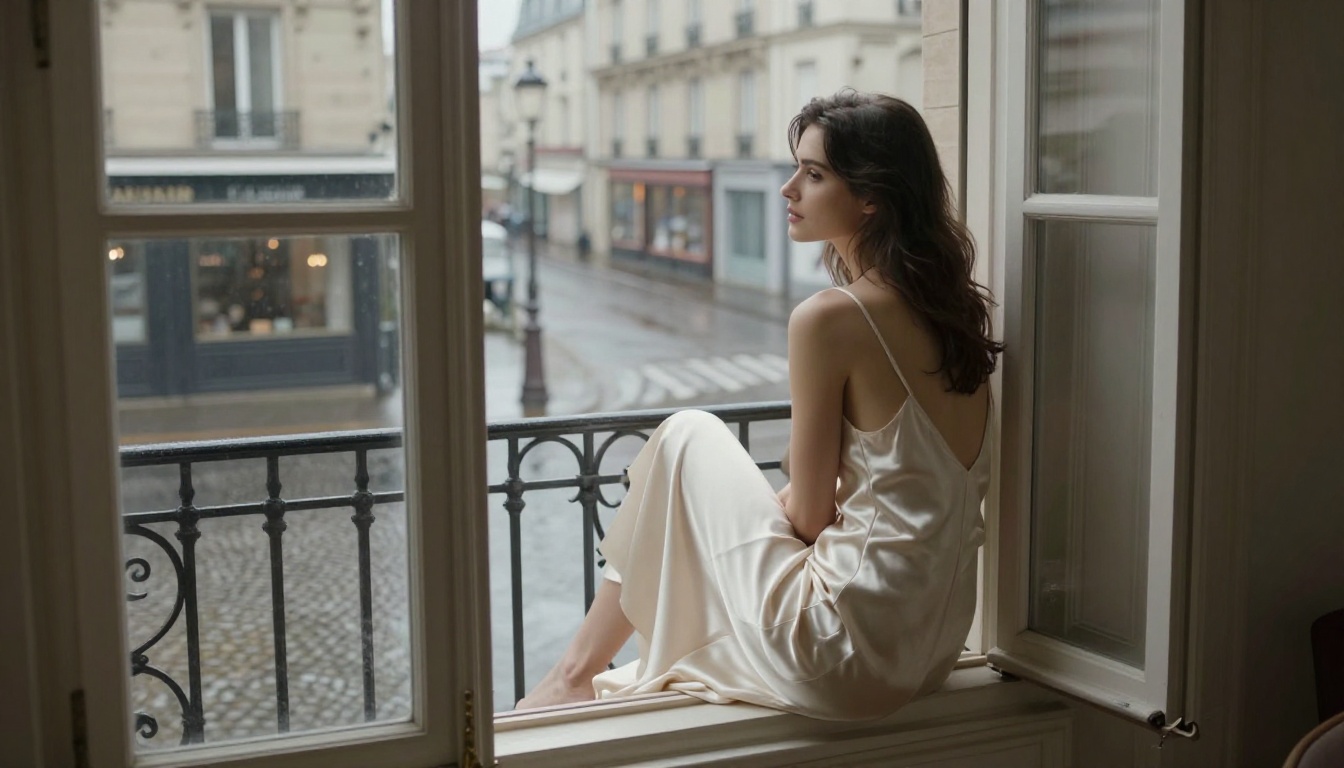
Different models produce dramatically different results from the same prompt. Knowing which model to reach for saves both time and credits:
Using ControlNet for Pose Control
One of the most powerful features for NSFW content is ControlNet, available via SDXL Multi ControlNet LoRA. This lets you specify an exact body pose using a reference image, which solves one of the biggest frustrations in AI image generation: getting the specific pose you want.
Rather than describing a pose in words and hoping the model interprets it correctly, you provide a skeleton or depth map reference and the model generates your described subject in that exact position. For editorial and glamour photography styles, this is a significant capability advantage.
Editing and Upscaling Your Results
When the First Generation Is Not Perfect
The first image is rarely the final product. The real workflow looks like this:
- Generate 4 variants with the same prompt to see the range of interpretations
- Pick the best composition as your working base
- Use inpainting to fix specific areas: face expression, hand positioning, background elements
- Upscale with Super Resolution for print-ready or high-display quality
Super Resolution models can push a 1024px output to 4x resolution, making it suitable for large format printing or detailed post-processing work.
Fixing Common Issues
Hands and fingers: This remains the persistent weakness of diffusion models. Adding "perfect anatomical hands, detailed fingers, natural hand positioning" helps, but inpainting a specific hand region usually produces more reliable fixes than prompt adjustments alone.
Face inconsistency across multiple images: If you are generating multiple images meant to feature the same person, Flux Kontext Pro's image editing capabilities let you maintain facial consistency across variations by using an existing face as a structural reference.
Background artifacts: Use inpainting with a precise background description targeting just the problem area. Trying to fix background issues by regenerating the entire image wastes credits and often introduces new problems elsewhere.
💡 The upscaling workflow: Generate at standard resolution during all your iteration work, then apply Super Resolution only to your final selected image. This keeps your free credit budget focused on actual creative decisions rather than processing overhead.
Common Mistakes That Kill Quality
Vague Prompts
The number one quality killer, by a wide margin. "Beautiful woman in lingerie" produces average, interchangeable results. "A 26-year-old woman with shoulder-length auburn hair, wearing a pale pink lace bralette and high-waisted satin shorts, seated on an unmade white linen bed in soft morning light from east-facing windows, Canon 85mm f/1.4, Kodak Portra 400, visible thread texture in fabric, natural skin luminosity" produces something worth saving.
Ignoring Negative Prompts
Most platforms accept a negative prompt field alongside the main prompt. This is where you tell the model what to avoid. For photorealistic NSFW content, a strong negative prompt includes:
CGI, cartoon, illustration, 3D render, anime, painting, artificial skin texture, oversaturated colors, plastic skin look, fake appearance, watermark, text overlay, low quality, blurry, compression artifacts
Leaving the negative prompt empty is leaving quality on the table.
Generating Too Quickly
The fastest path to wasting free credits is clicking "generate" the moment you have a rough idea. Spend five minutes refining your prompt before the first generation. Write out all six components in full, check that lighting, camera, and style anchors are all present, then generate. One well-prepared prompt produces better results than ten rushed ones.
Not Matching Aspect Ratio to Composition
Portrait aspect ratios (9:16) produce very different compositions than landscape (16:9). For full-body shots and standing fashion photography, portrait orientation gives the subject room. For atmospheric scenes, location-heavy compositions, and overhead angles, landscape fits better. Always decide on the intended composition before selecting the ratio.
Start Creating Now
The tools are available, the models are free to access, and the gap between a great result and a mediocre one comes down to prompt quality and model selection. PicassoIA puts 91+ text-to-image models in one place, from lightning-fast free options to ultra-premium photorealistic generators.
Start with Flux Schnell for rapid prompt testing. Move to Realistic Vision v5.1 once you have a prompt structure you are happy with. Finish with Flux 1.1 Pro Ultra for the final high-resolution version. That three-step workflow produces professional-quality NSFW AI images with zero cost and zero compromise.
Take the lighting setups, the camera angles, the film stock anchors, and the style descriptions from this article. Plug them into your own subjects and scenarios. The prompts are yours to adapt, and the platform is free to use. There has never been a better time to see what AI image generation can actually do at the top of its ability.