Running ads used to require a designer, an agency brief, a two-week wait, and a budget most small businesses simply do not have. Today, that equation has completely flipped. AI tools now give you the ability to produce scroll-stopping visuals, sharp ad copy, and professional product photography in minutes, no art degree, no contractor, no five-figure retainer required.
This is what how to make AI ads for your small business looks like right now. You will see which tools actually work, how to write prompts that produce real advertising results, and the exact step-by-step workflow helping local businesses compete with brands 10x their size.
Why Small Businesses Get Outspent Online
Big brands spend millions testing dozens of ad variations every week. A regional retailer or local service provider typically has neither the budget nor the team to match that velocity. The result? Your ads look amateur compared to polished creatives running alongside them, and your click-through rate suffers for it.
The old solutions were just as painful. Hiring a freelance designer costs $50 to $200 per image. An ad agency retainer runs $1,500 to $10,000 per month. Stock photo subscriptions give you generic images your audience has already scrolled past a hundred times. None of these options made sense for a business with a $300 monthly ad budget.
The Cost Problem Is Real
Industry data consistently shows that small businesses investing in professional creative see 3 to 5 times higher conversion rates compared to those using DIY graphics. But "professional creative" used to mean "expensive creative." That gap is exactly what AI closes in 2024.
What Changed With AI
Modern AI image generators, specifically models like Flux Pro and Ideogram v3 Quality, produce ad-quality visuals in seconds. These are not the blurry, distorted images AI was known for two years ago. These are 8K photorealistic outputs that look like they came from a $500-per-hour commercial shoot, available to any business owner with a browser and a good prompt.
What AI Actually Does for Your Ad Creative
AI does not replace your marketing strategy. It executes that strategy faster, cheaper, and at a scale that was previously impossible for small businesses. Think of it as a production team that works instantly, takes unlimited revisions, and charges nothing per iteration.
Visuals That Stop the Scroll
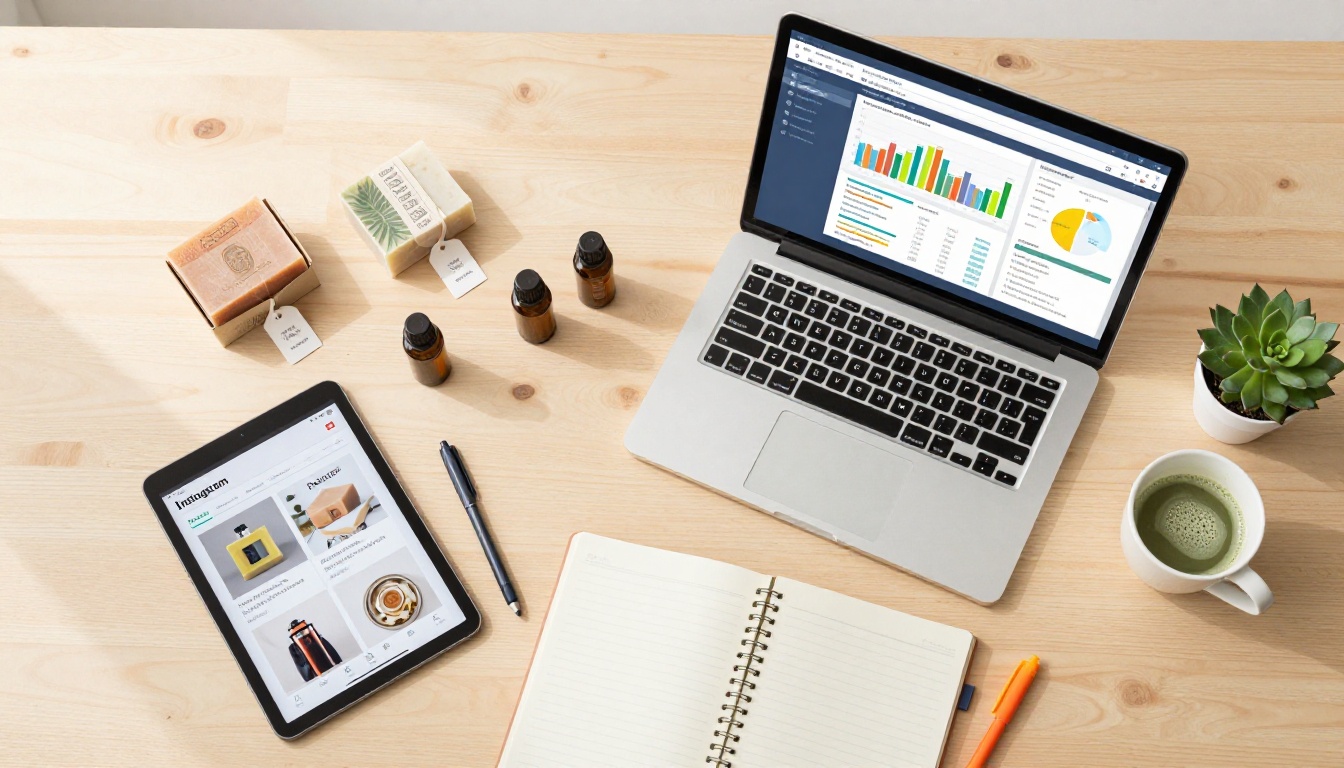
The first job of any ad is to stop someone mid-scroll. That requires an image that triggers an emotional response in under two seconds. AI generators are now capable of producing exactly that, with precise control over lighting, composition, mood, and subject matter.
You can describe the exact scene you want: a woman using your skincare product in morning light, a family enjoying your restaurant's food, a professional holding your business card. The AI renders it. No model booking, no photographer, no studio rental.
Ad Copy That Converts
AI language models can draft headlines, body copy, and calls-to-action in seconds. They can generate 20 headline variations before you finish your coffee. Combined with visual generation, you have a complete creative pipeline that used to require a team of three people and a week of back-and-forth.
💡 Pro tip: The best AI ads combine one visually compelling image with a single, clear message. Avoid cramming multiple offers into one creative. One image, one headline, one CTA. Every element fighting for attention means none of them win.
Not all ad formats deliver equal returns for small businesses. These three give you the fastest results when combined with AI-generated creative.
Social Media Feed Ads
Facebook and Instagram feed ads are the highest-leverage starting point for most small businesses. The 16:9 and 1:1 formats are well-supported by AI generators, and the targeting options let you reach exactly the right local audience within miles of your location.
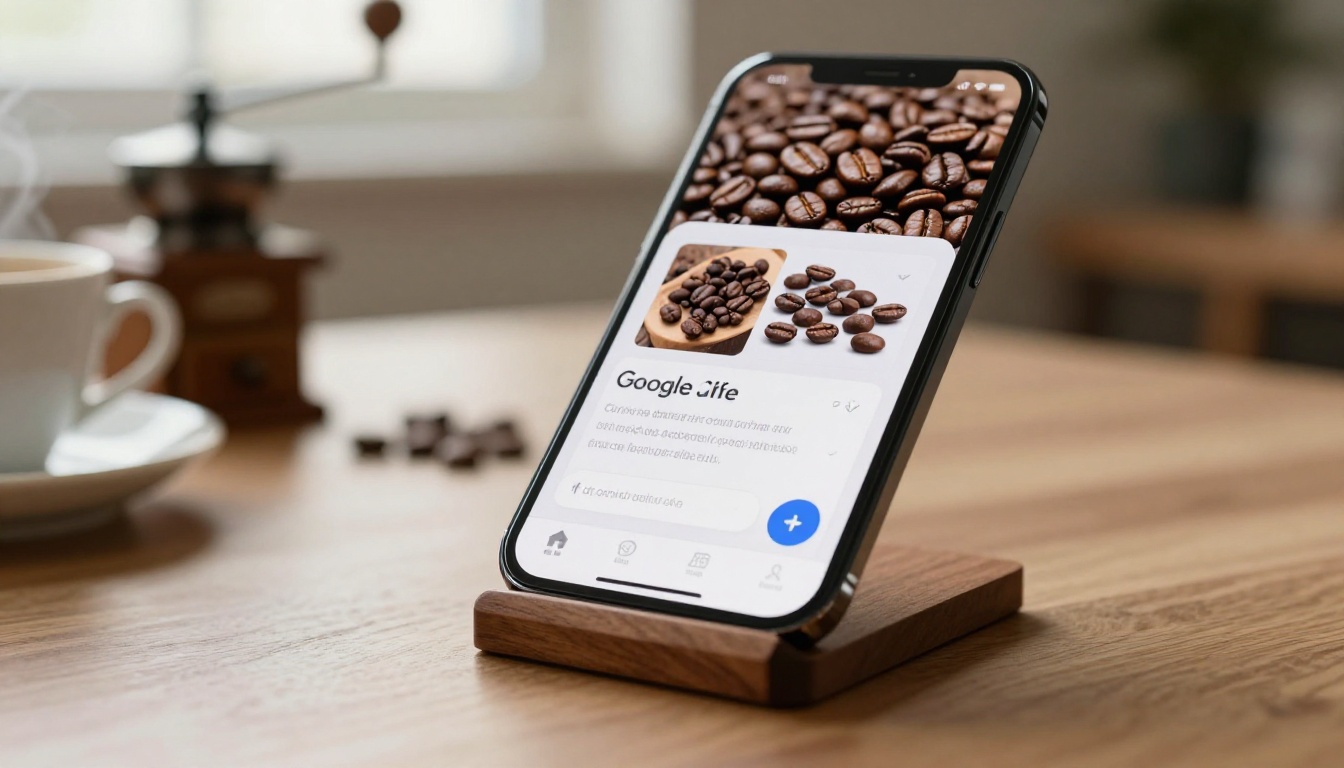
AI-generated lifestyle images perform particularly well here because they feel authentic without being obviously stock. A generated image of a customer enjoying your coffee product in a cafe is more believable and more compelling than a clip-art style graphic with your logo on it.
Google Display Ads
Google's Display Network reaches over 90% of internet users across millions of websites. Display ads are primarily visual banners, which makes them a perfect use case for AI image generation. You can create 10 to 15 variations of a single ad concept in an hour and run them all simultaneously to find the best performer.
Product Ads for E-commerce
If you sell physical products online, AI-generated product photography is the single highest-ROI application of this technology. You can place your product in aspirational lifestyle settings, generate clean white-background shots, and create seasonal variations for every holiday and campaign, all without a studio.
How to Make Your First AI Ad (Step by Step)
Here is the exact workflow. No guesswork, no expensive tools required. Follow these five steps and you will have a publish-ready ad creative by the end.
Step 1: Define Your Single Goal
Every ad needs one clear objective. Are you driving traffic to your website? Getting phone calls? Promoting a specific product? Pick one. An ad trying to do three things does none of them well.
Write your goal in one sentence: "I want [target audience] to [take action] because [reason to believe]." Everything else, the image, the copy, the CTA, flows from this sentence.
Step 2: Write Your Image Prompt
This is where most beginners go wrong. Vague prompts produce vague images. Specific prompts produce ad-ready creatives.
Weak prompt: "A woman with a skincare product"
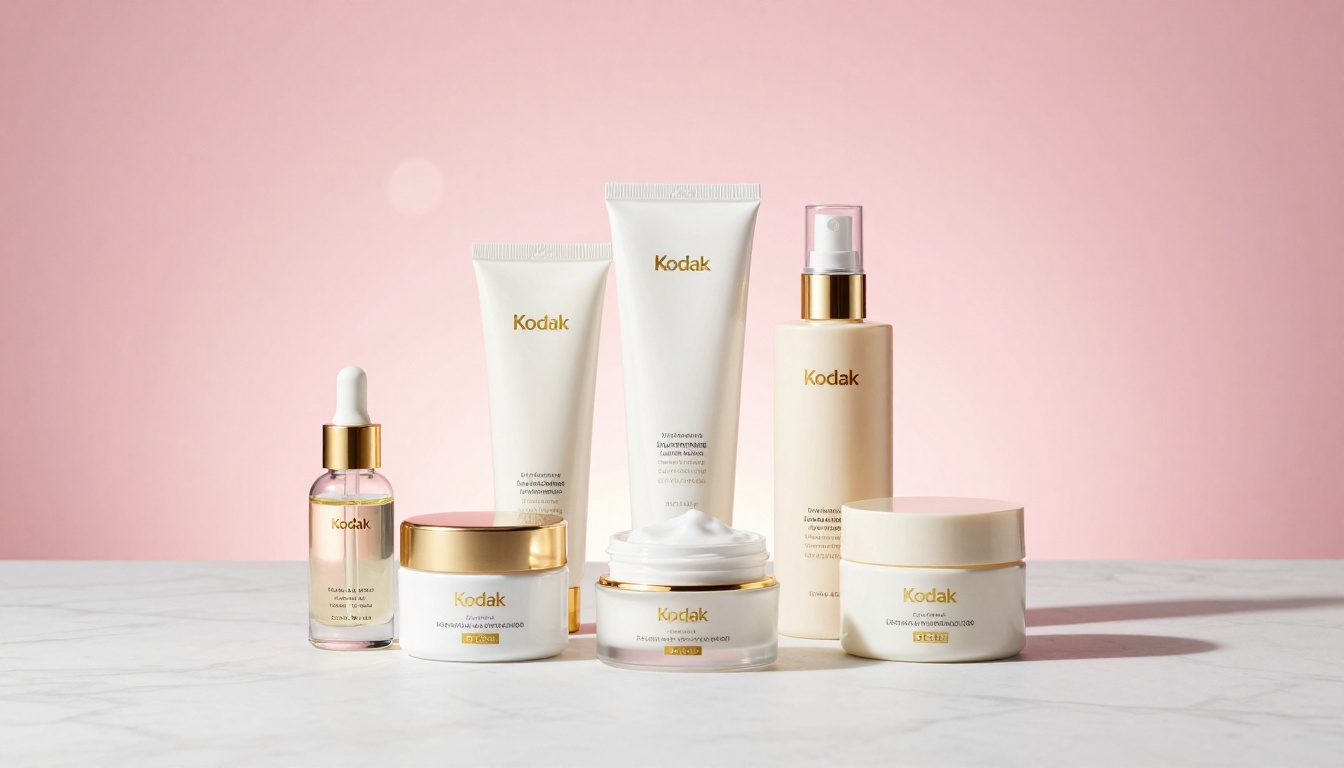
Strong prompt: "Close-up of a woman in her 30s with glowing, dewy skin holding a glass serum bottle with both hands, soft morning window light from the left, white marble bathroom counter, 85mm lens, photorealistic, Kodak Portra 400 grain, RAW photography, 8K resolution, commercial beauty advertising aesthetic"
The difference in output quality is dramatic. Specify the subject, setting, lighting direction, camera lens, and mood. Think like a photographer briefing a commercial shoot.

Step 3: Generate the Visual
Use a photorealistic AI model built for commercial-quality output. Flux 1.1 Pro Ultra delivers 4-megapixel outputs with exceptional detail and prompt adherence. Imagen 4 Ultra from Google excels at lifelike human subjects and fine textures. For ads that need readable text rendered directly in the image, Ideogram v3 Quality produces the sharpest typography of any model available.
Generate 3 to 5 variations of each concept and pick the strongest one based on visual impact, not preference.
Step 4: Add Copy and CTA
Your image is the hook. Your copy is the close. Keep headlines under six words. Body copy under 20 words. Your CTA should be a single action verb: "Shop Now," "Book Today," "Claim Offer." Run the final layout through a simple design tool to add text overlays before publishing.
Step 5: Test Two Versions
Never run a single ad. Always test at minimum two image variations or two headline variations against each other. Let the data tell you which creative performs better, then allocate your full budget to the winner.
How to Use Flux Pro on PicassoIA for Ad Creatives
Flux Pro is one of the strongest models for commercial ad photography because it produces photorealistic outputs with exceptional prompt adherence and a natural, film-like quality that stock photography rarely achieves. Here is exactly how to use it.

Step 1: Access the model
Navigate to Flux Pro on PicassoIA and open the model interface. No installation required, it runs entirely in the browser.
Step 2: Set your aspect ratio
For social media feed ads, use 1:1 (square) or 4:5. For display ads and banners, use 16:9. For Stories and Reels, use 9:16. Matching the native format of each platform eliminates cropping issues that destroy ad composition.
Step 3: Write a detailed prompt
Include all five elements: subject and action, environment and background, lighting conditions, camera specifications, and style modifiers. Start with your subject, then work outward to the environment, then inward to the light and lens.
Step 4: Adjust guidance scale
A higher guidance scale (7 to 9) keeps outputs closer to your written prompt. A lower scale (3 to 5) gives the model more creative freedom. For product ads where accuracy to your subject matters, use a higher value. For brand imagery where mood matters more than precision, go lower.
Step 5: Generate multiple seeds
Run the same prompt with four to five different random seeds to get compositional variety. This gives you enough options to select the strongest creative without rewriting the prompt.
Step 6: Upscale for print or large format
If you need higher resolution for outdoor advertising, print materials, or large-format display, use Super Resolution models on the platform to upscale 2x or 4x without quality degradation.
💡 Tip: For ads featuring people using your product, append "photorealistic, natural skin texture, Kodak Portra 400 film grain, commercial photography" to any prompt. It dramatically increases the believability of human subjects and separates your ad from generic AI-looking imagery.
Best AI Models for Each Ad Type
Different ad goals call for different AI models. Here is a practical reference table:
| Ad Type | Best Model | Why It Works |
|---|
| Lifestyle and brand imagery | Flux 1.1 Pro Ultra | 4MP output, exceptional realism |
| Product on white background | GPT Image 1.5 | Supports transparency, clean cutouts |
| Ads with text in image | Ideogram v3 Quality | Best text rendering of any AI model |
| Fast batch creative testing | Flux Schnell | Sub-second generation for rapid iteration |
| High-detail product photography | Imagen 4 Ultra | Superior texture and detail reproduction |
| Custom brand style consistency | Flux Dev LoRA | Fine-tunable on your brand's visual identity |
5 Mistakes That Kill Small Business Ads
Even with great AI-generated visuals, these errors will drain your ad budget without results.
1. Wrong image dimensions
Each platform has specific size requirements that affect how your creative renders. Facebook feed: 1200x628px or 1:1. Instagram Stories: 1080x1920px. Google Display: multiple standard sizes. Check platform specs before generating, not after.
2. Weak opening hook
The first 1.5 seconds determine whether someone stops scrolling. If your image does not immediately signal something relevant or visually surprising, it gets ignored regardless of how good the copy is. Lead with your strongest visual element.
3. Targeting too broad
AI can make your ads look like they belong to a million-dollar brand. But if you target everyone, you convert no one. Start with a tight, specific audience and expand only after you have proven creative that converts.
4. Skipping A/B testing
A single ad tells you nothing. Testing two versions tells you which variable drives performance. The image, headline, and CTA are all worth isolating and testing independently. Running one ad and judging it a failure or a success is not marketing, it is guessing.
5. Mismatched landing page
Your ad makes a promise. Your landing page must fulfill that promise immediately. If your ad shows a red dress and your landing page opens on a full catalog, you lose the sale in under three seconds. Match the visual, the offer, and the tone exactly.
Measuring What Actually Works
Once your ads go live, track these three metrics in the first 48 hours. They tell you exactly where your funnel is breaking.
| Metric | What It Signals | Healthy Benchmark |
|---|
| CTR (Click-Through Rate) | Whether your creative stops the scroll | Above 1.5% for social, 0.35% for display |
| CPC (Cost Per Click) | How efficiently you are buying attention | Track trends week over week |
| Conversion Rate | Whether your landing page closes the deal | Above 2% is solid for most categories |
If CTR is low, your visual or headline is not compelling enough. Fix the creative. If CTR is high but conversion is low, the problem is on your landing page, not your ad. Diagnose each stage separately.

Keeping Brand Consistency Across All Your Ads
One of the biggest advantages large brands have is visual consistency. Every ad looks like it came from the same creative team. You can replicate this at zero cost with two simple practices.
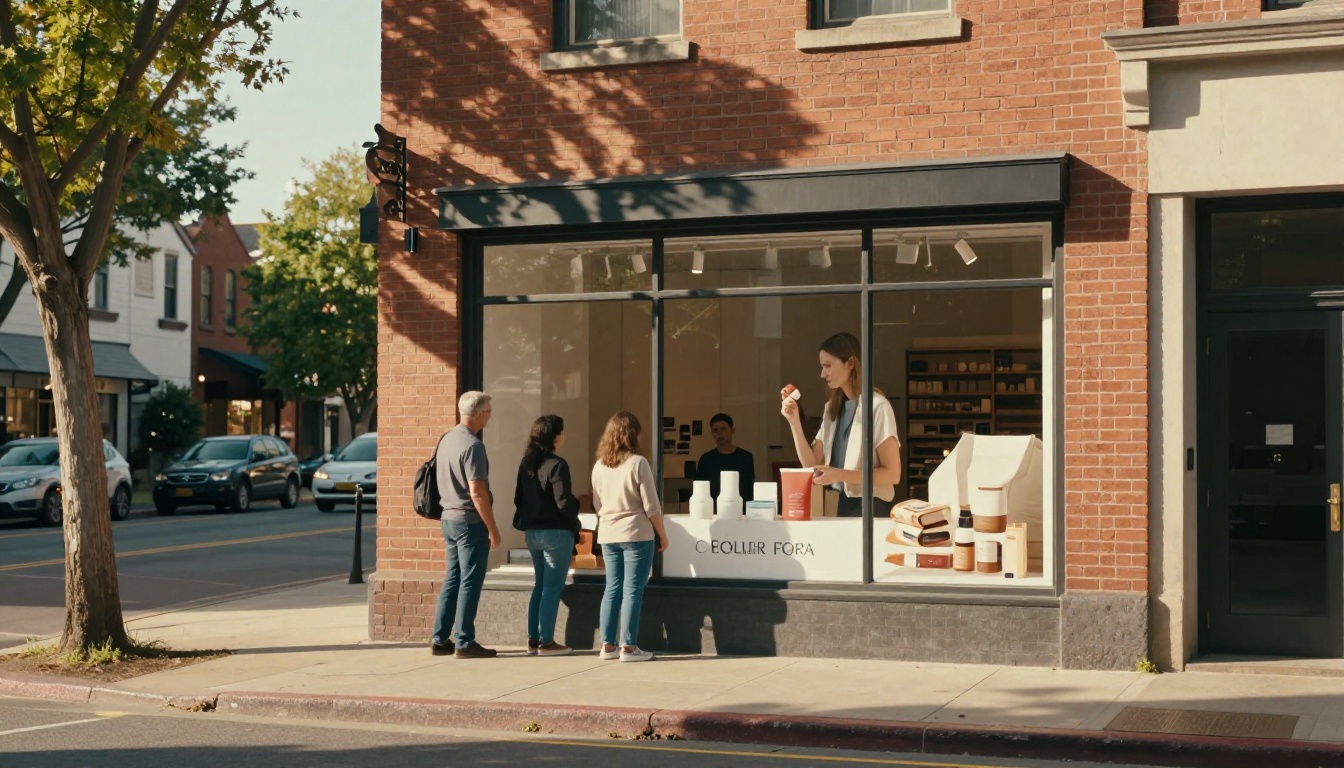
First, create a "brand style prompt suffix" that you append to every image generation. This includes your preferred color palette descriptors, lighting style, subject type, and mood modifiers. Something like: "warm amber tones, soft window light, lifestyle photography, natural textures, photorealistic, Kodak Portra 400." Save this as a template and paste it at the end of every prompt.
Second, for businesses with a consistent product or space that needs to appear in every ad, use Flux Dev LoRA to fine-tune the model on your specific visual assets. Once trained on your product images or brand environment, every output automatically carries your visual identity.
Your First AI Ad Is One Prompt Away
You now have everything you need: a proven step-by-step workflow, the right models for each ad type, a list of costly mistakes to avoid, and clear metrics to track once your campaign is live.
Start small. Pick one product, one target audience, and one platform. Generate three to five images using Flux Pro or Ideogram v3 Turbo. Select the strongest image, write a tight six-word headline, and publish.
The businesses winning in digital advertising right now are not the ones with the biggest budgets. They are the ones that iterate fastest. AI just made that speed available to every small business owner with a laptop and an idea.
Try it on PicassoIA today. Browse the full collection of text-to-image models, pick the one that fits your ad goal, and generate your first professional ad creative in under two minutes. No design skills needed. No agency required.


