How to Make AI Videos for Online Stores (That Actually Sell)
AI video tools are changing how online stores compete. This article shows you which models work best for product demos, lifestyle animations, and social media ads, with ready-to-use prompt templates and a step-by-step workflow for Seedance 2.0 on PicassoIA.
Selling online without video is like opening a store with no windows. Customers need to see products in motion before they commit to buying. Hiring a videographer for every SKU is expensive and slow when AI can generate a polished product clip from a single photo in under two minutes. This article walks you through exactly how to make AI videos for online stores, from picking the right model to writing prompts that produce clips you will actually want to publish.
Why Product Videos Change Everything
Online shoppers cannot touch, smell, or try your product before buying. Video does the next best thing: it shows the item in context, in motion, and from every angle. A well-made product video answers the questions that make people hesitate before clicking "Add to Cart."
What the numbers say
The data behind product video adoption is hard to ignore:
85% of consumers say video helps them decide what to buy
Product pages with video see up to 80% higher conversion rates than static pages
Short-form video ads on social platforms generate 3x more leads per dollar than image ads
Mobile shoppers are 1.5x more likely to watch a product video than desktop users
These numbers mean one thing: if your competitors are posting product videos and you are not, you are losing sales right now. The good news is that AI removes the production barrier completely.
What moves people to buy
The types of video that perform best for online stores are not complex or cinematic. They are:
30-second product demos showing the item in use
Animated lifestyle shots that place the product in a real environment
Close-up texture videos for clothing, accessories, and home goods
Before-and-after clips for beauty, cleaning, and wellness products
Unboxing sequences that build anticipation
All five can be created with AI tools in minutes, without a camera, studio, or editing software.
Picking the Right AI Video Model
Not all AI video models are built the same. Some are optimized for cinematic motion, others for speed, and some are purpose-built for image animation. Picking the right one for your store type saves time and produces better results.
Text-to-video vs image-to-video
There are two main workflows for creating product videos with AI:
Text-to-video: You describe what you want in a text prompt and the model generates the entire video from scratch. Best for lifestyle scenarios, conceptual ads, and background environments.
Image-to-video: You provide a product photo and the model animates it. Best for showing your actual product in demos and catalog videos.
For most online stores, image-to-video is the right choice. You want your real product on screen, not a generated approximation of it. Use your existing product photography as the source and let the AI add motion.
Top models for ecommerce
PicassoIA gives you access to over 100 video models in one place. Here are the ones that work best for product videos:
💡 Starting out? Use PicassoIA Video for unlimited free videos while you test prompts. Once you know what works, upgrade to Seedance 2.0 or Kling v3 Video for production-quality output.
How to Use Seedance 2.0 on PicassoIA
Seedance 2.0 by ByteDance is one of the strongest product video models available right now. It generates videos with synchronized native audio, handles image-to-video animation cleanly, and produces results at up to 1080p resolution. For online store owners who want professional output without professional costs, this is the go-to model.
Step 1: Set up your product image
Before opening PicassoIA, prepare your source image:
Use a clean, well-lit photo of your product. White or neutral backgrounds work best for the AI to isolate and animate the subject.
Shoot in high resolution (at least 1000px wide) so the model has detail to work with.
Avoid cluttered backgrounds unless you specifically want the video to show a lifestyle setting.
If you want the product to appear floating or in motion, a plain white product photo is your ideal starting point.
Once your image is ready, upload it to Seedance 2.0 on PicassoIA.
Step 2: Write your video prompt
The prompt tells the AI how to animate your image. For product videos, keep your prompts motion-focused and specific. Describe:
What the product does (rotates, pours, opens)
Camera movement (slow dolly-in, orbit shot, zoom out)
Lighting and mood (warm showroom light, bright studio, golden hour)
Any secondary elements (water splashing, fabric flowing, steam rising)
A strong product prompt looks like this:
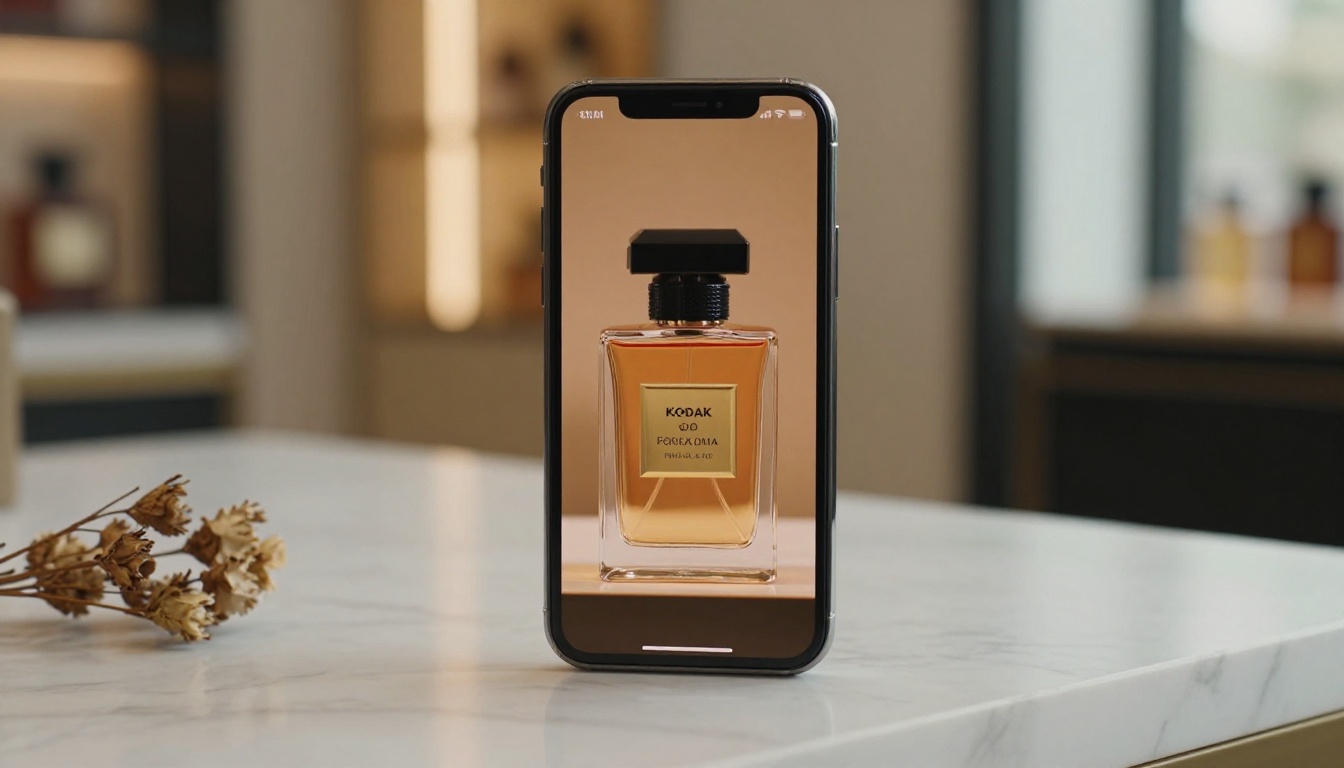
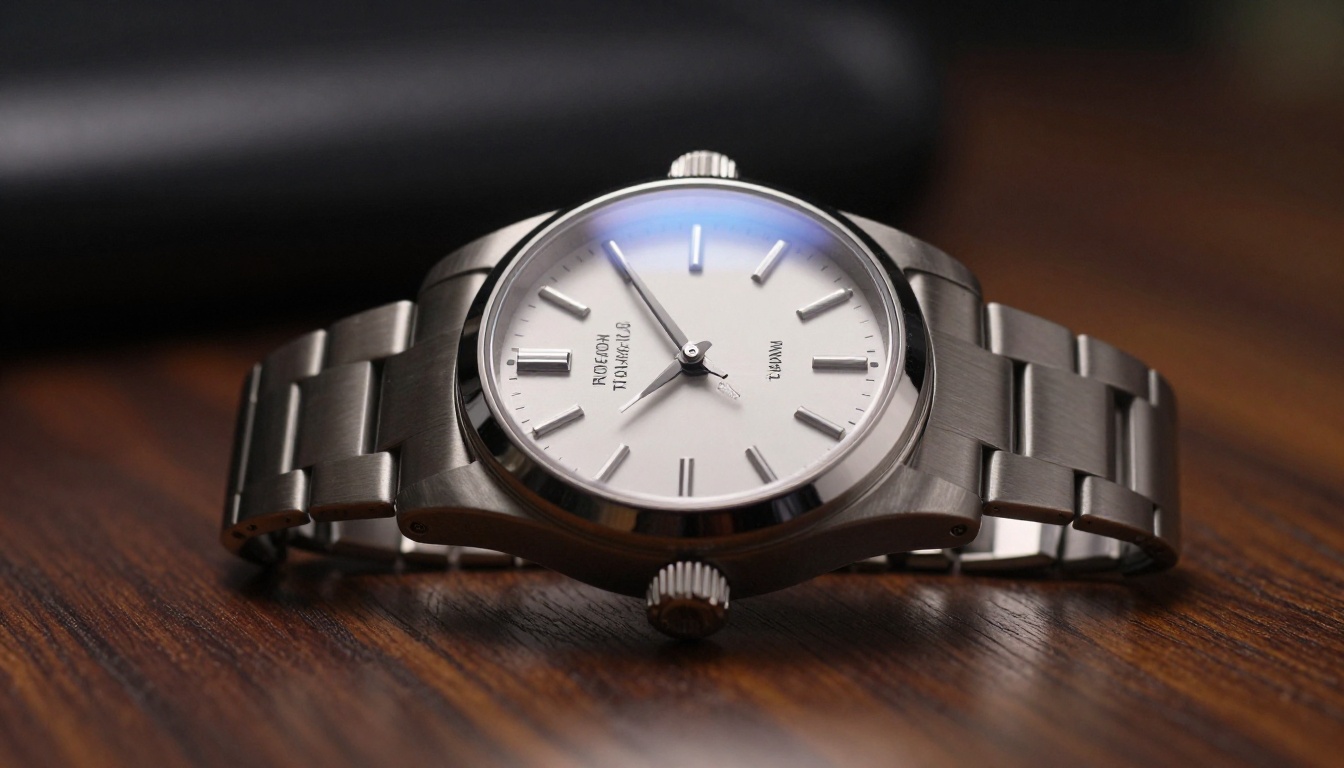
"Luxury perfume bottle on marble surface, slow 360-degree rotation, warm amber studio lighting from above, subtle glass reflections, cinematic camera dolly-in, photorealistic, 8K"
Step 3: Generate and export
Click Generate. Seedance 2.0 typically returns results in 1 to 3 minutes. Once done:
Preview the clip directly on PicassoIA
If the motion is off, adjust your prompt and regenerate (small changes to camera direction or product action make a big difference)
Download the MP4 and upload it to your product page, TikTok, Instagram Reels, or ad platform
💡 Pro tip: Generate 3 to 4 variations with slightly different prompts and pick the best one. The cost per generation is low enough that testing is worth it.
4 Video Types That Drive Sales
Not all product videos serve the same purpose. The four categories below cover the full customer journey, from awareness to purchase decision.
Product demos
A product demo video shows exactly what your item does and how it works. For a kitchen gadget, that might mean showing it chopping vegetables. For a skincare serum, it means showing the texture as it's applied.
With AI, you can animate your product photo to simulate this. Use models like Veo 3 or Hailuo 02 for demos that require realistic motion physics. These models handle liquid, fabric, and mechanical motion particularly well.
Lifestyle animations
Lifestyle videos place your product in a real environment. A bag on a beach, a candle on a dinner table, a watch on a wrist in a city. These create desire without needing a model or location shoot.
The workflow: use a lifestyle photo as your source image and animate the scene. A beach bag photo becomes a video with gentle wind moving the straps and waves in the background. Kling v2.6 and Seedance 2.0 handle environmental context animation well.
Short-form ad clips
These are 6 to 15-second clips designed for TikTok, Instagram Reels, and YouTube Shorts. The goal is a fast, visually arresting video that stops the scroll. Fast motion and a clear product reveal work best.
For ad clips, try Pixverse v5.6 or Ray from Luma. Both are fast and produce high-energy motion that performs well on social feeds.
Unboxing sequences
Unboxing videos remain one of the highest-converting video types in e-commerce. You can generate an AI unboxing sequence by describing the motion: a box being opened, tissue paper parting, the product revealed. Pair this with a close-up product photo as your source for a seamless reveal.
Veo 3.1 and LTX 2.3 Pro both handle object interaction well, making them strong choices for this format.
Prompt Templates That Work
Writing good AI video prompts is a skill. Once you understand the structure, it becomes fast and repeatable. Here is the formula and five ready-to-use templates.
The prompt formula
[Product + primary material or finish] + [surface or environment] + [primary motion] + [camera movement] + [lighting style] + [mood and quality modifiers]
Every element in this formula serves a purpose. The product description anchors the scene. The motion tells the AI what to animate. Camera movement adds cinematic quality. Lighting sets the mood. Quality modifiers push the output toward photorealism.
5 ready-to-use templates
1. Jewelry and accessories
"Gold chain necklace on white velvet, gentle sway from a soft air current, slow push-in from 30cm distance, warm directional studio light from upper left, photorealistic 8K, elegant and minimal"
2. Skincare and beauty
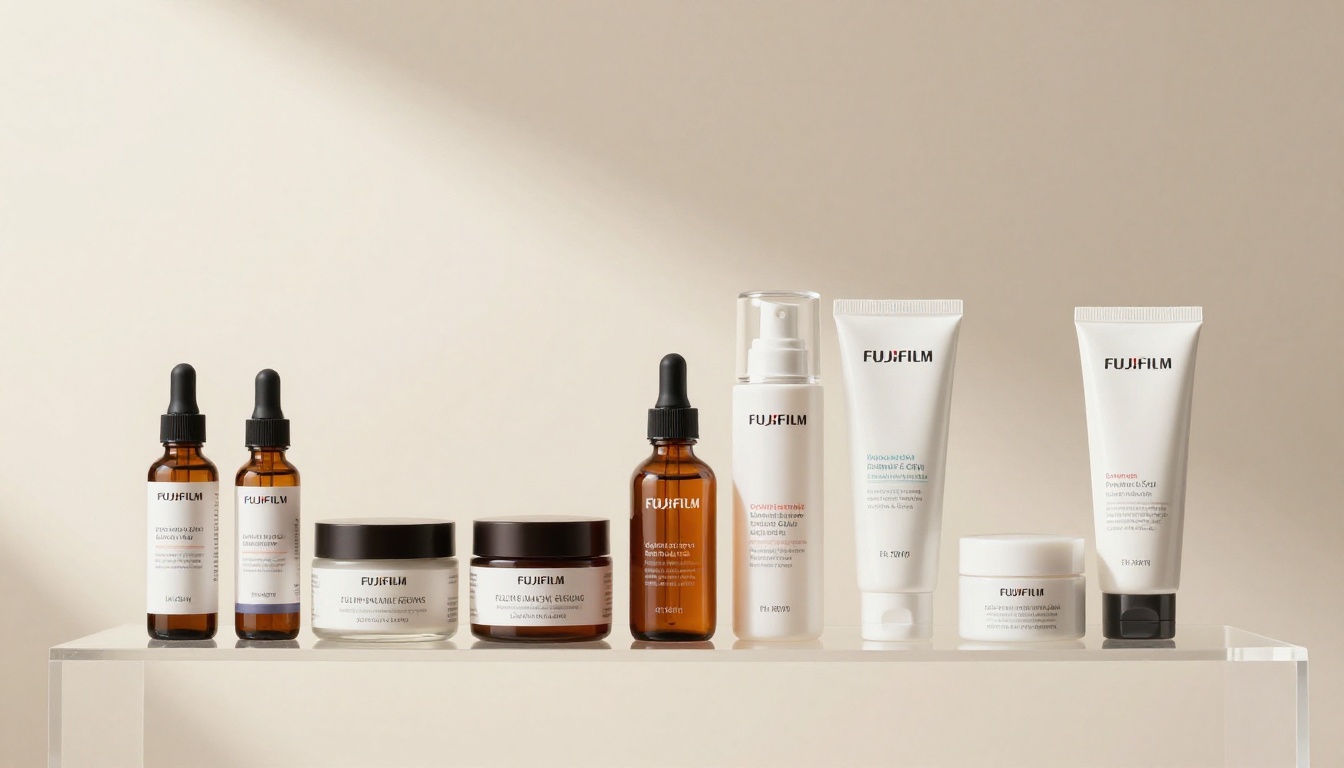
"Glass serum bottle on marble surface, single droplet falls and spreads, slow motion close-up, clean white light from above, shallow depth of field, clean and clinical, 8K photorealistic"
3. Apparel and footwear
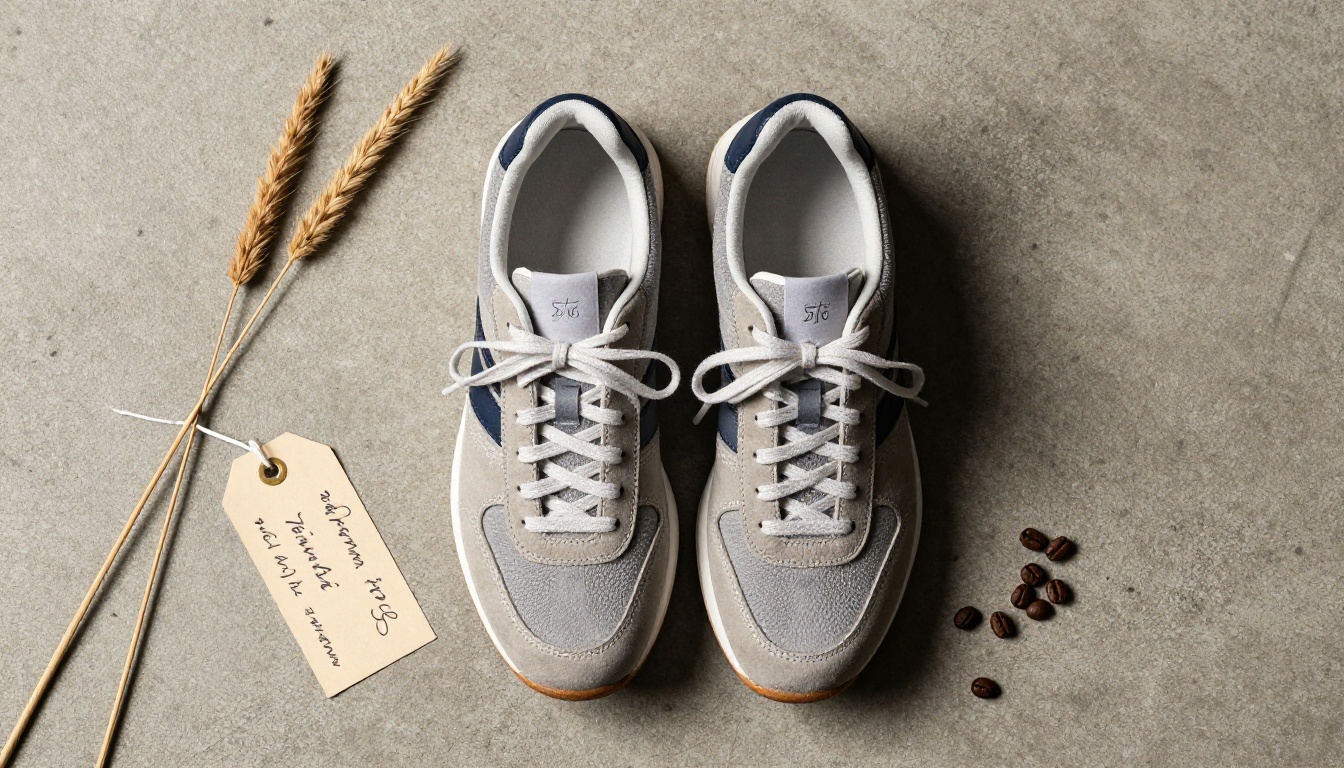
"White leather sneakers on concrete floor, camera orbits 180 degrees at shoe level, natural overcast daylight, crisp shadows, fabric and rubber texture detail, photorealistic RAW 8K"
4. Food and beverage
"Artisan coffee mug on wooden table, steam rising from surface, warm golden hour light from left window, slow dolly out from close-up, cozy and inviting atmosphere, 8K photorealistic"
5. Electronics and gadgets
"Wireless earbuds case on dark slate surface, case opens smoothly revealing earbuds, soft rim lighting from behind, slow overhead camera tilt-down, premium and technical mood, 8K photorealistic"
💡 These templates work across all image-to-video models on PicassoIA. Swap in your product details and adjust the surface and lighting to match your brand aesthetic.
Free vs Paid Models: What You Actually Get
Budget matters, especially for small stores and solo operators. Here is an honest breakdown of what you get at each tier.
The smart workflow is to draft in free models, finalize in paid ones. Use PicassoIA Video to test your prompt structure. Once the motion looks right, run the same prompt in Seedance 2.0 or Kling v3 Video for the final output you will actually publish.
This approach keeps costs down without sacrificing quality on the videos that matter.
Where to Post Your Videos
Generating a great video is only half the work. Placing it in the right channel multiplies its impact.
Social media platforms
Short-form video platforms are the fastest path to new customers for online stores:
TikTok Shop: Product videos here link directly to checkout. A 10-second product clip with the right audio can send hundreds of buyers to your store in a single day.
Instagram Reels: The algorithm favors short videos with strong visual hooks in the first 2 seconds. Use your AI video as Reel content and link to your product page in bio.
Pinterest Video Pins: Often overlooked, but Pinterest users are actively in shopping mode. Product demo videos here have long shelf lives compared to TikTok or Instagram.
YouTube Shorts: Good for building longer-term brand visibility with zero production budget.
For social formats, keep videos under 15 seconds. The AI models on PicassoIA default to 5-second clips, which you can stack or loop for longer content.
Product pages
This is where video has the most direct impact on conversion rate. Research consistently shows that adding a video to a product page increases purchase intent more than any other single change.
Where to embed on your product page:
Above the fold, alongside or replacing the hero image
In the image gallery as a video thumbnail
As an autoplay looping clip in the product header on mobile
Most major platforms support video natively:
Shopify: Add video to product media directly in the admin
WooCommerce: Use the Product Video Gallery plugin
Etsy: Video thumbnails are supported on all listings
Amazon: Brand-registered sellers can add video to A+ content
💡 For product page videos, loop-friendly clips with no audio work best. The 5-second clips from models like Seedance 2.0 Fast or Wan 2.7 T2V loop naturally and play silently on autoplay.
Your First Video in the Next 10 Minutes
The fastest way to see what AI video can do for your store is to stop reading and start generating. Pick one of your existing product photos, head to PicassoIA, open Seedance 2.0 or the free PicassoIA Video, and paste one of the prompt templates from this article.
You will have a working product video in under five minutes. From there, iterate: try a different camera angle, change the lighting description, animate a different product. The learning curve is flat because the only skill involved is writing a clear description of what you want to see.
Stores that adopt AI video now are building a production advantage that only grows over time. A product library of 100 videos used to mean 100 days of shooting. With AI tools, it means 100 prompt submissions over an afternoon.
The models available on PicassoIA span every price point, from fully free to cinema-grade:
Veo 3 for realistic physics and material simulation
Your competitors are already making AI product videos. Browse all available video generation models at picassoia.com/en/all-models and start building your video library today.