You've seen the results others are posting, and you want in. Suggestive, cinematic, AI-generated video content is one of the fastest-growing creative niches online right now, and the tools to produce it are genuinely accessible. But so are the bans, the shadowbans, and the silent content removals that wipe out accounts overnight. The difference between creators who thrive and those who get shut down isn't luck. It's knowing exactly where the line sits and how to work right up to it without crossing.
This is that breakdown. No vague advice, no recycled tips. Just what actually works across the major platforms and models available right now.
Most people think "NSFW" is a single category. It isn't. Every platform that hosts or runs AI-generated video has its own internal taxonomy, and the space between "artistic nudity" and "explicit content" is enormous. The creators who survive long-term treat these distinctions with the same precision a lawyer applies to contract language.
The Line Between Suggestive and Explicit
Suggestive content focuses on aesthetics: curves, lingerie, implied intimacy, glamour, sensuality. Explicit content crosses into graphic depictions of sexual acts or full nudity below the waist. Most AI platforms allow the former while prohibiting the latter. The problem is that AI generation doesn't always stay within the guardrails you set in your prompt, which means your job is to reduce the probability of the model going explicit, not just hope it won't.
The safest descriptors tend to be visual and emotional rather than anatomical. Words like "sensual," "intimate," "elegant," "alluring," and "artistic" signal to both the model and the platform's content classifiers what kind of output you're creating.
Why Platforms Differ So Much
Different companies have different legal exposure, different user bases, and different content policies baked into their underlying models. A platform running an open-source base model may have more flexibility than one running proprietary filtered infrastructure. Understanding which model you're using matters as much as understanding the platform's written rules.
💡 Always read the content policy before you generate, not after you get flagged. Policies change quarterly, and what was allowed six months ago may now be restricted.
Why Most People Get Banned (It's Not What You Think)
The number one cause of account bans isn't generating explicit content. It's a pattern of behavior that triggers automated systems. AI moderation doesn't work like a human reviewer reading your prompts. It works like a spam filter: flagging accounts based on a combination of content signals, generation volume, and community reports.
The 3 Biggest Mistakes Creators Make
- Using explicit anatomical language in prompts even when the intended output is mild. The text classifier runs on your input, not just your output.
- Generating high volumes of borderline content in rapid succession. Platforms rate-limit accounts that show unusual generation patterns.
- Ignoring output review. If the model generates something that drifts explicit and you post it without checking, that one post can flag your entire account history for review.
How AI Moderation Actually Works
Modern content moderation on AI platforms is layered. First, a text-based classifier scans your prompt. Then, after generation, a computer vision model analyzes the output frame-by-frame. Some platforms add a third layer: behavioral scoring that tracks your account's historical output patterns.
The practical implication is this: you can generate suggestive content safely if your prompts are clean, your outputs are reviewed before posting, and you're not running the platform's systems at maximum stress.
Picking the Right Model for Mature Content
Not all AI video models handle suggestive content the same way. Some are heavily filtered at the architecture level. Others give you significantly more creative latitude, especially through platforms that aggregate third-party models. Here's what to know.
Top Text-to-Video Models for Suggestive Content
These are the models that perform best for cinematic, sensual, and aesthetically mature video content right now:
Kling v3 Video is particularly strong for cinematic body motion, which makes it a go-to for elegant, suggestive scenes. Seedance 2.0 from ByteDance adds native audio generation to its video output, which is a significant advantage when you want mood-setting ambient sound baked directly into the clip.
Image-to-Video for More Control
When you want maximum control over what appears in the video, starting with a generated image and animating it is consistently safer and more predictable than pure text-to-video. You define the exact visual starting point, and the model only animates it.
For this workflow, Wan 2.6 I2V and Hailuo 2.3 Fast are both excellent. Generate your reference frame first, review it for appropriateness, then pass it into the image-to-video pipeline. This two-step process gives you a checkpoint that reduces the risk of unexpected explicit output.
How to Write Prompts That Won't Get Flagged
Prompt writing for mature content is its own discipline. The goal is to communicate visual intent to the model while keeping your language within the parameters the platform's input classifier will accept.
Words to Use vs. Words to Avoid
| Use These | Avoid These |
|---|
| Sensual, alluring, intimate | Explicit anatomical terms |
| Elegant, glamorous, artistic | Direct descriptions of sexual acts |
| Silhouette, curves, figure | Nudity descriptors (full, nude, naked, bare) |
| Suggestive, evocative | Anything referencing minors, regardless of context |
| Cinematic, moody, aesthetic | Platform-banned trigger words (varies by platform) |
The framing matters as much as the vocabulary. Describing a scene rather than a subject tends to produce better results and fewer flags. "A candlelit bedroom scene with a woman in a silk robe, soft shadows, intimate atmosphere" will consistently outperform more direct descriptions both in output quality and moderation compliance.
The "Aesthetic Frame" Technique
One of the most effective prompt strategies for suggestive content is what creators call aesthetic framing: you describe the visual qualities of the scene rather than the subject's actions or state of dress.
Instead of describing what a character is wearing or not wearing, describe the lighting, the mood, the texture, the composition. High-end fashion photography and boudoir photography references work well here. The model interprets these cues toward sensual output without requiring explicit language.
💡 Reference real photography styles in your prompts. Terms like "boudoir photography," "lingerie editorial," "fine art portraiture," and "high fashion shoot" signal aesthetic intent to both the model and the moderation system.
Step-by-Step on PicassoIA Video Models
PicassoIA aggregates over 87 text-to-video models in a single interface, which makes it one of the most practical platforms for NSFW-adjacent video creation. You get access to models across the full quality spectrum without needing separate accounts on a dozen different services.
Using Kling v3 for Suggestive Videos
Kling v3 Video is optimized for realistic human motion, making it ideal for slow, controlled, aesthetically focused scenes.
Step 1. Navigate to Kling v3 Video on PicassoIA.
Step 2. Write a scene-based prompt. Start with the environment: "A softly lit bedroom, late evening, warm amber lamp light, sheer curtains moving gently." Add your subject last, focusing on mood and aesthetics rather than specific clothing or body details.
Step 3. Set duration to 5-10 seconds for the first pass. Short clips are easier to review and less likely to drift beyond your intent.
Step 4. Review the full output before saving or sharing. If the model generated anything beyond your intent, adjust the prompt and regenerate.
Step 5. For variation, use Kling V3 Motion Control to apply specific motion patterns to your character.
Using Seedance 2.0 for Cinematic Content
Seedance 2.0 stands apart because it generates video with synchronized native audio. For atmospheric, suggestive content, the audio layer dramatically increases production quality.
Step 1. Open Seedance 2.0 on PicassoIA.
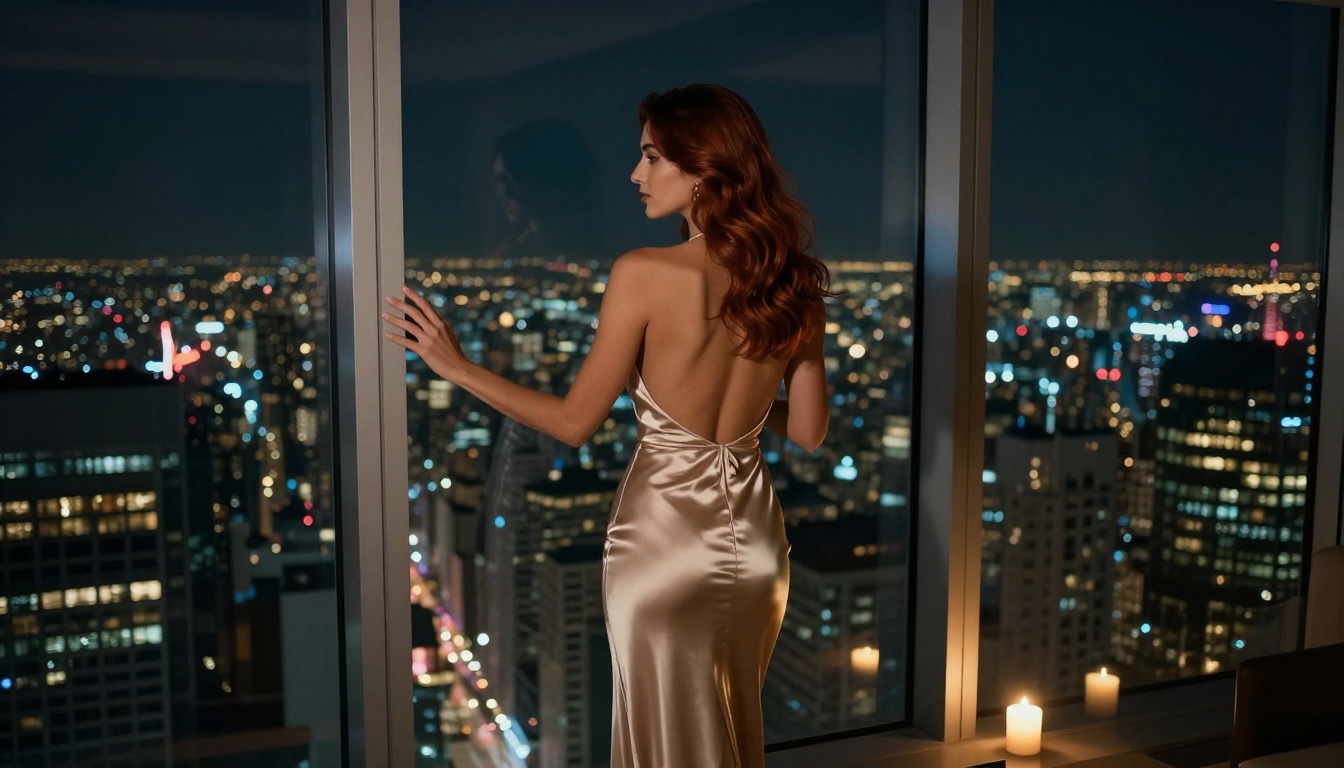
Step 2. Structure your prompt in three parts: scene, subject, mood. Example: "A luxury hotel suite at night [scene], a woman in a silk slip dress sitting at the window [subject], slow camera pull-back, soft rain ambient sound, melancholic yet beautiful [mood]."
Step 3. The audio generation is automatic, but you can influence it through ambient descriptors in your prompt. Words like "rain," "ocean waves," "soft music," and "silence" shape the audio layer.
Step 4. For faster iteration, use Seedance 2.0 Fast to preview your concept before committing to the full-quality render.
Using PixVerse v5.6 for Creative Scenes
PixVerse v5.6 has a distinctive semi-realistic aesthetic that works particularly well for stylized, artistic content.
Step 1. Access PixVerse v5.6 through the PicassoIA model library.
Step 2. PixVerse responds well to cinematic references. Add "shot on 35mm film," "shallow depth of field," or "golden hour lighting" to pull the output toward a refined visual style.
Step 3. If you're animating an existing image, upload it as the reference frame and write a brief motion description. PixVerse preserves visual consistency well when working from an image input.
Step 4. Compare against PixVerse v5 on the same prompt to see which version better matches your intent for a given scene.

Different platforms take significantly different positions on mature AI content. Here's a practical comparison:
| Platform | Suggestive Content | Explicit Content | Notes |
|---|
| PicassoIA | Allowed | Restricted | Multi-model access, creator-friendly |
| Midjourney | Allowed (partial) | Blocked by default | Requires specific modes for some content |
| Runway | Allowed (mild) | Blocked | Strong motion classifier |
| Pika | Allowed (mild) | Blocked | Input text heavily filtered |
| Standard Diffusion APIs | Varies | Model-dependent | No universal rule |
PicassoIA's multi-model architecture gives it a practical advantage here: when one model's output classifier is too restrictive for a particular scene, you can switch to another model with different calibration and achieve the same visual intent.
What Happens When You Get Flagged
Getting a generation flagged or a post removed doesn't automatically mean a ban. Most platforms operate on a strike system. Understanding that system is the first step toward managing it.
How to Appeal a Content Removal
Most platforms offer a review request process. When appealing, focus on:
- The artistic intent of the content, framed in terms of the platform's own stated permitted categories
- Comparable examples the platform has approved in the past
- Specific policy language your content complies with
Be precise and professional. Vague appeals are rejected. Specific, policy-grounded appeals frequently succeed.
Preventive Steps That Actually Work
The most effective prevention strategies aren't about avoiding mature content altogether. They're about building a track record the platform's behavioral classifier recognizes as safe.
1. Mix your content. Accounts that generate only borderline content get higher scrutiny. Interleave your mature creative work with clearly safe content: landscapes, portraits, general aesthetic scenes.
2. Use clean prompt language consistently. Your prompt history is logged and factored into behavioral scoring on most platforms.
3. Review before posting. Every single time. The five seconds it takes to scan output before posting is the single cheapest insurance against a ban.
4. Keep generation volume reasonable. Platforms flag mass-generation behavior. Pacing your output to reflect genuine creative work rather than bulk production is better for account health.

The single biggest variable in producing NSFW-adjacent AI video without account risk isn't your prompts or your model choice in isolation. It's the platform that sits between you and the models.
A platform with direct access to over 87 text-to-video models, including Kling v3, Seedance 2.0, Wan 2.6, and PixVerse v5.6, gives you flexibility that no single-model tool can match. When one approach hits a wall, you have 86 others to try.
PicassoIA is built for exactly this kind of creative work. Generate your reference images, animate them with top-tier video models, apply effects, add audio, and produce polished content, all without switching tabs.

Start with one scene. Pick a model from the table above. Write a prompt that frames the aesthetic rather than the explicit. Review your output. Post it. See what performs. The learning curve is shorter than you think, and the creative ceiling is genuinely high when you're working with the right tools. Start creating today at PicassoIA and put these models to work for your content.


