How to Make NSFW TikToks with Kling 3.0: The No-Filter Playbook
A deep dive into how to make NSFW TikToks with Kling 3.0, covering the three v3 model variants, image-to-video workflow, NSFW prompt writing techniques, best uncensored image models, and a full comparison of AI video tools for adult short-form content creators.
Kling 3.0 changed how creators approach short-form adult content. Not with incremental upgrades, but with a completely rethought motion engine that reads NSFW prompts with far more nuance than anything available before it. If you want to make NSFW TikToks that look cinematic, move naturally, and bypass the hard limits baked into mainstream platforms, this is the workflow you need.
The short version: you start with a photorealistic image, feed it into Kling 3.0 on PicassoIA, write a motion prompt that describes what moves and how, and you get 5 to 10 seconds of uncensored, high-resolution video ready to publish. The longer version is where things get genuinely interesting for serious creators.
What Makes Kling 3.0 Different
Previous Kling versions were good at generic motion. Kling 3.0 is good at specific motion. That distinction matters enormously for NSFW content, where the difference between compelling and robotic comes entirely down to how naturally a subject moves through a scene.
Three things changed substantially in version 3.0:
Motion coherence: subjects stay anatomically consistent across the entire clip length. No more drifting limbs, warping skin, or fingers that multiply mid-animation.
Prompt specificity: the model actually differentiates between "walks slowly" and "sways while standing," something older versions collapsed into the same blurry output.
NSFW tolerance: Kling 3.0 on uncensored platforms processes adult-themed prompts without the content scrubbing that diluted results in earlier iterations. Suggestive poses, revealing clothing, implied nudity all pass through without distortion.
💡 The key insight: Kling 3.0 is not just a better video model. It is the first Kling version where the gap between your written prompt and your actual output is small enough that NSFW content becomes predictable and reproducible.
For adult creators, reproducibility is everything. You need to iterate on a character or a scene without starting from scratch every single time. Kling 3.0 makes that possible in a way that version 2.x never quite achieved.
There is also the matter of resolution. Kling v3 Video outputs at 1080p natively, which means your clips survive TikTok's aggressive compression without turning into a blurry mess. The platform recompresses everything it receives, so starting at higher resolution is the only way to guarantee your final published video still looks sharp.
The Three Kling 3.0 Models Worth Knowing
Not all Kling 3.0 models serve the same purpose. PicassoIA hosts three distinct v3 variants, and choosing the right one for each situation changes your output quality dramatically.
For the majority of NSFW TikTok production, Kling v3 Video is your primary tool. You bring a source image, write a motion prompt describing the action and camera behavior, and it returns a clip with natural, coherent body movement. This is where most of your generation time will be spent.
Kling v3 Omni Video is the wildcard in the lineup. It accepts text only, no source image required. This is useful when you want to rapidly prototype a scene concept before committing to a full image-generation and animation pipeline. Think of it as a sketch pad: you write the prompt, see roughly what the scene looks like in motion, then refine your source image generation accordingly.
Kling v3 Motion Control is the precision instrument. It lets you provide reference motion paths, skeleton guides, or camera trajectory inputs so the animation follows a specific choreography rather than inferring it from the prompt alone. For NSFW TikToks where you need a specific body movement or a camera that sweeps a particular arc, this is the model that removes the guesswork.
How to Make NSFW TikToks with Kling 3.0 on PicassoIA
This is the actual step-by-step production workflow, built specifically for adult short-form content.
Step 1: Build Your Base Image with Seedream 4.5
The quality of your NSFW TikTok is determined almost entirely by your source image. Kling 3.0 animates what it sees. If your base image has flat lighting, artificial-looking skin, or awkward anatomy, your video will amplify every one of those flaws.
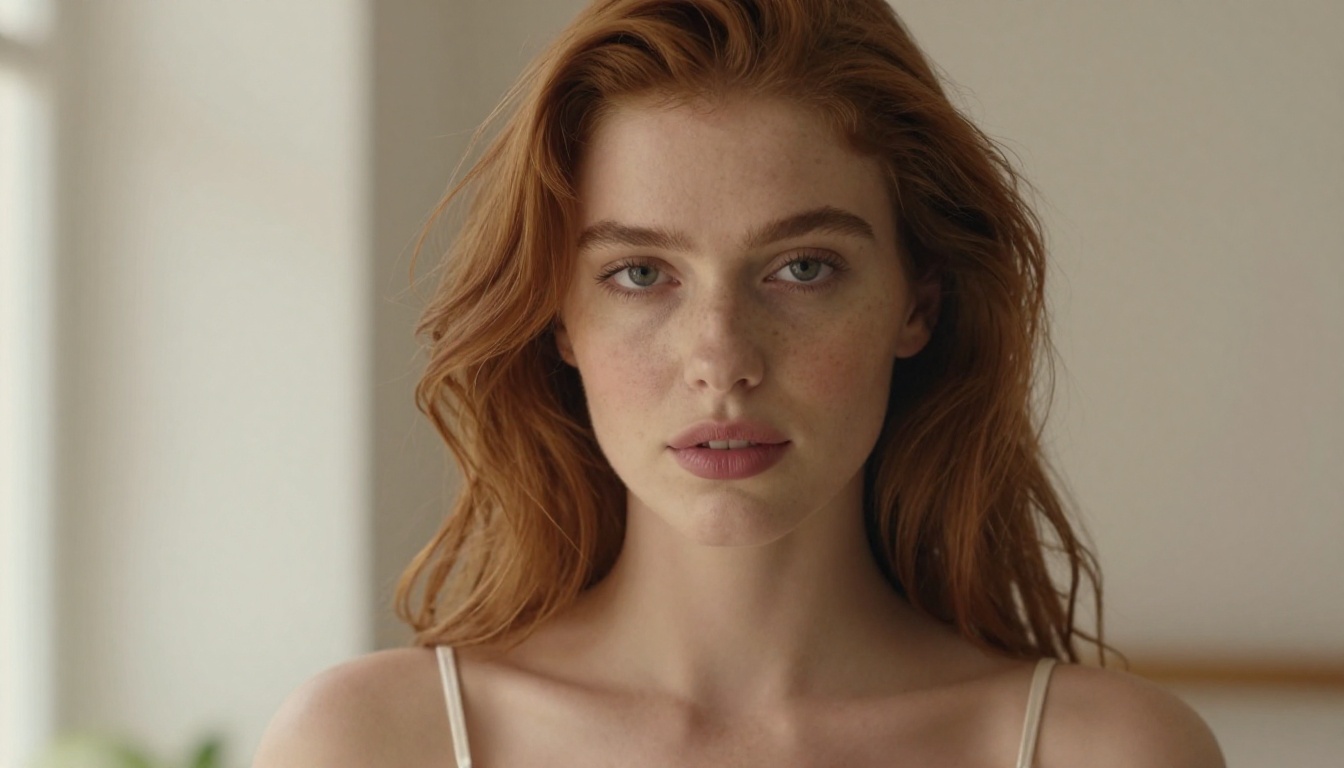
Start with Seedream 4.5 on PicassoIA. This is the current top model for NSFW photorealistic image generation, producing detailed skin texture, natural lighting response, and believable anatomy without the content filtering that blocks or distorts adult-themed prompts. Seedream 4.5 handles implied nudity, revealing clothing, suggestive poses, and glamour scenarios accurately and consistently.
For unlimited NSFW image generations without daily caps or watermarks, PicassoIA Image Editor Pro is the tool built for creators working at volume. It also includes inpainting, which lets you correct specific areas of an image, adjust clothing placement, fix anatomy, or change the background without regenerating the entire frame.
💡 Practical image prompt structure for NSFW base images: [Subject + physical description + clothing] + [scene/environment] + [specific lighting direction] + [camera lens and angle] + photorealistic, RAW 8K, Kodak Portra 400 film grain
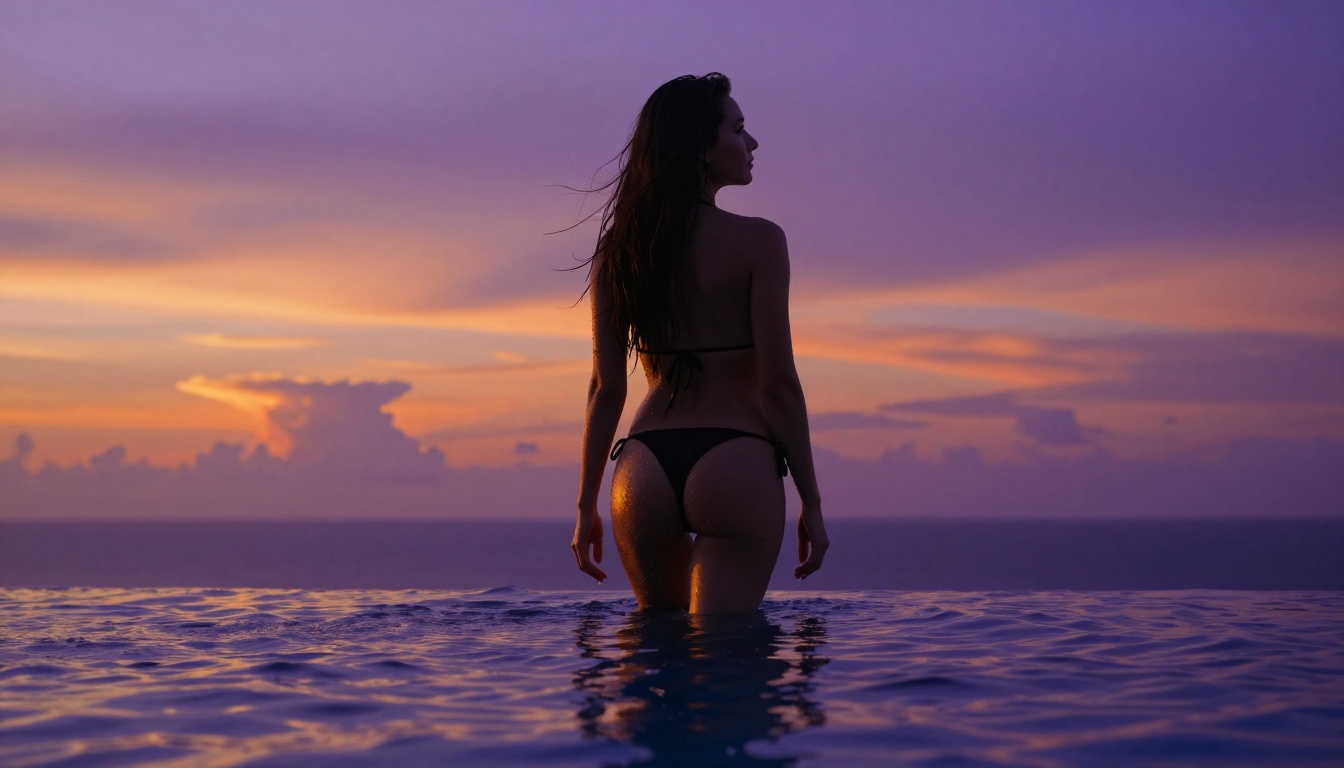
A production-ready example: "a beautiful young woman in a strappy black bikini standing at pool edge at golden hour, weight shifted to left hip, soft volumetric light from the left, shot from a low angle with an 85mm f/1.4 lens, fine skin texture on shoulders and collarbones, photorealistic, RAW 8K."
For the source image, always generate at 16:9 if you want a cinematic horizontal clip, or 9:16 directly if your final output will be TikTok vertical format. The aspect ratio you set at image generation becomes the canvas Kling 3.0 animates within.
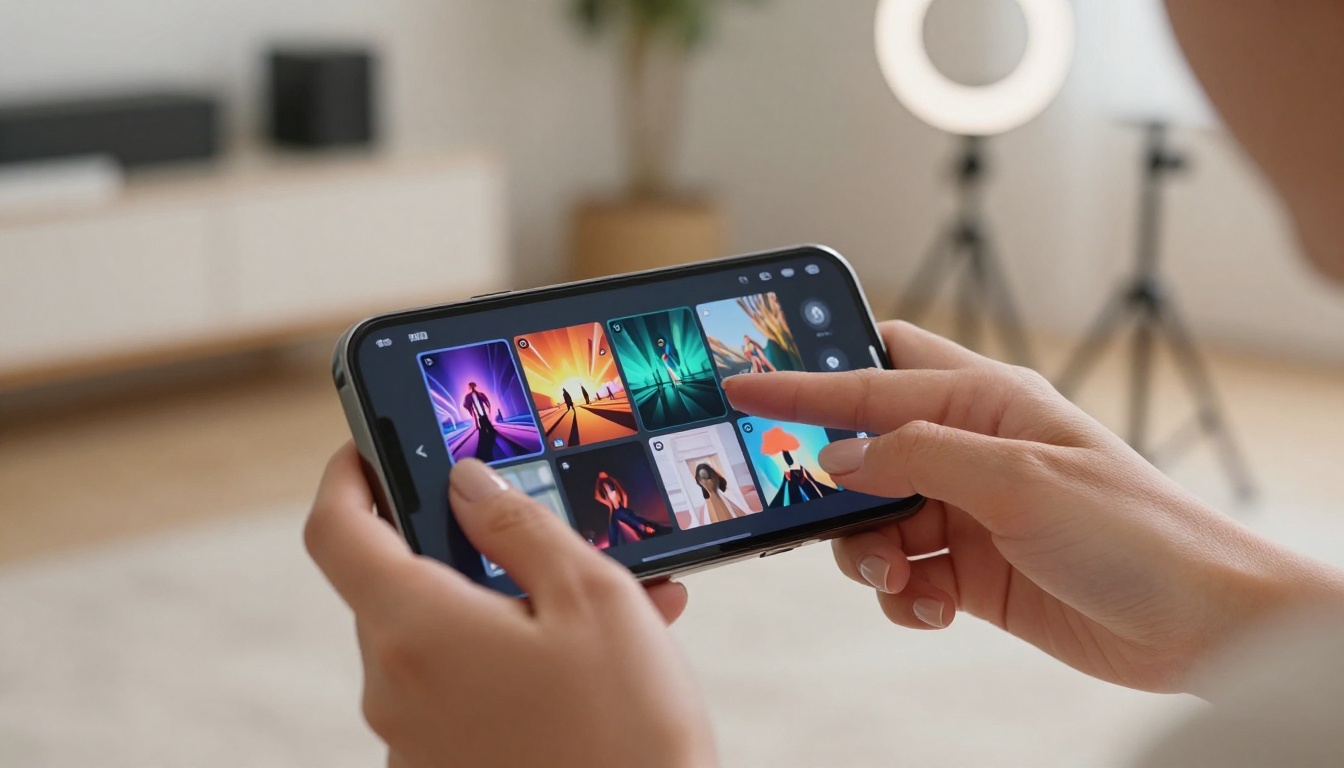
Step 2: Open Kling v3 Video on PicassoIA
With your source image ready, go to Kling v3 Video on PicassoIA. The session setup takes under two minutes:
Upload your source image (from Seedream 4.5 or PicassoIA Image Editor Pro)
Set duration: 5 seconds for TikTok hooks, 10 seconds for fuller scene clips
Choose aspect ratio: 9:16 for TikTok, 16:9 for cinematic horizontal content
Write your motion prompt (detailed in the next section)
Submit and collect your clip
Resolution defaults to 1080p automatically on Kling v3 Video. Do not reduce this. TikTok's compression algorithm punishes low-resolution source files heavily, and the difference between a 720p and 1080p source is clearly visible after the platform processes it.
Step 3: Write Motion Prompts That Actually Work
This is where most creators waste their first twenty or thirty generations. Kling 3.0 is responsive to physical language, which means vague emotional prompts produce vague, undefined movement.
Motion prompt structure for NSFW content:
[Subject + starting physical state] → [specific motion action with direction] + [camera behavior] + [lighting or atmosphere note]
Prompts that produce consistent results:
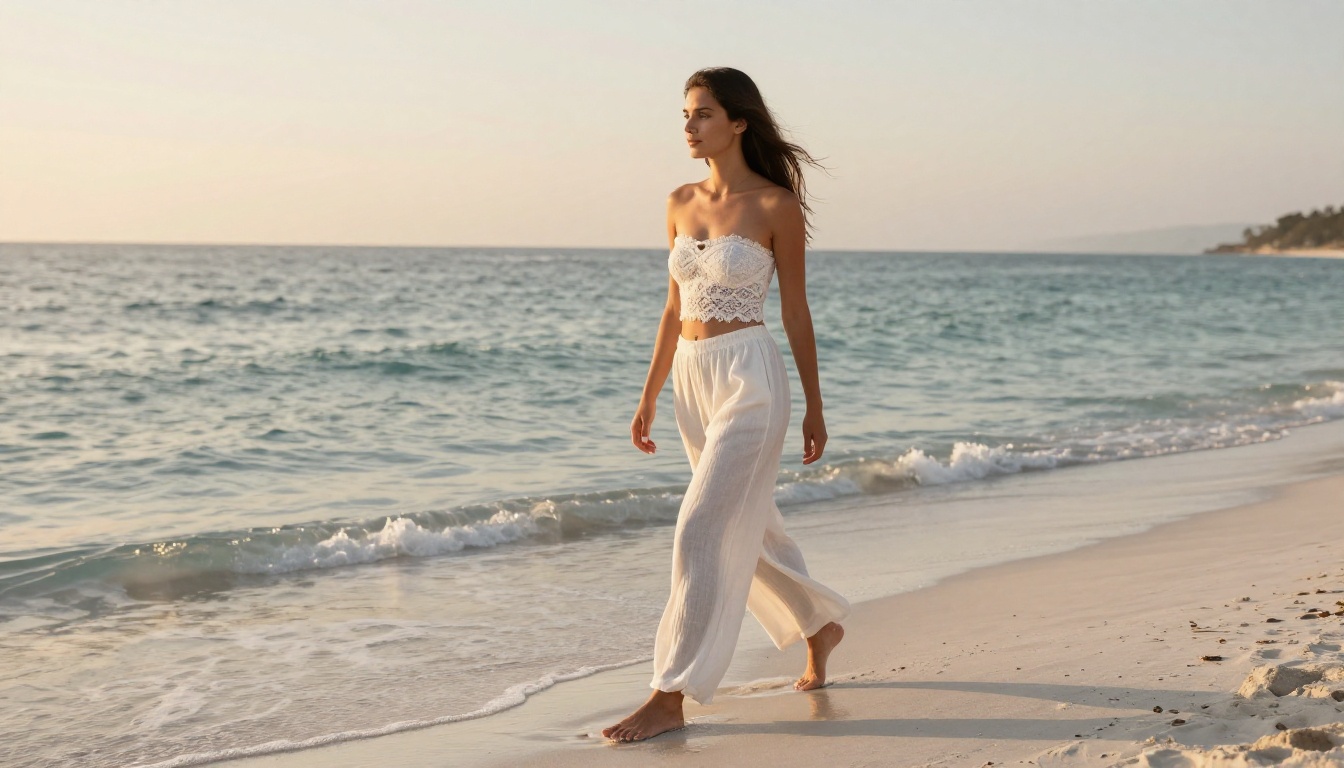
"Woman in bikini top slowly turns to face the camera from a three-quarter angle, hair swaying gently in the motion, camera holds steady at low angle, warm golden afternoon light"
"Subject in silk robe walks toward camera with a slow, confident stride, camera dollies back slightly to maintain framing, soft ambient indoor light from the left"
"Woman in lingerie sits on the edge of the bed, shifts weight and adjusts position, looks up directly at camera, soft window light from the right casting a diagonal shadow across her"
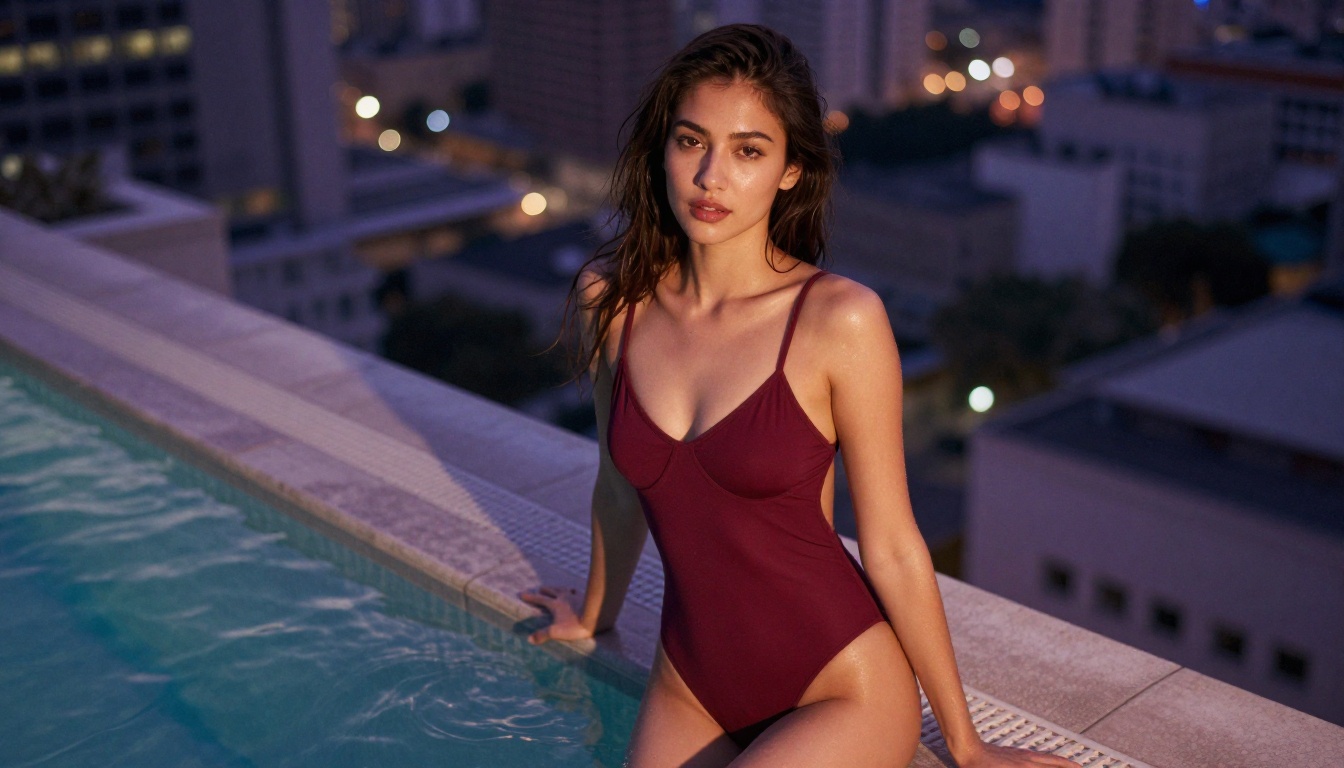
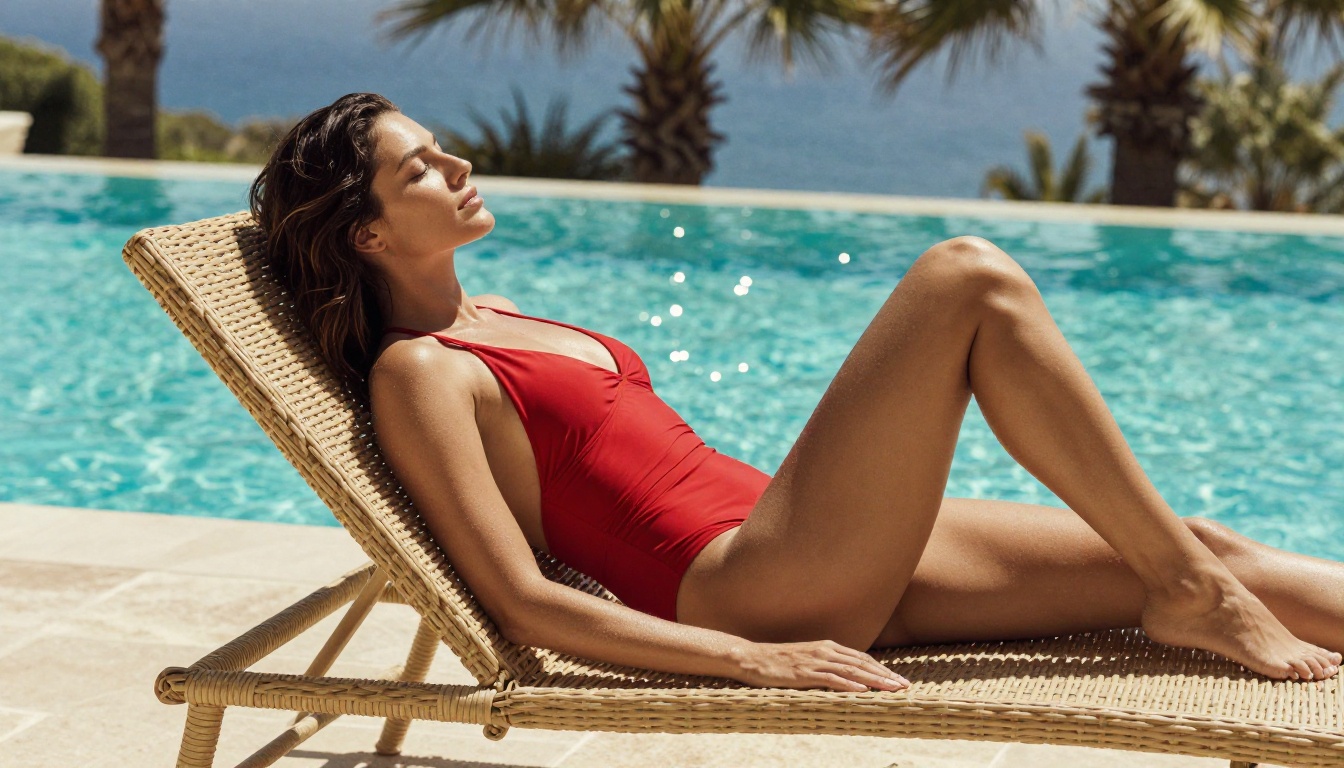
"Woman at pool edge in a red bodysuit slowly leans back, arching slightly, then returns to upright position, camera holds at medium distance with a slight tilt down"
The motion description is the most important element of your prompt. Weight it heavily. Keep atmosphere and lighting notes brief at the end rather than leading with them.
Step 4: Fine-Tune with Motion Control
When a clip is close but the motion is not quite right, Kling v3 Motion Control gives you the next level of precision. This variant accepts reference motion data alongside the text prompt, allowing you to define camera trajectory and subject movement paths explicitly.
For NSFW TikToks, motion control is particularly effective for:
Choreographed body movements: where you want consistent, specific motion rather than the model inferring it
Camera arcs: a slow 180-degree pan around a subject requires trajectory data that a text prompt alone cannot fully specify
Looping content: clips that end in the same position they started, which TikTok's algorithm rewards because they drive replay
NSFW Prompt Writing That Gets Results
Writing prompts for NSFW AI video is a distinct skill from image prompting. The core difference is that video prompts describe change over time, not a static state. Kling 3.0 needs to know what starts, what moves, and where the camera is relative to that movement.
Subject and Action First
Always lead with the subject and the action. The model weights the beginning of a prompt more heavily than the end. If you spend the first half of your prompt on atmosphere and save the action for the last sentence, the model spends most of its attention on the wrong thing.
More effective: "A woman in a strappy red bodysuit leans back slowly on the edge of a pool, starting from an upright posture and easing back over three seconds, camera holds at medium distance slightly below eye level"
Less effective: "In a warm golden hour setting with beautiful lighting and an intimate atmosphere, soft shadows on the water surface and a relaxed mood, a woman in a red bodysuit moves on the edge of a pool"
Camera Movement Matters
Kling 3.0 responds consistently to these camera instructions for adult content:
Slow dolly-in: camera moves toward the subject gradually. Works well for face and upper-body reveals.
Gentle pan left or right: the camera swings slowly across the subject. Good for full-body shots showing clothing and pose.
Static hold: no camera movement, only the subject moves. Best for subtle body actions where you want the viewer's attention fully on the motion.
Tilt up: camera starts at a low angle and tilts upward slowly. Effective for full-length reveals in vertical format.
Orbit: camera circles the subject slowly. Requires Kling v3 Motion Control for consistent results.
What to Avoid in Prompts
⚠️ These prompt elements consistently degrade NSFW output quality in Kling 3.0:
Words like "explicit" or "pornographic" trigger content filters even on uncensored platforms and return blurred or cropped output
"Fast movement" instructions cause motion blur that destroys skin texture detail across the entire clip
Multiple subjects in a single prompt confuse the motion engine. Stick to single-subject clips for TikTok content.
Abstract verbs such as "express," "embody," or "feel" produce static or micro-twitching results because they describe states, not actions
Best Models for NSFW Images on PicassoIA
Your source images set the ceiling for your video quality. The most skilled motion prompt in the world cannot save a source image with poor anatomy or flat lighting. These are the models to use on PicassoIA for NSFW base image generation, in order of recommendation:
1. Seedream 4.5
The current top model for NSFW photorealism on PicassoIA. Handles suggestive content, artistic nudity, revealing clothing, and glamour photography prompts accurately. Produces the most realistic skin texture and lighting response of any model in the category. Fast generation times. This is your default starting point for every base image you create.
2. PicassoIA Image Editor Pro
Unlimited generations with no daily cap and no watermarks. Built for creators working at volume. Also includes inpainting tools so you can correct specific areas of a generated image without regenerating the entire frame. Use this when you need to iterate aggressively on a character or when a Seedream 4.5 image is almost right but needs one element fixed.
💡 The recommended workflow: generate your initial base image with Seedream 4.5. If the result is close but needs adjustments to clothing, anatomy, or composition, bring it into PicassoIA Image Editor Pro for targeted inpainting. Then animate the final version with Kling v3 Video.
Do not use Seedream 5 Lite for NSFW content. That model blocks adult-themed prompts at the model level and will return sanitized, inappropriate outputs that waste your time.
Kling 3.0 is the best available option for NSFW TikTok production right now, but it is worth understanding how it compares against the other video models on PicassoIA so you can make informed decisions about when to use alternatives.
It processes image-to-video with the most coherent body motion of any model in the comparison. Other models produce natural-looking motion for 2-3 seconds and then drift. Kling v3 holds through the full clip.
The 1080p native output survives TikTok compression significantly better than 720p source clips from older models.
Motion coherence at the 5 to 10 second range is where it definitively beats Kling v2.6, which starts to introduce anatomical inconsistencies on longer generations.
Kling v2.6 remains worth keeping as a secondary option. It generates faster than v3 and produces strong results for simpler motion prompts where full 10-second coherence is not required.
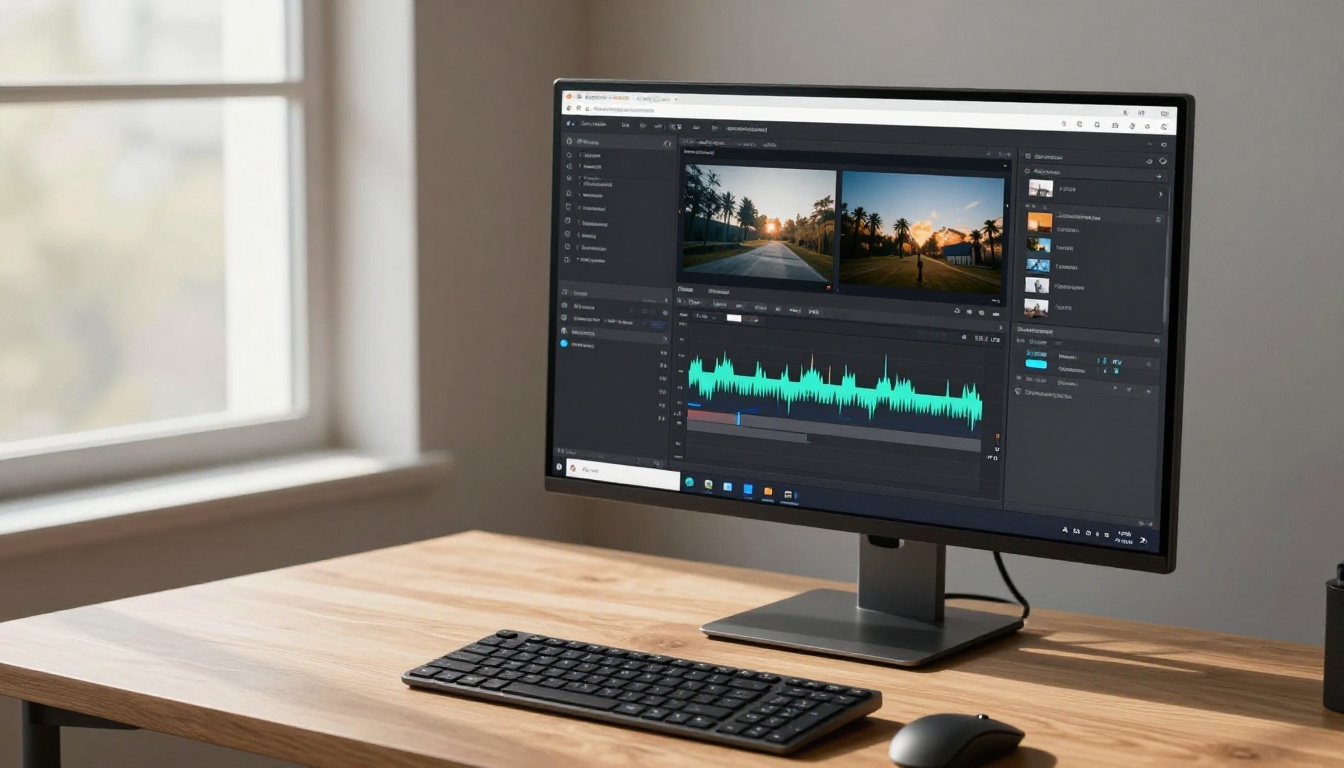
Seedance 2.0 is worth experimenting with for its native audio generation capability. If you want ambient sound built into your clip rather than adding audio in post, Seedance 2.0 handles that natively while maintaining reasonable motion quality.
Make Your Content TikTok-Ready
Generating a technically strong clip is only half the production job. Getting it formatted correctly and performing well on TikTok requires several decisions that most new AI content creators overlook.
Aspect Ratio and Duration
TikTok's algorithm consistently prioritizes 9:16 vertical video over all other formats. Set your Kling 3.0 session to 9:16 from the start, not as an afterthought. Cropping a 16:9 clip after generation wastes 40% of your frame and almost always cuts off the subject awkwardly.
For duration, the data on NSFW content performance on short-form platforms points clearly:
3 to 5 seconds: best for hook-style clips with maximum replay rate. Shorter clips loop more aggressively in the algorithm.
7 to 10 seconds: better for narrative clips where you want to show a complete action or scene. Higher completion rate if the first 2 seconds are strong.
Looping potential: a clip that ends in the same position it starts creates a seamless loop. Kling 3.0 can achieve this with the right motion prompt: include "motion returns to starting position by the end" as the final instruction.
Batch Production for Consistency
Rather than generating a single perfect video and spending hours refining it, build batches of five to ten variants from the same source image. Change only the motion prompt between each generation. This approach gives you:
Multiple clips for testing which motion style gets the most replays and saves
Content variety without rebuilding your base character from scratch for every post
A content buffer so you are not in a constant generation cycle to keep your posting schedule
The most efficient batch structure: one source image, five motion prompt variations (slow turn, walk toward camera, lean back, look over shoulder, subtle sway in place). This produces a week of content from a single generation session.
After the Clip is Generated
Once your Kling 3.0 clip is ready, the standard TikTok production steps apply:
Audio: add a trending sound in TikTok's native editor after upload. This directly affects algorithmic distribution.
Text overlays: minimal is better. One to three words maximum, placed at the top or bottom where they do not obscure the subject.
Posting time: adult content on platforms that allow it performs best posted between 9pm and 1am in your target audience's timezone.
Hashtag strategy: use five to eight relevant tags rather than stacking thirty. Smaller, more targeted sets outperform hashtag flooding on this type of content.
Start Creating Your Own
The barrier to producing professional-quality NSFW TikTok content with AI is lower right now than at any point in the history of this type of content creation. With Kling 3.0 available on PicassoIA, the full pipeline from image generation to animated video to finished clip exists in a single platform, without account restrictions, content censorship, or output watermarks.
The workflow in three steps: generate your source image with Seedream 4.5, which handles NSFW prompts without sanitizing the output. Animate it with Kling v3 Video using a precise motion prompt structured around physical action and camera behavior. Refine with Kling v3 Motion Control if you need pose-level precision on any clip.
Scale your output with PicassoIA Image Editor Pro for unlimited image generation and inpainting when you need to iterate aggressively on a character without starting over each time.
Every model you need, covering image generation, video animation, enhancement, effects, face tools, and audio, is available at picassoia.com/en/all-models. Build your first clip today. The gap between a well-written prompt and a finished, publishable video has never been this small.