The fastest-growing accounts on TikTok in 2027 have one thing in common: they are not doing everything by hand. They use AI tools to write scripts in minutes, generate professional-grade visuals without a camera crew, and post at exactly the right time every day without burning out. If you are still brainstorming ideas manually or editing every clip frame by frame, you are spending time your competitors have already automated.
This is the exact playbook top creators use when they ask how to use AI to grow on TikTok, and it works whether you have 200 followers or 200,000.
Why Most TikTok Creators Stay Stuck at 0 Views
TikTok's algorithm rewards consistency, watch time, and early interaction signals. The problem is that producing daily content at quality is brutal without the right systems. Most creators quit not because they lack ideas but because the production pipeline is too slow.
Here is what the average failing creator's week looks like:
- Spends 2-3 hours brainstorming content ideas with no data to back them up
- Shoots and re-shoots footage for a full afternoon
- Spends evenings editing cuts, adding captions, and searching for trending sounds
- Posts inconsistently because the workload is unsustainable at any volume
AI compresses every single one of these bottlenecks. You go from idea to published video in a fraction of the time, which means you post more often, collect more data, and compound your growth faster.
The Real Cost of Skipping AI
| Manual Workflow | AI-Assisted Workflow |
|---|
| 3-5 hours per video | 30-60 minutes per video |
| 3-4 posts per week maximum | Daily posts without burnout |
| Guesswork on trending topics | Data-backed niche targeting |
| Inconsistent visual quality | Professional-grade output every time |
| No time for audience interaction | Batching frees hours for comments |
💡 The math is simple: if your competitor posts 7 times per week and you post 3, they are collecting 133% more algorithm data points. More data means faster feedback loops and faster follower growth.
The AI Stack That Actually Moves the Needle
There is no single tool that does everything well. The smartest creators build a content production stack where each tool handles a specific stage of the workflow.
Here are the four layers every serious TikTok creator needs:
1. Idea and Script Generation
AI language models analyze trending topics in your niche and generate hook-first scripts built for short-form video. You feed in a topic, a target audience, and a content angle, and the AI outputs a ready-to-record script with a strong opening line, a tight middle that holds attention, and a call-to-action designed to drive follows.
What to prioritize: always lead with the hook as the very first sentence. TikTok uses the first 2 seconds to decide if your video gets pushed further. AI-generated hooks consistently outperform intuition-based ones because they are trained on what already performed at scale.
2. AI Video and Visual Generation
This is where platforms like PicassoIA Video remove the biggest barrier for creators: the need for real footage. Models like Seedance 2.0 generate cinematic video clips directly from a text prompt, complete with synchronized native audio. You describe the scene, the camera movement, and the mood, and the model renders a 1080p clip in seconds.
For creators working with static visuals, image-to-video tools like Wan 2.7 I2V animate any still photo into a flowing 5-second clip, perfect for product showcases, travel montages, or reaction content.
3. Post-Production Automation
Auto-captioning, sound syncing, and clip trimming used to require a professional editor. AI video quality tools like Crystal Video Upscaler and Topaz Video Upscale sharpen footage to 4K automatically, giving lo-fi content a polished finish without expensive software.
4. Scheduling and Analytics
AI scheduling tools analyze your account's historical performance data to predict the optimal posting window for maximum reach. Instead of guessing, you are working with probability on your side.
How to Write Scripts 10x Faster with AI
Script quality is the single largest determinant of watch time, which is the single largest determinant of reach. TikTok does not care about your production budget. It cares about whether people watch until the end.
The 3-Part TikTok Script Formula
Part 1: The Hook (0-2 seconds)
Purpose: stop the scroll. AI tools are exceptional at generating hooks because they analyze thousands of high-performing videos in your niche and identify sentence structures that consistently trigger a pause. Hook styles that perform well:
- Contrary statement: "You do not need a ring light to go viral."
- Number-driven: "I gained 10,000 followers by changing 3 things."
- Challenge: "Post this format for 30 days. You will not recognize your analytics."
Part 2: The Payload (2-40 seconds)
Purpose: deliver value fast. AI structures this section as a tight numbered list or a quick before/after comparison. Short sentences. One idea per cut. Every filler word removed automatically.
Part 3: The Loop or CTA (final 3 seconds)
Purpose: drive rewatch or follow. AI-written CTAs that work on TikTok are specific, not generic. "Follow for part 2 tomorrow" outperforms "like and subscribe" because it sets up a content promise with urgency.
💡 Pro tip: paste your best-performing TikTok transcript into your AI tool and ask it to write 10 variations on the same topic. You will produce a week of content in under 20 minutes.
How to Use AI to Grow on TikTok with Video Generation
This is the section most creators skip because they assume AI-generated video looks robotic. It does not anymore. The current generation of text-to-video and image-to-video models produces footage that is indistinguishable from professionally shot content when prompted correctly.
Choosing the Right Video Model for Your Content
Not all models produce the same results for TikTok-style content. Here is a breakdown of the top options available on PicassoIA:
How to Prompt AI Video for TikTok
The difference between a generic AI clip and one that stops the scroll is in the prompt detail. Use these five components every time:
- Subject and what they are doing
- Camera movement (slow dolly-in, gentle pan, static wide)
- Lighting (golden hour, overcast, studio backlight)
- Mood (energetic, calm, dramatic)
- Texture and detail (concrete floor, linen fabric, morning fog)
Example prompt: "A young woman runs through a sunlit city market, slow-motion dolly from behind, golden hour rim light, shallow depth of field, photorealistic, Kodak film grain."
Fed into Seedance 2.0 or Kling v2.6, that prompt produces a clip that would cost thousands to shoot with a real crew.
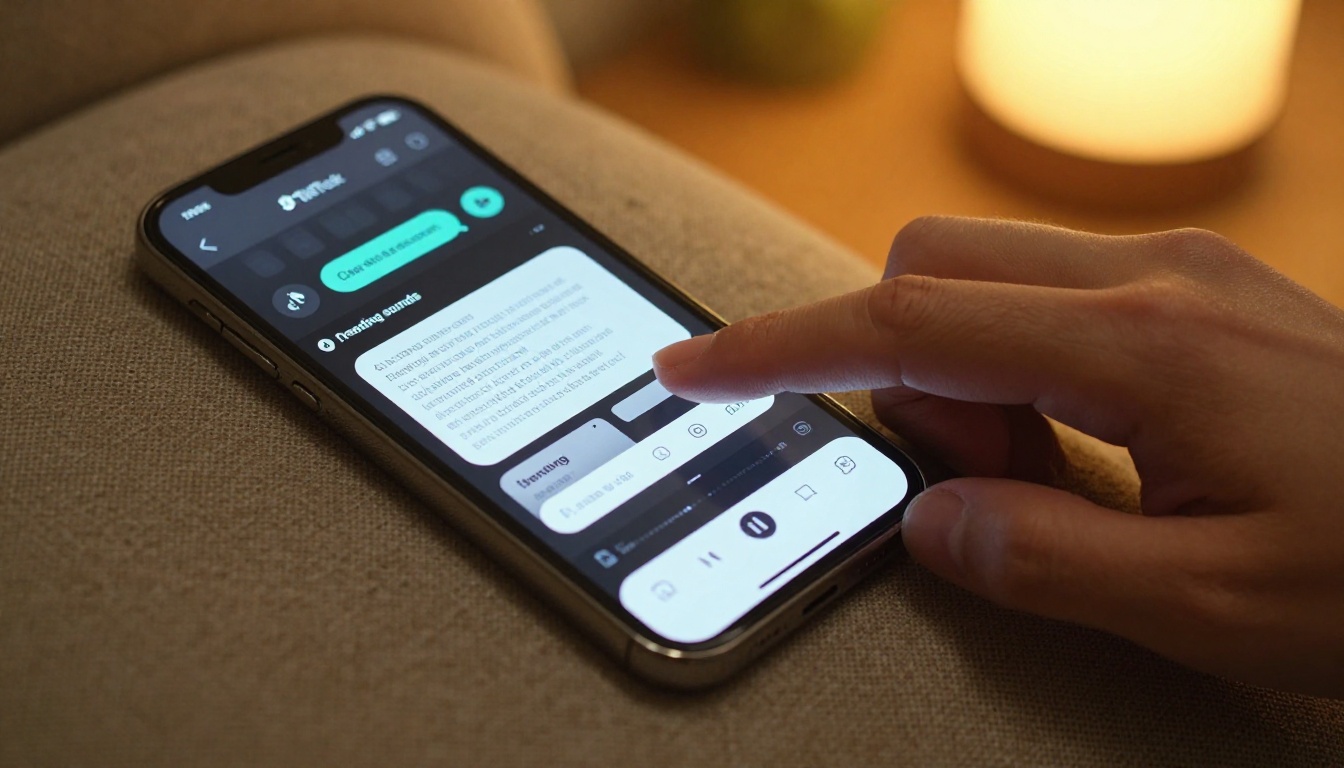
Image-to-Video: The Fastest Content Format
If you already have photos from a shoot, brand assets, or product images, Wan 2.7 I2V and Pixverse v5 animate any still frame into a flowing short clip. This format works extremely well for:
- Product reveals: animate a product photo so it slowly rotates into warm light
- Travel content: add parallax depth movement to landscape photos
- Fashion content: give outfit photos a subtle fabric-flow or walk effect
- Motivational cards: push the camera slowly into text-on-background frames
Visual Effects Without a Budget
The TikTok creators who rack up the most shares are not always the most talented. They are the most visually interesting. Effects, transitions, and color work used to require After Effects expertise. AI has collapsed that requirement entirely.
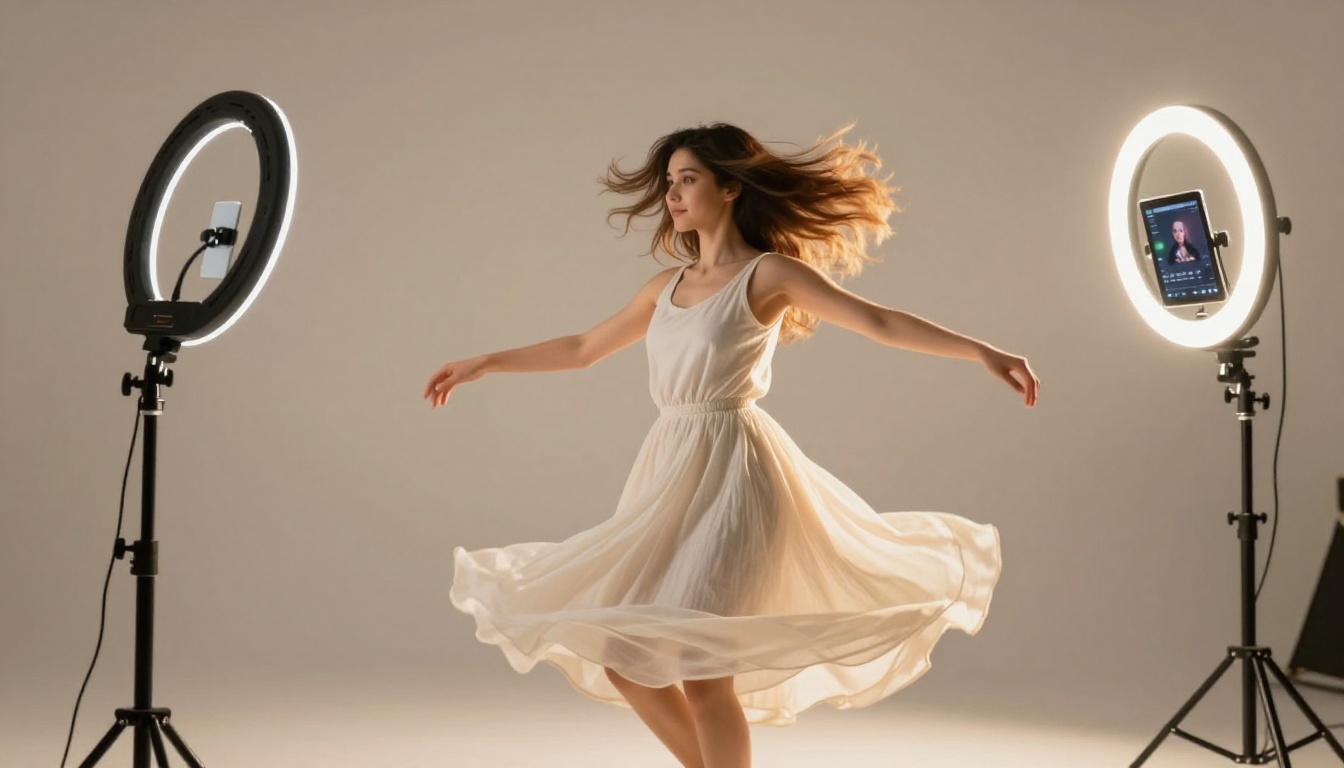
AI Effects You Can Apply Right Now
Slow-motion from standard footage: upload any standard 30fps clip to Topaz Video Upscale and it generates interpolated slow-motion frames, producing a cinematic 120fps look from ordinary footage.
4K sharpening: any vertical 1080p clip can be upscaled to 4K using Crystal Video Upscaler, which sharpens edges, recovers fine detail, and removes compression artifacts. This is especially impactful for repurposed older content.
Background swap without green screen: AI background removal isolates your subject frame-by-frame and replaces any setting. You can place yourself in a Tokyo street, a rooftop at sunset, or a modern office with zero setup.
💡 Real creator use case: a fitness creator reposts a 2-year-old workout clip by running it through Crystal Video Upscaler, swapping the background, adding new AI-generated captions, and a trending sound. It takes 15 minutes and reaches a completely new audience that never saw the original.
Repurposing at Scale
AI tools let you take a single piece of content and produce five to ten versions for different audiences:
- Version A: the original clip for your main audience
- Version B: same clip with different AI-generated captions for a different demographic
- Version C: image-to-video version using a still extracted from the clip
- Version D: a looped 3-second highlight with an overlaid text hook
- Version E: reversed or slow-motion version with different trending audio
Each version is tested independently by the TikTok algorithm as new content. You get five shots at virality from one single shoot session.
Posting Smarter with AI Scheduling
Creating great content is half the equation. Posting it at the wrong time means the algorithm never gives it a fair chance. Most creators rely on gut feel ("I'll post at 7pm because people are usually on their phones"). AI scheduling tools use actual behavioral data from your specific audience.
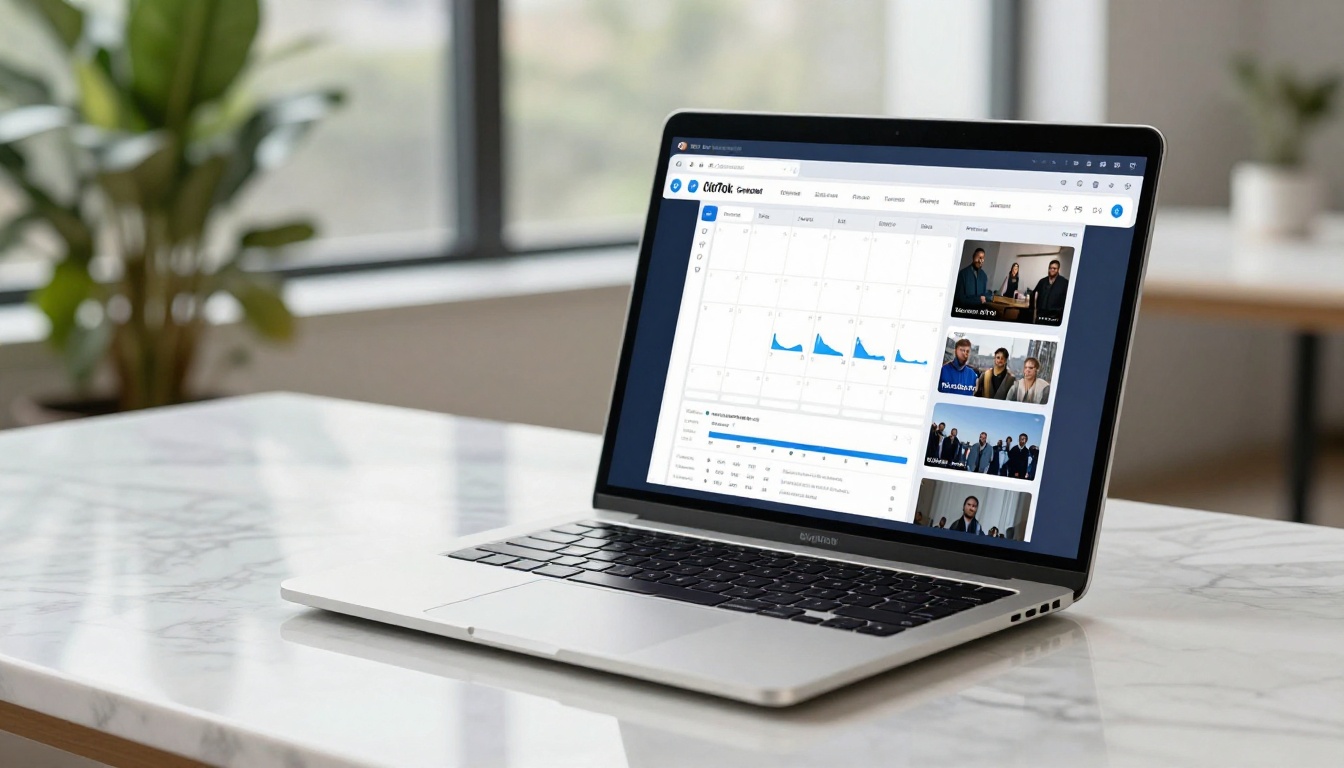
When to Post on TikTok in 2027
General best practice windows to start with (refine based on your own analytics):
| Day | Peak Window 1 | Peak Window 2 |
|---|
| Monday | 6am - 10am | 7pm - 9pm |
| Tuesday | 2pm - 4pm | 8pm - 10pm |
| Wednesday | 7am - 9am | 6pm - 8pm |
| Thursday | 9am - 11am | 7pm - 9pm |
| Friday | 12pm - 2pm | 9pm - 11pm |
| Saturday | 9am - 11am | 5pm - 7pm |
| Sunday | 8am - 10am | 4pm - 6pm |
Note: these are approximate patterns. Your AI scheduling tool will refine these based on your follower timezone data and past post performance.
The Batch and Schedule Workflow
Top creators do not post in real time. They batch-produce content in focused 2-3 hour sessions and schedule a week of posts in advance. Here is the AI-assisted version:
- Use an AI script generator on Monday morning: produce 7 scripts in 45 minutes
- Generate AI video clips and images for each script using Seedance 2.0 Fast or Veo 3.1: 1-2 hours
- Add AI-generated captions, hook text, and audio: 30 minutes
- Load all seven posts into your scheduling tool and set optimal times
- Spend the rest of the week responding to comments, which signals to TikTok that your content drives community
💡 Creator math: 7 posts per week over 12 weeks gives you 84 videos indexed by TikTok. Even if only 5% go semi-viral (about 4 per month), you have pieces of content consistently pulling in new followers every 30 days, compounding over time.
How to Read Your TikTok Data (and Let AI Act on It)
Posting consistently is only powerful if you are iterating based on what actually works. TikTok's native analytics shows reach, watch time, follower activity, and traffic sources. AI tools can now interpret this data and tell you exactly what to create next.
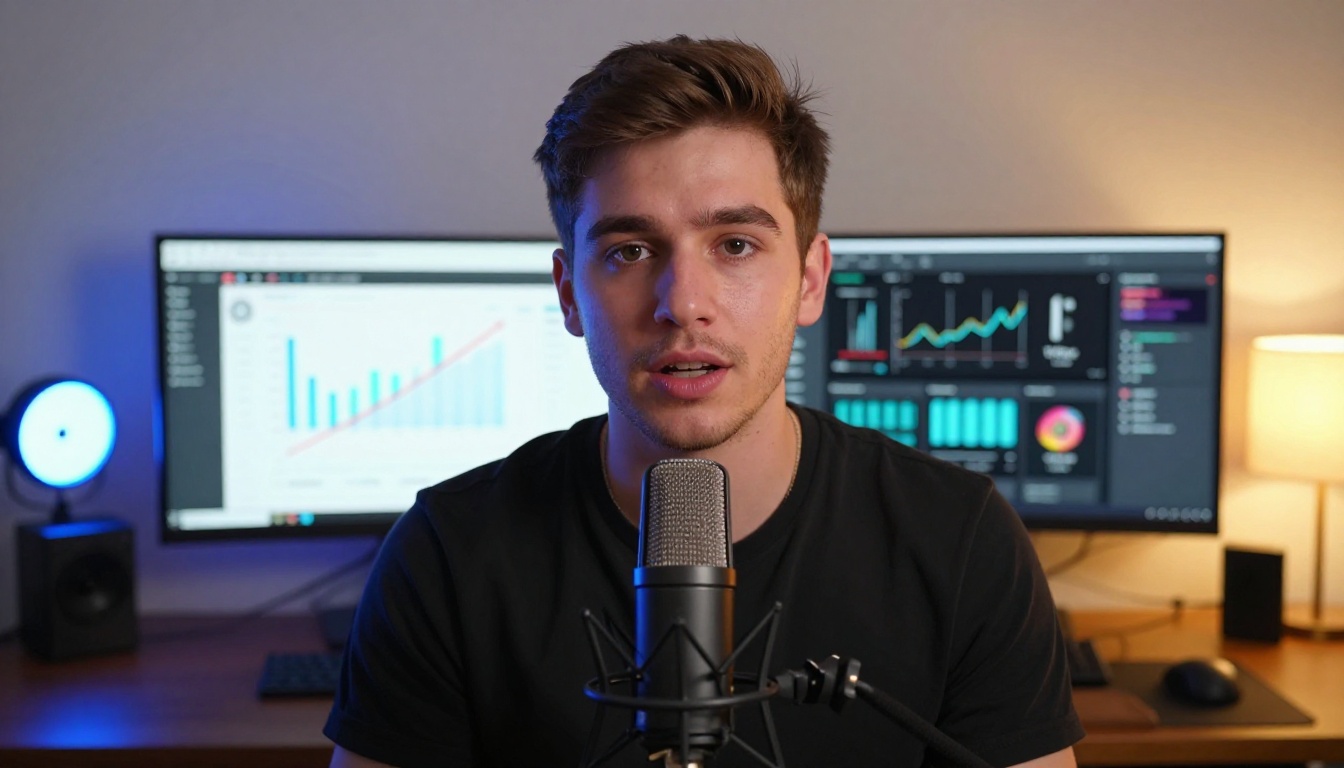
The 4 Metrics That Actually Matter
1. Average Watch Time Percentage
This is the most important metric on TikTok. A video with 60% average watch time gets pushed by the algorithm far more aggressively than a video with 10,000 likes but only 20% watch time. AI rewrites your hooks to front-load the strongest material and extend this number.
2. Profile Visits Per View
A high profile visit rate means viewers want to see more from you, a strong follow signal. AI tools can identify which content types drive the highest profile visit rates in your niche.
3. Share Rate
Shares put your content in front of entirely new audiences with zero ad spend. AI analysis reveals what triggers shares in your specific niche and suggests content formats that reproduce that pattern.
4. Sound Completion Rate
If viewers mute your audio early, your audio is losing them. AI audio tools analyze trending sounds in your niche and suggest alternatives that align with current audience preference patterns.
Using AI to Build a Feedback Loop
The real power of AI in TikTok growth is iteration speed. Old workflow: post, wait 48 hours, check numbers, brainstorm a new idea, shoot, edit, post again. AI workflow: post, check an AI analytics summary within 12 hours, generate 3 variations on the top-performing element, post the best variation the next day.
You are running at 3-5x the iteration speed of a creator working manually. Over 3 months, that compounds into a measurable follower gap that becomes very difficult for manual creators to close.
Start Creating Right Now
The barrier to getting started has never been lower. Every tool in this stack is accessible without video production experience, a camera crew, or a large budget. You write a prompt, pick a model, and have professional-grade content in minutes.
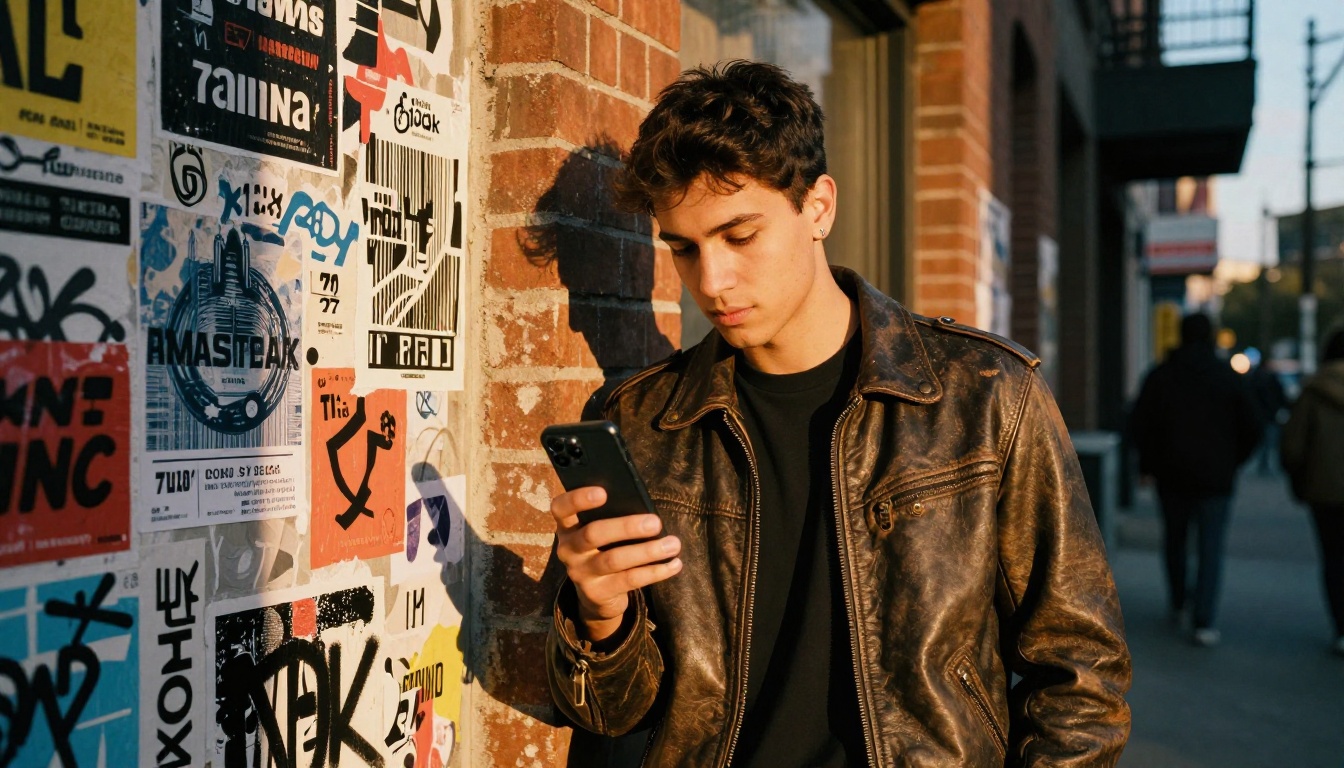
Platforms like PicassoIA Video give you access to over 100 video generation models in one interface. From Seedance 2.0 and Kling v3 Video to cutting-edge options like Veo 3.1 and Sora 2, you pick the right model for each job without juggling five different subscriptions.
Here is a 30-minute challenge to get your first AI-assisted TikTok live today:
- Pick a topic in your niche and generate a 30-second hook-first script with an AI writing tool
- Open PicassoIA Video and generate a 5-second opening scene using Seedance 2.0 Fast
- Add auto-generated captions with an AI captioning tool
- Layer in trending audio from TikTok's sound library
- Post during one of the peak windows in the table above
The goal on day one is not a viral video. The goal is breaking the production barrier and proving to yourself that AI-assisted content takes less time and looks more polished than your manual workflow.
The creators growing fastest on TikTok right now are not more talented than you. They are more systematic. AI is the system. Start using it today and browse all available models at picassoia.com/en/all-models to find the right tools for your specific content style.


