The idea that you need years of video editing experience, expensive equipment, or technical skills to create professional-looking videos is officially outdated. With Sora 2 Pro available on PicassoIA, anyone can generate cinematic-quality videos by simply typing what they want to see. This isn't about learning complex software or mastering camera techniques—it's about understanding how to communicate your vision to an AI that handles all the technical complexity for you.
Why Sora 2 Pro Changes Everything
Traditional video creation required a specific skillset: camera operation, lighting setup, audio recording, editing software proficiency, color grading knowledge, and often a team of specialists. Sora 2 Pro eliminates every one of these barriers. The model understands natural language descriptions and transforms them into coherent, visually stunning videos with proper cinematic techniques already baked in.
What makes this particularly accessible is that you don't need to understand how the video gets made—you only need to describe what you want to see. The AI handles camera movements, lighting, composition, and even subtle details like atmospheric effects and natural motion.
💡 Key Insight: Sora 2 Pro doesn't require you to learn video production; it requires you to learn how to describe visual scenes effectively. This shift from technical execution to creative description is what makes video creation accessible to everyone.
The Simple Logic Behind AI Video Creation
AI video generation works on a surprisingly straightforward principle: you provide a text description, and the AI attempts to visualize that description as moving imagery. The complexity happens inside the model, where billions of parameters work together to understand spatial relationships, temporal coherence, lighting physics, and cinematic conventions.
The system has been trained on millions of video examples, learning patterns like:
- How light interacts with different surfaces
- How objects move through space
- How cameras typically frame different types of shots
- How color and mood relate to specific descriptions
Your role is simply to provide the creative direction. Think of it as describing a scene to a highly skilled cinematographer who can instantly bring your description to life with perfect technical execution.
Your First Video: Start With Zero Experience
Creating your first video with Sora 2 Pro requires just three steps:
- Visit the Sora 2 Pro page on PicassoIA
- Type a simple description of what you want to see
- Click generate and wait approximately 60-90 seconds
Let's start with something basic: "A cat playing with a ball of yarn in sunlight." That's it. No camera settings, no lighting diagrams, no editing decisions. The AI will interpret this as: indoor setting, natural daylight, domestic animal, playful action, simple props.
Your first result might surprise you. Even with this simple prompt, you'll likely get a video with proper lighting, natural cat movements, appropriate depth of field, and coherent spatial relationships. The cat will look like a real cat, the yarn will behave like real yarn, and the sunlight will look like real sunlight.
💡 First-time tip: Don't judge your initial results against professional Hollywood productions. Judge them against what you could create with zero video experience. The comparison should be between "nothing" and "something watchable," not between beginner output and expert output.
Crafting Prompts That Actually Work
While Sora 2 Pro understands simple descriptions, you get dramatically better results by adding specific cinematic language. This doesn't require video knowledge—it requires observational skills.
Basic prompt: "A forest"
Better prompt: "Cinematic slow-motion shot walking through an ancient redwood forest at golden hour, volumetric sunlight filtering through canopy, 8K photorealistic"
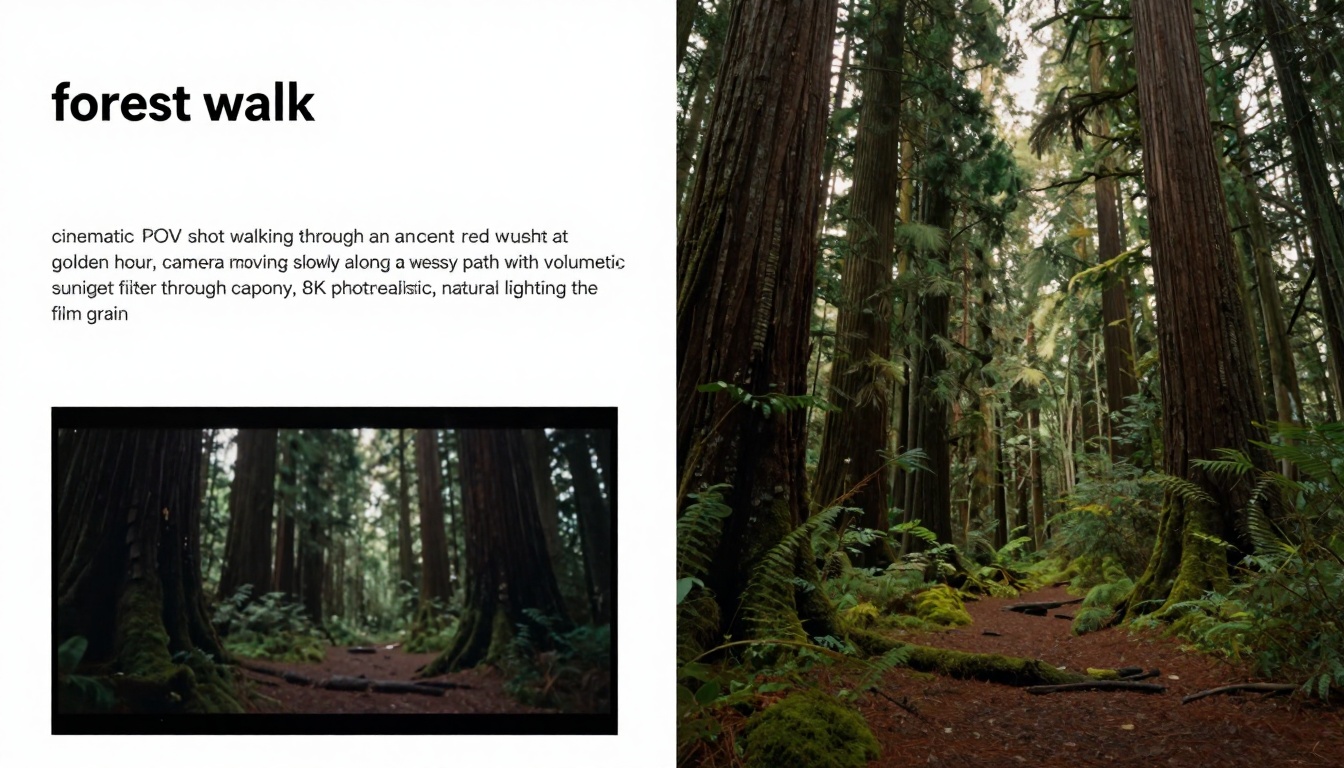
The difference isn't technical knowledge—it's descriptive specificity. You're telling the AI exactly what visual qualities you want, using language anyone can understand:
| Element to Describe | Simple Language | Why It Works |
|---|
| Camera movement | "slow pan," "zoom in," "follow shot" | Tells AI how to frame the scene |
| Lighting | "golden hour," "dramatic shadows," "soft morning light" | Sets mood and visual quality |
| Atmosphere | "misty," "rainy," "hazy summer day" | Adds environmental context |
| Detail level | "close-up," "wide shot," "aerial view" | Controls composition focus |
| Style | "cinematic," "documentary," "raw photography" | Guides artistic interpretation |
Notice that none of these require understanding f-stops, ISO settings, or editing workflows. They're observations about how things look, which is exactly the language Sora 2 Pro understands.
Common Beginner Mistakes (And How to Avoid Them)
When starting with AI video generation, people typically make the same few mistakes. Recognizing these early saves considerable frustration:
Mistake #1: Being too vague
- Instead of: "A city"
- Try: "Time-lapse of Tokyo street at night with neon reflections on wet pavement"
Mistake #2: Overcomplicating with technical terms
- Instead of: "35mm shot at f/2.8 with 180-degree shutter"
- Try: "Shallow depth of field portrait with blurred background"
Mistake #3: Expecting narrative coherence
Sora 2 Pro creates visual scenes, not stories with plot development. It excels at moments, not narratives.
Mistake #4: Not using reference points
If you want something specific, provide clear references:
- "Like a National Geographic documentary"
- "Similar to 1980s film photography"
- "In the style of Wes Anderson cinematography"
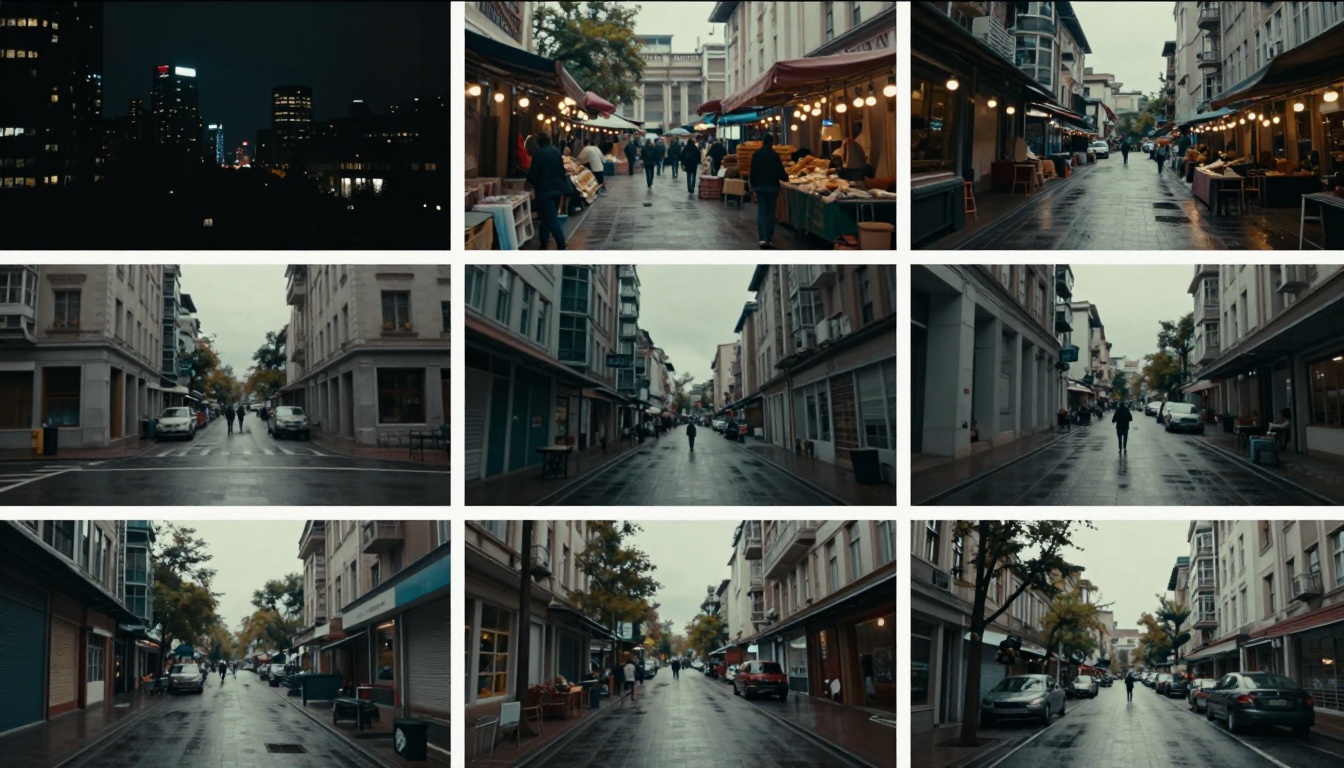
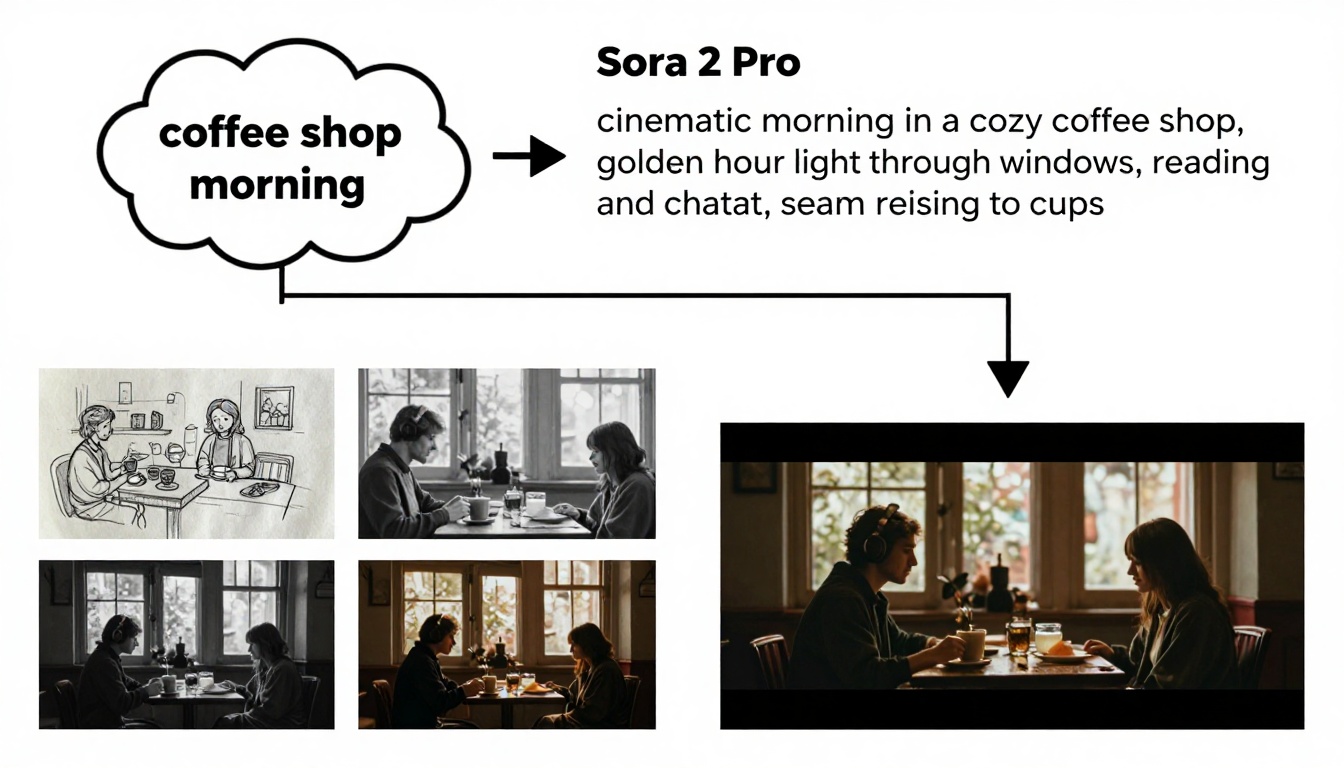
Your ideas don't need to be fully formed cinematic visions. Start with simple concepts and let the AI help develop them. Here's a practical workflow:
- Note your core idea (e.g., "quiet coffee shop")
- Add time of day ("morning")
- Add atmospheric details ("steam rising from cups, people reading newspapers")
- Add cinematic quality ("golden hour light through windows")
- Add camera perspective ("POV shot walking through")
The result: "Cinematic POV shot walking through a quiet coffee shop on a rainy morning, golden hour light filtering through steam rising from ceramic cups, people reading newspapers at wooden tables, 8K photorealistic."
This builds complexity through layering simple observations, not through technical expertise.
What makes Sora 2 Pro outputs look professional when created by beginners? The AI incorporates cinematic principles automatically:
- Rule of thirds composition - Objects are naturally positioned in visually pleasing arrangements
- Dynamic camera movements - Pans, zooms, and tracking shots feel intentional and smooth
- Natural lighting physics - Light behaves correctly, casting proper shadows and highlights
- Coherent object physics - Things move and interact believably
- Atmospheric depth - Foreground, midground, background separation happens automatically
These aren't things you need to specify—they're baked into the model's training. When you type "a mountain landscape at sunset," the AI knows mountains are typically shot wide, sunsets have warm golden light, and landscapes benefit from dramatic skies. It applies these cinematic conventions automatically.
Building Your Video Creation Workflow
Once comfortable with basic prompts, develop a repeatable workflow:
Step 1: Idea Collection
Keep a simple list of video ideas as they occur to you. No need for details—just concepts like "library reading room" or "train station departure."
Step 2: Prompt Development
Take one idea and expand it using the layering technique mentioned earlier. Write 3-4 variations of the same core concept.
Step 3: Batch Generation
Use PicassoIA's interface to generate multiple variations simultaneously. Compare results to see which descriptive elements work best.
Step 4: Selective Refinement
Identify which generated videos have elements you like, then create new prompts that emphasize those successful aspects.
Step 5: Organization System
Create folders for different themes or projects. Since videos generate quickly, organization prevents feeling overwhelmed by options.
This workflow focuses entirely on creative decision-making, completely bypassing technical execution. The time you'd normally spend learning software or operating equipment gets redirected toward developing your descriptive skills and creative vision.
Advanced Techniques Without the Complexity
Even "advanced" Sora 2 Pro techniques are conceptually simple:
Style Fusion
Combine multiple style references: "Documentary style but with fantasy film color grading"
Temporal Manipulation
Control time perception: "Slow-motion water droplets" or "time-lapse cloud movement"
Perspective Control
Direct camera viewpoint: "Bird's eye view of..." or "ground-level shot looking up at..."
Atmospheric Enhancement
Add weather and mood: "Foggy morning in..." or "crisp autumn afternoon with falling leaves"
Subject Focus
Guide attention: "Extreme close-up on..." or "wide establishing shot of..."
None of these require understanding how to actually achieve these effects with cameras or editing software. You're simply describing the desired outcome.
What Makes Sora 2 Pro Different
While PicassoIA offers multiple video generation options like Kling v2.6, Veo 3.1, and Seedance 1.5 Pro, Sora 2 Pro stands out for beginners because of its exceptional coherence and cinematic quality with minimal prompt engineering.
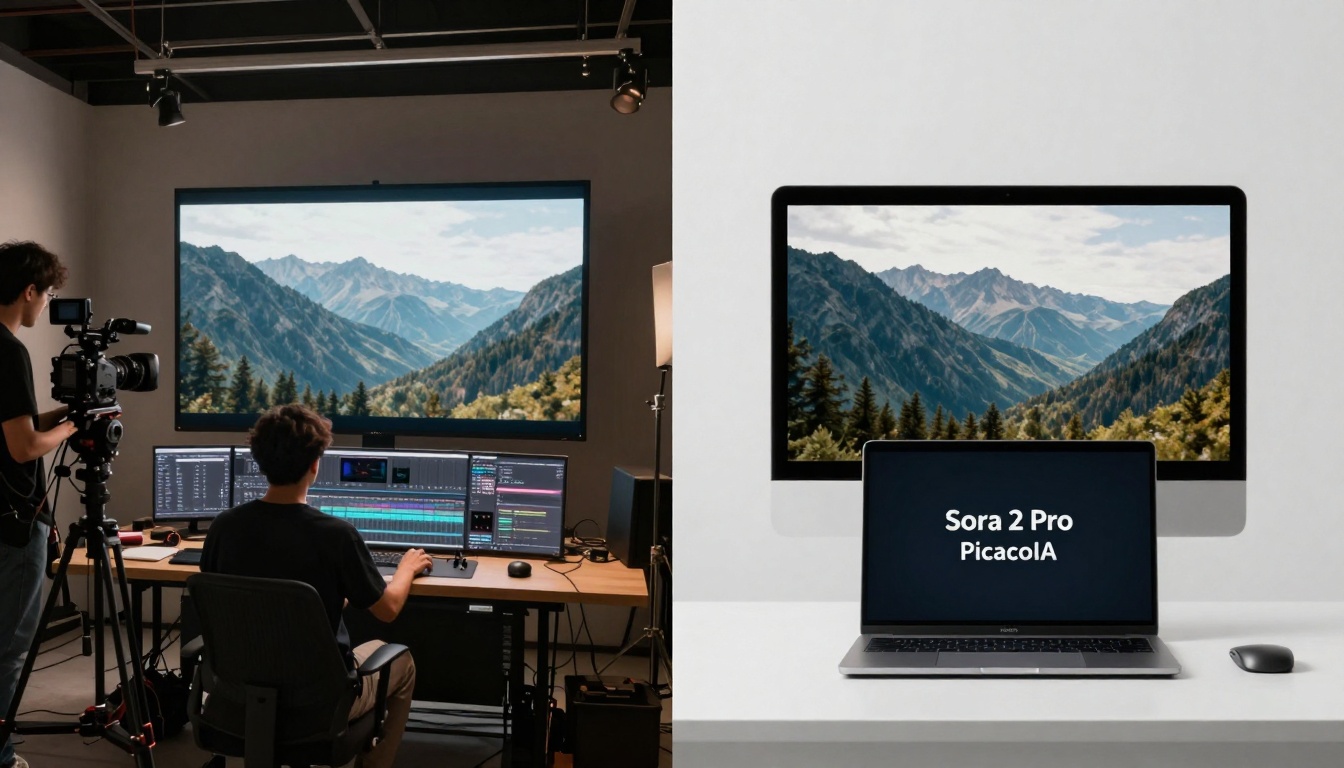
Key advantages for non-experts:
- Higher coherence: Objects remain consistent throughout the video
- Better physics understanding: Movement feels more natural
- Stronger cinematic sense: Automatically applies professional composition
- Reduced "AI weirdness": Fewer artifacts or surreal elements
- More predictable results: What you describe is what you get
This reliability matters when you're learning. Unpredictable outputs can frustrate beginners, while consistent quality builds confidence.
Practical Applications for Beginners
With Sora 2 Pro, you can immediately create:
Social Media Content
- Instagram Reels showcasing products in cinematic settings
- TikTok backgrounds with dynamic, attention-grabbing visuals
- YouTube channel intros and outros
Personal Projects
- Travel concept videos from places you want to visit
- Event visualization for parties or gatherings
- Memory recreation of moments you wish you'd filmed
Professional Use
- Concept videos for client presentations
- Mood boards for creative projects
- Visual aids for storytelling or teaching
Creative Exploration
- Testing visual ideas before commissioning production
- Developing visual styles for personal brands
- Creating atmospheric backgrounds for other creative work
Getting Started Today
The barrier to professional-looking video creation has never been lower. Here's exactly what to do right now:
- Go to Sora 2 Pro on PicassoIA
- Type one simple prompt from the examples in this article
- Generate your first video
- Notice what works about the result
- Modify one element and generate again
- Repeat until comfortable
The entire learning process happens through observation and description refinement, not through technical manual reading or software tutorial watching.
Your Video Creation Journey
What begins as simple text prompts can evolve into a sophisticated visual language. Each generation teaches you something about how the AI interprets descriptions, which in turn improves your descriptive abilities. This feedback loop—describe, generate, observe, refine—develops both your creative vision and your communication skills.
The most important realization for beginners is this: You don't need video experience to create videos anymore. You need observational skills, descriptive ability, and creative ideas. The technical execution happens automatically inside Sora 2 Pro, transforming your descriptions into professional visual content.
Start with simple prompts. Observe the results. Refine your descriptions. The learning curve isn't about mastering software—it's about learning to see and describe the world in cinematic terms. This is a creative skill anyone can develop, regardless of technical background or prior experience.
Ready to create your first video? Visit Sora 2 Pro on PicassoIA and type your first prompt. The transformation from text to cinematic video happens in seconds, with no experience required.


