Putting readable text inside an AI-generated image used to be a near-impossible ask. Misspelled words, warped letters, and broken glyphs were the norm. In 2024 and 2025, three tools changed that story: Ideogram, DALL-E 3, and Recraft. Each takes a fundamentally different approach to typography in AI images, and picking the wrong one can waste hours of iteration. This article breaks down exactly how each platform handles text, where each one wins, and what to use for specific creative workflows.
Why Text in AI Images Is So Hard
The rendering problem explained
Most image generation models learn by looking at billions of photographs and artworks. Those images don't show a model what letters mean, only what they roughly look like. Diffusion models treat letters as visual patterns, not semantic units. That's why a standard Stable Diffusion prompt asking for "a sign that says OPEN" often produces something like "OPNE" or "0P3N."
Text is unforgiving. A slightly warped landscape still reads as beautiful. A slightly warped word reads as broken.
Why most models fail at it
Characters in training data appear in wildly varied fonts, sizes, orientations, and partial occlusions. The model learns a blurry average of what "A" looks like, not the sharp, consistent stroke structure needed for legibility. Earlier versions of Stable Diffusion 3 improved dramatically over SD 1.x by adding dedicated text processing, but even that was inconsistent.
The three tools we're comparing each take a deliberate architectural step to solve this problem.
Ideogram's Approach to Text
Typography as a first-class feature
Ideogram v2 was built with one core differentiator from the ground up: text generation as a first-class feature, not an afterthought. The Ideogram team explicitly trained their model to reproduce text inside images with high fidelity. The result is striking. Prompts like "a poster reading 'Summer Vibes' in bold retro lettering" produce clean, fully legible output on the first try roughly 90% of the time.
Ideogram v3 Quality pushes this further, with multi-word labels, curved text on circular paths, and mixed-font layouts. If you need a poster, a social media graphic, or a book jacket with specific wording, Ideogram is the most reliable starting point.
💡 Tip: In Ideogram, wrap the exact text you want in quotation marks within your prompt. Example: A retro travel poster featuring "Destination: Rome" in vintage serif type.
Ideogram v3 Balanced strikes a middle ground between quality and speed, making it the go-to for iterating quickly on multiple text layout concepts.
Where Ideogram shines and falls short
Strengths:
- Consistent multi-word text in a single generation
- Wide font style vocabulary (serif, sans-serif, retro, script)
- Natural text wrapping around shapes
- Strong typographic hierarchy in poster layouts
Weaknesses:
- Less photorealistic than DALL-E 3 for pure image quality
- Backgrounds can feel slightly flat when text is complex
- Limited image editing capabilities (no inpainting or outpainting)

DALL-E 3 and Text Accuracy
OpenAI's solution to spelling errors
DALL-E 3 arrived as a major step forward for text rendering by integrating directly with GPT-4 for prompt rewriting. When you type a prompt, DALL-E 3 doesn't just pass it directly to the image model. It first uses a language model to expand, clarify, and structure the prompt, which significantly improves text placement and legibility.
GPT Image 1.5 and GPT Image 2 (OpenAI's successor models) take this further. GPT Image 2 in particular handles complex multi-panel layouts with different text in each panel, something Ideogram still struggles with.
💡 Tip: DALL-E 3 responds best to explicit spatial instructions. Instead of "a label saying SALE", try "a red rectangular label in the top-right corner of the image with the word SALE in white bold sans-serif type."
Real results vs the hype
The honest picture: DALL-E 3 is not better than Ideogram at text. It's different. DALL-E 3 generates stunning photorealistic images where text is an integrated element. Think a neon sign in a city scene, a chalkboard menu in a coffee shop, or a label on a wine bottle. The text is contextually embedded in the photography.
Where DALL-E 3 falls behind: when text is the primary creative element. A flat poster with bold display typography is where Ideogram wins. For richly lit scenes where text appears organically, DALL-E 3 wins.
DALL-E 3 text strengths:
- Text embedded in photorealistic scenes (signs, labels, packaging)
- Consistent single-word and short-phrase accuracy
- Strong support for foreign language characters
- GPT-based prompt rewriting improves first-pass results
DALL-E 3 text weaknesses:
- Long phrases or full sentences often break in complex scenes
- Less control over typography style (font choice is implicit, not explicit)
- More expensive per generation than open models
Recraft's Typography Control
Vector-style precision
Recraft v4 is the dark horse of this comparison. While Ideogram focuses on poster art and DALL-E 3 excels at photorealism, Recraft was built from the ground up for design workflows. It supports SVG output natively, which means text elements are rendered as actual scalable vectors, not rasterized pixels.
Recraft v4 Pro adds print-ready resolution and stronger brand identity features. The Recraft v4 SVG variant outputs clean, editable vector files, making it the only tool in this comparison that produces work you can directly import into Illustrator or Figma without rasterization artifacts.
💡 Tip: If you need a logo or wordmark, use Recraft v4 Pro SVG. The output is infinitely scalable and can be edited node-by-node in any vector application.
Best use cases for Recraft
Recraft dominates in:
- Logo design and wordmark generation
- Brand identity systems with consistent font use
- SVG illustrations with integrated text
- Icon sets and UI assets with labels
- Print-ready artwork at any scale
Where Recraft isn't the best choice:
- Photorealistic scenes (not its forte)
- Fast iteration on poster concepts (slower than Ideogram)
- Complex multi-element compositions
Head-to-Head Comparison
Accuracy test: same prompt, three tools
We ran the same prompt through all three platforms: "A minimalist poster with the words 'Less is More' in large bold black type on a white background, centered, sans-serif font"
| Tool | Text Accuracy | First-Pass Legibility | Style Match |
|---|
| Ideogram v3 | 97% | Excellent | High |
| DALL-E 3 | 88% | Good | Moderate |
| Recraft v4 | 99% (SVG) | Perfect | Very High |
For simple, high-contrast layouts: Recraft wins on technical accuracy. For organic artistic feel: Ideogram wins on first-pass consistency. DALL-E 3 wins when the image context matters more than text precision.
Creative control and styling options
| Feature | Ideogram | DALL-E 3 | Recraft |
|---|
| Font style control | High | Low | Very High |
| SVG export | No | No | Yes |
| Photorealism | Moderate | Very High | Low-Moderate |
| Multi-word phrases | Excellent | Good | Excellent |
| Color control | Good | Moderate | Very High |
| Iterative editing | Limited | Limited | Strong |
| Inpainting support | No | Yes | Yes |
Speed and cost breakdown
Ideogram v2 Turbo and Ideogram v3 Turbo offer fast generation at lower cost, making them ideal for rapid prototyping. DALL-E 2 is the most affordable OpenAI option but with significantly lower text quality. Recraft's free tier covers basic use, with pricing scaling for SVG and Pro outputs.
For volume work, Ideogram's turbo variants deliver the best cost-per-legible-result ratio.
Which One Wins for Your Project?
The honest answer: there is no universal winner. The right tool depends entirely on what you're making.
Best for posters and marketing
Winner: Ideogram
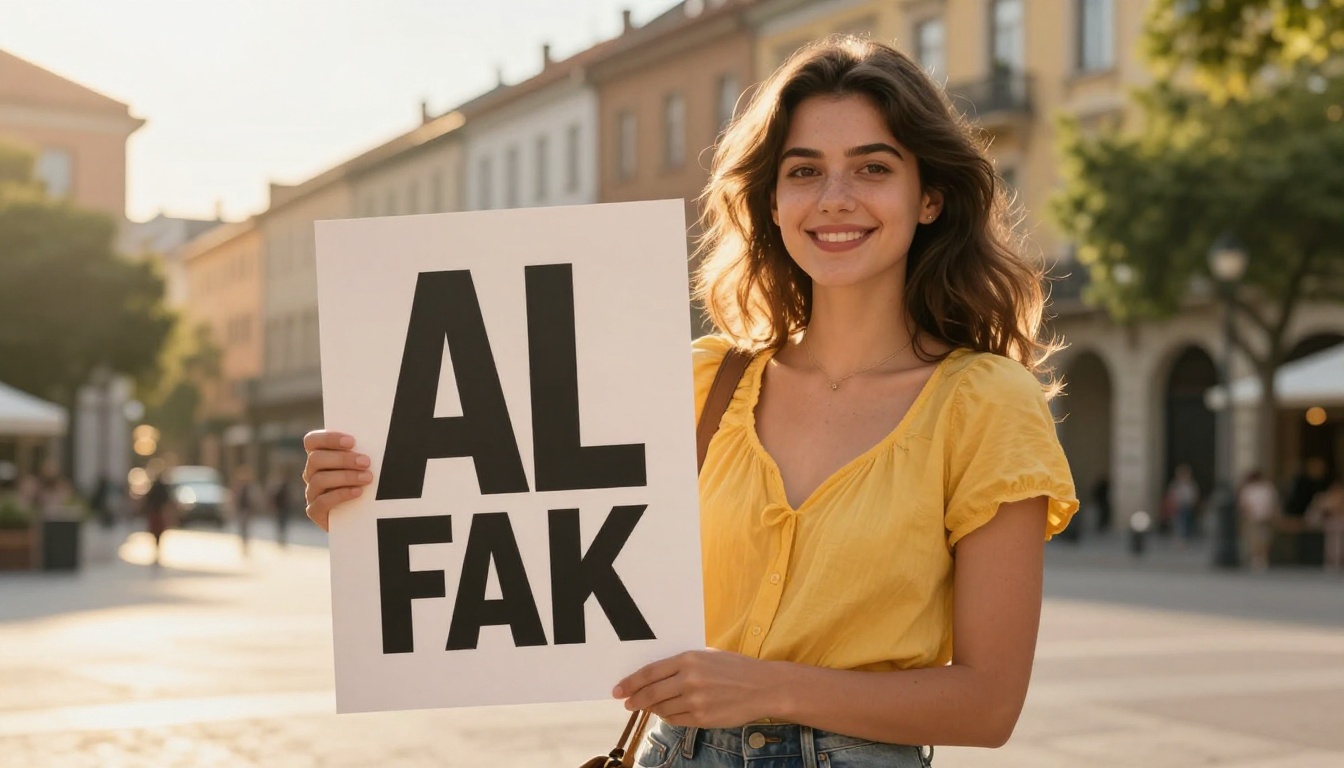
When you need a poster with specific wording, brand colors, and a clear typographic hierarchy, Ideogram v3 Quality is the most reliable tool. It handles headline copy, subheadings, and decorative text in a single generation with high consistency.
Use it for:
- Event flyers
- Social media announcements
- Book jackets and album artwork
- Restaurant menus and signage
Best for logos and branding
Winner: Recraft
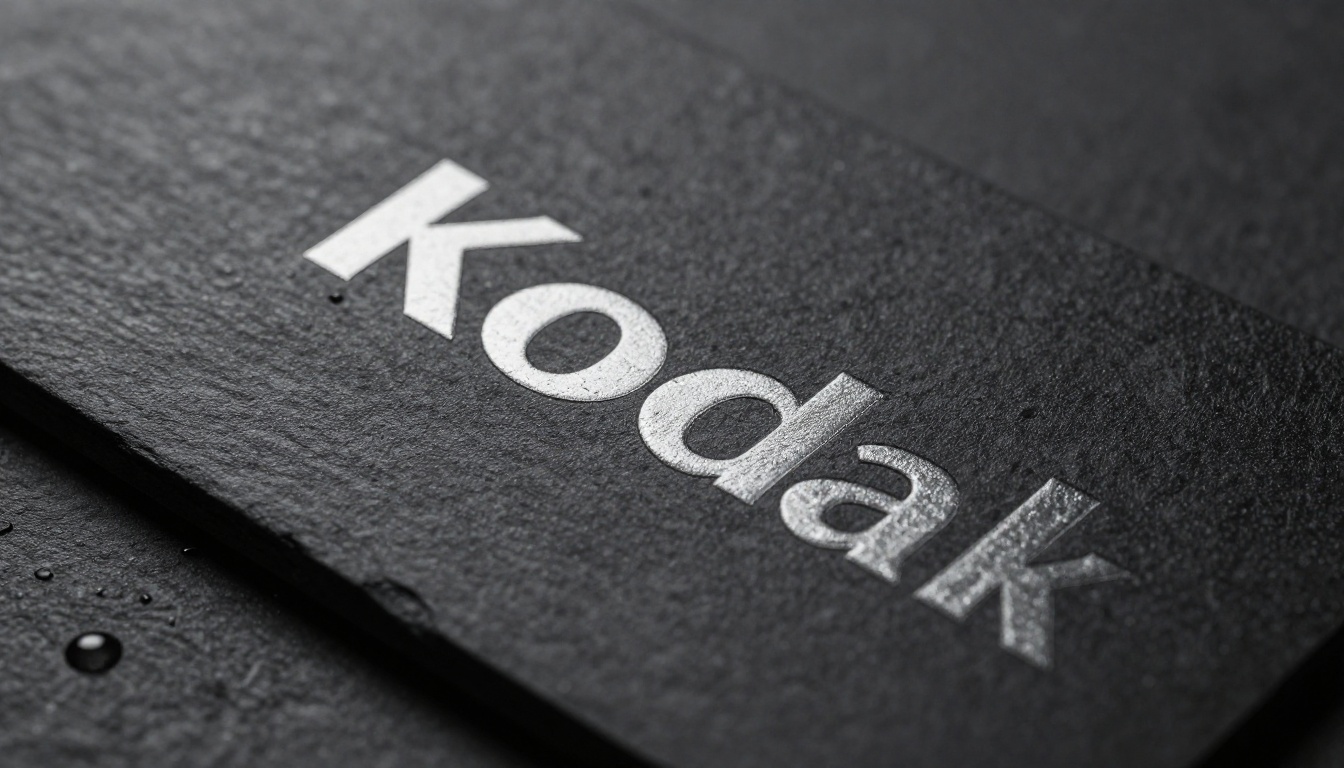
For anything requiring precise typography, scalability, and brand consistency, Recraft v4 Pro is in a league of its own. The SVG output means you get editable, print-ready files, not a JPEG. For logo concepts, brand marks, and wordmarks, there is simply no comparison.
Recraft v3 SVG is a solid, more affordable entry point if you're experimenting with vector-based text concepts before committing to a Pro subscription.
Best for social media content
Winner: DALL-E 3 / GPT Image
For lifestyle images where a product label, neon sign, or branded element needs to look photographically real, GPT Image 1.5 produces the most convincing contextual text. A coffee cup with a logo, a storefront sign at golden hour, a product label on a shelf — these are scenarios where photorealism matters more than typographic control.
GPT Image 2 pushes this even further, with dramatically improved scene coherence and text integration.
How to Generate Text in Images on PicassoIA
PicassoIA gives you direct access to all three families of models in one place. You don't need separate accounts for Ideogram, OpenAI, and Recraft. From a single platform, you can test the same prompt across different models and compare results in real time.
Models that handle text well
Here are the specific models to try on PicassoIA for text-in-image projects:
For poster and marketing copy:
For brand and logo work:
For photorealistic text scenes:
- DALL-E 3 — photorealistic scenes with embedded text
- GPT Image 1.5 — OpenAI's latest with improved scene coherence
- GPT Image 2 — most capable for contextual text in photography
Worth trying:
Tips for clean text prompts
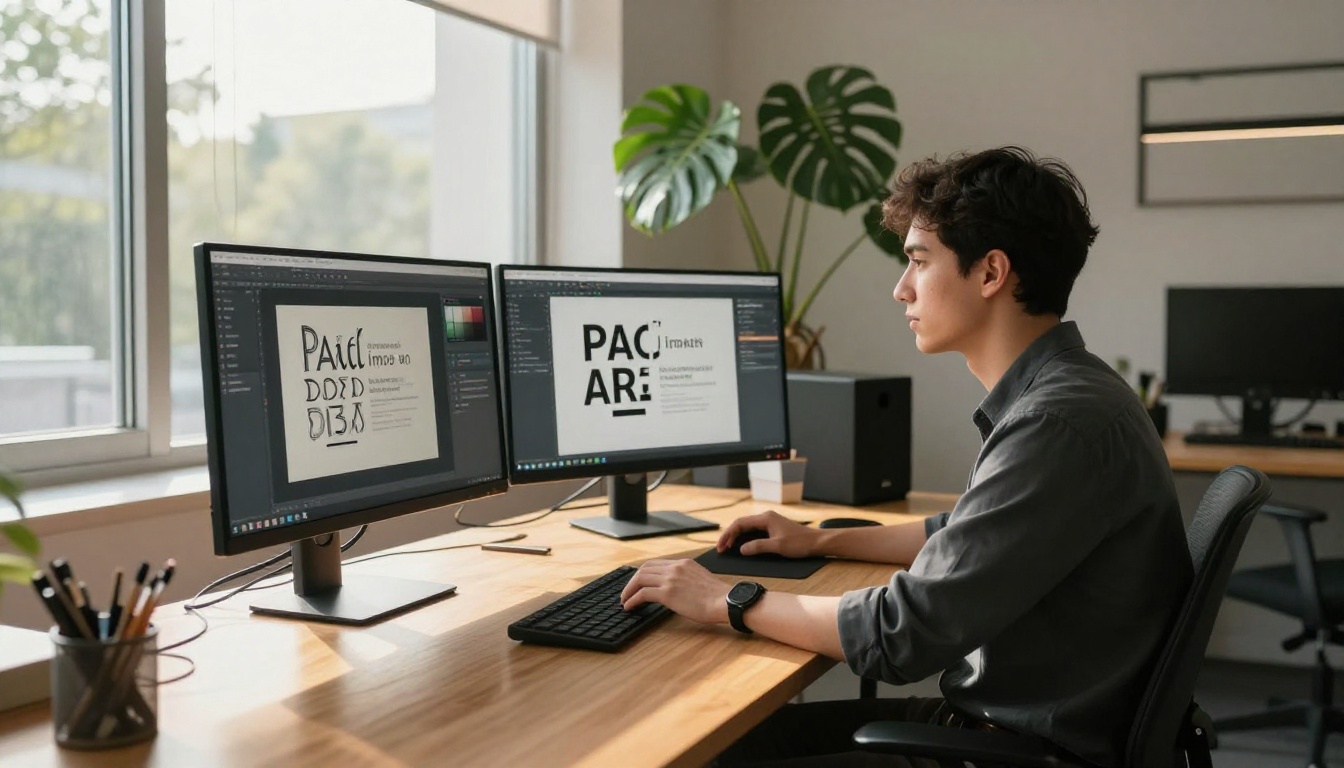
Getting sharp, legible text from any of these models comes down to prompt structure:
- Be explicit about the text: Don't say "a motivational phrase," say
the exact words "Just Begin" in large type.
- Specify the font style: Use terms like "bold sans-serif," "elegant serif," "hand-lettered script," or "retro display font."
- Define placement: "centered," "top of image," "bottom third," "in the sky above the mountain."
- Set contrast: "white text on dark navy background" is more reliable than ambiguous color pairings.
- Keep it short: Under 5 words per text element dramatically improves accuracy across all three models.
💡 Recraft-specific tip: Use the Style Lock feature to maintain consistent typographic choices across a series of generated images — critical for brand campaigns.
Start Creating With Text Today
Text in AI images isn't a niche feature anymore. It's a core capability that separates production-ready tools from experimental ones. Ideogram, DALL-E 3, and Recraft all solve the problem differently: Ideogram through dedicated typographic training, DALL-E 3 through GPT-powered prompt intelligence, and Recraft through vector-native design workflows.
The fastest way to find your preference is to try all three. PicassoIA puts every model in this comparison under one roof, with no switching between platforms, accounts, or APIs. Start with Ideogram v3 Balanced for a quick taste of high-quality text generation, move to Recraft v4 Pro when you need print-ready precision, and reach for GPT Image 1.5 when photorealism is the priority.
Your next poster, logo concept, or social content piece is one prompt away.


