Short answer: yes, if you treat every server like software that can act on your behalf. So, is MCP safe to use? The Model Context Protocol is a plain messaging standard. It carries requests between an AI app and a tool, and it does not decide what that tool is allowed to touch. The risk lives in three places: the servers you install, the permissions you hand them and the content your agent reads along the way. Get those right and MCP is a reasonable way to connect a model to files, databases and web services. Get them wrong and a single poisoned tool description can send a private repository to a stranger.
This article lays out the real MCP server risks, names the incidents that actually happened, and ends with a safety check you can run in about ten minutes. No scare tactics and no hype, just the failure modes and the fixes.
What MCP Actually Does
MCP is an open standard that Anthropic introduced in late 2024 so AI apps could talk to outside tools in one consistent way. Before it, every integration was custom glue code. Now an app speaks one protocol, and a server exposes tools (actions such as running a query), resources (data such as a file) and prompts (reusable templates). Messages travel as JSON-RPC over either a local pipe (stdio) or HTTP.
That simplicity is both the good news and the bad news. A standard makes integration easy, and it also makes it easy to plug in something you never vetted. The protocol itself has no opinion about whether a server deserves your trust. That judgment is yours.
Host, Client and Server Explained
Three roles show up in every setup:
- Host: the app you actually use, such as Claude Desktop, Cursor or VS Code.
- Client: a connector inside the host that keeps one session open with one server.
- Server: the program that exposes tools, resources and prompts to the model.
The model never talks to your database directly. It asks the host to call a tool, the client forwards the request, and the server does the work with whatever access it was given. That last part matters most. A server is only as safe as the access sitting behind it.
Local Servers Versus Remote Servers
Where a server runs changes the threat model a lot. A local server is a process on your own machine, started by your host. A remote server is a hosted service you reach over the internet.
| Local server (stdio) | Remote server (HTTP) |
|---|
| Runs on | Your own machine | Someone else's infrastructure |
| Code runs with | Your user permissions | The vendor's permissions |
| Main risk | A bad package executes on your laptop | Your data and tokens travel to a third party |
| Trust question | Who wrote this, and is the version pinned? | Who operates this, and what do they log? |
| Best defense | Sandbox, pinned versions, read-only access | Scoped OAuth tokens and vendor review |
💡 Rule of thumb: a local server is a program you run, so treat it like any download. A remote server is a service you trust with data, so treat it like any vendor.
Where the Real Risks Live
Most MCP incidents are not exotic. They follow a handful of repeatable patterns, and each one has already shown up in the wild. Underneath all of them sits one uncomfortable fact: a language model reads instructions and data as the same stream of text, so it cannot reliably tell a command from a comment.
Tool Poisoning in Plain Sight
Every tool ships with a description, and the model reads that text as guidance. Users rarely see it. In 2025, researchers at Invariant Labs demonstrated that a malicious description can carry hidden commands, such as telling the agent to read a local credentials file and pass its contents along inside an ordinary looking call.
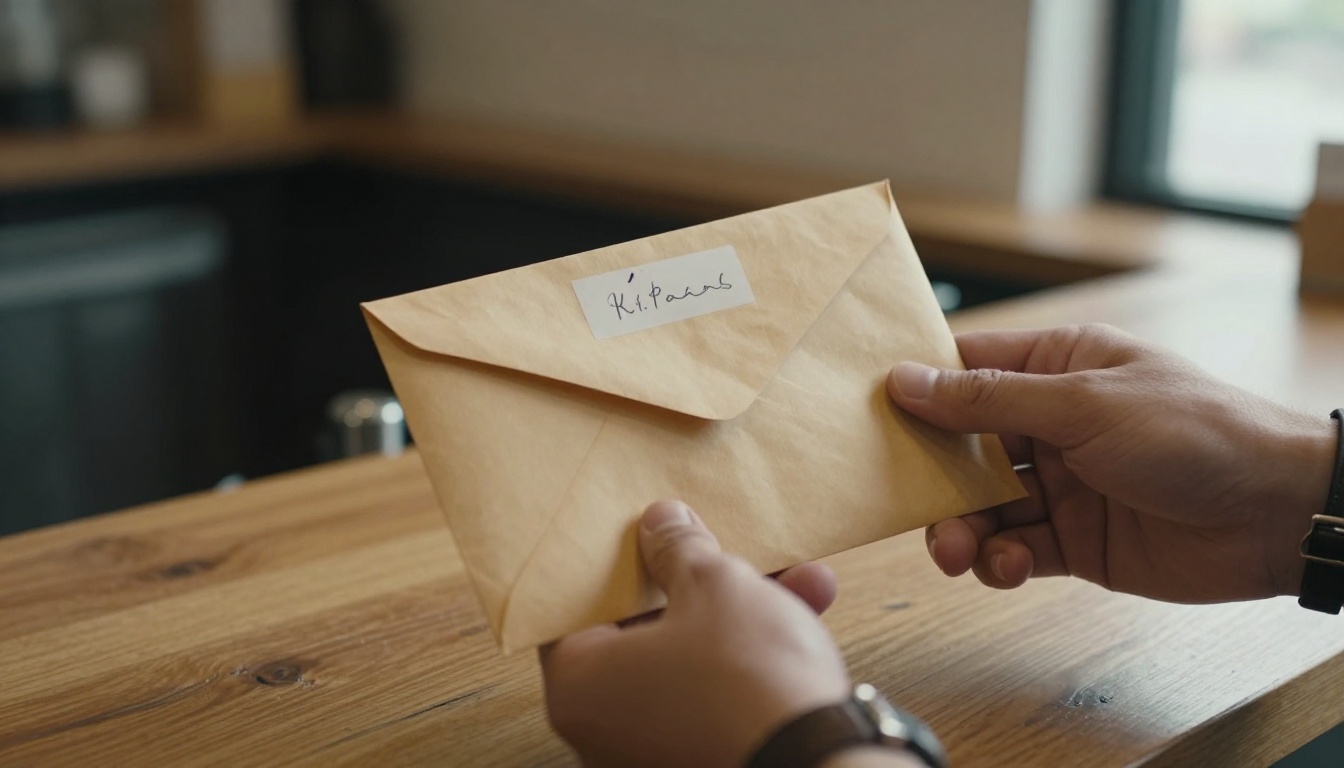
The envelope above is the right picture: the package looks routine, but the note inside changes what happens next. Reading the full tool definition, not only the tool name, is the first defense.
Prompt Injection Through Content
Your agent does not only follow your instructions. It also reads issues, emails, web pages and documents, and any of them can contain instructions aimed at the model. In the GitHub MCP incident, attackers planted crafted prompts in public Issues and pull requests. An agent with access to private repositories was tricked into leaking private code into a public pull request.
💡 The risky trio: security researcher Simon Willison describes a combination to avoid: access to private data, exposure to untrusted content, and a way to send data out. When one agent holds all three, a single injected sentence is enough. Remove any one of them and the attack falls apart.
Bad Packages and Buggy Plumbing
Three more patterns come from ordinary software supply chain trouble:
- Malicious servers. On September 25, 2025, a backdoor was disclosed in the postmark-mcp server. It silently copied every outbound email to an address controlled by the maintainer. The server did exactly what it advertised, which is why it went unnoticed.
- Rug pulls. A server behaves well, gets approved, then changes its tool definitions in a later update. Approval given once does not protect you from version two.
- Plain bugs. CVE-2025-6514 hit the popular mcp-remote package and scored 9.6 out of 10 for severity. Connecting to an untrusted server could run operating system commands on the client machine through a crafted authorization URL. Versions before 0.1.16 were affected, and the package had been downloaded more than 558,000 times.
| Risk | How it works | Real example | First defense |
|---|
| Tool poisoning | Hidden instructions in a tool description | Invariant Labs demonstrations, 2025 | Read full definitions, pin versions |
| Prompt injection | Instructions hidden in content the agent reads | GitHub MCP private repository leak | Separate private data from untrusted input |
| Malicious server | Backdoor inside a package you installed | postmark-mcp, September 2025 | Prefer audited, maintained servers |
| Rug pull | Definitions change after approval | Pattern reported by researchers | Pin versions, re-review on every update |
| Client bug | Command injection through a hostile server | CVE-2025-6514 in mcp-remote | Patch fast, connect only to trusted servers |
Permissions Decide the Damage
When something goes wrong, permissions set the size of the loss. A poisoned description is an annoyance when the agent can only read one folder. It is a disaster when the agent holds an admin token.
Least Privilege in Practice

Give each server the smallest slice of access that lets it do its job:
- Databases: create a read-only role and point the server at a replica or a staging copy.
- Files: expose a single project folder, never your whole home directory.
- GitHub and cloud accounts: use a fine-grained token limited to one repository or one project.
- Shell access: leave it off unless the task truly needs it, and never next to tools that read untrusted content.
💡 Ask one question for every tool: "If this call were malicious, what is the worst it could do?" If the answer makes you wince, shrink the permission.
Secrets Stay Out of Prompts
Credentials do not belong in chat messages, tool arguments or config files committed to Git. Load them from environment variables or a secrets manager, prefer short-lived tokens, and rotate anything that has ever appeared in a log. Check your MCP config files before every commit, since they are a favorite hiding place for tokens that were pasted in during a quick test.
Remote Servers Need Real Authentication
A remote MCP server holds your data on someone else's machine, so identity checks matter far more than they do for a local process.

OAuth the Way the Spec Wants
The MCP authorization specification from June 2025 classifies MCP servers as OAuth 2.0 resource servers. Clients include a resource parameter (RFC 8707) when requesting tokens, which binds each access token to one specific server. A token minted for server A should be useless on server B, and a server must reject any token that was not issued for it.
The same documents warn against token passthrough, where a server forwards the token it received to a downstream API. It breaks audit trails, blurs who is accountable and invites the confused deputy problem, where a trusted server is tricked into using its authority for an attacker.
The tools specification adds one more rule worth repeating: there should always be a human in the loop with the ability to deny tool invocations. Most hosts implement this as an approval prompt. Do not click through it on autopilot.
A Safety Checklist Worth Printing
Run through this list before adding any server to your setup.
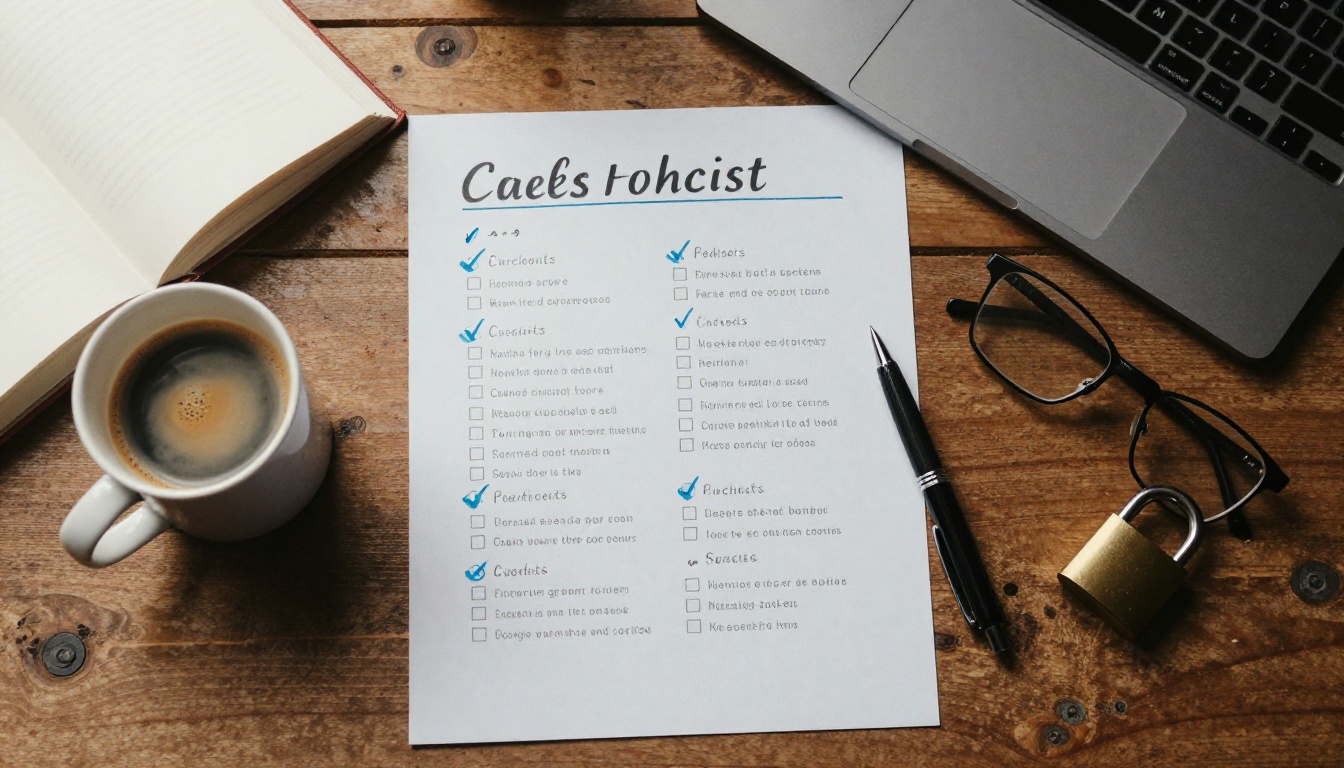
Before You Install
- Find the source repository and read the recent commits and open issues.
- Check who maintains it, how long it has existed and whether it is patched regularly.
- Pin an exact version instead of tracking "latest".
- Prefer servers published by the vendor of the service itself.
- Read every tool description in full, including parameter descriptions.
Before You Approve
- Grant the narrowest scope that finishes the task.
- Use a separate account or a sandbox project for experiments.
- Switch off tools you do not use. Fewer tools means a smaller attack surface and sharper model choices.
- Never combine private data, untrusted content and an outbound channel in the same session.
While It Runs
Log every tool call with its arguments, the time and the identity behind it. When something looks wrong, you will want to rebuild what the agent read and what it sent. Review the log weekly, the same way a team reviews access reports.

Watch for four warning signs:
- Outbound calls you did not expect.
- Tool definitions that changed since you approved them.
- Large reads of files unrelated to the task.
- Tokens used from a new location or at odd hours.
Contain the Blast Radius
Assume that one server will eventually misbehave, then limit what that costs you.
Sandboxes and Containers

A glove box lets a technician handle a hazardous sample without touching it. Containers do the same job for software. Run local servers in a container or a restricted user account, mount only the folders they need, block outbound network access when the tool does not require it, and keep secrets out of the image. If a server turns hostile, it breaks a glass box instead of your laptop.
Human Approval Without Fatigue
Approval prompts only work if people read them. Teams that approve everything by reflex have no protection at all. Split tools by risk:
| Tool type | Example | Approval policy |
|---|
| Read only, low risk | Search a docs site, read one project file | Allow automatically |
| Writes data | Edit a file, create an issue | Ask once per session |
| Sends data out | Email, post to a webhook, upload | Ask every time |
| Destructive or costly | Delete, deploy, spend money | Ask every time, with a preview |
Keep the auto-approved list short, and review it whenever a server updates.
Content screening is one more layer, not a replacement for permissions. Llama Guard 4 12B is a multimodal safety model on PicassoIA that classifies text and images as safe or unsafe and returns the harm category when it flags something. You can use it to check a web page, an email or a tool result before your agent acts on it, or to test whether an agent's draft reply would be flagged before it reaches a user.
💡 Be realistic about the limits. Llama Guard 4 12B is a content safety classifier that checks against harm categories such as violence, hate speech and dangerous instructions. It is not a dedicated prompt injection firewall, so use it alongside the controls above and never instead of them.
Run Your First Check
- Open the Llama Guard 4 12B page on PicassoIA.
- Paste the text you want to screen into the Prompt field, for example the body of a web page or an email your agent is about to read.
- Fill in the System Prompt, which is required, with your criteria: "Classify the text as safe or unsafe and name the harm category."
- Set Temperature low, around 0 to 0.2, for steadier verdicts. The range is 0 to 2 and the default is 1. Leave Max Completion Tokens at the default of 512, since a verdict is short.
- Add screenshots through Image Input if you want to screen an image too, then run it.
What the Verdict Tells You
You get a safe or unsafe label, plus the matched category when the content is unsafe. Treat "unsafe" as a stop sign: hold the content back and show it to a person. Treat "safe" as one data point, not a pardon. If you see false alarms, tighten the system prompt with examples of what your team considers acceptable.
For triage, pair the verdict with a capable reasoning model such as Claude Sonnet 5 or GPT 5.6 Sol to summarize flagged items. Run those without any tool access, so a hostile snippet has nothing to act on.
Build Something Safe on PicassoIA
Safe habits are easier to keep when you practice on projects where nothing sensitive is at stake. Image and video generation make a good training ground. PicassoIA Image turns a plain language prompt into a finished picture in seconds, and Picasso IA Video renders 5 second clips at 24 frames per second with synchronized audio, from text or from a starting image, at 480p or 720p.

PicassoIA also offers a developer API and an MCP connection for image and video generation, and the same rules apply there: create a credential for one project, store it as a secret and watch your usage. Each account is capped at 5 concurrent predictions, shared across API credentials and MCP connections, which doubles as a brake if an agent ever gets stuck in a loop.
Open PicassoIA, write a prompt and run the checklist on something low stakes first. Generate a few images, animate your favorite into a short clip, and run a paragraph through Llama Guard 4 12B to see what a verdict looks like. Then bring the same habits to the servers that matter.


