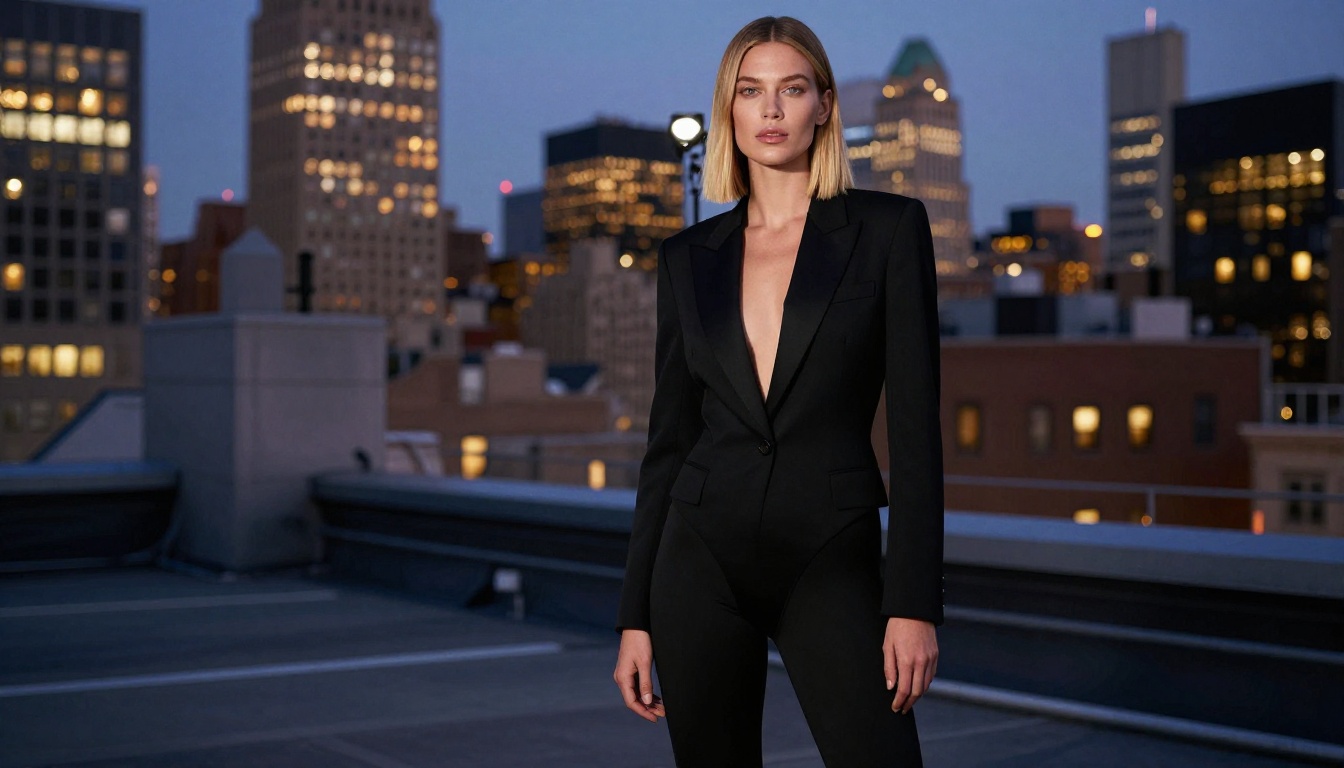
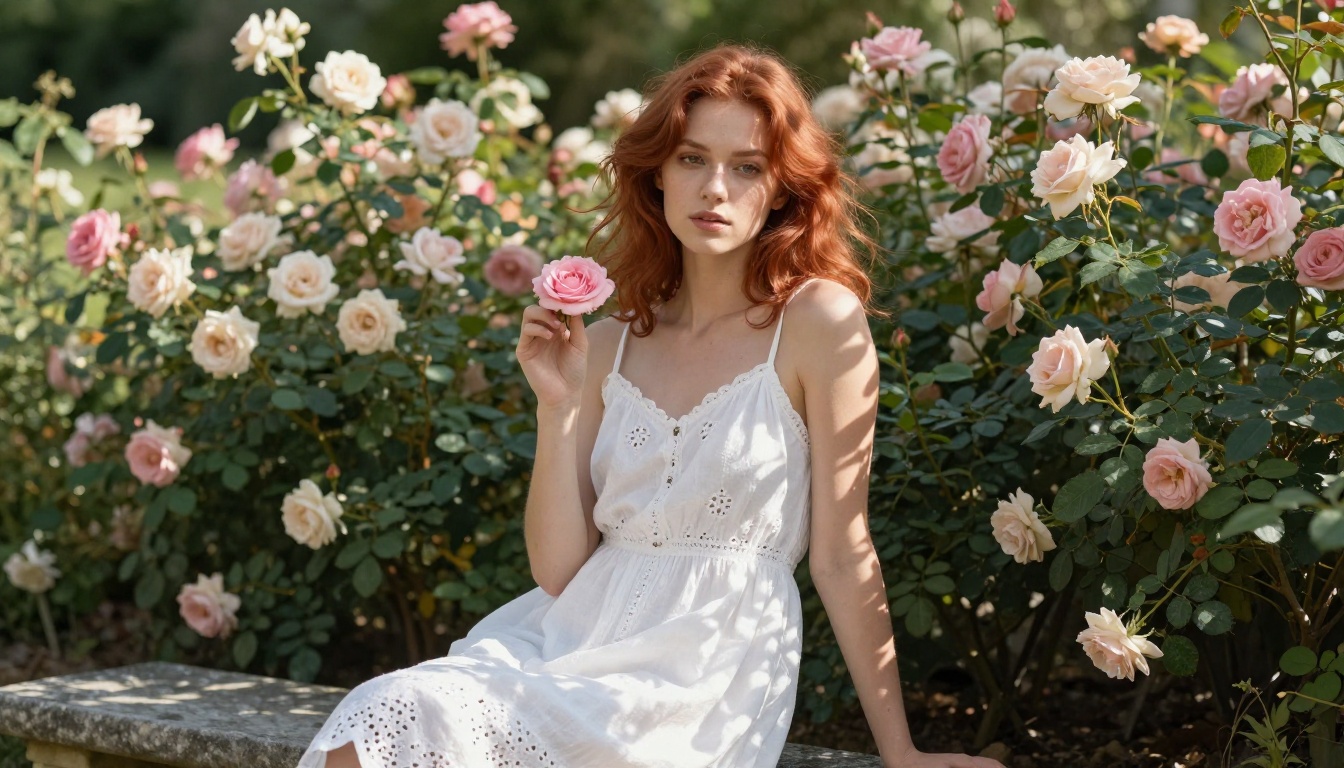
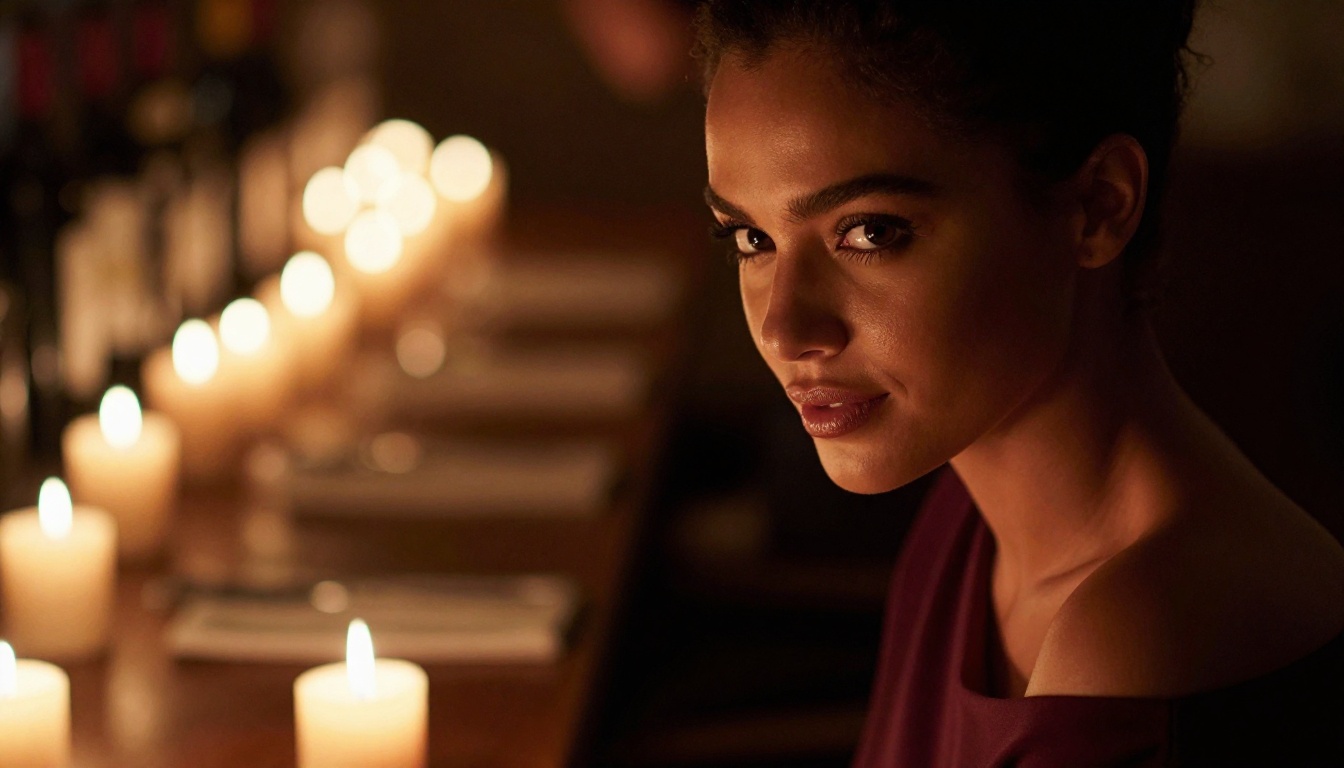
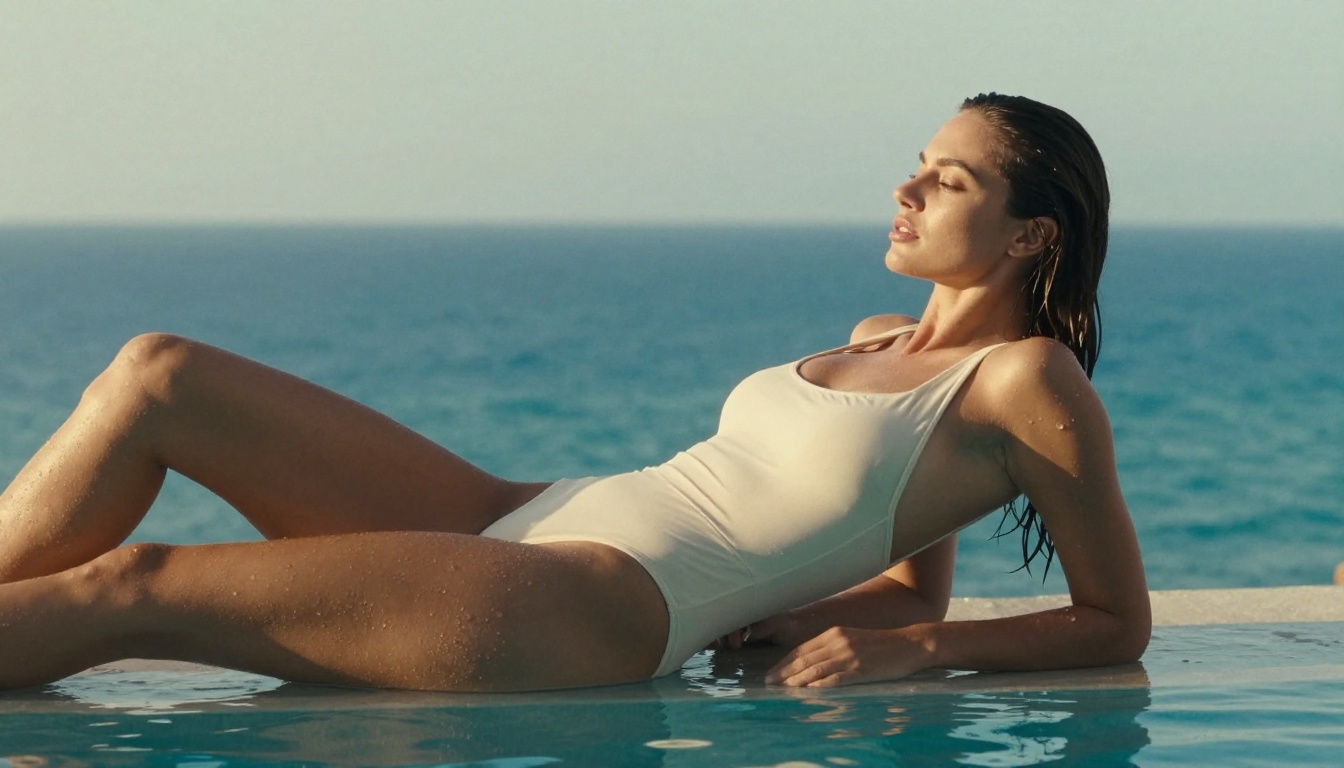
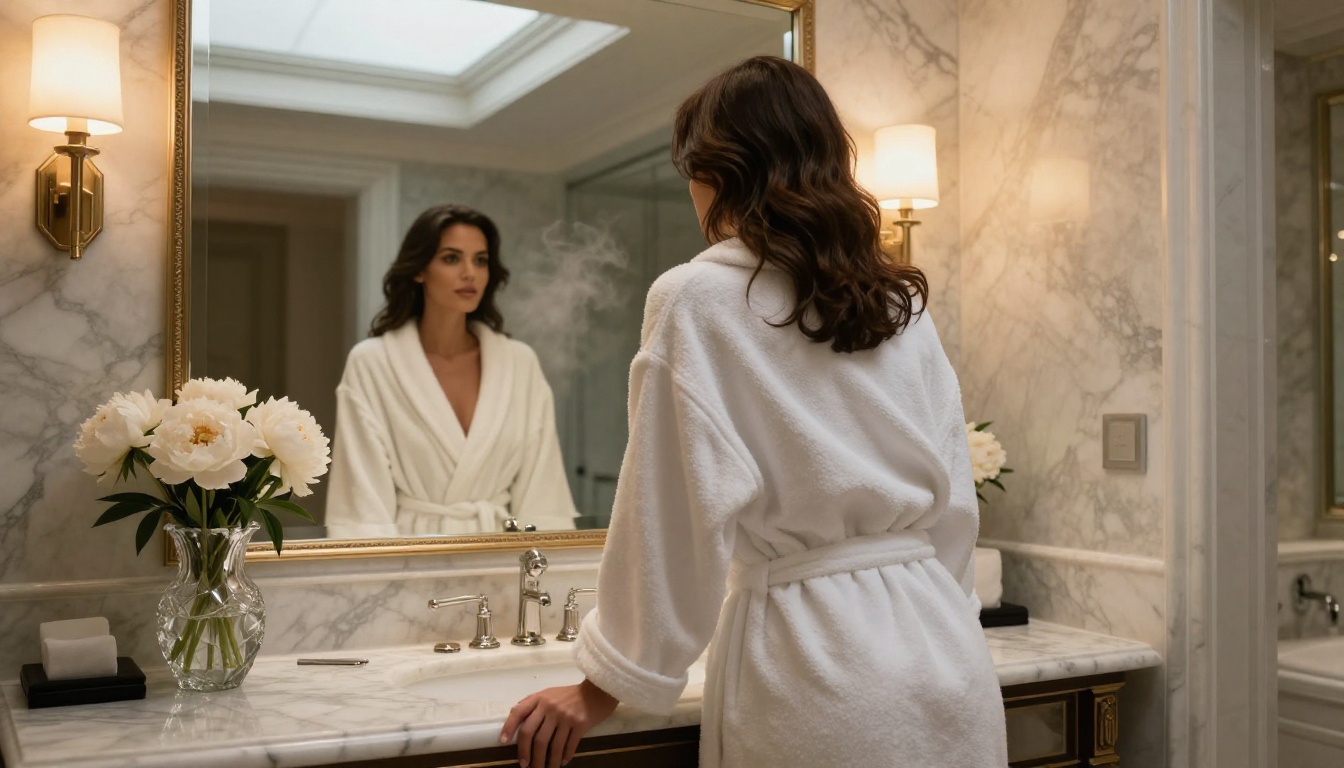
Juggernaut XL produces some of the most photorealistic NSFW images in the SDXL ecosystem, but only when configured correctly. This article covers CFG values, sampler choices, resolution settings, LoRA combinations, and prompt templates that consistently produce high-quality NSFW portraits with natural skin rendering and anatomical accuracy.
Juggernaut XL has a reputation. Among SDXL-based checkpoints, it consistently ranks as the go-to model for photorealistic human figures, especially in NSFW contexts where skin detail, lighting accuracy, and anatomical coherence matter more than anywhere else. The difference between a well-configured Juggernaut XL run and a poorly configured one is not subtle. It shows up as broken anatomy, muddy skin tones, or flat lighting that kills any sense of realism. This article breaks down every setting, sampler choice, and prompt formula that separates mediocre outputs from images that look genuinely photographed.
What Makes Juggernaut XL Different
Juggernaut XL is a fine-tuned checkpoint built on top of the SDXL base architecture. Where most SDXL forks optimize for stylization or speed, Juggernaut XL was trained specifically toward photographic realism, with a strong emphasis on human subjects. That training focus produces a model with specific strengths that matter a great deal for NSFW work.
Trained on Real Photography
The model's training dataset skews toward real photographic references rather than illustrated or stylized sources. This creates a strong prior for:
Natural skin tone gradients across the face and body
Subsurface scattering effects where light passes through thinner skin areas
Fabric physics that respond to figure contours plausibly
Hair rendering with individual strand definition at close focal distances
Why It Outperforms Other SDXL Models
Most NSFW-specific fine-tunes sacrifice anatomical accuracy for explicit output. Juggernaut XL works differently. It retains the spatial reasoning of the base SDXL architecture while adding photographic skin rendering on top. When you merge it with a targeted LoRA, the results are far cleaner than a pure NSFW checkpoint. The model also handles difficult poses without the limb distortion that affects lighter fine-tunes.
💡 The real advantage: Juggernaut XL treats the subject as a photograph first. NSFW content quality is a byproduct of photorealism, not the other way around.
The Right Settings for NSFW Output
Settings matter as much as the model itself. The same Juggernaut XL checkpoint with two different CFG values produces noticeably different outputs. Here are the settings that consistently work.
CFG Scale: The Sweet Spot
CFG (Classifier Free Guidance) controls how strictly the model follows your prompt. Too low and the output wanders. Too high and you get oversaturated, artifact-ridden images with harsh transitions.
CFG Value
Result
3 to 4
Soft output, drifts from prompt
5 to 7
Sweet spot. Photorealistic with prompt adherence
8 to 10
Colors saturate, skin turns waxy
11+
Artifacts, anatomy breaks down
For NSFW portrait work on Juggernaut XL, CFG 6 to 7 is the standard. If you are using a LoRA on top, drop to CFG 5 to 6 to give the LoRA more room to influence the output.
Sampler and Steps That Work
The sampler determines how the model denoises the image at each step. For photorealistic work with Juggernaut XL, the most reliable options are:
DPM++ 2M Karras: The default recommendation. Produces clean, detailed skin with strong structural integrity at 25 to 35 steps.
DPM++ SDE Karras: Slightly softer output with better hair rendering. Use this at 28 to 35 steps when hair quality is a priority.
Euler a: Fast and usable at 20 to 28 steps but introduces more variation between seeds. Good for batch exploration.
💡 Steps recommendation: 28 steps with DPM++ 2M Karras is the reliable baseline. Going above 40 steps with Juggernaut XL rarely improves quality and often introduces softness.
Resolution Settings That Matter
SDXL is native at 1024x1024. For portrait-oriented NSFW work, these resolutions produce the best results:
Portrait (upright): 832x1216 or 896x1152
Landscape (16:9): 1344x768 or 1152x896
Square (detail focus): 1024x1024
Generating below 768px on any dimension causes quality degradation. The model expects SDXL-range resolution to properly distribute detail. For final output, use hires.fix with a 1.3 to 1.5 upscale factor and 0.4 to 0.5 denoising strength to preserve coherence while adding fine detail.
Writing Prompts That Actually Work
The prompt is where most people lose quality they could have had. Juggernaut XL responds to structured, descriptive prompts. Vague or minimal prompts underuse the model's training.
The Anatomy of a Strong Prompt
A well-built Juggernaut XL prompt follows this structure:
Each section does different work. The lighting section is where photorealism comes from. The camera and lens section activates the photography training. Quality tags push the model toward its highest-resolution outputs.
Positive Prompt Formulas
Working positive prompt templates organized by scene type:
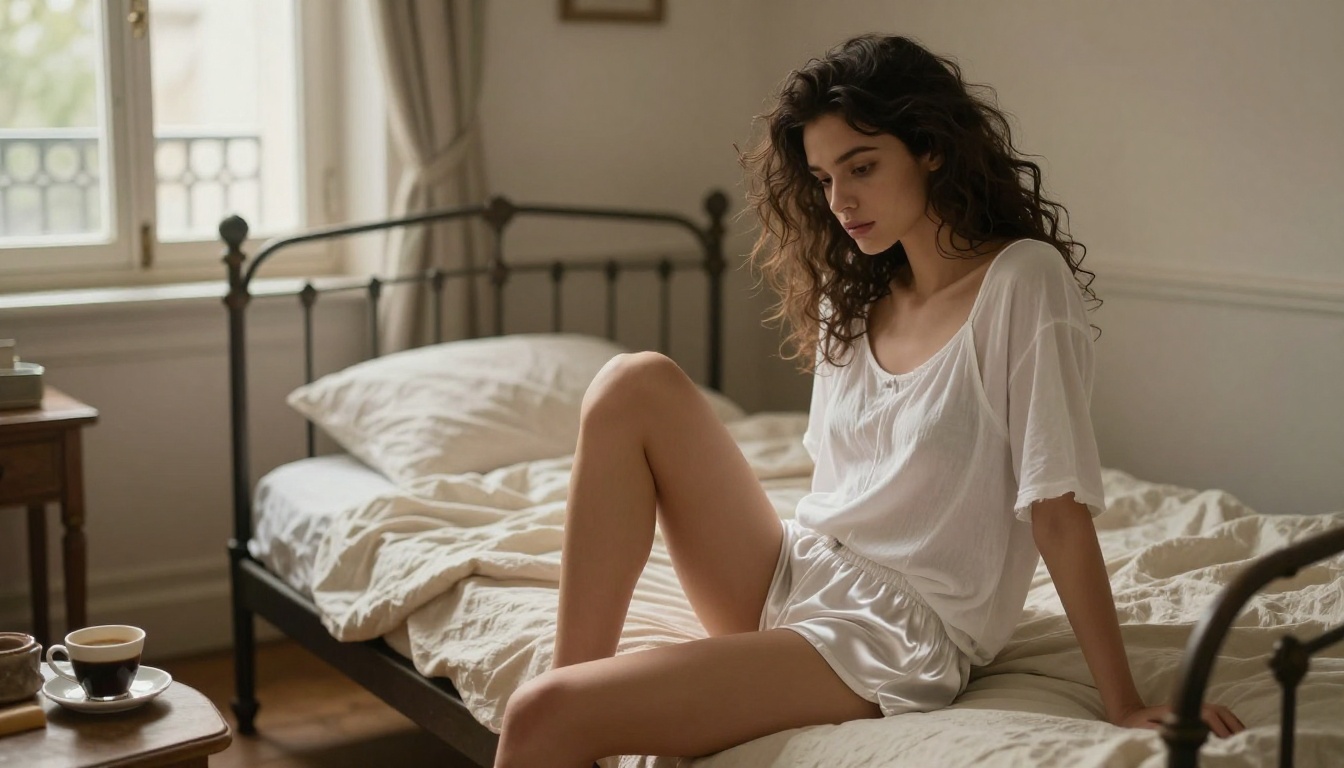
For boudoir and intimate portraits:
photorealistic photograph of a beautiful woman, 25 years old, [hair color] hair,
wearing [clothing], [pose description], soft morning light from window, bedroom interior,
85mm f/1.4 portrait lens, shallow depth of field, Kodak Portra 400,
professional photography, 8k, detailed skin texture, cinematic
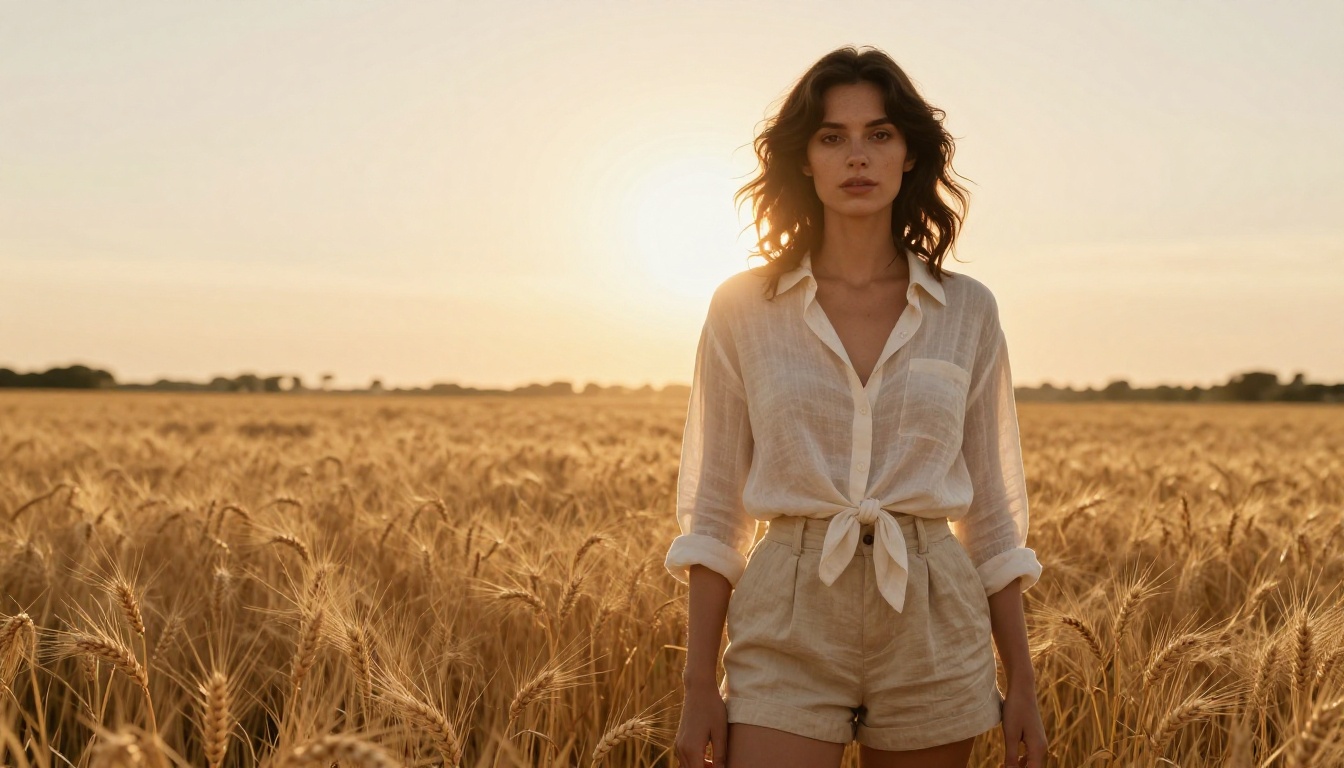
For outdoor glamour:
RAW photo, [subject description], [location], golden hour sunlight from left,
rim lighting on hair, 70mm f/2.8, sharp focus, Fuji Pro 400H,
film grain, photorealistic, high resolution, natural skin tones
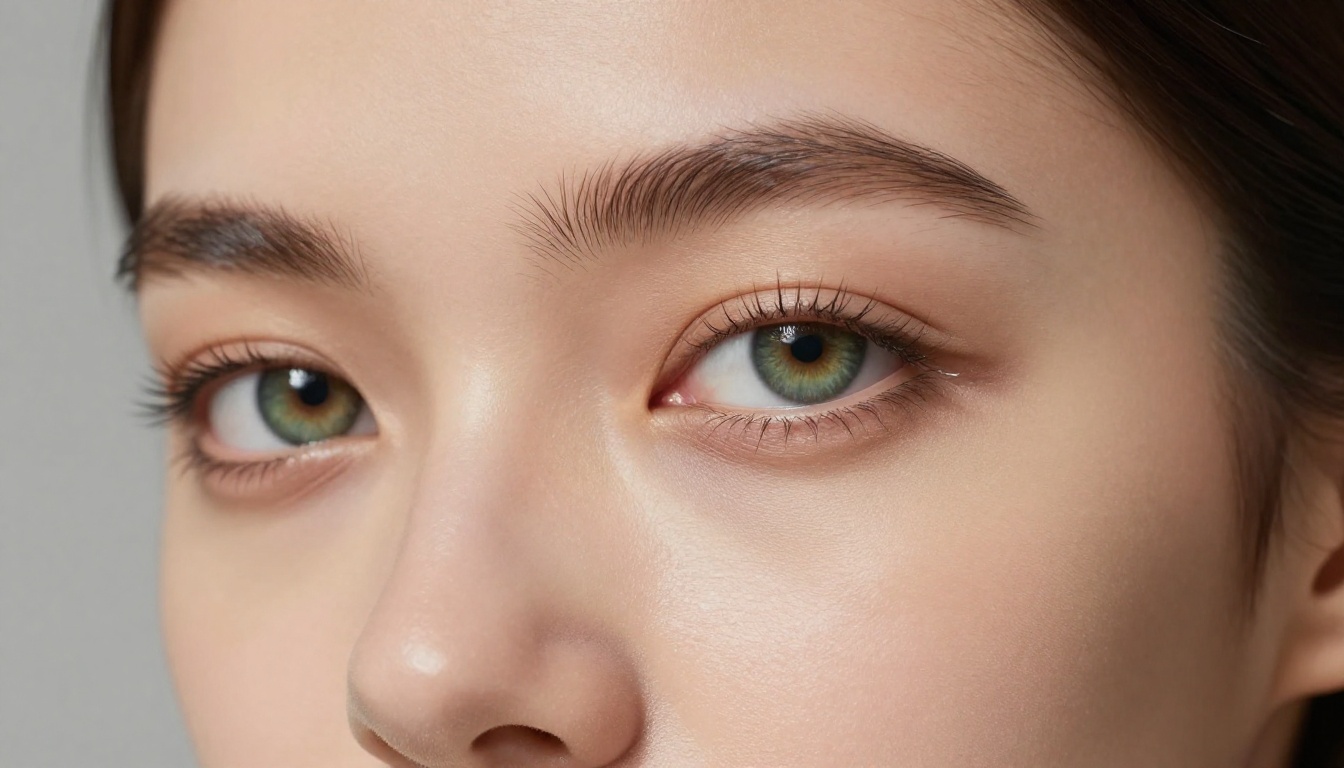
For close-up beauty:
close-up beauty portrait, [subject], studio lighting, 100mm macro,
catchlight in eyes, natural makeup, smooth skin with visible pores,
white background, professional beauty photography, 8k resolution
💡 The "RAW photo" prefix: Starting your prompt with "RAW photo" shifts Juggernaut XL toward photographic output rather than rendered output. It activates a different cluster of training data with a stronger photographic prior.
Negative Prompts You Need
Negative prompts on Juggernaut XL are not optional. Without them, the model will produce artifacts that undermine photorealism.
The weighted values in parentheses push the model more strongly away from those features. Anatomy errors, extra limbs, and low quality are the most important to suppress for NSFW work.
Common Mistakes That Ruin Outputs
Even with a good model, these errors show up frequently in community outputs.
Overloading the Positive Prompt
More words does not mean better output. SDXL-based models have a token limit, and cramming in too many concepts causes the model to average between them rather than commit to any. The result is a washed-out image that does not do any single thing well.
Practical limit: Keep your positive prompt under 75 tokens for the main subject description. Add quality tags and technical terms as a second block.
Wrong CFG for the Scene
Many creators push CFG to 9 or 10 looking for more detail and instead get:
Oversaturated skin tones that look plastic
Loss of shadow detail as contrast clips
Anatomy distortions in high-frequency areas like hands and faces
If you want more detail from Juggernaut XL, the right approach is hires.fix with lower CFG, not raising CFG up.
Skipping Clip Skip
Clip Skip 2 is standard practice for most SDXL fine-tunes including Juggernaut XL. Clip Skip 1 (the default) applies the full CLIP text encoder, which was trained on more generic data. Clip Skip 2 uses an earlier layer that responds better to the descriptive, photography-style prompts that work with Juggernaut XL. Set it to 2 and leave it there.
Best LoRA Combinations
LoRAs are additive networks that push the base checkpoint in a specific direction without replacing its core training. The right LoRA stack makes a substantial difference for NSFW outputs.
Skin Detail LoRAs
Skin detail LoRAs add microdetail, pore visibility, and subsurface variation:
DetailTweaker XL: General detail enhancement, works well at 0.3 to 0.5 weight
Skin Texture XL: Targeted skin microdetail, use at 0.4 to 0.6
Ulzzang-6500-v1.1: Face refinement, particularly useful for close-up portraits at 0.2 to 0.4
💡 LoRA weight stacking: When using multiple LoRAs, keep the total combined weight under 1.0 to avoid artifacts. Two LoRAs at 0.4 each (total 0.8) is a stable configuration.
Lighting and Atmosphere LoRAs
Lighting LoRAs produce the single biggest visual improvement for photorealistic NSFW work:
CinematicLight XL: Adds directional lighting with natural shadow falloff. Turns flat outputs into three-dimensional images.
Photography LUT XL: Applies real photography color grading presets. Kodak, Fuji, and Ektar emulations available.
GoldenHour XL: Specifically trained on warm natural light photography.
A typical working stack: DetailTweaker at 0.4 + CinematicLight at 0.4, totaling 0.8 combined weight.
How Juggernaut XL Compares to Other Models
Juggernaut XL is not the only option, and it is not always the right one. Here is how it compares to other photorealistic models.
For pure NSFW portrait quality, the Juggernaut XL plus LoRA stack is still the most reliable option when using Stable Diffusion XL infrastructure. However, newer architectures like Flux 1.1 Pro are beginning to close the gap on photorealism without requiring the same degree of configuration work.
Prompt Templates by Scene Type
Ready-to-use prompt templates that work reliably with Juggernaut XL.
Outdoor Scenes
RAW photo, beautiful woman, 25 years old, long blonde hair, bikini,
poolside, luxury resort, Mediterranean, mid-afternoon sunlight from left,
water reflections, 50mm f/2.0, Kodak Portra 400, photorealistic,
sharp focus, 8k resolution, professional photography
Negative: (bad anatomy:1.4), extra limbs, watermark, text, blur, low quality
CFG: 6.5 | Sampler: DPM++ 2M Karras | Steps: 30 | Clip Skip: 2
Indoor Portraits
RAW photo, close-up portrait of a beautiful woman, 28 years old,
dark hair, white silk slip dress, Paris apartment, morning light from window,
85mm f/1.4, shallow depth of field, Kodak Portra 400, film grain,
realistic skin texture, cinematic, professional editorial photography
Negative: (bad anatomy:1.4), cartoon, painting, illustration, text, watermark
CFG: 6 | Sampler: DPM++ SDE Karras | Steps: 32 | Clip Skip: 2
Glamour and Fashion
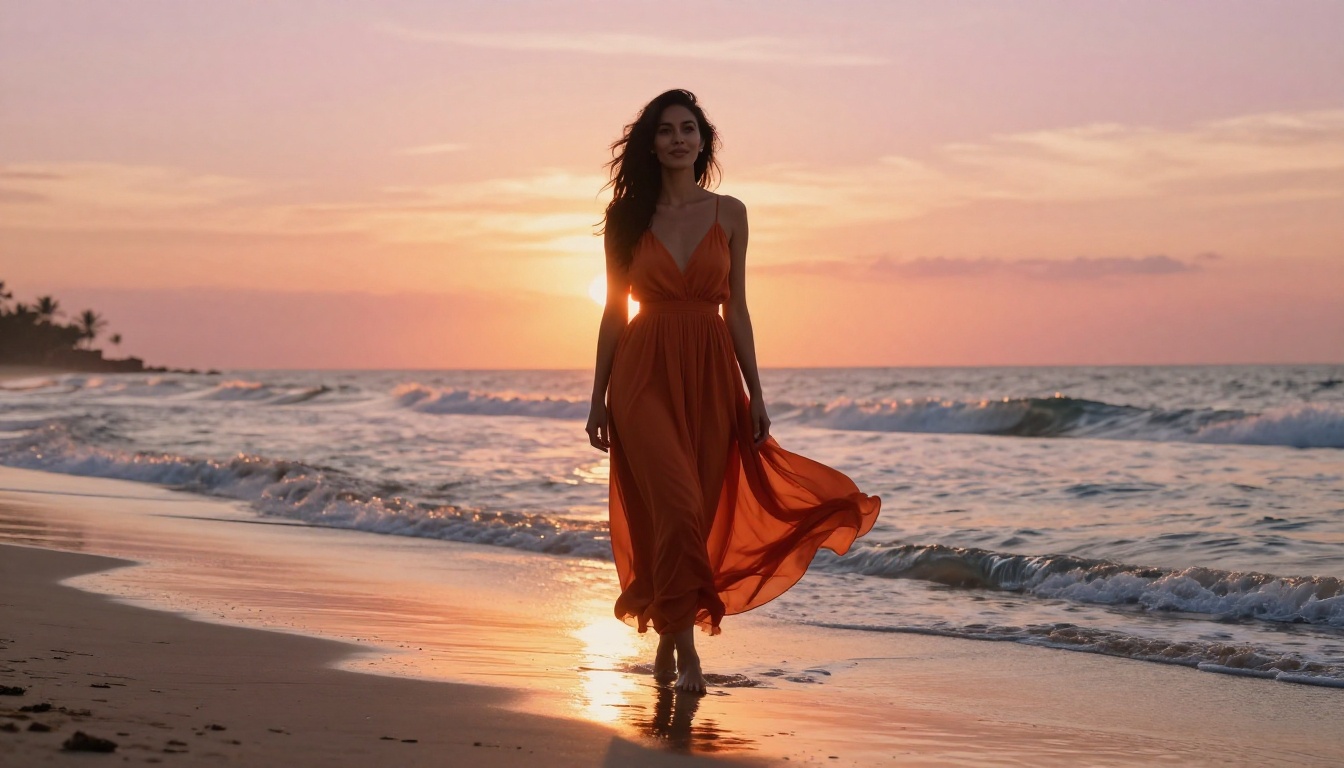
RAW photo, full body shot, beautiful model, athletic build, bikini,
beach, golden hour sunset, rim lighting on hair, 70mm f/2.8,
Fuji Pro 400H, lens flare, photorealistic, magazine quality,
vibrant natural colors, sharp focus
Negative: (bad anatomy:1.4), extra limbs, blurry, monochrome, painting
CFG: 7 | Sampler: DPM++ 2M Karras | Steps: 28 | Clip Skip: 2
Troubleshooting Your Outputs
When outputs are not hitting the mark, the issue is usually one of these:
Muddy skin tones: CFG is too high, or the positive prompt has competing color terms. Drop CFG to 6 and remove color language from the body description.
Broken anatomy: Resolution is too low, or you are not using hires.fix. Generate at native SDXL resolution (minimum 832x1216) with hires.fix enabled.
Flat lighting: Missing camera and lens terms in the prompt. Add "85mm f/1.4" or equivalent and specify light direction explicitly.
Plastic skin: DetailTweaker LoRA at too high a weight, or no skin texture LoRA balancing the output. Reduce DetailTweaker to 0.3 and add a dedicated skin LoRA.
Wrong body proportions: VAE mismatch. Juggernaut XL is optimized for the SDXL VAE (sdxl_vae.safetensors). Using an incompatible VAE produces proportion distortions.
Try These Models on PicassoIA Right Now
Juggernaut XL is a local Stable Diffusion model that requires your own hardware or a ComfyUI/Automatic1111 setup. If you want to produce photorealistic NSFW-adjacent images without the local setup overhead, PicassoIA runs several models that deliver comparable or superior results directly in the browser.
RealVisXL v3.0 Turbo is the closest analog to Juggernaut XL available on the platform. Same SDXL base, similarly trained toward photographic skin and figure rendering, running at turbo speed. For rapid iteration and testing prompt formulas, it is the most practical starting point.
Realistic Vision v5.1 is the benchmark for portrait photography realism in the SD ecosystem. It handles close-up beauty and boudoir-style outputs with precision that rivals much newer models.
For maximum image quality where generation time is not a concern, Flux 1.1 Pro sits at the top of the realism hierarchy. The architecture is fundamentally different from SDXL but responds to similar descriptive, photography-style prompts. Skin detail and lighting response are notably superior to any SDXL-based model.
SDXL is also available if you want to experiment with the base architecture and build your own configuration from scratch.
The prompt formulas in this article transfer directly to any SDXL-based model on PicassoIA. Try them with RealVisXL v3.0 Turbo first, adjusting CFG by one point up or down based on initial results.
💡 Start here: Open RealVisXL v3.0 Turbo on PicassoIA, paste any template from above, add your scene details, and run it. The first result will show you immediately how much of what makes Juggernaut XL work lives in the prompt structure itself, not just the checkpoint.