The adult content creator space has been quietly waiting for AI video generation to catch up. Two models are currently dominating that conversation: Kling 3.0 from Kwai and Veo 3.1 from Google. Both promise cinematic realism and high-resolution output, but they approach content restrictions in very different ways. This article cuts through the marketing and gives you a straight comparison of what each model actually delivers when the subject matter pushes toward adult territory.
What Kling 3.0 Actually Is
Released by Kwai's AI division, Kling v3 Video represents the company's most sophisticated generation engine to date. It belongs to a family of models that includes Kling v2.6, Kling v2.5 Turbo Pro, and the motion-specialized Kling v3 Motion Control. The v3 architecture brings improved temporal consistency, meaning subjects maintain their form across frames without the morphing artifacts that plagued earlier versions.
Core capabilities at a glance
- Resolution: Up to 1080p
- Duration: 5 to 10 seconds per clip
- Audio: Native synchronized audio generation
- Modes: Text-to-video and image-to-video
- Motion: Physics-aware subject movement with natural inertia
- Body rendering: Significantly improved skin and fabric texture in v3, with realistic subsurface scattering
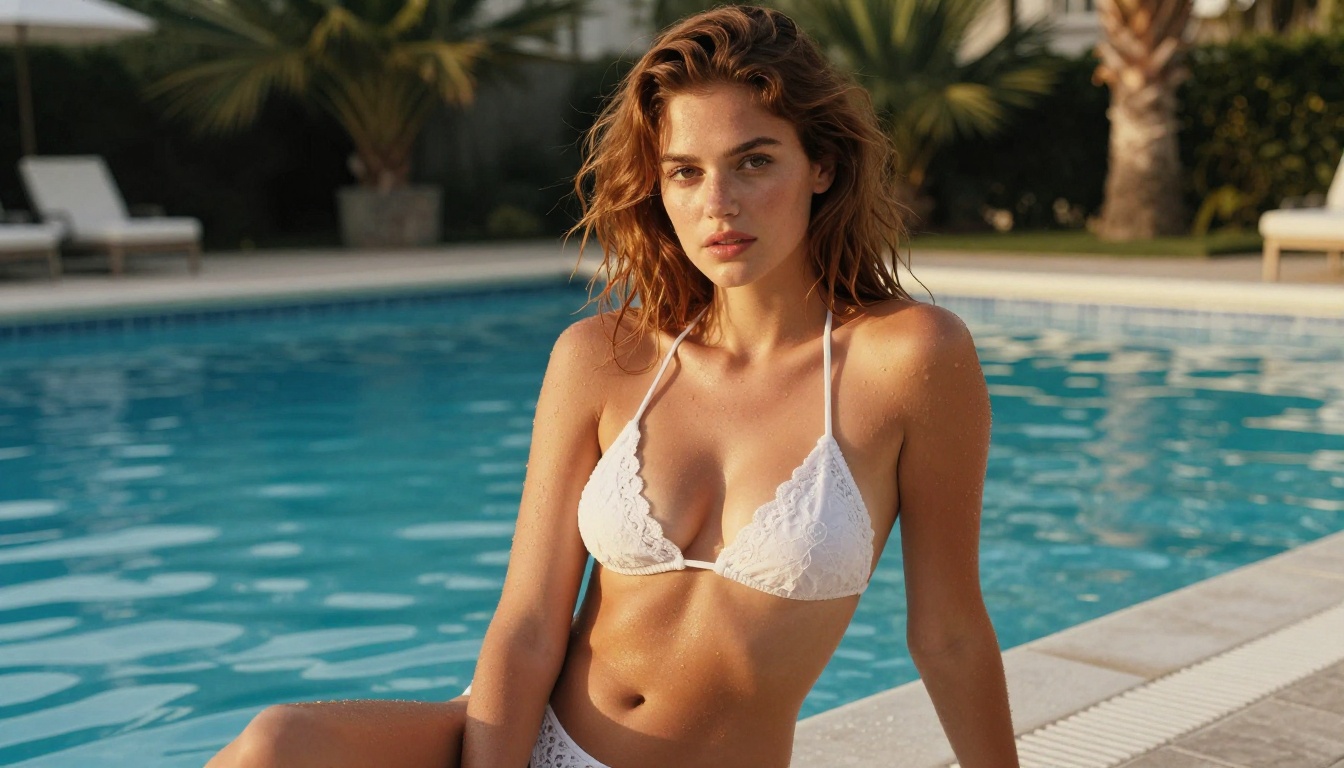
The model's biggest strength is body realism. Kling 3.0 handles human anatomy with notably fewer artifacts than most competitors, which is exactly why it has become the default reference point for adult content creators testing AI video tools. Close-crop framing, detailed skin texture, and natural lighting response on the human form all hold up better here than in previous generations.
Where it handles adult content
Kling operates through platforms that control which prompts reach the model. On its native interface, the content policy is moderately restrictive. When accessed through third-party APIs, behavior shifts based on how those platforms configure safety settings. The model itself has demonstrated clear capacity for suggestive and sensual content when filters are configured permissively at the API level, making platform choice critical for adult creators.

What Veo 3.1 Brings to the Table
Google's Veo 3.1 is a genuinely impressive model for cinematic video production. The standard version outputs at 1080p with native audio, while Veo 3.1 Fast trades some fidelity for substantially reduced generation times. There is also a Veo 3.1 Lite variant optimized for low-resolution quick previews before committing to a full render.
Google's approach to video
Veo 3.1 stands out in three specific areas:
- Prompt adherence: Follows complex multi-subject prompts more accurately than most competing models, including nuanced camera direction language
- Lighting physics: Shadows, reflections, and volumetric light are rendered with exceptional realism, particularly in outdoor and mixed-lighting scenes
- Audio synchronization: Native ambient sound generation that matches visual context more precisely than any competing model currently available
For mainstream creative work, Veo 3.1 sits at the top of the field. Camera movement, cinematic composition, scene coherence, and temporal consistency all score at the highest levels in independent evaluations. The Veo 3 Fast variant from the previous generation is also worth comparing for speed-sensitive workflows.
The content filter problem
Here is where this comparison becomes uncomfortable for adult creators. Veo 3.1 operates under Google's content policies, which are among the strictest in the industry. The model refuses suggestive prompts at a threshold that blocks mild content even in artistic framings. This is a hard architectural decision, not a configuration option available to third-party platforms. Even through API integrations, the safety layer is embedded at the model-weight level, not the serving layer.
💡 Bottom line: Veo 3.1 is technically superior in several measurable dimensions, but for any content involving adult themes, it does not function as a production tool. The filter is permanent and cannot be configured by platform operators.

Realism Head-to-Head
Setting content restrictions aside and comparing output quality on equivalent prompts, here is how the two models stack up across the dimensions that matter most for photorealistic human subjects:
| Dimension | Kling 3.0 | Veo 3.1 |
|---|
| Skin texture realism | Excellent | Excellent |
| Anatomy consistency across frames | Very Good | Excellent |
| Hair and fabric physics | Good | Excellent |
| Facial micro-expressions | Good | Very Good |
| Motion smoothness at 24fps | Very Good | Excellent |
| Lighting accuracy | Good | Excellent |
| Complex prompt following | Moderate | Excellent |
| Background scene coherence | Very Good | Excellent |
Veo 3.1 leads on pure technical metrics across the board. The gap is most visible in complex scenes with multiple subjects or detailed environments, where Kling 3.0 can lose spatial coherence at frame edges while Veo 3.1 maintains consistency throughout the entire clip.
Skin texture and body rendering
For adult content specifically, skin rendering is the critical variable. Kling 3.0 produces photorealistic skin that holds up under close-crop framing, with visible pore structure, natural subsurface scattering, and realistic color variation across different body regions. These qualities become essential when the subject is the center of the composition and the camera lingers on detail. Veo 3.1 handles this better in absolute terms, but the capability is inaccessible for adult-themed prompts.
Motion smoothness
Both models run at 24fps. Kling 3.0's motion shows slight interpolation artifacts during faster movements, while slow and subtle gestures are rendered convincingly. Veo 3.1's temporal consistency is stronger across all motion speeds, particularly for continuous camera movements like a slow dolly-in or steady lateral pan. For intimate, slow-moving scenes, both models perform competently on the motion dimension.

Speed and Cost Compared
When producing content at scale, generation time and pricing shape the practical workflow more than technical benchmarks.
| Metric | Kling 3.0 | Veo 3.1 |
|---|
| Average generation time (5s clip) | 60 to 90 seconds | 90 to 150 seconds |
| 1080p output | Yes | Yes |
| Draft mode available | Yes (via Turbo Pro) | Yes (Lite variant) |
| Native audio generation | Yes | Yes |
| Third-party platform access | Broad | Limited |
| Configurable safety filter | Yes (via platforms) | No |
Generation time breakdown
Kling 3.0 is faster for iterative work. When testing prompt variations and adjusting framing before committing to a final render, the shorter generation loop translates to meaningful time savings across a session. Kling v2.5 Turbo Pro reduces generation time further for rapid previewing, then you can switch to Kling v3 Video for the final full-quality render.
Pricing per clip
Both models use credit-based pricing across most platforms. Kling 3.0 typically costs less per clip than Veo 3.1, and the gap widens further when you factor in unlimited generation plans. On PicassoIA, PicassoIA Video generates clips without per-credit deductions on Elite and Infinite subscription plans, which fundamentally changes the economics of high-volume production.
Content Restrictions: The Real Story
This is the section that matters most for adult content creators. The comparison is clear.
What Kling 3.0 allows
Kling 3.0, accessed through platforms that configure API safety settings permissively, handles the following without refusal:
- Swimwear and lingerie content in a variety of settings and lighting conditions
- Suggestive poses and close-crop framing on the human body
- Romantic and intimate scenarios with natural physical presence
- Glamour and boudoir-style motion starting from a still source image
Output quality depends significantly on how the hosting platform has configured its content layer. PicassoIA provides the creative latitude that mainstream platforms restrict, making it the recommended access point for adult production workflows.
Veo 3.1's hard limits
Veo 3.1 cannot be configured by third-party platform operators to allow adult content. The restriction sits at the model level, not the API level. Prompts that involve:
- Swimwear in a suggestive framing or context
- Romantic or physically intimate language, even when described artistically
- Adult themes presented with creative or editorial intent
...will be refused or return filtered outputs that diverge substantially from the prompt intent. This is not a solvable problem for creators using Veo 3.1 for this category of content.
💡 For adult content creators, Kling 3.0 is the only viable choice between these two models. Veo 3.1's technical advantages are real. They are just not accessible for this use case regardless of the platform you use to access it.

Best Models for NSFW on PicassoIA
If you are building an adult content production workflow, the more useful question is not which of these two specific models wins. It is which combination of image and video models on PicassoIA gives you the fastest output with the fewest restrictions. PicassoIA offers a wider range of NSFW-capable models that cover both source image generation and the video conversion step.
For image generation (the foundation of any image-to-video pipeline):
- Seedream 4.5 ⭐ — The top recommendation for NSFW image generation. Accepts adult content, supports image editing, and produces ultra-realistic results in under 3 seconds. Its successor, Seedream 5 Lite, does not support adult content, so stay on 4.5 for this type of work.
- PicassoIA Image Editor Pro — Img2img editing with unlimited generations on Elite and Infinite plans. Need 1,000 source frames for a batch video pipeline? All included in your subscription at no extra cost. That same volume on models like Nano Banana 2 would cost around $100. Returns results in under a second. Includes a 3-generation free trial with no credit card required.
- Qwen Image 2 — Open-source model that creates or edits any image with highly detailed realism and no content filtering.
- Grok Imagine Image — Converts any reference photo to bikini or revealing format with photorealistic results.
- Recraft V4 — Very realistic text-to-image output for generating styled source frames from scratch.
- P-Image — NSFW text-to-image generation in under 1 second.
For video generation and image-to-video conversion:
- PicassoIA Video — Unlimited video generation from text prompts at up to 720p and 5 seconds per clip with no content restrictions.
- P-Video — Text, image, or audio to video at up to 1080p with the safety filter disabled by default. Draft mode for instant previews. Duration adjustable from 1 to 10 seconds across seven aspect ratios.
- Grok Imagine Video — Clips up to 15 seconds from text, an image, or an existing video. No watermarks. 720p or 480p output.
- LTX 2.3 Pro — Highest fidelity option at up to 4K and 50fps. Includes retake and extend editing modes for precise control over individual segments without re-rendering the full clip.
- P-Video Animate — Dedicated photo-to-video with smooth, natural animation output from any still source image.
👉 See the full lineup at picassoia.com/en/all-models.

How to Use Kling on PicassoIA
PicassoIA gives you direct access to multiple Kling versions without requiring a separate Kwai account or API setup. Here is a practical image-to-video workflow for adult content production.
Creating source images first
- Open Seedream 4.5 and generate your source frame. Write a detailed prompt covering the subject, clothing, lighting direction, and composition you want as the opening frame of your clip. Include camera lens details like "85mm f/1.4" and lighting specifics like "volumetric afternoon light from upper left" for better realism.
- Copy the generated image URL for use in the video generation step.
- To refine or edit an existing photo, use PicassoIA Image Editor Pro for fast, unrestricted img2img edits that return in under a second.
Running Kling v3 Video
- Open Kling v3 Video on PicassoIA.
- Paste your source image URL into the image input field.
- Write a precise motion prompt describing what moves, how the camera moves, and what happens over the 5 seconds. Example: "woman slowly turns her head toward camera, hair catching afternoon light, gentle dolly-in from medium to close-up, soft natural light holds steady." Vague prompts produce average results.
- Set duration to 5 seconds for fastest generation, or 10 seconds for longer continuous sequences.
- Submit and expect output in roughly 60 to 90 seconds.
💡 Pro tip: Use Kling v3 Motion Control when you need to define precise subject movement trajectories within the frame. Especially useful for choreographed or directional sequences where the default motion interpolation does not match what you need.
Alternative NSFW video models
If Kling 3.0 does not fit your specific creative need, the best alternatives on PicassoIA are:
- P-Video for fast iteration cycles with no safety filter at all
- Grok Imagine Video when you need clips longer than 5 seconds, up to 15 seconds
- LTX 2.3 Pro when you need the highest possible output fidelity with post-generation editing control

Your Move
Between Kling 3.0 and Veo 3.1, the choice for adult content creators is not a close call. Veo 3.1 is the stronger model by almost every technical measure, but its content restrictions are architectural and permanent. Kling 3.0 is the only functional option in this specific comparison for creators working with adult or suggestive material.
| Use Case | Best Choice |
|---|
| Adult or suggestive video content | Kling 3.0 via PicassoIA |
| Mainstream cinematic production | Veo 3.1 |
| Fast NSFW iteration with no filter | P-Video on PicassoIA |
| Highest fidelity adult video | LTX 2.3 Pro on PicassoIA |
| Unlimited clips on a subscription plan | PicassoIA Video |
| Source images for image-to-video pipelines | Seedream 4.5 on PicassoIA |
The tools in this breakdown are all live on PicassoIA, with no separate API accounts or external setup required. Start with Seedream 4.5 to generate your source frames, bring them to life with Kling v3 Video or any of the NSFW-ready video models listed above, and use PicassoIA Video for unlimited output on Elite and Infinite plans. The full catalog is available at picassoia.com/en/all-models.