The quality gap between average AI couple images and truly convincing ones comes down to one thing: the model you choose. FLUX.2 Max changed what photorealistic AI generation can do, pushing couple imagery into territory that looks indistinguishable from real photography. If you want to make 18+ AI couples that actually feel alive, with believable skin texture, natural body language, and genuine emotional tension between subjects, you need both the right model and the right platform to run it without restrictions.
PicassoIA gives you access to FLUX.2 Max alongside every other top-performing model for adult content generation, with no content filters blocking your creative vision. This article walks through everything: which models deliver the best results for couple content, how to write prompts that produce consistent characters, and how to take raw generations and push them into portfolio-quality work.
Why FLUX.2 Max Is the Standard for AI Couples
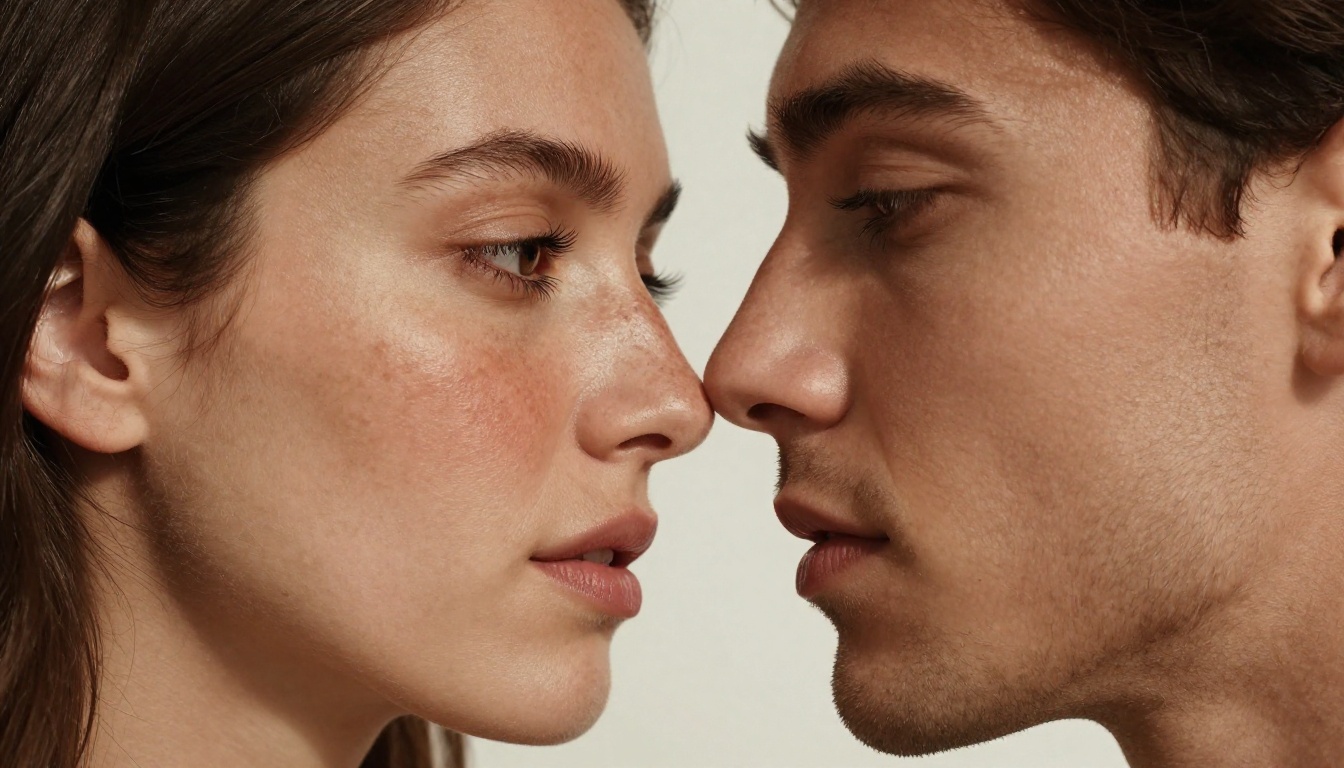
FLUX.2 Max sits at the top of the current generation of diffusion models for one specific reason: it handles two subjects in the same frame better than anything else available. Most models struggle when you add a second person. Proportions drift, faces lose coherence, and the lighting logic between two subjects breaks down. FLUX.2 Max was trained with substantially more paired-subject data, and that difference shows immediately in the output.
What Actually Changed in FLUX.2 Max
The core improvement is spatial coherence. When you describe a couple in an embrace, FLUX.2 Max understands the relative positioning, the way fabric compresses between two bodies, and the directional logic of a shared light source across two faces. Older models invented physics that did not exist. FLUX.2 Max generates what the scene would actually look like.
The other major change is skin rendering. At 8K output, the texture work on faces and exposed skin reads as captured, not computed. You see individual pores, fine hair at the hairline, and the translucency of skin over a cheekbone in bright light. For 18+ content specifically, this level of realism changes the entire character of the output from clearly artificial to genuinely convincing.
The model also handles clothing physics with unusual accuracy. Silk draping over a shoulder, the compression of fabric between two bodies pressed together, the subtle wrinkle patterns in linen under outdoor lighting: all of these render with a mechanical plausibility that previous FLUX versions only approximated.
Two Subjects, One Scene
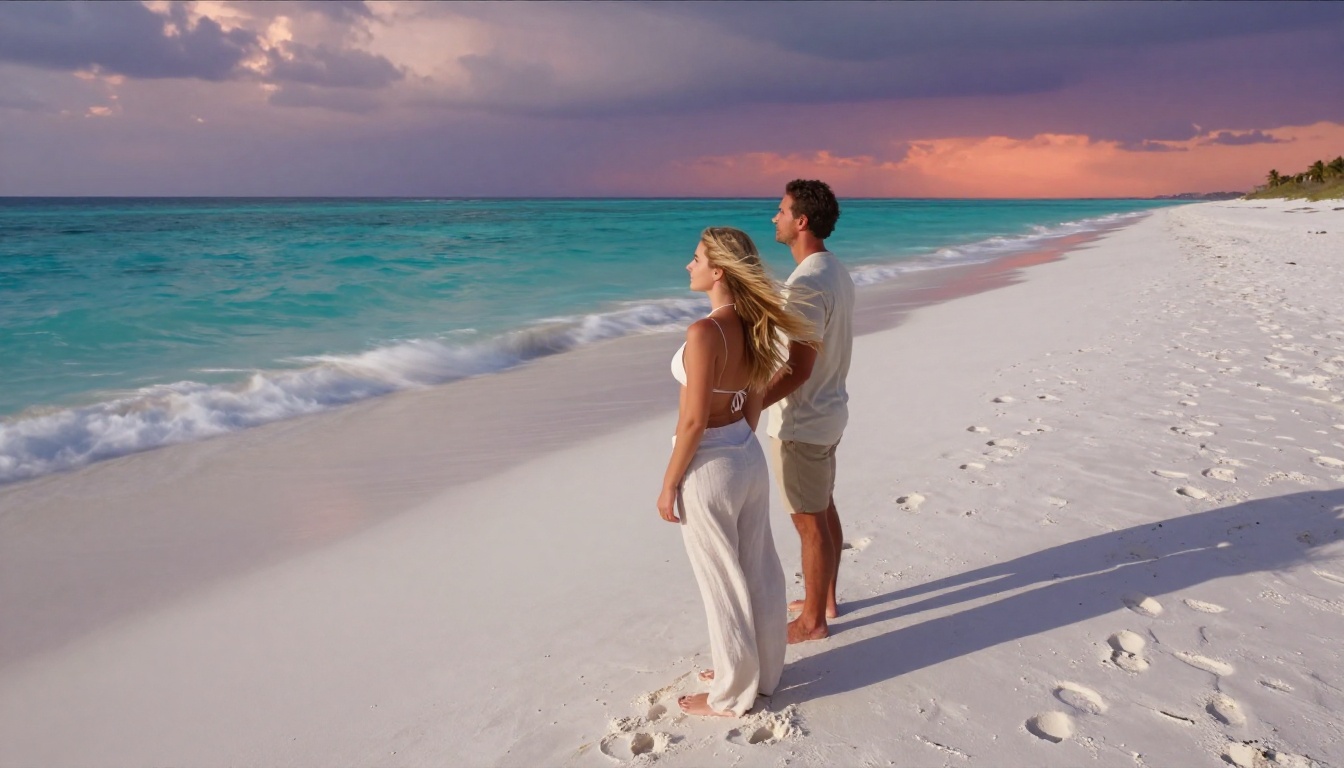
Getting two distinct, consistent-looking people into a single frame is where most AI workflows fall apart. The approach with FLUX.2 Max is to describe each subject with extreme specificity in your prompt before describing any interaction between them. Establish their individual physical attributes first, then describe the relationship between their bodies in the scene.
Rather than writing "a couple on a beach," write: "a woman with dark auburn hair and light freckles across her shoulders wearing a white bikini top, and a tanned athletic man with short brown hair in swim trunks, standing close together at the water's edge, his hand at the small of her back." The more individuated each subject, the more reliably the model locks onto distinct rendering for each person.
The second critical technique is separating your two character descriptions with a comma rather than "and." The comma signals to the tokenizer that two distinct entities are being described rather than one compound subject. This small syntactic choice meaningfully reduces blending between the two people's physical attributes.
The Best Models on PicassoIA for 18+ Couple Content
Not every model handles NSFW couple content. Some apply restrictive filters that refuse adult prompts entirely. Others generate at resolutions too low to make the realism work. Here is the ranked order of what actually performs for couple content on PicassoIA:
💡 Important: Seedream 5 Lite does not support NSFW content. Always use Seedream 4.5 for adult couple imagery.
Seedream 4.5: The Primary Choice
Seedream 4.5 is where you start every 18+ couple workflow. It accepts adult prompts without restriction, supports image editing on existing generations, and produces results in under three seconds. That generation speed matters more than people realize when you are iterating on a couple scene.
Adjusting poses, changing lighting, tweaking one subject without breaking the other: when each iteration takes three seconds instead of three minutes, your creative session covers ten times more ground. You can afford to experiment with poses you might skip on a slower model because the cost of a failed attempt is negligible.
Prompting Pairs in Seedream 4.5
Seedream 4.5 handles character descriptions well when structured as separate clauses. Use "Subject A with [description], Subject B with [description], [scene and setting], [lighting direction], [camera specs]" rather than mixing subject attributes throughout the prompt. This structure keeps each person's physical traits from bleeding into each other during generation.
For intimate or suggestive couple content, describe physical closeness in anatomical terms rather than emotional ones. "Her back pressed against his chest, both facing the camera" is more reliable than "a passionate embrace." Spatial precision beats emotional language for predictable, controllable output.
Editing After Generation
One of Seedream 4.5's biggest advantages is its built-in image editing pipeline. After generating a couple scene you mostly like, you can edit specific elements: change one person's expression, adjust the clothing on one subject, modify the background lighting, or refine skin rendering in a targeted area. This iterative approach is how you get from good-enough to polished final work.
The editing mode lets you mask specific regions of the image, regenerate only those areas, and leave the rest of the composition intact. For couple content where you may want to change one person's outfit without touching the other, or adjust one face without regenerating the entire scene, this regional control is essential.
PicassoIA Image Editor Pro: Unlimited 18+ Creations
If volume is part of your workflow, PicassoIA Image Editor Pro solves the biggest problem in AI content creation: cost at scale. On most models, generating 1,000 couple images would cost around $100 in credits. With Image Editor Pro, 1,000 images costs nothing extra beyond your Elite or Infinite subscription.
The model is image-to-image, not text-to-image. You bring a reference image (one of your FLUX.2 Max or Seedream 4.5 generations), and Image Editor Pro transforms, refines, or extends it. This makes it the ideal second step in a two-stage workflow: generate the base scene with FLUX.2 Max or Seedream 4.5, then use Image Editor Pro for unlimited variations, outfit changes, or style adjustments.
Why Unlimited Changes Everything
The economics of AI content creation usually push creators toward fewer, more deliberate generations. With Image Editor Pro, that constraint disappears entirely. You can generate 50 variations of the same couple scene, pick the best three, and discard the others without any cost anxiety. This freedom produces better final work because the process becomes genuinely exploratory rather than rationed.
Results arrive in under one second. There is also a free trial of three generations with no credit card required, so you can test the workflow before committing to a subscription.
💡 Workflow tip: Use FLUX.2 Max or Seedream 4.5 for your base compositions, then pass the best ones into Image Editor Pro for unlimited variations. You get the quality of premium models with the volume economics of unlimited generation.
Writing Prompts That Work for 18+ Couples
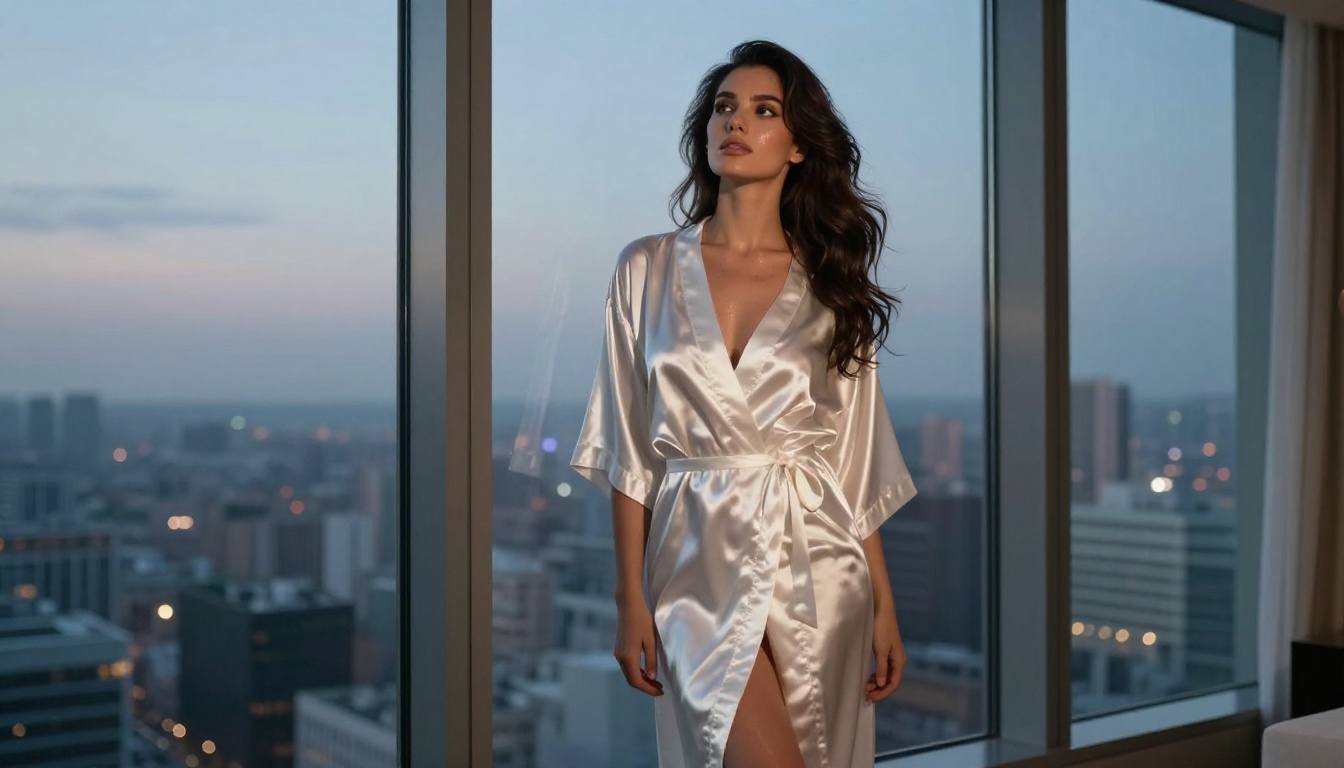
The difference between a mediocre AI couple image and a convincing one is almost always in the prompt. Models like FLUX.2 Max give you the technical capability. The prompt determines whether that capability produces something worth keeping. Three elements separate high-performing prompts from weak ones: character specificity, spatial precision for pose and contact, and directional lighting description.
Building Individual Characters First
Character consistency across a generation session starts at the prompt level. Before describing any scene or interaction, write a detailed physical description of each person that you will reuse across all generations in that session. Lock in specifics: hair color, length, and texture; eye color; skin tone and any distinguishing features like freckles or tan lines; body type; and approximate age. Use this same descriptor block in every prompt for that character.
💡 Tip: Save your character description blocks as text snippets you can paste quickly. Consistency in the text input is the primary driver of visual consistency across multiple generations.
Add clothing or state-of-dress description to the character block as well. Rather than describing clothing in the scene section of your prompt, attach it to the character: "a woman with dark auburn wavy hair past her shoulders, light olive skin, fine freckles across her nose and collarbone, wearing a white linen button-up shirt open to the third button." This anchors the clothing to the character rather than the scene.
Describing Poses and Physical Contact
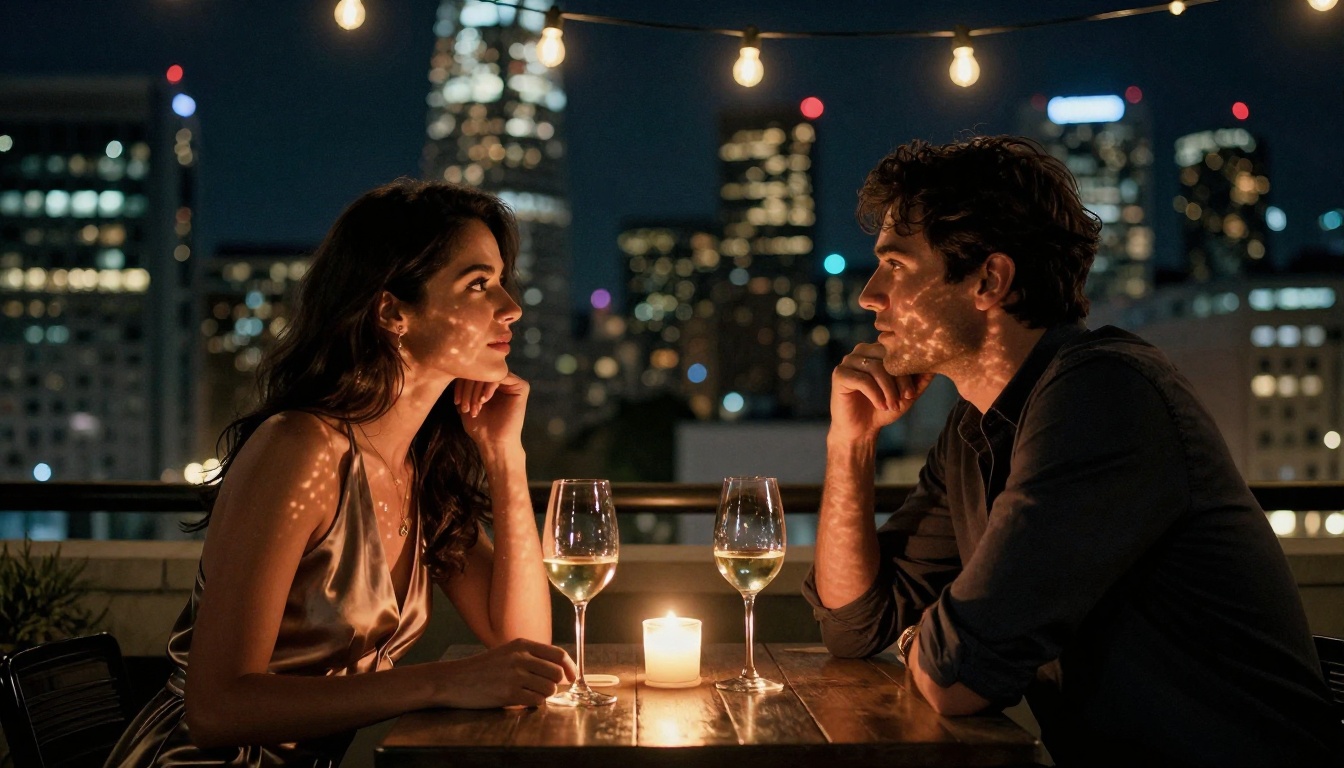
Physical contact between two AI subjects is where most prompts underperform. Vague language like "together" or "close" leaves too much to interpretation and often produces inconsistent or anatomically incorrect results. Instead, describe contact points with geometric precision: "his right hand on her left hip," "her head resting on his right shoulder, her face turned toward camera," "both hands clasped between them at waist height, fingers interlaced."
For suggestive or adult content, describe clothing state and body position with the same spatial accuracy. "Her silk robe slipping off one shoulder, bare collarbone visible from a three-quarter profile angle" gives the model exact rendering targets rather than a vague instruction to produce mature content. The more geometric and specific the pose description, the more reliably FLUX.2 Max places two bodies correctly relative to each other.
One technique that consistently improves couple positioning is to describe the scene from the camera's perspective explicitly: "viewed from camera right at a 45-degree angle, the woman in the foreground slightly overlapping the man behind her." This camera-relative spatial description helps the model resolve the geometry of two subjects in shared space.
Lighting as a Visual Storytelling Tool
Lighting description is often the element that separates strong prompts from weak ones. A couple scene with precise lighting description will render with visual drama even when everything else is ordinary. Use directional language with physical specificity: "volumetric morning light from upper left casting a 45-degree shadow from his brow across his cheekbone," "single candle flame as key light at waist height creating warm upward orange shadows on both faces," "harsh midday sun from directly overhead with deep shadow pooling under their chins and at the collarbone."
Reference specific film stocks or camera settings when you want a particular aesthetic character: Kodak Portra 400 for warm, slightly faded romance; Fujifilm Eterna for desaturated cinematic tones; or simply "RAW 8K photography with natural color rendering" when you want clean photorealism. Lens specifications also shape the image: 85mm f/1.4 for portrait intimacy with compressed backgrounds; 35mm f/2.8 for environmental context that shows the setting around the couple; 135mm f/2.0 for the most flattering compression on faces.
Other Models for a Complete 18+ Workflow
Beyond the primary two models, several others on PicassoIA contribute meaningfully to a complete 18+ couple content workflow:
Qwen Image 2 is open source and delivers impressive realism without content restrictions. It handles both text-to-image creation and image editing, making it a strong alternative when you want a different rendering style for the same couple scene. The open-source architecture means it responds well to very detailed prompts with specific physical descriptors.
Grok Imagine Image excels at one specific task: realistic wardrobe transformation. If you have a clothed couple image from FLUX.2 Max and want to transform the clothing into something more revealing, Grok Imagine Image handles this with striking realism. The image-to-image pipeline lets you feed in an existing generation and specify a wardrobe change without regenerating poses, faces, or backgrounds.
Recraft V4 produces very realistic text-to-image results and accepts NSFW content without restriction. It is a reliable choice for generating a second batch of couple images with a different visual character than FLUX.2 Max or Seedream 4.5, giving you stylistic variety in a content session.
P-Image generates in under one second and accepts NSFW prompts. It is the fastest option available for quick concept drafts before committing to a full-resolution session on a heavier model. Use it for rapid iteration on prompt structure before switching to a higher-quality model for final output.
Upscaling and Refining Your AI Couple Photos
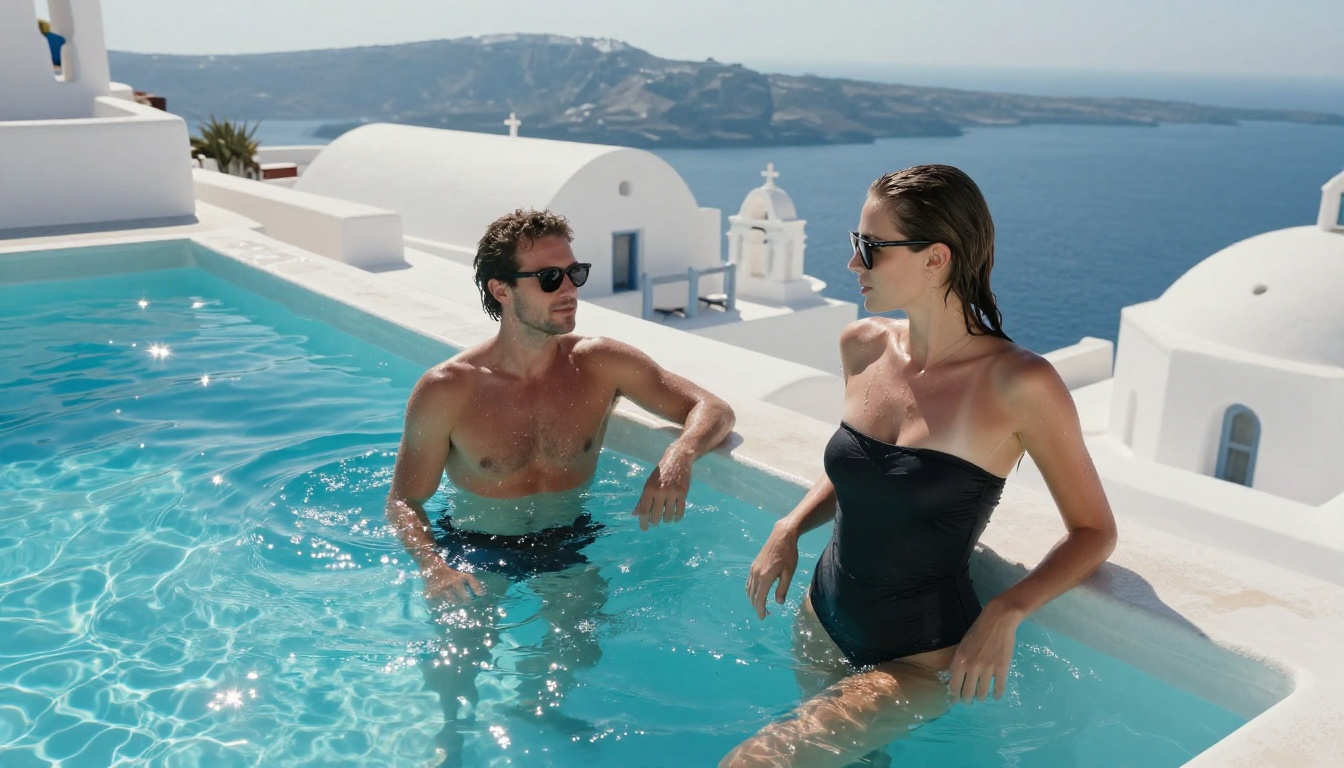
Raw output from even the best models benefits from upscaling. At their native resolution, AI images hold up well to standard screen viewing. Upscaled versions at 2x or 4x reveal softness in faces or slight artifacting in complex fabric textures that were not visible at standard viewing size. For couple content intended for print or high-resolution display, upscaling is not optional.
PicassoIA's Super Resolution models handle this within the same platform. Run your final couple image through a 2x or 4x upscale pass before export. The difference in perceived realism at full resolution is significant, particularly for face rendering, where small imperfections become more visible at large size.
For couple content, prioritize upscaling images where faces are prominent in the frame. Wide landscape shots with small figures are less sensitive to upscaling than close-up portraits where skin texture is the central visual element. A tight shot of two faces touching, upscaled to 4x, is where the combination of FLUX.2 Max's rendering quality and super resolution processing produces genuinely remarkable output.
Inpainting for Targeted Fixes
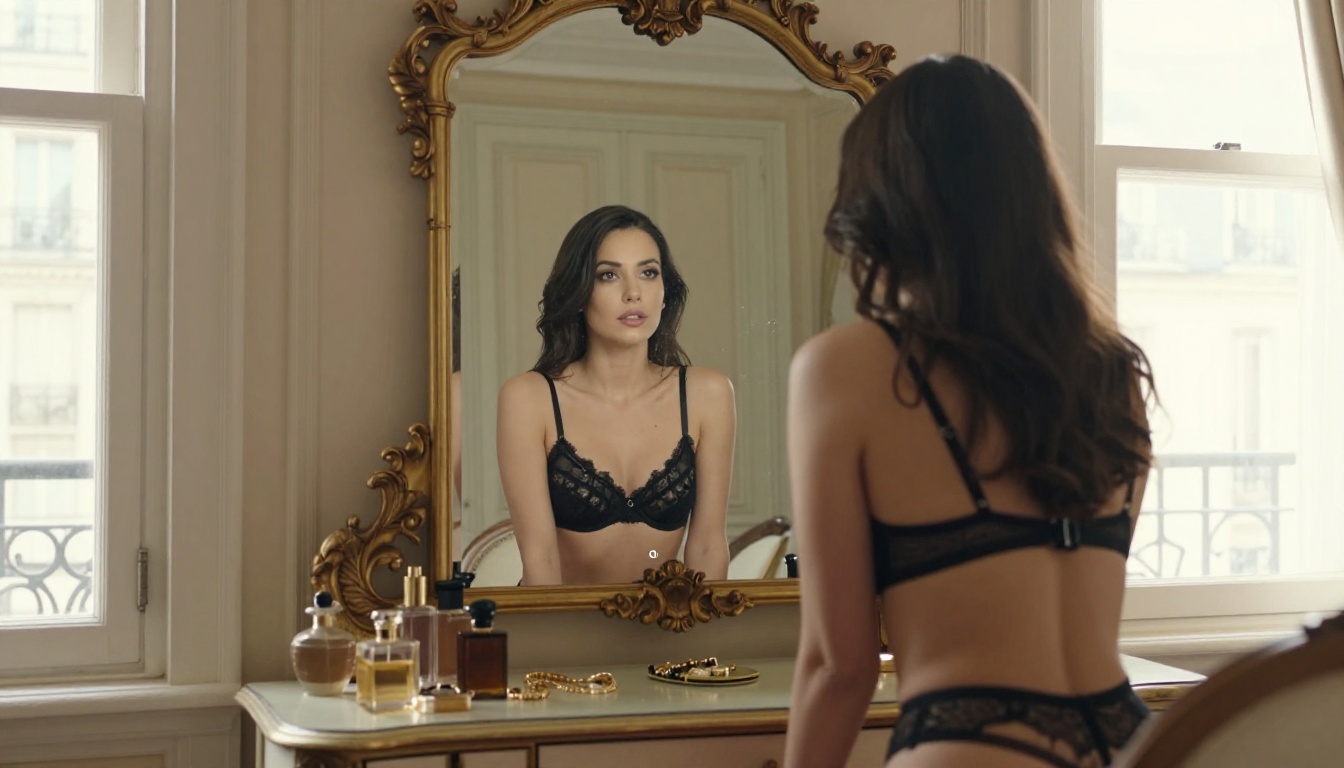
Even strong generations have elements worth fixing. Inpainting lets you isolate a specific region of an existing image and regenerate just that portion. For couple images, the most common use cases are: fixing one subject's hand (hands remain the hardest element for AI to render correctly), correcting an expression on one face while leaving the other untouched, or adjusting one subject's clothing without regenerating the entire composition.
Seedream 4.5's editing mode and PicassoIA Image Editor Pro both support masked inpainting. You draw a mask over the region you want to change, write a prompt describing the corrected state, and the model regenerates only the masked area while preserving everything outside it. This workflow lets you converge on a near-perfect couple image through incremental refinement rather than starting from scratch each time something is slightly off.
The most effective inpainting prompts are extremely specific about the small region being fixed. Rather than re-describing the entire scene, focus the prompt entirely on what the corrected patch should look like: "natural right hand resting open on her thigh, fingers slightly curled, natural skin color matching forearm above" for a hand fix. The narrower the mask and the more specific the fix prompt, the more accurately the inpainting resolves.
Best NSFW Models on PicassoIA
PicassoIA hosts a complete set of models built for adult content generation without the restrictive filters common on mainstream platforms. Here is the full lineup in recommended order:
- Seedream 4.5 ⭐ — The top overall NSFW model. Accepts adult content, supports image editing, generates ultra-realistic results in under 3 seconds. (Note: Seedream 5 Lite does not allow NSFW content.)
- PicassoIA Image Editor Pro — Unlimited generations included in Elite/Infinite plans. 1,000 images at no extra cost versus $100+ on other models. Returns results in under 1 second. Free 3-generation trial, no credit card required.
- Qwen Image 2 — Open-source model that creates or edits any image in seconds with very detailed realism and no content restrictions.
- Grok Imagine Image — Realistic wardrobe transformation. Converts any image to a bikini or revealing outfit format with impressive photorealism.
- Recraft V4 — Very realistic text-to-image results without content filters.
- P-Image — NSFW text-to-image generation in under 1 second. Ideal for fast concept drafts.
👉 See the complete lineup at picassoia.com/en/all-models and start generating without limits.
Start Creating Your Own AI Couples Now
The best way to see what FLUX.2 Max can do for AI couple content is to generate your first image. PicassoIA puts the full model lineup at your fingertips, including Seedream 4.5 for instant NSFW generation and PicassoIA Image Editor Pro for unlimited creative iteration.
Start with a detailed character description for each subject, pick a specific scene and lighting setup, and run your first couple. Iterate on the prompt using the feedback from each generation. Once you have a base image you like, pass it into Image Editor Pro for unlimited variations. Upscale your best results to 4x before export. The quality difference from standard AI image tools is immediate.
Head to picassoia.com/en/all-models and start creating without limits.


