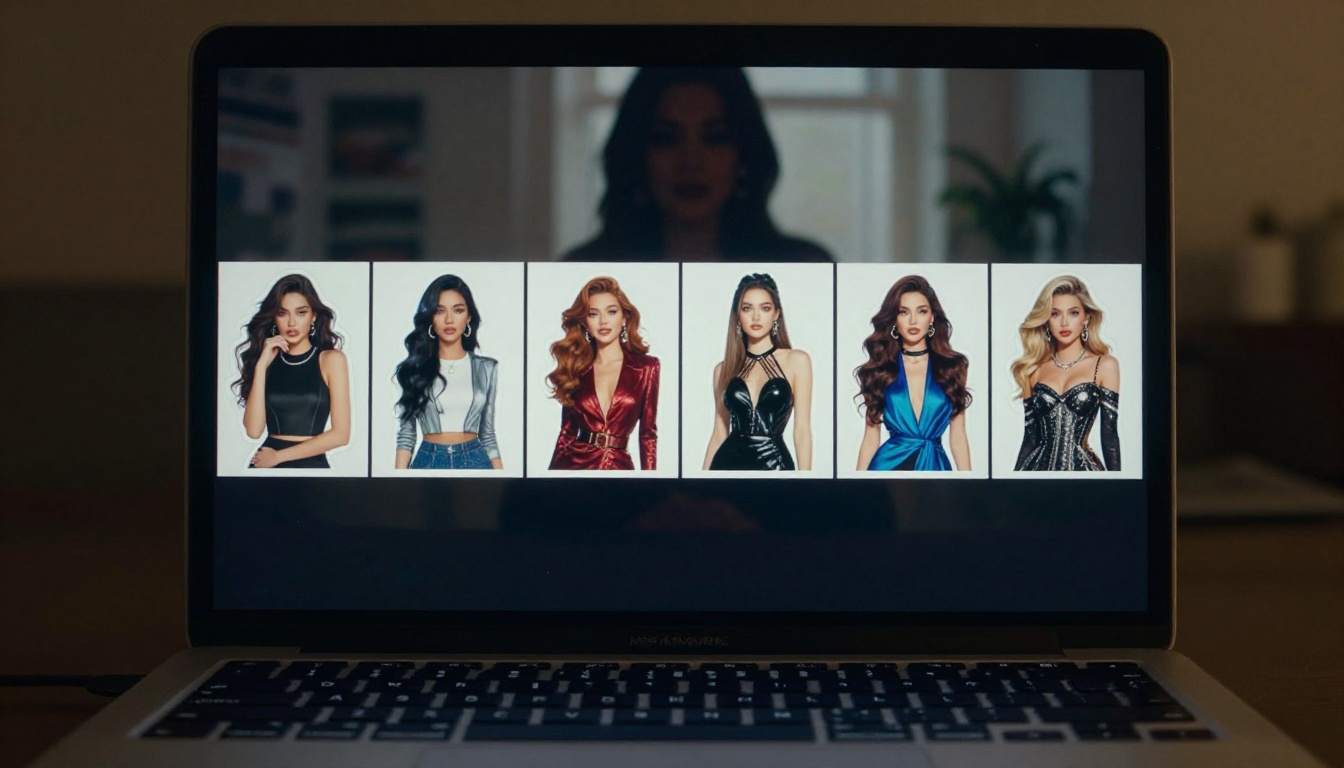
Adult sticker design has gone through a quiet revolution. What used to take a professional illustrator days to produce, an AI model now generates in under three seconds. GPT Image 2.0, the image generation engine inside ChatGPT, brought attention to AI-generated imagery, but for creators who want 18+ sticker content, the story has a clear complication. This article breaks down exactly what GPT Image 2.0 can actually do for adult sticker creation, where its limits kick in, and which platforms deliver real uncensored results without the friction.
What GPT Image 2.0 Can (and Can't) Do for Adult Stickers
GPT Image 2.0 is OpenAI's flagship image model, embedded in ChatGPT's interface. It produces impressively detailed images from text prompts, handles composition well, and understands a wide range of artistic styles. For sticker creation in particular, it can generate clean character illustrations, manage transparency hints, and output PNG-formatted images suitable for sticker printing.
The problem for 18+ creators is OpenAI's content policy.
Where GPT Image 2.0 Draws the Line
OpenAI applies strict content moderation to GPT Image 2.0. Even suggestive content such as swimwear photography, pin-up styles, or glamour imagery frequently triggers refusals. The model uses both prompt filtering and output scanning, which means even carefully worded requests get blocked mid-generation.
For sticker creators targeting adult audiences, this creates a real bottleneck:
- Suggestive clothing (lingerie, swimwear, low-cut tops) is often refused
- Romantic or intimate poses between characters are flagged
- Pin-up or glamour art styles are inconsistently allowed
- Any explicit nudity is fully blocked regardless of context
The result is an unpredictable workflow. You write a perfectly reasonable prompt and receive either a sanitized version of what you asked for, or a flat refusal. Neither outcome works for professional sticker production.
Why Those Limits Matter for Creators
Stickers live and die by specificity. A sticker for an adult-oriented Telegram channel or subscription content platform needs to capture a clear character identity, with expressive poses, defined outfits, and a consistent visual style across a whole set. If your generation tool randomly decides that a character in shorts is inappropriate, you cannot build a consistent product.
This is where GPT Image 2.0 falls short for this specific use case. It is an excellent general-purpose image model. It is not the right tool for 18+ sticker production.
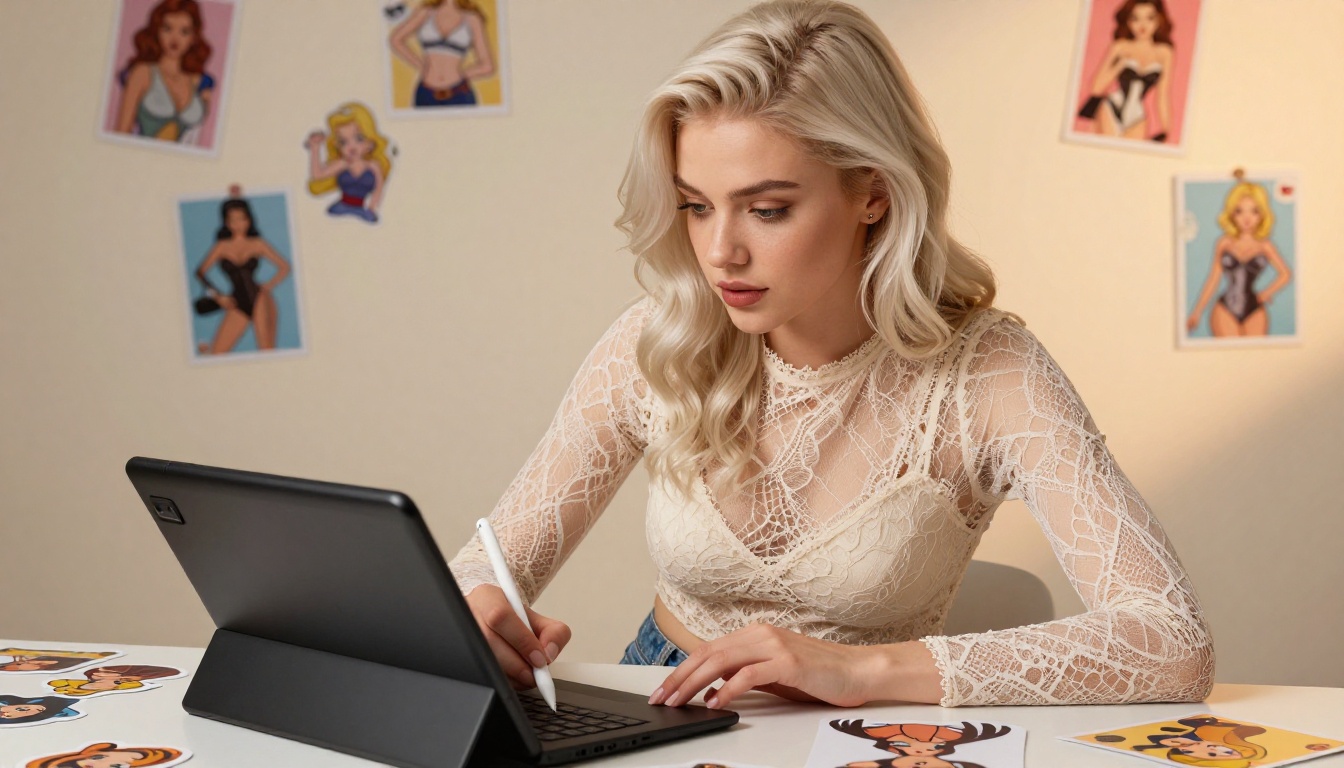
The same capabilities that make GPT Image 2.0 impressive exist in models that run without content filters, or with filters you can disable. Platforms like PicassoIA host multiple such models under one roof, which means you can generate character art, refine it with image editing, remove the background, and export a print-ready sticker without switching tabs.
No Filters, No Compromises
The models on PicassoIA that support adult content do so consistently. There are no random refusals. The same prompt that works on generation 1 will work on generation 50. For sticker pack production where you need dozens of consistent outputs, that reliability is not optional, it is the whole point.
Speed That Changes Your Workflow
The speed difference between GPT Image 2.0 and uncensored alternatives is striking. Seedream 4.5 by ByteDance generates images in under 3 seconds. P-Image by PrunaAI delivers results in under 1 second. Compare that to GPT Image 2.0's typical 10-20 second wait, and the production speed advantage for a sticker pack of 50 images becomes significant.
Best Models for 18+ Sticker Creation on PicassoIA
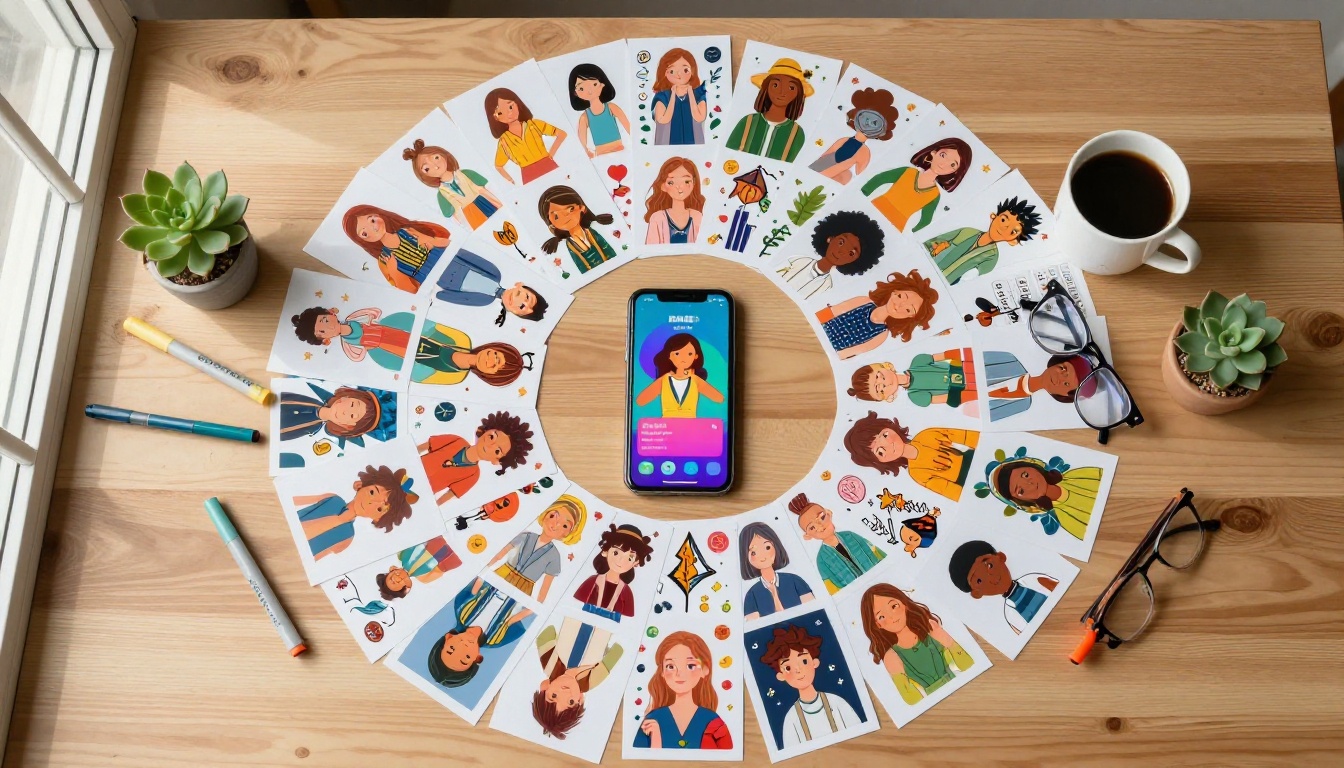
The NSFW model landscape is not equal. Some models produce waxy, unnatural skin tones. Others handle faces poorly or lose coherence at smaller sticker scales. Below is a ranked breakdown based on output quality, speed, and practical sticker use.
Seedream 4.5 at the Top
Seedream 4.5 is the top recommendation for 18+ sticker creation. Built by ByteDance, it produces highly realistic imagery with accurate anatomy, expressive faces, and consistent style across a generation session. It accepts adult content without filtering, handles both text-to-image and image editing, and generates results in under 3 seconds per image.
For sticker creators, the image editing feature is particularly useful. You can generate a base character and then refine specific details without regenerating the entire image from scratch, saving significant time in a 50-sticker pack workflow.
💡 Pro Tip: Use Seedream 4.5 for your first 3-5 sticker generations to establish the character's base look. Once you have the face and body proportions you want, use that first image as a reference for subsequent generations in the same session.
PicassoIA Image Editor Pro for Volume
If you are producing large sticker packs (50+ images), PicassoIA Image Editor Pro changes the economics of the project entirely. It is an image-to-image model included in Elite and Infinite subscription plans with unlimited generations. That means 1,000 sticker variations cost the same as 1, nothing extra beyond your subscription.
By comparison, generating 1,000 images on models like Nano Banana 2 would cost approximately $100. PicassoIA Image Editor Pro eliminates that cost entirely. It accepts adult content, returns results in under 1 second, and includes a free trial of 3 generations without requiring a credit card.
Four More Worth Your Time
| Model | Best For | Standout Feature |
|---|
| Qwen Image 2 | High realism + editing | Open source, very detailed skin and fabric textures |
| Grok Imagine Image | Outfit conversions | Converts any reference to bikini or swimwear realistically |
| Recraft V4 | Text-to-image quality | Very realistic results from detailed text prompts |
| P-Image | Rapid iteration | Under 1 second per generation, supports NSFW |
How to Make 18+ Stickers on PicassoIA
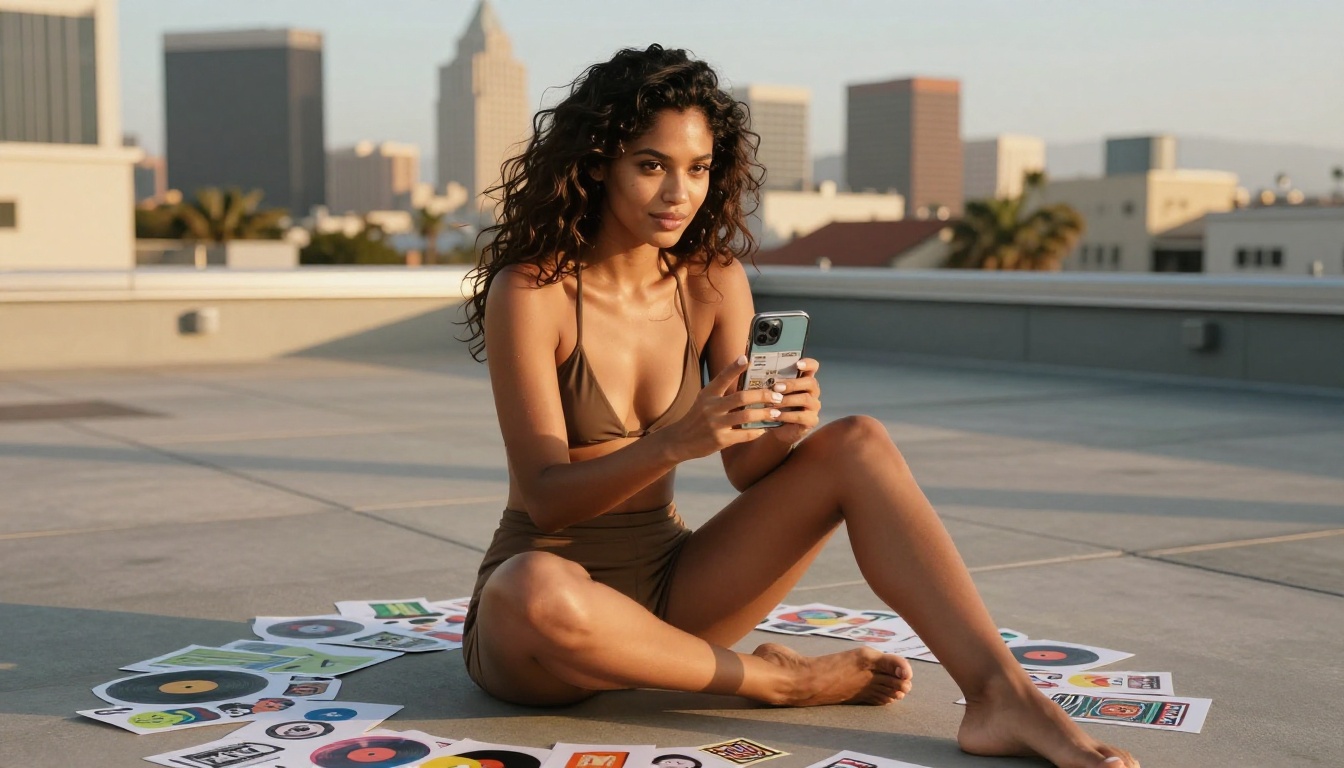
Treat sticker creation as a three-stage process: generate, refine, cut out. That structure keeps the workflow fast and the output consistent regardless of how many stickers you need.
Your First Sticker Prompt
Start with a detailed character description. Vague prompts produce generic results. Good sticker prompts include:
- Character identity: hair color, length, skin tone, eye color, overall build
- Outfit specification: material, cut, color, fit level
- Pose and expression: what the body is doing, what the face communicates
- Background: solid color or white for easier cutout work
- Style direction: "digital art", "anime style", "realistic illustration", "pinup style"
Example prompt for Seedream 4.5:
"Confident young woman, long auburn hair, green eyes, wearing a fitted black satin bodysuit with a plunging neckline, standing pose with one hand on hip, playful smirk, soft studio lighting, white background, pinup illustration style, high detail, vibrant colors"
Getting the Style Right
Stickers are small format by nature. They get printed at sizes between 5cm and 10cm. Fine detail in the face and hands matters much more than background complexity. When generating for stickers:
- Request a simple or solid background to make cutout easier and keep focus on the character
- Ask for bold outlines if you want a more graphic sticker style
- Specify "full body" or "waist up" as waist-up compositions are cleaner at small scale
- Keep clothing colors high contrast against skin tone for readability at small size
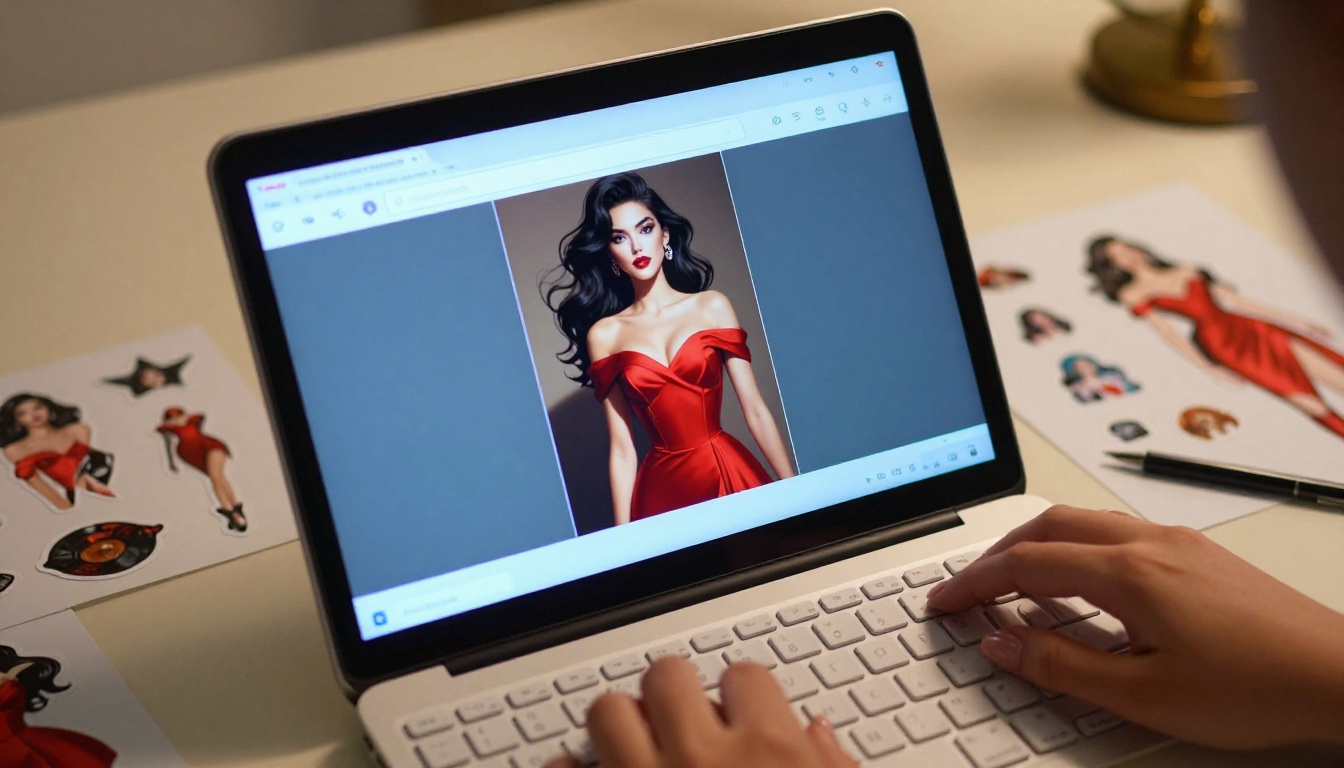
Removing the Background
Once you have your sticker character, you need a transparent background for print. PicassoIA includes a dedicated Background Removal tool by Bria that produces clean AI cutouts with sharp edges around hair and clothing.
The process:
- Generate your character on a simple background (white or light solid color works best)
- Run the image through the Background Removal tool
- Download the PNG with transparent background
- Resize to your target sticker dimensions (typically 512x512 or 1024x1024 for print)
The Bria Background Removal model handles complex edges like hair flyaways and lace fabrics better than most cutout tools, which matters for glamour and pin-up style sticker art.
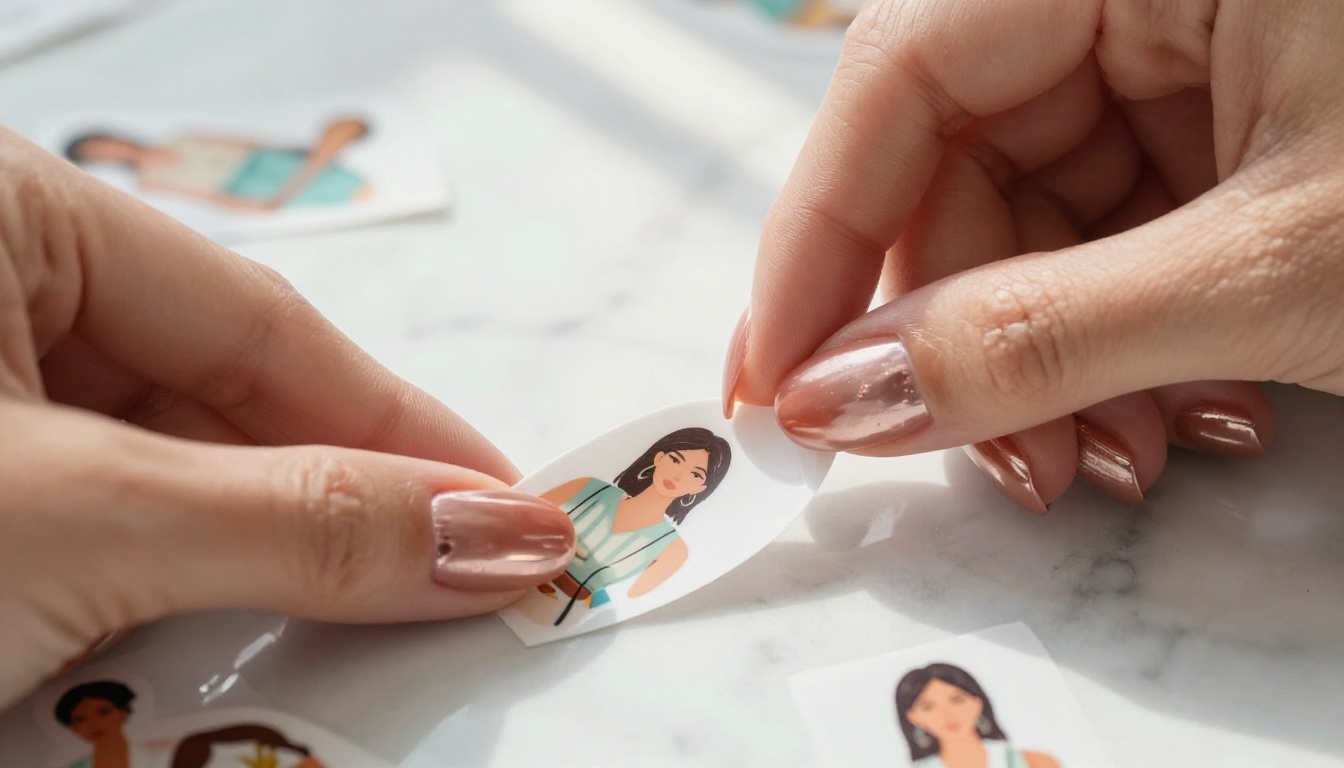
5 Prompt Strategies That Actually Work
After generating hundreds of sticker characters, patterns emerge around what separates usable outputs from ones that need to be discarded. These five strategies consistently produce better results.
Body and Pose Details
AI models interpret pose from anatomy cues in the prompt. Do not just say "standing pose." Specify weight distribution, arm position, and directional lean:
- "weight shifted to left hip, right arm extended with palm facing camera"
- "seated cross-legged on the floor, elbows on knees leaning forward"
- "three-quarter turn to the right, looking back over left shoulder"
The more spatial your pose description, the more controlled the output.
Outfit Descriptions That Convert
The word "wearing" is a weak signal. Strong outfit descriptions specify material, fit, and skin exposure level:
| Weak Prompt | Strong Prompt |
|---|
| "wearing a dress" | "red satin wrap dress, thigh-high hem, open back, form-fitting" |
| "in a bikini" | "white string bikini, triangle top, narrow side ties, slightly low-cut bottom" |
| "lingerie" | "black lace bralette with thin adjustable straps, matching high-waist briefs, sheer fabric" |
The stronger version gives the model specific geometry to work with and produces consistent results across multiple generations.
The Mood Layer Matters
Expression and energy determine whether a sticker feels alive or flat. Add a mood instruction at the end of every prompt:
- "flirtatious smirk, slight head tilt"
- "confident direct eye contact, relaxed jaw"
- "playful tongue bite, raised eyebrow"
- "seductive half-lidded eyes, soft smile"
This single line significantly affects the face output and the overall tone of the sticker.
💡 Prompt Formula: [Character description] + [Outfit with material and fit] + [Specific pose with anatomy cues] + [Background: white or solid] + [Art style] + [Mood or expression instruction]
Color Cohesion Across a Pack
When building a character pack with multiple stickers, color consistency matters. State the exact colors for your character's hair, eyes, and signature outfit in every prompt, even if you think the model remembers from the previous generation. It does not carry memory between prompts. Write the same character description block in every generation to maintain visual coherence across the full pack.
Using Negative Prompts
Most models on PicassoIA accept negative prompts, a list of things you do not want in the image. For sticker creation, always include:
negative: blurry, low resolution, extra fingers, deformed hands, ugly face, watermark, text overlay, complex background, multiple subjects
This alone eliminates a large percentage of unusable outputs, particularly the hand deformation artifacts that plague AI-generated character art.
GPT Image 2.0 vs Seedream 4.5: An Honest Look
For creators who have been using GPT Image 2.0 and are considering switching, here is a direct comparison for the adult sticker use case.
Side by Side Output
| Feature | GPT Image 2.0 | Seedream 4.5 |
|---|
| Adult content support | No (filtered) | Yes |
| Generation speed | 10-20 seconds | Under 3 seconds |
| Image editing | Yes | Yes |
| Refusal rate for suggestive content | High | None |
| Transparent background output | Yes (PNG) | Via Background Removal tool |
| Consistent style across sessions | High | High |
The only meaningful advantage GPT Image 2.0 holds is name recognition and native ChatGPT integration. For adult sticker production specifically, Seedream 4.5 wins on every metric that matters: speed, no content filtering, and image editing built in.
When to Use img2img
Image-to-image generation, taking an existing image as input and modifying it, is where tools like PicassoIA Image Editor Pro and Qwen Image 2 shine.
Use img2img when:
- You have a character you like but want to change their outfit
- You want to produce multiple pose variations of the same character
- You are starting from a real reference photo and want an illustrated version
- You need to fix a specific body part without regenerating the whole image
The Grok Imagine Image model is particularly strong for outfit conversions, taking any uploaded photo and converting it to a bikini or swimwear look with realistic results.
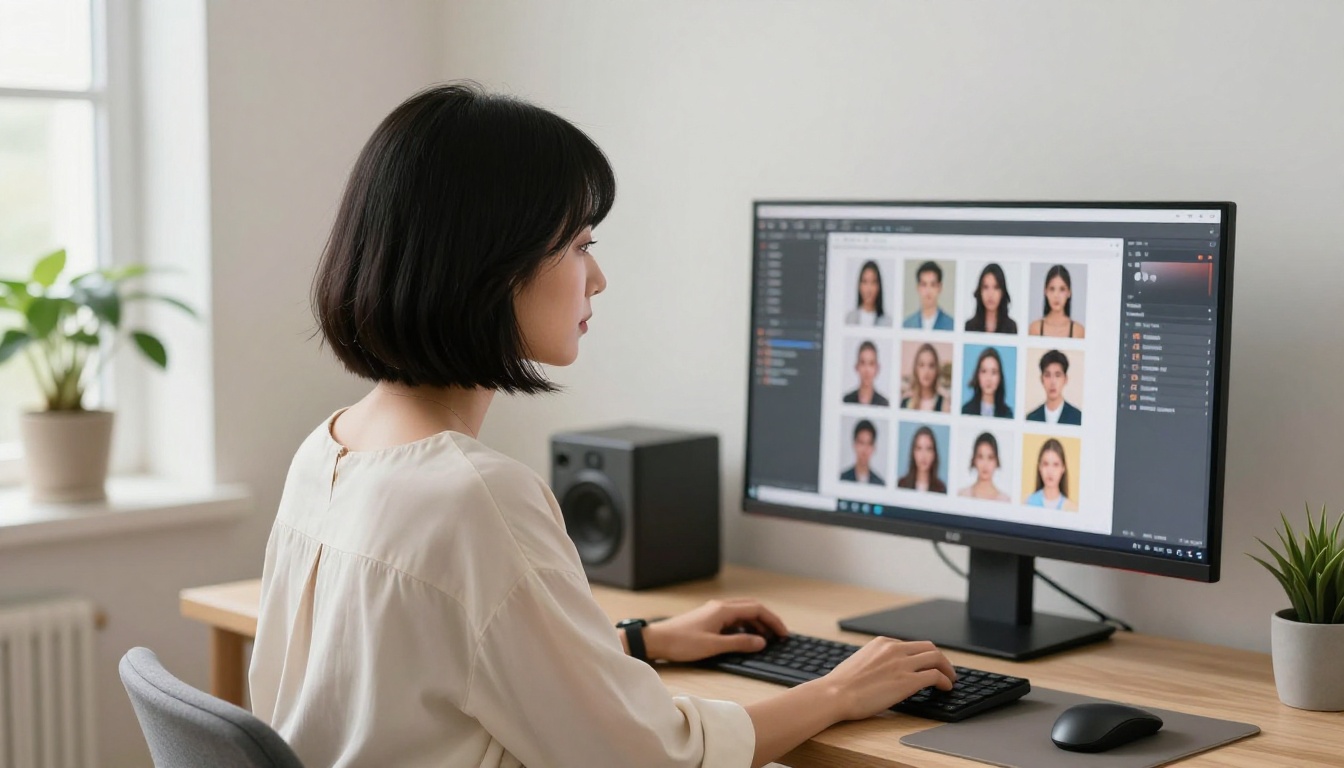
Sticker-Ready Finishing Touches
Generating the image is step one. Getting it print-ready or platform-ready takes a few additional steps that most tutorials skip.
Cutting Out the Background
The Bria Background Removal tool on PicassoIA handles the cutout automatically. For complex edges, run the same tool twice if the first pass leaves artifacts. The model handles:
- Hair strands and flyaways: keeps fine edge detail that most tools lose
- Sheer fabrics: preserves slight transparency in lace or mesh outfits
- Skin-to-background transitions: avoids the white fringe halo effect common in cheaper cutout tools
After removal, download as PNG with transparency. Do not save as JPG, which destroys the transparent channel.
Sizing and Export Formats
Sticker sizing depends on the platform or print house:
| Use Case | Recommended Size | Format |
|---|
| Telegram sticker pack | 512x512 px | PNG (max 512KB) |
| WhatsApp sticker | 512x512 px | WebP |
| Printable vinyl sticker | 2048x2048 px minimum | PNG (300 DPI) |
| iMessage sticker pack | 300x300 to 618x618 | PNG |
For vinyl print production, generate at the highest resolution available and upscale with a super-resolution tool if needed. PicassoIA includes super-resolution models in the platform for exactly this purpose.
Start Creating Your First 18+ Sticker Pack
The tools are there. The only thing standing between you and a 50-sticker pack of consistent, high-quality adult character art is sitting down and writing detailed prompts. Start with Seedream 4.5 for your initial character drafts, move to PicassoIA Image Editor Pro once you have a look you like and need volume, and use the Background Removal tool to get print-ready cutouts in seconds.
GPT Image 2.0 gets the headlines, but PicassoIA gives you the actual results. No refusals. No sanitized versions of your prompt. No waiting 20 seconds per image. Fast, uncensored, high-quality character art that works at sticker scale.
The full catalog of 91+ text-to-image models, background removal, super-resolution, and video tools is available at picassoia.com/en/all-models. Pick your model, write your prompt, and start generating.