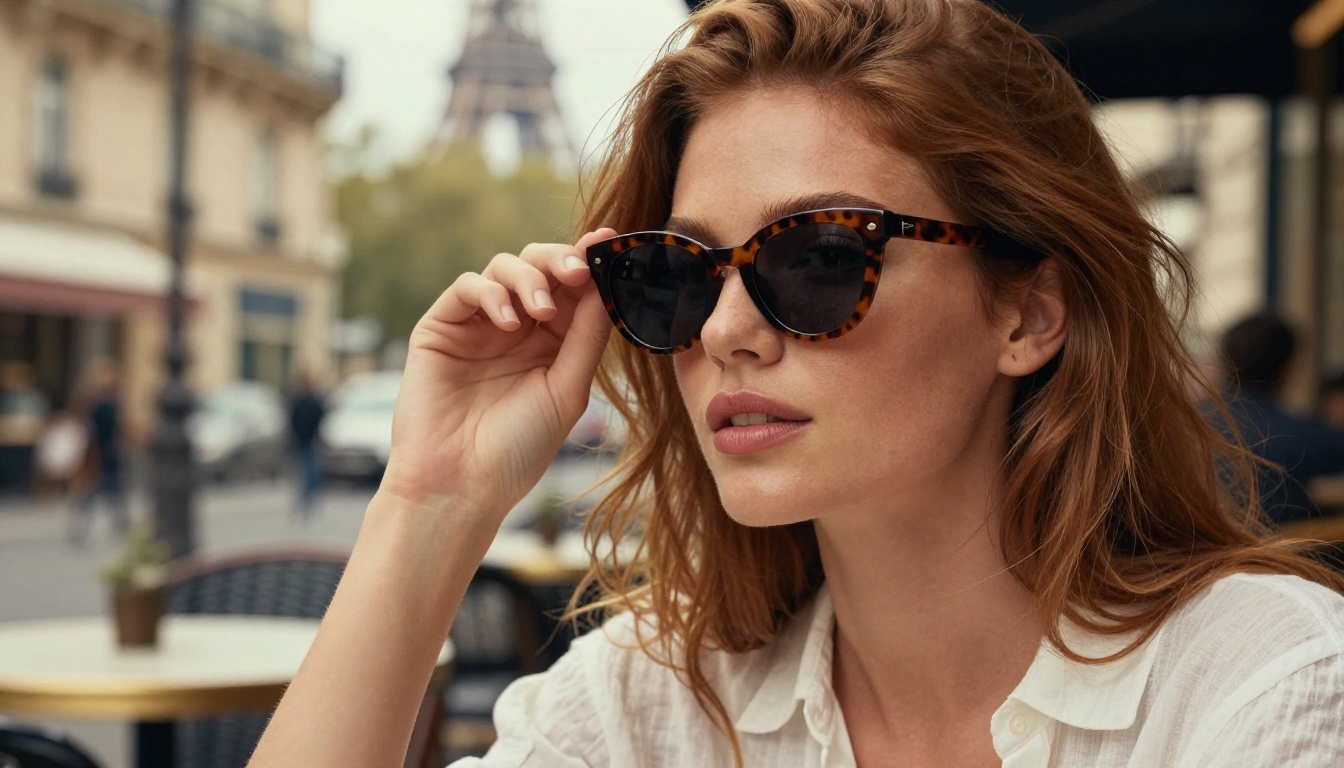
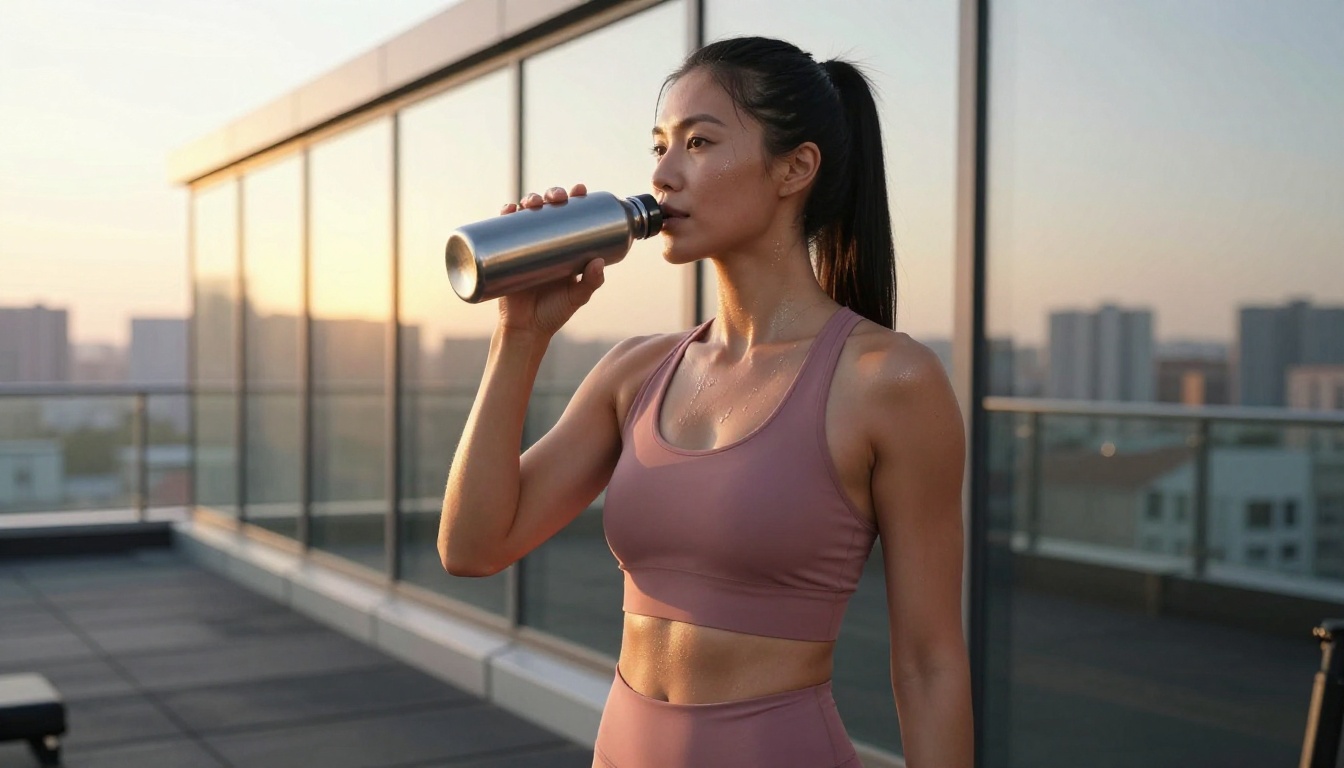
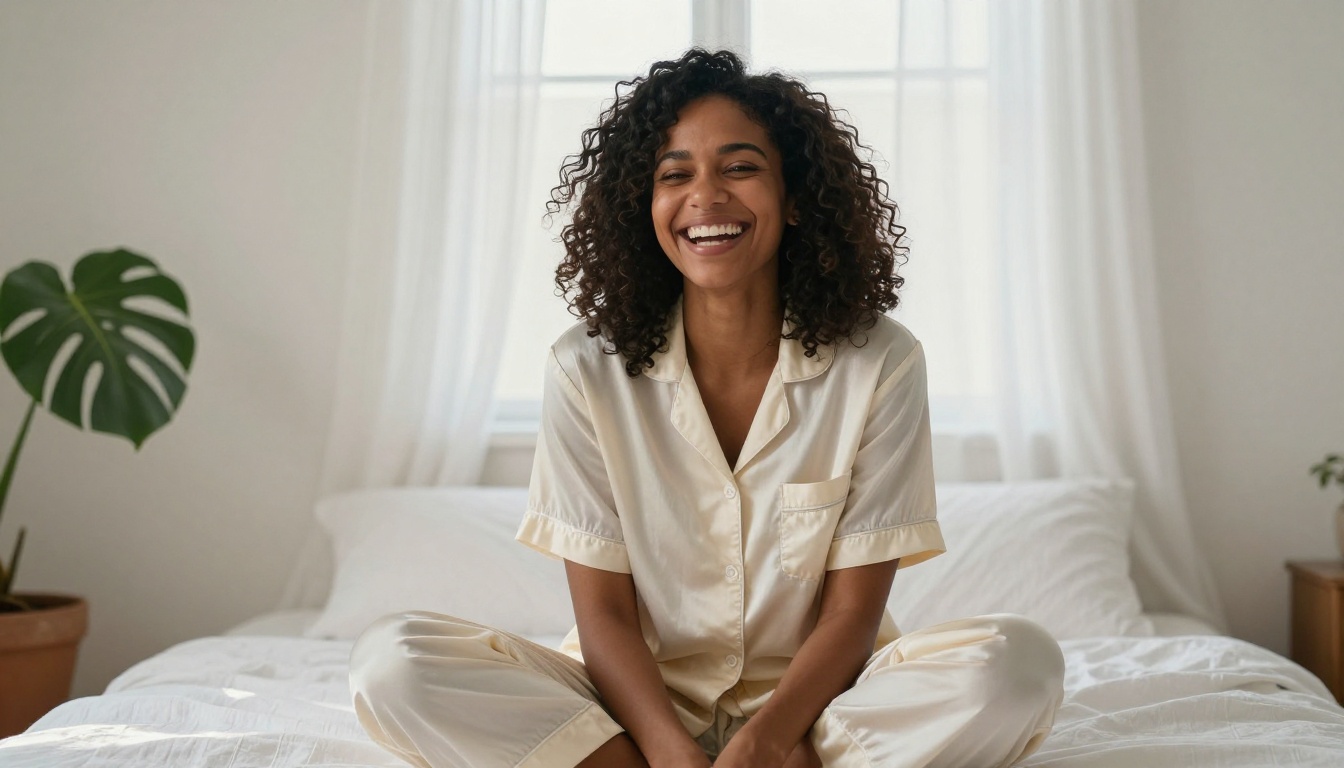
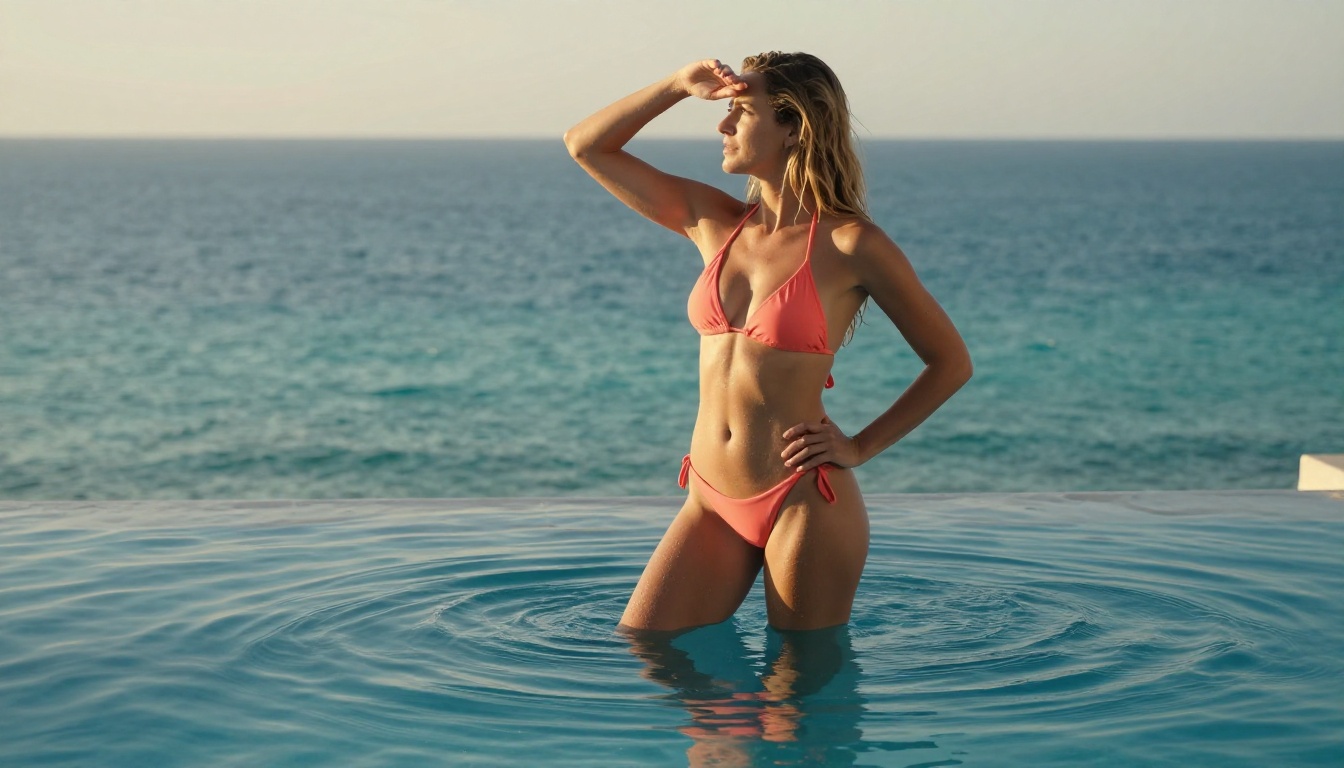
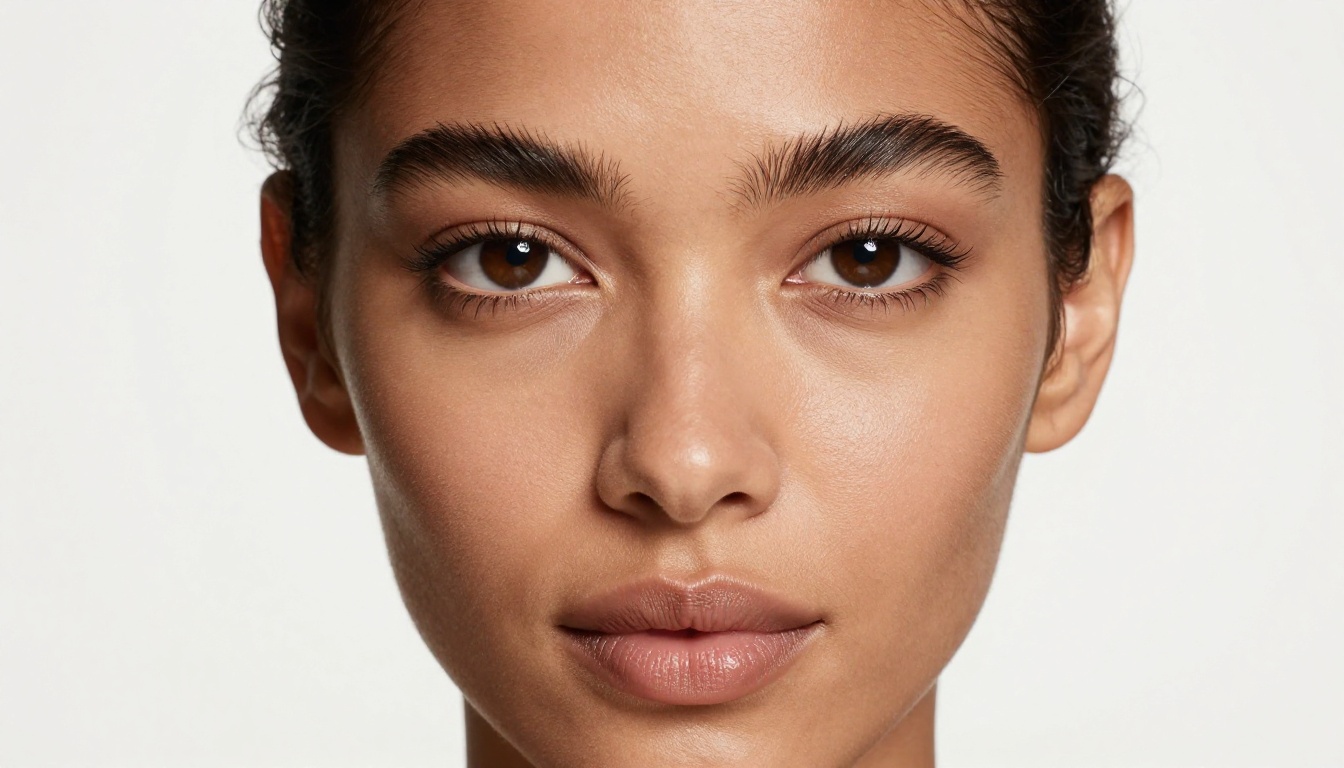
Make Hot AI Influencers with FLUX.2 Max: Photos No One Will Believe Are Fake
Creating photorealistic AI influencer photos has never been more accessible. FLUX.2 Max brings 9-billion-parameter precision that rivals real photography studios. This breakdown covers prompt formulas, lighting setups, model comparisons, and step-by-step instructions for generating stunning AI influencer content at scale on PicassoIA.
The influencer economy runs on one thing: attention. Perfect lighting, flawless skin, aspirational locations, faces that stop scrolling mid-feed. Building that content traditionally meant photographer bookings, studio rentals, model agencies, and post-production hours. With FLUX.2 Max, all of that collapses into a single well-crafted text prompt.
FLUX.2 Max sits at the top of Black Forest Labs' second-generation model family, powered by 9 billion parameters fine-tuned specifically for photorealistic human portraiture. The results are not AI art. They are photographs that hold up to scrutiny, pixel by pixel.
What FLUX.2 Max Actually Is
Before writing a single prompt, you need to understand what separates FLUX.2 Max from the crowd. This is not a stylized art model. It is not built for anime or concept art. It is purpose-built for one thing: images that pass as real photography.
The 9B Parameter Edge
Most text-to-image models run between 1 and 3 billion parameters. FLUX.2 Klein 9B Base LoRA, the backbone of FLUX.2 Max, runs at 9 billion. That number matters because it directly correlates to:
Anatomical accuracy: fingers, hands, wrists, ears without distortion
Facial consistency: both eyes level, proportional features, accurate occlusion
Clothing physics: fabric folds, weight, and gravity behaving correctly
The smaller FLUX.2 Klein 4B Base LoRA handles fast iterations well but shows limitations on complex anatomy. For influencer content, where the human figure is the entire subject, those limitations show.
Why Photorealism Matters for AI Influencers
Content that reads as AI-generated gets significantly fewer saves, shares, and clicks than content that passes as authentic photography. The moment a follower spots the uncanny valley, the spell is broken. FLUX.2 Max sits on the right side of that valley in a way earlier FLUX models and SDXL variants simply do not.
The photorealism chain requires three things working together: the base model quality, the prompt precision, and the post-generation upscale. FLUX.2 Max handles the first. The right prompts handle the second. PicassoIA's Super Resolution handles the third.
The Anatomy of a Hot AI Influencer Photo
What makes a photo magnetic? Not just subject attractiveness. It is the combination of confidence in body language, quality of light, environmental storytelling, and technical sharpness. You are directing a shoot with words.
Posture and Body Language in Prompts
Most beginners write "beautiful woman standing on the beach." That produces a stiff, symmetrical, catalog-like result. Real influencer photography captures movement in stillness: the slight lean, the hand placement, the direction of gaze.
Try this instead:
"weight shifted to left hip, right hand lightly touching collarbone, gaze slightly above and past camera, slight parted lips"
That single addition injects natural pose tension. The model interprets body language instructions with high accuracy at the 9B parameter scale.
Pose prompt elements that work:
Weight distribution: "weight on left hip", "leaning against wall with one shoulder"
Hand placement: "right hand loosely in hair", "fingers lightly gripping bag strap"
Head angle: "chin slightly down, eyes up", "three-quarter profile right"
Gaze direction: "direct eye contact with camera", "looking off to upper right"
Lighting Is Everything
Photography is, literally, writing with light. Your prompt must specify:
Light source: window, golden hour sun, studio softbox, street lamp, overcast sky
Direction: from left, from above, backlit, split lighting
Quality: hard direct, soft diffused, volumetric, dappled through leaves
Color temperature: warm golden (5600K), cool blue hour (4200K), neutral daylight (6500K)
💡 The most flattering natural light for portraiture is "diffused window light from 45 degrees above left." It creates gentle shadows on the right side of the face and adds depth without harshness.
For outdoor glamour shots, golden hour delivers the most aspirational results:
"late afternoon golden hour sunlight from behind and left, creating a warm hair
highlight halo, subtle lens flare at frame edge, warm glowing skin tones"
The Camera and Lens Specification
Specifying a real camera and lens combination tells the model what depth of field, distortion characteristics, and tonal rendering to apply.
Shot Type
Camera and Lens
Result
Tight portraits
Sony A7R V + 85mm f/1.4
Beautiful background separation, natural face proportions
Environmental fashion
Canon R5 + 35mm f/2.0
Subject in context, slight environmental compression
Full body
Sony A1 + 50mm f/1.2
Natural proportions, cinematic look
Beauty close-up
Phase One IQ4 + 120mm macro
Extreme skin texture detail
Aerial/overhead
DJI Mavic 3 Pro
Geometric composition, flat graphic look
How to Use FLUX.2 Max on PicassoIA
FLUX.2 Klein 9B Base LoRA is available directly on PicassoIA with no installation, no local GPU required, and no queue times. Open the model page, write your prompt, and results appear in seconds.
Set aspect ratio to 16:9 for landscape lifestyle shots or 9:16 for Instagram Stories
Leave seed blank on first runs to explore variations
Enable prompt upsampling if your prompt is under 50 words to auto-expand detail
Run 3 to 5 variations before committing to a direction
Building Consistent Character Identity
One of the real challenges in AI influencer content is character consistency: the same face across multiple shoots. FLUX.2 Max combined with FLUX Kontext Fast gives you two paths:
Path 1: Seed locking. Once you generate a face you love, note the seed number. Run every future generation with that seed and keep the face description identical. Results stay 80 to 90% consistent.
Path 2: Reference-based generation. Use FLUX Redux Dev to generate image variations from a reference photo. Upload your best shot and generate stylistic variations while preserving the core identity.
For brand-level consistency across shoots, the Portrait Series model takes a single reference portrait and generates a full series in different poses, outfits, and locations with the same face.
Prompt Formulas That Actually Work
After testing hundreds of prompts, these structural formulas consistently produce the strongest influencer results with FLUX.2 Max.
The Lifestyle Shot Formula
[Subject + outfit detail] + [location with specifics] + [time of day + light direction]
+ [camera + lens + aperture] + [skin/texture details] + [mood]
+ --ar 16:9 --style raw
Example:
Confident brunette woman in a fitted cream linen co-ord set walking through a vibrant
farmers market, warm Saturday morning light filtering through canvas awnings creating
dappled shadows on her face. Sony 35mm f/1.8, eye-level. Natural skin texture, slight
squint from bright morning sun, genuine smile. Kodak Portra 400 film grain.
Photorealistic RAW 8K --ar 16:9 --style raw
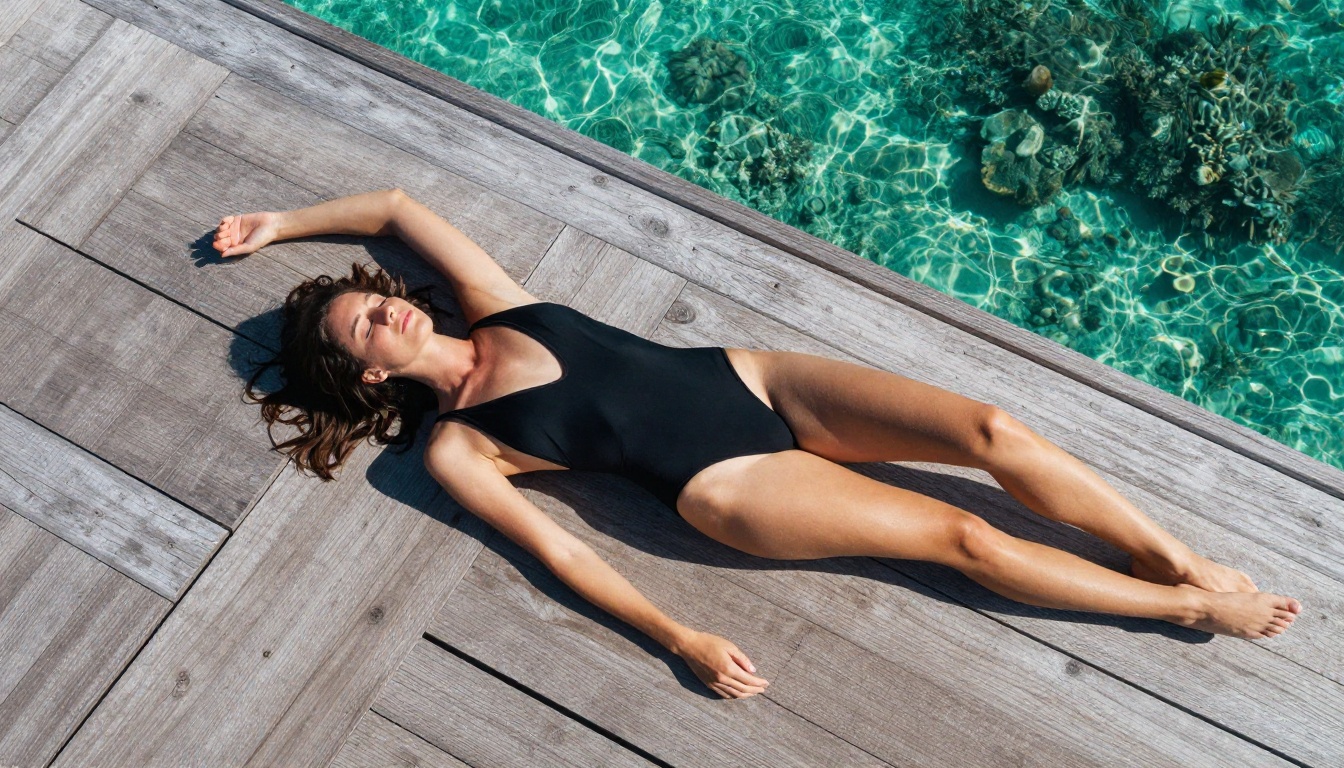
The Beach and Swimwear Formula
[Body description + swimwear] + [exact beach/water location]
+ [sun angle + water interaction] + [low angle camera strongly recommended]
+ [skin details: texture, water, tan lines] + photorealistic RAW 8K
Example:
Athletic tanned woman in a minimal white ribbed bikini at the shoreline of a clear
Caribbean beach, shallow turquoise water around her ankles. Late afternoon sun behind
her creating a warm rim halo, water spray catching the light. Low angle Sony 24mm f/1.4
looking slightly up. Natural skin texture, salt water droplets, subtle tan lines.
Photorealistic RAW 8K --ar 16:9
💡 Low-angle shots for beach content are critical. They create flattering proportions, increase visual impact of the ocean background, and match how luxury brand photography is actually shot.
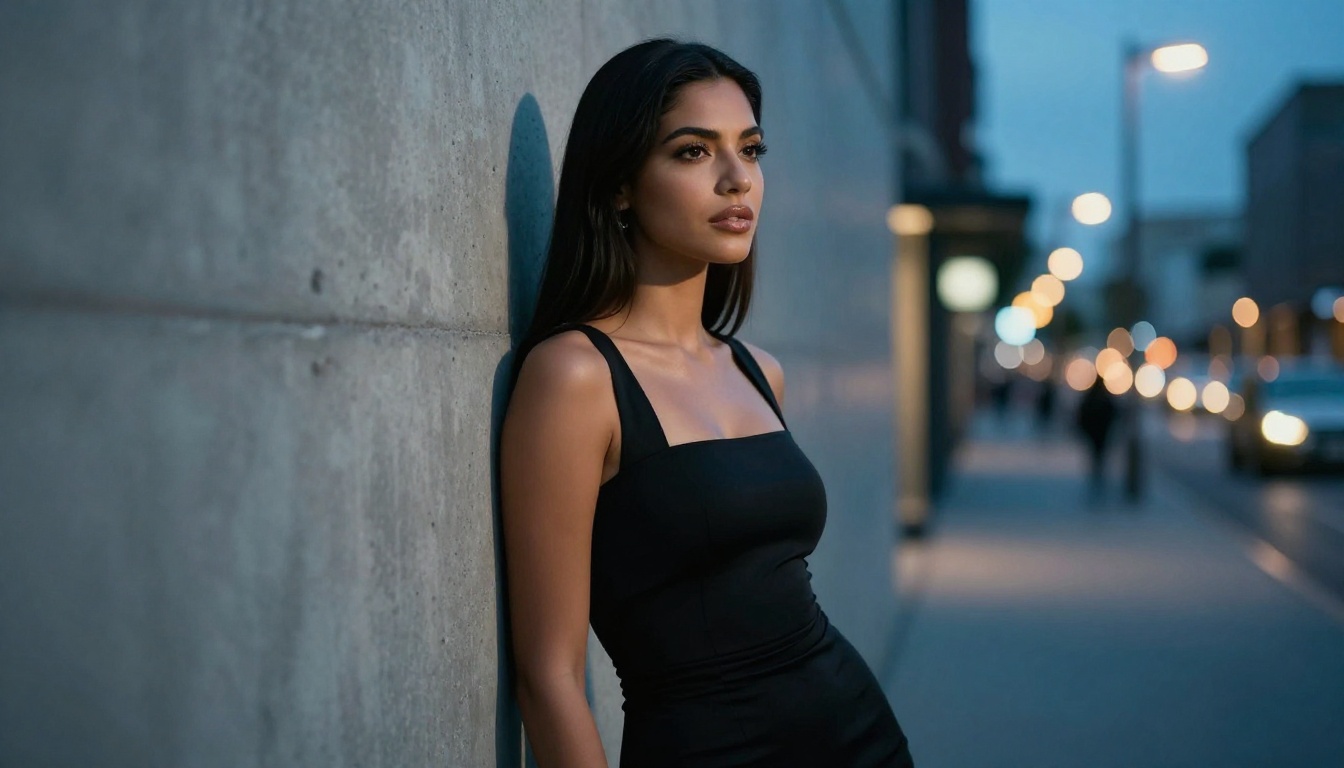
The Fashion Editorial Formula
[Detailed outfit with fabric and cut] + [urban or minimal environment]
+ [blue hour or mixed light] + [directional pose]
+ [camera specs] + [makeup/hair texture] + cinematic, photorealistic
Example:
Latina woman in sleek black satin slip dress, confident three-quarter pose against raw
concrete wall in a modern city alley. Blue hour light mixed with warm amber tungsten
spill from a nearby restaurant window. 50mm f/1.8 eye level. Subtle contouring makeup,
mascara detail, natural lip gloss shine. Film grain. Cinematic photorealistic RAW 8K --ar 16:9
Model Comparison: Which FLUX Fits Your Content
Not all AI influencer niches need the same model. Here is a direct breakdown to help you pick the right tool for each content type:
Single images are just the start. A real influencer feed requires consistency: dozens of posts, different locations, the same recognizable face and brand identity.
The Weekly Content Calendar
With FLUX.2 Max on PicassoIA, a full week of influencer content generates in about an hour:
Build a prompt template per category and vary the outfit and location details each week. The seed-locking technique keeps your character's face consistent across all categories.
Upscaling for Maximum Visual Impact
FLUX.2 Max generates at high fidelity but social platforms compress images aggressively. Before posting, run every image through PicassoIA's Super Resolution to upscale to 4K. This gives compression algorithms more pixel data to work with, and the final post looks sharper than native resolution content from most competitors.
For unlimited generation volume without credit counting, PicassoIA Image Editor Pro is the most cost-effective option on the platform.
Handling Suggestive and NSFW Content
For content that moves into suggestive or adult territory, Seedream 4.5 is the recommended starting point. It delivers 4K photorealistic output, handles artistic bikini and suggestive content without restrictions, and runs fast. Pair it with PicassoIA Image Editor Pro for unlimited run volume when producing content at scale. The full catalog of compatible models is at picassoia.com/en/all-models.
Common Mistakes and How to Fix Them
Even experienced creators run into the same recurring issues with AI influencer content. Here are the most frequent problems and their direct fixes.
Stiff, Mannequin-like Poses
Problem: The subject looks posed and artificial.
Fix: Add natural imperfection to your prompt. "Slight asymmetric smile," "one strand of hair across forehead," "weight unevenly distributed," "fabric slightly wrinkled at waist." Perfection reads as fake. Strategic imperfection reads as authentic.
Hands That Look Wrong
Problem: Fingers are merged, bent unnaturally, or have extra digits.
Fix: At 9 billion parameters, FLUX.2 Max handles hands better than any previous generation. Still: specify precisely what hands are doing ("right hand holding coffee cup at chest height, fingers wrapped around the rim"), use angles that partially obscure hands, or position hands at the frame edges where they read as naturally cut off.
Inconsistent Lighting
Problem: Light seems to come from multiple conflicting directions.
Fix: Specify one primary light source and one fill source maximum. "Primary light from upper left window, soft fill from right side reflector" is sufficient. Adding three or four light sources creates conflicts the model cannot resolve coherently.
Generic, Empty Backgrounds
Problem: The background is soft blur with no identity or narrative.
Fix: Name specific locations with distinguishing visual characteristics. "Floor-to-ceiling windows overlooking Shibuya crossing," "raw concrete pillar of a brutalist apartment building," "white sand beach with visible coral through turquoise water." Specificity creates scenes. Vagueness creates catalog photos.
No Film Grain or Organic Texture
Problem: The image looks too clean, almost plastic.
Fix: Always add "Kodak Portra 400 film grain" and "photorealistic RAW 8K" to your prompt. These two phrases activate the model's organic texture rendering. For extra realism, add "slight natural skin imperfections," "pores visible at close range," and "hair with individual strand separation."
Start Creating on PicassoIA
Everything in this article works today, in your browser, without a GPU or any installation. The entire FLUX.2 model family, including FLUX.2 Klein 9B Base LoRA, is live on PicassoIA Image.
Take the lifestyle formula from this article and plug in your own details. Start with one category, one consistent character description, one lighting setup. Run 5 variations. Pick the best two. Adjust. Within an hour you will have the foundation of a photorealistic AI influencer feed that most people will not distinguish from real photography.
The full model catalog, including all FLUX variants, Seedream 4.5 for NSFW content, Super Resolution upscalers, and Realistic Vision v5.1 for warm film-style portraits, is at picassoia.com/en/all-models. Pick your model and build your first AI influencer.