Making AI-generated models look genuinely human is still one of the most challenging things you can do with image generation tools. Not because the technology isn't there, but because most people are approaching it completely wrong. The difference between a creepy plastic mannequin and a portrait that stops people mid-scroll comes down to a handful of specific decisions: how you describe skin, what camera you reference, and which model you actually use. This article breaks all of it down.
Why Most AI Models Still Look Off
There's a name for the discomfort you feel when an AI face almost looks real but doesn't quite make it: the uncanny valley. Most AI-generated portraits land squarely in it. The issues tend to cluster in the same places every time.
Skin that's too smooth, like it was coated in silicone. Eyes that have no catchlight or a fake, uniform catchlight that looks pasted on. Hair that flows perfectly in a way no real hair ever does. Hands with fingers that don't quite know how many bones they have.
The problem isn't the AI model itself in most cases. It's what people ask of it. Vague prompts produce generic outputs. Generic outputs look artificial.
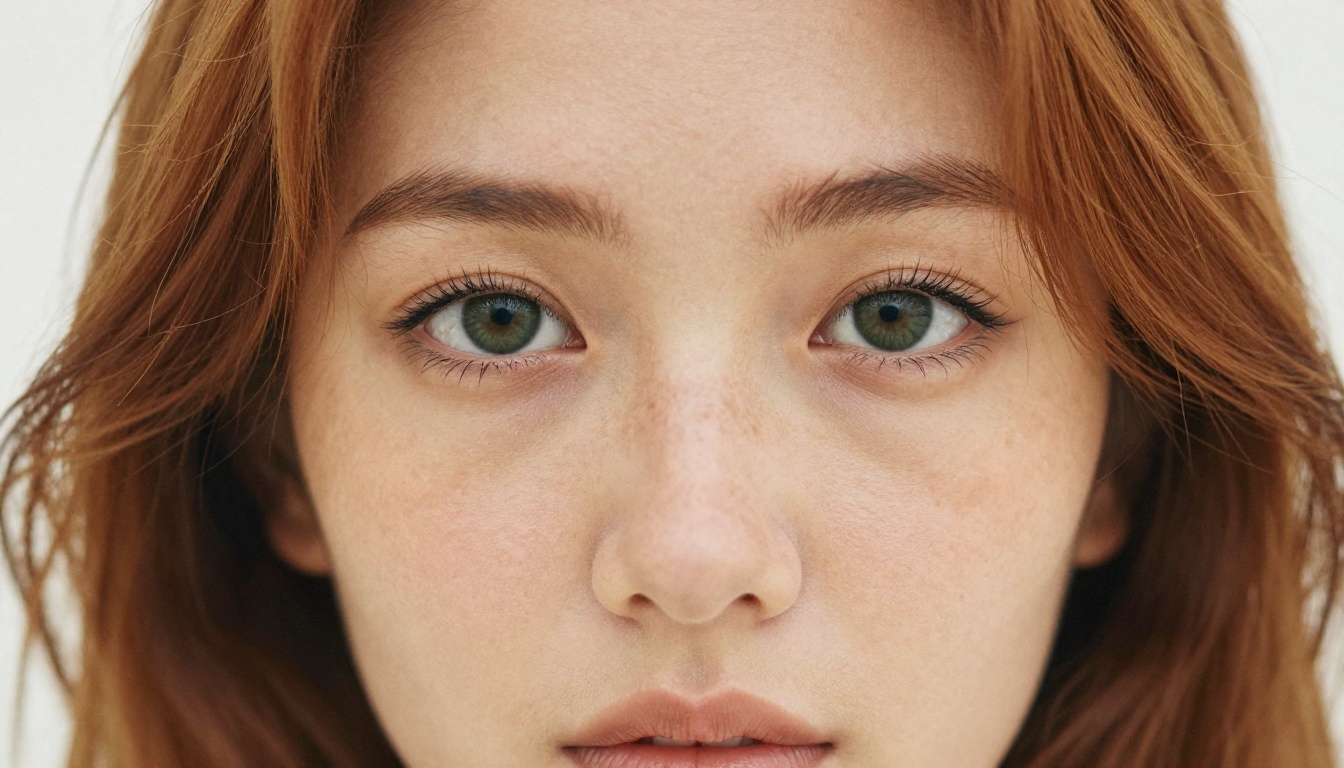
The Anatomy of a Realistic AI Face
If you want to make hot AI models that look human, you need to think like a photographer, not a creative writer. Photographers obsess over light direction, lens choice, and what imperfections make a face interesting. AI models respond to exactly those same details when they appear in your prompt.
Skin That Actually Breathes
Real skin has pores. It has fine vellus hairs. It has slightly different tones across the forehead versus the cheeks. There's natural redness at the tip of the nose and a tiny bit of sebaceous texture around the nostrils. Subtle circles under the eyes. A faint freckle or two.
Your prompt needs to tell the model about all of this. Not abstractly. Specifically.
What doesn't work: beautiful woman, photorealistic, 8k
What works: skin pores visible at this magnification, fine vellus hairs on the cheekbone, natural under-eye darkness, genuine skin imperfections including faint sebaceous texture around the nose, authentic human proportions
The model responds to specificity. The more precise you are about what makes skin look real, the more real the skin looks in the output.
💡 Tip: Add Kodak Portra 400 film grain to almost any portrait prompt. Film grain does more for skin realism than any other single modifier.
Eyes That Hold Your Attention
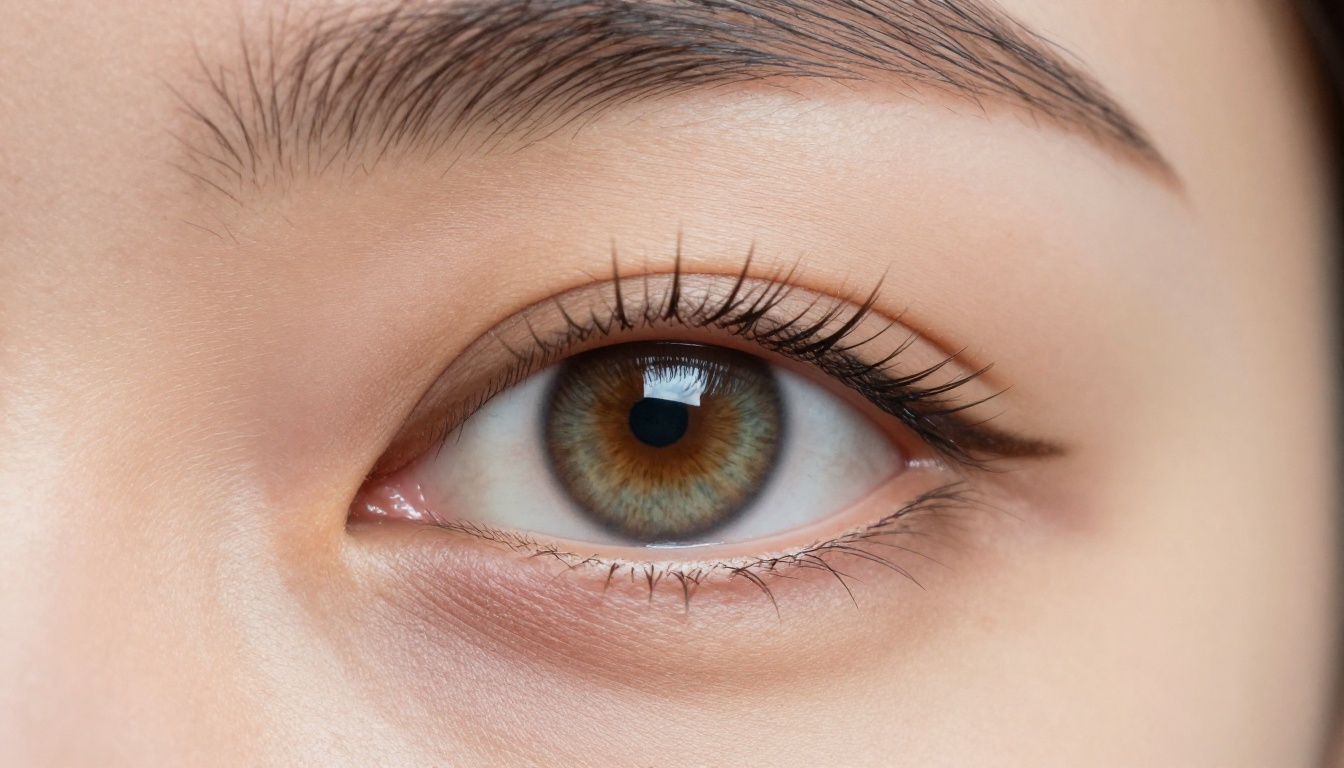
The eyes are where uncanny valley hits hardest. AI models often generate eyes with a uniform, symmetrical catchlight that no real photograph ever has. Or worse, no catchlight at all, giving the subject a flat, vacant quality.
The fix is to specify the light source and its position. Catchlight from a soft window source reflecting in the pupil creating a small crescent shape gives the model something real to work from. Add slight natural asymmetry between left and right iris and watch the result suddenly feel like someone is actually home behind those eyes.
Hair With Real Weight and Imperfection
Perfect hair is fake hair. Real hair has flyaways, split ends, strands that cross the face, subtle variation in color from root to tip. It catches light differently depending on angle and texture.
Add these to your prompt: loose flyaways at the hairline, natural frizz texture, individual strands catching backlight, root-to-tip color variation. The difference in output is immediate and significant.
Best AI Models for Human-Looking Results on PicassoIA
PicassoIA has over 91 text-to-image models, and not all of them approach photorealism the same way. These are the ones that consistently deliver results that make AI models look human, especially for attractive and glamour-style portraiture.
Top Models for Photorealistic Portraits
Seedream 4.5 is the starting point for anyone serious about photorealistic AI models. It accepts adult and NSFW content, supports image editing so you can refine results, and produces ultra-realistic skin, hair, and facial expressions in under 3 seconds. Nothing else in PicassoIA's library matches its combination of speed and quality for human portraiture.
PicassoIA Image Editor Pro is the second essential tool. It's an img2img model, which means you work from an existing image and refine it. The biggest advantage is unlimited generations: with an Elite or Infinite subscription, you can generate 1,000 images at no extra cost. Compare that to models like Nano Banana 2, where the same volume would run around $100. It accepts NSFW content and delivers results in under a second, with a free trial of 3 generations requiring no credit card.
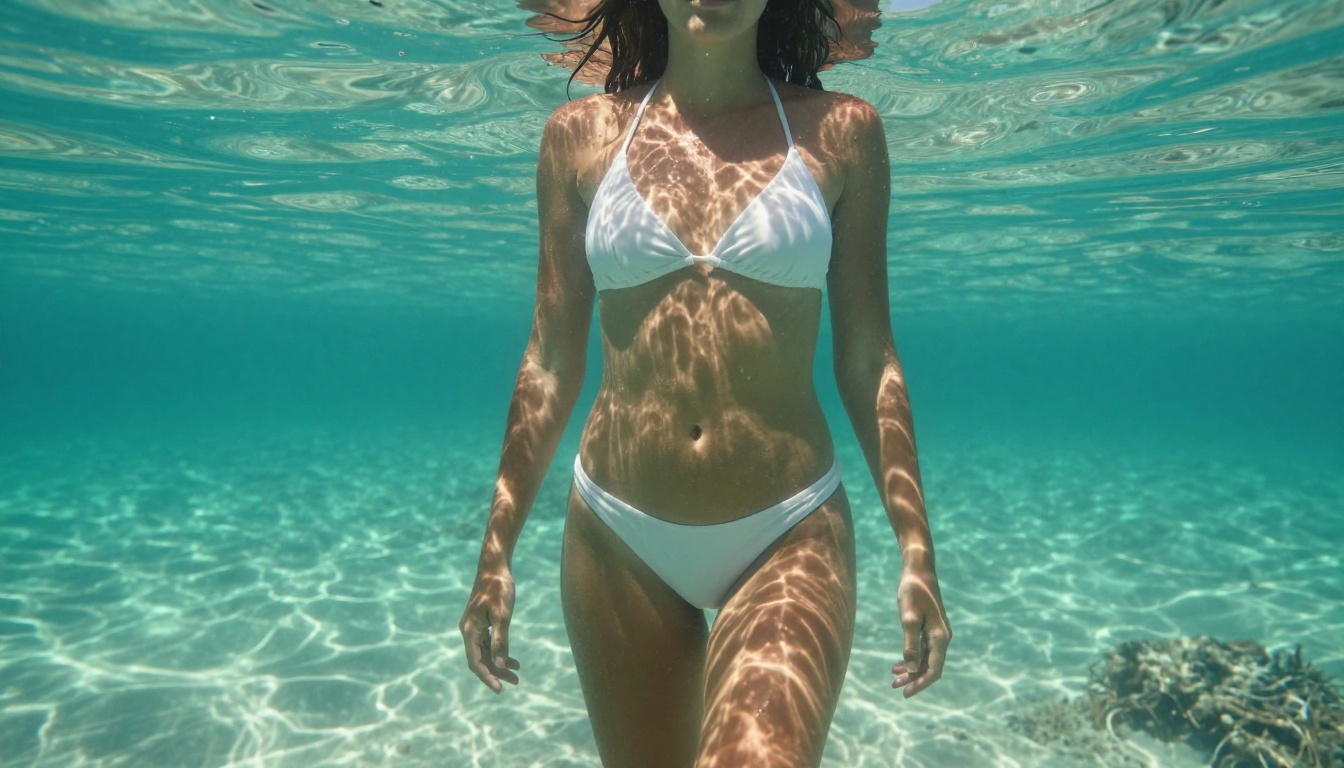
For targeted use cases, Grok Imagine Image is particularly good at realistic transformation. It can take any reference image and convert it into bikini or glamour formats with very realistic results. Qwen Image 2 being open source means no content restrictions; you can edit or create any image in seconds with very detailed realism.
💡 NSFW Note: The newer Seedream 5 Lite does not support adult content. Stick with Seedream 4.5 for unrestricted human portraiture.
Unlike many mainstream AI platforms that filter or watermark attractive human content, PicassoIA gives creators full creative freedom. If you want to generate glamour, beauty, or adult-oriented photography with AI, this is where it happens without restrictions.
Prompting Tricks That Change Everything
Getting photorealistic AI human models isn't just about choosing the right model. The prompt is where most of the work happens.
Lighting Is 80% of the Result
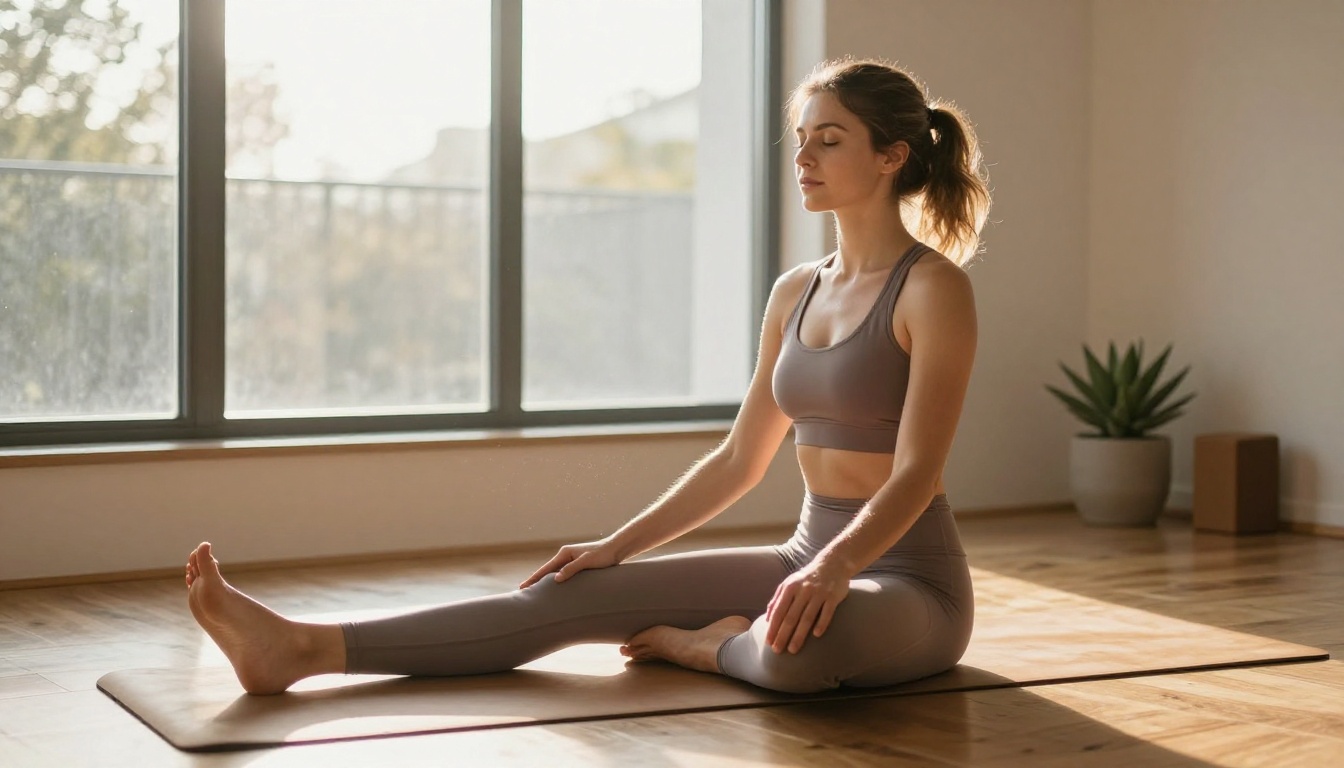
Natural light doesn't come from everywhere at once. It comes from one direction, hits surfaces at an angle, and creates shadows. When your prompt says well-lit, the AI has no idea what to do with that instruction.
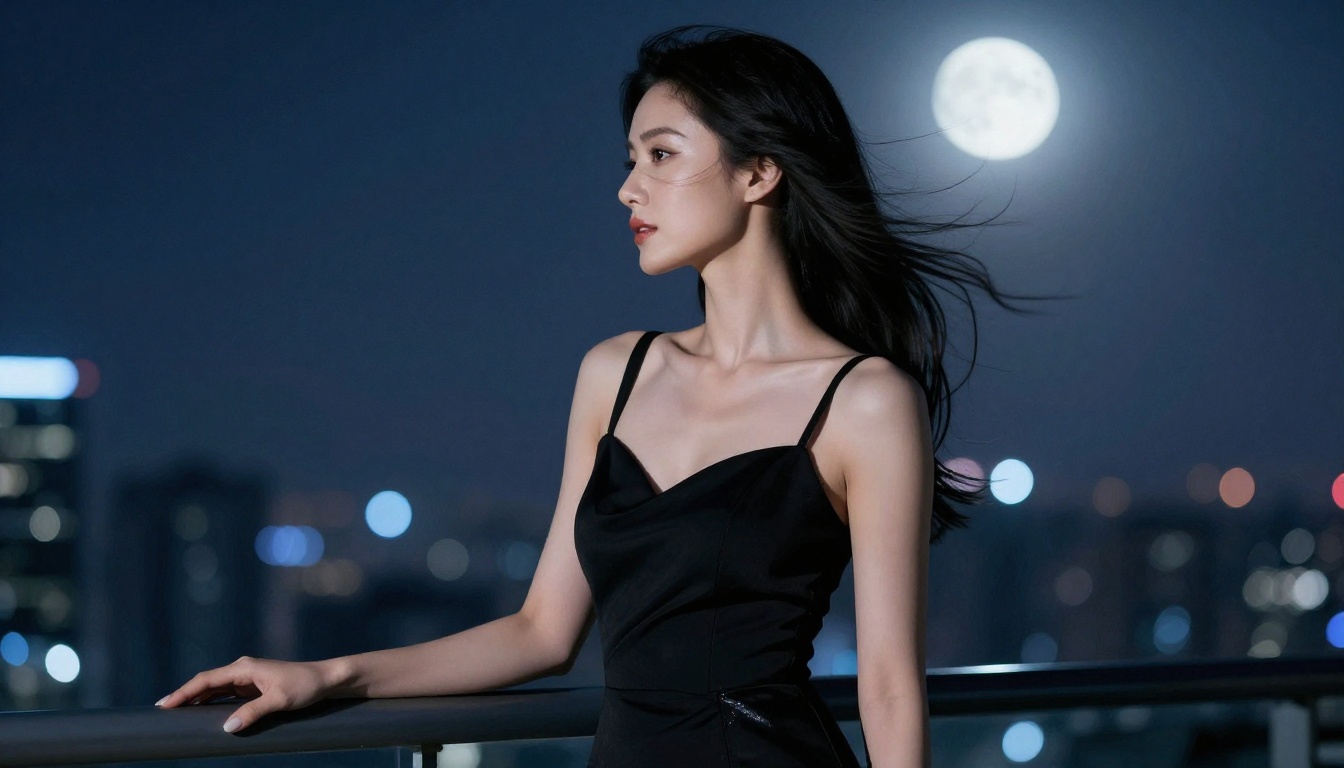
Be specific. Volumetric morning light streaming from the left at 30-degree angle creating soft shadows across the cheekbones gives the model a precise instruction. The result is a face with natural three-dimensional definition instead of flat, even illumination that reads as artificial.
Types of lighting that read as genuinely real in output:
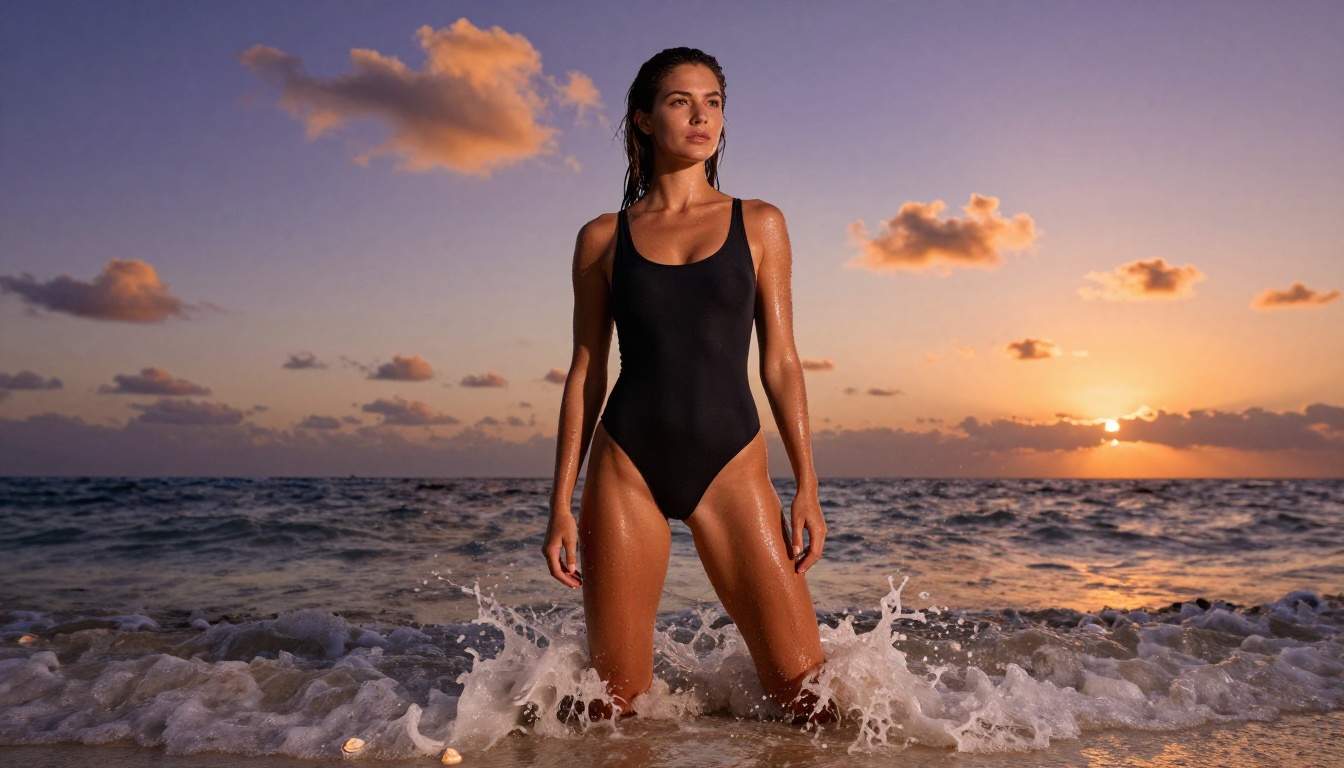
- Golden hour from one side — warm orange rim light with deep shadows on the opposite side
- Soft window light from above-left — classic portrait lighting, creates natural gradient on the face
- Overcast diffused light — flat but honest; excellent for close-up skin detail
- Backlit with rim light — subject has glowing hair edges against a darker background
Camera Specs Are Not Optional
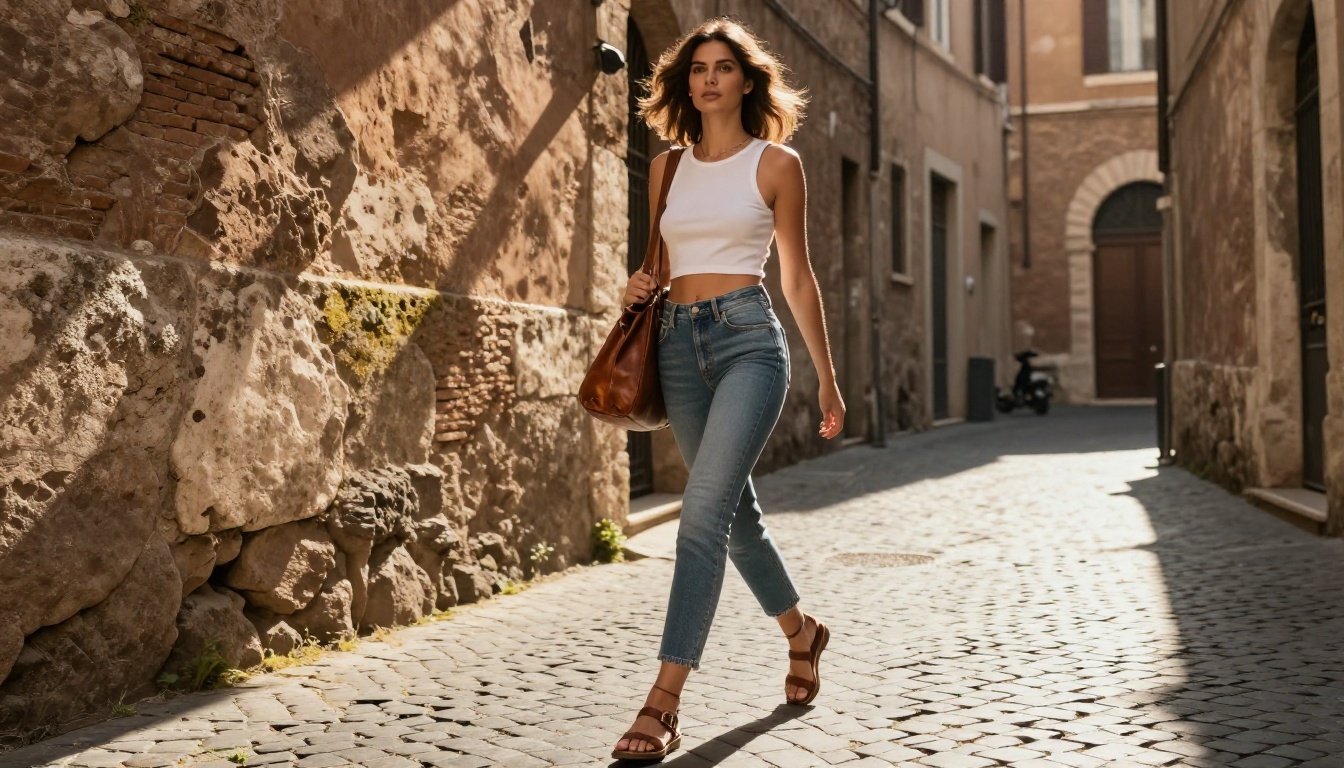
Real photographs have optical characteristics. Lenses distort. Apertures blur backgrounds. A 35mm lens renders proportions differently than an 85mm telephoto. Including camera specs in your prompt forces the AI to produce images that look like they were shot by an actual camera, not rendered on a computer.
85mm f/1.4 Canon lens — classic portrait compression, beautiful background blur35mm f/2.8 — wider, more environmental, slight barrel distortion for street scenes100mm f/2.8 macro lens — extreme close-up with extraordinary skin detail135mm f/2.0 telephoto — background compression, ideal for urban backdrops
Shallow depth of field alone helps, but naming the specific focal length dramatically improves consistency and realism across generations.
Reference Real Photography
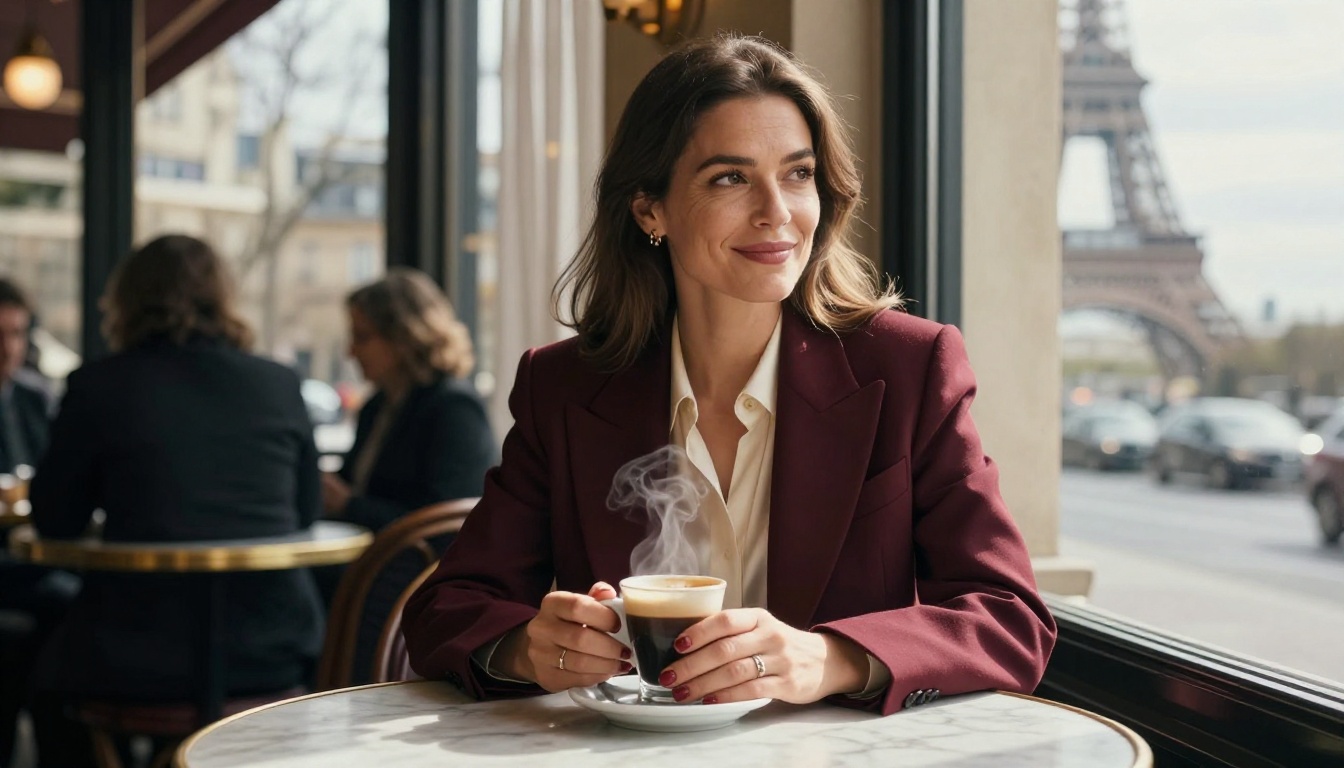
Adding Kodak Portra 400 to your portrait prompt instantly introduces realistic film grain and natural color shift. It's a shortcut to authenticity. Film grain reads as real. Digital-perfect renders do not.
Other useful references for photorealism:
RAW photography — signals no post-processing, natural unretouched lookanalog photography — adds natural imperfections and tonal shiftsnatural color grading — avoids the oversaturated look of generic AI outputsphotojournalistic style — casual, candid, unposed feel
Common Problems and How to Fix Them
Even with the right model and a well-constructed prompt, specific problems come up consistently when generating realistic AI models. Here's what causes them and what actually fixes them.
The Plastic Doll Effect
Symptom: Skin looks waxy, smooth, or coated. The face looks like a rendered 3D character, not a photograph.
Cause: Prompts that say perfect skin or flawless complexion actively train the model to produce artificial-looking skin. You're asking for something that doesn't exist in nature and the model obligingly generates it.
Fix: Deliberately request imperfections. Genuine skin imperfections, natural sebaceous texture, visible skin pores, slight redness at nose tip, authentic human proportions. Counterintuitive? Absolutely. Effective? The difference is immediate.
Hands That Look Wrong
Symptom: Six fingers. Fingers that merge. Hands that look like they belong to a different creature entirely.
Cause: Hands are compositionally complex with high geometric variability, and most models still struggle with them under ambiguous conditions.
Fix: Avoid showing hands if you don't need them. When hands are essential, be explicit about what they're doing. Right hand holding a coffee cup with fingers curled around the ceramic gives the model specific structural constraints. Using PicassoIA Image Editor Pro for inpainting just the hand area after generation often fixes problem hands faster than regenerating the entire image from scratch.
Expressions That Feel Empty
Symptom: The subject is technically beautiful but the face feels vacant, like nobody's home.
Cause: Generic expression prompts like beautiful expression or seductive look produce exactly that: a generic expression with no interiority.
Fix: Describe the micro-expression. Slight upturn at the corner of the mouth suggesting an internal thought, eyes relaxed with a very slight squint suggesting genuine amusement, the composure of someone who's not performing for the camera. These descriptions produce faces that feel inhabited by an actual person.
💡 Tip: The phrase not performing for the camera is surprisingly powerful in portrait prompts. It consistently shifts AI output away from stock-photo-style poses toward candid, natural-feeling expressions.
How to Use Seedream 4.5 on PicassoIA
Seedream 4.5 is the best model on PicassoIA for generating hot AI models that look human. Here's the exact workflow.
Step 1: Access the model. Go to picassoia.com/en/collection/text-to-image/bytedance-seedream-45.
Step 2: Set your aspect ratio. For fashion or full-body portraits, use 9:16. For editorial or environmental compositions, use 16:9.
Step 3: Write a structured prompt. Use this format: [Subject and pose] + [clothing and appearance details] + [environment and background] + [lighting direction and quality] + [camera lens and aperture] + [skin and texture details] + [film stock and style]
Step 4: Add imperfection modifiers. Append these to almost any portrait prompt: natural skin texture with visible pores, authentic hair with natural flyaways, genuine human proportions, not performing for the camera
Step 5: Refine with Image Editor Pro. If the base result is close but not quite there, run it through PicassoIA Image Editor Pro as an img2img refinement pass. This is particularly useful for adjusting expressions, fixing lighting inconsistencies, or removing the last traces of the AI look from skin.
Step 6: Upscale for print or high-res sharing. Take the final image through one of PicassoIA's super-resolution tools to reach print-quality resolution.
Upscaling Your AI Portraits
Even a great 1024px AI portrait looks soft at larger sizes. PicassoIA's super-resolution tools close that gap significantly.
For photorealistic portraits:
- Clarity Pro Upscaler — The photorealistic upscaler. Adds natural skin detail, sharpens individual hair strands, and enhances surface texture while keeping the result looking like a real photograph rather than an AI-processed image.
- Crystal Upscaler — Specifically tuned for portrait upscaling at 4x resolution with face-aware enhancement.
- Image Upscale by Topaz Labs — Up to 6x upscaling with exceptional detail preservation. Industry standard for photographic work.
- P-Image Upscale — Fast sharpening in under 1 second for quick quality improvements.
The upscaling step is what separates shareable AI portraits from portfolio-quality output. A Seedream 4.5 image run through Clarity Pro Upscaler at 4x reaches resolutions where individual skin pores and eyelash roots are visible at full zoom.
Best NSFW Models on PicassoIA
For creators specifically working with adult, glamour, or mature content, PicassoIA offers unrestricted access to models that mainstream platforms block or watermark into uselessness.
- Seedream 4.5 The primary recommendation. Accepts NSFW content, supports image editing, and generates ultra-realistic results in under 3 seconds. Its successor, Seedream 5 Lite, does not support adult content.
- PicassoIA Image Editor Pro Unlimited img2img generations on Elite and Infinite plans. 1,000 images costs the same as the subscription itself, not $100 extra. NSFW-capable, results in under 1 second, free trial included.
- Qwen Image 2 Open-source with no content filters. Edit or create any image in seconds with very detailed realism.
- Grok Imagine Image Converts any image into bikini format realistically. A unique and very useful capability for glamour creators.
- Recraft V4 Very realistic text-to-image results without content filtering.
- P-Image NSFW text-to-image in under 1 second. When speed matters above all else.
PicassoIA doesn't put arbitrary filters between creators and their work. The platform is built for people who need actual creative freedom without watermarks or blocked prompts.
👉 Explore the complete catalog at picassoia.com/en/all-models.
Start Creating Your Own AI Models
The gap between an AI image that looks fake and one that looks genuinely human is almost entirely in the details of the prompt and the quality of the model you choose. Skin pores. Film grain. A specific camera lens. Lighting that comes from one direction. These aren't complicated things. They're specific things.
PicassoIA puts the right models directly in your browser. Seedream 4.5 for generation, PicassoIA Image Editor Pro for img2img refinement, and Clarity Pro Upscaler to bring your portraits to print quality. You don't need a photography studio, a professional model, or a DSLR camera. You need a precise prompt and the right tools.
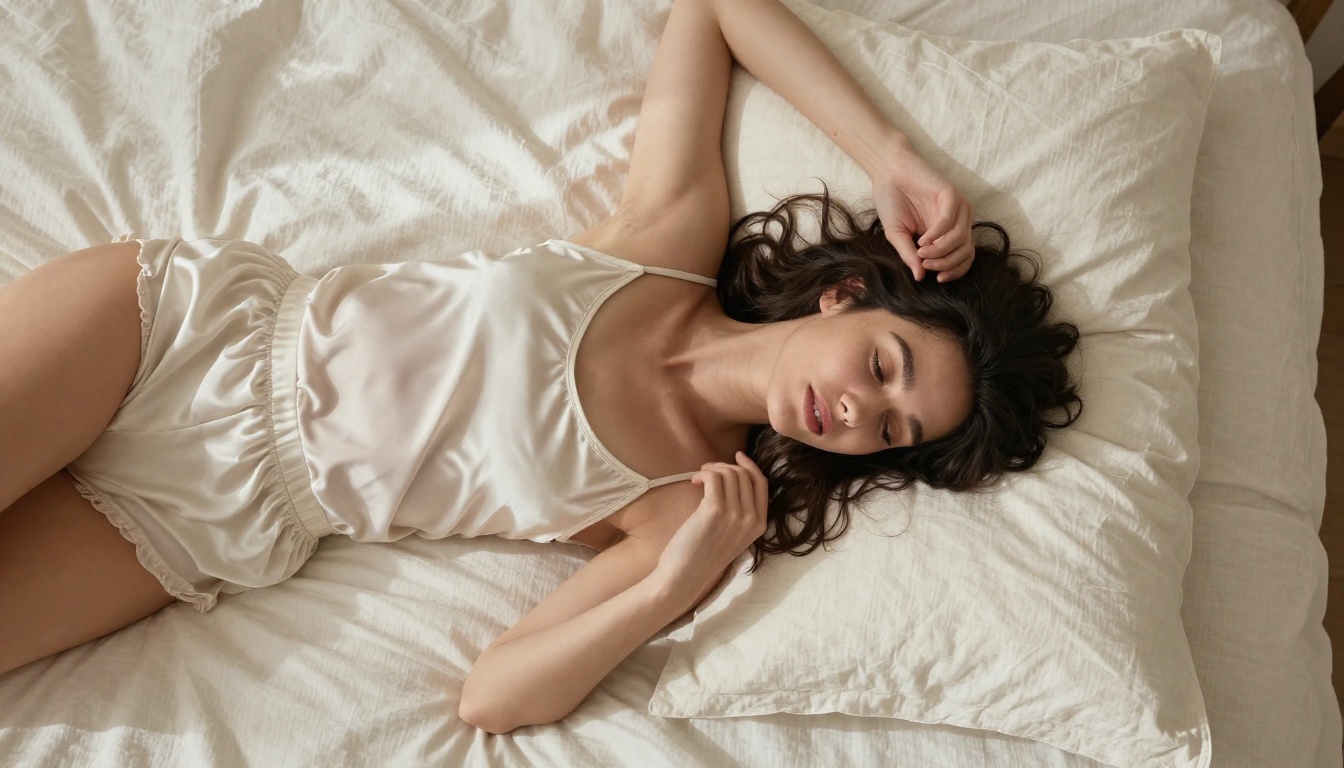
Pick a scene you want to create. Write the lighting first. Add the camera specs. Specify the imperfections. Then generate.
The results will surprise you.


