Creating NSFW AI art from a single text prompt is now within reach for anyone with a browser and an idea. You do not need to draw, photograph, or hire a model. You type what you want to see, and a generative model produces it in seconds. The gap between imagination and image has collapsed.
This article covers exactly how that process works, which models handle it best, and how to write prompts that produce the results you are actually after, not a sanitized approximation.
What NSFW AI Art Actually Means
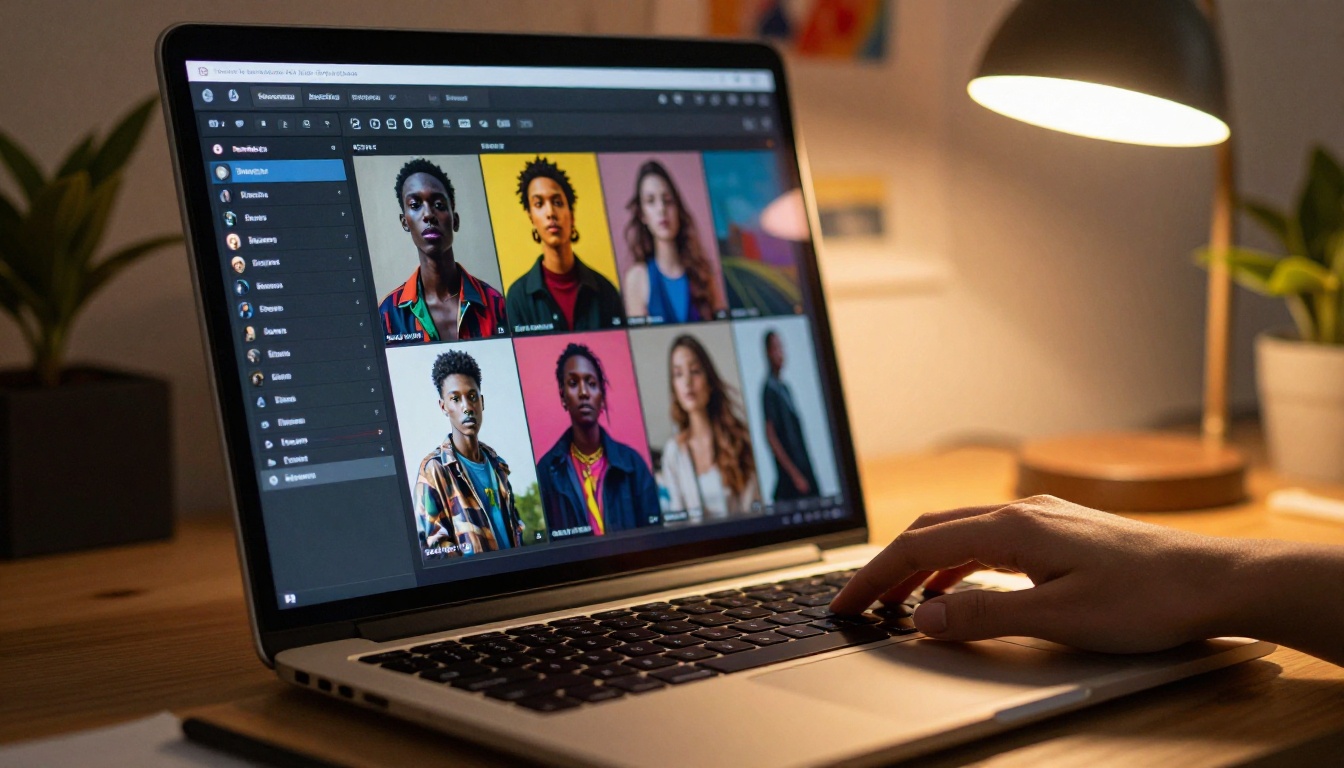
The term "NSFW" covers a wide range. On one end, you have swimwear, lingerie, and glamour photography that would be perfectly at home in a fashion magazine. On the other, you have content that would be age-gated on any platform. Understanding where your creative goals fall on that spectrum matters because different AI models operate at different points on it.
The Spectrum of Suggestive Content
Most creative use cases for NSFW AI art fall into three broad categories:
- Glamour and fashion: Swimwear, lingerie, editorial-style portraits, artistic figure work
- Boudoir aesthetics: Intimate, atmospheric, suggestive but non-explicit imagery
- Artistic nudity: Fine art traditions, classical compositions, implied rather than shown
All three are achievable with text prompts alone. The quality of your output depends almost entirely on model choice and prompt specificity, not artistic talent.
Why Generic Prompts Fail
Most people type something like "beautiful woman, bikini, beach" and get a mediocre result. The reason is not the model. The reason is that the prompt provides no camera angle, no lighting, no skin texture detail, no atmosphere. The model fills in the gaps with statistical averages, which look flat and unconvincing.
The fix is simple: treat your text prompt like a photography brief.
Why Text Prompts Work So Well
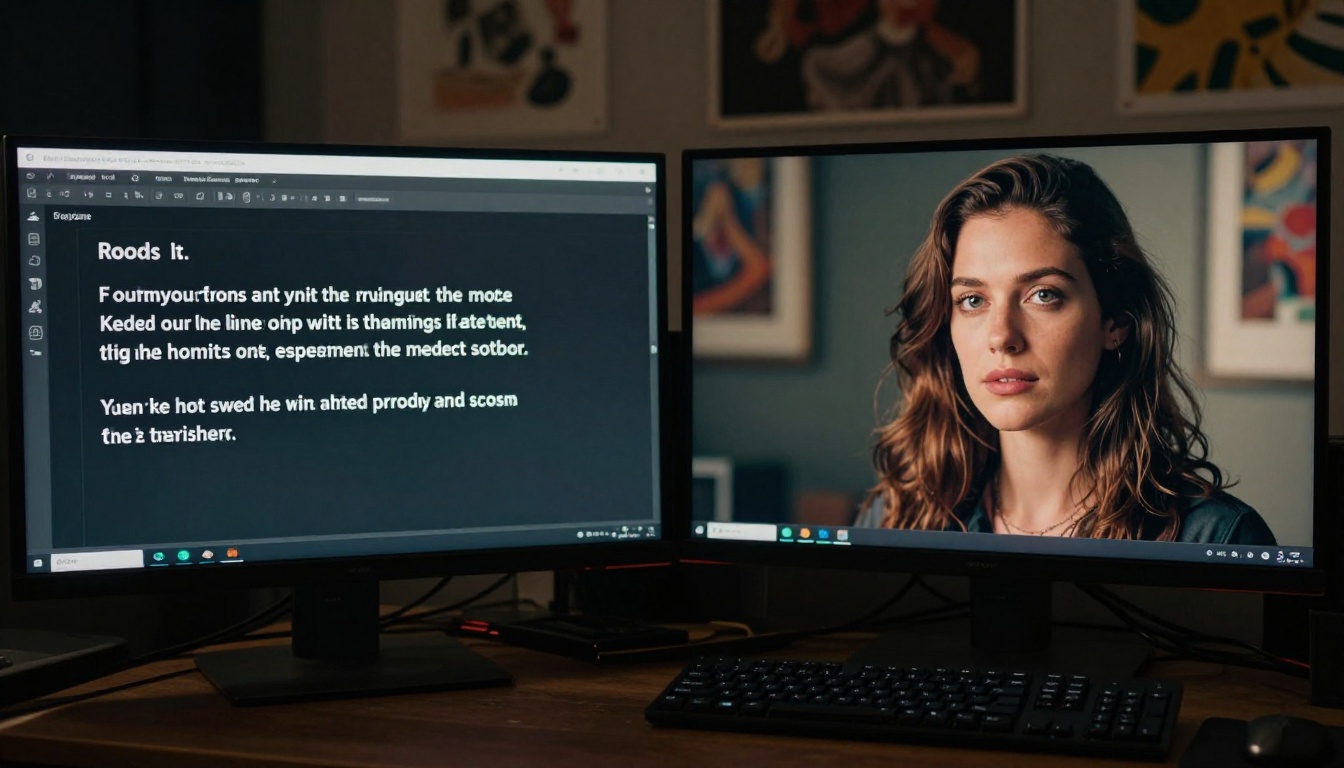
Modern text-to-image models are trained on billions of image-text pairs. They have seen every photographic style, lighting setup, and compositional convention that exists in human visual culture. When you describe an "85mm f/1.4 portrait with warm side lighting and shallow depth of field," the model knows exactly what that looks like and can produce it.
How the Model Reads Your Words
The model does not process your prompt word by word. It encodes the entire text as a mathematical vector and uses that to steer the image generation process. This means:
- Word order matters somewhat but is not as rigid as a programming command
- Specificity multiplies quality — more precise terms produce sharper, more intentional results
- Style words anchor the aesthetic — terms like "Kodak Portra 400" or "85mm f/1.8" act as strong visual anchors
💡 Pro tip: Add photographic film stock names (Kodak Portra 400, Fuji Pro 400H, Ilford HP5) to your prompts. These are some of the strongest aesthetic anchors available in text-to-image models.
The Detail Problem Most People Miss
Skin texture, fabric texture, and lighting direction are the three variables that separate photorealistic AI art from generic output. A prompt that says "a woman in a white dress" produces something adequate. A prompt that says "a woman in a raw silk slip dress with visible weave texture, candlelight from the left, skin showing natural pore detail at 85mm f/1.4" produces something genuinely striking.
This is not about making prompts longer. It is about making them specific.
The Best Models for NSFW AI Art
Not all models are equal for this category of content. Some have heavy safety filters that block even tasteful swimwear. Others are specifically built for realistic portraiture and handle suggestive content naturally. Here is what performs best.
Seedream 4: The Top Pick
Seedream 4 is the strongest option available on PicassoIA for NSFW AI art generation. It produces images at up to 4K resolution with remarkable skin texture fidelity, which is critical for this category of content. The model handles:
- Complex fabric interactions (sheer, silk, satin, linen)
- Realistic lighting on skin
- Nuanced facial expressions and body language
- High-resolution output ready for print or full-screen display
It also supports reference image input, meaning you can feed it a style or composition reference and have it generate new content anchored to that visual direction. For anyone making NSFW AI art from just a text prompt, this is the first model to try.
| Feature | Seedream 4 |
|---|
| Max Resolution | 4K (4096px) |
| Reference Image Input | Yes |
| Multi-image Sessions | Up to 15 per session |
| Watermarks | None |
| Aspect Ratios | 9 presets + custom |
Flux Dev: Reliable and Detailed
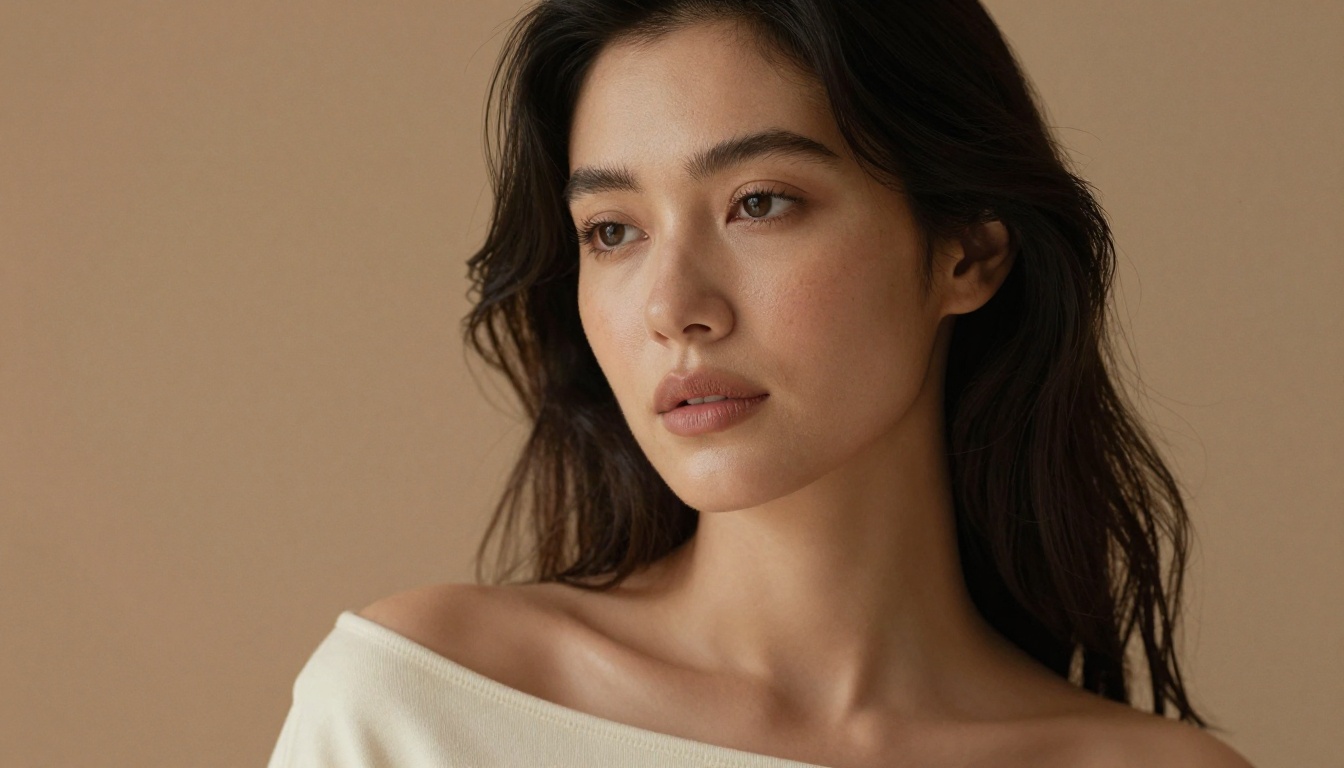
Flux Dev is a 12-billion parameter model that excels at fine-grained prompt following. Where some models interpret a prompt loosely, Flux Dev tends to produce exactly what you describe. For NSFW art this matters: if you specify a particular pose, lighting setup, and clothing style, Flux Dev is more likely to honor all three simultaneously.
It supports image-to-image mode as well, so you can generate a base composition and refine it with a new text prompt rather than starting from scratch each time.
How They Compare
Both models are available without generation limits on PicassoIA with a Pro subscription. The Pro plan removes credit caps, which is relevant when you are iterating on prompts and generating multiple variations to find the right composition.
💡 Note: Seedream 5 Lite is available on the platform but applies content filters that block adult-adjacent content. Stick with Seedream 4 or Flux Dev for NSFW work.
Writing Prompts That Actually Work
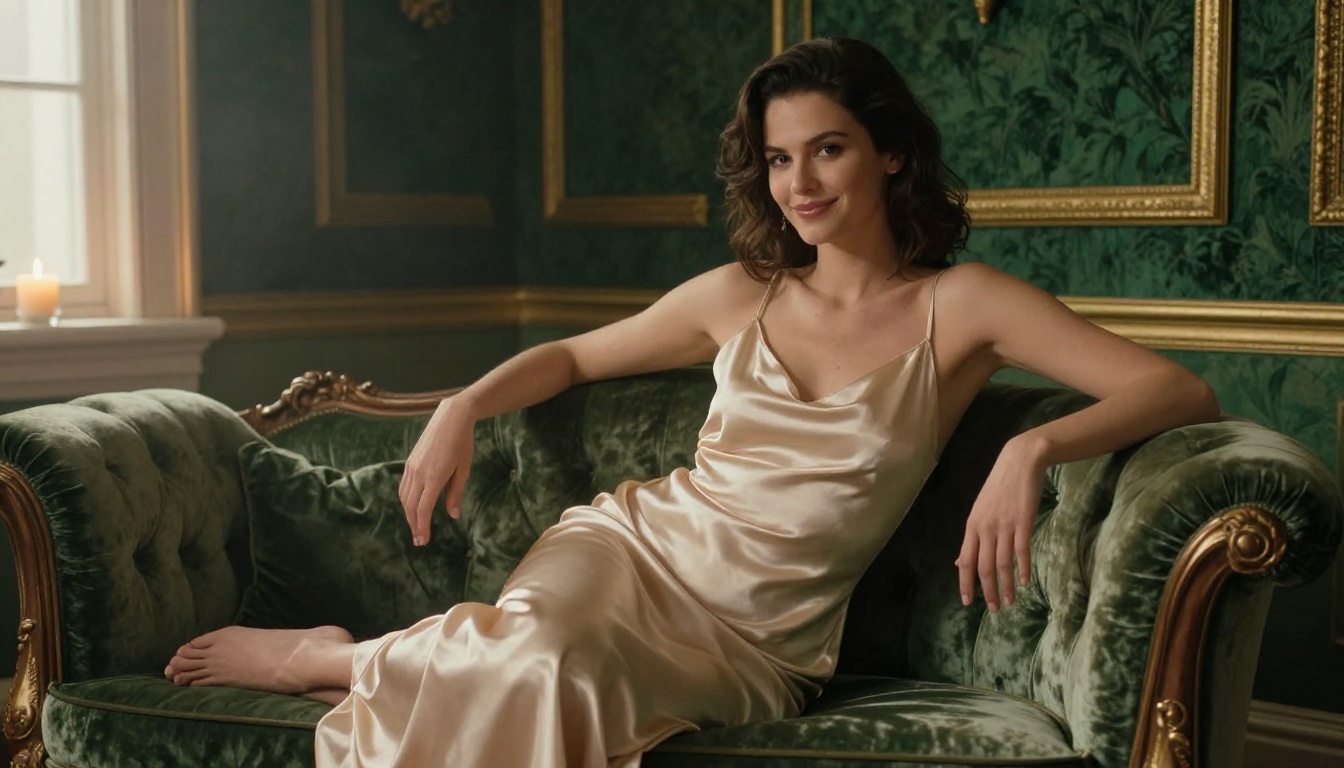
A strong NSFW text prompt has five components. Nail all five and you will consistently produce professional-quality output.
The Five-Part Prompt Formula
1. Subject Description
Who or what is in the image. Be specific about age range, physical characteristics, expression, and posture. Not "beautiful woman" but "a woman in her late 20s with natural dark wavy hair, confident posture, soft smile, light freckles."
2. Clothing and Context
What they are wearing and where they are. Fabric type matters enormously. "White linen shirt loosely open" reads differently to the model than "white shirt." Include the setting: "standing in front of a large frosted glass bathroom window."
3. Lighting Setup
This is the single biggest quality lever. Specify direction (from upper left, from behind), quality (soft diffused, hard directional), and color (warm amber, cool morning white). "Volumetric golden hour light from the left casting soft shadows on the collarbone" produces dramatically better results than "good lighting."
4. Camera Specifics
Focal length, aperture, and distance. "85mm f/1.4 medium close-up" tells the model exactly how to compress space and handle depth of field. "50mm f/2.0 from a slight low angle" gives a completely different compositional feel.
5. Film and Texture Tags
Add "Film grain, Kodak Portra 400, --style raw" at the end of any prompt where you want photorealistic output. These tags anchor the model away from digital-looking or overly polished results.
Common Prompt Mistakes
| Mistake | Why It Fails | Fix |
|---|
| Vague descriptions | Model averages everything out | Add specifics on clothing, expression, pose |
| No lighting info | Flat, unconvincing output | Specify direction, quality, and color of light |
| Generic style tags | Weak aesthetic anchor | Use film stock names and lens specs |
| Over-long contradictions | Dilutes model focus | Keep each component tight and consistent |
| Relying only on what NOT to include | Tells the model what to avoid, not what to do | Build the positive description first |
Aspect Ratio and Composition
For portraits, 9:16 (vertical) gives you the most subject space. For environmental shots, 16:9 works well. Square 1:1 works for close-up portraits. Both Seedream 4 and Flux Dev support all three natively.
How to Use Seedream 4 on PicassoIA
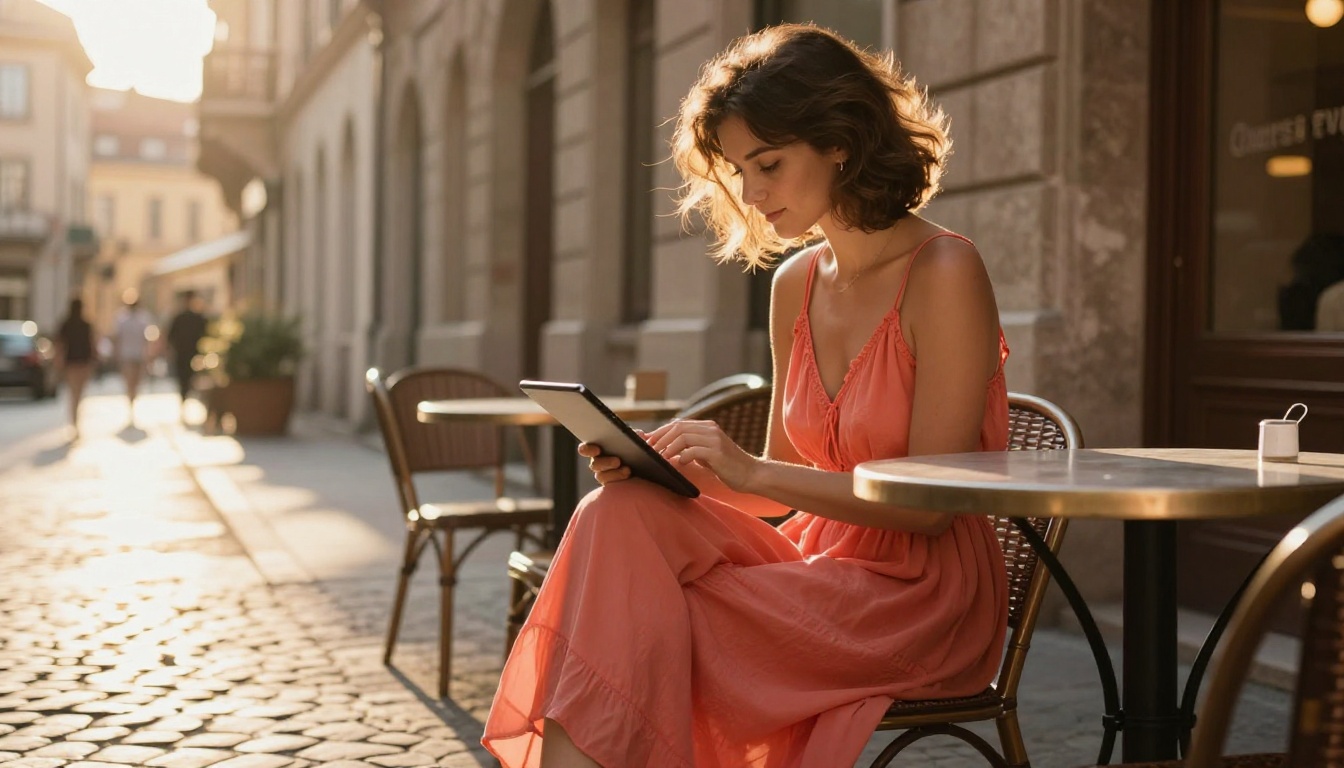
Using Seedream 4 on PicassoIA takes about 90 seconds from opening the page to downloading your first result.
Step-by-Step Process
- Open the model page at picassoia.com/en/collection/text-to-image/bytedance-seedream-4
- Set your resolution: Choose 2K for fast results, 4K for final output
- Pick your aspect ratio: 9:16 for portrait, 16:9 for landscape, 1:1 for square
- Write your prompt: Use the five-part formula above
- Click Generate: Results appear in seconds
- Iterate: If the result is close but not quite right, add one editing sentence without rewriting the entire prompt
Parameter Tips
- Sequential generation: Enable this when you want multiple variations of a scene. The model produces up to 15 related images in one session, which is useful for building a consistent series.
- Reference image: Upload a composition or style reference to anchor the output visually. This is particularly useful when you want coherent results across a series of images.
- 2K vs 4K: Use 2K for iteration. Switch to 4K only for final outputs you plan to use at full resolution.
Upscaling and Post-Processing
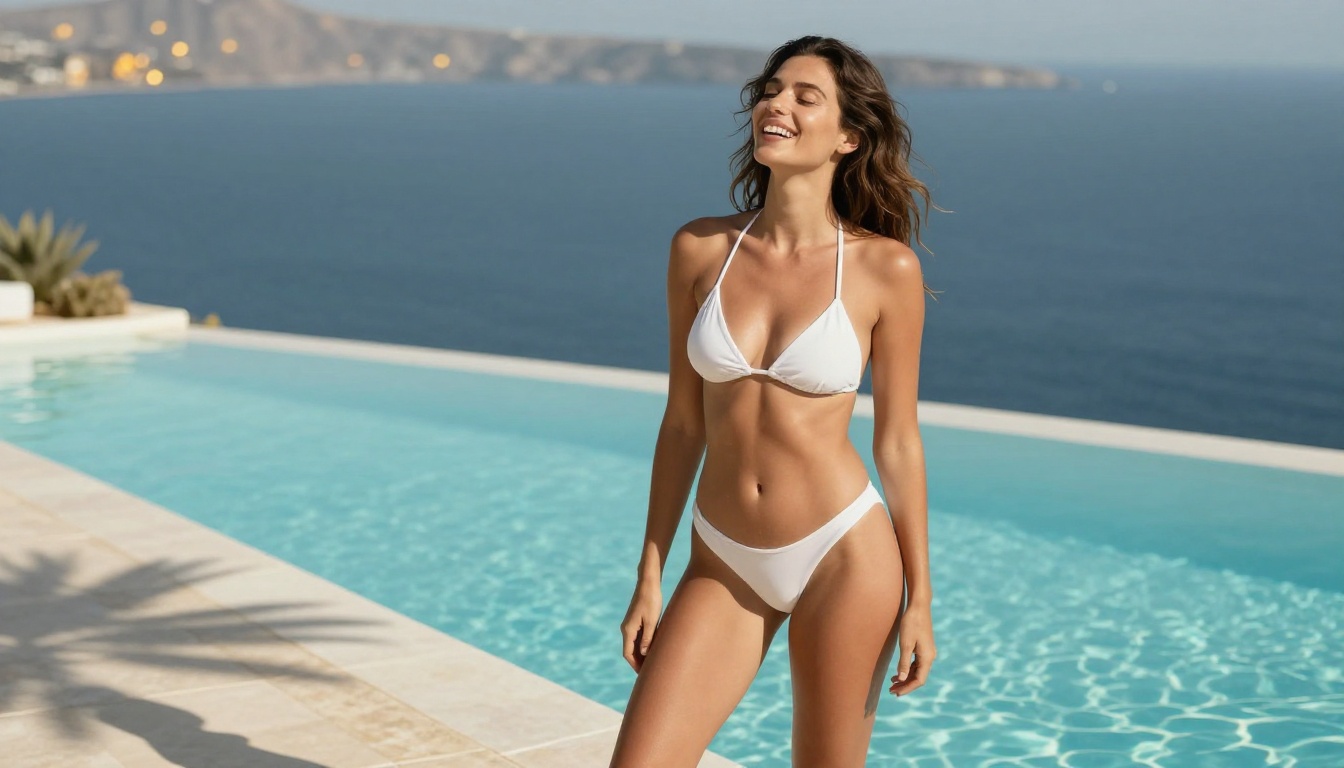
Even a well-prompted generation sometimes has minor issues: a slightly soft background edge, a texture that is not quite right, or a composition that needs slight adjustment.
Super Resolution for Final Output
PicassoIA's super-resolution models can upscale your generated images 2x to 4x without quality loss. This is useful when you generate at 1K or 2K for speed and want to output at print resolution. The models preserve the texture and detail of the original while adding resolution, so skin and fabric textures stay sharp at large sizes.
Editing Individual Areas
Both Seedream 4 and Flux Dev support image-to-image editing. For finer adjustments, PicassoIA's inpainting tools let you select a specific area of an image and describe what you want changed without touching the rest of the composition. This is particularly useful for:
- Adjusting backgrounds while keeping the subject intact
- Changing clothing details without regenerating the entire image
- Correcting minor anatomical or compositional issues in an otherwise strong output
💡 PicassoIA's outpainting feature can also extend the canvas of a generated image, adding more scene context around the original composition. If you generate a portrait that would benefit from more environment, outpainting adds it without disrupting the subject.
Visual Results: What Strong Prompts Produce
The images below show the range of output achievable with text prompts alone, with no post-processing beyond the model's native output.
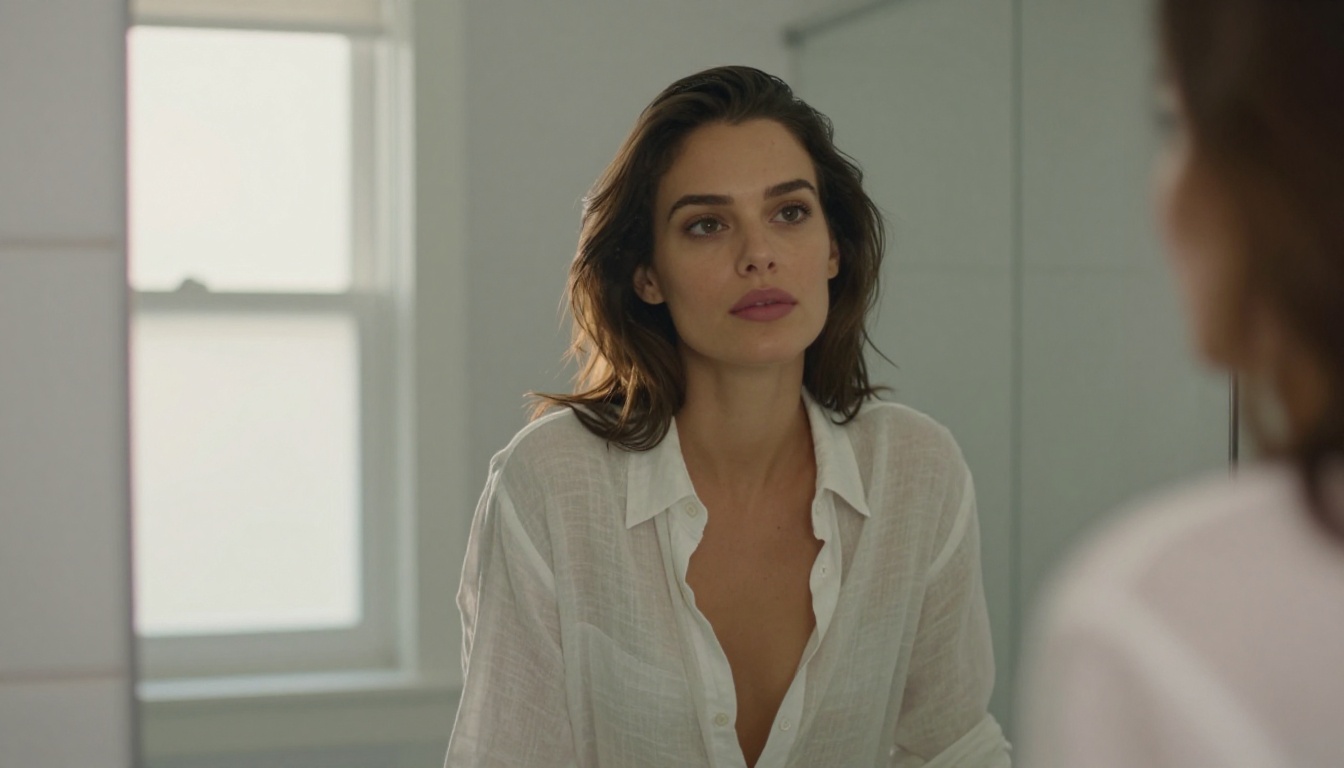
The mirror composition above was generated with a single prompt specifying the frosted glass backlight, the rim light outlining the silhouette, and the 50mm f/2.0 perspective. The translucency of the fabric and the lighting interaction are entirely prompt-driven, not edited in afterward.
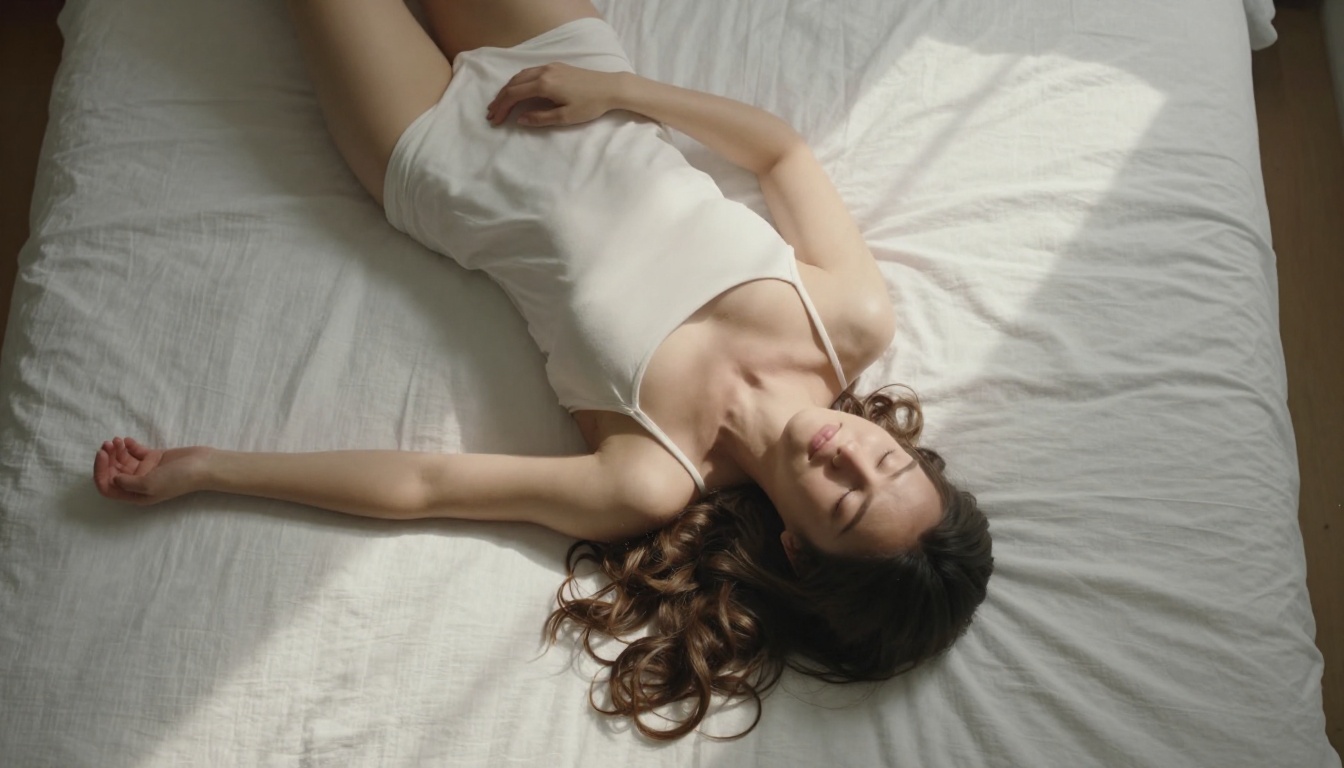
The overhead shot above demonstrates what happens when you specify "aerial overhead, directly above, 35mm wide" in your prompt. The compositional perspective and the diagonal shadow pattern from the window are both prompt-driven, not cropped or rotated after the fact.
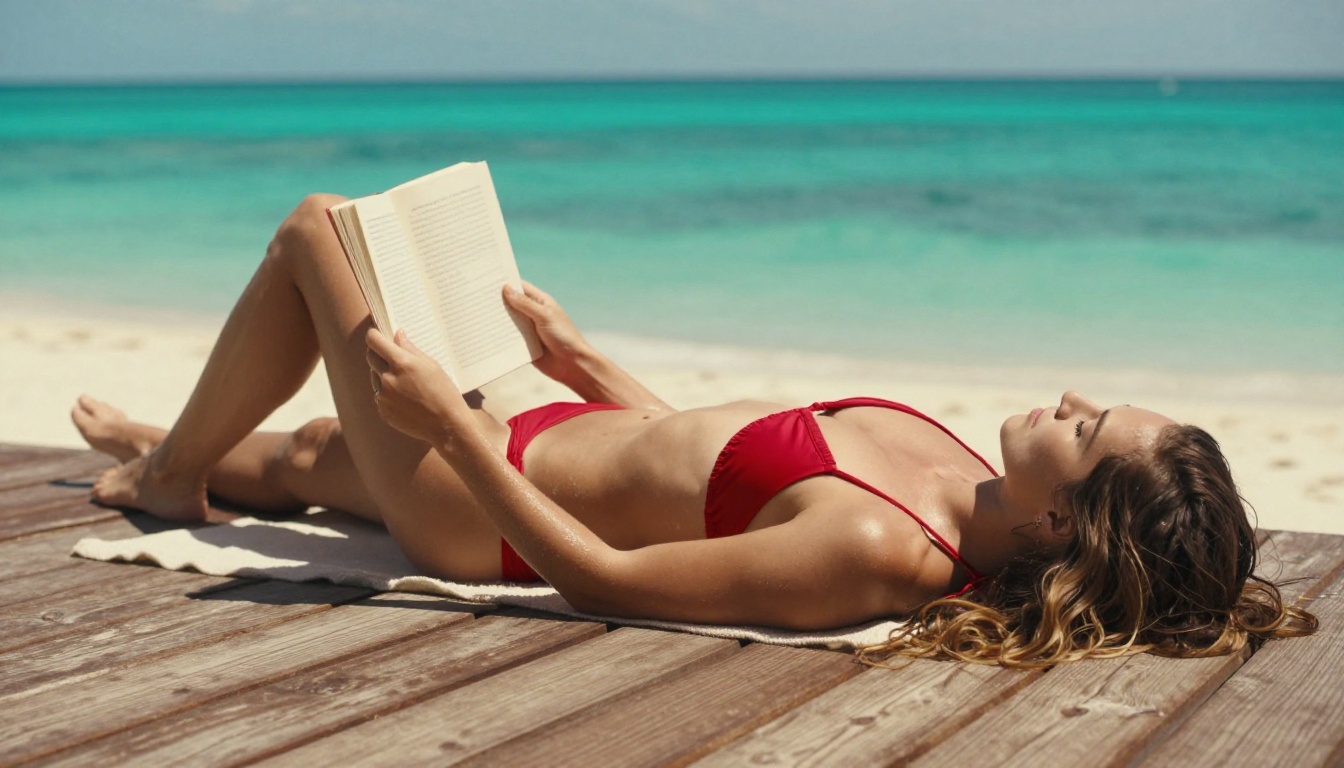
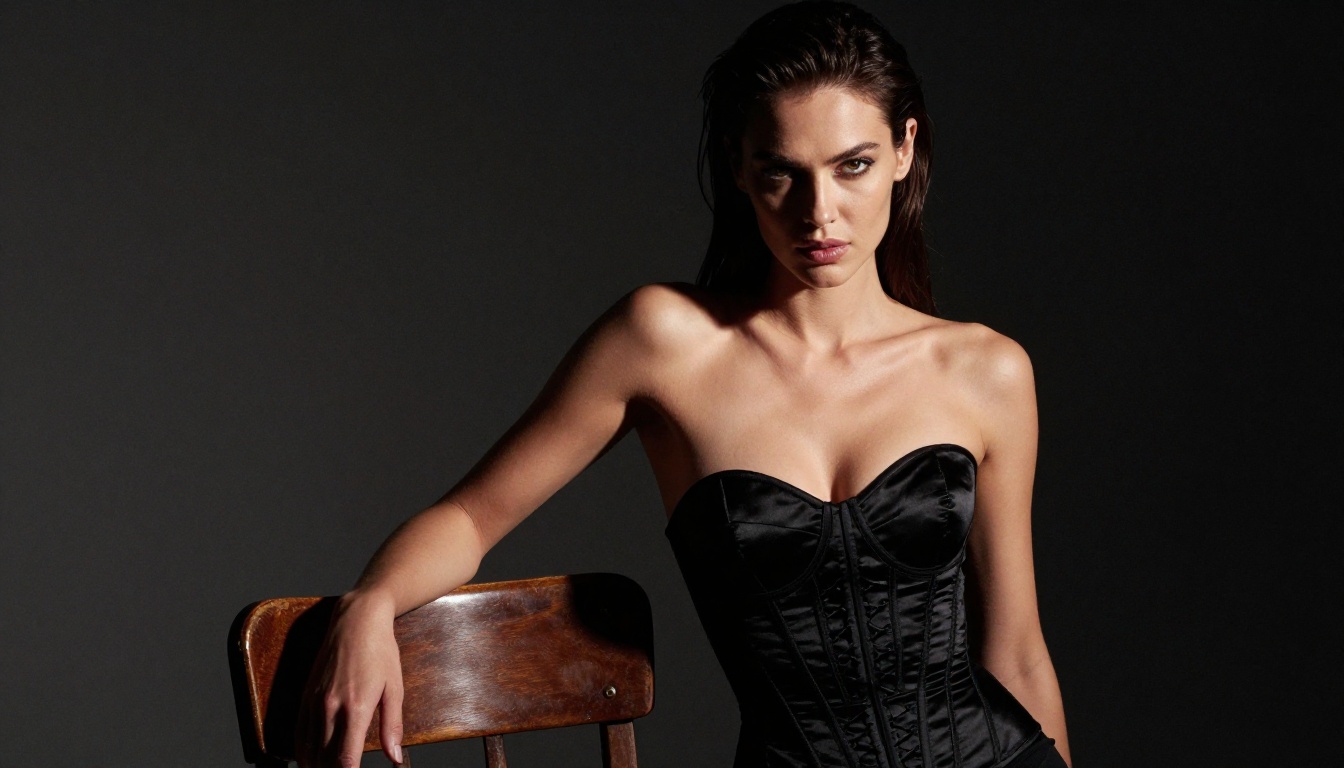
The studio glamour shot above was built around a single-source main light specification. The hard shadow on the collarbone and the fabric sheen on the satin top are direct results of the prompt's lighting and texture language.
PicassoIA hosts over 90 text-to-image models at picassoia.com/en/all-models. Beyond Seedream 4 and Flux Dev, the platform includes models specialized for:
- Portrait realism: Models tuned specifically for facial detail and skin accuracy
- Fashion and editorial: Models that naturally produce fashion-photography aesthetics
- Artistic styles: For creators who want NSFW art in painterly or illustrative styles rather than photorealism
The all-models page is filterable by category, making it straightforward to find what fits your specific creative direction without browsing through unrelated tools.
Start Creating Your Own NSFW AI Art
The barrier to making NSFW AI art from just a text prompt has never been lower. You do not need Photoshop, a camera, or artistic training. You need a specific prompt and the right model.
Start with Seedream 4 for photorealistic portrait work. Use Flux Dev when you need precise prompt adherence on complex compositions. Apply the five-part prompt formula and you will see the quality difference immediately.
The full catalog of models is available at picassoia.com/en/all-models. Browse by category, read the model descriptions, and test whichever combinations interest you. With unlimited generations on PicassoIA Pro, you can iterate freely until you get exactly what you are looking for.


