Product marketing used to demand a full production team, a rented studio, and a video editor with two weeks free on their calendar. Not anymore. Seedance 2.0 by ByteDance has collapsed the distance between a product photo and a scroll-stopping commercial into a single action. Whether you sell skincare serums, kitchen gadgets, or fashion accessories, the one-click pipeline built into Seedance 2.0 means your product moves, breathes, and sells without a camera crew, lighting rig, or timeline of waiting.
This is the shift that every brand owner, solo operator, and performance marketer has been waiting for. The model takes a still product image and turns it into cinematic video with native audio baked in, all without requiring you to know anything about frame rates or color grading. The results look like they cost thousands to produce and arrive in under a minute.

Why Product Videos Change the Numbers
The data on video versus static images in e-commerce is no longer debatable. Products with video see dramatically higher add-to-cart rates, lower return rates, and longer page sessions. The problem was never desire, it was production cost. A single product video from a professional videographer easily runs $500 to $2,000 per SKU. For a catalog with 50 products, that math becomes impossible fast.
The Static Photo Problem
A flat image can show a product, but it cannot demonstrate a product. Buyers want to see motion: how a serum dispenser pumps, how a jacket drapes when someone walks, how a blender moves. That experiential gap is exactly where product video earns its conversion premium.
💡 Research insight: Shoppers are 64-85% more likely to purchase after watching a product video, according to multiple e-commerce studies. The bottleneck has always been supply, not demand.
What Brands Have Been Missing
Most small and mid-size brands have known for years that they need more video. The barriers were clear:
- Cost: Professional video production charged per product
- Time: Weeks of coordination, shooting, and editing
- Scalability: No way to video every SKU in a 200-product catalog
- Consistency: Each production ends up with a different look and feel
Seedance 2.0 solves all four simultaneously.

Seedance 2.0: What Sets It Apart
Seedance 2.0 is not just another text-to-video model bolted onto a product image. ByteDance built it with a fundamentally different architecture that handles commercial-grade product motion with two standout capabilities.
Native Audio in the Same Generation
Unlike most video models that produce silent clips requiring post-production audio work, Seedance 2.0 generates video with native audio baked into the generation pass. That means ambient product sounds, background music textures, or subtle foley-style audio comes out with the video. For product ads on social platforms where audio autoplay drives engagement, this is a material advantage.
Motion That Respects the Product
Earlier AI video models had a tendency to distort or hallucinate product packaging during motion sequences. A label would warp, a logo would blur, or a product shape would morph unnaturally mid-clip. Seedance 2.0 addresses this with tighter structural consistency, keeping your product identifiable and accurate throughout the motion.
💡 Pro tip: For maximum label fidelity, use a clean product photo with even lighting and a neutral background as your input image. The cleaner the input, the tighter the output.
The Fast Variant for Volume
For brands that need to process dozens of products in a session, Seedance 2.0 Fast provides a speed-optimized version of the same model. Generation times drop significantly while maintaining the core motion quality. If you are batching an entire product catalog, the Fast variant becomes the practical default.

How to Use Seedance 2.0 on PicassoIA
PicassoIA hosts Seedance 2.0 directly in its text-to-video collection, making the workflow accessible without any API setup, local GPU requirements, or technical configuration. Here is the exact process for generating a product video.
Step 1: Prepare Your Product Image
Before opening the model, your source image matters. The ideal product photo for Seedance 2.0 has:
- Clean background: White, light grey, or lifestyle context works well
- Sharp focus on the product: No motion blur in the source
- Even lighting: Prevents harsh shadow artifacts in the motion sequence
- High resolution: 1024px minimum on the short side
If your current product photos are shot on a white sweep, they are ready to use. If they are cluttered or poorly lit, spending 10 minutes on a quick reshoot or background removal first will significantly improve video output quality.
Step 2: Open the Model on PicassoIA
Navigate to the Seedance 2.0 model page in the PicassoIA text-to-video collection. The interface presents:
- An image upload field for your product photo
- A prompt field for motion direction and video style
- Duration and quality settings
- The generate button
No account linking, no API key input, no local installation. The model runs directly in your browser session.
Step 3: Write a Motion Prompt
The prompt tells Seedance 2.0 how the product should move and what the scene should feel like. For product videos, a few patterns consistently deliver strong results:
| Prompt Pattern | Best For | Example |
|---|
| Slow cinematic reveal | Premium beauty, luxury goods | "Slow cinematic product reveal, rotating 360 degrees on marble surface, soft morning light, premium brand feel" |
| Dynamic pour or splash | Beverages, serums, oils | "Product bottle tipped forward, liquid pouring in slow motion, water droplets, clean white background" |
| Lifestyle context | Apparel, accessories, food | "Product placed on outdoor table, gentle breeze, warm afternoon light, lifestyle aesthetic" |
| Dramatic hero shot | Tech, gadgets, sportswear | "Camera slowly pushes into product, dramatic side lighting, dark background, commercial film aesthetic" |
Step 4: Set Duration and Output
Seedance 2.0 on PicassoIA supports multiple duration options. For product ads:
- 3-5 seconds: Instagram Stories, TikTok hooks, product thumbnails
- 8-10 seconds: Full product ads, website hero sections
- 15 seconds: YouTube pre-roll, Facebook video ads
💡 Platform tip: Most social ad platforms serve 6-second bumper ads as the highest-performing format. Generate at the 5-8 second range and trim in post if needed.
Step 5: Generate and Download
Click generate. Seedance 2.0 processes the image and prompt, returning your product video with audio included. Download directly from the PicassoIA interface in the resolution your campaign requires.
For catalog-scale production, Seedance 2.0 Fast cuts the wait between batches. Queue your product list, run through each SKU with a consistent prompt template, and you have a complete video catalog in hours rather than weeks.

Prompts That Actually Work
The prompt is the creative variable that separates generic motion clips from videos that convert. Here are battle-tested product video prompt structures for Seedance 2.0.
For Beauty and Skincare Products
"Premium skincare serum bottle on white marble, slow close-up orbit, morning light from left, product label clearly visible, soft ambient bokeh, luxury spa aesthetic, subtle audio ambience"
This pattern keeps the product stationary and moves the implied camera, which prevents distortion of the label while creating a professional production feel.
For Food and Beverage
"Glass of sparkling water with ice and citrus slice, bubbles rising in slow motion, condensation on glass, clean white background, overhead side lighting, refresh commercial aesthetic, subtle water sound"
Motion for food and beverage products works best when it is physics-based: liquid movement, steam rising, condensation forming. Seedance 2.0 handles these fluid dynamics well.
For Fashion and Apparel
"Folded premium cashmere sweater on wooden surface, gentle fabric ripple from breeze, warm autumn window light, lifestyle editorial feel, soft natural fiber texture visible"
The key for apparel is keeping motion subtle. A gentle fabric movement reads as premium. Heavy motion on clothing creates artifact risks.
For Tech and Gadgets
"Sleek smartphone on dark reflective surface, screen illuminates showing app interface, slow dramatic push toward product, hard side lighting creating specular highlights on aluminium edge, commercial tech aesthetic"

Seedance 2.0 vs Other Video Models
The text-to-video space is competitive, and PicassoIA hosts many excellent models. Understanding where Seedance 2.0 sits in the landscape helps you make the right choice per use case.
| Model | Best Use Case | Speed | Audio | Product Fidelity |
|---|
| Seedance 2.0 | Product commercials | Medium | Native | High |
| Seedance 2.0 Fast | Catalog batching | Fast | Native | High |
| Kling v3 | Cinematic storytelling | Medium | No | Very High |
| Veo 3 | Photorealistic scenes | Slow | Native | Very High |
| Hailuo 2.3 | Fast social content | Fast | No | Medium |
For product-specific applications, Seedance 2.0 and Seedance 2.0 Fast sit in the most practical position: native audio removes post-production steps, product fidelity is high enough for commercial use, and the one-click workflow fits both solo operators and production teams.
Kling v3 is worth reaching for when you need narrative sequences around a product rather than a straight product showcase. If the video tells a story, Kling's motion control system gives you more directorial input.
Veo 3 from Google produces extraordinarily realistic output but at slower speeds and higher computational cost, making it a better fit for flagship campaign assets rather than catalog-scale production.
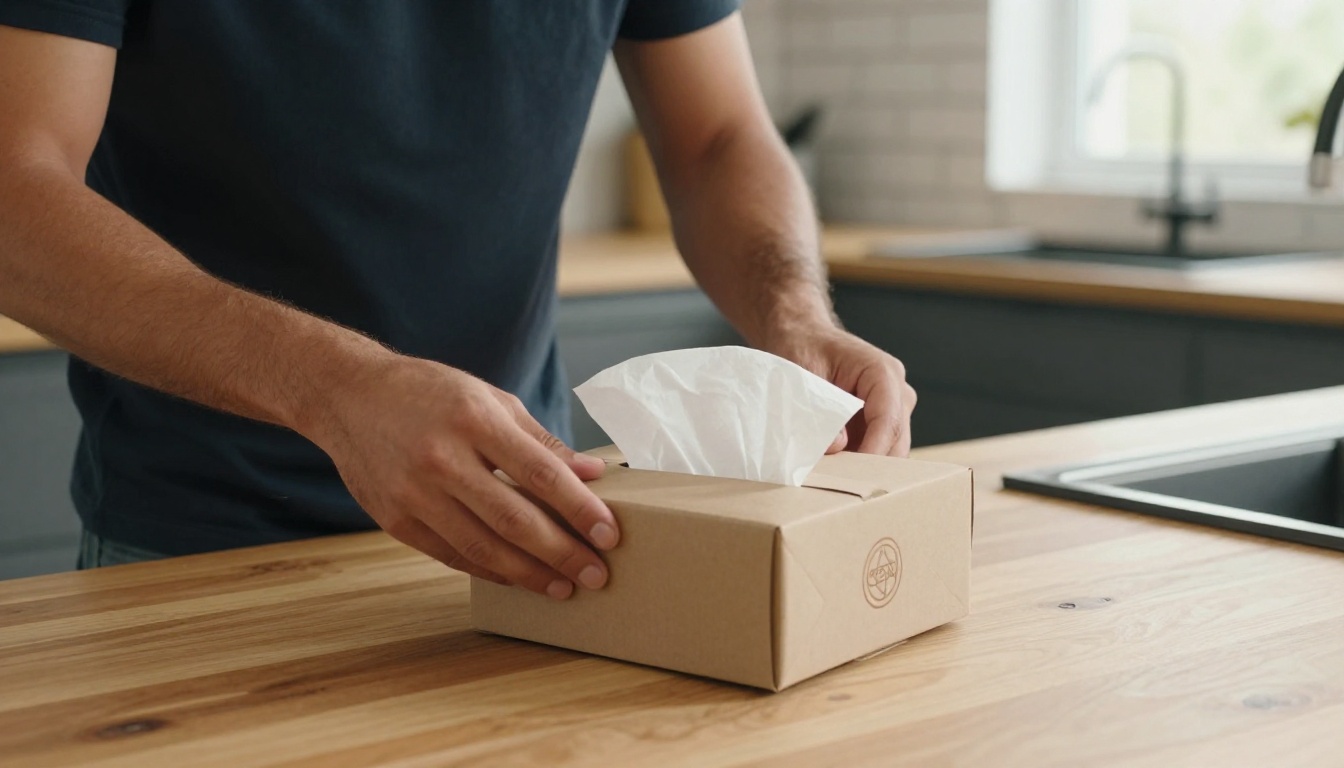
Not every product category responds equally to AI video generation. Based on how Seedance 2.0 handles different input types, here is a practical ranking.
Strong Performers
Beauty and Cosmetics: Bottles, tubes, compacts, and serums photograph cleanly and have natural motion opportunities (rotation, reveal, pour). Labels tend to survive motion sequences well when the input image is sharp.
Packaged Food and Beverage: Rigid packaging holds up well in video. Cans, bottles, and boxed products generate satisfying commercial-style motion. Liquid products like oils and drinks benefit from pour prompts.
Luxury Goods and Accessories: The cinematic lighting and motion aesthetics of Seedance 2.0 match well with the elevated brand language required for watches, jewelry, and premium leather goods.
Consumer Electronics: Phones, earbuds, and gadget packaging photograph well with hard product photography lighting. Tech products with reflective surfaces respond well to dramatic lighting prompts.
Moderate Performers
Apparel and Clothing: Fabric motion can introduce warping artifacts if the prompt asks for too much movement. Subtle prompts (gentle fold, slight movement from a breeze) work reliably. Avoid asking for walking or running sequences from a still image.
Home Goods: Furniture and large items can generate well, but benefit from lifestyle context prompts rather than isolated product shots.
What Needs Extra Attention
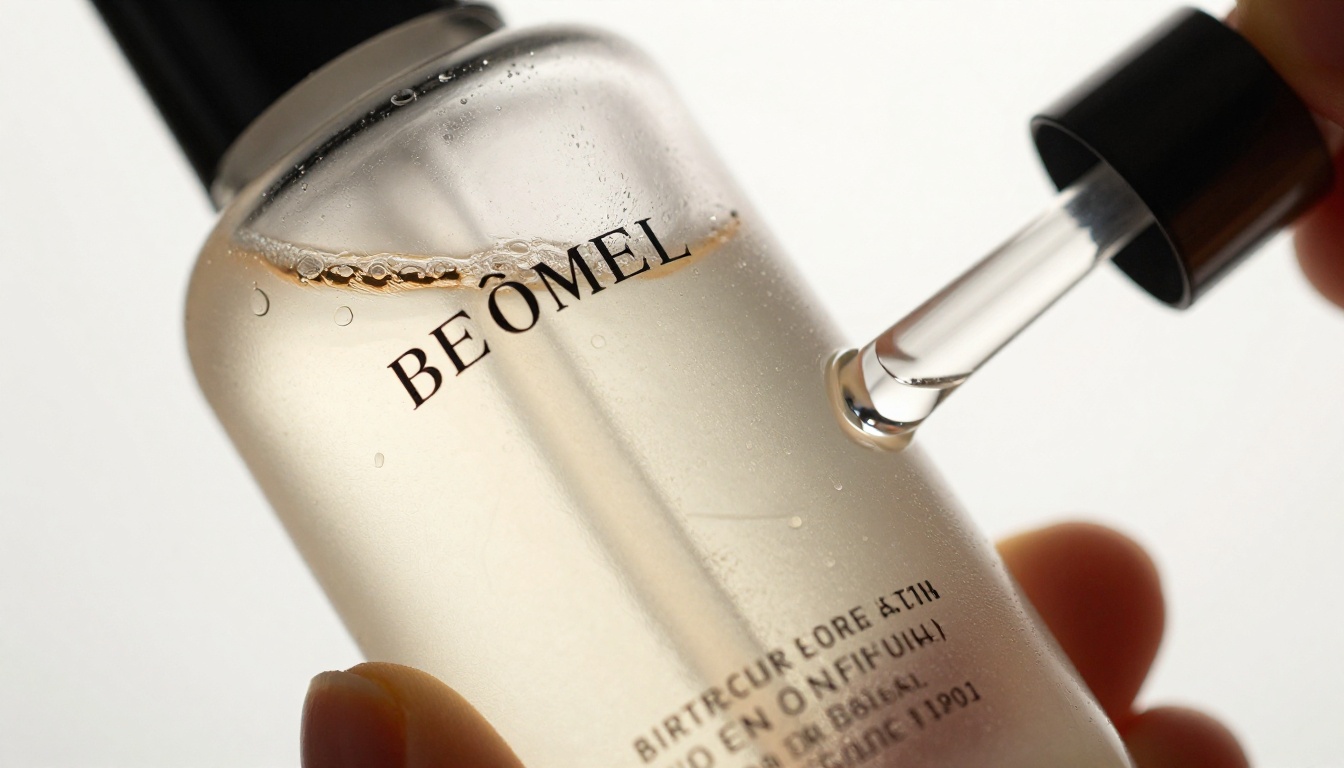
Products with dense text labels: Bottles covered in ingredients lists or small regulatory text will have that text rendered as plausible rather than accurate during motion. Use labels with minimal text or keep rotations subtle.
Clear and transparent products: Glass containers and transparent packaging can introduce light refraction artifacts. Using a prompt that keeps the product relatively still while the lighting shifts produces the cleanest results for these.
💡 Quick win: For transparent products, use a dark or deep-colored background in your source image. The contrast helps Seedance 2.0 maintain edge definition through the motion sequence.
Where to Deploy Your Product Videos
Once you have product videos from Seedance 2.0, the deployment question matters as much as the creation. Here is where product video earns the highest return.
Paid Social Advertising
Product video ads on Meta (Facebook and Instagram) and TikTok consistently outperform static image ads on click-through rate and cost per acquisition. The algorithm rewards content that holds attention, and motion is the primary attention signal on scroll-feed platforms.
For TikTok specifically, video is not optional. The platform's entire engagement model is built around motion content, making Seedance 2.0 output directly deployable to the most important acquisition channel for consumer brands right now.
Product Detail Pages
A product video embedded above the fold on a product page reduces bounce rates and increases time on page, two signals that correlate directly with purchase likelihood. Many e-commerce platforms (Shopify, WooCommerce, BigCommerce) support native video in product listings with no custom development required.
Email Marketing
Animated GIF previews of product videos in marketing emails lift click-through rates significantly over static images. Many video exports can be converted to looping GIFs for email compatibility while the full video lives on the landing page.
Organic Social Content
Between ad campaigns, product videos sustain feed presence organically. A library of Seedance 2.0-generated product clips gives social teams content that looks production-grade without requiring a photoshoot every time a new post goes out.
Building a Product Video System
One-off video generation is a start. The real competitive advantage comes from building a repeatable system that keeps your product content library growing without proportional time investment.
The Three-Template Approach
Create three prompt templates for your product category that you use consistently across all SKUs:
- Hero template: Clean product on brand background, slow reveal
- Lifestyle template: Product in context (desk, bathroom shelf, kitchen counter)
- Detail template: Close-up motion highlighting specific product features
Running every new product through all three templates gives you a consistent visual language across your catalog while creating enough variety for A/B testing in paid social campaigns.
Refresh Cadence
Seasonal campaigns benefit from fresh video assets. With Seedance 2.0 Fast available on PicassoIA, refreshing your entire video catalog for a new season or campaign theme takes hours, not weeks. The prompt templates handle the consistency, the model handles the production.
💡 Competitive advantage: Most competitors are still using static product photos because video production felt inaccessible. The window to build a video-first catalog before the field catches up is open right now.
Pair Video with High-Quality Product Images
Product video performs best alongside high-quality still images rather than replacing them. AI image generation tools on PicassoIA let you maintain consistent, photorealistic product imagery at scale. The combination of AI-generated stills and AI-generated video creates a complete content system that operates at a cost structure no production budget from five years ago could have imagined.
Start With One Product Right Now
The best way to see what Seedance 2.0 produces for your specific products is to run one. Pick the cleanest product photo you have, write a simple 15-word motion prompt, and click generate. The output usually surprises people who have only seen what professional video production looked like before.
PicassoIA gives you access to Seedance 2.0, Seedance 2.0 Fast, and over 80 other video generation models in one place. If a single SKU video from Seedance 2.0 outperforms your current static product ads, the math on scaling to your full catalog becomes very easy.
The one-click promise is real. Your product photo goes in. A commercial video comes out. What used to take a crew, a studio, and a week now takes a clean image, a clear prompt, and seconds. Open PicassoIA, pick your first product, and see exactly what that looks like for your brand.


