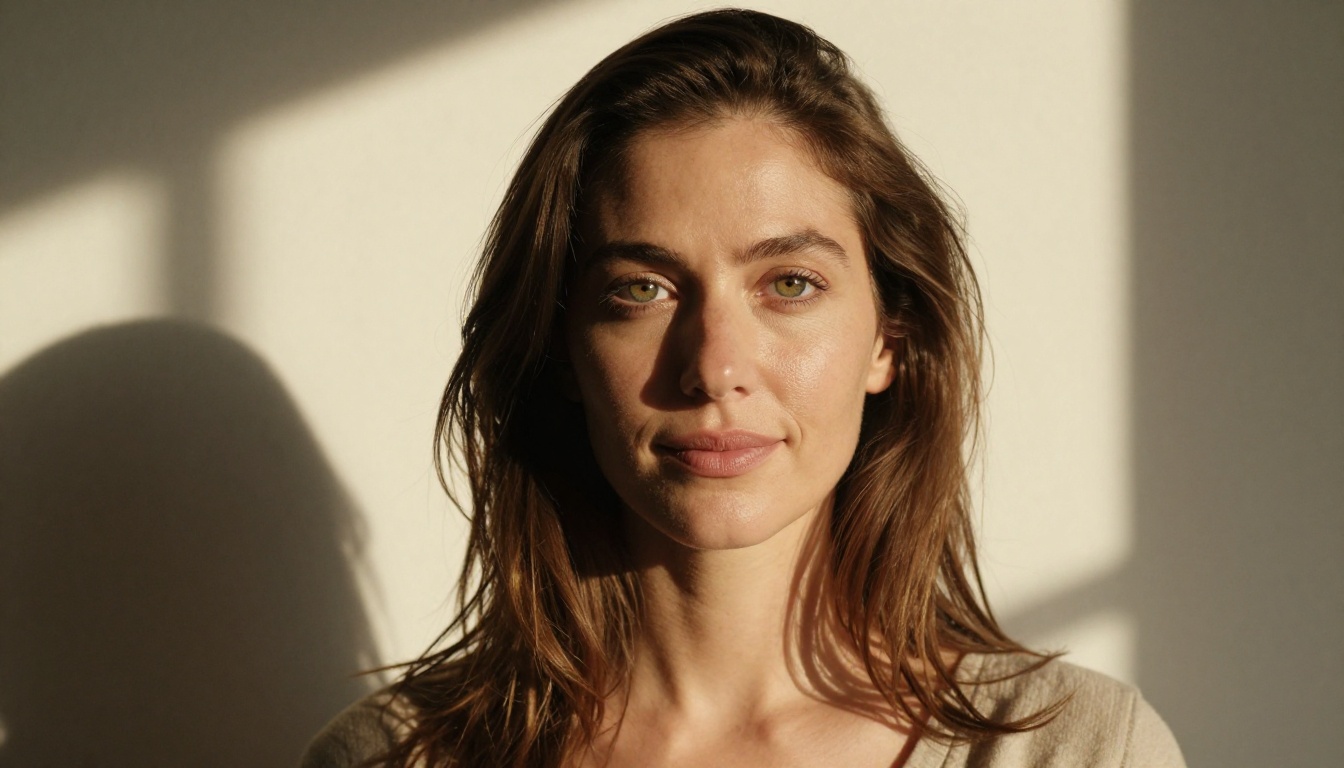
Making photorealistic 18+ faces with AI is no longer a technical experiment. It is a real workflow with real tools, and GPT Image 2.0 sits at the center of it. The model introduced a level of facial detail that previous generators could not touch: sub-pore skin texture, natural asymmetry, iris microstructure, individual hair strands with realistic light interaction. What used to require hours of post-processing retouching now happens in a single generation prompt.
But here is what most people miss: GPT Image 2.0 is not always the best tool for 18+ content specifically. Depending on the platform and the content type, you will hit filters at exactly the wrong moment. That is why knowing which models to pair with it, and where to run them without restrictions, is the real skill.
This article breaks down the full workflow: which models work, how to prompt for maximum facial realism, and how to use PicassoIA's uncensored tools to get results that actually look like photographs.
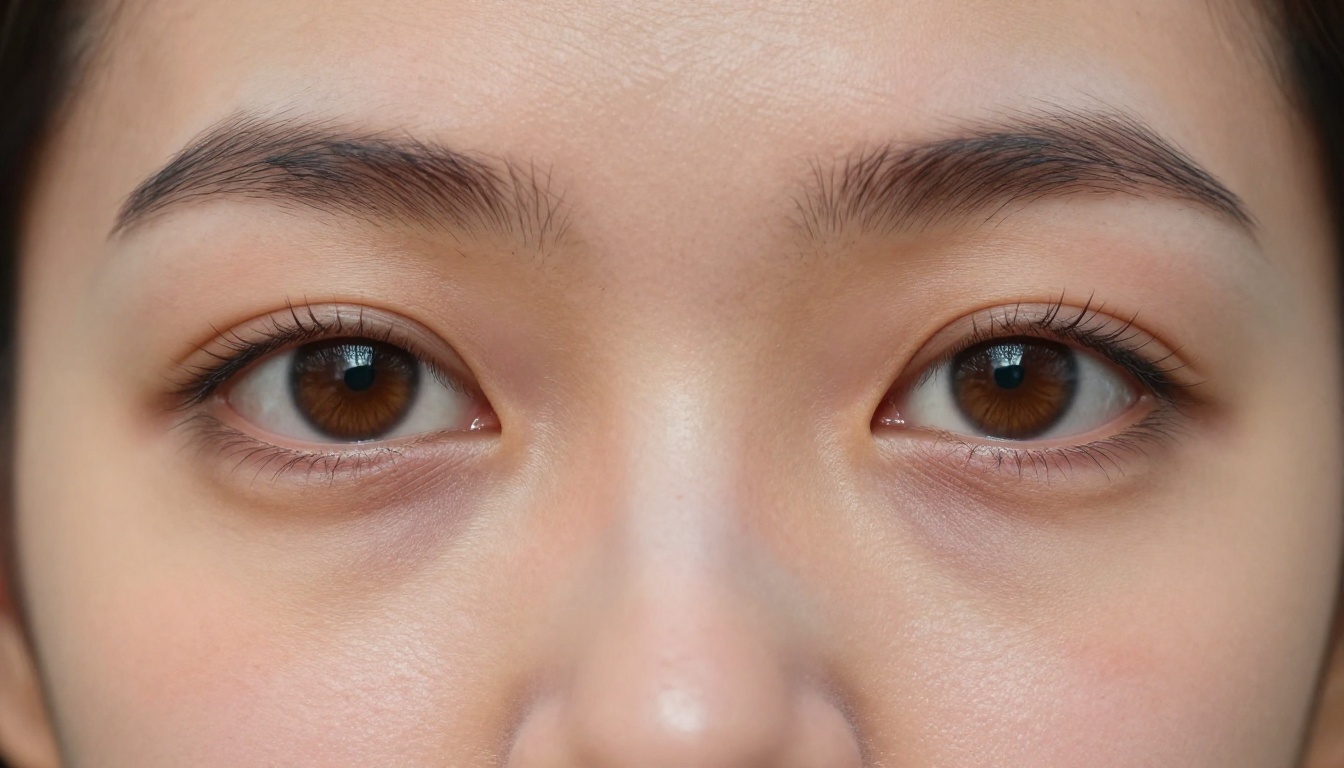
What GPT Image 2.0 Actually Does to Faces
The architecture shift
GPT Image 2.0, also known as gpt-image-1, is a native multimodal model from OpenAI trained end-to-end on image generation rather than through a diffusion adapter bolt-on. That architectural difference matters enormously for faces. Traditional diffusion models generate images by iteratively denoising random noise, which works well for composition but can create a characteristic smoothing effect on skin. GPT Image 2.0 generates images through a different process that preserves high-frequency detail more naturally.
The result: faces that have actual skin texture, not the polished plastic look that plagued earlier models. You get visible pore structures, natural color variation across the face, authentic asymmetry in feature placement, and realistic light behavior on curved facial surfaces.
Why faces are the hardest subject
The human visual system is extraordinarily sensitive to faces. We have dedicated neural processing regions for face recognition, which means even microscopic deviations from realism register as uncanny valley almost instantly. A landscape can have impossible lighting and still look beautiful. A face with slightly wrong subsurface scattering reads as fake immediately.
GPT Image 2.0 addressed this by dramatically improving its understanding of facial topology, lighting physics on curved skin surfaces, and the micro-detail patterns that signal real human to the viewer. The depth of iris color patterns, the way light wraps around the nose bridge, the micro-creases at the corners of eyes during a smile: these are now within the generation capability.
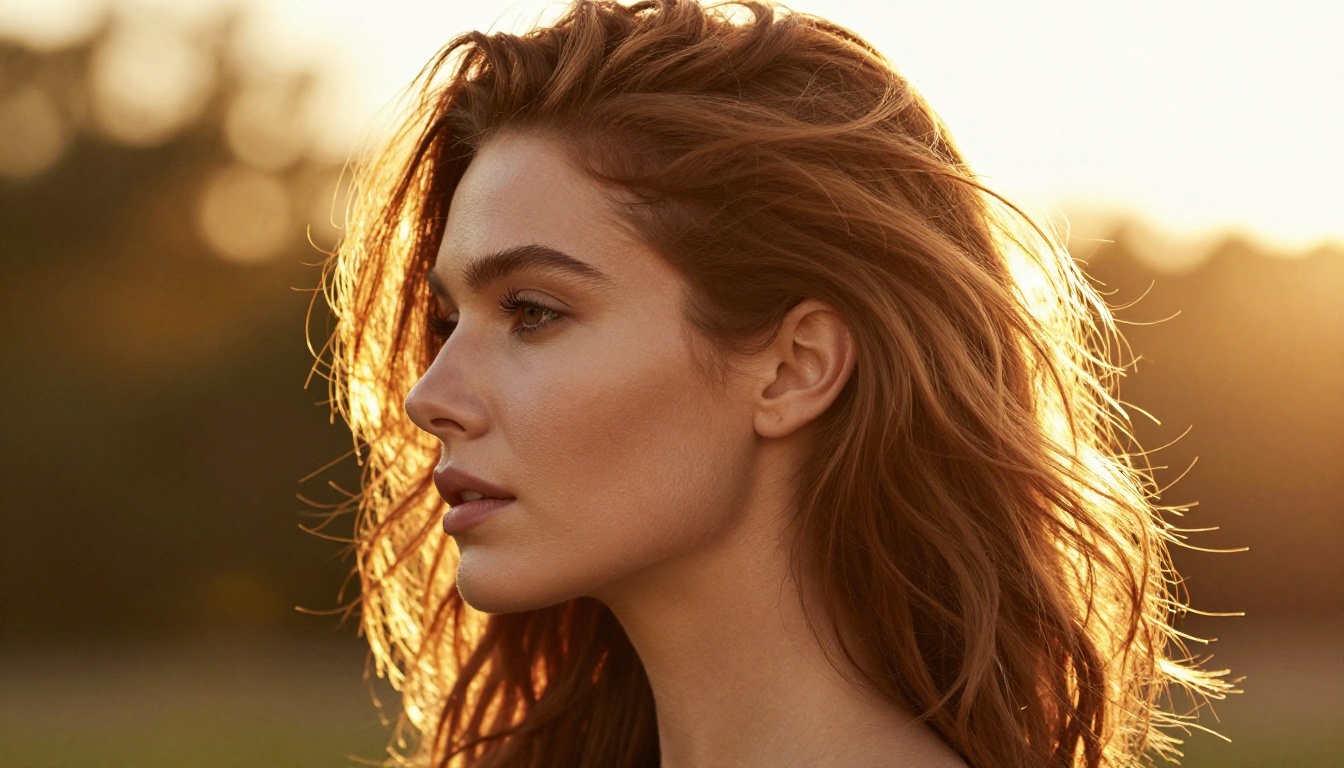
Why 18+ Face Generation Hits Different
The realism gap in adult content
Adult AI image generation has historically been behind general-purpose generation in one critical area: facial realism. The reason is simple. Models trained for adult content were often fine-tuned on datasets that prioritized body generation, stylization, or explicit content over facial photorealism. The result was a generation of NSFW AI images with technically impressive bodies attached to faces that looked like they belonged to a different, lower-quality model.
That gap has closed significantly with current-generation models, but only if you choose the right ones. The model that delivers the best 18+ facial realism today is Seedream 4.5, ByteDance's 4K-capable generator that handles adult content without filters and produces skin detail that genuinely competes with photography.
What makes faces look real in adult images
The same principles apply regardless of content type. Realism in faces comes from:
- Subsurface scattering: the way light penetrates skin slightly before reflecting, creating warm glow on thin skin areas like ears and nostrils
- Natural asymmetry: real faces are never perfectly symmetrical. Small differences in eye height, lip curve offset, and brow arch position signal authenticity
- Skin texture depth: the interplay between matte pore zones and micro-oily T-zone highlights
- Hair micro-realism: individual strands catching light differently, with natural flyaways and realistic density variation
- Eye detail: the limbal ring, iris fiber patterns, and the wet micro-specular catchlight from the cornea surface
💡 When generating 18+ faces, spend most of your prompt words on lighting description and skin texture. The model responds to these more than to descriptions of expressions or poses.
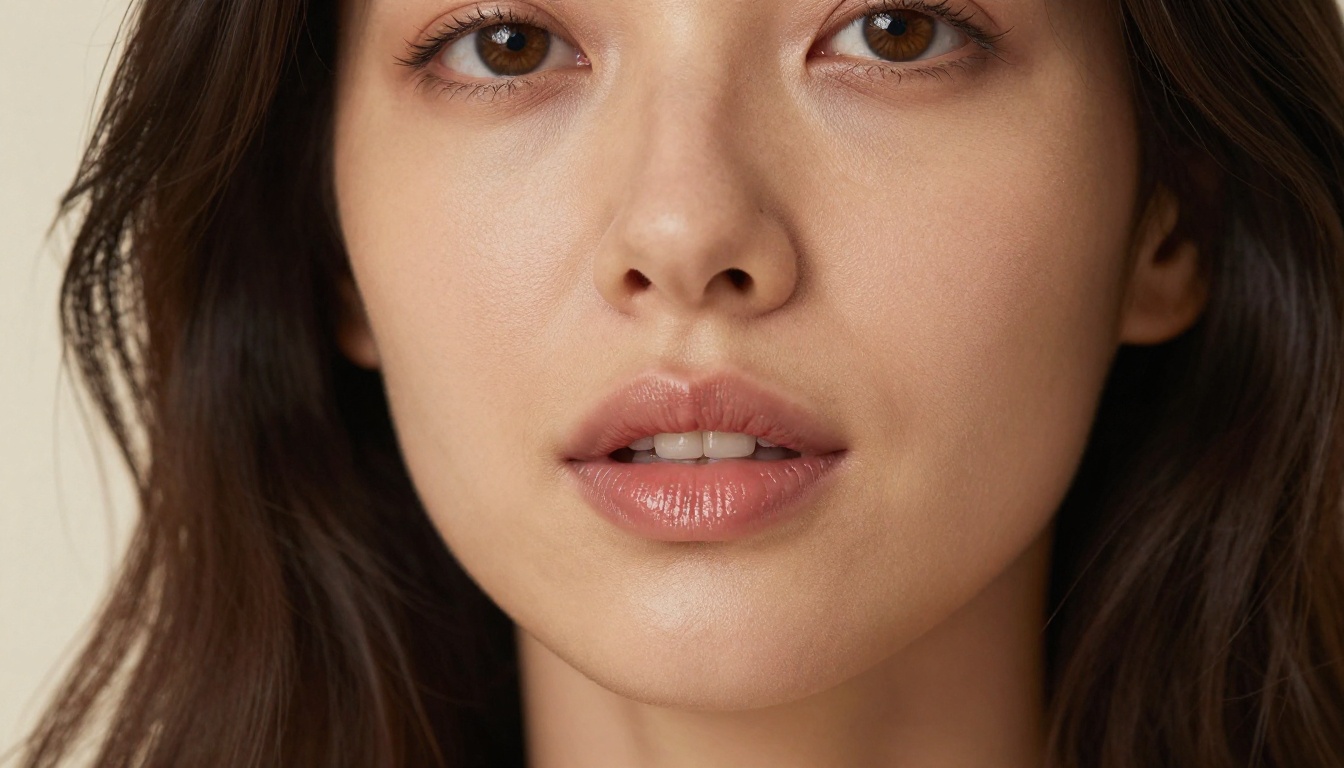
Seedream 4.5: Best for Adult Faces Right Now
Seedream 4.5 is the standout model for 18+ face generation on PicassoIA. It outputs native 4K resolution, handles adult content without restrictions, and produces the kind of facial detail that makes results usable for serious creative work rather than just quick experiments.
Why Seedream leads
ByteDance built Seedream 4.5 with high-fidelity photography as the target aesthetic. The model has strong priors for photorealistic skin rendering, natural lighting behavior, and authentic facial proportion. Unlike some adult-content models that sacrifice facial quality for body generation, Seedream 4.5 maintains consistent quality across the entire subject.
Key advantages:
- 4K native output: enough resolution to see individual pores and lash strands without upscaling
- Uncensored adult content: no filter interference at critical generation moments
- Consistent facial coherence: faces stay anatomically correct across different pose prompts
- Fast generation speed: 4K results in under 60 seconds on PicassoIA's infrastructure
- Natural lighting physics: the model understands how light wraps around facial curves
Settings that matter
When using Seedream 4.5 for adult face generation, prompt structure matters. Lead with the subject and expression, then lighting, then camera specifics, then skin detail modifiers.
| Prompt Element | What to Include |
|---|
| Subject | Age range, ethnicity, hair color, expression |
| Lighting | Direction, quality, temperature, source type |
| Camera | Lens mm, aperture, ISO, shooting distance |
| Skin | Texture descriptors, oiliness zones, imperfections |
| Environment | Background depth, color, ambient context |
Avoid vague descriptors like "beautiful" or "attractive" in isolation. These give the model too much latitude and often produce generic results. Instead, describe exactly what physical features create the look you want.

How to Use GPT Image 2 on PicassoIA
PicassoIA hosts GPT Image 2 directly, accessible without API setup or rate limits. The interface is straightforward, but there are specific approaches that extract the maximum facial quality from the model.
Step by step
Step 1: Navigate to GPT Image 2 on PicassoIA.
Step 2: Set aspect ratio to 1:1 or 4:5 for portraits. The 16:9 ratio compresses vertical space and can cause the model to deprioritize facial detail in favor of wider framing.
Step 3: Write your prompt starting with the face-level description. GPT Image 2.0 is highly instruction-following, so the order of your prompt elements directly influences output priority.
Step 4: Add technical photography descriptors in the second half of your prompt. Terms like "85mm f/1.4", "Kodak Portra 400 film grain", and "natural window lighting" shift the model toward photorealistic rendering modes.
Step 5: Generate. If facial detail is insufficient, add "hyper-detailed skin texture, visible pores, photorealistic, RAW photography" and regenerate.
Prompt tips for faces
The most effective structure for GPT Image 2.0 portrait prompts:
[Subject + age + key features] + [expression + emotion] + [lighting description] + [camera technical specs] + [skin texture modifiers] + [background/environment]
Example prompt that works well:
"25-year-old woman with green eyes, slight natural smile, soft diffused morning light from large north-facing window, 85mm f/1.4 portrait lens, Kodak Portra 400 grain, visible skin pores on nose and cheeks, natural lip texture, warm cream studio background with bokeh"
The phrase "Kodak Portra 400" alone is one of the most powerful modifiers for skin realism. It signals to the model a specific film emulation known for natural, warm skin tone rendering and authentic grain structure.
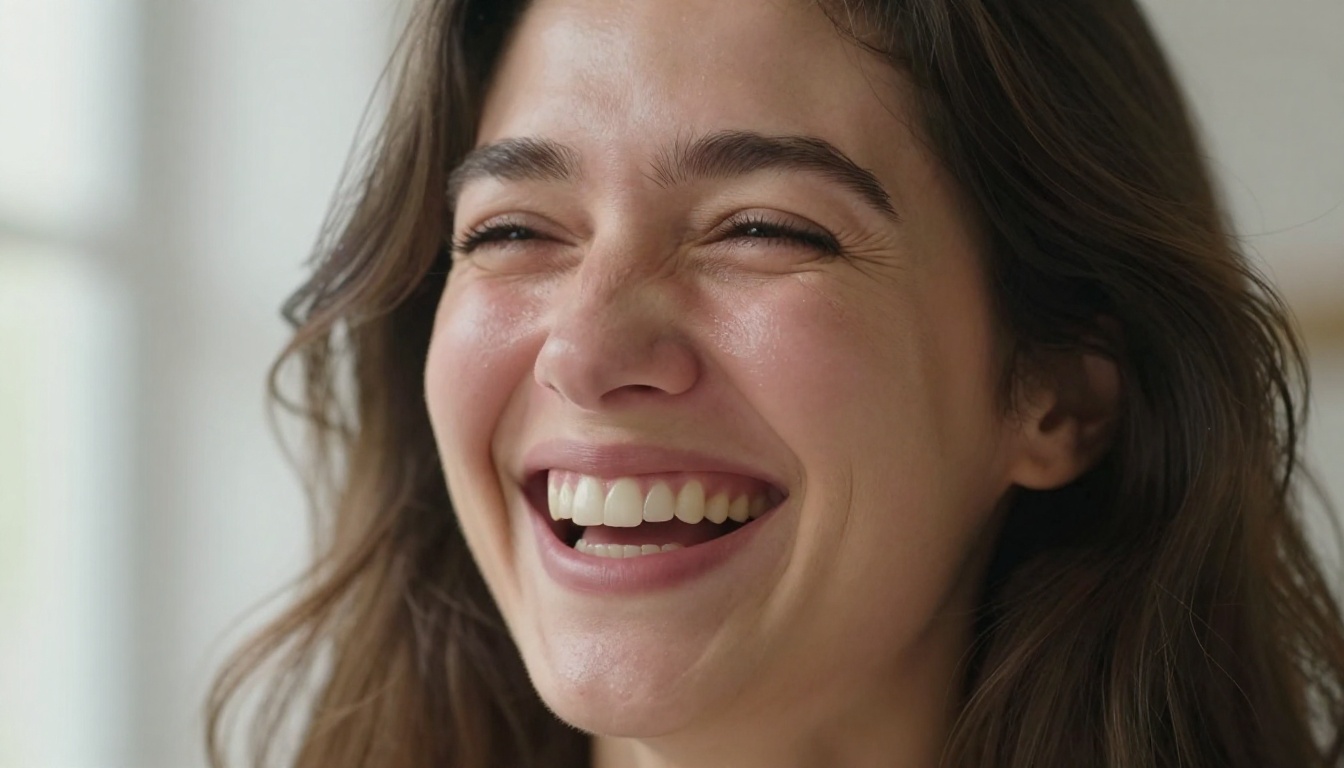
PicassoIA Image Editor Pro for Refinement
Even the best generation sometimes needs refinement. A face might have 95% of the realism you want but one eye slightly off, or skin that needs additional texture in specific zones. PicassoIA Image Editor Pro handles this with unlimited generations and a comprehensive editing toolkit built specifically for this workflow.
Fixing specific areas
Image Editor Pro supports inpainting, meaning you can select any region of an already-generated face and regenerate just that section while keeping everything else intact. Common use cases for 18+ face refinement:
- Eye asymmetry: select one eye, describe the correction, regenerate only that region
- Skin texture inconsistency: select an over-smoothed zone, add texture descriptor, regenerate
- Hair strand detail: select the hairline or specific sections, add "individual strand detail, natural flyaways"
- Lip detail: select the lip area, add specific texture and color descriptors for refinement
💡 When inpainting faces, generate at 2x the resolution you need, then downsample. The extra resolution gives the model more pixel space to render micro-detail, and the downsampling creates natural anti-aliasing that makes the result look organic.
Upscaling for final output
After face generation and editing, running through a super-resolution model adds the final layer of detail. PicassoIA's super-resolution models upscale 2x-4x while adding detail rather than just interpolating pixels. For faces, this means the final 8K output genuinely has more skin texture detail than the source, not just a larger version of the same image.
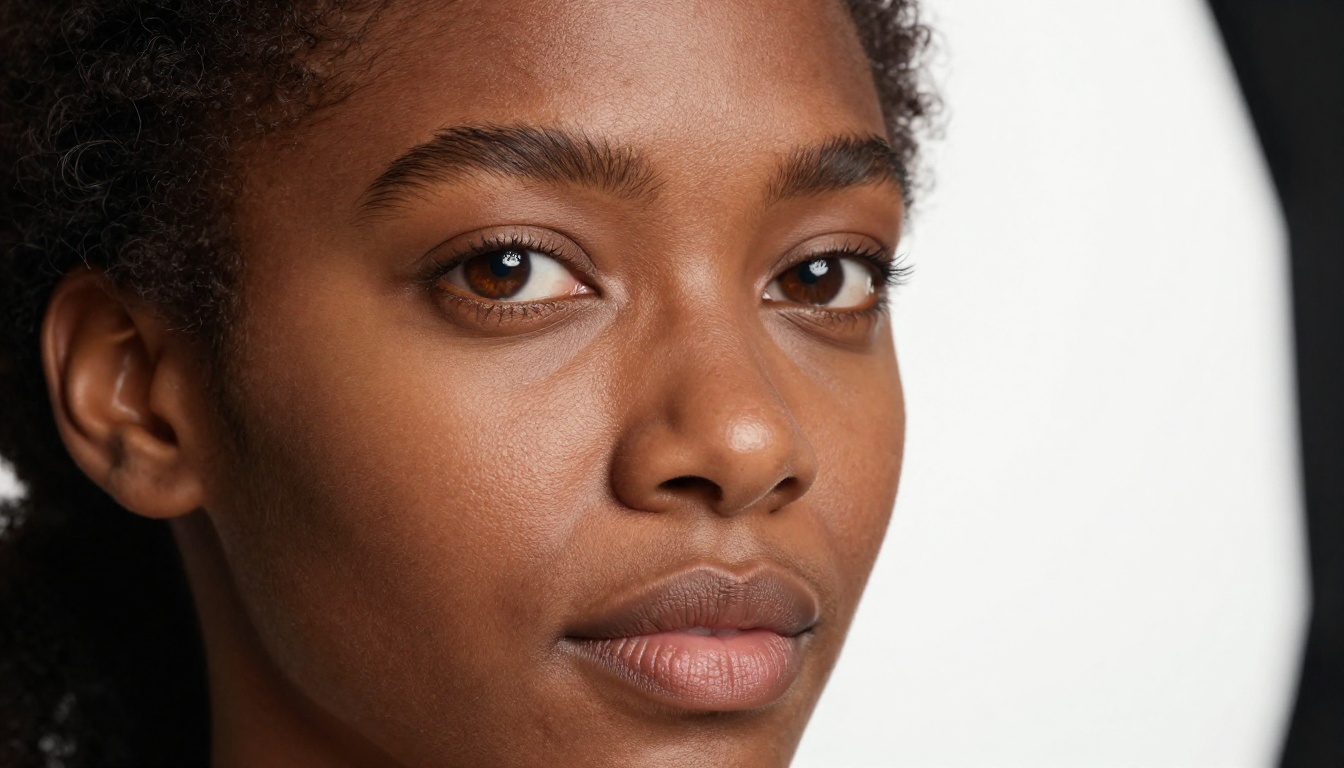
Prompting for Hyper-Realistic 18+ Faces
The difference between a face that looks AI-generated and one that reads as a photograph comes down to about 15-20 specific prompt elements. Most people use 5-8. Here is what the complete set looks like.
What works
Lighting precision (single biggest realism factor):
- Specify the light source type: softbox, window, overcast sky, LED panel
- Specify direction: 45-degree upper-left, overhead, rim from behind-right
- Specify color temperature: 5500K daylight, 3200K tungsten, golden hour warm
- Specify fill or bounce: "white reflector card on right, 1.5 stops under main"
Lens and camera specifics:
- Focal length: 85mm for natural portrait compression, 50mm for environmental context, 135mm for telephoto bokeh
- Aperture: f/1.4 for shallow background blur, f/2.8 for full-face sharpness
- Film stock: Kodak Portra 400 for warm skin tones, Fuji 400H for cooler slightly desaturated looks
Skin imperfection vocabulary:
- "Visible skin pores on nose bridge and cheeks"
- "Slight T-zone sebum shine, matte texture on cheeks"
- "Natural micro-vellus hair along jaw catching backlight"
- "Subtle under-eye shadow, not dark circles"
- "Natural lip texture, fine vertical lip lines"
What breaks realism
| Avoid | Use Instead |
|---|
| "beautiful face" | "softly asymmetric features, natural proportions" |
| "perfect skin" | "smooth skin with natural pore texture" |
| "amazing eyes" | "hazel eyes with detailed iris fiber pattern, limbal ring" |
| "glamorous" | "natural light beauty, candid portrait quality" |
| "HDR" | "natural dynamic range, Kodak Portra 400" |
| "ultra realistic" alone | "85mm f/1.4 photorealistic Kodak Portra 400" |
💡 The word "photorealistic" alone is weak. Combine it with specific photography technical terms. "Photorealistic 85mm f/1.4 Kodak Portra 400 natural window light" is significantly more effective than "photorealistic" by itself.
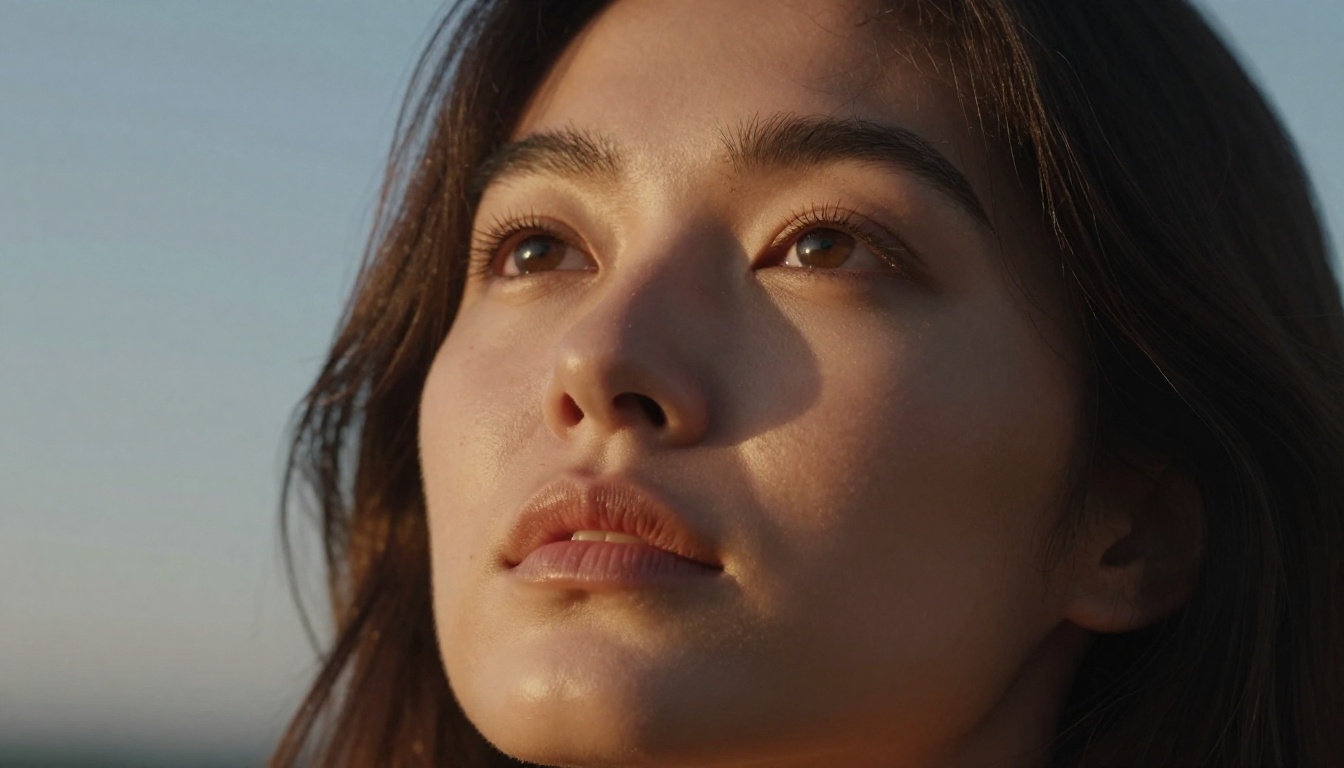
Other Models Worth Testing
Beyond Seedream 4.5 and GPT Image 2.0, PicassoIA offers several models with strong face generation capabilities. Here is how they compare for 18+ portrait work:
Important: Seedream 5 Lite includes content filtering for adult material and is not suitable for this workflow. Use Seedream 4.5 or Seedream 4 for uncensored results.
Flux Kontext Pro deserves special mention for face editing. It accepts an input image and a text instruction, which means you can take a generated face and refine specific elements by describing the change. "Make the eye color darker amber", "add subtle freckles to the nose bridge", "increase the skin texture detail on cheeks" all work as direct editing instructions. For iterative face refinement, it is one of the most practical tools in the workflow.
Flux 1.1 Pro offers fast generation with high consistency, making it ideal for the early stages of a workflow where you are testing prompt directions before committing to a high-resolution final output. It is fast enough that you can run 10 prompt variations in the time a single 4K Seedream generation takes, which makes it the right tool for the creative exploration phase.
For portrait styles that lean more artistic than photographic, Ideogram v3 Quality consistently produces high-quality outputs with excellent facial coherence and a slightly elevated aesthetic sense. It responds well to art direction prompts and can produce faces that sit in the interesting space between photorealistic and high-fashion editorial.
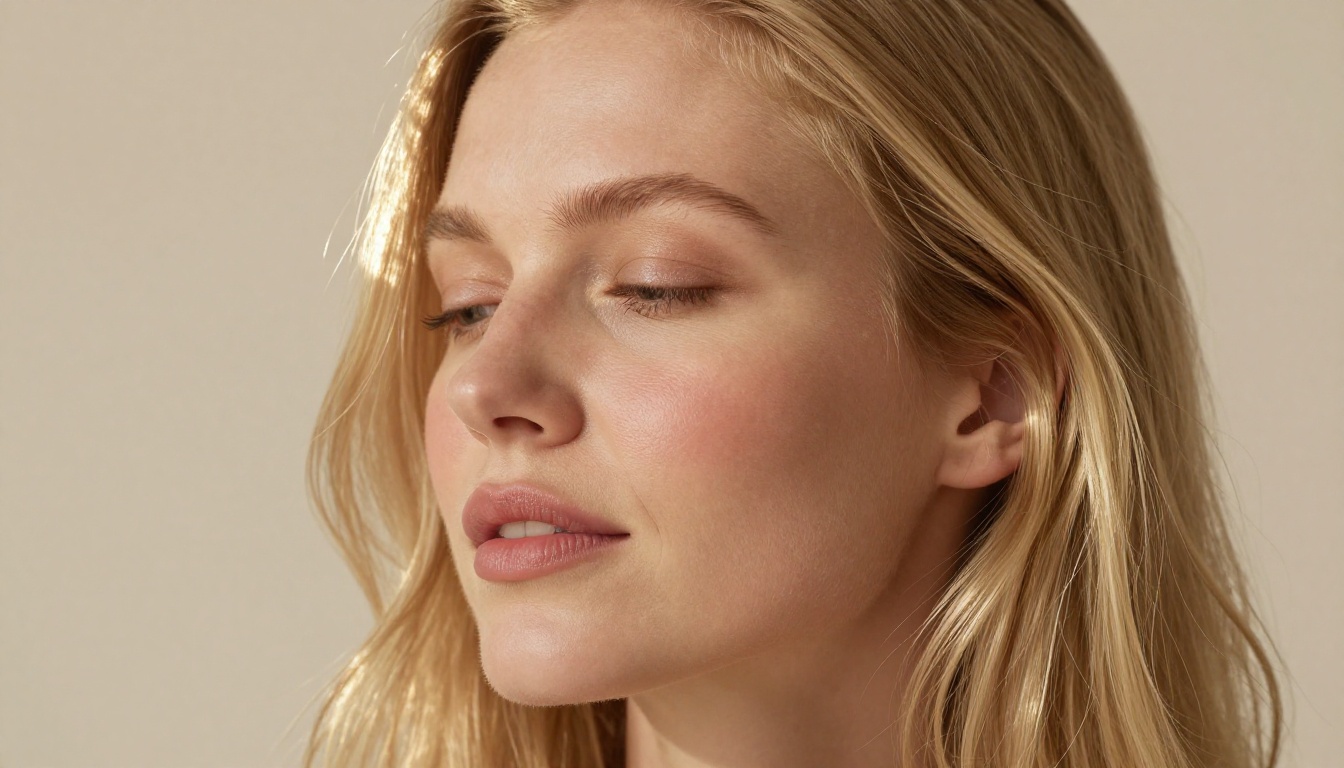
Start Creating on PicassoIA Today
The tools are there. The workflow is clear. The only thing left is to start generating.
Begin with Seedream 4.5 for your first attempt. Use a prompt that describes lighting first, then the subject, then camera specifics. Generate at 4K. If the face is 90% of what you want, take it into PicassoIA Image Editor Pro and inpaint the 10% that needs work. Run a super-resolution pass for the final output.
For facial portraits that need to match a specific style or lighting reference, Flux Kontext Pro and GPT Image 2 both accept reference images alongside text descriptions, which lets you ground the generation in a specific visual direction while describing exactly the adjustments you need.
The full catalog of models, including text-to-image, image editing, face swap, super-resolution, and more, is available at picassoia.com/en/all-models. It is a complete creative toolkit rather than a single-model tool, which means as your workflow matures you have real options rather than workarounds.
Start with one prompt. Iterate fast. The results at the end of that process are worth it.