If you want spicy content and you don't own a professional camera, you're not behind. You're actually ahead. The best content creators right now are generating photo-realistic images of stunning women in lingerie, bikinis, sheer fabrics, and intimate settings, without hiring a photographer, renting a studio, or even being in the frame themselves. All of it runs through AI image generators, and the results look like editorial spreads from a luxury magazine.
This isn't about low-quality filters or obvious CGI. The images coming out of models like Seedream 4.5 are indistinguishable from professional photography at 4K resolution. If you know what to prompt, you can produce 10 images in the time it takes to set up a single studio light.
Here's exactly how to do it.
Why Creators Are Ditching the Camera
The traditional content pipeline is brutal. You book a model, hire a photographer, rent a location, edit in post, deal with watermarks and contracts, and hope the lighting was right. After all that, you might have 20 usable shots if you're lucky.
AI changes every single part of that equation.
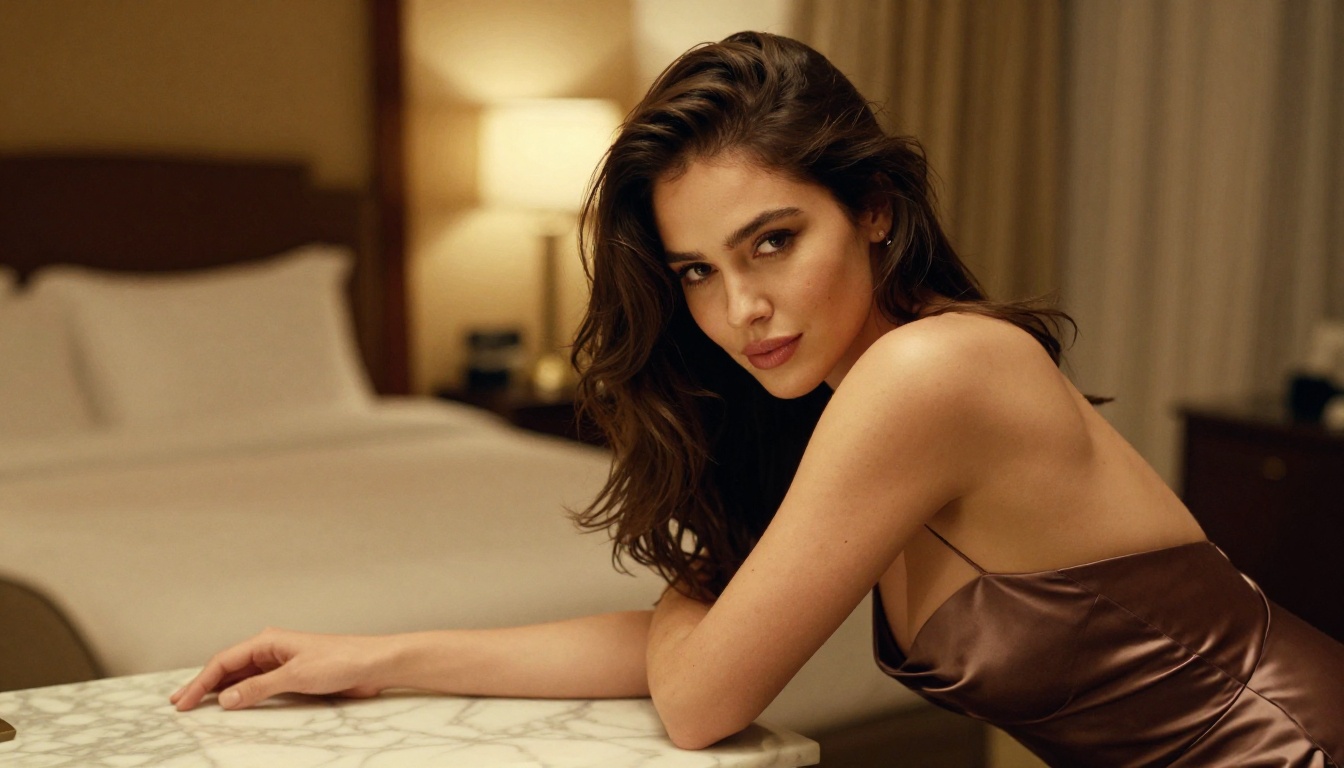
The Real Cost of Traditional Shoots
A single professional photo shoot in a major city can cost anywhere from $500 to $5,000 depending on talent, location, and editing. That's before you account for retouching, licensing, or the three days it takes to get the final files.
AI image generation costs a fraction of that. With PicassoIA Image Editor Pro, you get unlimited generations with no per-image cap. You can run 200 variations of a single concept in an afternoon, iterating on lighting, pose, expression, and outfit until you land exactly what you want.
What AI Actually Replaces
| Traditional Element | AI Equivalent |
|---|
| Photographer | Text prompt |
| Model | AI-generated subject |
| Studio lighting | Lighting description in prompt |
| Post-production | Upscaling and inpainting tools |
| Scheduling | Instant generation |
The only thing AI doesn't replace is your creative vision. That still has to come from you.
The Best Model for Spicy Content: Seedream 4.5
If you're creating adult-adjacent content, beauty content, or anything that requires a photorealistic human body, Seedream 4.5 is where you start. It was built specifically for high-fidelity image generation at 4K resolution, and it handles skin tones, fabric textures, and lighting in ways that older models simply can't.
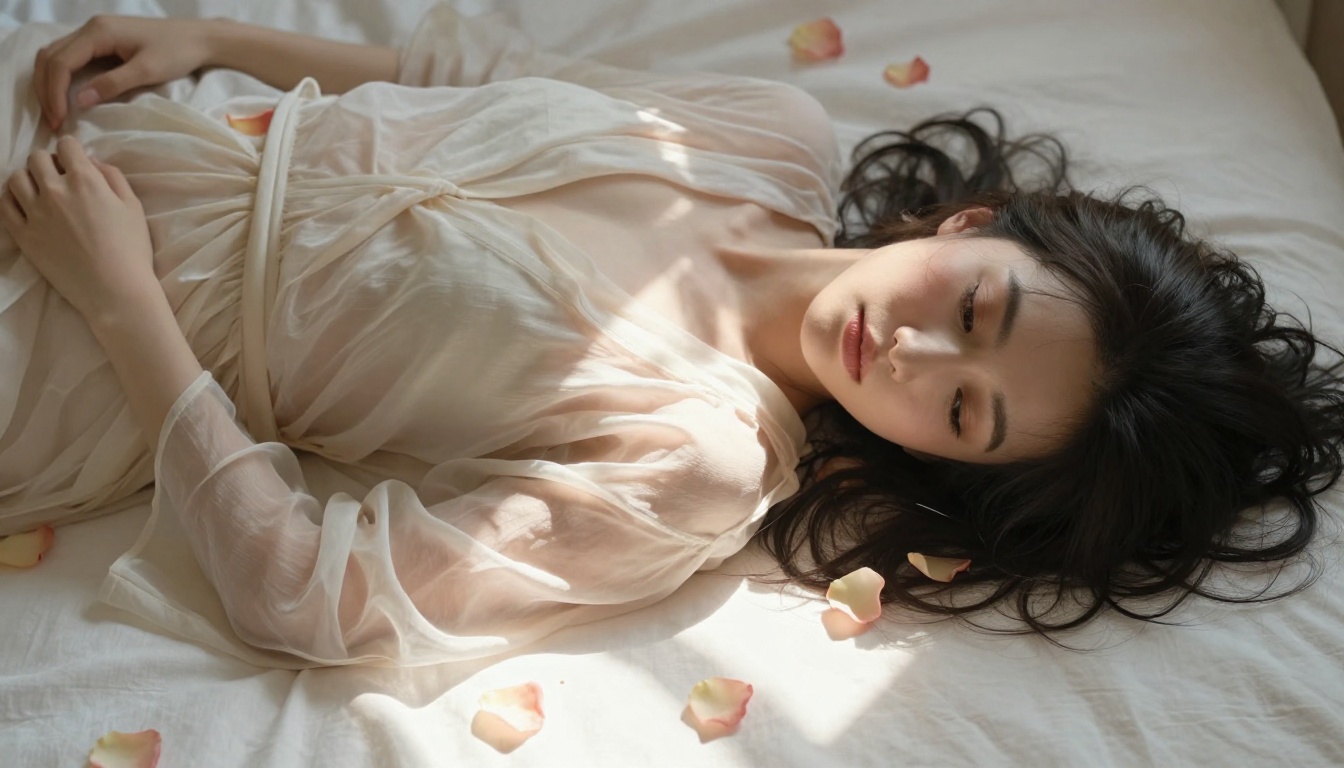
What Makes It Different
Most image models struggle with two things: hands and skin. Seedream 4.5 has been trained on high-quality photographic data that makes both look correct under close inspection. You'll see individual pores, realistic fabric drape, and natural catchlights in the eyes, the same details that make or break a professional photo.
It also handles implied nudity and suggestive content without the aggressive filtering you get on more restrictive platforms. The model respects artistic and glamour photography aesthetics, meaning you can create work that feels like high-end editorial without tripping content guardrails constantly.
💡 Tip: When prompting Seedream 4.5, always specify lighting direction, camera lens, and film stock. "85mm f/1.4, golden hour from the left, Kodak Portra 400" produces completely different results than an unspecified prompt.
Prompt Tips That Actually Work
The difference between a mediocre AI image and a stunning one is almost always in the prompt. Here's the structure that works:
- Subject + pose + clothing: Be specific. "A woman in a sheer silk slip dress" beats "a woman in a dress."
- Environment: Describe textures and context. "A luxury hotel suite with cream linen sheets and a floor lamp."
- Lighting: Name the light source, direction, and quality. "Warm backlit sunlight from the right, soft rim light."
- Camera specs: "85mm portrait lens, f/1.4, shallow depth of field."
- Film look: "Kodak Portra 400 grain, natural skin tones, no digital sharpening."
Keep your prompts at 60 to 100 words for best results. Going much shorter loses nuance; going much longer causes the model to skip details.
PicassoIA Image Editor Pro for Unlimited Runs
For content creators who need volume, PicassoIA Image Editor Pro is the most practical tool on the platform. There's no per-generation limit, which means you can iterate without watching credits disappear.
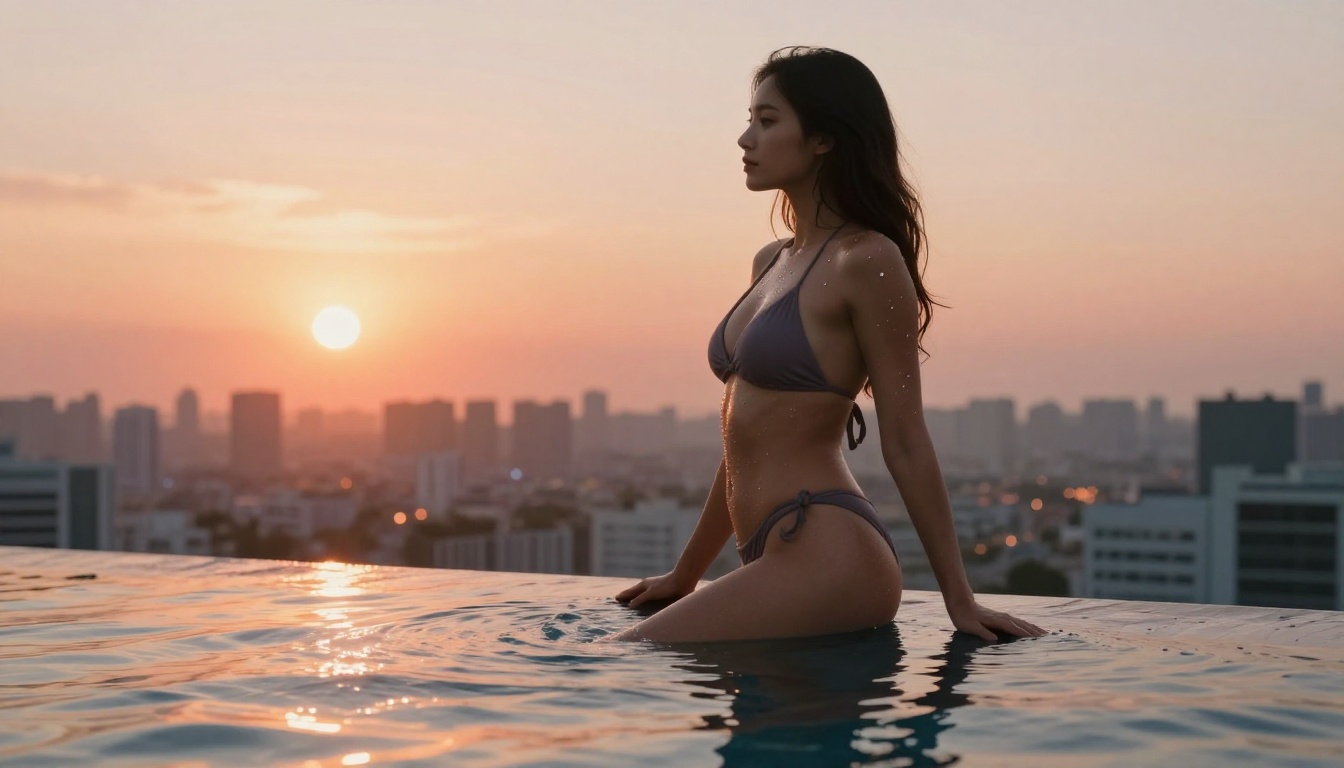
No Caps, No Limits
The unlimited generation model matters more than most people realize. Creating great AI content is a numbers game. You run 30 variations to find the 3 that are perfect. If you're paying per image or working within a credit system, you'll cut corners. With unlimited access, you can afford to be ruthless about quality.
This is especially useful for spicy content because you're often trying to land a very specific combination: the right pose, the right fabric, the right expression, and the right lighting all in one frame. That can take 10 attempts or 50 depending on how specific your vision is.
Refining and Editing Your Results
Once you have a strong base image, the editing tools inside PicassoIA become your post-production suite.
Inpainting with Flux Fill Pro lets you fix specific areas without regenerating the whole image. Wrong expression? Mask just the face and regenerate. Clothing looks off? Fix it without touching the lighting you spent three iterations getting right.
Outpainting is equally powerful. If your subject is too tightly cropped, you can expand the canvas and fill in the missing parts of the background naturally.
5 Models Worth Trying on PicassoIA
Beyond Seedream 4.5, PicassoIA hosts a deep library of text-to-image models, each with distinct strengths. Here are the ones that matter most for spicy and glamour content.
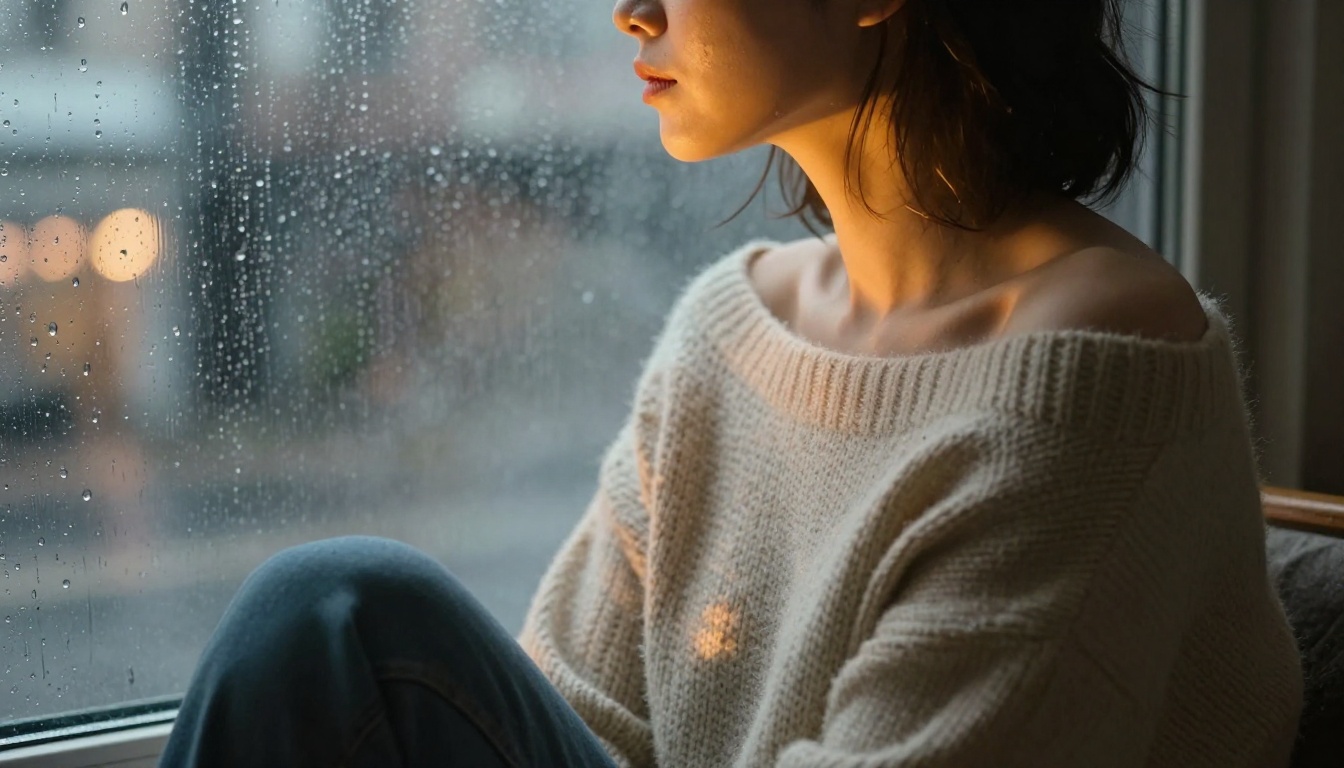
RealVisXL for Photorealistic Bodies
RealVisXL v3.0 Turbo was purpose-built for photorealism. It excels at skin texture, facial accuracy, and body proportions that look correct from every angle. If Seedream 4.5 is your primary tool, RealVisXL is your backup when you need a different aesthetic or when you want to compare outputs side by side.
Flux Fill Pro for Targeted Edits
Flux Fill Pro is the best inpainting model on the platform. Use it after your initial generation to fix small issues: an arm that looks stiff, a background element that distracts, or fabric that didn't drape naturally. Targeted edits save you from running full regenerations when the image is 90% there.
Imagen 4 Ultra for Ultra-HD Detail
Google's Imagen 4 Ultra is worth reaching for when you need the absolute maximum resolution and detail. It handles complex lighting scenarios particularly well, including dramatic chiaroscuro lighting (firelight, backlight, window light) that makes glamour photos feel editorial rather than generic.
GPT Image 2 for Versatile Prompting
GPT Image 2 is a strong choice when your prompts are descriptive rather than technical. It responds well to natural-language descriptions, making it a solid starting point if you're still developing your prompting style before moving to more specialized models.
Flux Redux Dev for Consistent Characters
Flux Redux Dev lets you create image variations that maintain character consistency. Once you've generated a subject you love, this model helps you put her in different poses, outfits, and settings without losing the face or body details that made the original work.
How to Write Prompts That Get Results
The prompt is everything. An average prompt with a powerful model will always lose to a great prompt with a mid-tier model.
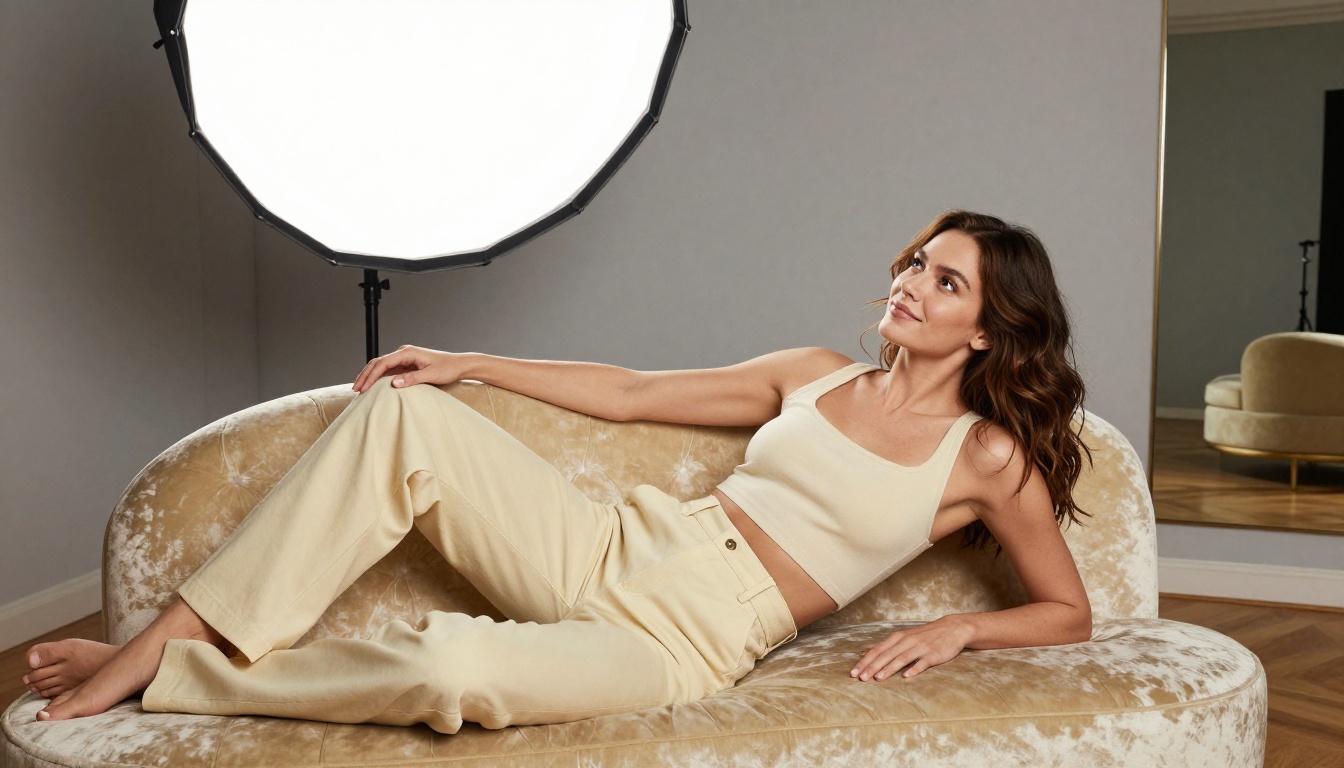
The Formula for Spicy Prompts
Here's the exact formula:
[Subject + appearance] + [Clothing description with fabric] + [Setting + environment texture] + [Lighting direction and quality] + [Camera angle + lens] + [Film stock or post-processing look]
Example:
"A confident woman with dark wavy hair in a form-fitting satin slip dress, open slightly at the back, standing in a candlelit penthouse with floor-to-ceiling windows overlooking a city at night. Rim light from the right catching the fabric sheen, warm amber interior light. Shot with an 85mm f/1.2 lens, shallow depth of field, Kodak Portra 800 grain, photorealistic RAW 8K."
Every element of that prompt is doing specific work. Remove the lens spec and the bokeh softens unpredictably. Remove the film stock and the skin tones shift toward a digital look. Remove the lighting direction and the image loses the dimensionality that makes it feel real.
What to Avoid in Your Prompts
- Contradictory styles: Don't say "photorealistic" and "artistic illustration" in the same prompt.
- Too many subjects: AI models struggle with multi-person compositions at the same quality level as single subjects.
- Vague adjectives: "Beautiful," "sexy," and "attractive" add almost nothing. Describe specifics instead.
- Generic backgrounds: "A bedroom" generates a generic room. "A king-size bed with crisp white Italian linen sheets and a mahogany headboard" generates something distinct.
Animating Your AI Images Into Videos
Still images are the foundation, but video content gets dramatically more engagement on every platform. The good news: you don't need a different pipeline. You start from the images you already generated and animate them.
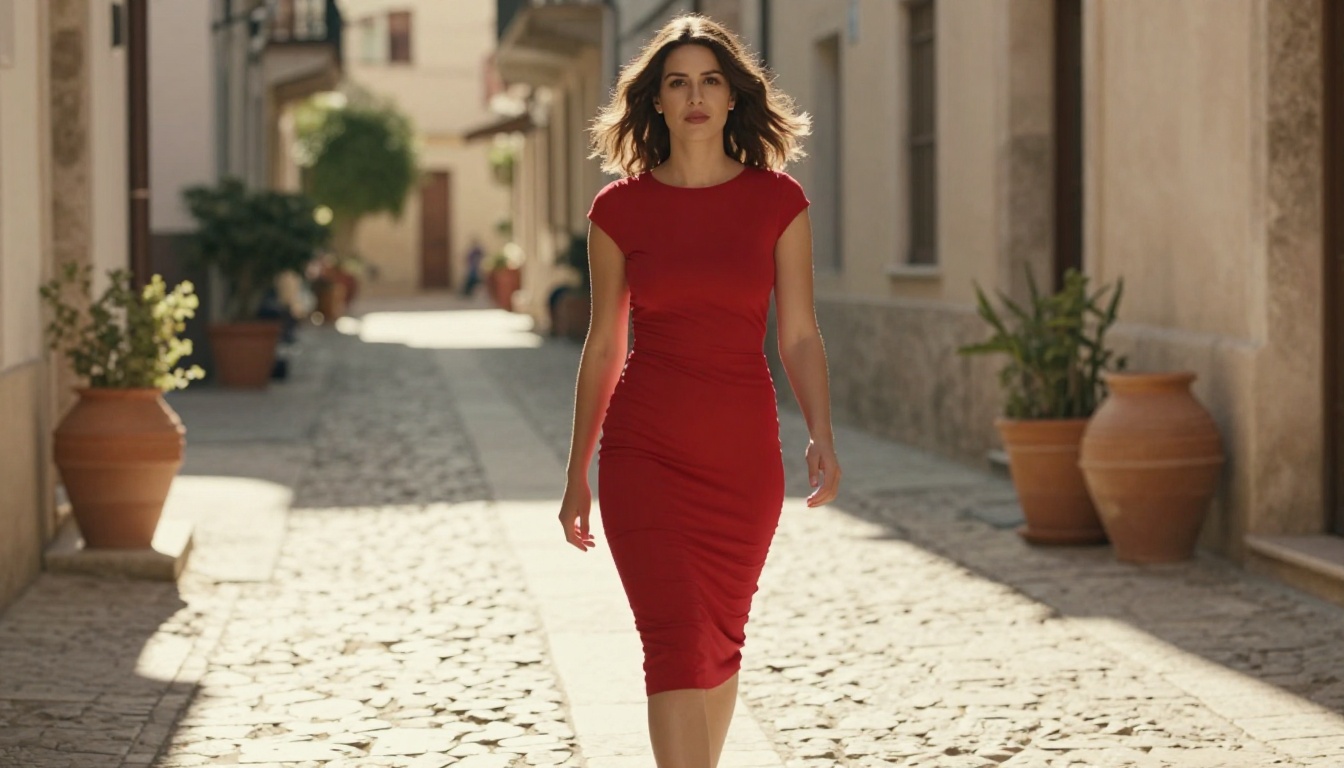
Seedance 2.0 for Fluid Motion
Seedance 2.0 is the top choice for animating glamour images. It produces smooth, natural body movement that doesn't look mechanical, which is the biggest failure mode in AI video. Feed it one of your Seedream-generated images and describe simple motion: hair moving in a breeze, a slow turn toward the camera, fabric catching light as the subject shifts weight.
Keep motion prompts simple and chronological: "Subject turns slowly to face camera, hair lifting slightly, soft rim light catching eyelashes, gentle dolly-in."
Kling v3 for Cinematic Sequences
Kling v3 handles longer cinematic sequences and camera movements better than most models. If you want a slow pan across a room, a tilt down from a rooftop, or a tracking shot that follows movement, Kling v3 delivers consistent results with minimal distortion.
Other strong options for image-to-video animation: Wan 2.7 I2V for high-fidelity motion, Pixverse v6 for cinematic audio-synced clips, and LTX 2.3 Pro when you need 4K video output.
Upscaling and Polishing Your Final Output
Raw AI outputs are often 1024 or 1536 pixels wide. For professional use, especially for platforms that display content at large sizes, you'll want to push the resolution higher before publishing.
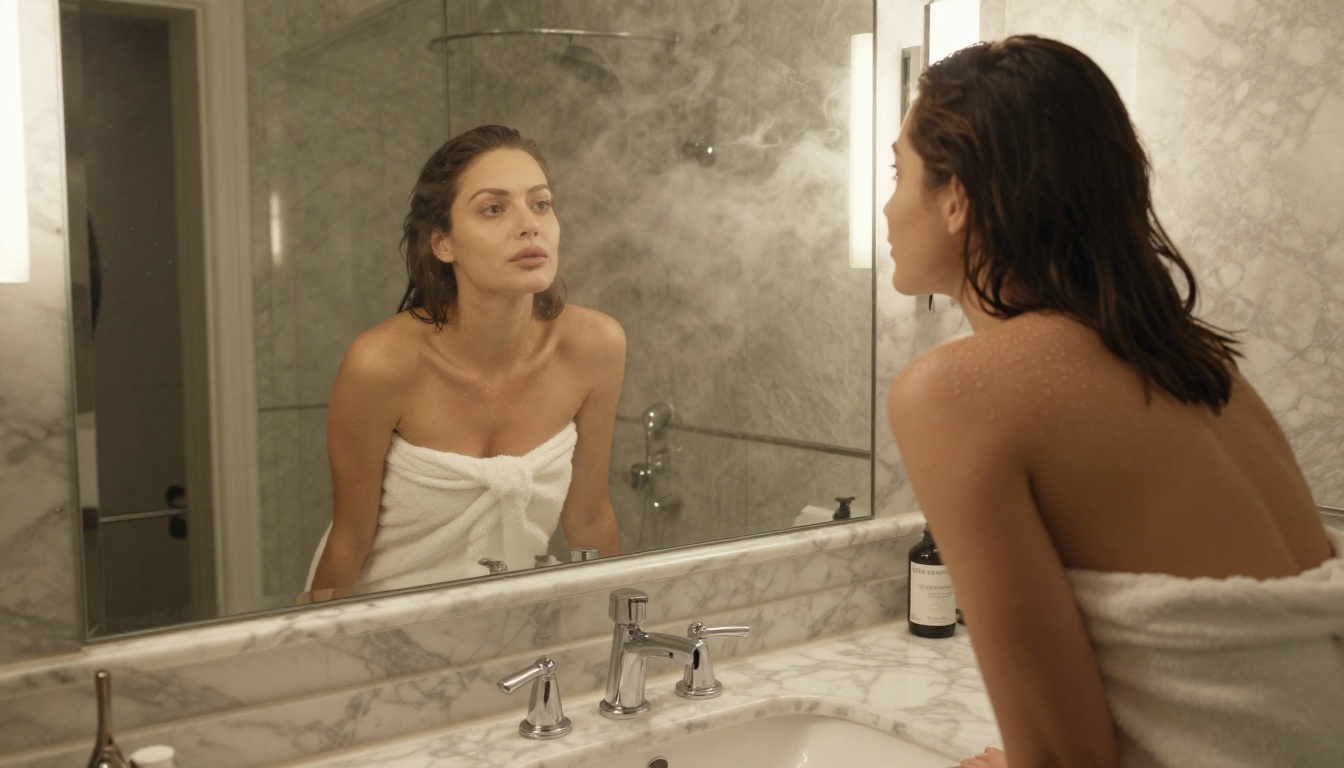
Clarity Pro Upscaler
Clarity Pro Upscaler is built specifically for photorealistic outputs. It doesn't just scale the image, it enhances detail in skin, fabric, and hair during the upscaling process. An 8K output from this tool looks genuinely different from a simple resize.
Topaz Image Upscale can push images up to 6x their original size and is particularly strong with skin tones and complex textures. Use it when you need to print large or display on high-DPI screens.
Remove Backgrounds for Content Repurposing
Once you have your final images, Bria Remove Background lets you cleanly isolate your subject in seconds. This opens up new creative directions: place her in a different environment, create layered composite images, or prep assets for platform-specific cropping and formatting requirements.
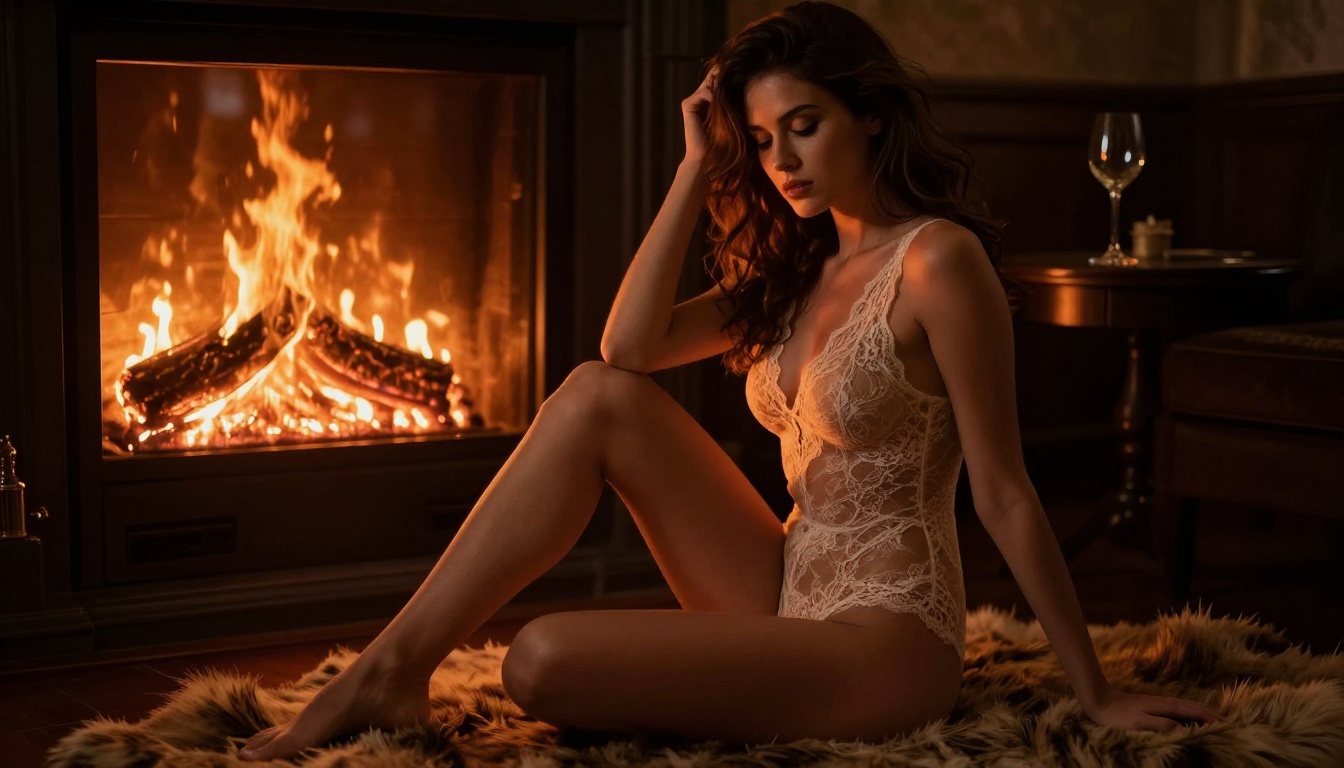
Your Full Workflow at a Glance
Here's the complete pipeline from concept to finished asset:
- Generate your base images with Seedream 4.5 using detailed prompts (60 to 100 words).
- Iterate without limits using PicassoIA Image Editor Pro.
- Fix specific areas with Flux Fill Pro inpainting.
- Upscale to professional resolution with Clarity Pro Upscaler.
- Animate your best images with Seedance 2.0.
- Clean up for repurposing with Bria Remove Background.
This pipeline takes under an hour for a full batch of polished content. No camera, no model agency, no studio, no scheduling headaches.
Start Creating Right Now
The gap between knowing this exists and actually doing it is smaller than most people think. Pick one concept, write a 70-word prompt for Seedream 4.5, and run it. The first result won't be perfect. The fifth probably will be.
Every model covered in this article, from photorealistic portrait generators to video animators to upscalers, is accessible at picassoia.com/en/all-models. There's no equipment list, no minimum spend, and no shoot day to reschedule. Just your prompt and what you want to create.


