Sora 2 Pro is the most capable text-to-video model available right now, and if you are creating reels for social media, it produces results that few other models can currently match. The resolution clarity, the motion physics, the skin and fabric rendering all sit in a noticeably different tier. This article walks through exactly how to use Sora 2 Pro on PicassoIA to produce spicy, high-quality AI reels: the prompt formulas that work, the settings worth adjusting, and honest model comparisons so you always pick the right tool.
Why Sora 2 Pro Changed the Reel Game
Not every text-to-video model delivers consistent results when the content involves realistic human figures in motion. Most models from 2024 still produce subtle but noticeable artifacts: stiff joints, warping fabric, or faces that drift out of proportion mid-clip. Sora 2 Pro largely eliminates these problems, producing full HD clips with believable physics and fluid motion.
The real shift for reel creators is this: you no longer need a camera crew or a location shoot to produce content that looks professional. A well-written prompt and the right model settings deliver a clip you can post directly.
The Resolution Difference
Sora 2 Pro runs natively at HD resolution. Competing models often top out at 720p or compress detail to hit speed targets. When you are creating reels for platforms like Instagram or TikTok where viewers watch on high-resolution phone screens, that extra clarity is immediately visible.
Skin texture, hair movement, fabric wrinkles: these all render with detail that makes AI-generated content look indistinguishable from filmed footage when the prompt is right.
Native Audio and Atmosphere
Sora 2 Pro generates synchronized audio alongside the video. For reels where ambient sound matters, like beach scenes, urban environments, or studio settings, this removes an entire editing step. You get a clip where the environment sounds as real as it looks.
The audio sync is particularly effective for lifestyle and travel reels, where background atmosphere carries as much emotional weight as the visuals.
How to Use Sora 2 Pro on PicassoIA
PicassoIA gives you direct access to Sora 2 Pro without API credentials or local installations. The workflow is straightforward, but a few settings make a significant difference in output quality.
Write Your Prompt First
Do not open the model page until your prompt is ready. Write it as a full scene description: subject, action, environment, lighting, and camera movement. Sora 2 Pro reads the entire prompt before generating, so a thorough description produces better results than a short phrase with keywords.
Aim for 50 to 80 words in your prompt. Less than 30 words often produces generic motion. More than 120 words can dilute the model's focus on what actually matters.
Choose Your Resolution
For reels intended for social platforms, run at the highest resolution the model offers. On PicassoIA, the Sora 2 Pro page lets you select output quality settings. Choose 720p or 1080p depending on your credit allowance.
If you are testing a new prompt, run at lower resolution first. Once the motion and composition work, switch to full resolution for your final output.
Specify Motion in Your Prompt
This is where most new users leave quality on the table. Sora 2 Pro responds well to explicit motion instructions. Instead of writing "woman walking on beach," write "woman walking slowly toward camera along shoreline, gentle waves breaking around her ankles, hair moving in the sea breeze, slow dolly-in camera movement."
The more specific the motion, the more cinematic the output.
Spicy content, meaning visually attractive, sensual, and aesthetically bold rather than explicit, requires a specific approach to prompting. Sora 2 Pro is sensitive to quality signals in the prompt. When those signals are clear, the output quality rises noticeably.
Subject First, Always
Start every prompt with a clear subject description: appearance, clothing, and pose. The model anchors the entire generation around the subject, so vagueness here costs you quality everywhere else.
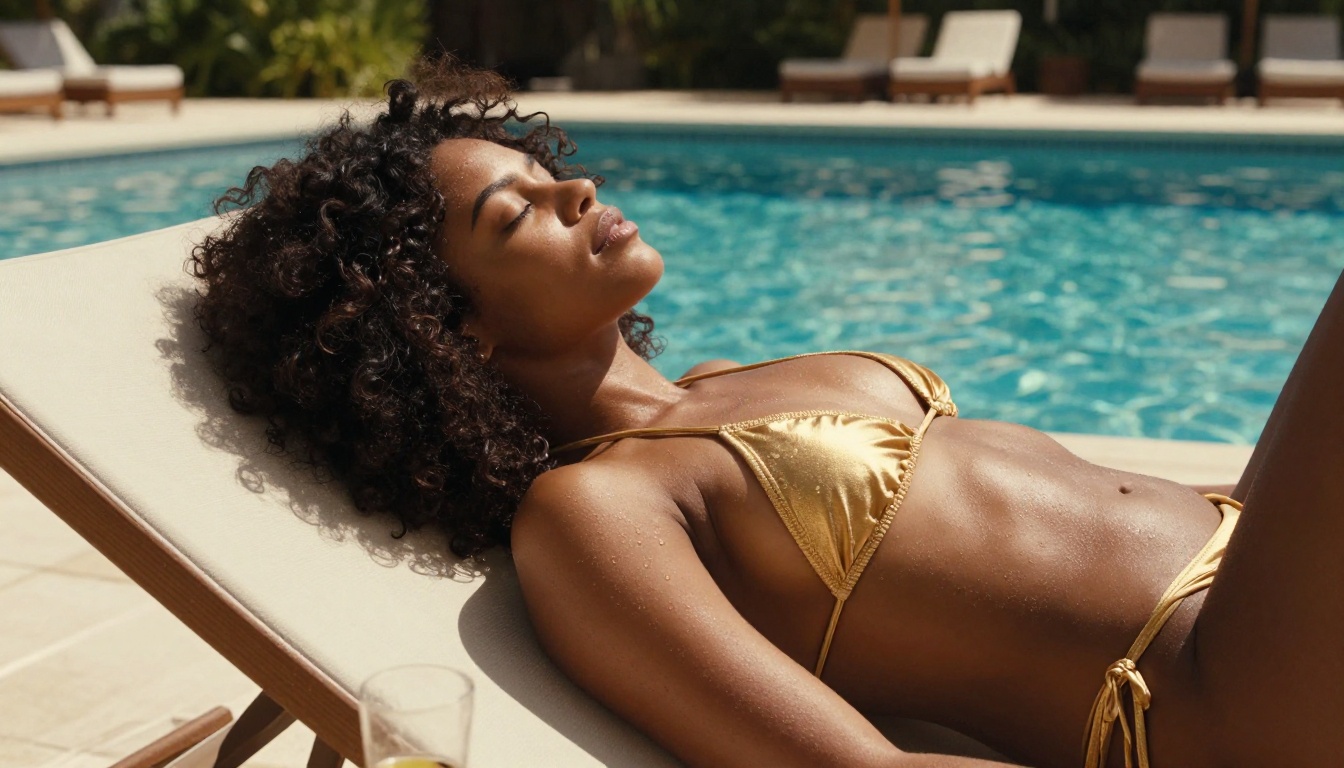
Good: "A confident woman in a fitted gold bikini, wet from swimming, standing at the edge of an infinity pool"
Not ideal: "A beautiful woman near a pool"
The first prompt gives Sora 2 Pro everything it needs to build the scene. The second leaves too many decisions to the model.
Setting and Lighting Details
After your subject, describe the environment and light source in specific terms. Natural light is your best friend for photorealistic outputs.
Prompts that specify the angle and quality of light consistently produce better results:
- "Golden hour sunlight from the left, creating warm highlights on bare shoulders"
- "Midday sun overhead with strong contrast, hard shadows on poolside tiles"
- "Soft overcast morning light, diffused and flattering, shot through sheer curtains"
Each of these tells Sora 2 Pro not just where the light is, but what it looks like on the subject.
Motion Instructions That Work
Sora 2 Pro has strong camera simulation. Use it. These motion phrases consistently produce cinematic results:
- Slow dolly-in: the camera moves gradually closer to the subject
- Gentle pan: smooth horizontal sweep across a scene
- Low-angle tilt-up: starts at feet and moves upward, classic for establishing a confident figure
- Rack focus: starts blurred, pulls into sharp focus on the subject
Add one of these to every prompt. The difference in output quality between a prompt with and without a camera instruction is significant.
Model Comparisons Worth Knowing
Sora 2 Pro is excellent, but it is not always the right choice. Knowing when to switch models saves both time and credits.
Sora 2 Pro vs Kling v2.6
Kling v2.6 generates 1080p cinematic video with strong motion consistency and lower credit cost per generation. For high-volume reel creation where you are running 20 or more clips in a session, Kling often makes more sense economically.
Where Sora 2 Pro beats Kling is in prompt adherence. If your scene description is complex, Sora 2 Pro follows it more precisely. Kling tends to interpret and adapt, which is sometimes better and sometimes not.
| Feature | Sora 2 Pro | Kling v2.6 |
|---|
| Resolution | HD | 1080p |
| Prompt adherence | Very high | Moderate-high |
| Motion realism | Excellent | Very good |
| Speed | Moderate | Fast |
| Best use | Complex, detailed scenes | High-volume creation |
Sora 2 Pro vs Seedance 2.0
Seedance 2.0 from ByteDance is a serious competitor with built-in audio generation and strong visual quality. For lifestyle and travel reels, Seedance 2.0 produces results that rival Sora 2 Pro in aesthetic quality.
The difference shows up in complex human figure motion. Sora 2 Pro handles full-body movement, particularly expressive motion like dancing or running, with more physical accuracy than Seedance 2.0 in most cases.
💡 Use Seedance 2.0 when you want fast results and the scene involves relatively static subjects. Use Sora 2 Pro when the reel depends on believable, complex motion.
When Pixverse v5 Makes More Sense
Pixverse v5 delivers 1080p AI video with a noticeably cinematic color grade baked into the output. For beauty and fashion reels where you want a polished, warm look without post-processing, Pixverse v5 is worth trying before spending credits on Sora 2 Pro.
The limitation: Pixverse v5 can overcook the visual style, making outputs feel slightly processed. For raw, photorealistic content, Sora 2 Pro remains the better choice.
Real Prompt Examples That Work
These prompts are built for Sora 2 Pro and produce spicy, high-quality reel content consistently.
Beach Reel Prompts
Golden hour ocean walk:
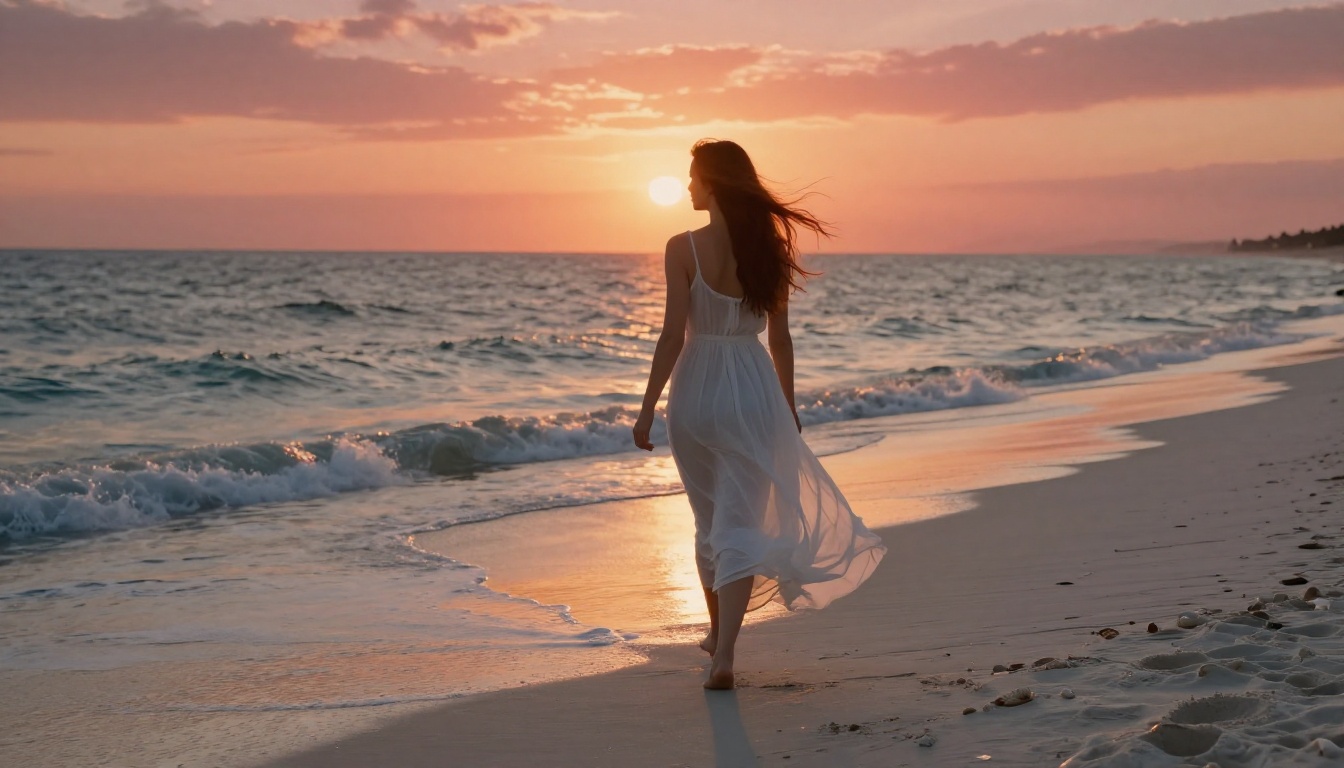
"A tall woman in a white sheer linen dress walks barefoot toward the camera along a deserted white sand beach at sunset. Long auburn hair blows in the sea breeze, the dress clings softly to her silhouette. Gentle waves wash around her ankles. Camera tracks slowly backward as she approaches, warm horizontal sunlight from behind creating a blazing rim halo. Cinematic, photorealistic, 8K."
Surf and confidence:
"A woman in a red bikini sits on a surfboard in shallow turquoise water, leaning back on both hands, face tilted toward the sky with a relaxed smile. The camera circles slowly around her at water level. Morning sun creates bright reflections on the water surface. Natural, photorealistic, golden summer tones."
Studio Glam Prompts
Low-key portrait reel:
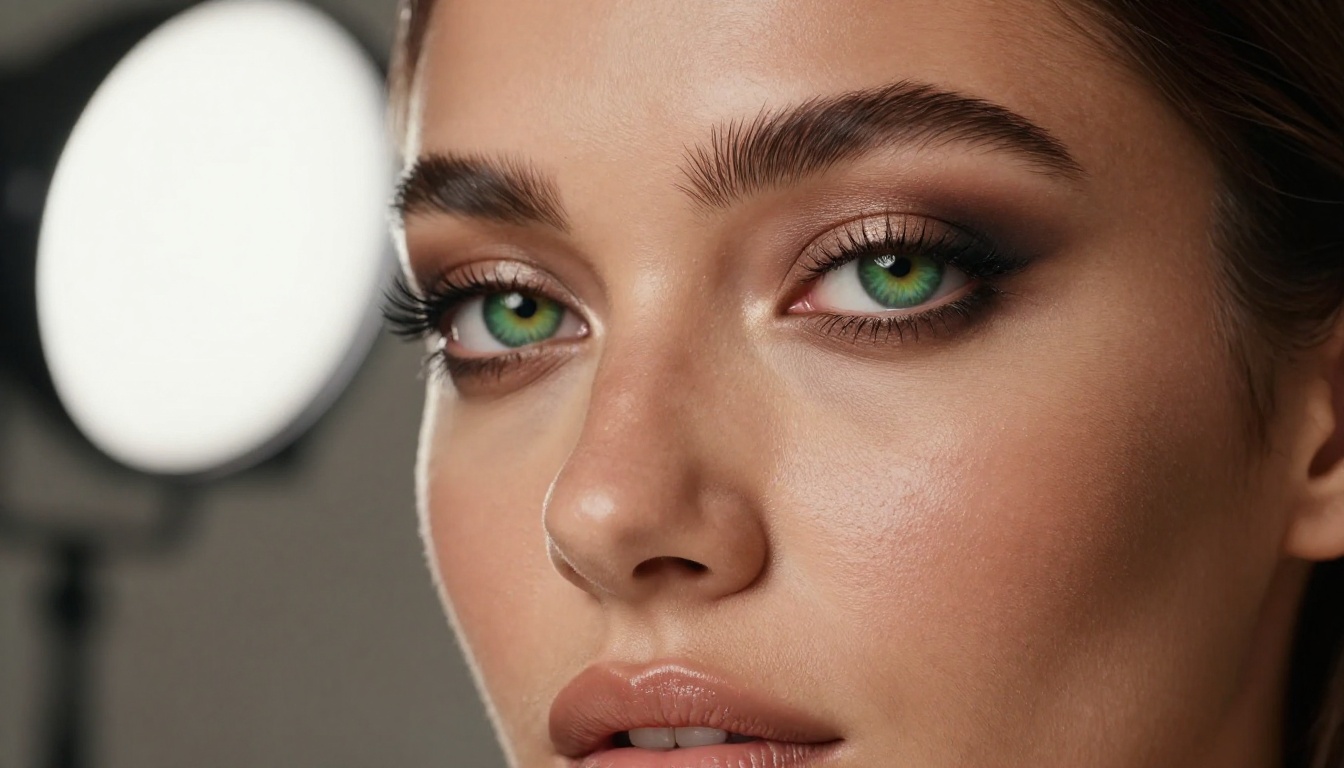
"A woman with smoky eye makeup and glossy lips sits in a dark studio chair, leaning slightly forward toward camera. Single main light from the left cuts across her face with a sharp Rembrandt shadow. She maintains a direct, confident gaze. Camera slowly zooms in over 5 seconds. Photorealistic, high contrast, 8K detail, film grain."
Fashion editorial motion:
"A woman in a fitted black velvet bodysuit stands against a white seamless backdrop. She slowly turns to profile, then glances back at camera over her shoulder. Studio strobe lighting from above creates sharp top-down shadows. Camera stays static. Clean, editorial, photorealistic."
Lifestyle and Travel Reels
Infinity pool moment:
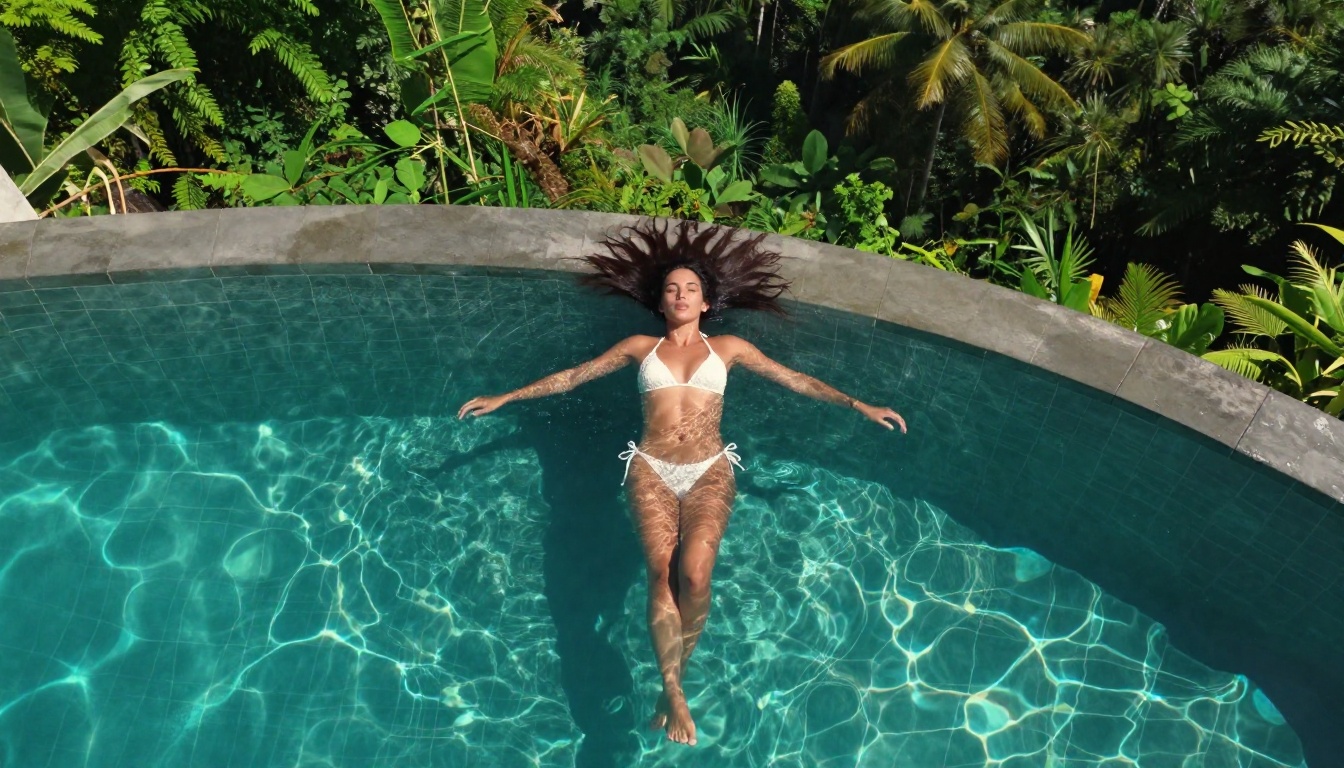
"A woman in a white lace bikini stands at the edge of a Bali infinity pool at golden hour, arms out to her sides, looking out at the jungle valley below. The camera pulls back from a close shot of her face to a wide shot revealing the full landscape. Warm sunset light, photorealistic textures, 8K."
City rooftop confidence:
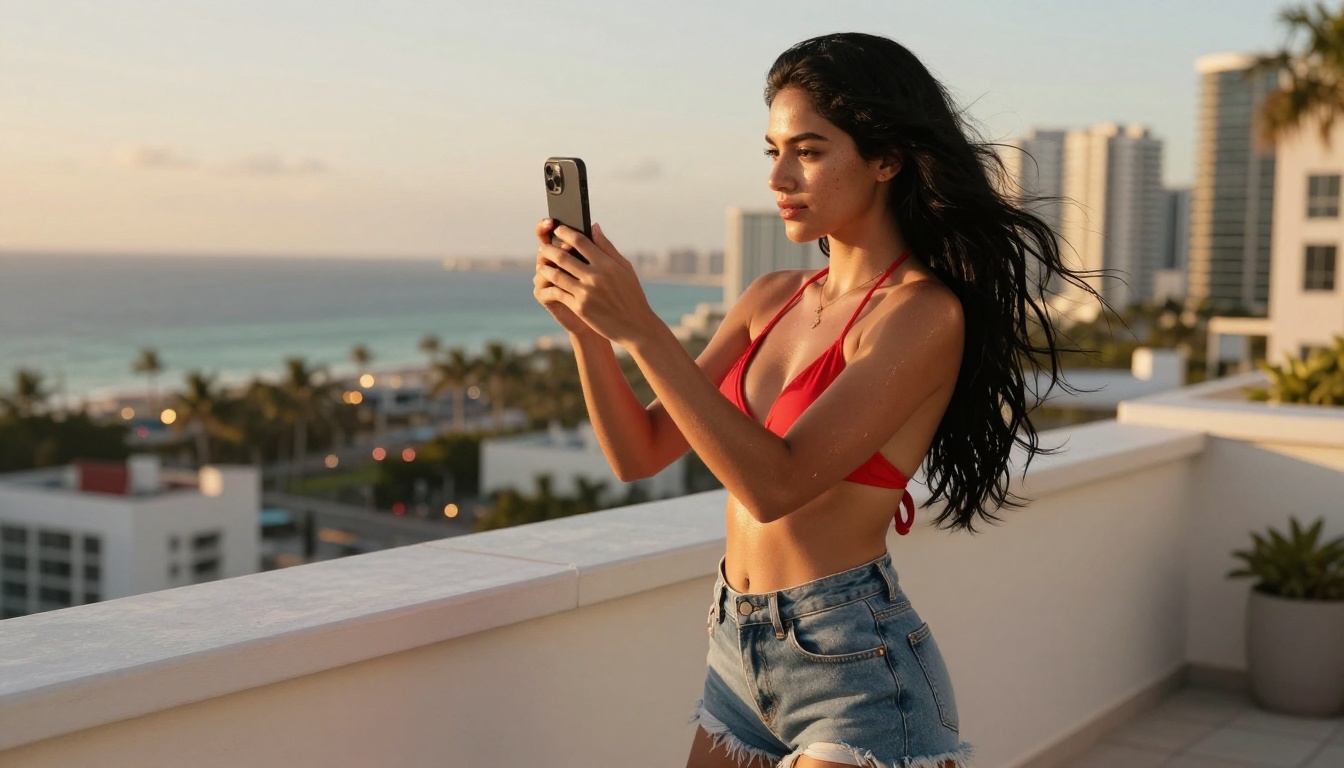
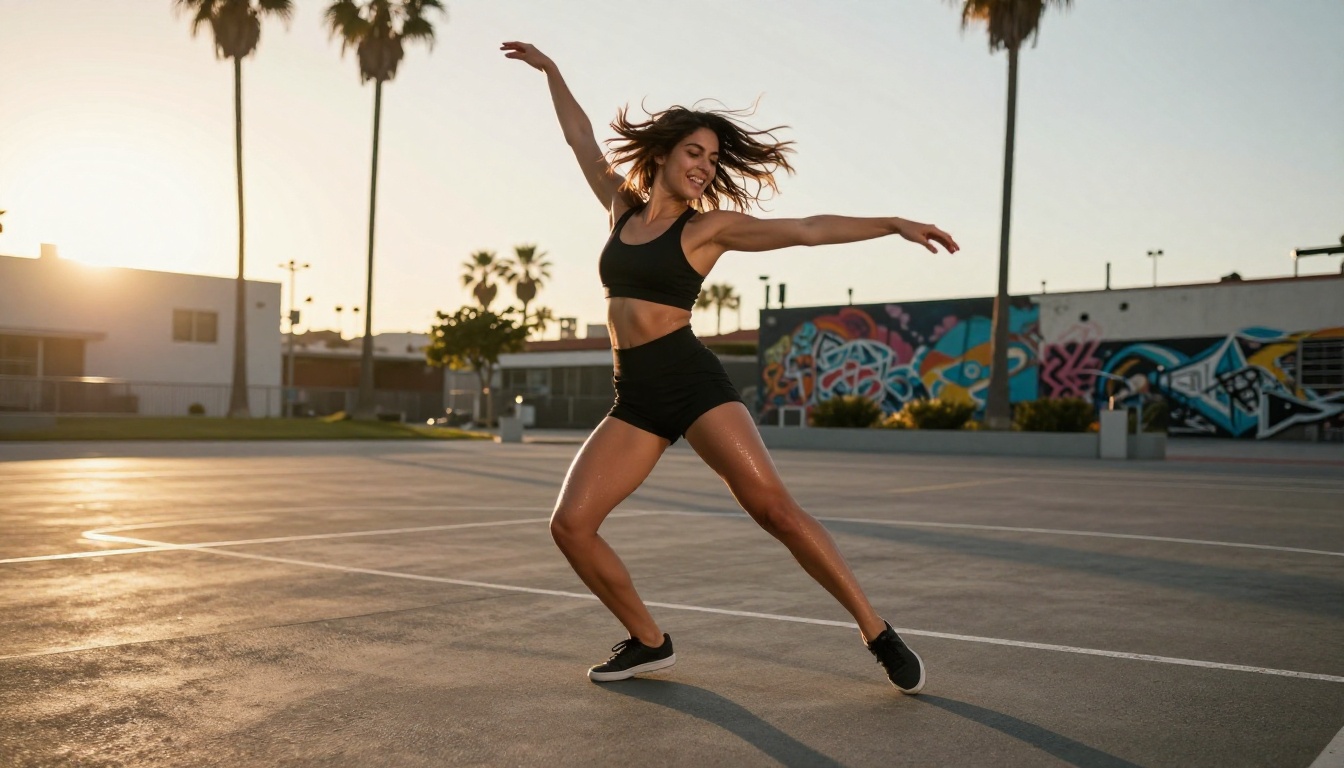
"A woman in a vibrant red crop top and denim shorts stands on a Miami rooftop at dusk, the city skyline glowing behind her. She films herself with a phone held at arm's length, then lowers it and smiles directly at the camera. Golden-hour rim lighting. Camera stays at eye level. Cinematic, photorealistic."
Visual Effects Worth Adding
The prompts above produce strong base content, but specific effect instructions take spicy reels to a different level.
Slow Motion Feel
Sora 2 Pro does not render true slow-motion, but you can simulate the visual feel by writing slower action into the prompt. Describing actions that unfold gradually, with the model generating fluid 24fps footage, produces a result that edits into slow motion easily when sped down in post.
Try this addition at the end of any prompt: "every movement deliberate and slow, as if time is slightly suspended."
Camera Movement Tricks
The most effective camera movements for reel content in prompts:
- "Slow push-in": adds intimacy and tension to any subject
- "Orbit around subject": creates a dynamic 360-degree feel
- "Handheld slight sway": adds organic realism to lifestyle scenes
- "Tilt down from sky to subject": strong dramatic reveal for outdoor scenes
Combining one camera instruction with one motion instruction in every prompt produces layered cinematic results.
Lighting Setups in Prompts
Lighting words that consistently trigger better quality outputs in Sora 2 Pro:
- "Volumetric golden-hour sunlight from the left"
- "Practical rim lighting from a window behind the subject"
- "Overcast diffused daylight, even and flattering"
- "Hard midday sun from directly overhead, bold shadows"
- "Soft studio fill light from both sides, minimal shadows"
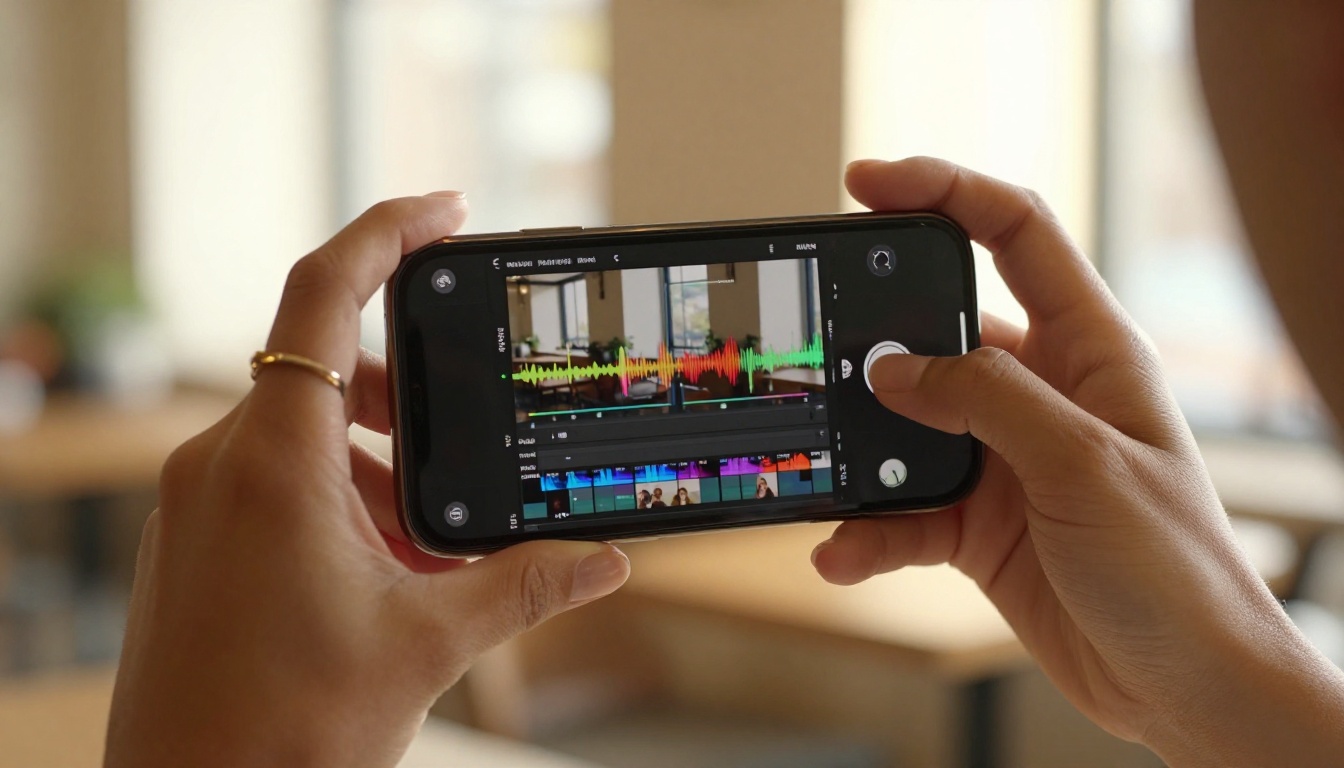
Each of these references lighting setups that real cinematographers use. Sora 2 Pro was trained on enormous amounts of cinematic footage, so using professional lighting terminology triggers professional-quality outputs.
How PicassoIA Makes This Accessible
The biggest friction in AI video production has historically been access. Model APIs require developer credentials, local GPU setups are expensive, and cloud services have monthly caps that restrict serious creators.
PicassoIA removes all of this. Every model on the platform, including Sora 2 Pro, runs through a browser interface with no setup required. The credit system lets you pay only for what you use rather than committing to a subscription that locks you into a single model.
The platform currently offers over 87 text-to-video models, which means you can test your prompt across multiple models in the same session and pick the best output. Comparing Kling v3 Video against Sora 2 Pro on the same prompt takes less than 10 minutes.
Which Models to Try First
If you are new to AI reel creation, here is a recommended order based on output quality and ease of use:
- Sora 2 Pro: Best overall quality for complex spicy content
- Kling v2.6: Fast, cinematic, great for high-volume creation
- Seedance 2.0: Strong lifestyle content with native audio
- Pixverse v5: Polished cinematic grade, great for beauty reels
- Veo 3: Impressive realism for outdoor and travel content
- LTX 2 Pro: 4K output when maximum resolution matters
How to Layer Image-to-Video
Sora 2 Pro works as both a text-to-video and an image-to-video model. The image-to-video workflow gives you precise control over the starting frame, which is valuable when consistency matters across a series of reels.
The workflow:
- Generate your starting image using PicassoIA's text-to-image tools
- Upload that image to Sora 2 Pro as the reference frame
- Write a motion prompt describing what happens from that starting frame
- The model animates your image into a clip that begins exactly where you defined
This is how professional AI content creators maintain visual consistency across a series without a real-world shoot.
💡 Save your best source images. They become the foundation for an entire reel series. One strong image can produce dozens of distinct clips by changing only the motion prompt.
What the Numbers Tell You
AI video generation for social reels has moved from novelty to viable production pipeline in under two years. The output quality of Sora 2 Pro represents where that curve has landed: photorealistic clips with consistent motion physics, native audio, and resolutions that hold up on any screen.
For spicy reel content specifically, the two things that matter most are human figure realism and lighting quality. Both are areas where Sora 2 Pro outperforms the current field on complex prompts.
The table below shows how the top models compare across the metrics that reel creators actually care about:
3 Common Mistakes to Avoid
Most early attempts at AI reels fail for the same reasons. Knowing them upfront saves significant time.
1. Prompts without motion instructions
A static description produces near-static video. Always include at least one sentence describing what moves, how it moves, and how the camera moves. Sora 2 Pro needs motion intent to generate motion quality.
2. Confusing quality for word count
Longer prompts are not always better. A focused 60-word prompt with clear subject, environment, light, and camera instructions will outperform a 200-word prompt that contradicts itself or adds too many variables.
3. Using the same model for everything
Sora 2 Pro is the right choice for complex, high-fidelity outputs. But for quick lifestyle clips or high-volume batch runs, Wan 2.7 T2V or Gen 4.5 often deliver comparable results at lower cost and faster turnaround. Use the right tool for the job.
Start Creating Your Own Spicy AI Reels
If you have been waiting for AI video to reach a quality level worth taking seriously, that moment is now. Sora 2 Pro on PicassoIA gives you browser-based access to the most capable text-to-video model available, with no setup required.
Write your first prompt using the formula from this article: subject, environment, lighting, camera movement. Run it at HD resolution. Compare the output against one or two other models on the platform to develop your own sense of which model fits your creative style.
The full library of over 87 video models is available at picassoia.com/en/all-models. From there you can test Kling v3 Video, LTX 2 Pro, Seedance 2.0, and every other model in the current lineup without leaving the browser.
Your first spicy AI reel is one well-written prompt away.


