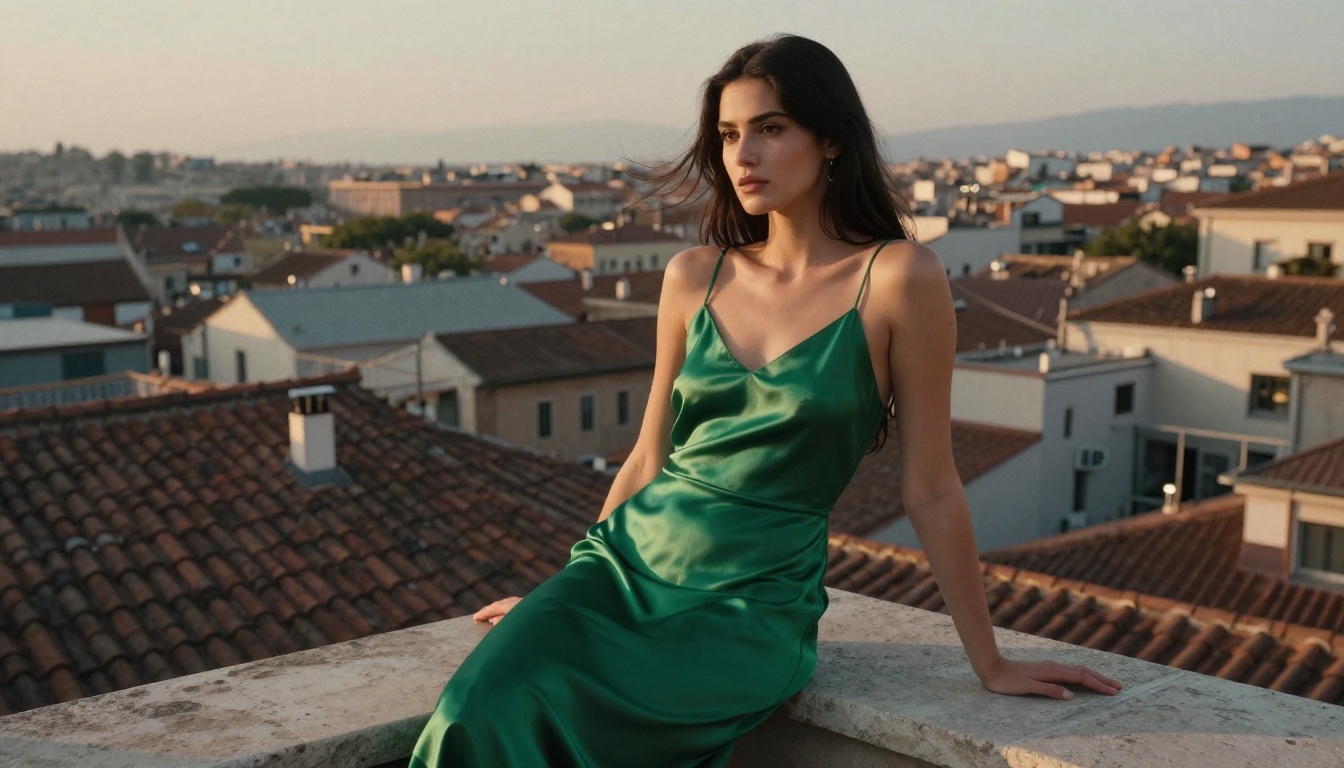
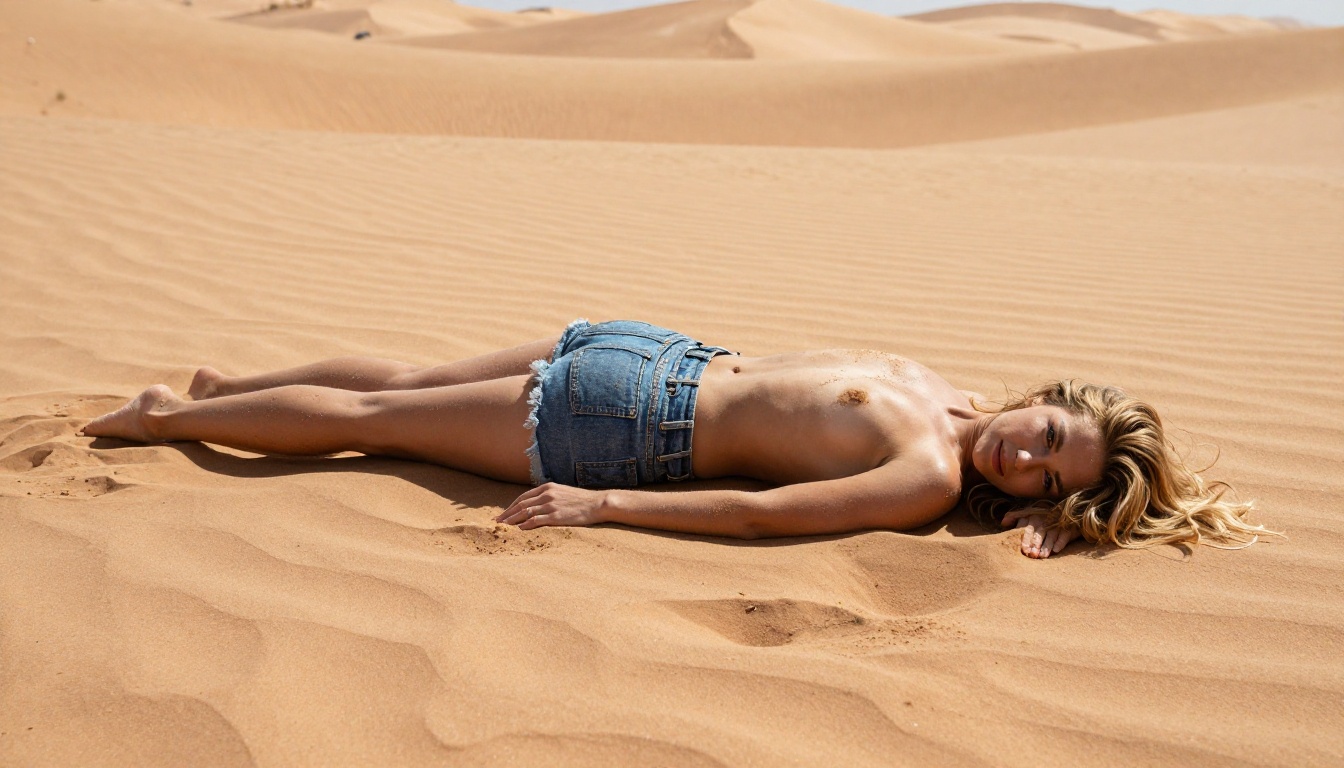
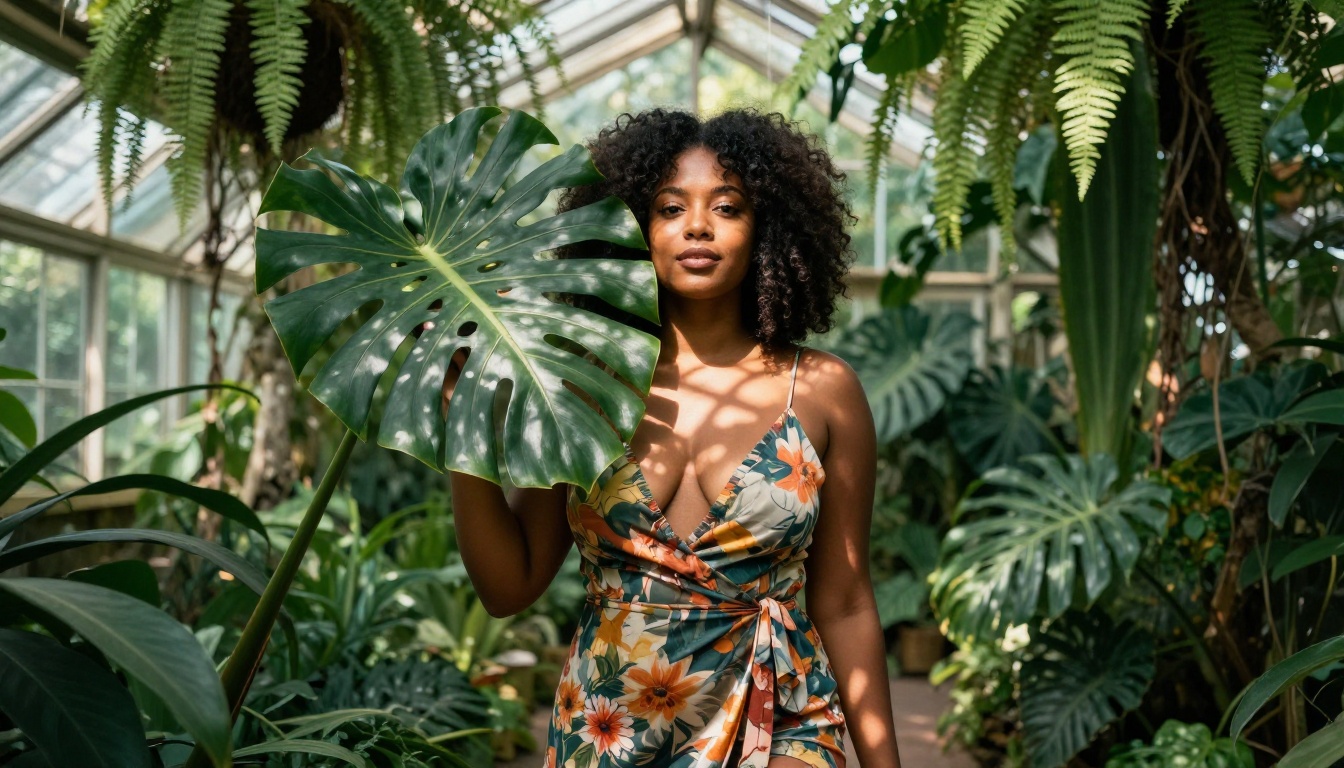
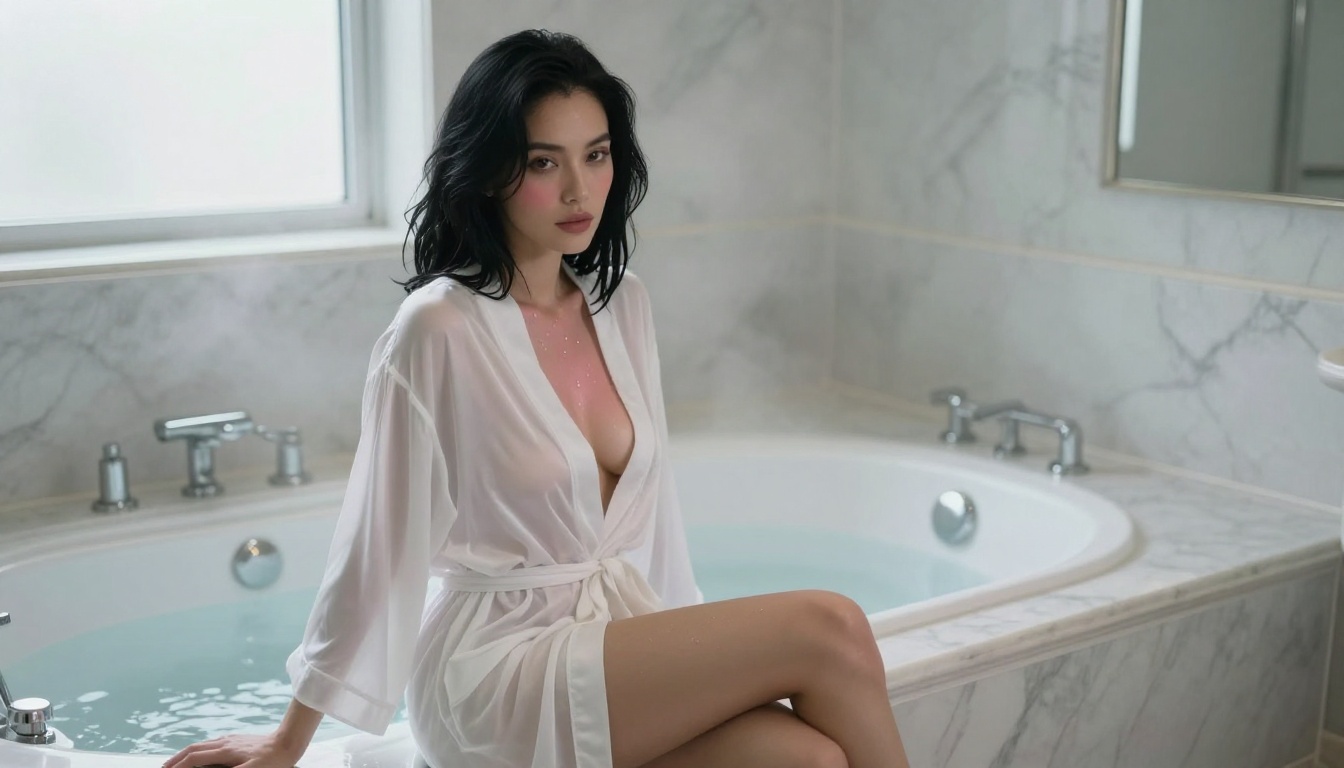
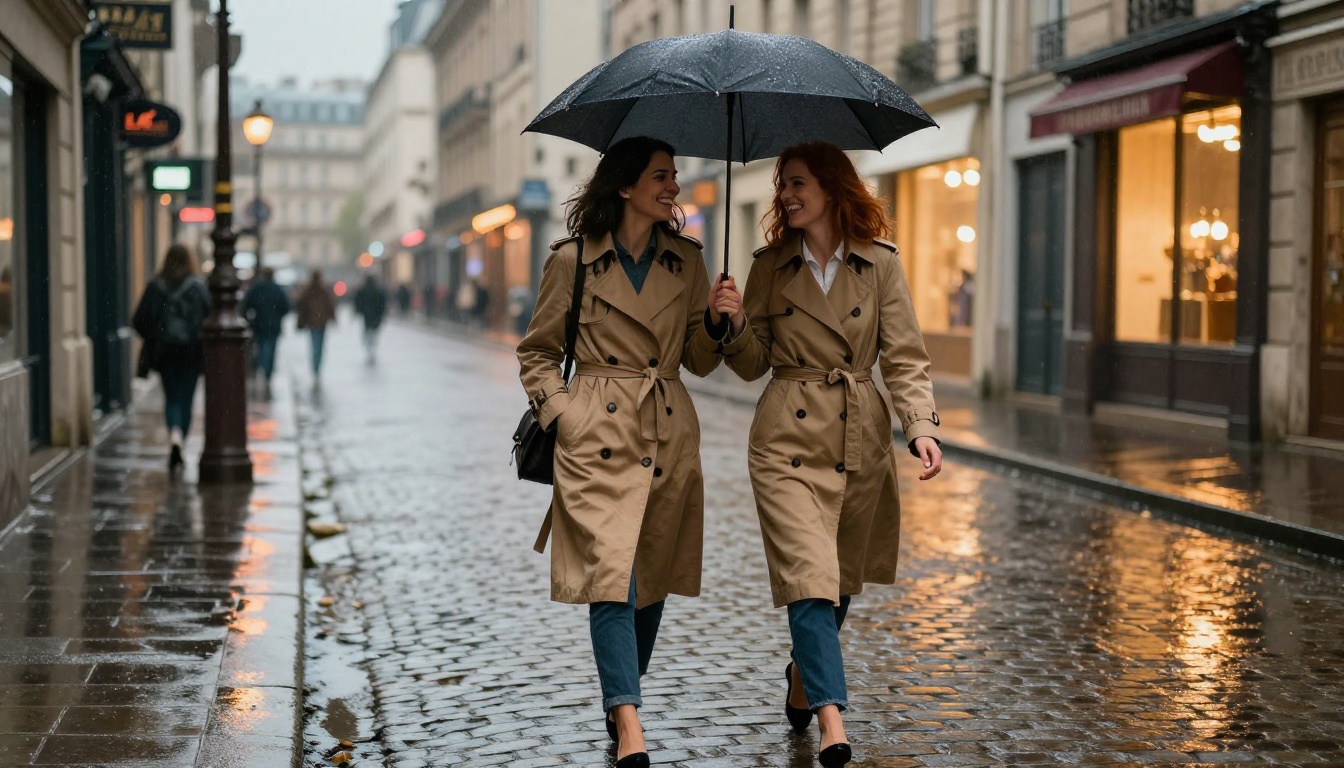
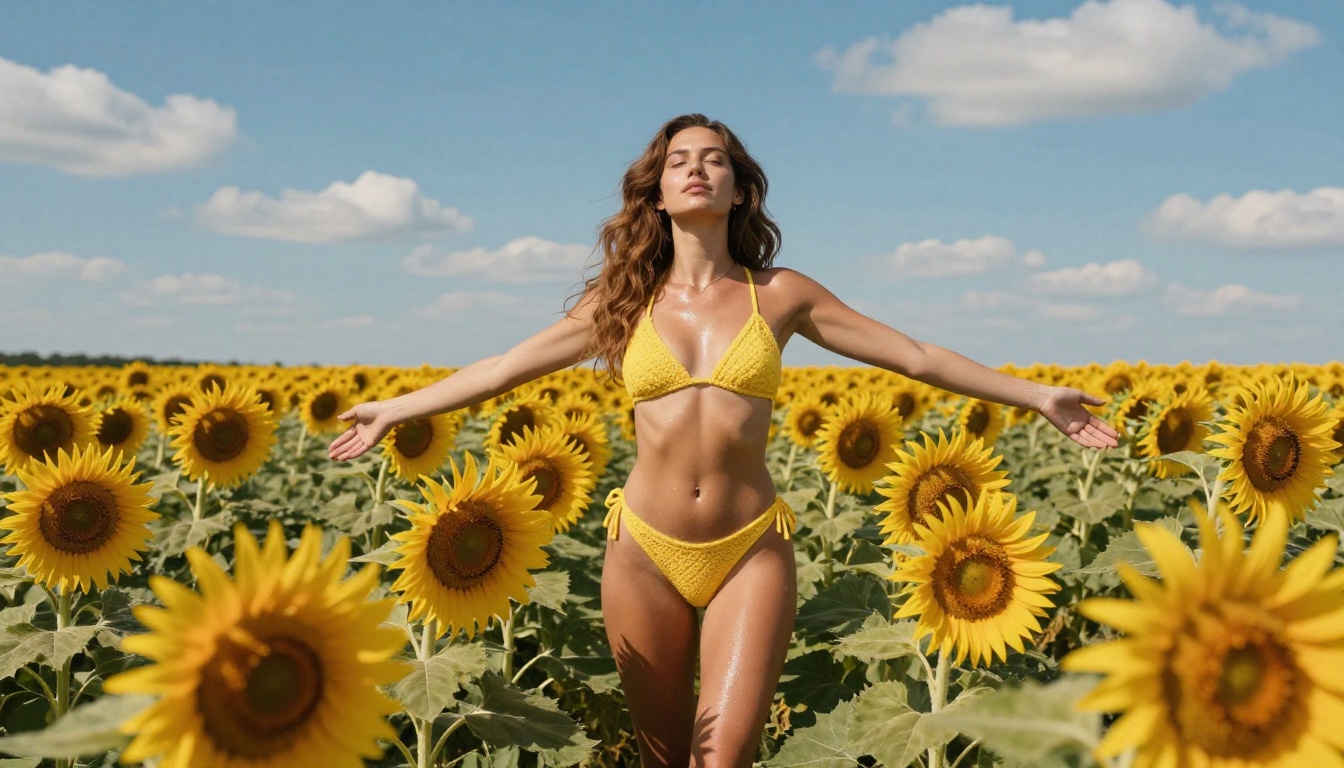
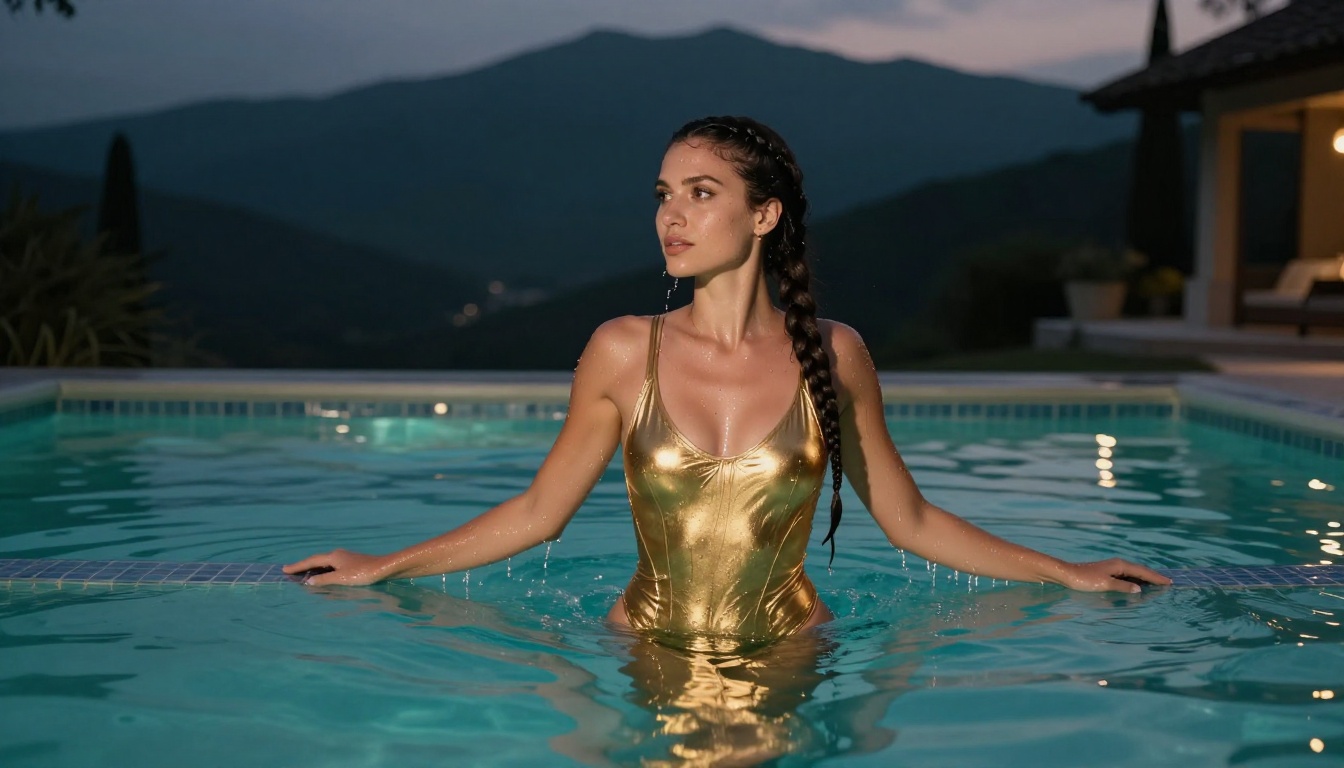
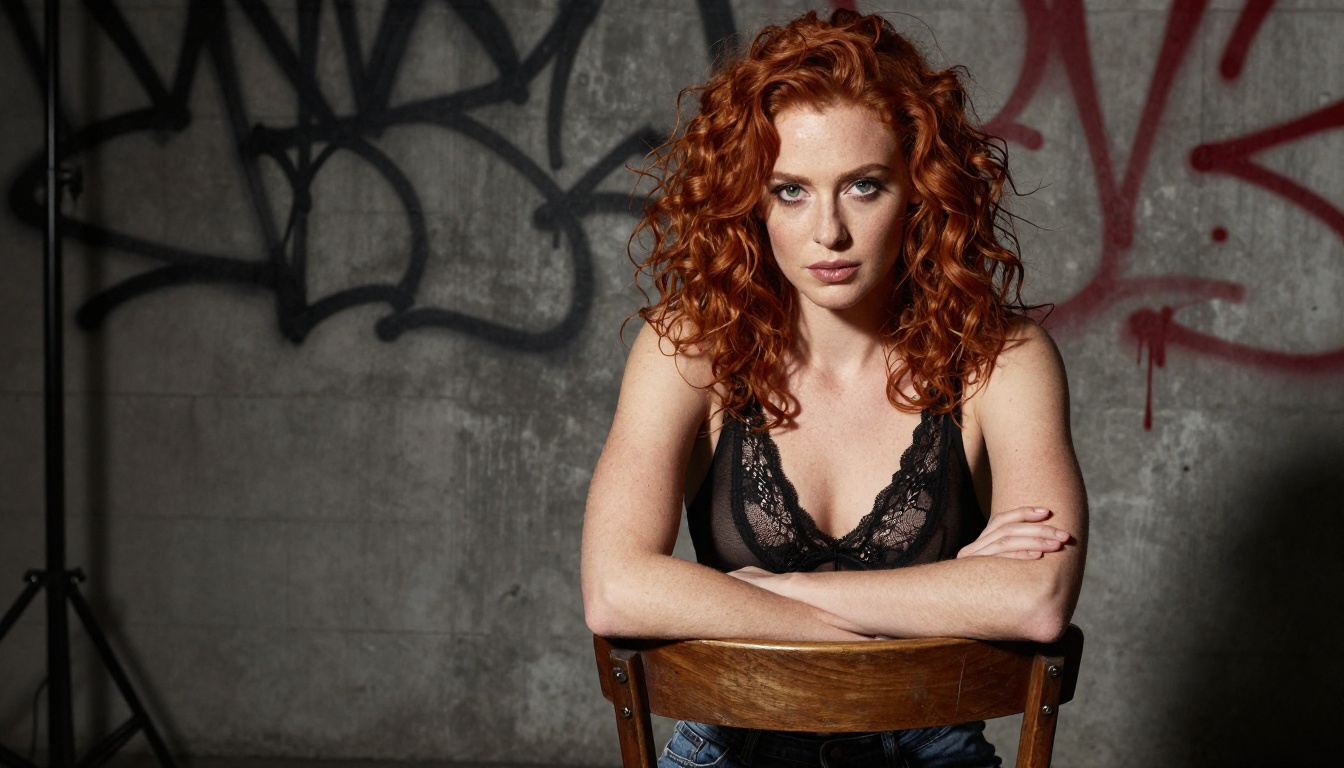
Make What You Want with Unrestricted AI: No Filters, No Limits
Tired of AI tools that censor, block, or water down your creative vision? This article shows exactly how unrestricted AI generation works, which models deliver real freedom from content filters, and how to create stunning photorealistic images and videos of anything you want without limits or restrictions.
You've typed a prompt. You have a clear vision. Then the AI says no.
Most AI image generators block more than they allow. The filters baked into mainstream tools refuse anything remotely suggestive, anything that pushes artistic limits, anything that deviates from what a corporate content team decided was acceptable. The result: a frustrating wall between your imagination and what actually renders on screen.
Unrestricted AI removes that wall. And the results are striking.
What "Unrestricted" Actually Means
"Unrestricted" does not mean low quality or broken. The best uncensored AI generators produce photorealistic, detailed, high-resolution images that rival professional photography. What they remove is the content filter layer: the automated refusal system that rejects suggestive content, nude subjects, or anything that mainstream platforms flag as unsafe.
The difference matters because creative vision is personal. Portrait photographers, digital artists, adult content creators, and people who simply want to generate what they actually imagined all run into the same problem: the AI refuses before it even tries.
What you get on a truly unrestricted platform is not just more permissive output. You get a tool that respects your creative intent and renders it accurately, without second-guessing your prompt or silently modifying what you asked for.
Why Most AI Blocks Your Best Ideas
The refusal behavior comes from one place: liability. Companies like OpenAI, Adobe, and Midjourney are optimized for mass-market adoption. Every controversial generation is a potential press headline. So they default to over-filtering, blocking content that is artistic, legal, and widely created by human photographers and artists every day.
The irony is that a bikini photo, a tasteful artistic nude, or a romantically posed couple gets blocked by the same filter that passes a generic stock photo. The filter is blunt. It does not evaluate artistic context. It matches patterns and says no.
For photographers, this means the AI cannot replicate half of what a real camera can capture. For artists, it means entire genres of their work are inaccessible. For everyone else, it means the AI is only as useful as the narrowest content policy allows.
The Real Difference Freedom Makes
When you use a truly unrestricted platform, you write one prompt and you get what you asked for. No reformulating. No trying ten variations hoping one slips past. No degraded results because the model "softened" your request. You describe it, it renders it.
That directness changes everything about how you create. You stop fighting the tool and start using it.
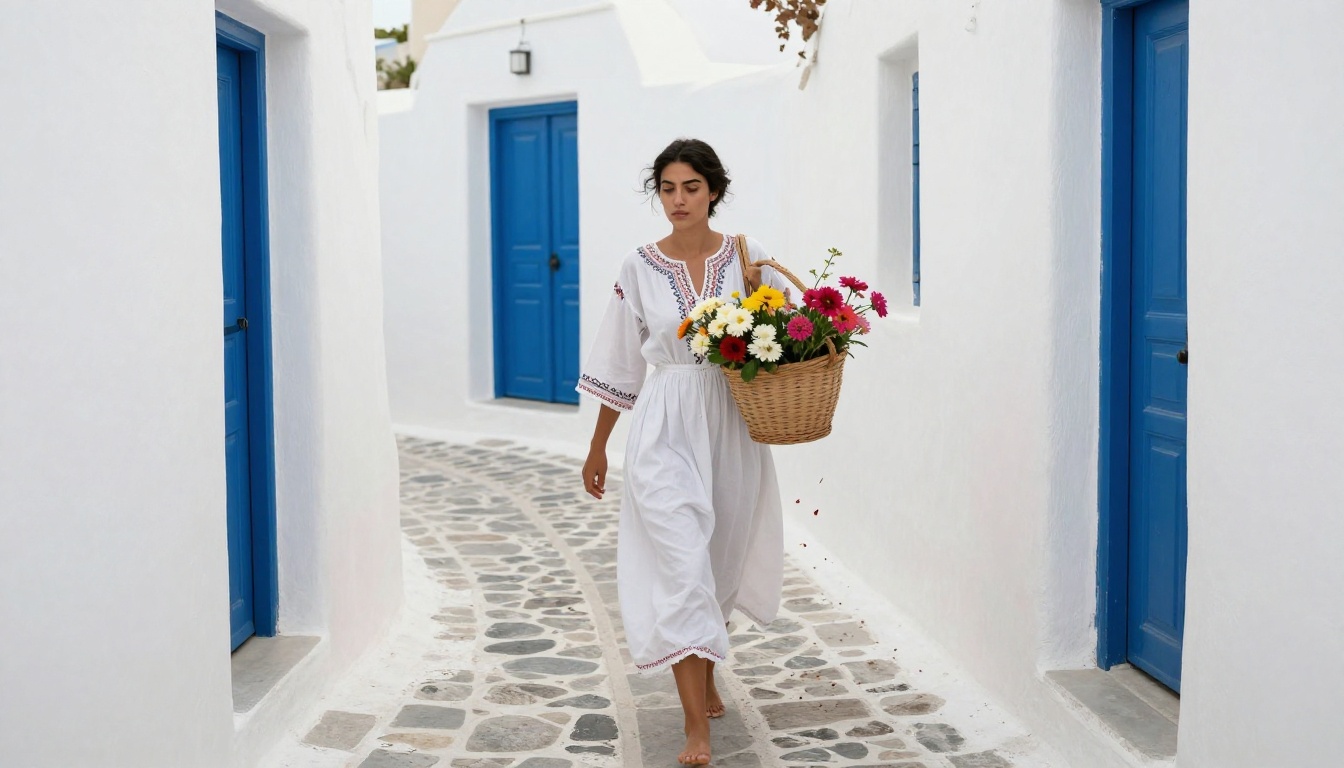
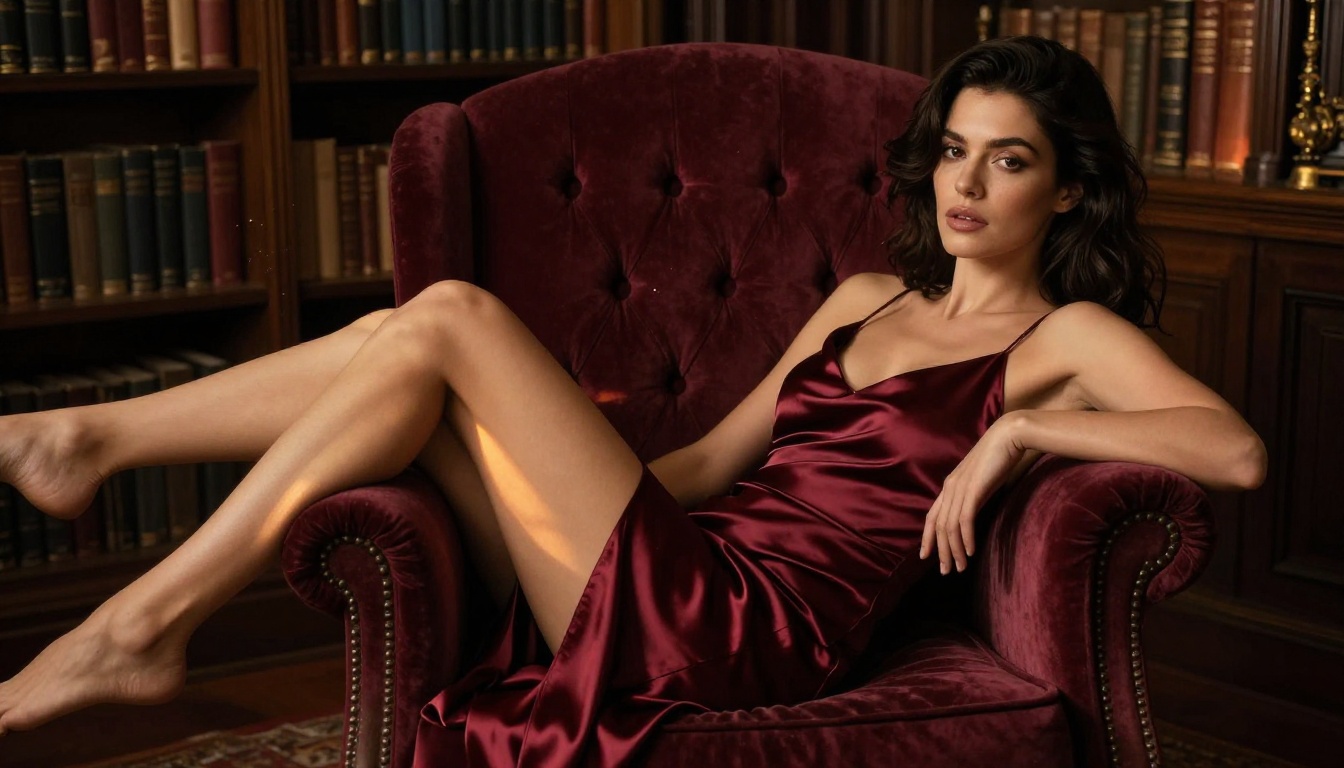
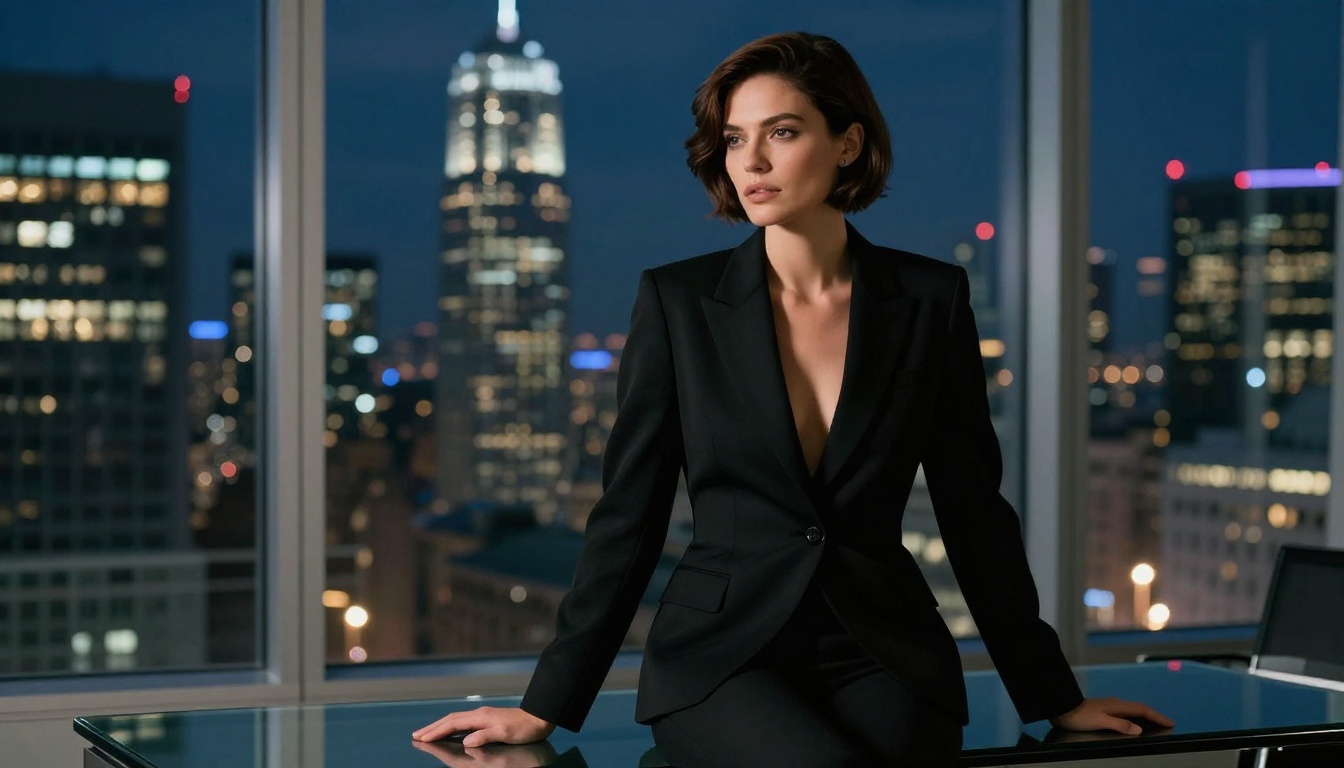
If you want uncensored photorealistic generations without complicated setup, Seedream 4.5 is where to begin. It is the leading model on PicassoIA for adult and unrestricted content. The results speak for themselves: sharp skin detail, natural lighting response, and a realistic rendering style that does not look generated.
Seedream 4.5 handles a wide range of content styles, from glamour and beauty photography to artistic nude compositions and fantasy scenarios. It reads prompts with a high degree of fidelity, meaning what you write is what you get, not a filtered approximation.
Why It Leads the Pack
💡 Speed plus quality. Seedream 4.5 generates 4K-quality images faster than most comparable uncensored models. For creators who need volume, that matters.
Where many models sacrifice detail for speed or block NSFW output entirely, Seedream 4.5 delivers both without restrictions. The model produces consistent skin textures, realistic hair rendering, and accurate lighting responses to complex prompt descriptions.
It also handles specific photographic styles with precision. Write "Kodak Portra 400 film grain, 85mm f/1.4" and the output reflects those choices. Write "harsh overhead strobe, industrial background" and you get exactly that lighting scenario. The model does not interpret or soften: it renders.
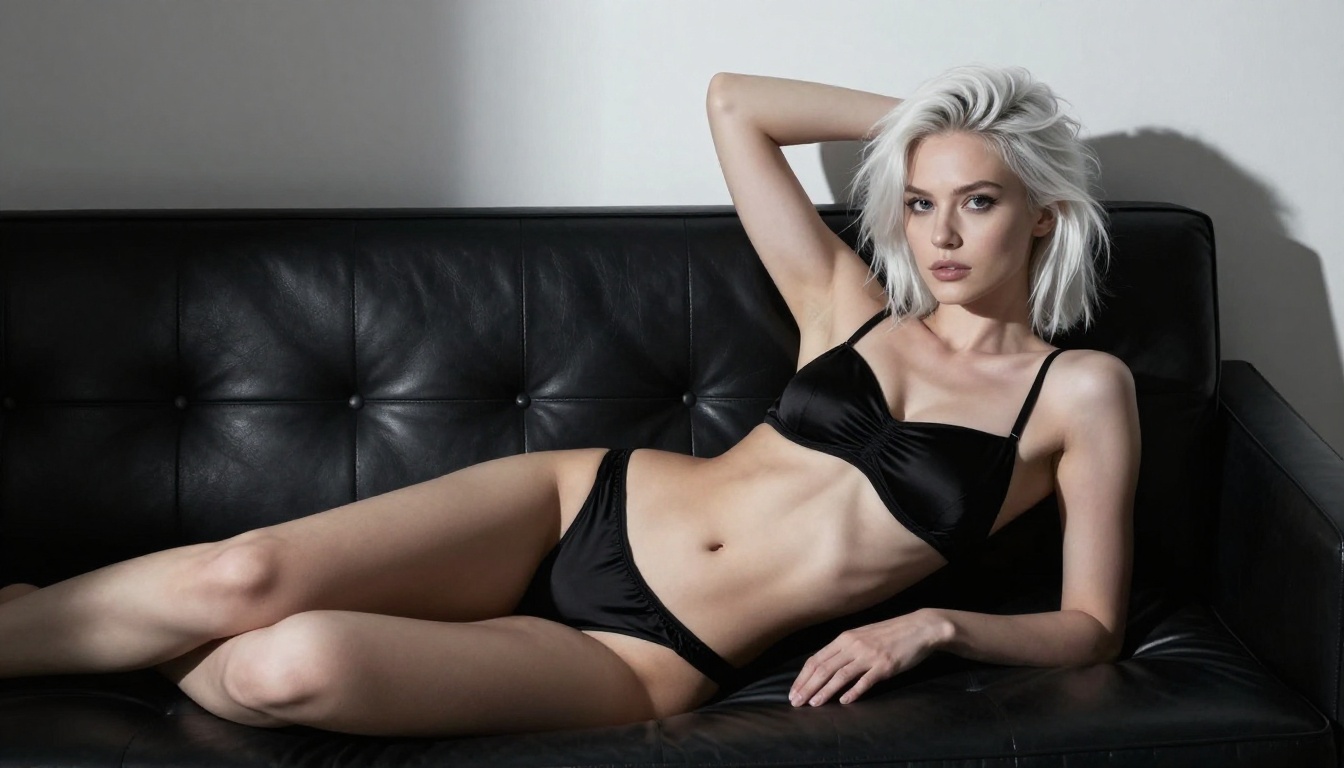
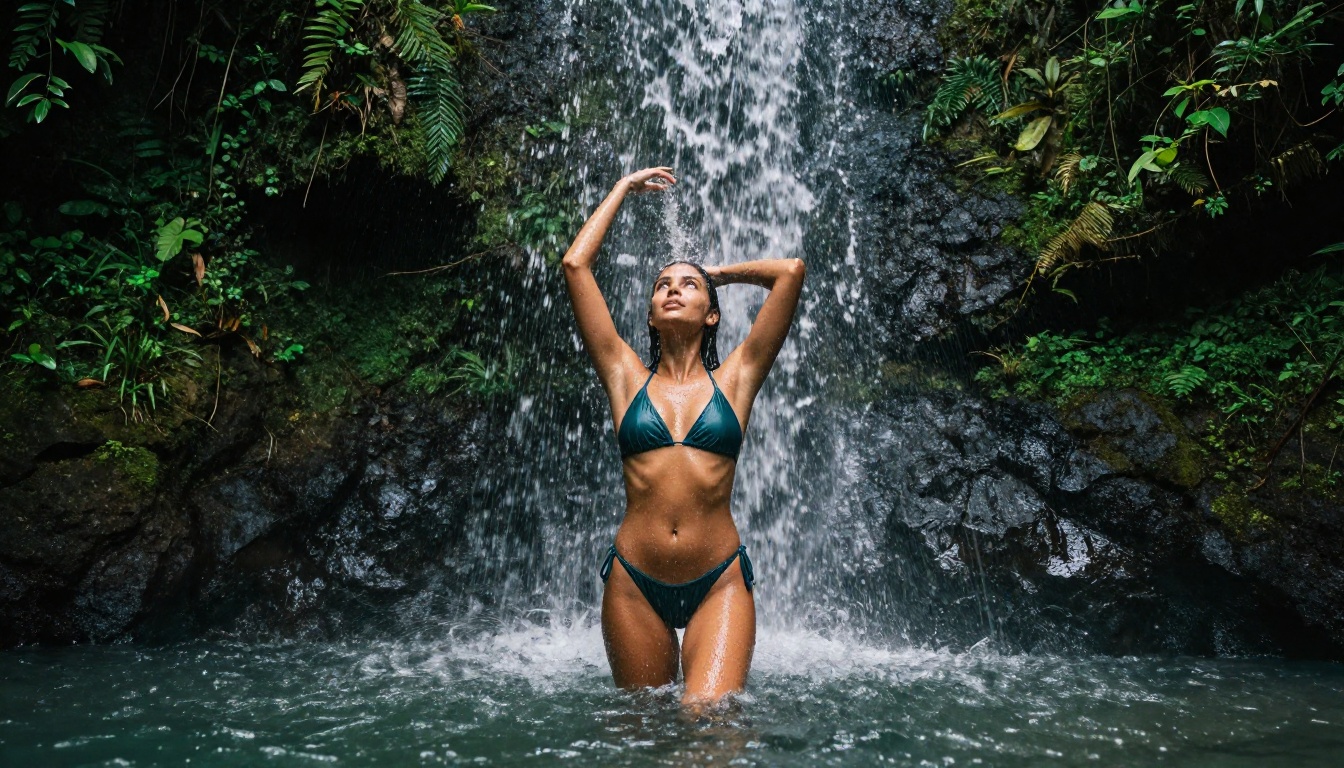
Glamour photography: Bikini, lingerie, swimwear, and fashion shots in any setting and lighting
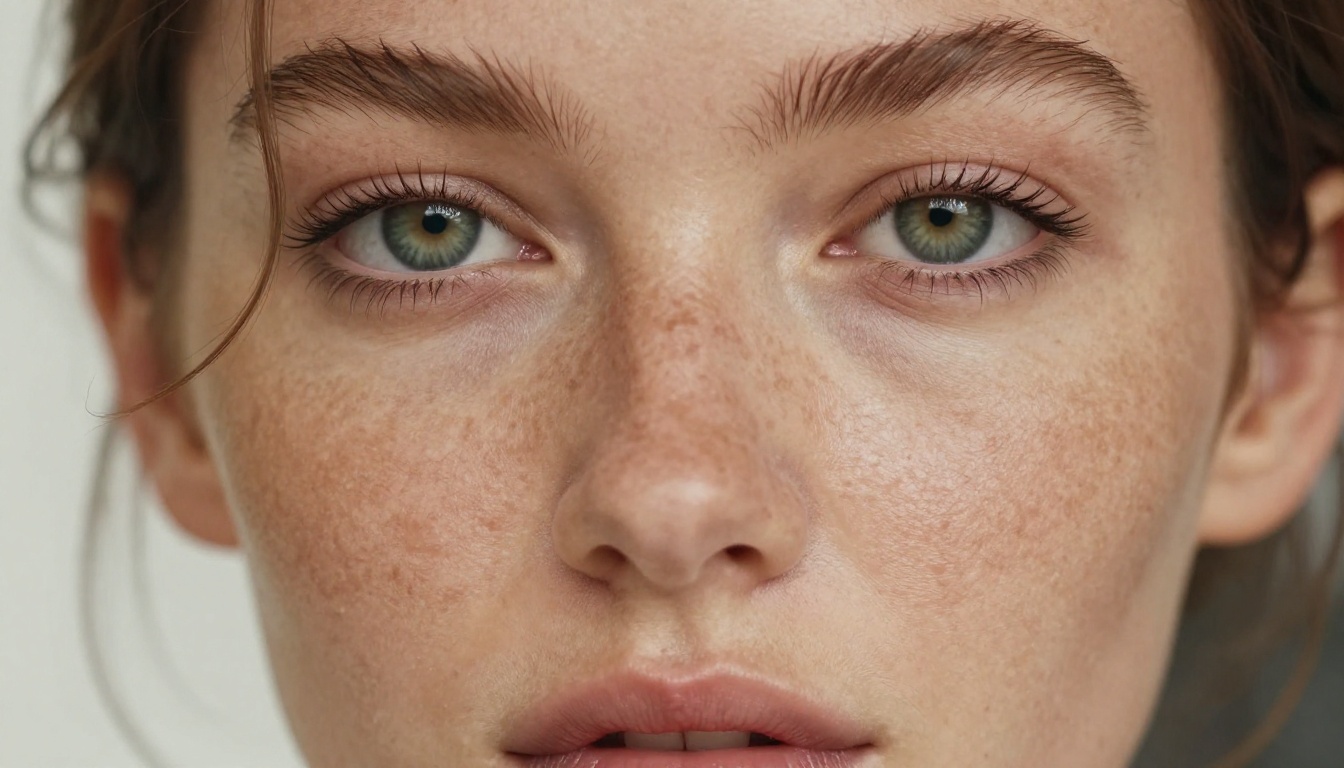
Artistic portraits: Close-up beauty photography with precise lighting control and skin detail
Romantic and couple scenes: Intimate moments that mainstream AI refuses entirely
Fantasy and stylized characters: Unrestricted character creation for games, stories, and creative projects
Artistic nudity: Tasteful, aesthetic compositions in natural or studio settings
The Models Worth Knowing
PicassoIA hosts multiple unrestricted models across different generation speeds and style strengths. Beyond Seedream 4.5, these are the ones worth using.
Built for Volume and Speed
Flux Schnell is the fastest Flux model available. It sacrifices some fine detail for dramatically faster generation times. For rapid iteration, testing prompt ideas, or generating large batches of content, Flux Schnell is the right choice.
PicassoIA Image is the platform's own unlimited generation model. It runs without credit limits and without content restrictions, making it ideal for creators who need consistent volume without worrying about hitting usage caps.
Flux 1.1 Pro Ultra produces the highest-detail Flux outputs available. For final renders where you need absolute maximum resolution and realism, this is the model to use. It is slower, but the output quality justifies the wait.
Wan 2.7 Image Pro generates 4K images with strong photorealism. It handles complex scene compositions particularly well, with accurate rendering of fabric, water, skin, and environmental lighting at distances and angles that other models blur out.
Hunyuan Image 2.1 from Tencent handles 2K output with detailed skin rendering and consistent face generation across different poses and orientations. It is a strong alternative for portrait-focused work.
PicassoIA Image Editor Pro is the most versatile tool on the platform for unrestricted creation. It runs unlimited generations without credit limits, includes inpainting and outpainting for editing specific regions of an image, and supports LoRA style conditioning for consistent character or style reproduction.
Write your prompt in the text field using the structure described below
Select your aspect ratio: 16:9 for widescreen, 9:16 for portrait and social media
Set the number of outputs (start with 4 to see variations before committing to one)
Click Generate and wait 10 to 20 seconds for results
Use inpainting to adjust specific areas without regenerating the whole image
Tips That Actually Work
💡 Always describe the camera first. Instead of just describing your subject, open with the lens and angle: "Shot with an 85mm f/1.4 lens from a low angle" tells the model exactly how to frame and render the scene before anything else.
Prompt structure that delivers results:
[Subject + clothing/state] in [environment] + [lighting direction and quality] + [camera angle and lens] + [film stock or texture] + [mood/atmosphere]
What to include:
Clothing or state of dress in specific detail (not just "wearing a dress" but "wearing a silk slip dress with thin shoulder straps")
Lighting source with direction (window light from left, harsh overhead strobe, golden hour backlight from behind)
Camera specifics (35mm, 85mm, 105mm macro lens, f/1.4 to f/8)
Film stock reference (Kodak Portra 400, Fuji Pro 400H, Kodak Ektar 100)
Skin and surface texture details (visible pores, film grain, natural skin texture, water droplets)
What to avoid:
Generic descriptors like "beautiful" or "stunning" without specific visual description
Contradictory lighting setups in the same prompt
More than one film stock or lens in a single prompt (pick one, commit to it)
Writing Prompts That Deliver
The difference between a striking generation and a generic one comes down almost entirely to how specific your prompt is. Vague prompts produce vague results. The more concrete the description, the more accurate the output.
The Anatomy of a Good Prompt
Weak prompt: "woman on a beach"
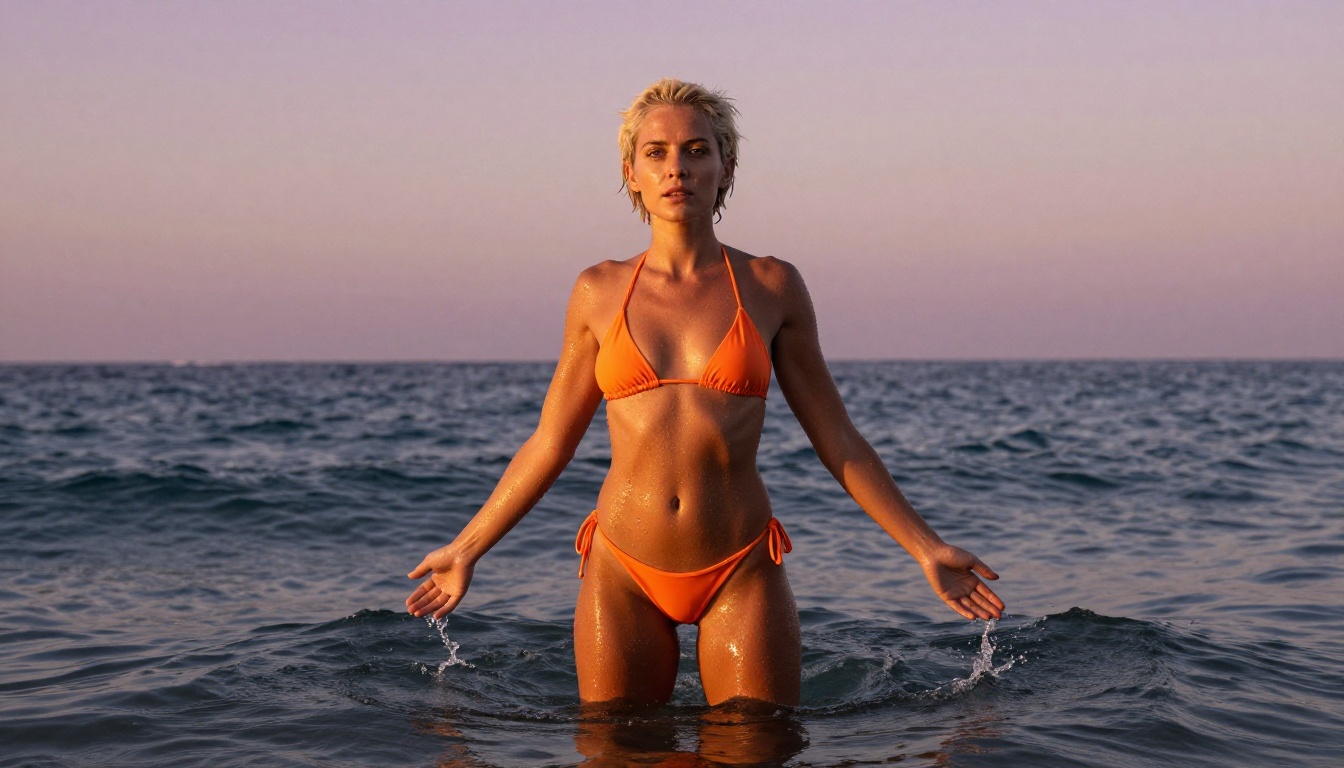
Strong prompt: "A slender woman with wet platinum hair standing waist-deep in a tropical ocean at golden hour, wearing a tiny white string bikini, arms raised. Low angle shot at water level, 35mm f/1.8 lens. Water droplets on tanned skin catching amber backlight. Kodak Portra 400 film grain, photorealistic RAW 8K --ar 16:9 --style raw"
The strong version specifies the body type, hair color and state, environment, clothing, pose, time of day, camera position and focal length, lighting quality, and film aesthetic. Every additional piece of specific information pushes the output closer to your actual vision.
Common Mistakes That Kill Results
Stacking too many modifiers: Prompts that try to combine five different styles produce averaged, muddy results. Choose a direction and commit to it fully.
Not specifying lighting: Lighting is 70% of a photograph's visual character. "Studio lighting" tells the model almost nothing. "Single large octabox from upper left, reflector fill from the right, background dark gray seamless" tells it exactly what to render.
Forgetting the camera position: Without a lens specification, the model defaults to a generic medium shot with no particular character. Specifying focal length and aperture changes everything about how the subject relates to the background and how depth plays out in the frame.
Writing around the content: Prompts written with deliberate vagueness (to trick content filters) often confuse unrestricted models that do not need softening. Write directly and precisely.
💡 Use film stock references as color anchors. Kodak Portra 400 reads as warm skin tones with fine grain. Fuji Pro 400H reads as cooler, more neutral tones with slight magenta in highlights. Kodak Ektar gives vivid, saturated color. These references tune the color science of your output more reliably than color descriptions alone.
Beyond Images: Bringing Scenes to Life
Image generation is where most people start. PicassoIA extends the workflow with video, audio, and full production tools that let you build content without leaving the platform.
Image to Video in Seconds
Every image you generate can become a 5-second cinematic video clip. The image-to-video pipeline uses the LTX-2.3-Fast model to animate your still images with realistic motion, natural lighting changes, and atmospheric movement.
The process is simple: generate your image first, then submit it to the video tool with a motion prompt describing what moves, how the camera moves, and the atmosphere over those 5 seconds. The model handles the rendering.
Video prompt structure that works:
[Subject + starting position] → [motion over 5 seconds] + [camera movement] + [lighting or atmosphere change]
Example: "A woman stands waist-deep in ocean waves, arms at her sides. Her arms slowly rise as a warm wave rolls in. The camera holds low at water level. Her hair lifts in the breeze. Golden light intensifies behind her as the sun drops lower."
The result is a natural, cinematic clip that reads as real footage.
Audio, Effects, and More
PicassoIA includes a full production suite that extends well beyond image generation:
Text to Speech: Generate realistic voiceovers in multiple languages and voice profiles for any video or audio project
AI Music Generation: Create original background tracks from text prompts, no instruments or DAW required
Lipsync: Synchronize realistic lip movement to any audio track on a video portrait
Super Resolution: Upscale any image 2x to 4x without quality loss
Video Effects: Apply 500+ effects to video clips for stylized, editorial output
The range of content on unrestricted platforms is broader than most people expect. The most popular categories are not a surprise, but the scale and quality of what is possible often is.
Portraits and Glamour
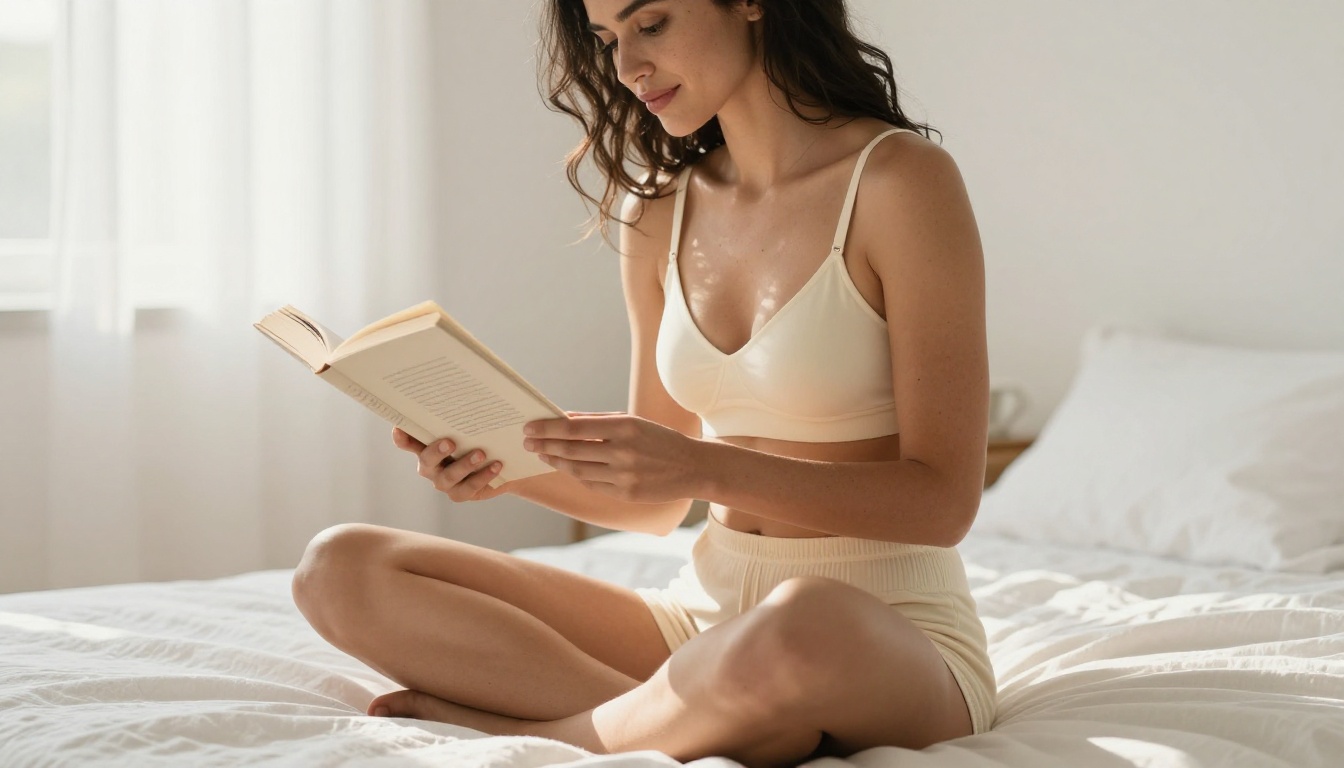
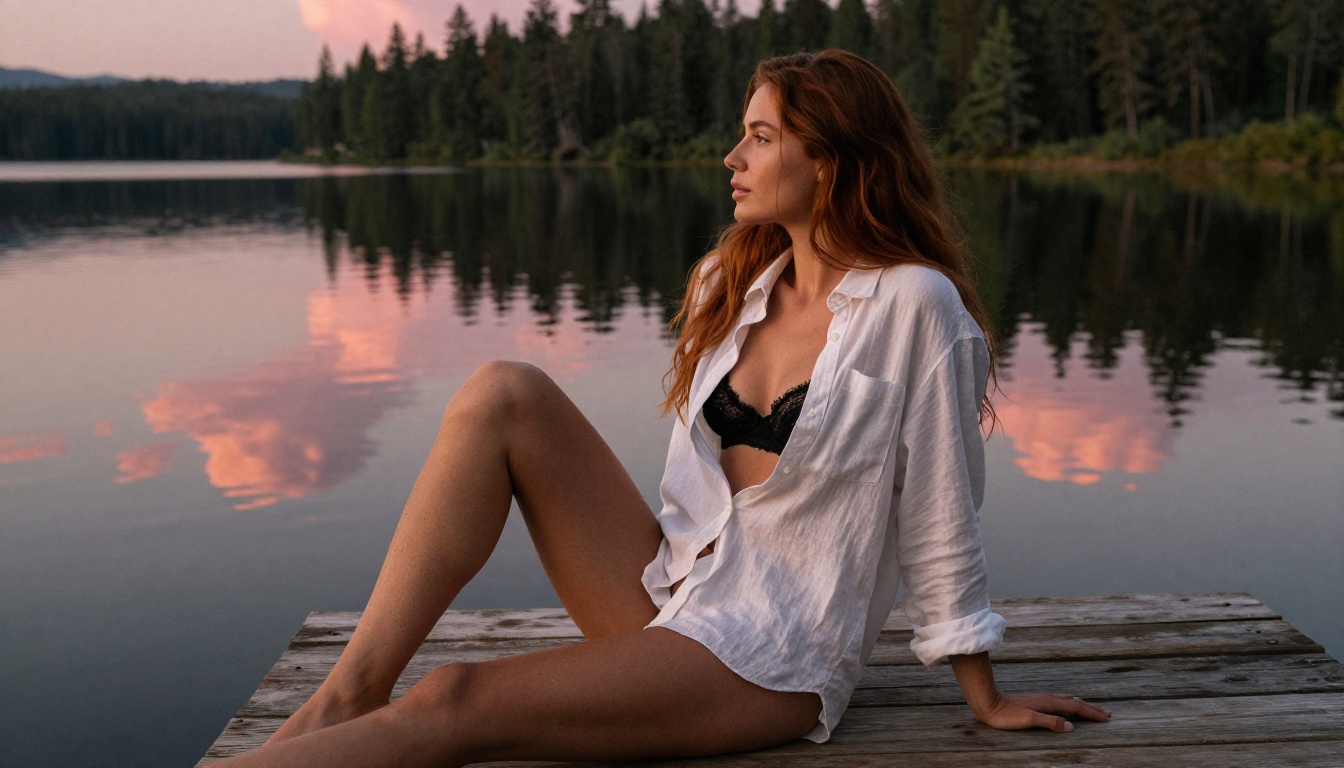
The most popular use case is portrait and glamour photography. People are generating content that professional photographers produce daily: swimwear and lingerie editorial shots, beauty close-ups with controlled lighting, fashion scenarios in elaborate locations, and lifestyle imagery that would cost thousands to produce in a traditional shoot.
The practical advantage over working with a photographer is total: no model fees, no location costs, no scheduling, no content restrictions from the studio. You describe the image, you get the image. You want to change the background, the lighting, or the outfit: you edit the prompt and generate again.
Fantasy and Artistic Content
The second major category is artistic and fantasy content: characters in elaborate scenarios, fantastical environments, and stylized aesthetic compositions that would be physically impossible to photograph.
Flux Dev and SDXL handle this particularly well. Their prompt adherence for detailed fantasy scenarios is strong, and neither applies the content softening that censored models default to when they detect certain themes.
💡 Artistic nudity is not the same as explicit content. The best unrestricted generators produce imagery that is tasteful, aesthetic, and beautiful. Think editorial fashion photography, fine art portraiture, and glamour photography: content that appears in mainstream galleries and lifestyle magazines, just without the gatekeeping and content restrictions.
Creating Entirely Fictional People
One rapidly growing use case is generating idealized portrait content of fictional people. Users describe a specific physical type, lighting style, clothing scenario, and environment, then get photorealistic images of that person in any scene they choose. It is personal, private, and entirely self-contained within the platform.
The model library at picassoia.com/en/all-models lists every tool on the platform. For unrestricted image generation, start with Seedream 4.5. For unlimited volume without credit caps, use PicassoIA Image Editor Pro. For high-speed iteration across many prompt variations, Flux Schnell is fast and capable. For maximum detail in final renders, Flux 1.1 Pro Ultra is the right choice.
The platform does not ask you to justify your prompts. It does not grade your creative choices or apply a corporate content filter to your work. You write what you want, and it renders what you wrote.
That is what unrestricted actually means in practice.
Write your first prompt at picassoia.com. The full model library with 185+ text-to-image options, 87+ video models, and every production tool listed here is available from a single account. No content restrictions. No approval process. Just your prompt and the image that follows.