Your support agent just told a customer that the refund window is 30 days. The policy changed to 14 days last month. An hour later, a second agent was asked to actually issue a refund and replied with a polite paragraph explaining how refunds work. One agent lacked knowledge. The other lacked hands. Those two failures sit behind the whole MCP vs RAG debate, and they explain why teams argue about which one to adopt when the honest answer depends on which gap they have.
This article lays out the difference between MCP and RAG in plain language, compares them on cost, latency, security and accuracy, and gives you a simple way to choose for your own AI agents. The short version: RAG gives a model facts to read. MCP gives it tools to use. Most production agents end up needing both, and the interesting part is how you combine them.
What RAG Actually Does
Retrieval-augmented generation, or RAG, was introduced in a 2020 research paper from Facebook AI Research (Lewis et al.). The idea is easy to state. Before the model answers, a retrieval step finds relevant passages in an outside source and pastes them into the prompt. The model then answers from those passages instead of leaning only on what it absorbed during training.

Think of a librarian who fetches three relevant books before you start writing. You still do the writing, but you do it with the right pages open in front of you.
How Retrieval Works Step by Step
A standard RAG pipeline runs in two phases.
Indexing, done ahead of time:
- Collect your sources: PDFs, wiki pages, support tickets, product docs.
- Split them into chunks, usually a few hundred tokens each.
- Turn every chunk into an embedding, a vector that captures its meaning.
- Store the vectors in a vector database next to the original text.
Query time, on every question:
- Embed the user's question with the same embedding model.
- Run a semantic search for the closest chunks, often blended with exact-match search (BM25) so product names and error codes still match.
- Optionally rerank the results with a smaller, sharper model.
- Insert the top chunks into the prompt and generate an answer, ideally with citations.
💡 In classic RAG the model never decides to look anything up. Your code retrieves, and the model reads. That is why RAG is predictable, cheap to test and easy to debug.
Where RAG Shines
- Private knowledge. Internal wikis, contracts and manuals were never in the training data. RAG puts them in front of the model without retraining anything.
- Grounded answers. When the model quotes a retrieved passage, hallucinations drop and users can check the source.
- Cheap updates. Re-index one changed document and the next answer reflects it.
- Huge corpora. Millions of pages will never fit in a context window, but a retriever can pull the right ten paragraphs in milliseconds.
- Citations. Every answer can point back to a document, which matters in legal, medical and support settings.
Where RAG Breaks
RAG is a read-only pattern, and its quality is capped by its retrieval step. If the right chunk is not retrieved, the model cannot use it, and a confident wrong answer is the usual result.

The common failure points:
- Bad chunking. A pricing table split across two chunks loses its meaning.
- Stale indexes. The index is only as fresh as the last ingestion run.
- Aggregation questions. "How many tickets did we close last week?" needs a calculation, not three similar paragraphs.
- Multi-hop questions. When the answer needs facts from four documents, top-k retrieval often finds only two.
- No action. RAG can explain how to cancel an order. It cannot cancel it.
What MCP Actually Does
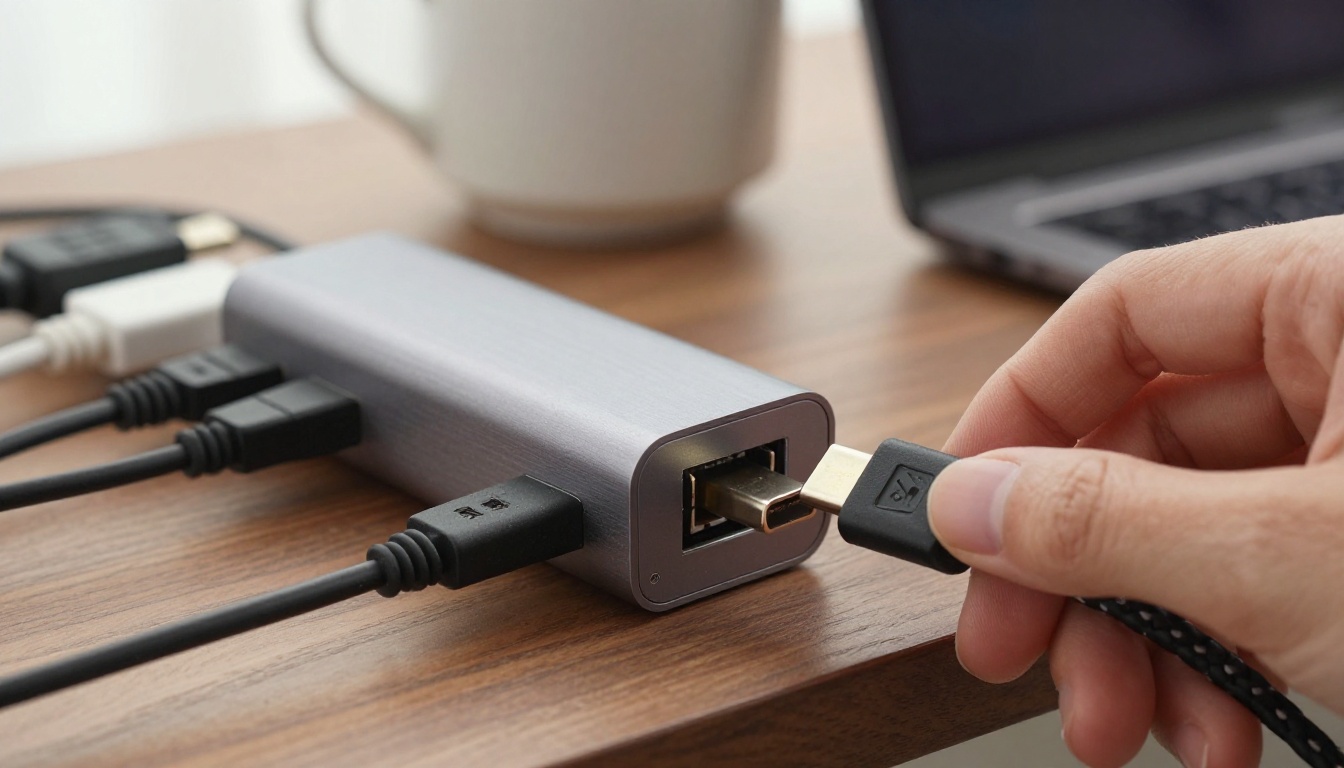
The Model Context Protocol (MCP) is an open standard that Anthropic introduced in November 2024. It defines one common way for an AI application to connect to outside tools and data. People often call it the USB-C port for AI apps, and the comparison holds up: before MCP, every pairing of app and service needed a custom integration. With MCP, you build one server and any compatible client can use it.
The Protocol in Plain Terms
Three roles are involved:
- Host: the AI app the user talks to, such as a chat app or a code editor.
- Client: the connection manager inside the host. One client talks to one server.
- Server: a small program that exposes capabilities, from a database query to an image generator.
Messages use JSON-RPC 2.0. Local servers usually talk over stdio, and remote servers use HTTP. The agent asks the server what it offers, the model picks what to call, and the server returns a structured result.
Tools, Resources and Prompts
An MCP server can expose three kinds of things:
| Primitive | What it is | Who controls it | Example |
|---|
| Tools | Functions the model can call | The model | create_issue, query_orders, generate_image |
| Resources | Read-only data the app can attach | The application | A file, a database record, a log |
| Prompts | Reusable templates | The user | A "review this pull request" workflow |
Tools are where most of the action happens. They are what turns a language model from something that talks into something that does.
Where MCP Falls Short
MCP is a connection standard, not a knowledge system. It does not decide what is relevant, and it does not make the model smarter about your data.
- No built-in retrieval. If your tool is
search_docs, someone still built a search engine behind it.
- Tool definitions eat context. Every tool name, description and schema is sent to the model. Connect a dozen servers and thousands of tokens vanish before the user says a word, while tool choice gets noisier.
- Every call is another model turn. A five-step task means several round trips, with the latency and cost that implies.
- A bigger attack surface. A tool that can write, send or delete can also be tricked into doing so.
MCP vs RAG Side by Side
The cleanest way to separate them: RAG is a pattern for feeding text to a model. MCP is a protocol for connecting a model to systems. They live at different layers, which is why the "versus" is slightly misleading. You can even build RAG on top of MCP, as you will see below.

| Factor | RAG | MCP |
|---|
| What it is | A retrieval pattern | An open connection protocol |
| Main job | Give the model knowledge | Give the model capabilities |
| Direction | Read only | Read and write |
| Data freshness | As fresh as the last index run | Live at call time |
| Who decides | Your pipeline, usually | The model chooses the tool |
| Typical failure | Wrong or missing chunk | Wrong tool, bad arguments, injection |
| Setup effort | Ingestion, chunking, embeddings, evaluation | Write or adopt a server, define tools, set permissions |
| Best output | A grounded answer with citations | A finished action or a live value |
Latency and Cost
A RAG question costs one retrieval call plus one longer model call. The shape is fixed, so latency and spend are easy to forecast.
An MCP task costs one model turn per tool call, plus the tokens spent on tool definitions. A simple lookup might need two turns. A messy task with retries might need ten. Prompt caching softens the schema overhead, but the cost of an MCP agent still scales with the number of steps, not the number of questions.
Security Risks
Both approaches share one nasty problem: prompt injection. A retrieved document can contain hidden instructions, and so can a tool result. In RAG the damage is usually a bad answer. In MCP the same trick can trigger an action.
- Give every server least privilege, read-only wherever possible.
- Require human approval for writes, payments and deletions.
- Install only servers you trust, and treat tool descriptions as untrusted text.
- Log every tool call so you can audit what the agent did.
💡 If a stranger could plant text in your knowledge base or in a tool's output, assume that text will eventually try to give your agent orders.
Which Is Better for AI Agents

For agents, meaning systems that plan and act, MCP is the more fundamental piece. An agent that cannot touch anything is a chatbot with a nicer name. But RAG is the better answer to "what does our company know?" The useful question is not "which is better" but "which gap do I have?"
Pick RAG When
- The answer lives in a large body of text that changes slowly.
- Users need citations they can verify.
- You want one predictable model call per question.
- The assistant is mostly answering, not doing. A help center bot is the classic case.
Pick MCP When
- The agent needs live data: stock levels, prices, ticket status, calendar slots.
- The agent must take action: create, update, send, book or generate.
- The data sits behind a system with an API, such as a CRM, a database or a calendar.
- The agent needs to produce media on demand, like an image or a short video.
Here is a quick decision table for common jobs:
| Job | Better fit |
|---|
| Answer questions from 5,000 internal PDFs | RAG |
| Check the status of an order | MCP |
| Look up policy, then update the ticket | Both |
| Generate a product photo on request | MCP |
| Search past support conversations | RAG |
| Summarize a single 40-page contract | Neither, just use a long context window |
Using Both Together
Production agents rarely pick a side. They split the work: RAG supplies the rules and background, MCP supplies the facts and actions.

A Hybrid Pattern That Works
Say a customer writes, "I was charged twice. Can you fix it?" A well-built agent handles it like this:
- RAG: retrieve the refund and duplicate-charge policy.
- MCP: call the billing tool to read the customer's actual charges.
- Reasoning: confirm the duplicate and check it against the policy.
- MCP: call the refund tool, with human approval above a set amount.
- MCP: write a note on the ticket so the next person sees what happened.
Neither approach could do this alone. RAG would recite the policy and stop. MCP would see the charges but have no idea what the policy allows.
RAG as an MCP Tool
More and more teams expose retrieval itself as a tool, something like search_knowledge_base(query). This is often called agentic RAG. Several vector database vendors already publish MCP servers, so the wiring is short.

The upside is real. The agent skips retrieval for small talk, rewrites a weak query, and runs a second search when the first one returns junk. The price is more model calls, and the quality of the tool description now matters a lot. A vague description means the agent either never searches or searches for everything.
💡 A simple shortcut: if the model would have to guess a fact, add retrieval. If it would have to say "I can't do that", add a tool.
A Real Example: Media Generation
Retrieval cannot make an image. It can only fetch text that already exists. An agent that must produce a picture or a video at runtime needs a tool, which makes media generation a textbook MCP job.
PicassoIA works this way. Its developer API lives at https://api.picassoia.com/v1 and uses a Bearer token. The same four models are reachable through the API and through MCP connections like the PicassoIA connector in Claude:
Jobs are asynchronous: the agent creates a prediction, then polls until it finishes. An account can run 5 concurrent predictions, shared across all API and MCP connections, so a busy agent should queue its requests.
Now add RAG to the picture. Before calling the image tool, the agent retrieves your brand notes, such as palette, lens style and subjects to avoid, and folds them into the prompt. RAG shapes the request, MCP carries it out.
For the reasoning layer, PicassoIA lists many large language models you can test in the same place, including Claude Sonnet 5, GPT 5.6 Sol, Gemini 3.5 Flash and Kimi K2.6.
4 Mistakes Teams Keep Making
- Using RAG for live data. An index of yesterday's inventory will confidently report stock that sold out this morning. If the value changes by the hour, query the source with a tool.
- Connecting every MCP server you can find. Fifty tools in context means slower, costlier and less accurate tool selection. Start with the three your task needs and add one at a time.
- Skipping evaluation. Build a test set of 30 to 50 real questions. For RAG, measure whether the right chunk was retrieved. For MCP, measure whether the right tool was picked with valid arguments. Without numbers, every change is a guess.
- Trusting text from outside. Retrieved passages and tool results are data, never instructions. Keep them clearly separated from your system prompt, and gate any write behind approval.
Try It on PicassoIA
The fastest way to feel the difference between knowledge and action is to give an agent a tool and watch what changes. Ask a plain chatbot for a product photo and you get a description. Connect it to an image model and you get the photo.

Open PicassoIA and try it yourself:
Then wire an agent to the same models and let it do the generating for you. Pick one small task, such as writing a social post and producing its image, and see how few steps it needs. That one experiment will teach you more about MCP and RAG than another week of reading comparisons.


