There is a point where "free" stops being a marketing word and becomes something that actually changes your workflow. Nano Banana 2 from Google hits that point hard. It generates, fuses, and edits images without a token wall, a subscription gate, or a daily cap. If you have been watching AI image tools but avoiding them because of cost, this model is worth your attention right now.
What Nano Banana 2 Actually Does
Nano Banana 2 is not just another text-to-image model. It is a multimodal generation and editing model built by Google. The key difference is that it can take two separate images and fuse them together into something coherent, or it can take a single image and apply targeted edits based on a text prompt.
This is fundamentally different from how most diffusion models like Stable Diffusion or SDXL operate. Those models generate from noise using a text prompt. Nano Banana 2 understands the content of existing images and works with them directly.
What it can do:
- Generate new images from a text prompt
- Fuse two input images into a single coherent output
- Edit specific areas of an image using natural language instructions
- Maintain subject identity across generations
- Handle complex compositional instructions
💡 The fusion capability is what makes this model stand out. You can combine the lighting of one photo with the subject of another, or merge two landscapes into something that looks completely real.
Why Unlimited Free Matters
Most AI image platforms either cap your daily generations, charge per image, or lock the best models behind premium tiers. The economics of that model make it hard to experiment freely. You end up being conservative with prompts, avoiding retries, and not fully testing what a model can do.
When a model like Nano Banana 2 runs with no generation limits, it changes your relationship with the tool.
| Platform Model | Cost Model | Generation Limit |
|---|
| Nano Banana 2 | Free | Unlimited |
| Nano Banana | Free | Unlimited |
| Nano Banana Pro | Free | Unlimited (4K output) |
| Most Premium Models | Credits/Subscription | Limited |
You can afford to fail. You can retry 20 times with small prompt variations. You can run the same subject through 10 different lighting setups just to see what works. That iteration speed is what separates someone who uses AI tools casually from someone who produces serious work with them.
How to Use Nano Banana 2 on PicassoIA
Getting started with Nano Banana 2 on PicassoIA takes about two minutes. Here is the exact sequence:
Step 1: Open the Model
Go to the Nano Banana 2 model page on PicassoIA. No account creation is required to start generating.
Step 2: Choose Your Mode
The model offers three input modes:
- Text only — Write a prompt, hit generate. Standard text-to-image workflow.
- Image + Text — Upload one image and write instructions. The model edits or transforms what you uploaded.
- Two Images + Text — Upload two source images and write a fusion prompt. The model merges both into a new output.
Step 3: Write a Specific Prompt
Nano Banana 2 responds well to specific, descriptive prompts. Vague inputs produce vague results.
Less effective: a woman on a beach
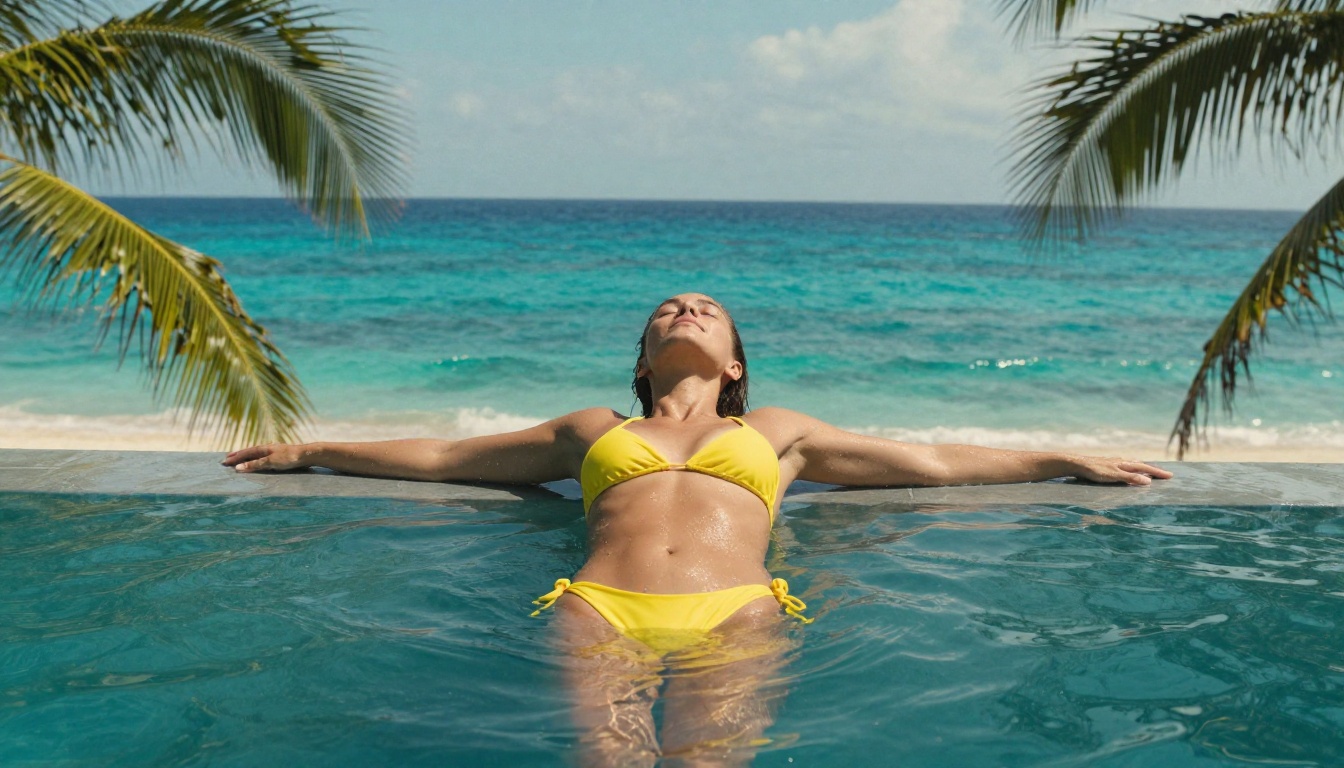
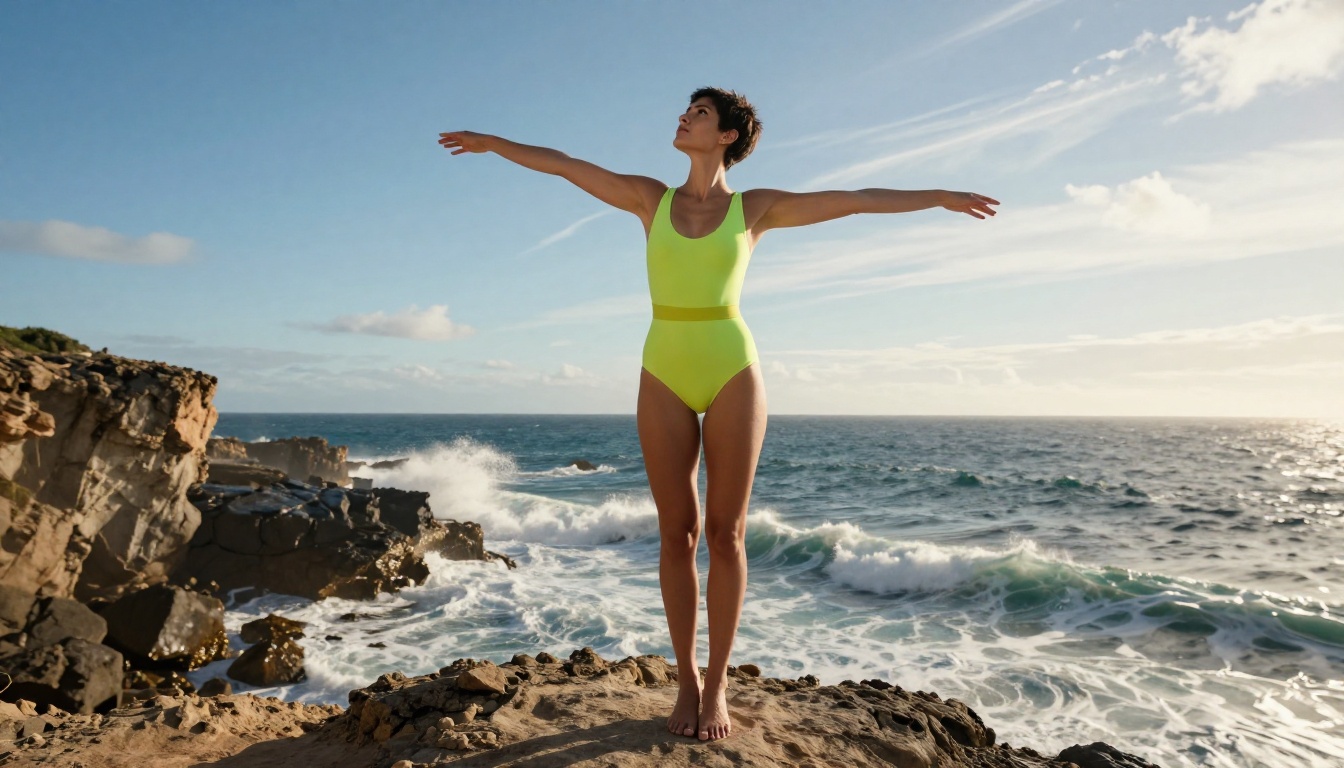
More effective: a woman with dark hair in a yellow bikini standing at the edge of an infinity pool overlooking the ocean, late afternoon golden light, photorealistic
💡 Tip: When fusing two images, describe the desired output in the prompt rather than describing the inputs. Tell the model what you want the final image to look like.
Step 4: Adjust and Retry
Since generations are free, run the same prompt multiple times. The model uses stochastic sampling, so outputs vary. Pick the best result from 3 to 5 runs rather than accepting the first output.
What You Can Create With It
The range of outputs from Nano Banana 2 is wider than most free models. Here are the categories where it performs best:
Portraits and People
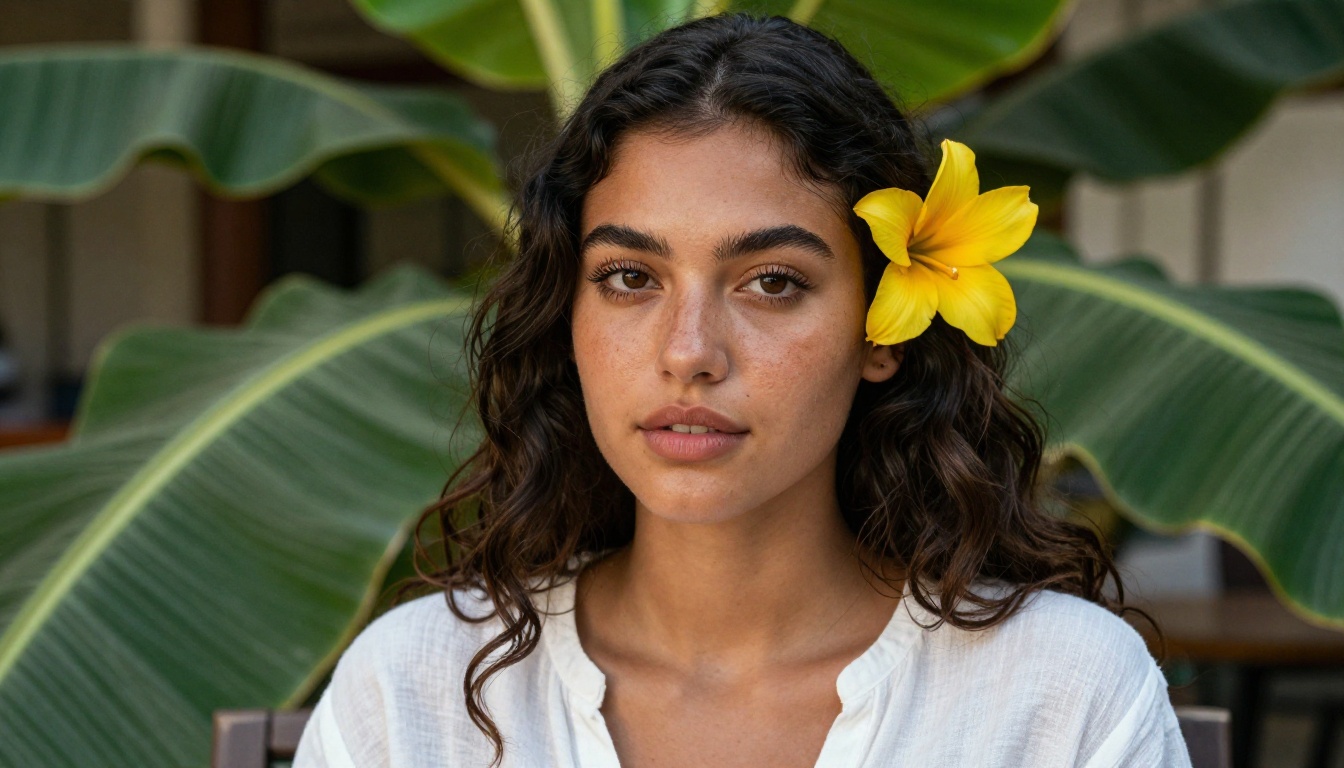
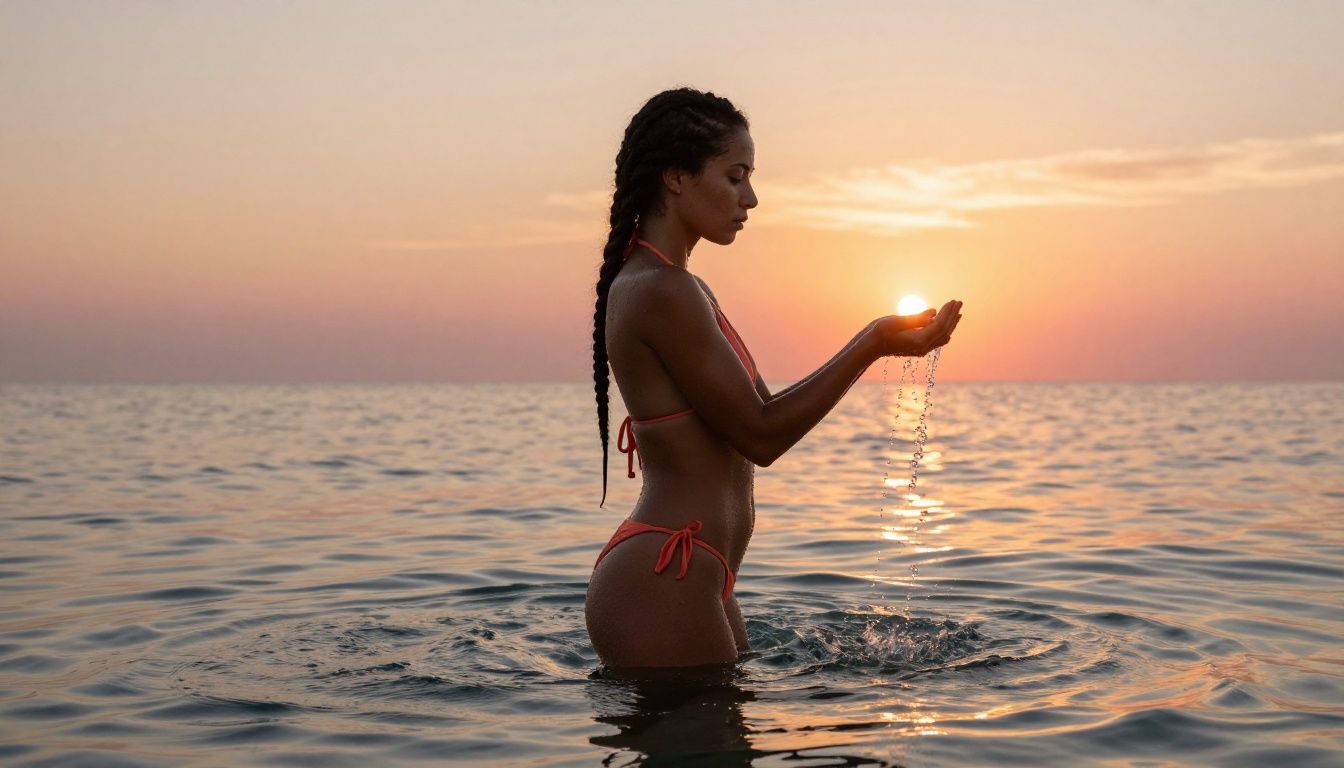
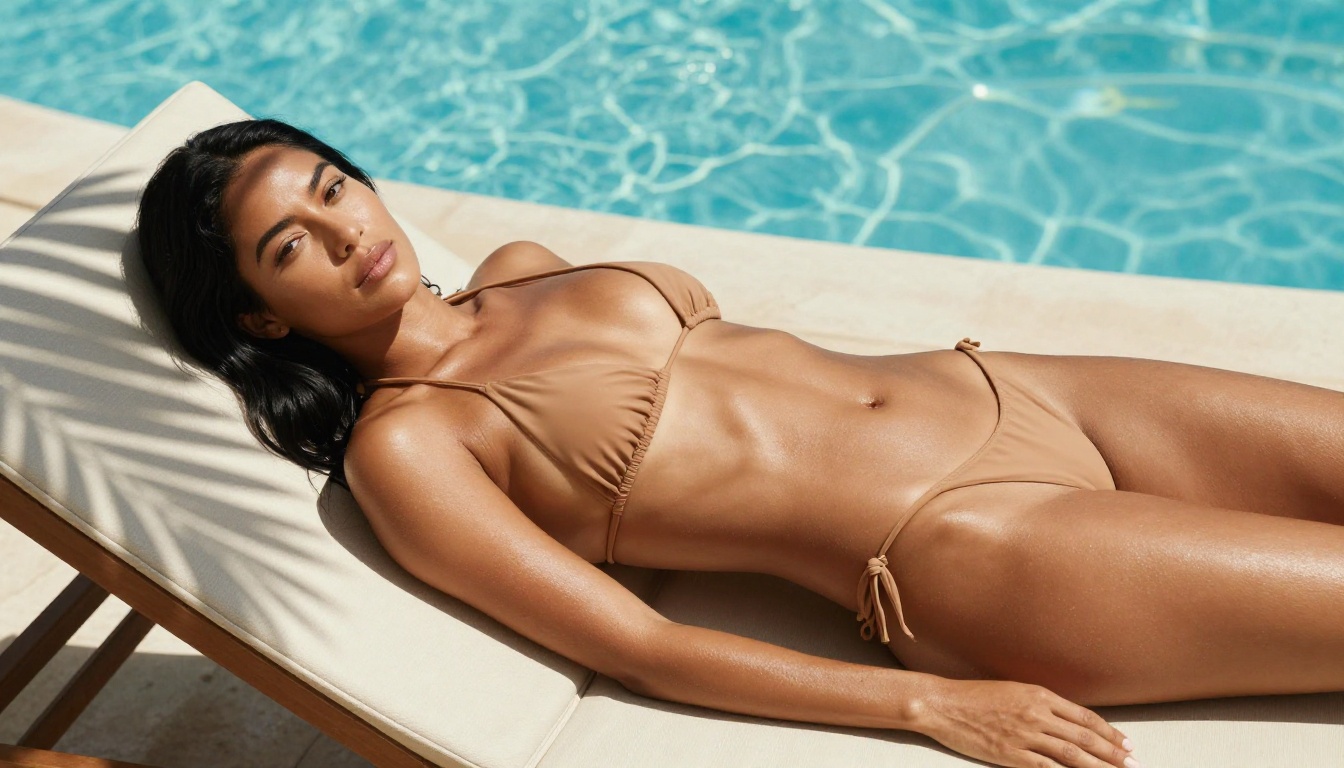
The model handles human subjects well. Skin textures, hair detail, and facial proportions come out convincingly realistic without manual tweaking. This is where the free unlimited access is most valuable — portraits often need many attempts to get the expression and lighting exactly right.
Landscapes and Environments
Wide scenes, aerial perspectives, and natural environments reproduce with strong detail. The model captures atmospheric elements like mist, water reflections, and directional sunlight accurately.
Fashion and Lifestyle
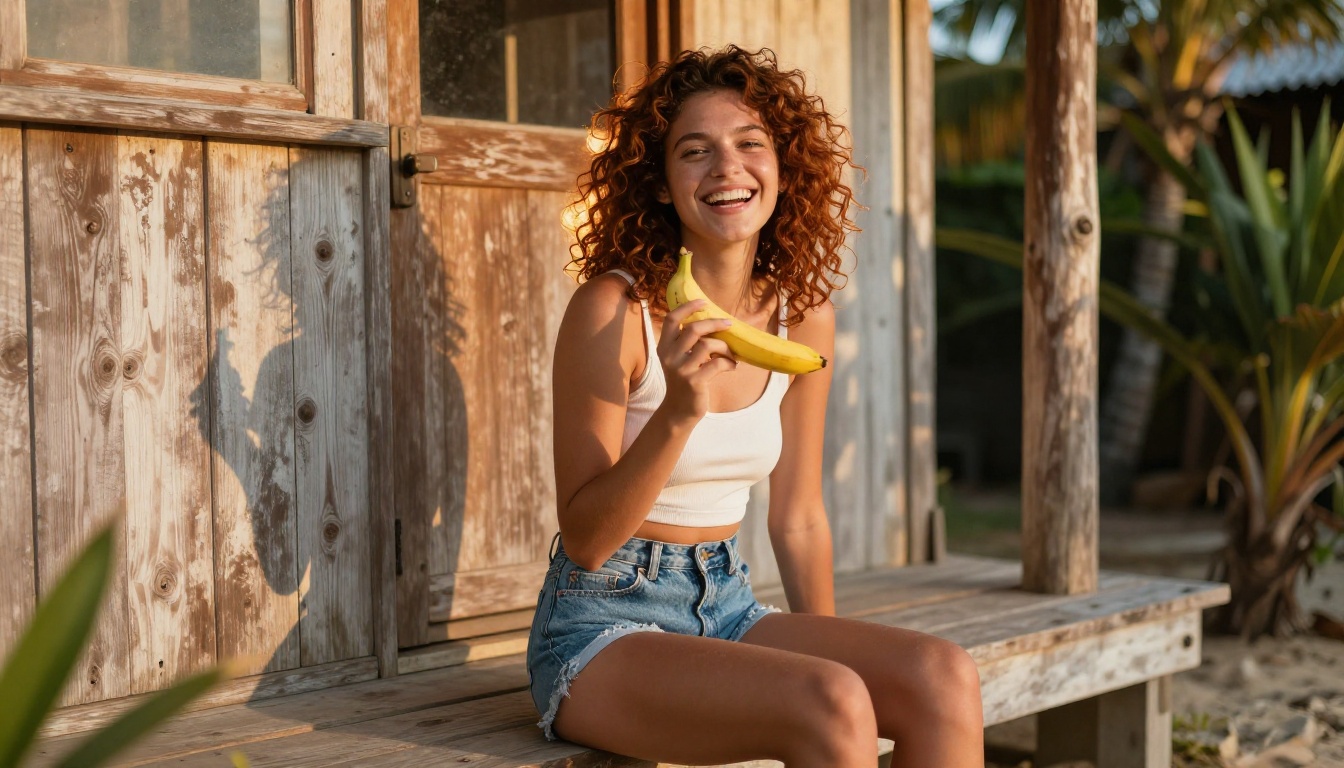
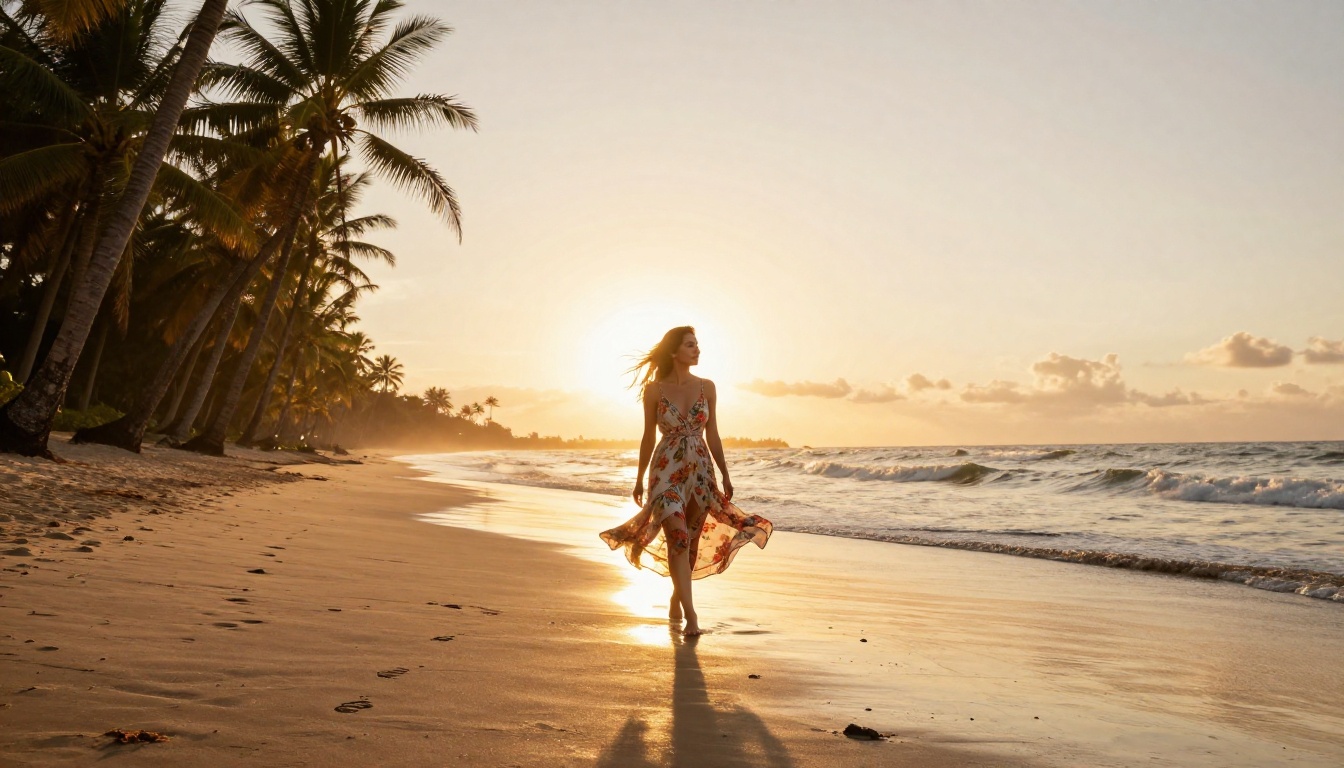
Clothing textures, fabric movement, and outdoor lifestyle scenes are a strong suit. The model handles the interaction between light, fabric, and skin naturally.
Product and Still Life
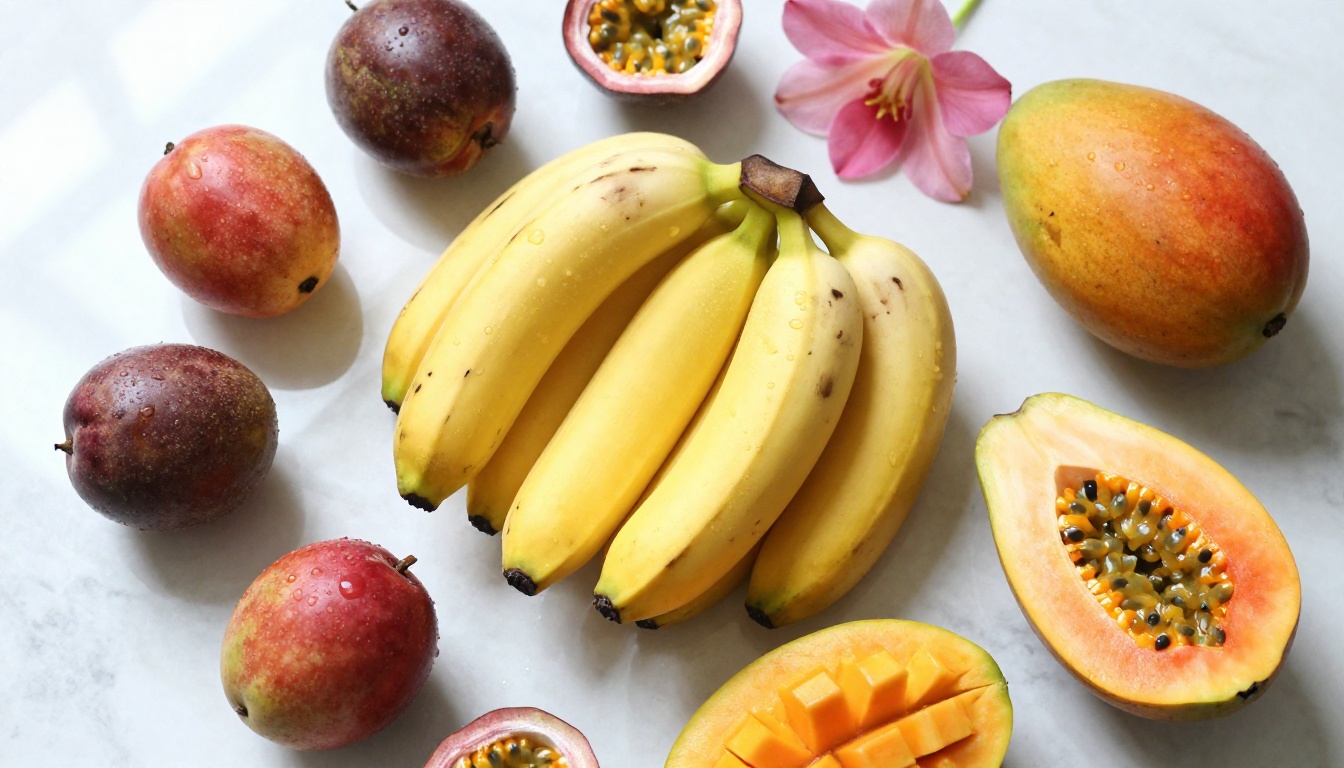
Flat-lay compositions, food photography, and product-adjacent visuals come out with accurate textures and natural lighting. The model understands surface materials — marble, fabric, organic skin of fruits — and renders them consistently.
Nano Banana 2 vs the Other Free Models
PicassoIA has three Nano Banana variants available for free. Here is how they differ:
For most use cases, Nano Banana 2 hits the best balance of quality and speed. Start here, move to Nano Banana Pro when you need 4K resolution outputs.
If you want to compare with diffusion-based approaches, SDXL is also free on PicassoIA and produces strong stylized outputs, though it lacks the fusion and editing capabilities that make Nano Banana 2 distinct.
Tips for Better Results
These patterns produce consistently stronger outputs with Nano Banana 2:
Lighting specificity. Name the light source and its direction. "Volumetric afternoon light from the left" gives the model more to work with than "natural light."
Camera language. Include lens focal length and aperture. "85mm f/1.8 shallow depth of field" tells the model what kind of photographic look you want.
Surface texture. Describe materials explicitly. "Rough linen," "wet sand," "smooth marble" all produce distinct differences in the output.
Composition framing. Tell the model where the subject sits in the frame. "Low-angle looking upward," "overhead flat-lay," or "mid-shot from waist up" all direct the composition effectively.
Avoid conflicting instructions. If you request "photorealistic 8K RAW photography," do not also include stylistic modifiers like "painterly" or "illustration." Pick one visual register and commit to it.
💡 For image fusion: Make sure both input images have similar lighting temperature. Fusing a warm-lit image with a cool-lit one often produces inconsistent results. Adjust your source images beforehand if needed.
Create Your Own Images on PicassoIA
Nano Banana 2 removes the one friction point that stops most people from building a real AI image practice: cost. With unlimited free generations, the only variable left is your prompting skill, and that improves fast.
PicassoIA gives you direct access to Nano Banana 2 alongside 90+ other text-to-image models, video generation tools, face swap, super resolution upscaling, and more. Everything on one platform, most of it free.
Start with Nano Banana 2 and a subject you actually want to photograph. Run it 10 times with small variations. By the tenth attempt, you will have something usable, and you will understand exactly what adjustments produce which results. That hands-on loop is how this tool actually gets useful.


