Google's latest image model slipped onto the scene without much fanfare, and it already has professional creatives rethinking their entire workflow. Nano Banana Pro is a free, text-to-image AI that generates 4K-resolution photographs from a single typed sentence, and the results are sharp enough to stop a scroll. If you have been watching the AI image space, you know how crowded it has become. What separates Nano Banana Pro from the crowd is a combination of generation speed, resolution ceiling, and prompt fidelity that few models at its price point, which is zero, can match. In this article we put it through its paces, compare it honestly with the top alternatives, and show you exactly how to get the best results from it on PicassoIA.
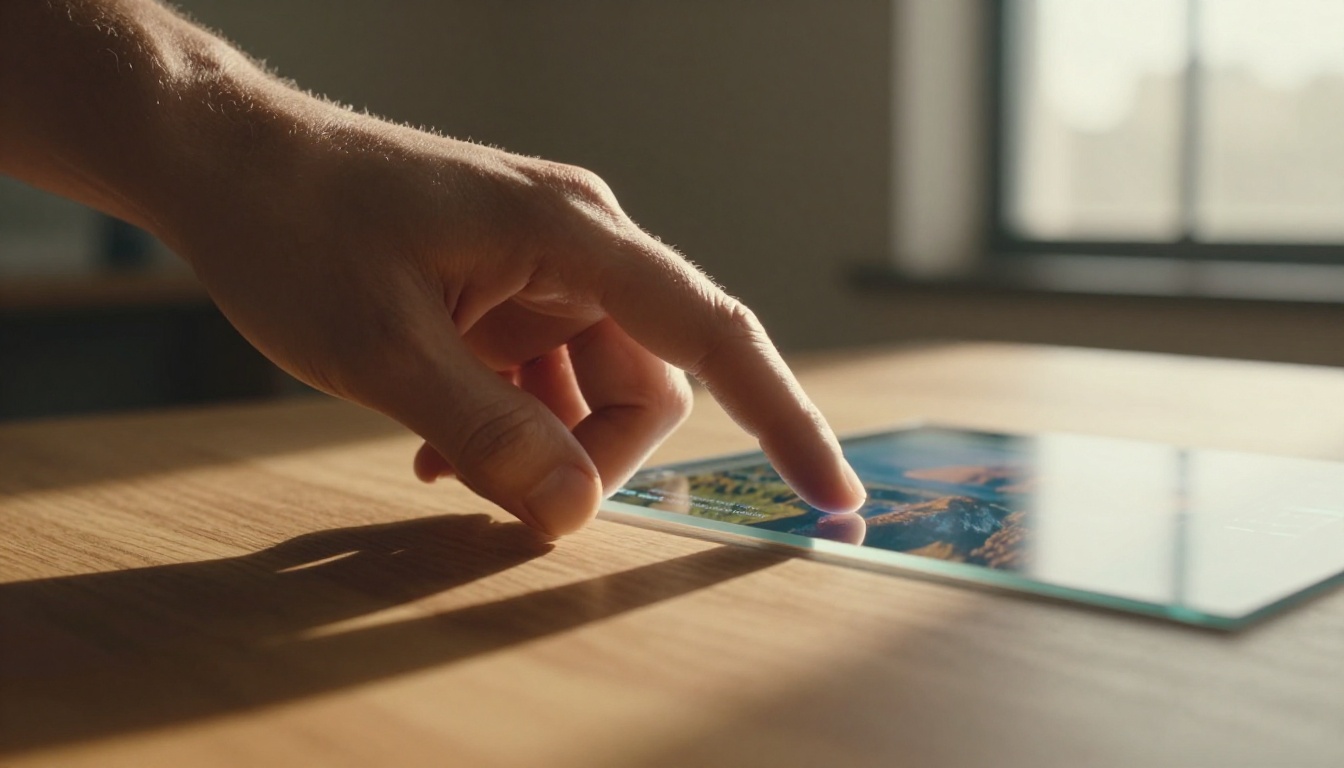
What Nano Banana Pro Actually Does
Nano Banana Pro is Google's compact but powerful multimodal image model, positioned between the raw horsepower of Imagen 4 Ultra and the fast-access simplicity of Imagen 4 Fast. Its architecture is optimized for real-world photography accuracy rather than stylized illustration, which is why the outputs read as photographs, not paintings or AI renderings.
The 4K Resolution Ceiling
Most free text-to-image models cap output at 1024x1024 pixels. Nano Banana Pro pushes past that by default, generating natively high-resolution images that hold up when you zoom in on fine detail: individual hair strands, fabric weaves, skin pores, surface textures. For anyone producing content for large-format print, social media headers, or product mockups, this matters enormously.
A 4K output from Nano Banana Pro at 100% zoom still shows grain and texture in exactly the places a real photograph would. That level of fidelity at zero cost is the core of what makes this model worth your attention right now.
Text Prompt Fidelity
Where many competing models hallucinate or substitute elements in complex prompts, Nano Banana Pro follows multi-clause instructions with unusual precision. You can write "a red ceramic mug on a weathered oak table, morning light from the left, shallow depth of field, steam rising, coffee shop background out of focus" and get something that looks like a styled food-photography shoot, not a generic mug floating in empty space.
This prompt fidelity matters in production workflows. Every time a model ignores part of your prompt, you spend time iterating instead of shipping.
The Free Factor
Nano Banana Pro is available at no cost through PicassoIA's platform. You do not need to enter card details or burn credits to try it. The companion model, Nano Banana, is also free and is optimized specifically for editing use cases: replacing objects in existing photos, adjusting background scenes, and recomposing elements within a frame.
💡 Tip: Use Nano Banana for in-painting and object swaps on existing images. Use Nano Banana Pro when you need full 4K generation from a text prompt from scratch with maximum photorealism.
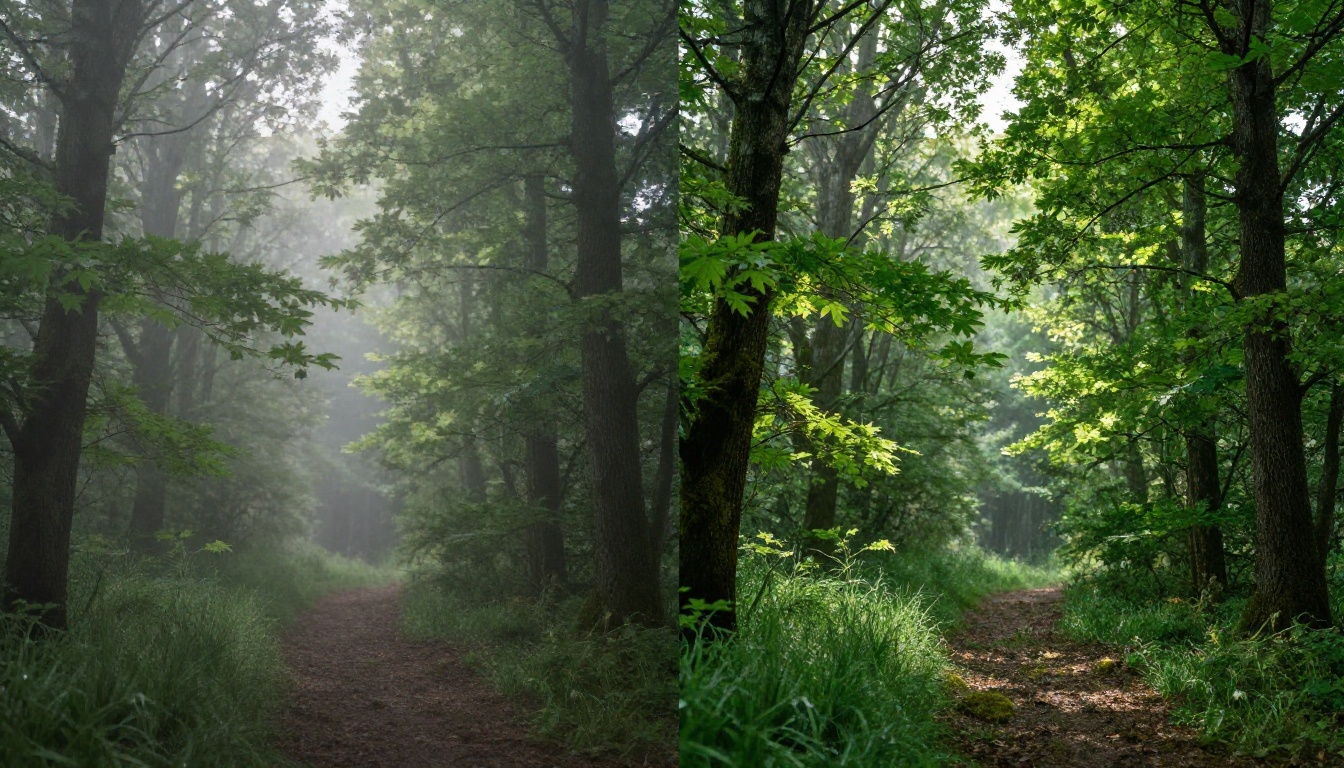
How Nano Banana Pro Stacks Up
There are 185 text-to-image models available on PicassoIA. Here's how Nano Banana Pro positions against the ones most people reach for first when starting a new project:
Where Nano Banana Pro Wins
Nano Banana Pro is noticeably faster than Imagen 4 Ultra, which can take 30-60 seconds per generation. The Pro variant produces results in under 10 seconds in most cases while retaining Google's characteristic color accuracy and lighting realism. That speed gap becomes significant when you are iterating through 20 or more prompt variations to nail a specific look.
It also outperforms older workhorses like SDXL and Stable Diffusion 3 on photorealism tasks, and it does so without requiring negative prompting tricks or complex ControlNet setups to get clean results.
Where It Falls Short
For purely stylized illustration work, Recraft v4 still produces cleaner vector-adjacent outputs with better text rendering. And if maximum resolution with no-compromise fidelity is the priority, Imagen 4 Ultra remains the benchmark. The full Imagen 4 is also worth running when a job requires the absolute highest detail ceiling and time is not a factor.
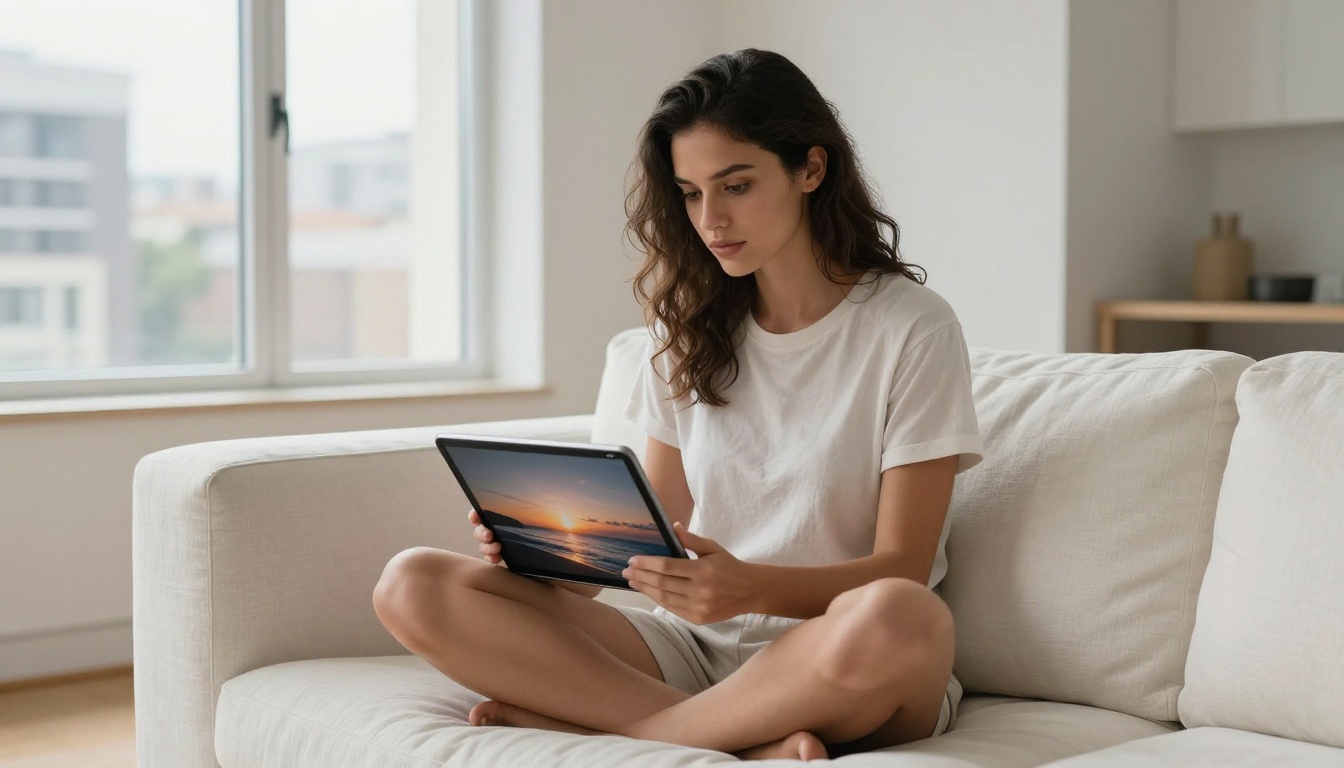
Speed and Output Quality in Practice
Two things determine whether an image generator fits into a real production workflow: time-to-output and iteration cost. Nano Banana Pro excels on both metrics in ways that directly affect how much work you can actually finish in a session.
Generation Speed
In testing, Nano Banana Pro completes a 4K generation in 6-9 seconds. Compare that to GPT Image 2 at 20-30 seconds, and Flux 2 Max at 15-20 seconds. The time savings accumulate fast when you are running multiple prompt variations side by side to find the right composition.
For solo creators and small studio teams without dedicated render farms, this speed difference translates into more output per working hour without any quality trade-off at the 4K tier.
Image Sharpness and Detail
Nano Banana Pro handles micro-detail reliably across several key subject categories:
- Portrait photography: Skin texture, natural pore detail, accurate subsurface light scattering, real eye reflections
- Architecture: Individual brick courses, mortar texture, window glass reflections, aged concrete surfaces
- Product photography: Specular highlights on glass and ceramics, accurate fabric drape, surface sheen variation
- Nature: Individual leaf veins, water caustics, cloud volumetric depth, bark texture at close range
Each of these categories benefits from the model's core strength in material rendering, which is the ability to simulate how different surfaces interact with light rather than simply pattern-matching from training data.
Color Science
Google built Nano Banana Pro on the same color pipeline used in Imagen 4. Skin tones across a wide demographic range come out accurate without the artificial orange warmth common in competing models. Natural lighting simulation, including soft overcast diffusion and directional hard sunlight effects, is among the most realistic available at this speed tier.
💡 Tip: Describe your light source explicitly and specifically in every prompt. "Soft overcast northern window light" versus "direct afternoon sun at 45 degrees from the right" produces very different, highly accurate lighting setups with Nano Banana Pro.
Best Use Cases
Not every model is right for every job. Here is where Nano Banana Pro gives you the most return on time invested.
Content Marketing and Social Media
The combination of under-10-second generation and 4K output makes Nano Banana Pro ideal for producing hero images, YouTube thumbnail art, and ad creatives at scale. A single well-crafted prompt generates a campaign-ready image in a fraction of the time it takes to source stock photography, and you own the output with no licensing restrictions.

Product Visualization
For e-commerce and brand work, Nano Banana Pro's surface-rendering accuracy makes it well-suited for product photography mockups and lifestyle imagery. Pair it with the Nano Banana editing model to swap out backgrounds or adjust product placement after the initial generation, without regenerating the whole image from scratch.
Architecture and Interior Design
Clients expect realistic renders when reviewing concepts. Nano Banana Pro handles material rendering, lighting, and spatial depth in architectural prompts better than most models at its speed tier, making it a viable option for quick client-facing visualization before investing in high-fidelity 3D rendering.
Rapid Concepting and Ideation
Because generation is fast and free, you can run 30 or 40 variations of a visual concept before deciding which direction to develop. That changes the nature of creative work significantly. It stops being a one-shot tool and becomes a real-time visual brainstorming partner that externalizes ideas faster than sketching.
How to Use Nano Banana Pro on PicassoIA
PicassoIA hosts Nano Banana Pro directly, which means you can access it without setting up any accounts, API keys, or local installations.
Step 1: Open the Model Page
Go to Nano Banana Pro on PicassoIA. You will see the prompt input field and a gallery of recent outputs from other users for inspiration.
Step 2: Write a Detailed Prompt
The more specific your prompt, the stronger the output. Focus on five elements in every prompt:
- Subject: Who or what is in the scene, and what are they doing?
- Environment: Where is the scene taking place, with what surfaces and props?
- Lighting: What is the light source, quality, and direction?
- Camera: What lens focal length, angle, and depth of field does the shot use?
- Texture: What materials and surface details are in the frame?
A strong prompt structure looks like this:
[Subject + action], [detailed setting], [lighting source and quality], [camera angle, lens, depth of field], [texture and material details], photorealistic, 8K, RAW photography
The more concrete detail you add to each of these five layers, the less the model has to guess, and the closer the output lands to your mental image on the first try.
Step 3: Iterate Fast
Run your first generation and assess what is right and what needs adjustment. The highest-leverage prompt variables to change between iterations are:
- Focal length ("35mm wide" vs. "85mm f/1.4 portrait")
- Time of day and weather ("golden hour" vs. "overcast midday")
- Subject action or pose
- Lighting character ("soft fill" vs. "hard directional")
Because each generation takes under 10 seconds, you can work through these variables quickly and build intuition for how Nano Banana Pro interprets specific language.
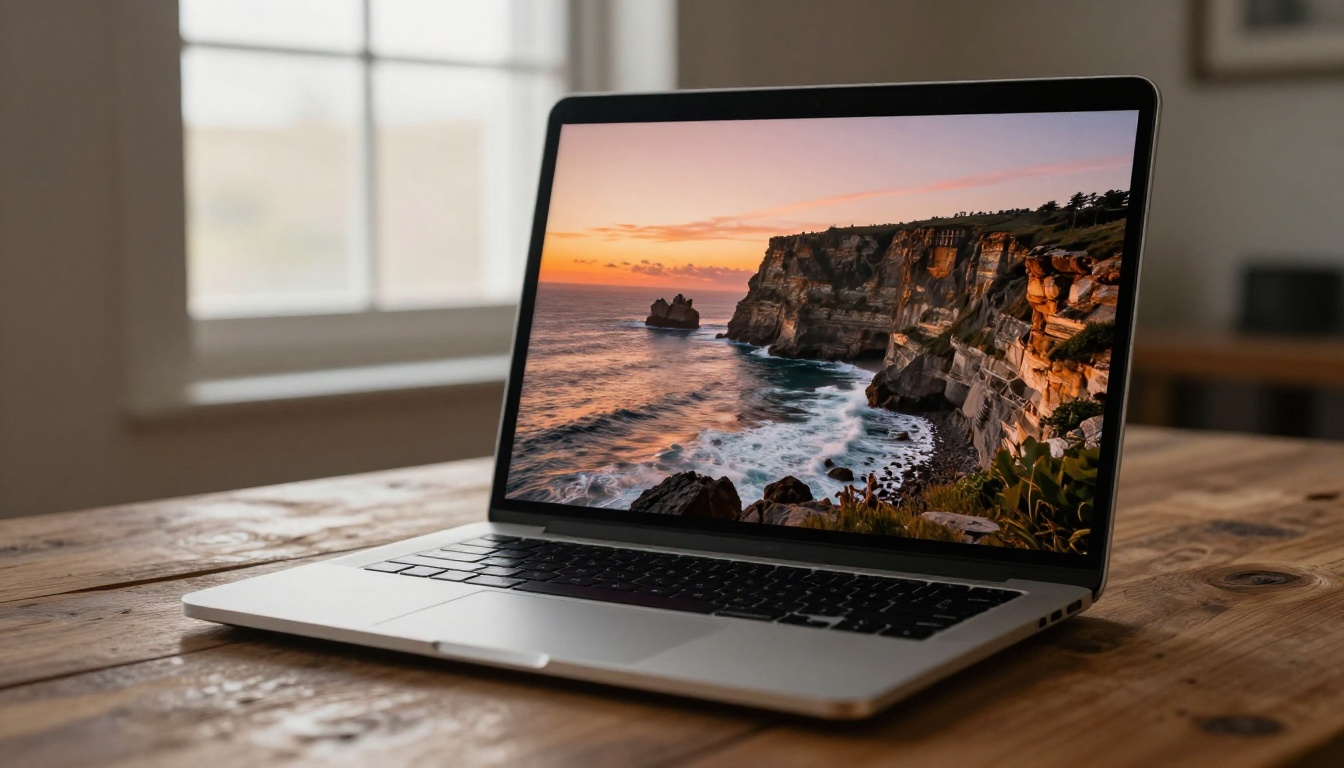
Step 4: Combine with Editing Models
Once you have a strong base image from Nano Banana Pro, pass it to companion tools on PicassoIA to refine without regenerating:
- Flux Kontext Max: Rewrite any specific element in the image using a text instruction while preserving the rest
- Expand Image: Extend the canvas outward using AI outpainting to create wider compositions
- Eraser: Remove any unwanted object from the scene cleanly
- Genfill: Replace a selected region with new AI-generated content that matches the surrounding image
This combination creates a non-destructive editing pipeline entirely within PicassoIA. No external software, no file exports, no subscription to a separate editing tool.
Upscaling Your Output
Even though Nano Banana Pro generates at 4K, there are jobs where you need to push further. Large-format print, billboard advertising, and ultra-high-resolution product photography all benefit from going beyond native 4K. PicassoIA's super-resolution tools integrate directly with your generated images.
Choosing the Right Upscaler
Different upscalers are built for different content types. Here is a breakdown of when to use each one:
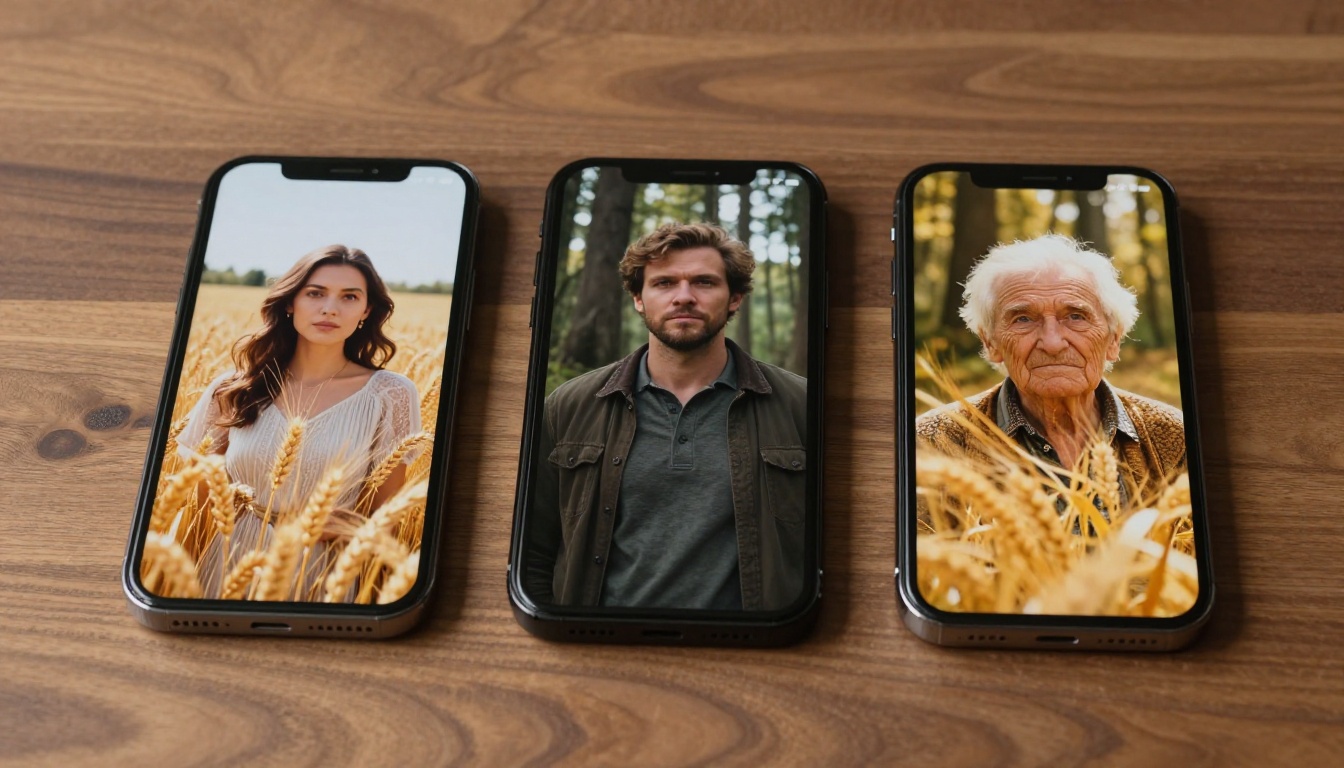
For portraits and human subjects generated with Nano Banana Pro, Clarity Pro Upscaler and Crystal Upscaler both add micro-detail that makes the enlarged result look native rather than interpolated.
💡 Tip: Run Recraft Creative Upscale when you want to add texture depth and surface detail to the upscaled output, not just increase pixel count. It inpaints micro-detail as it scales rather than simply interpolating existing pixels.
Visual Effects That Pair Well
The Visual Effects tools on PicassoIA open up a range of post-processing options that complement Nano Banana Pro-generated images without requiring external software.
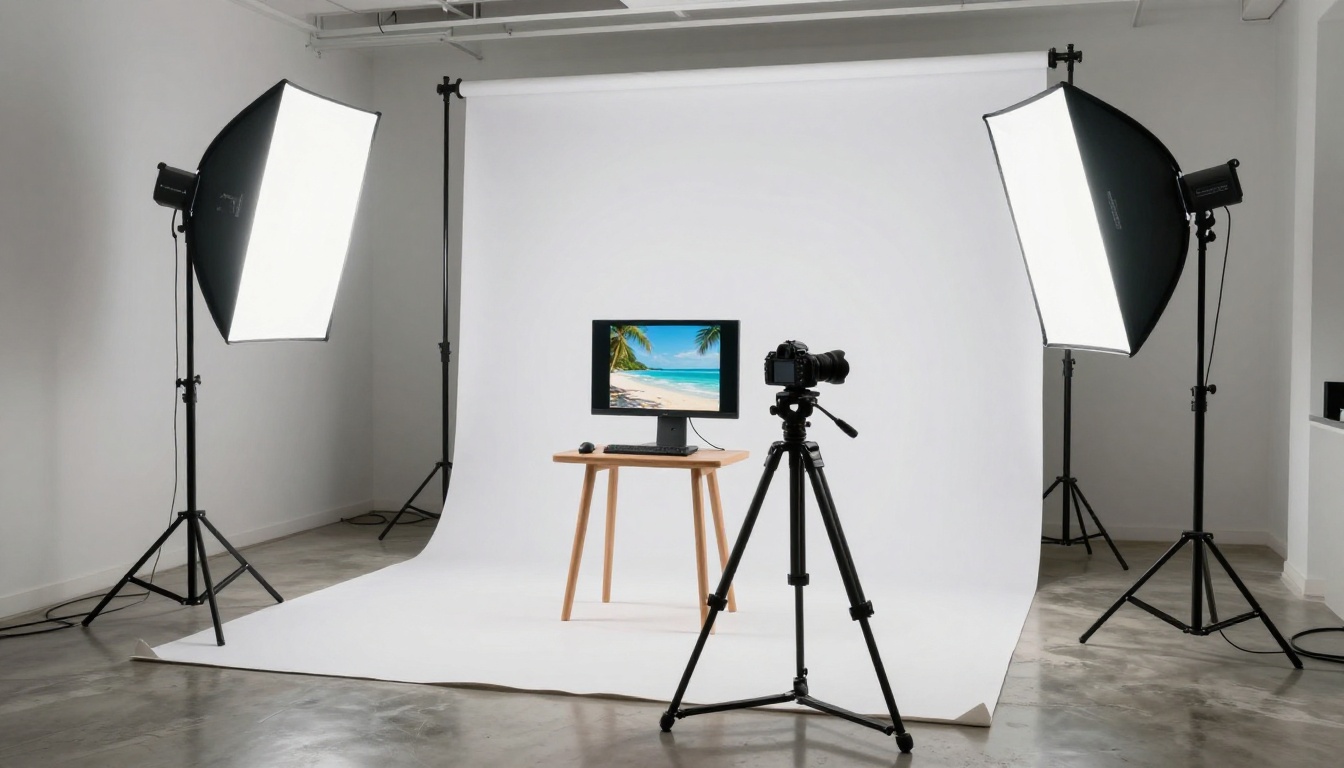
Here are the most useful pairings:
- Depth of field blur: Add a professional background blur to any composition that came out too flat
- Color grading filters: Apply film simulation presets directly to generated images for a consistent visual style across a series
- Lighting adjustments: Add volumetric light rays, lens flares, or studio lighting corrections to images where the prompt lighting did not render exactly as intended
- Atmosphere overlays: Add fog, rain, snow, or haze effects to any base image to shift the mood without regenerating
This combination of Nano Banana Pro generation with PicassoIA's visual effects stack gives you a post-production workflow that covers most commercial applications in a single platform.
PicassoIA's Full Image Ecosystem
Nano Banana Pro is one model in an ecosystem of 91 text-to-image options on PicassoIA. Knowing which tools pair well with it helps you build a complete workflow rather than a single-model dependency.
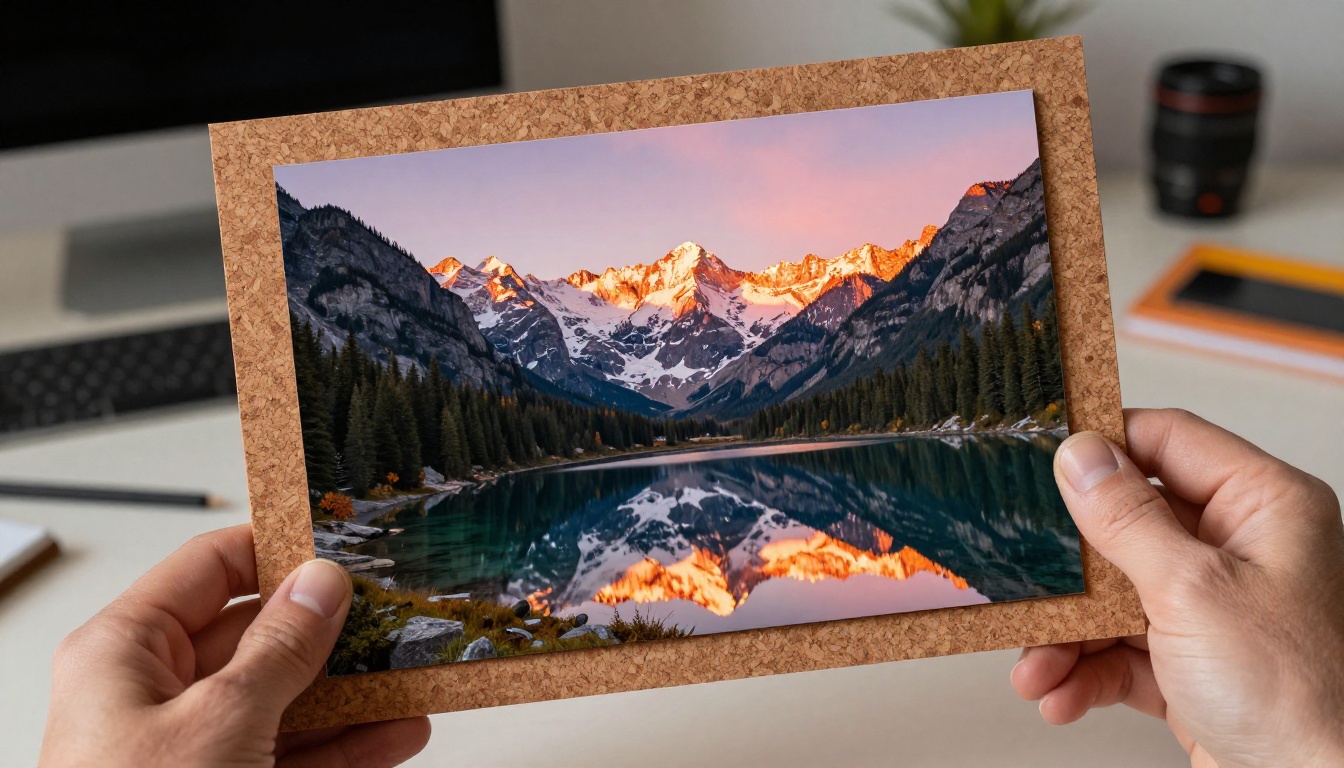
For specific workflow needs, here are the best pairings:
- Consistency across multiple shots: Ideogram Character keeps faces and style consistent across separate generations
- Sub-second concepting: P Image generates in under 1 second for rapid idea externalization
- Maximum portrait fidelity: RealVisXL v3.0 Turbo remains a strong choice for photorealistic human renders when portrait accuracy is the top priority
- Commercial output at scale: Flux 2 Pro paired with PicassoIA Image Editor Pro for unlimited rounds of editing on any generated image
- Unlimited text-to-image with no restrictions: PicassoIA Image runs unlimited generations on the platform's own optimized model
For teams producing large volumes of images, PicassoIA Image Editor Pro is worth adding to any workflow built around Nano Banana Pro, since it provides unlimited editing passes on any base image without credit gates.
💡 Tip: If you regularly need images in a specific aspect ratio for a platform like Instagram, TikTok, or YouTube, set your aspect ratio in the prompt rather than cropping after. Nano Banana Pro respects explicit ratio instructions and composes the subject accordingly.
Comparing the Pixel-Level Detail Screen
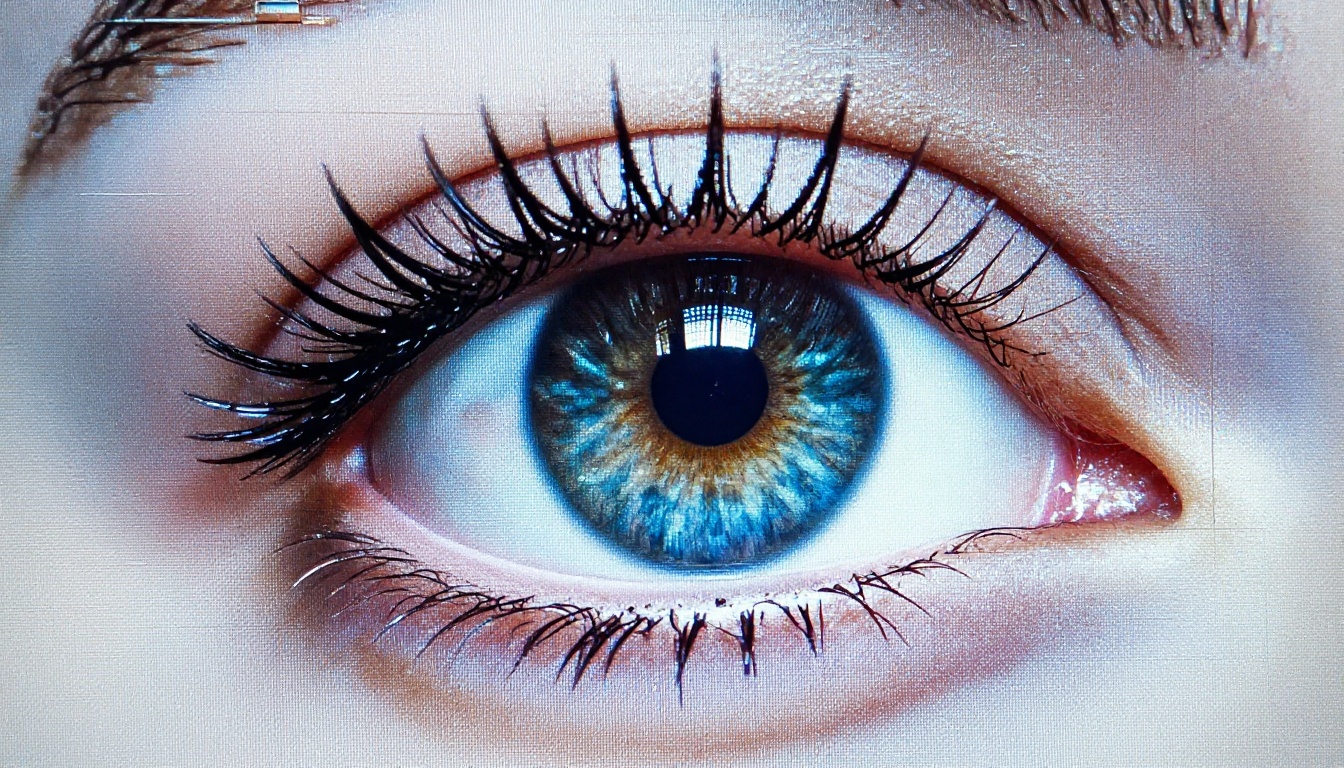
One of the most convincing demonstrations of what separates high-tier models from average ones is what happens at 100% zoom on a generated image. With Nano Banana Pro at 4K output:
- Fabric: Individual thread weave is visible on cotton and denim
- Glass: Fingerprint smudges and specular micro-highlights appear on reflective surfaces
- Skin: Subsurface scatter in areas like earlobes and knuckles renders realistically
- Metal: Brushed aluminum shows directional grain; polished steel shows accurate reflections
These details are what make the difference between an image that works in a thumbnail and one that holds up when clients zoom in during a review session.
Start Generating for Free
Nano Banana Pro proves that free does not mean compromised. At 4K resolution, near-instant generation speeds, and with Google's color science and material rendering behind it, this is the most capable free image generator available right now. Whether you are building marketing assets, producing product photography mockups, concepting visual directions for a campaign, or simply exploring what AI image generation can do, Nano Banana Pro belongs in your active toolkit.
The fastest way to validate that claim is to go directly to Nano Banana Pro on PicassoIA, type a prompt you have been sitting on, and see what comes back in under 10 seconds. Pair it with one of the upscalers for large-format output, or pass the result to Flux Kontext Max for targeted editing, and you have a complete image production pipeline with no paywalls. The full library of all PicassoIA models is there whenever your project demands something more specialized.


