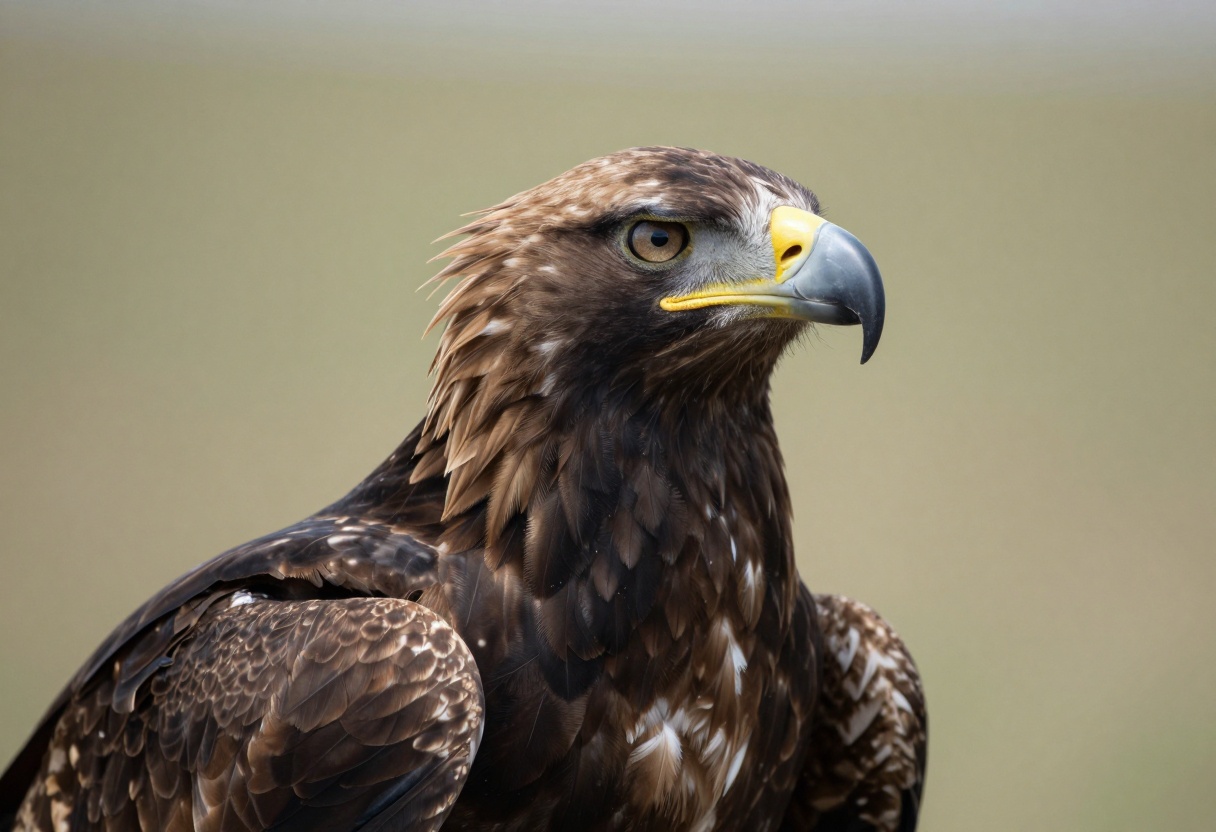
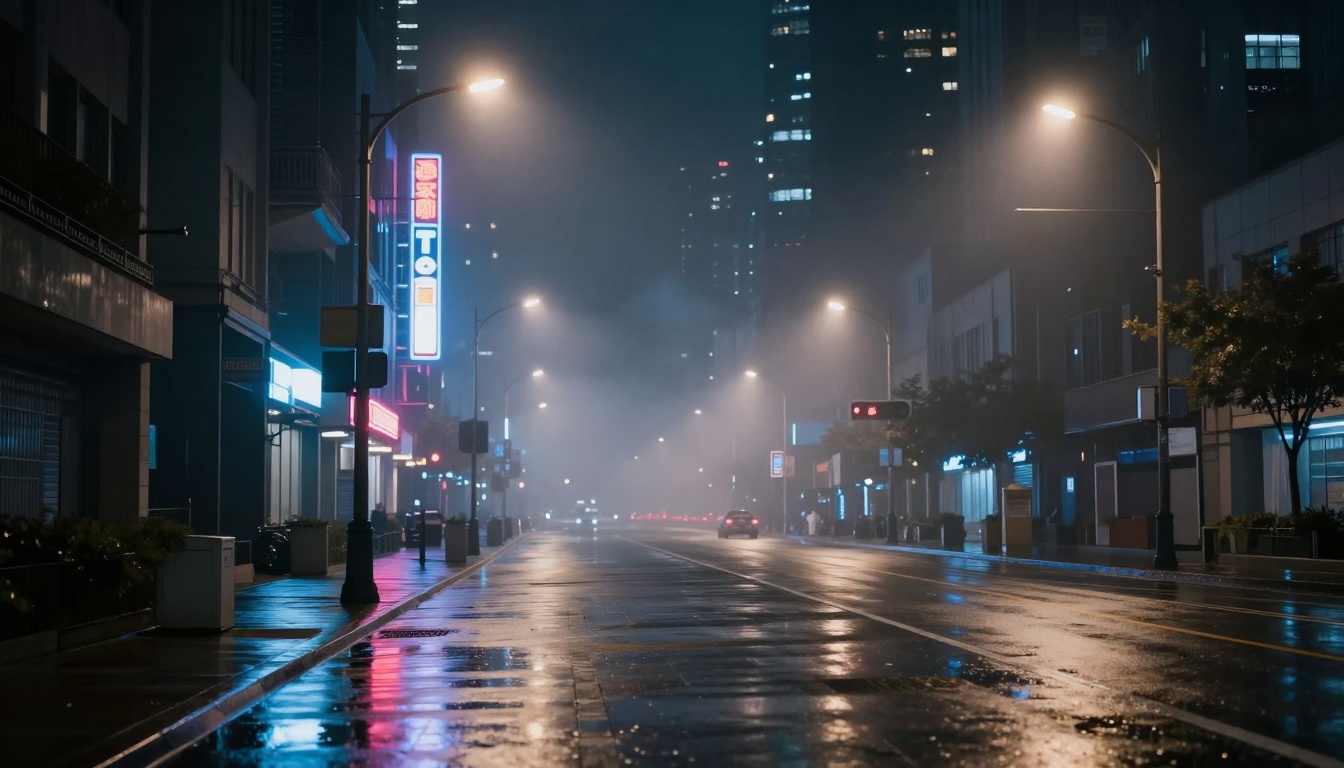
nano banana proimagen 4 ultraphotorealismtext to image
Nano Banana Pro vs Imagen 4 Ultra: Which Delivers Better Photorealism?
When it comes to generating photorealistic images with AI, Nano Banana Pro and Imagen 4 Ultra stand out as two of the most capable models. Both excel at creating lifelike visuals, but they approach photorealism differently. This comparison breaks down their strengths in texture rendering, lighting accuracy, resolution options, and real-world applications to help you choose the right tool.
Photorealism in AI-generated images has reached a point where distinguishing between real photographs and synthetic creations becomes challenging. Two models leading this revolution are Nano Banana Pro and Imagen 4 Ultra, both pushing the boundaries of what's possible with text-to-image generation.
Both models claim exceptional photorealistic capabilities, but they achieve their results through different technical approaches and offer distinct advantages depending on your needs.
What Makes an Image Photorealistic?
Before comparing these models, it helps to understand what photorealism actually means in AI image generation. True photorealistic images share several characteristics that fool the human eye:
Physical accuracy matters immensely. Light behaves according to real-world physics, with proper reflections, refractions, and shadows. Materials have textures that respond naturally to lighting conditions, whether it's the subsurface scattering in skin or the way fabric catches light.
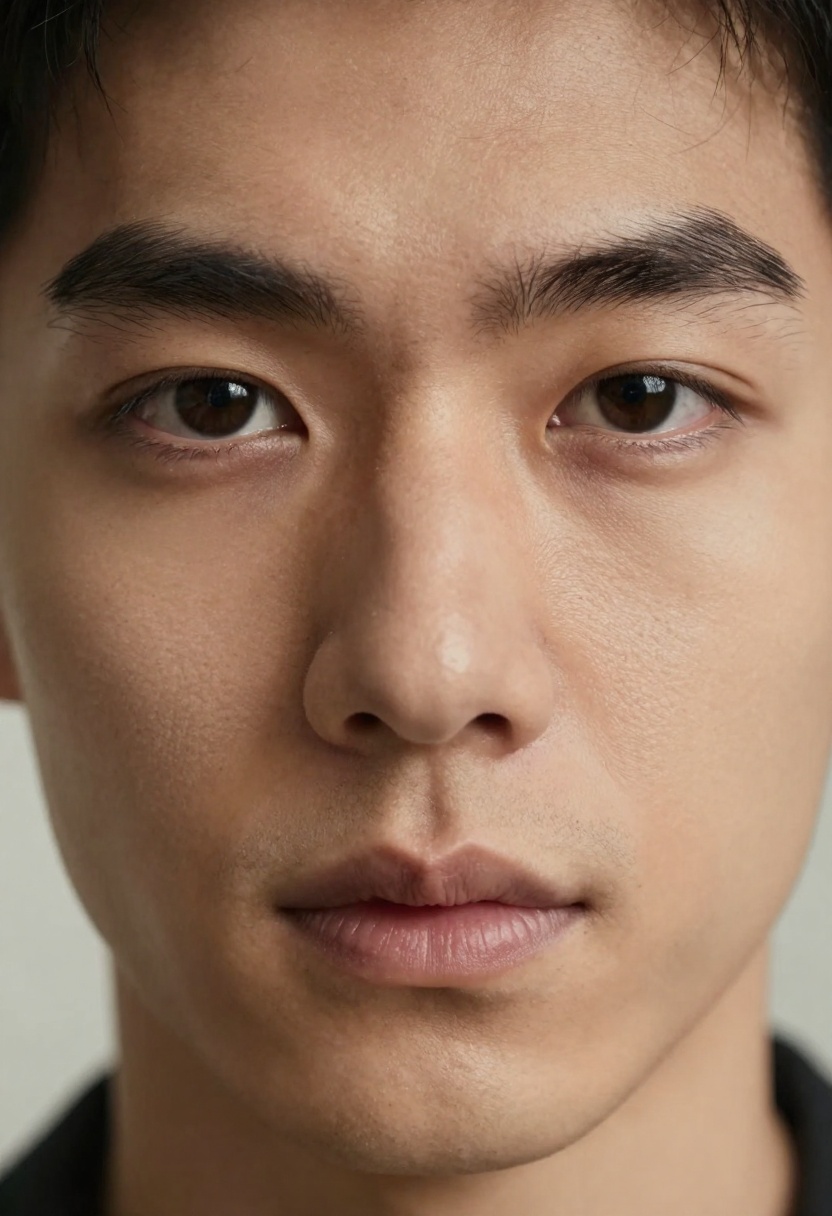
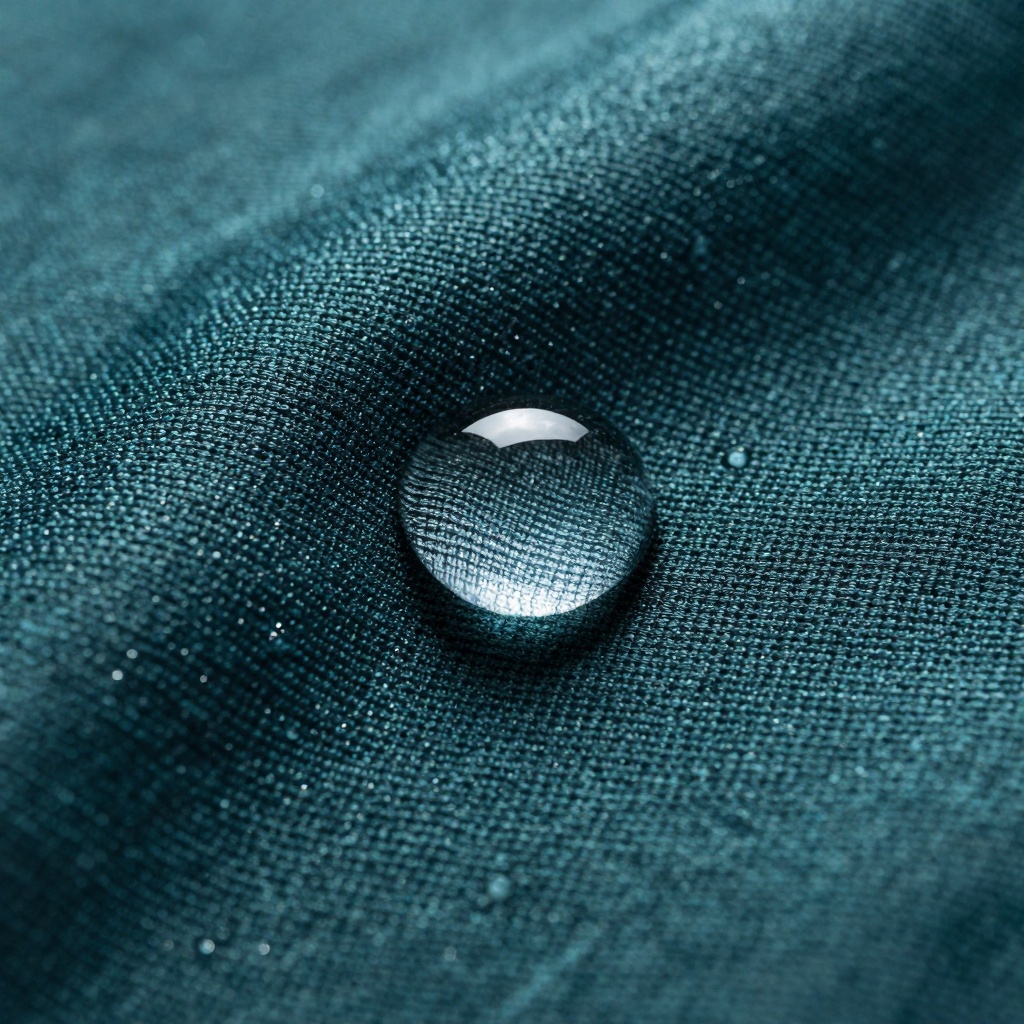
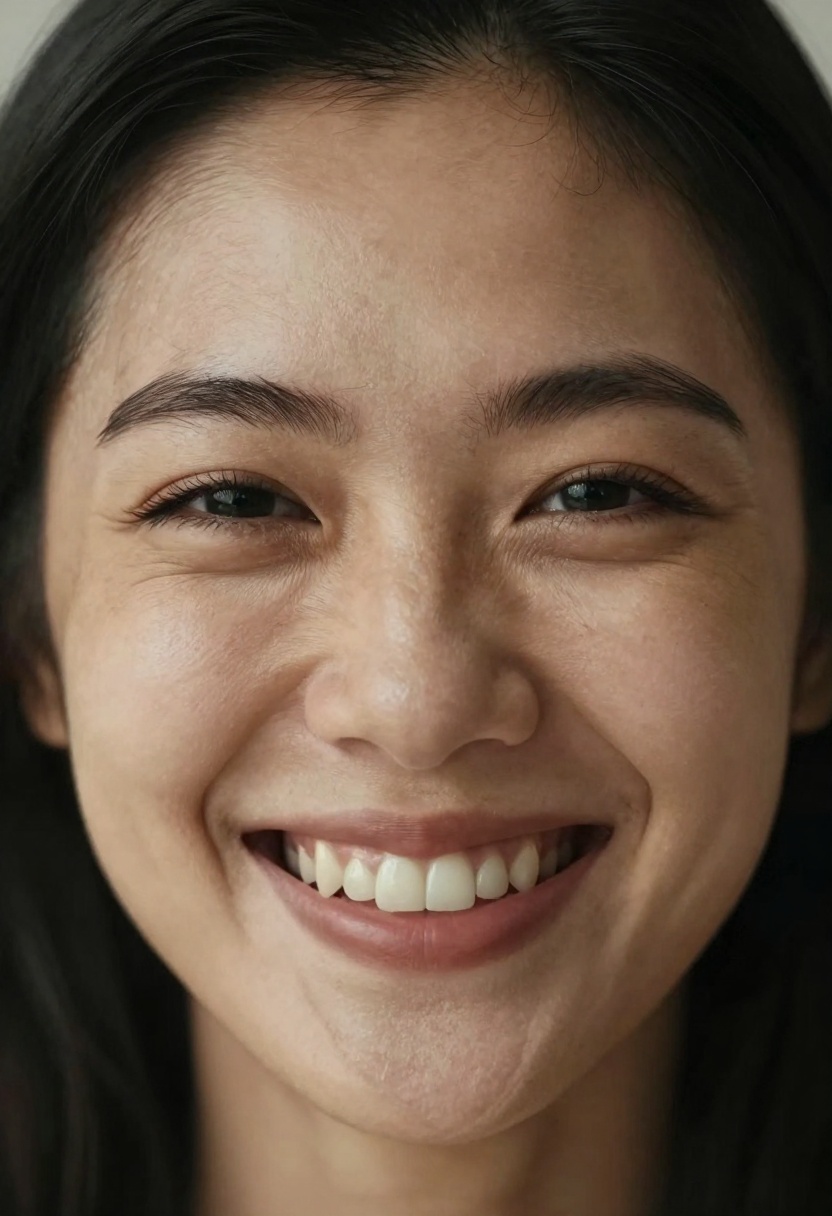
Detail density separates good from great. Photorealistic images contain the kind of micro-details you'd expect from high-resolution photography: individual pores in skin, fiber patterns in fabric, or the complex interplay of highlights and shadows across surfaces.
The consistency of these details matters just as much. Everything in the frame needs to match the same level of realism, from foreground to background, without sudden drops in quality or obvious AI artifacts.
Nano Banana Pro: Technical Specifications
Nano Banana Pro positions itself as an advanced photorealism engine with extensive customization options. The model supports resolutions up to 4K, giving you significant flexibility for professional applications where image quality cannot be compromised.
One standout feature is its support for up to 14 reference images. This capability means you can guide the generation process with multiple visual references, helping the model understand exactly what kind of photorealism you're targeting. Whether you're aiming for specific lighting conditions or particular material qualities, these reference images provide detailed guidance.
The model offers 11 different aspect ratio options, from square formats to ultra-wide 21:9 cinematic proportions. This flexibility proves valuable when creating content for specific platforms or use cases without needing to crop or distort your results.
Output format choices include both JPG and PNG, with three resolution tiers (1K, 2K, and 4K) letting you balance between generation speed and final image quality based on your project requirements.
Imagen 4 Ultra: What Sets It Apart
Imagen 4 Ultra takes a more streamlined approach while maintaining exceptional photorealistic quality. The model focuses on delivering consistent results with fewer configuration options, which can be an advantage when you need reliable output without extensive fine-tuning.
The model supports 5 aspect ratios covering the most common use cases: 1:1 for social media, 16:9 and 9:16 for video content, and 3:4 and 4:3 for traditional photographic formats. This curated selection covers most professional needs without overwhelming users with options.
Like Nano Banana Pro, Imagen 4 Ultra offers both JPG and PNG output formats. The model's strength lies in its ability to interpret prompts with high accuracy, often requiring less iteration to achieve desired results.
Both models include adjustable safety filters, with three levels ranging from strict content moderation to more permissive settings. This ensures appropriate content generation for different audiences and use cases.
Texture and Detail Rendering
When examining texture rendering capabilities, both models demonstrate impressive competence, though with subtle differences in their approach.
Nano Banana Pro excels at rendering complex multi-layered textures. When generating images with multiple materials in frame—think a portrait with visible fabric, skin, metal accessories, and hair—the model maintains consistent detail levels across all elements. The ability to use reference images enhances this capability, letting you show the model exactly what kind of texture quality you expect.
In practical testing, images generated at 4K resolution reveal impressive micro-detail. Individual fabric threads remain distinct, skin pores appear naturally, and metallic surfaces show accurate specular highlights with realistic variations.
Imagen 4 Ultra approaches texture rendering with what might be called refined simplicity. The model consistently produces clean, believable textures without requiring extensive prompt engineering. Surface qualities feel natural rather than over-processed, which can be preferable for certain applications.
The model particularly shines when rendering organic textures like skin, foliage, or natural materials. There's a subtle softness to these textures that mimics how they appear in professional photography rather than synthetic rendering.
Lighting Accuracy and Realism
Lighting makes or breaks photorealism, and both models understand this fundamental principle differently.
Nano Banana Pro's lighting engine handles complex lighting scenarios with confidence. Multiple light sources, bounce lighting, and volumetric effects all render convincingly. The model understands how light interacts with different materials, producing accurate caustics on transparent surfaces and appropriate subsurface scattering on semi-translucent materials.
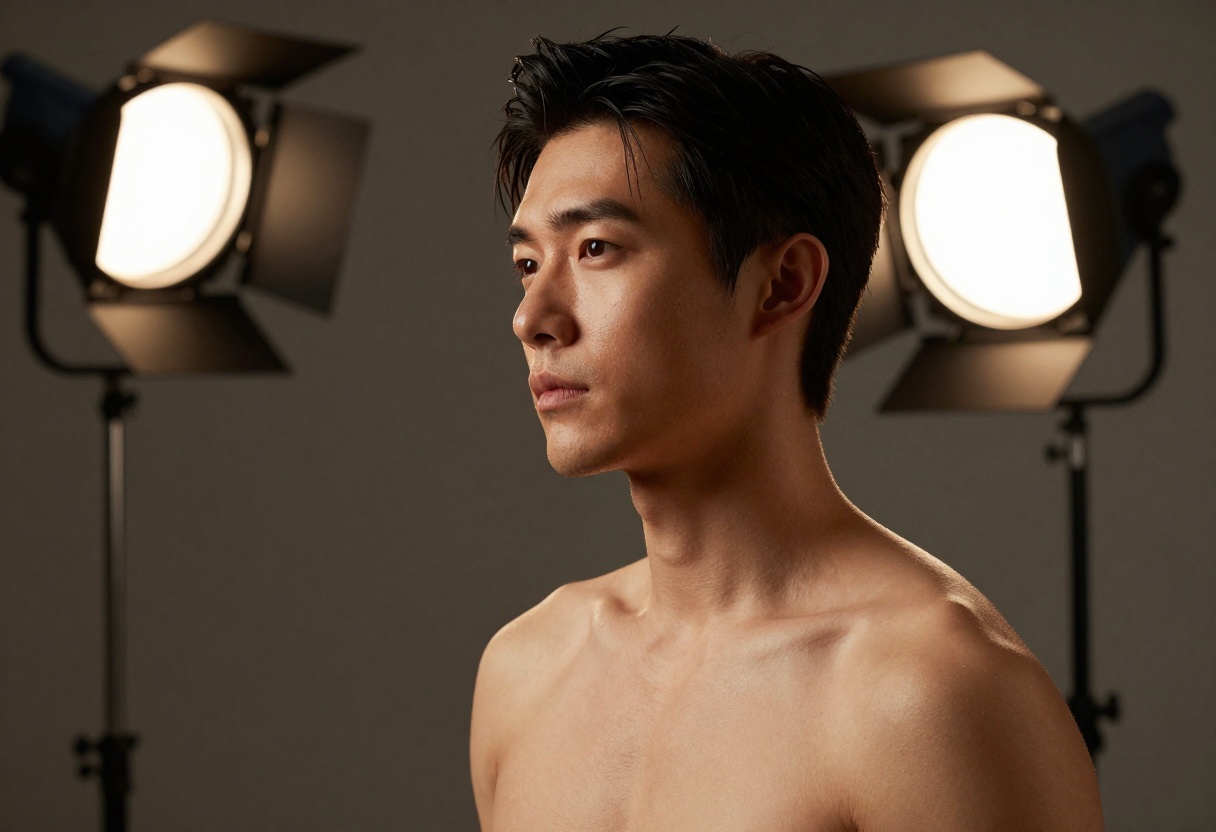
When generating interior scenes or portraits with studio lighting, the model respects light physics. Shadows fall where they should, with appropriate softness based on light source size. Highlights on reflective surfaces show proper specular characteristics rather than appearing painted on.
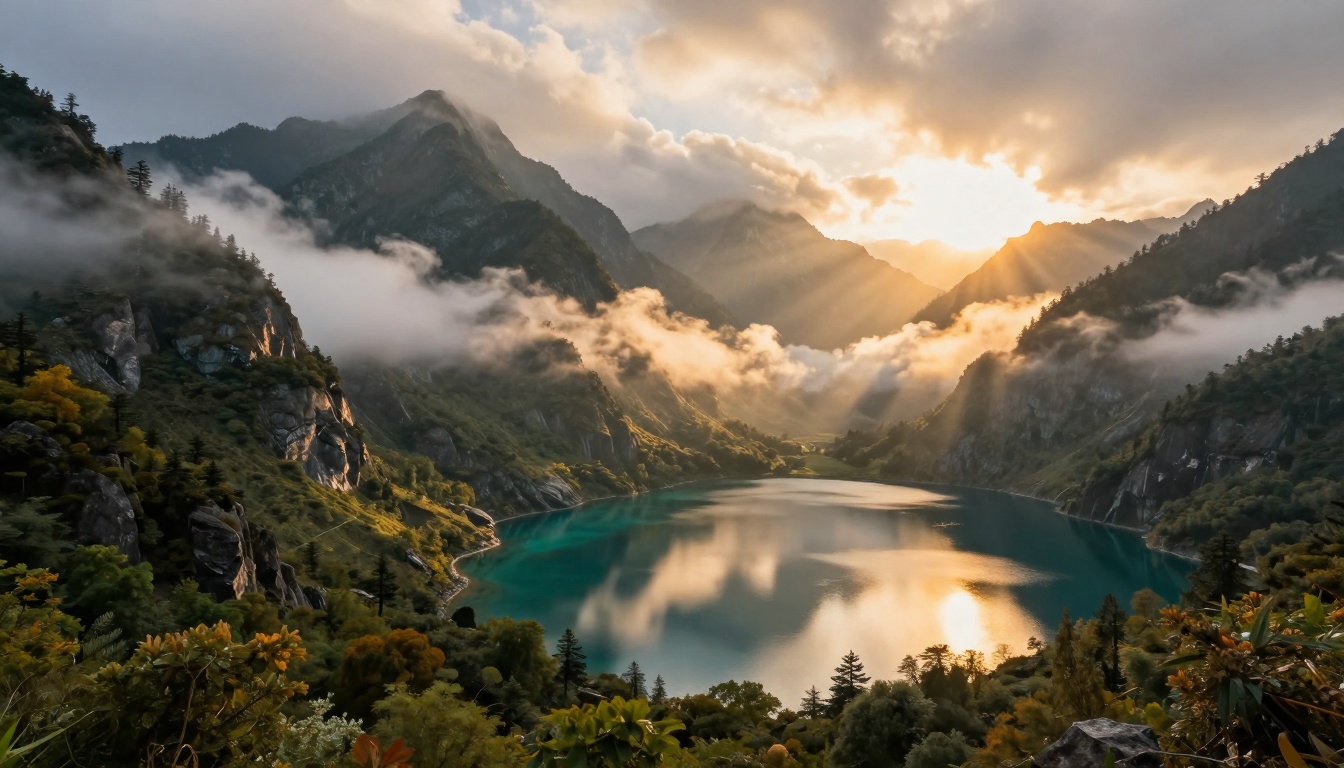
Imagen 4 Ultra excels at natural lighting scenarios. Outdoor scenes, golden hour portraits, or anything involving ambient light renders with particular believability. The model seems calibrated toward the kind of lighting you'd encounter in professional outdoor photography, with accurate color temperatures and atmospheric effects.
Lighting Scenario
Nano Banana Pro
Imagen 4 Ultra
Studio lighting
Excellent control over multiple sources
Clean, professional results
Natural daylight
Very good with reference images
Exceptional color accuracy
Mixed lighting
Handles complexity well
Simplified but convincing
Night/low light
Accurate noise patterns
Natural grain appearance
Resolution and Output Quality
Resolution capabilities differ significantly between these models, which affects their suitability for different projects.
Nano Banana Pro's support for 4K output (3840×2160 pixels or equivalent) makes it ideal for applications requiring maximum resolution. Whether you're creating content for large-format printing, professional presentations, or projects where images might be cropped or zoomed, having that resolution headroom proves valuable.
The three-tier resolution system (1K, 2K, 4K) lets you choose based on your needs. Lower resolutions generate faster and work perfectly for web content or initial concepts, while 4K becomes essential for final deliverables in professional work.
Imagen 4 Ultra, while not specifying exact resolution limits in its parameters, consistently delivers high-quality output suitable for most professional applications. The model focuses on quality per pixel rather than raw pixel count, often producing images that maintain clarity even when viewed at large sizes.
Real-World Application Comparison
Different projects call for different strengths, and understanding where each model excels helps you choose the right tool.
For portrait photography, Nano Banana Pro's reference image capability provides an edge when you need to match specific looks or lighting setups. If you have example portraits showing exactly the skin rendering or expression quality you want, those reference images guide the generation effectively.
Imagen 4 Ultra shines in this category when creating standalone portraits without references. The model's understanding of human features and natural expression produces results that feel authentic rather than overly processed.
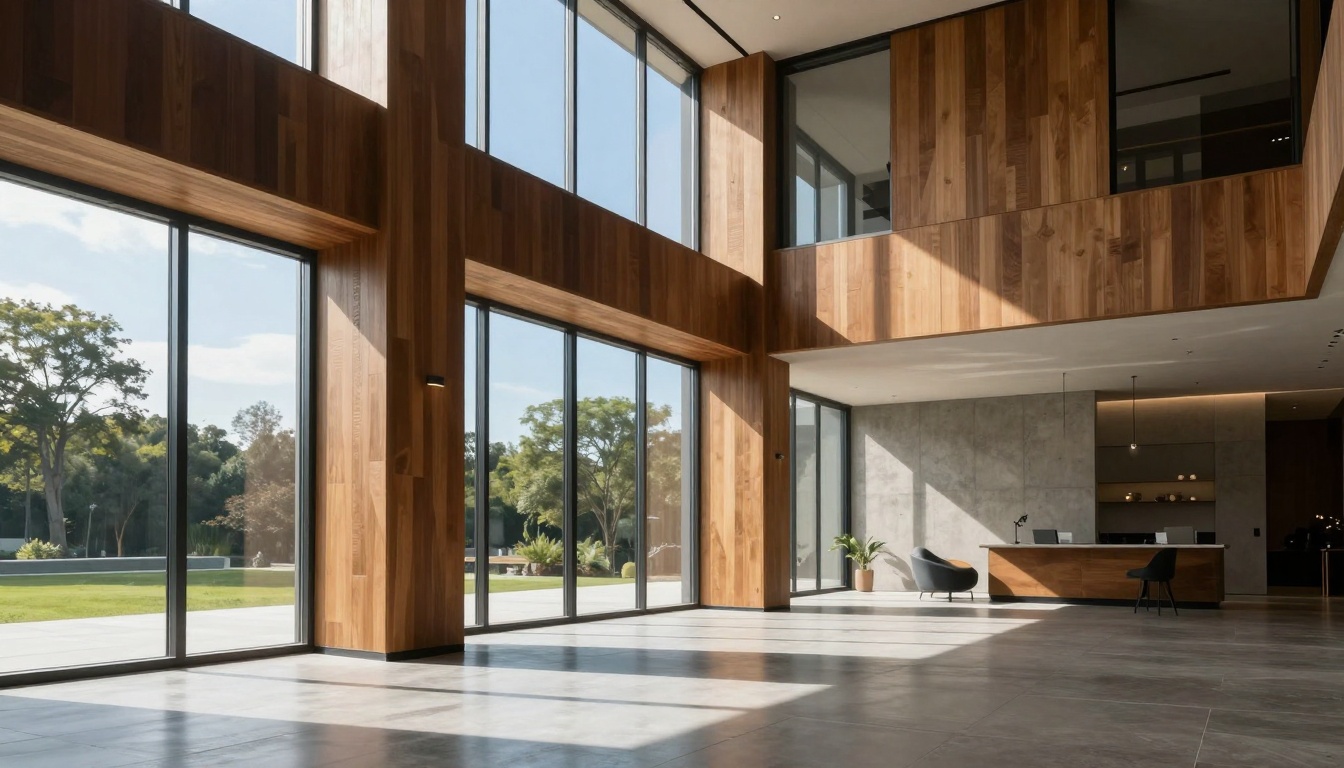
Architectural visualization benefits from Nano Banana Pro's flexibility with aspect ratios and resolution. Creating ultra-wide interior shots or detailed exterior renderings at 4K gives architects and designers the quality they need for client presentations.
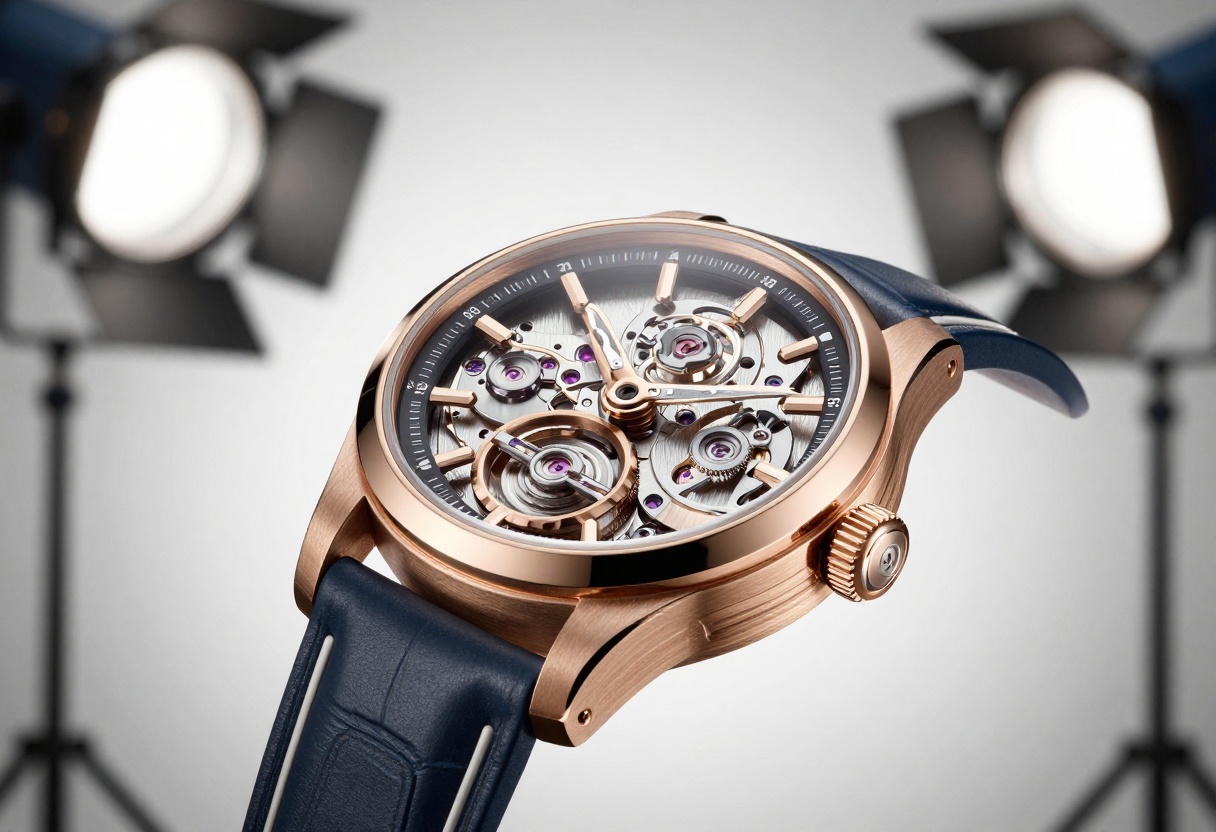
Product photography represents another area where each model has advantages. Nano Banana Pro handles complex products with multiple materials exceptionally well, maintaining consistency across metals, plastics, fabrics, and other surfaces. The 4K resolution ensures every product detail remains crisp.
Imagen 4 Ultra produces clean, professional product shots ideal for e-commerce or marketing materials. The model's consistent output quality means less time spent on retakes and adjustments.
Landscape photography sees both models performing admirably. Nano Banana Pro's 4K output captures the vast detail present in nature scenes, from distant mountains to foreground vegetation. Imagen 4 Ultra's strength with natural lighting makes its landscapes feel authentic, with accurate atmospheric perspective and color relationships.
Prompt Engineering Differences
How you communicate with these models matters significantly for achieving optimal results.
Nano Banana Pro responds well to detailed, technical prompts. Specifying lighting setups, camera angles, and material properties helps the model deliver exactly what you envision. The more information you provide, particularly through reference images, the more precisely the model can match your expectations.
Example prompt structure:
"Professional studio portrait, 85mm lens, f/1.8 aperture, three-point lighting
setup with key light at 45 degrees, soft fill light, rim light for separation,
photorealistic skin texture with visible pores, natural expression,
cinematic color grading"
Imagen 4 Ultra works effectively with concise, descriptive prompts that focus on the subject and mood rather than technical camera details. The model interprets creative descriptions well and often produces strong results without extensive technical specifications.
Example prompt structure:
"Portrait of a person in golden afternoon light, natural expression,
photorealistic quality, warm color palette"
Both approaches have merit depending on your background and how much control you want over technical aspects of the image.
Workflow Integration
Consider how these models fit into your existing creative workflow.
Nano Banana Pro's extensive parameter options make it suitable for technical workflows where precise control matters. If you're working in fields like product visualization, architectural rendering, or technical illustration, having granular control over resolution, aspect ratio, and the ability to use multiple references integrates well with professional processes.
The model suits iterative workflows where you refine outputs through multiple generations, adjusting parameters and references until achieving exactly the right result.
Imagen 4 Ultra fits naturally into rapid content creation workflows where speed and consistency matter more than exhaustive customization. The streamlined parameter set means less time spent on configuration and more time generating content.
For teams or agencies producing high volumes of photorealistic content, Imagen 4 Ultra's predictable results reduce the need for supervision and revision.
Cost and Generation Speed Considerations
While specific pricing varies by platform and usage volume, both models represent the current generation of computationally intensive photorealistic AI models.
Nano Banana Pro's multiple resolution options let you manage costs effectively. Running 1K or 2K generations for previews and concepts costs less than jumping straight to 4K, while still providing sufficient quality to evaluate composition and styling.
The reference image processing adds computational overhead, but the resulting accuracy often means fewer total generations needed to achieve satisfactory results.
Imagen 4 Ultra's streamlined approach typically results in faster generation times for equivalent quality levels. The model's efficiency makes it practical for time-sensitive projects or high-volume content needs.
Both models on PicassoIA offer transparent usage, letting you generate photorealistic images without worrying about credits running out or unexpected charges.
How to Use Nano Banana Pro on PicassoIA
Ready to create photorealistic images with Nano Banana Pro? Follow this step-by-step tutorial to get started.
Step 1: Access the Model
Navigate to the Nano Banana Pro model page on PicassoIA. The interface provides access to all generation parameters and options.
Step 2: Write Your Prompt
The prompt field is required and forms the foundation of your generation. Be specific about what you want to create. Instead of "a portrait," try "photorealistic portrait of a person in natural lighting with visible skin texture and genuine expression."
Quality prompts for photorealism include:
Subject description
Lighting conditions
Desired level of detail
Mood or atmosphere
Technical photography terms when relevant
Step 3: Add Reference Images (Optional)
Click the image_input field to upload reference images. You can add up to 14 images that demonstrate the style, composition, lighting, or subject matter you want the model to emulate.
Reference images work best when they clearly show the quality or characteristics you're targeting. Multiple angles of the same subject or examples of desired lighting setups provide strong guidance.
Step 4: Configure Aspect Ratio
Select your desired aspect_ratio from the dropdown menu. Options include:
1:1 for square images (social media)
16:9 or 9:16 for video content
3:2 or 2:3 for traditional photography
21:9 for ultra-wide cinematic shots
The default "match_input_image" uses the aspect ratio of your first reference image if you've uploaded one.
Step 5: Choose Resolution
Select your resolution based on your needs:
1K for quick previews and web content
2K for most professional applications
4K for large-format printing or maximum detail
Higher resolutions take longer to generate but provide more flexibility for cropping and scaling.
Step 6: Set Output Format
Choose between JPG (smaller file size, good for web) or PNG (lossless compression, better for further editing). Most photorealistic outputs work well with JPG unless you need transparency support.
Step 7: Adjust Safety Filter
The safety_filter_level has three settings:
block_low_and_above (strictest)
block_medium_and_above (moderate)
block_only_high (most permissive)
For most professional photorealistic work, the default "block_only_high" setting works appropriately.
Step 8: Generate Your Image
Click the generate button and wait for processing. Generation time varies based on resolution and complexity, with 4K images taking longer than lower resolutions.
Step 9: Review and Iterate
Examine your result carefully. If the photorealism doesn't meet your expectations, consider:
Adding or modifying reference images
Making your prompt more specific
Adjusting the resolution for your final output
Refining technical descriptions in your prompt
Making the Right Choice
Neither model definitively "wins" this comparison because they excel in different scenarios.
Choose Nano Banana Pro when you need:
Maximum resolution output (4K)
Reference image guidance for specific looks
Extensive aspect ratio options
Fine control over generation parameters
Images that might need significant cropping or scaling
Choose Imagen 4 Ultra when you need:
Fast, consistent results
Simplified workflow with fewer parameters
Excellent natural lighting interpretation
Straightforward prompt-to-image generation
Reliable output without extensive iteration
Both models represent the current state-of-the-art in photorealistic AI image generation. Your choice depends more on workflow preferences and specific project requirements than absolute quality differences.
Next Steps in Photorealistic AI Generation
Photorealism in AI continues advancing rapidly. Both Nano Banana Pro and Imagen 4 Ultra demonstrate how far the technology has come, producing images that challenge our ability to distinguish synthetic from real.
The best way to understand which model suits your needs is hands-on experience. PicassoIA provides access to both models, letting you compare results with your own prompts and use cases.
Start creating photorealistic images today. Visit PicassoIA to explore Nano Banana Pro and Imagen 4 Ultra, and see which model delivers the photorealism your projects demand.