NightCafe has been one of the most talked-about free AI image generators since the text-to-image boom began. With over 15 million users and a social gallery full of AI-generated artwork, it has built a reputation as a beginner-friendly entry point into AI art creation. But how much can you actually do on the free tier? And is the image quality worth the credit limits? This review breaks down everything you need to know before you sign up, from the daily credit ceiling to the actual image output you can expect.
What NightCafe Actually Is
NightCafe Studio is a web-based AI image generation platform that lets you create images from text prompts using several different AI models. It launched in 2019 as one of the earliest accessible AI art tools, and has grown into a full community platform where users share, react to, and earn credits from each other's creations.
Unlike tools that charge per generation or require a subscription upfront, NightCafe runs on a credit system where you start with a limited supply of free credits and spend them each time you generate an image. The platform is browser-based, so there is no software to install, and it works on any device with a modern browser.
The Credit-Based Free Model
Every registered user gets 5 free credits per day on NightCafe. Each generation costs between 1 and 5 credits depending on the model and settings you use. Bulk credit packs are available for purchase, and a paid subscription adds more credits per month. The catch: credits do not roll over, so unused daily credits disappear at midnight.
Who Uses It
NightCafe attracts a wide range of users, from casual hobbyists exploring AI art for the first time to digital artists looking for quick visual references. The community gallery aspect appeals strongly to users who want social interaction built into their creation workflow, not just a bare generation tool. For someone completely new to AI image generation, the guided interface and preset art styles lower the barrier considerably.
Free Tier: What You Actually Get
The free tier on NightCafe is genuinely usable, but the limits become apparent quickly if you are working on anything more than casual experimentation.
Daily Credits and Their Limits
With 5 daily credits, you can generate roughly 1 to 5 images per day depending on the model you choose. More capable models cost more credits per generation. The Stable Diffusion models tend to cost 1-2 credits each, while more advanced options can cost 4-5 per image, meaning a single high-quality generation can consume your entire daily allocation.
💡 Tip: You can earn additional free credits on NightCafe by liking other users' artwork in the community gallery. This can add a handful of extra credits per day, but it requires consistent daily interaction with the platform.
| Plan | Credits/Month | Monthly Cost | Private Creations |
|---|
| Free | ~150 (5/day) | $0 | No |
| Beginner | ~100 bonus | ~$5.99 | Limited |
| Hobbyist | ~200 bonus | ~$9.99 | Yes |
| Enthusiast | ~500 bonus | ~$19.99 | Yes |
Free vs Paid: The Numbers
The free plan gives you enough to try the platform and get a feel for how prompting works, but it is not sufficient for regular creative use. If you need to iterate on a prompt 10 or 15 times to get the result you want (which is completely normal), you will burn through your daily credits in a single session.
Paid plans provide significantly more credits, access to private creations, and priority queue placement. But they still operate on a consumption model where complex, high-quality generations cost more than basic ones. The total monthly credit allowance on even paid plans can feel limiting once you get comfortable with the platform and start prompting with more ambition.
Image Quality: The Honest Results
This is where the review gets specific. NightCafe's image quality depends almost entirely on which model you select and how detailed your prompt is.
Photorealistic Output Performance
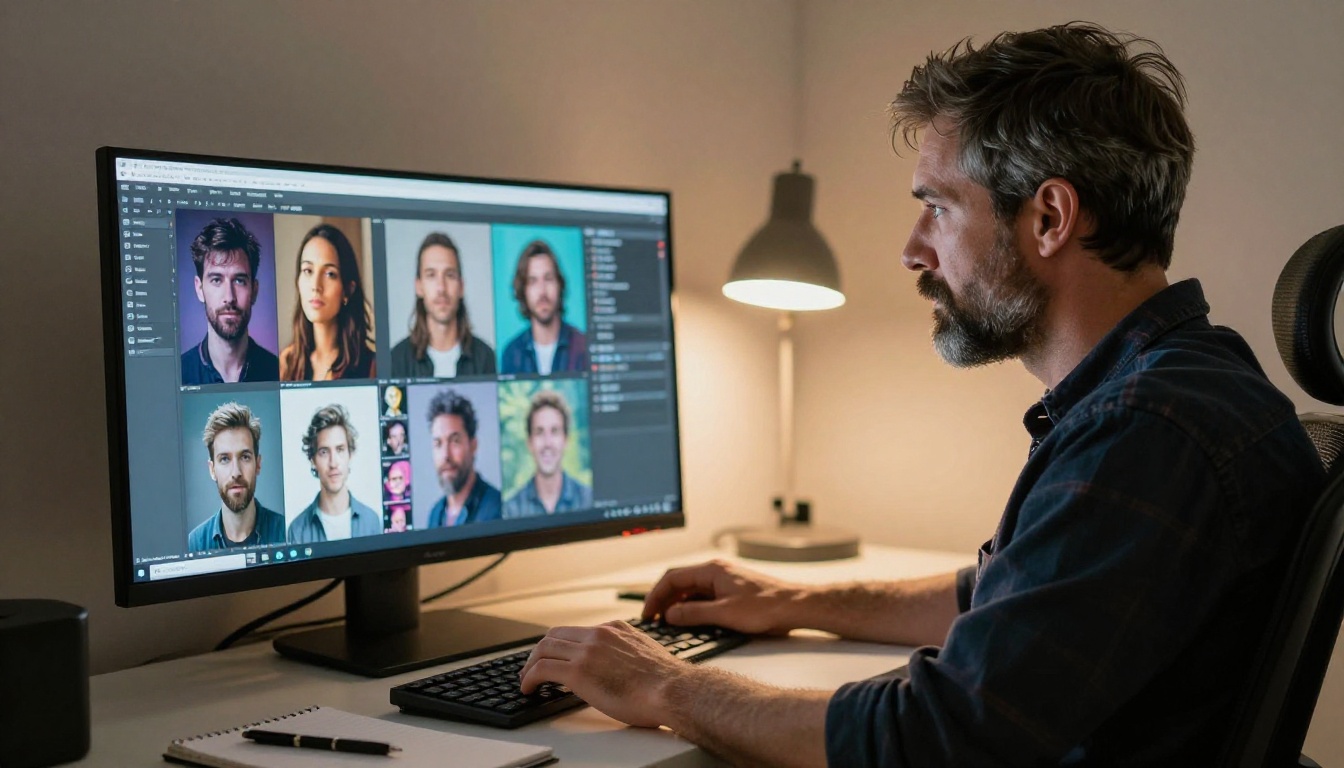
For photorealistic imagery, NightCafe's results are inconsistent at default free-tier settings. The platform defaults to lower step counts and smaller image dimensions to conserve credits, which directly impacts output sharpness and coherence. Generating a crisp, high-detail photorealistic portrait typically requires higher inference steps and higher resolution, both of which cost additional credits.
When you push the settings higher, the results from Stable Diffusion XL and similar models improve noticeably. But at quality settings worth using, your daily free allocation covers just one or two generations. That makes thorough quality testing essentially a paid activity.
Artistic Styles and Their Limits
NightCafe genuinely shines in stylized and artistic outputs. The platform built its reputation on painterly and illustrated art styles, and these remain a real strength. Preset art styles (Baroque, Impressionist, concept art) help beginners get visually interesting results without deep prompting knowledge.
The platform includes a "Coherent" mode that uses DALL-E for cleaner, more predictable results, but this mode costs more credits per generation than the Stable Diffusion options. If you want the best quality on NightCafe, you are looking at the highest credit costs.
💡 Note: For photorealistic 8K photography-style images, you will get significantly better results from newer and more capable models available on dedicated AI image platforms with no credit limits.
Art Styles Available in NightCafe
NightCafe offers several AI models through its interface, each suited to different visual styles and use cases.
Stable Diffusion Results
Stable Diffusion is the backbone of many NightCafe generations. The original Stable Diffusion model supports resolutions up to 1024x1024 pixels, six different schedulers, negative prompts, and guidance scale control. On NightCafe, these parameters are simplified behind a cleaner interface, which makes them more accessible but reduces fine-grained control over the generation.
On platforms that expose the full parameter set, Stable Diffusion gives you:
- Negative prompts to exclude specific visual elements from the output
- Six scheduler options including DDIM, K_EULER, and DPMSolverMultistep
- Guidance scale adjustment from strict prompt adherence to free composition
- Resolution control from 64px up to 1024px in precise increments
Other Models on the Platform
NightCafe also includes access to DALL-E via its Coherent mode, its own proprietary "Artistic" model optimized for painterly outputs, and periodic additions of newer models as they become available. The variety is a genuine selling point for beginners who want to compare model outputs side by side before committing to a specific approach.
The limitation is that running multiple models to compare results consumes multiple credit sets, which can drain a free account in a single comparison session. Model diversity is most valuable when you have the credits to actually use it.
One of NightCafe's most distinct features is its social layer. It is not just a generation tool; it is a gallery platform where creations are shared publicly by default unless you are on a paid plan that includes private generation.

Liking Art to Earn Credits
NightCafe lets you earn a small number of credits by liking and reacting to other users' artwork in the community gallery. This feature incentivizes participation as a way to extend your free usage beyond the base 5 daily credits.
In practice, the amount earned per like is small. Regular daily participation to supplement credits requires spending meaningful time in the gallery, which works well for users who genuinely enjoy the community side of the platform, but adds friction for anyone who just wants to generate images efficiently and move on.
The Social Gallery Experience
The gallery is genuinely active and displays an enormous variety of styles, from photorealistic portraits to abstract dreamscapes. For inspiration and prompt ideas, browsing NightCafe's community feed is useful. Each public creation shows the exact model, style, and prompt used, which helps newer users learn which settings produce which results.
One important note: all free-tier creations are public by default. If you are generating images for commercial use or prefer to keep your creative work private, a paid plan is required. This is a real limitation for professionals who want to prototype visual ideas without their work appearing in a public gallery.
Where NightCafe Falls Short
NightCafe's limitations become significant the moment you try to use it for anything beyond casual experimentation.
The Credit Wall Problem
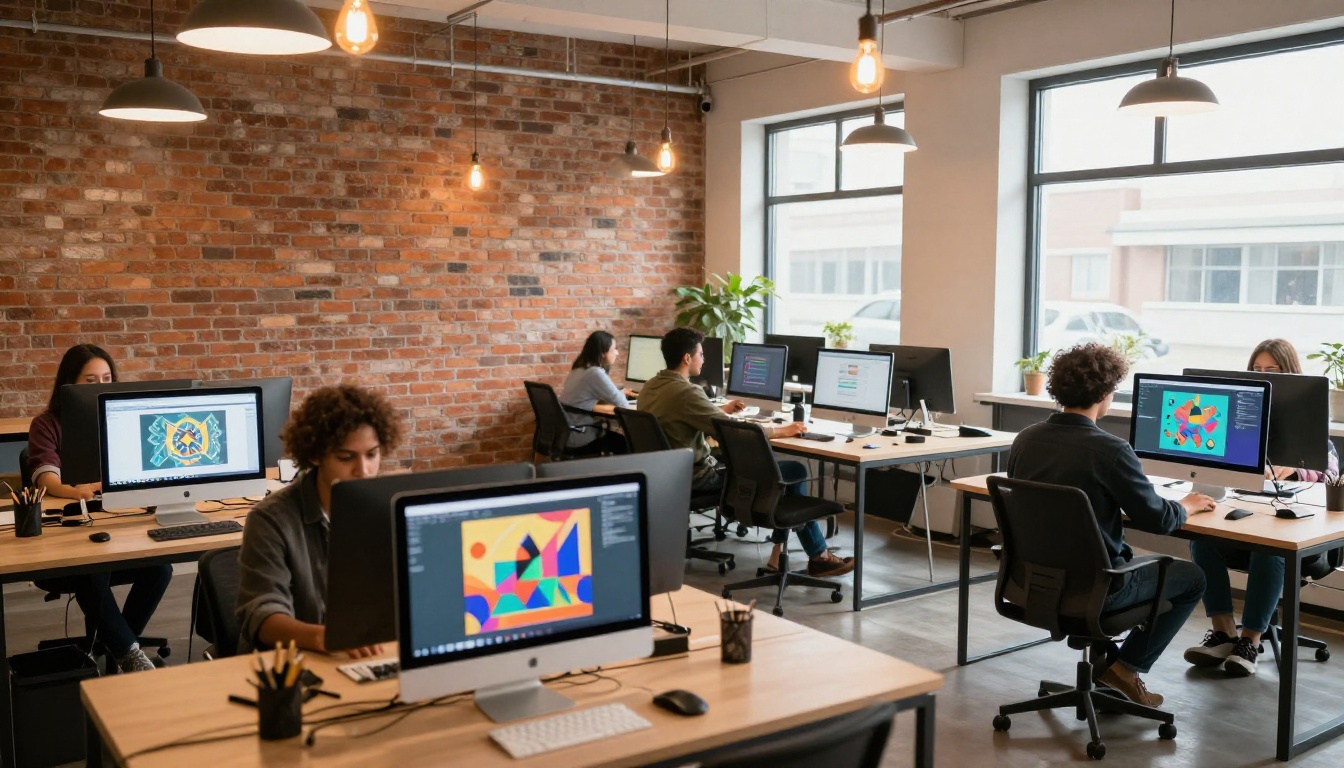
The credit system is the single biggest frustration in NightCafe. Good AI image generation requires iteration. You rarely get the perfect result on the first try. You adjust the prompt, tweak a parameter, try a different aspect ratio, test a different model. On NightCafe's free tier, this natural iteration process burns through your daily credits in minutes.
The platform is structured so that meaningful daily use almost always points you toward a paid subscription. That is a valid business model, but it creates a ceiling that makes the "free" label feel more like a limited trial than a genuine free tool available without restriction.
Queue Times and Speed
On the free tier, NightCafe places paid users ahead of free users in the generation queue. During peak hours, this can mean noticeable wait times before your image starts generating. The actual generation itself is not slow, but the queue delay adds friction to the iterative workflow that precise prompting requires.
For users who want fast, unthrottled generation at any hour of the day, this is a real drawback that paid plans partially resolve.
How to Use Flux Dev on PicassoIA
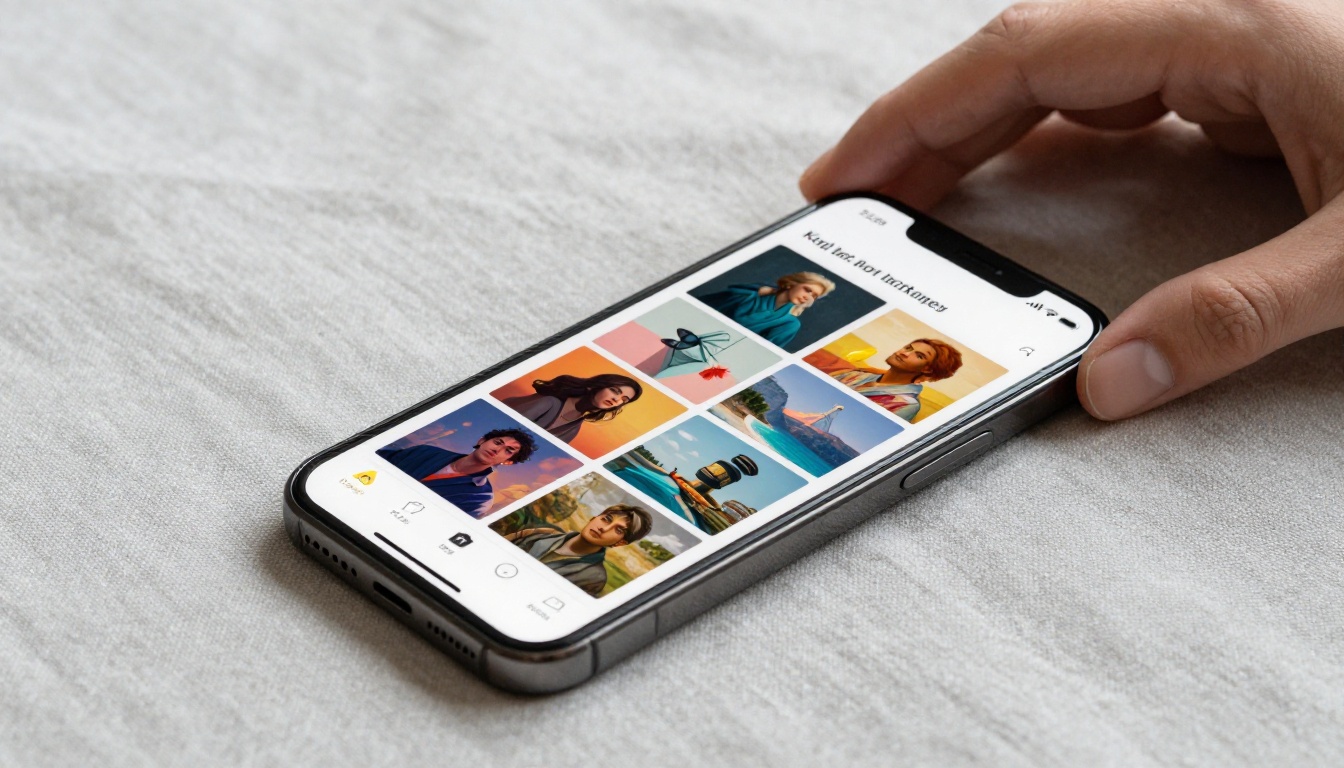
Flux Dev is a 12-billion parameter text-to-image model that generates sharp, detailed images from text prompts at 1-megapixel resolution, with support for 11 aspect ratios and both text-to-image and image-to-image editing. On PicassoIA, it runs with no credit limits, no watermarks, and no queue delays, making it a strong option when NightCafe's free tier has run out.
Step 1: Open Flux Dev
Go to the Flux Dev page on PicassoIA. The generation interface loads directly on the model page with all controls visible. No account setup is required to start generating your first image.
Step 2: Write a Strong Prompt
Describe your image in plain language. Be specific about the subject, environment, lighting, and mood. For example: "A woman in a white linen dress standing in a sunlit lavender field, golden hour light, soft focus background, photorealistic, 8K".
- Describe lighting direction: morning light from the left, warm afternoon sun from above
- Specify composition: close-up portrait, wide-angle landscape, aerial overhead view
- Include texture and material details: rough stone wall, smooth silk fabric, weathered wood grain
💡 Tip: Flux Schnell is the faster version of Flux Dev. It produces images in under 5 seconds and is ideal for rapid iterations when you are still refining your prompt direction. Switch to Flux Dev for your final, high-quality versions once the prompt is dialed in.
Step 3: Choose Your Settings
Flux Dev supports 11 aspect ratios. For blog and social media headers, use 16:9. For portrait photography, use 4:5 or 9:16. Set the guidance scale between 3 and 3.5 for natural, photorealistic results. Higher guidance values make the image follow the prompt more literally, which can produce results that feel rigid or over-processed.
For maximum image fidelity, disable fast mode and increase inference steps to 40-50. This takes longer but produces noticeably sharper and more coherent results, especially for complex scenes with multiple subjects.
Step 4: Generate and Download
Click generate. Flux Dev returns a 1-megapixel image in under 30 seconds in fast mode, and under 2 minutes at full quality settings. Download your result as WebP, JPG, or PNG with no watermarks attached, ready to use in any project.
To increase resolution beyond 1 megapixel, run your result through Clarity Pro Upscaler or Google Upscaler for a 2x to 4x resolution increase. For print-quality output, Topaz Image Upscale scales images up to 6x without visible quality loss.
Start Creating Your Own AI Images
NightCafe is a solid starting point for anyone new to AI image generation, particularly if the community gallery and social credit system appeal to you. The platform's preset art styles and simplified interface lower the barrier to getting visually interesting results in your first session, and browsing the public gallery gives real insight into what different models and prompts produce.
But if you want to iterate freely, generate without watching a credit counter, or produce photorealistic images at genuine quality with full parameter control, those needs point somewhere more capable.

PicassoIA gives you access to Flux Dev, Flux Schnell, Stable Diffusion, and over 90 additional text-to-image models with no daily credit limits and no forced queue. Clean up your results with background removal, upscale to print quality with Real ESRGAN, or push resolution further with Topaz Image Upscale. All in one platform, all without a credit counter in sight.
Pick a prompt you have already run through NightCafe and generate the same image with Flux Dev on PicassoIA. The difference in quality and creative freedom speaks for itself.


