The moment you type a detailed prompt and the AI image generator spits back a softened, sanitized version of your idea, you feel the frustration immediately. Most mainstream platforms apply content filters that intercept your creative vision before it ever reaches the model. A no restrictions AI image generator operates on different terms entirely: your full prompt passes through unchanged, the model receives exactly what you wrote, and the output reflects your actual intent. The quality difference is not subtle, and once you experience it, going back to filtered tools feels like working with one hand tied behind your back.
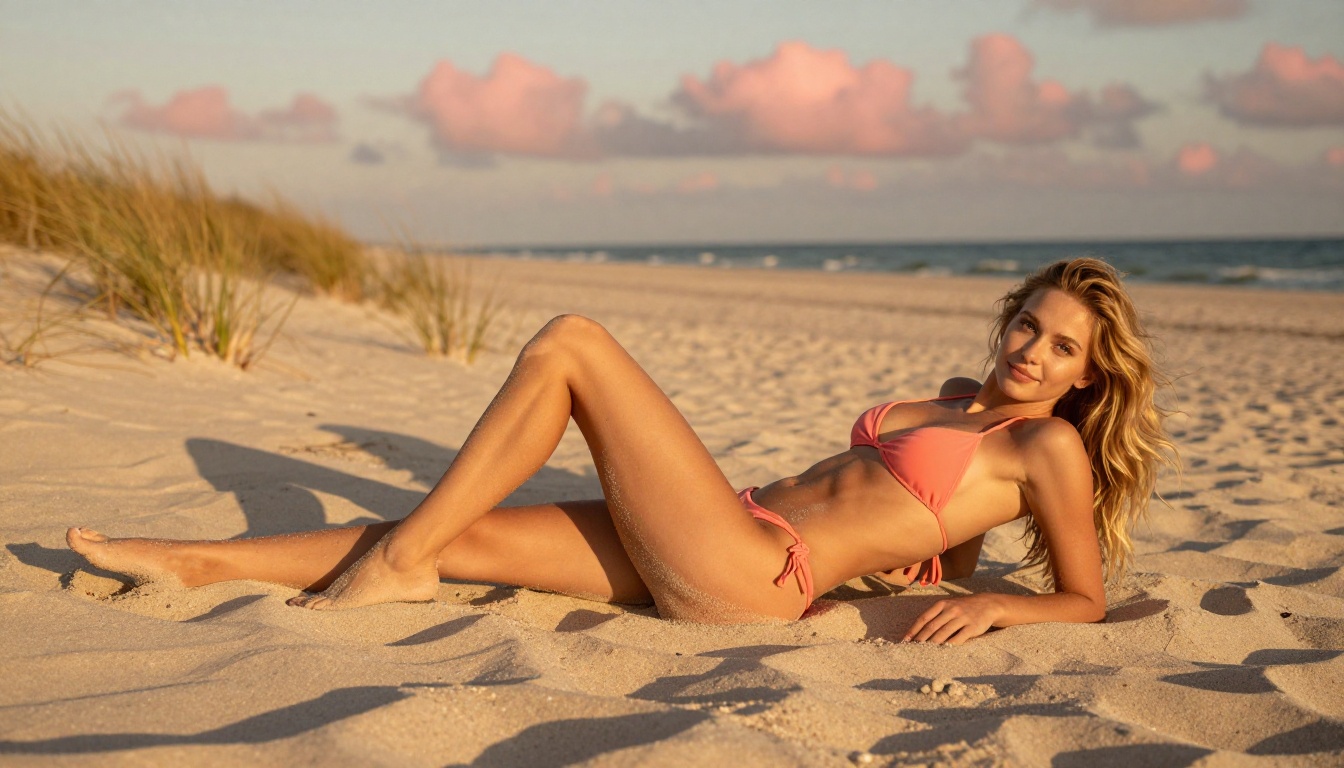
Content filtering started with a reasonable goal: preventing genuinely harmful outputs. What happened in practice is something else entirely. Blunt, keyword-based filters now catch mature creative work that any stock photography agency, fashion magazine, or fine art gallery would approve without a second look.
What Gets Blocked
The list is longer than most people realize, and the categories are broad:
- Swimwear and lingerie imagery with natural skin tones and proportions
- Artistic figure studies and implied nudity without any explicit content
- Glamour and editorial photography that is suggestive but tasteful
- Fantasy and mythology art featuring natural human forms
- Adult fiction and visual novel illustration
- Medical and anatomical reference imagery
Professional photographers, digital artists, content creators for adult platforms, game designers, and published novelists all run into this wall constantly. The cost is not just one blocked image. It is the creative flow, the working hour, and the confidence to describe your actual vision.
Why Filtering Degrades Everything
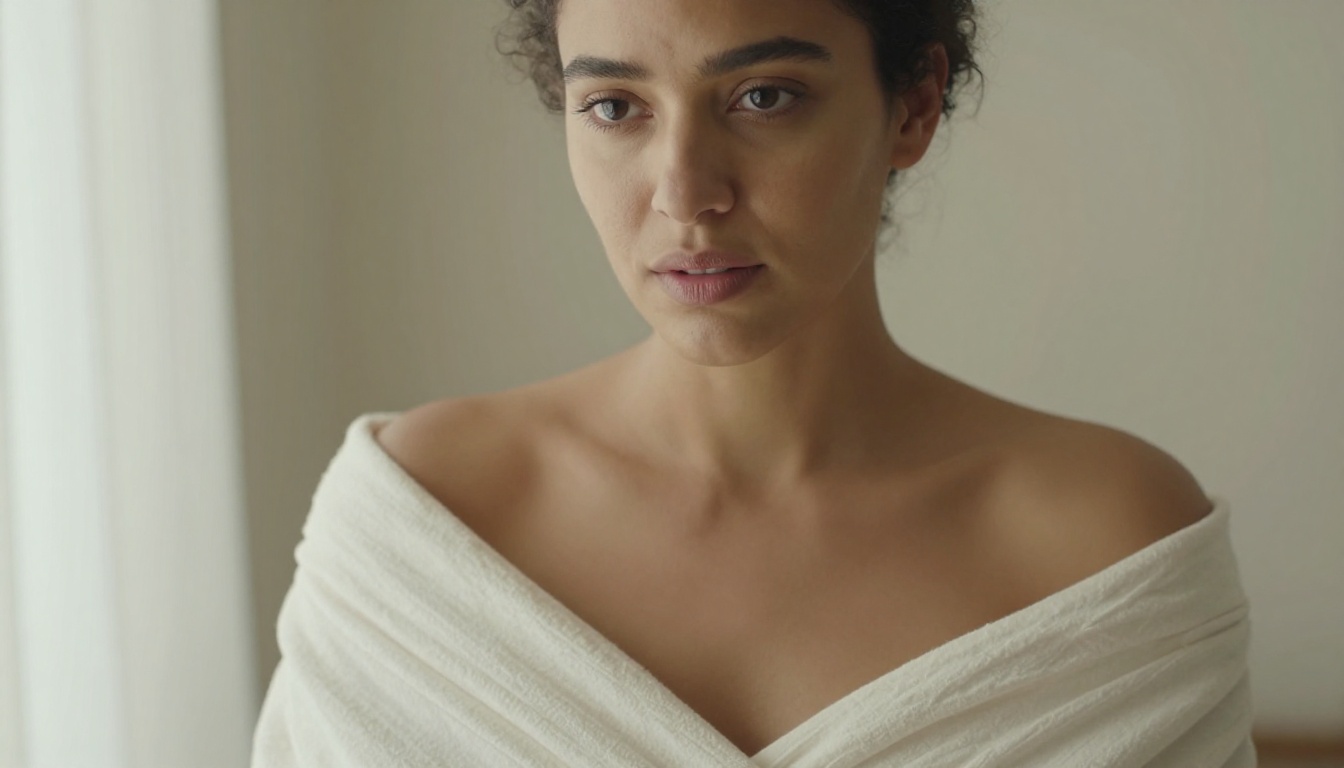
Filtered tools do not just block certain outputs. They degrade all outputs. When a model is fine-tuned to soften, clothe, or alter human anatomy in training, it loses the ability to render those elements naturally even in completely safe contexts. Skin texture, muscle definition, body proportion, and anatomical accuracy all suffer because the interference applies uniformly across the model's outputs.
This is the counterintuitive truth about unrestricted AI image generators: they produce better portraits, better skin rendering, and better human figure accuracy across the board, not only in mature content. Creative latitude and output quality are directly linked, not separate considerations.
Not every platform that claims no restrictions actually delivers. The term gets used as marketing language far more often than it reflects reality. These five factors separate genuinely capable tools from those that simply market the concept:
1. Full prompt adherence: Your words reach the model unmodified. Nothing is stripped or substituted internally.
2. Anatomy accuracy: Human figures are proportional, natural-looking, and free from the distortion artifacts that filtered models produce.
3. Micro-detail rendering: Skin texture, individual hair strands, pores, fabric weave, and surface materials appear authentically in outputs.
4. Lighting response: The model accurately renders the lighting setups you describe in text, from Rembrandt to rim light to volumetric morning sun.
5. Consistent output quality: Generation quality remains high across many outputs, not just the first few before quality drops off.
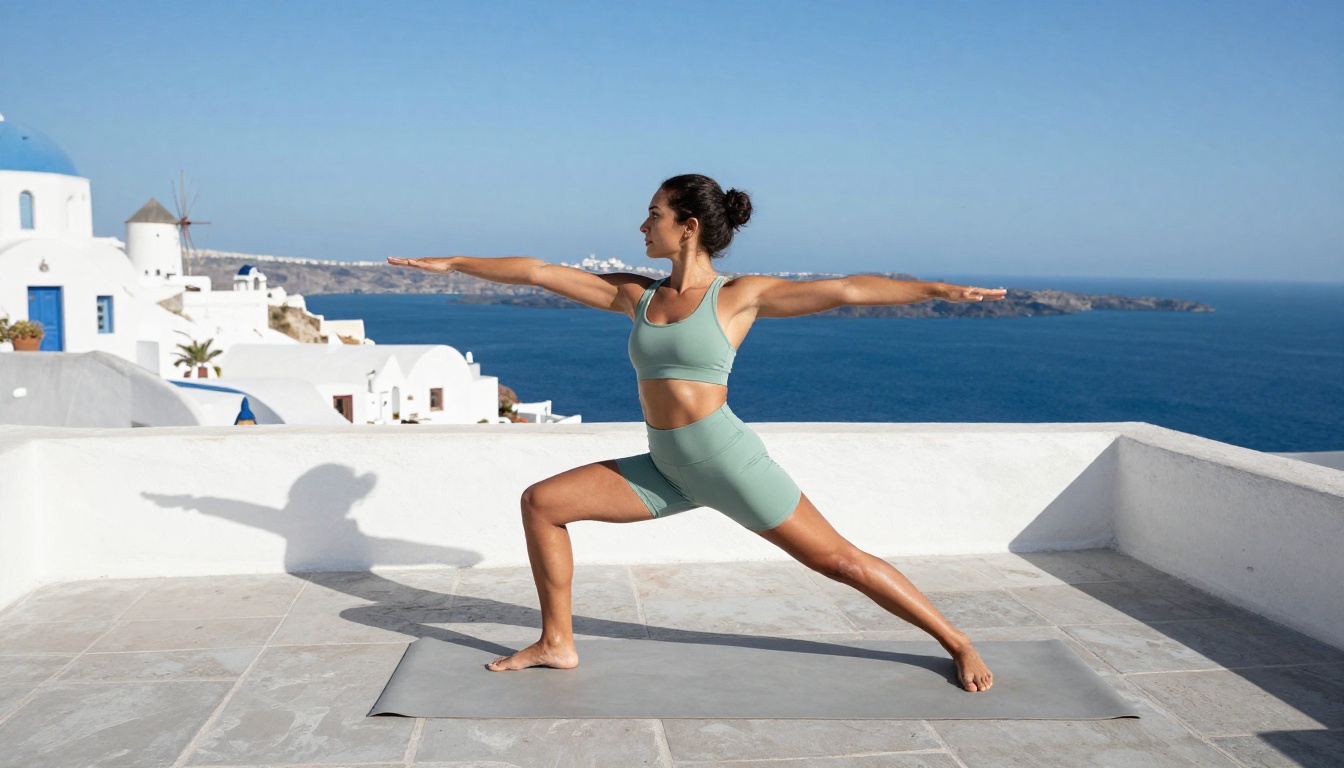
💡 A model that accepts any prompt but produces anatomically broken outputs is not actually useful. Technical quality and creative freedom have to coexist in the same tool.
How Prompt Filtering Actually Works
Filtered platforms intercept your prompt before it reaches the model. Flagged words are stripped or substituted internally, without telling you. You submit one prompt and the model receives something materially different, which is why the outputs consistently miss the mark on any brief involving the human body, sensuality, or mature themes.
Unrestricted tools pass your prompt through intact. The model sees the exact lighting angle, skin tone description, wardrobe details, and compositional instruction you wrote. That is the only path to outputs that match a detailed creative vision without hours of workaround prompting.
The Top No Restrictions AI Models
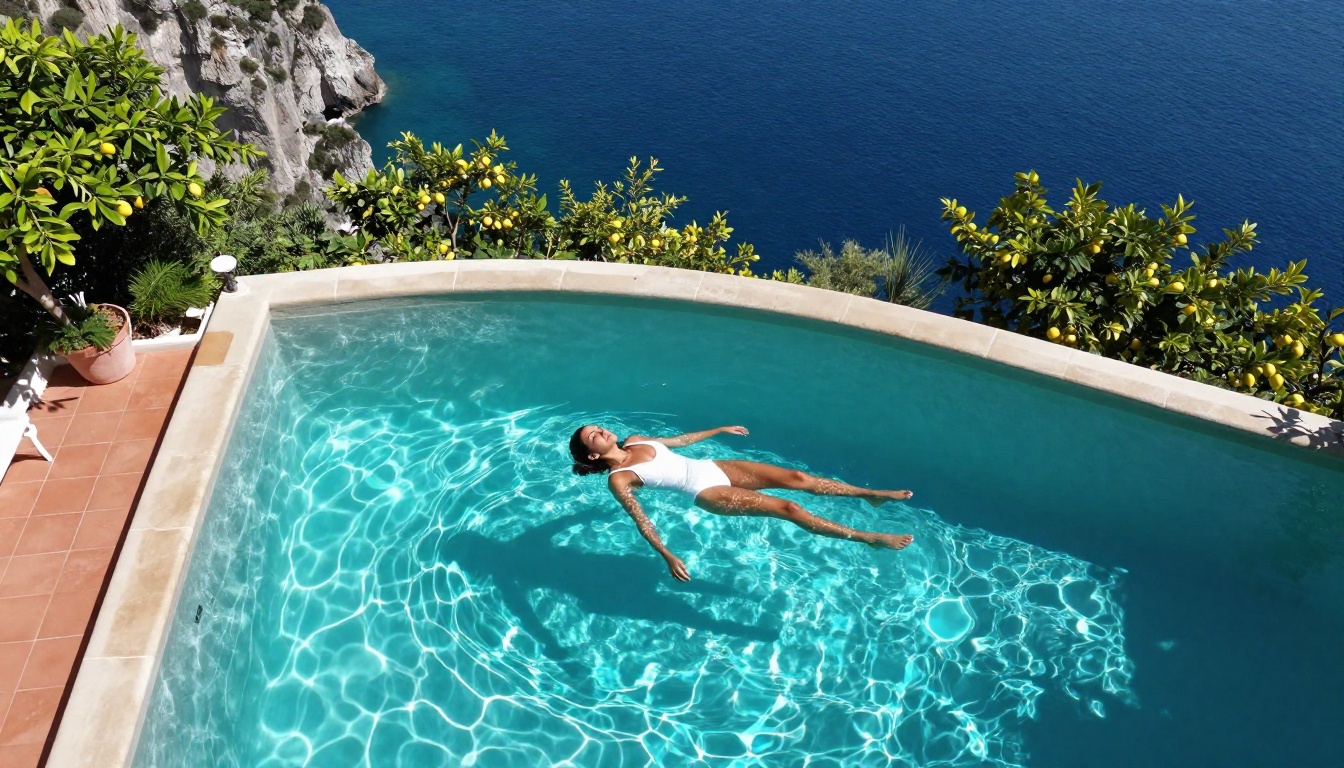
PicassoIA hosts over 90 text-to-image models with a genuine range across creative latitude and output quality. These are the ones that consistently deliver when your subject matter is mature, suggestive, or artistically demanding.
Seedream 4.5
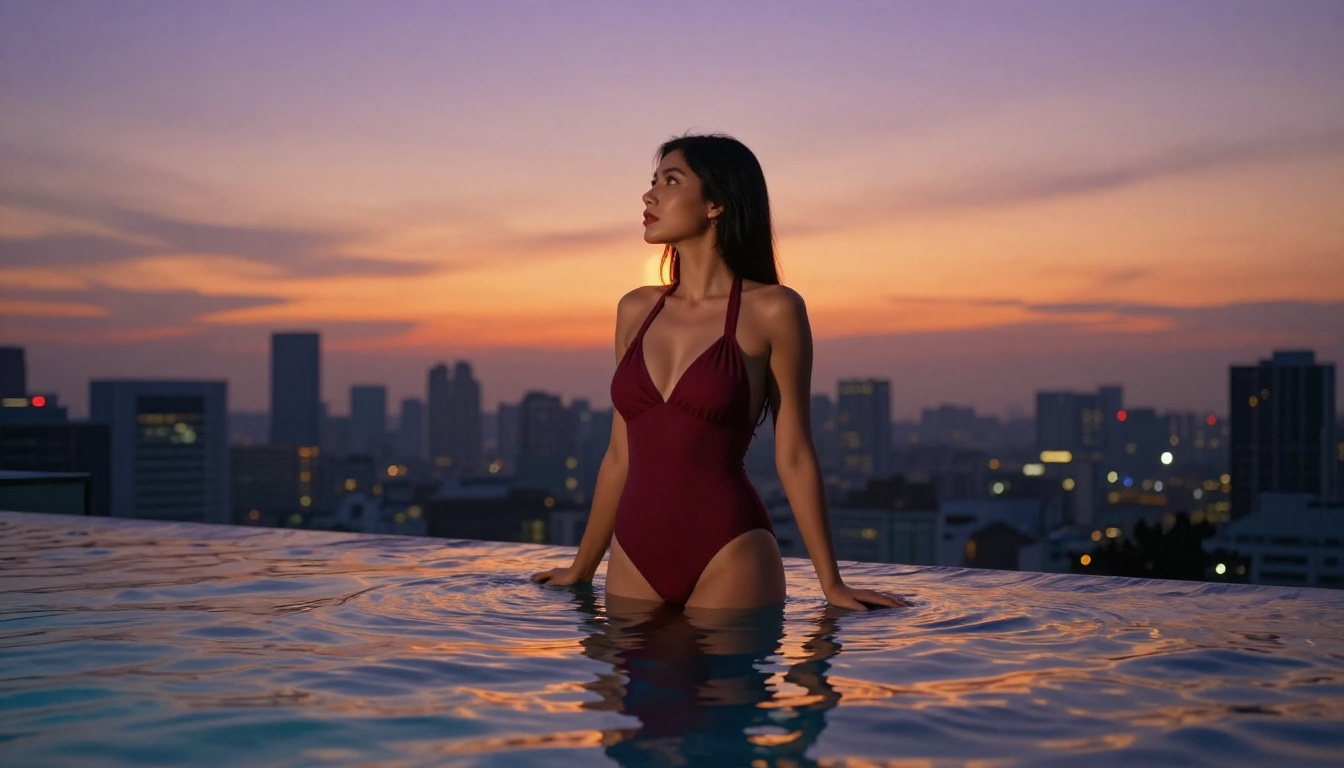
Seedream 4.5 by ByteDance is the top recommendation for unrestricted image generation. It produces 4K-quality outputs with photorealistic skin rendering, accurate human anatomy, and genuine prompt adherence. Suggestive content, artistic nudity, and high-end glamour subjects are all handled at a quality level that competes directly with professional photography.
What distinguishes Seedream 4.5 from other capable models is how it processes detailed prompts. Lighting direction, camera lens specifications, skin tone nuances, fabric texture descriptions, and environmental context: the model acts on all of them simultaneously. The output reflects the full prompt, not a simplified version of it. For creators who need uncensored output without sacrificing photorealism, this is the starting point.
PicassoIA Image Editor Pro
PicassoIA Image Editor Pro is the platform's unlimited generation tool and the right choice for creators who need volume without watching credits disappear. No per-image caps, no generation limits, no credit systems interrupting your workflow.
For content agencies, adult platform creators, and digital artists working in series, the unlimited model changes the economics of production entirely. You can run 100 variations on a single creative concept and keep the 3 that are exactly right, without financial anxiety about generation count.
Flux Dev and Flux Pro
Flux Dev from Black Forest Labs has become the benchmark for prompt understanding in the text-to-image space. Give it a complex scene description with multiple elements, and the spatial relationships in the output actually match what you described. Characters are positioned correctly, environments feel geographically specific, and composition choices from your prompt are respected rather than overridden.
Flux Pro is the commercial tier above it. When outputs need to be publication-ready rather than proof-of-concept quality, Flux Pro adds the refinement that closes the gap between AI output and professional photography.
For rapid concept testing before committing to a full-resolution render, Flux Fast and P Image produce results in under one second. Use them to validate prompt direction across 10 variations in under two minutes.
💡 Workflow tip: Test prompt directions with P Image or Flux Fast, identify the best-performing version, then pass it to Seedream 4.5 or Flux Pro for the high-quality final output.
Model Comparison at a Glance
How to Use Seedream 4.5 on PicassoIA
Seedream 4.5 rewards structured, layered prompts. The model absorbs every element of a detailed description and applies them in the output with impressive fidelity. Here is the exact workflow that produces the best results:
Step 1: Open the model
Go to Seedream 4.5 on PicassoIA and click into the generation interface.
Step 2: Build your prompt in this order
Layer your prompt from subject outward:
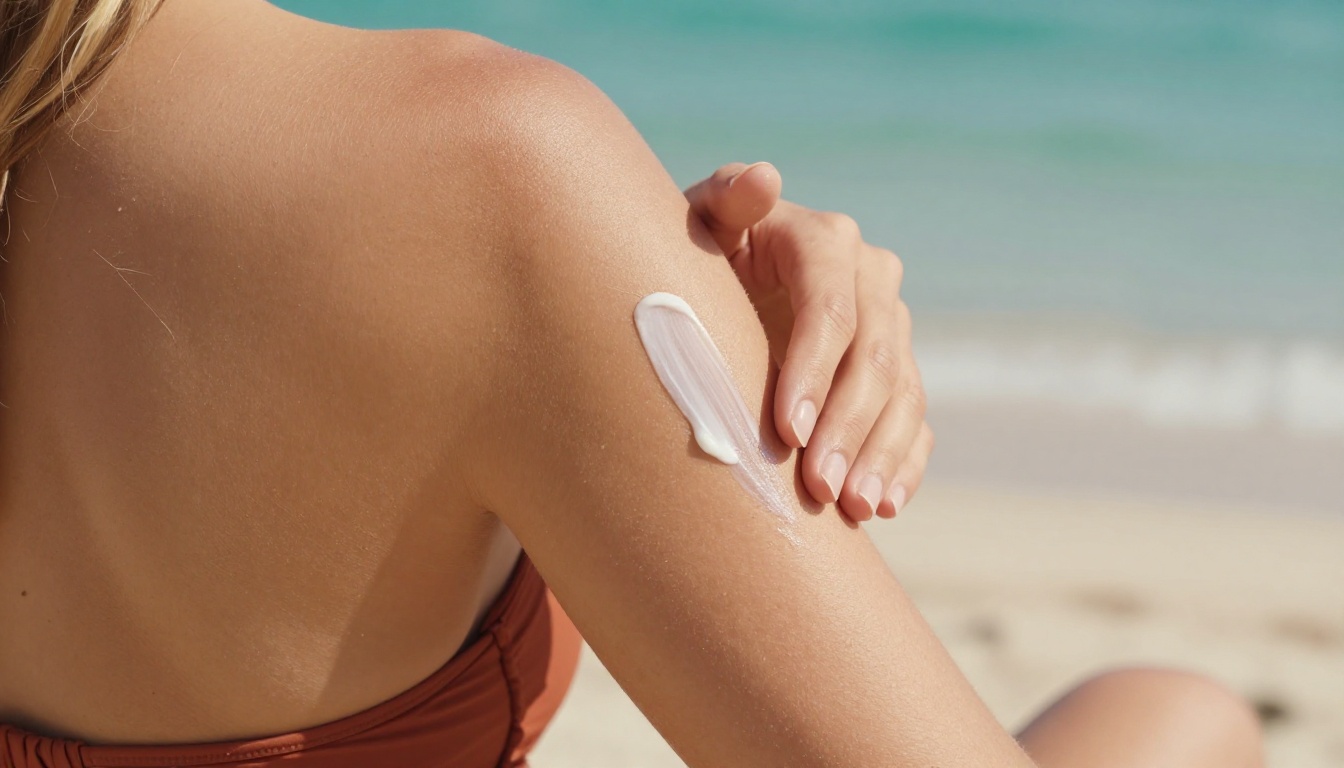
- Subject and physical details: skin tone, hair color and style, age range, build
- Pose and position: standing, seated, lying, angle toward camera, weight distribution
- Wardrobe: specific garment name, color, fabric, coverage level
- Environment: location name, surface textures, background elements, distance
- Lighting: direction, quality, time of day, color temperature, shadow type
- Camera and lens: camera model, focal length, aperture (f-stop)
- Style modifiers: film stock, RAW, photorealistic, grain preference
Step 3: Set your aspect ratio
Use 16:9 for landscape and editorial formats. Use 9:16 for vertical social content.
Step 4: Run 3 to 5 variations
Seedream 4.5 responds meaningfully to minor wording changes. Adjust the lighting description specifically across variations. It is the single element with the most visual impact on output mood and feel.
Step 5: Refine the best result
Pass your top output to Flux Kontext Fast for text-prompt-based edits. Change the background, adjust the wardrobe, shift the lighting, or modify the expression without regenerating from scratch.
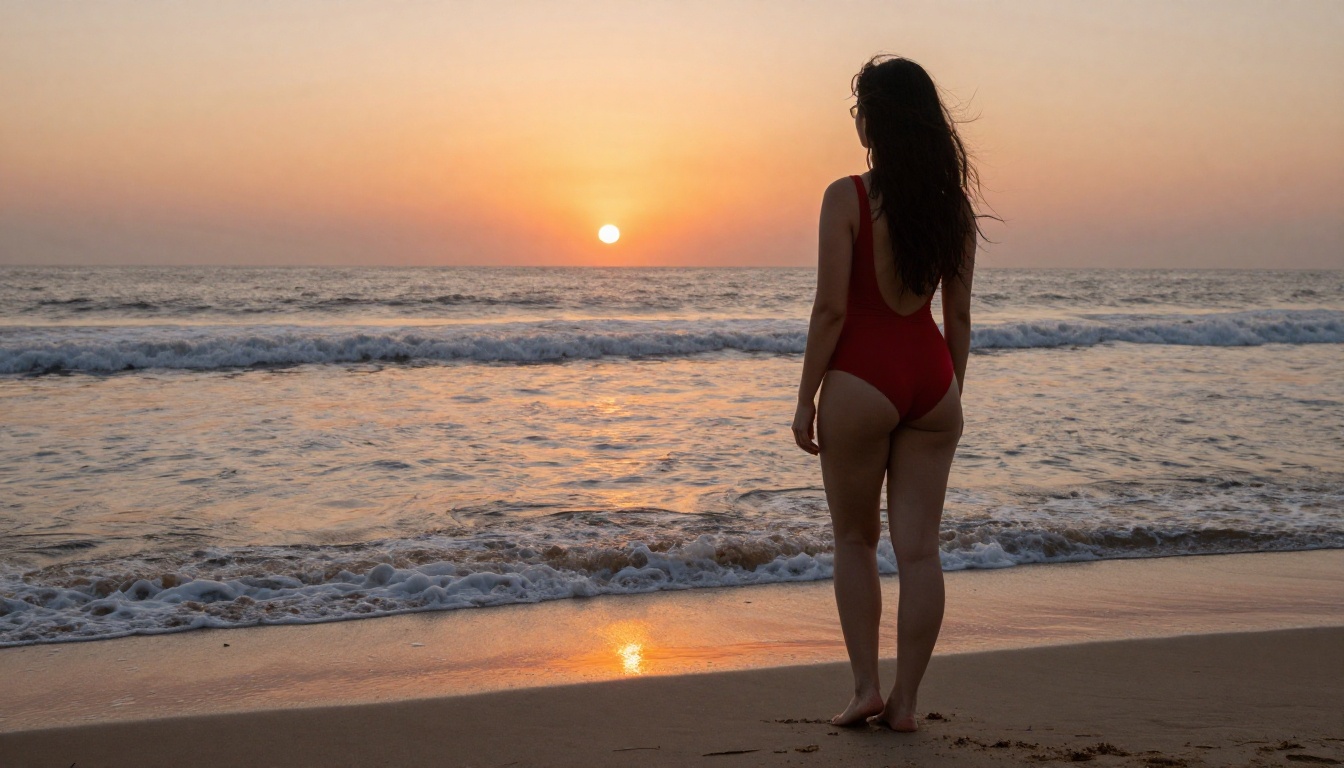
💡 For unlimited refinement passes, PicassoIA Image Editor Pro has no generation cap. Iterate until the output is exactly right without watching a credit counter.
Writing Prompts That Actually Get Results
The biggest variable in AI image quality is not the model. It is the prompt. Here is how to write prompts that consistently produce excellent outputs from any no restrictions AI image generator.
Subject First, Environment Second
Start with the most important element (almost always the subject) and describe outward. This matches how photographers think about a shot and how capable models parse natural language.
Weak: "beautiful woman on the beach"
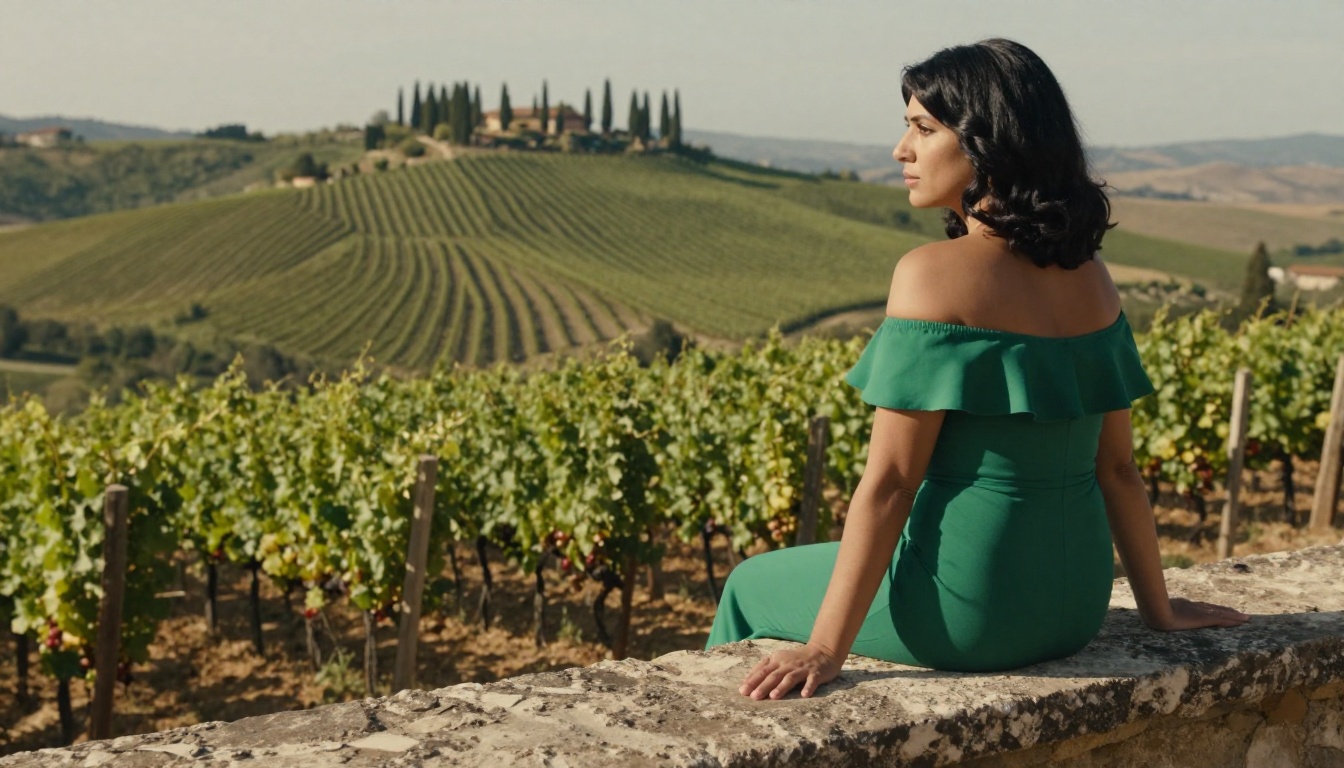
Strong: "Dark-haired woman with olive skin seated on a limestone cliff edge overlooking the Mediterranean sea, wearing a form-fitting emerald off-shoulder dress, one hand resting on the rough stone surface, warm afternoon Tuscan light from the right at 30 degrees, Canon R5 85mm f/1.4, Kodak Portra 400, RAW 8K photography"
The second prompt gives the model subject, position, environment, texture detail, light source direction and quality, camera specification, and color science all in one structured description. The output reflects all of it.
Lighting Is the Biggest Lever
Generic lighting descriptions produce generic images. Specific lighting descriptions produce dramatically different and superior outputs. Use precise directional and quality terms:
- "Volumetric morning light from the east, long shadows extending left"
- "Rembrandt lighting, 45 degrees from left, small triangular catchlight in right eye"
- "Subject backlit, rim light creating hair halo, soft fill from bounce card right"
- "Overcast diffused light, no hard shadows, even skin rendering, cool undertones"
- "Golden hour at 10 degrees above horizon from right, warm amber cast"
Lens Focal Length Tells the Model What to Do
Adding specific lens details signals the expected depth of field, subject compression, and perspective distortion:
- 85mm f/1.4: Portrait compression, background rendered as smooth creamy blur
- 28mm f/8: Wide environmental shot, foreground to background fully sharp
- 100mm macro f/2.0: Extreme close-up, exquisite micro-surface detail
- 50mm f/1.2: Natural perspective, beautiful subject-to-background separation
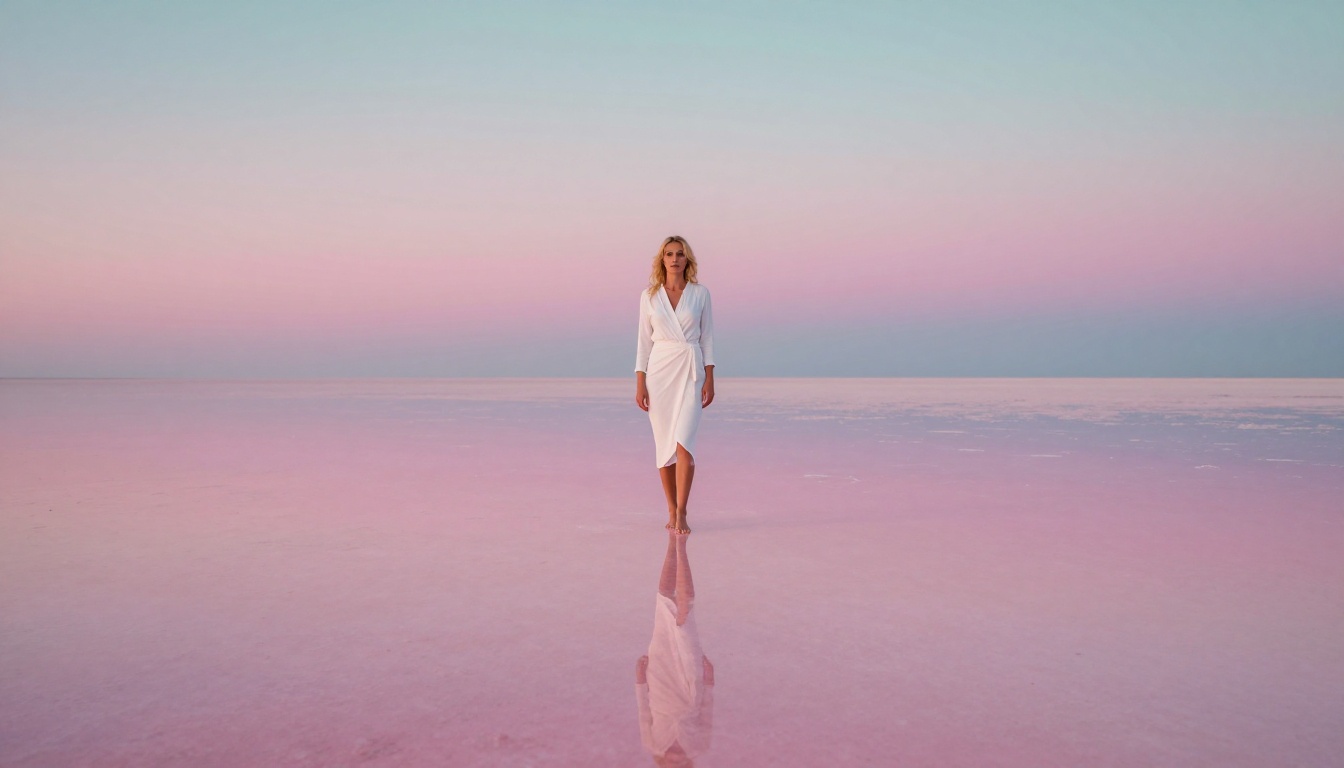
Style Modifiers That Work Every Time
Append these to any prompt for consistent photorealistic output across all capable models:
RAW 8K photography, Kodak Portra 400, photorealistic, natural lighting, film grain, no artificiality, --ar 16:9 --style raw
What You Can Actually Create
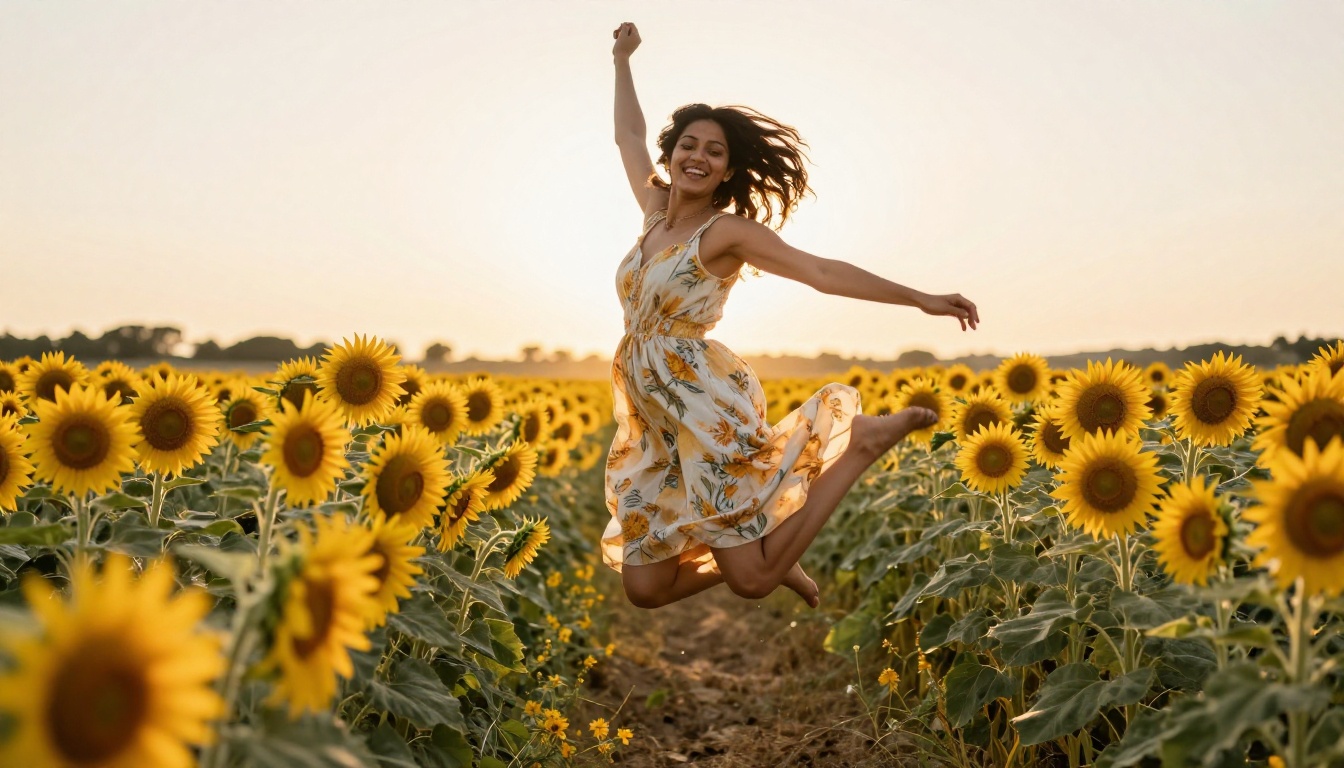
Travel and Lifestyle Content
No restrictions generation is particularly powerful for travel and lifestyle because you can describe environments in full without any element of the scene triggering a content flag. Beach shoots in Croatia, market scenes in Marrakech, rooftop bars in Bangkok with natural human presence: all rendered with geographic specificity and photographic authenticity.
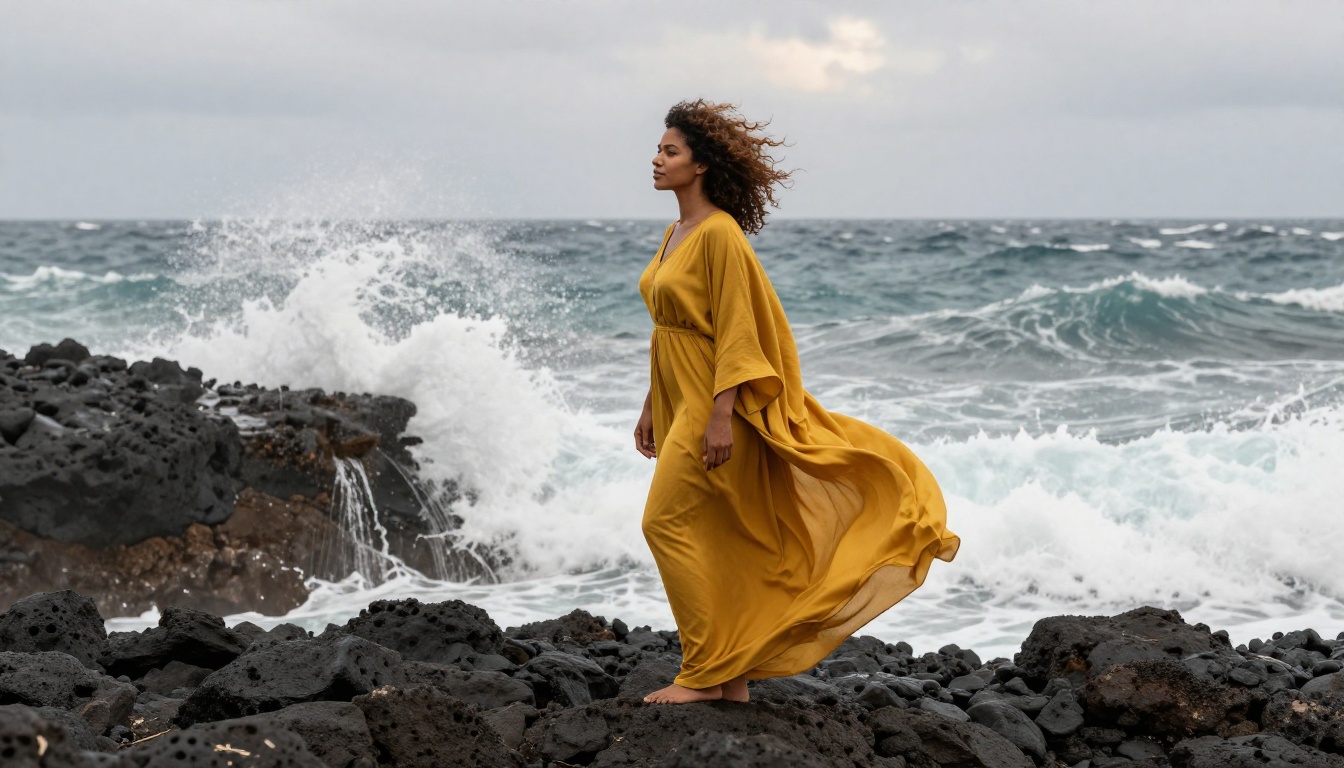
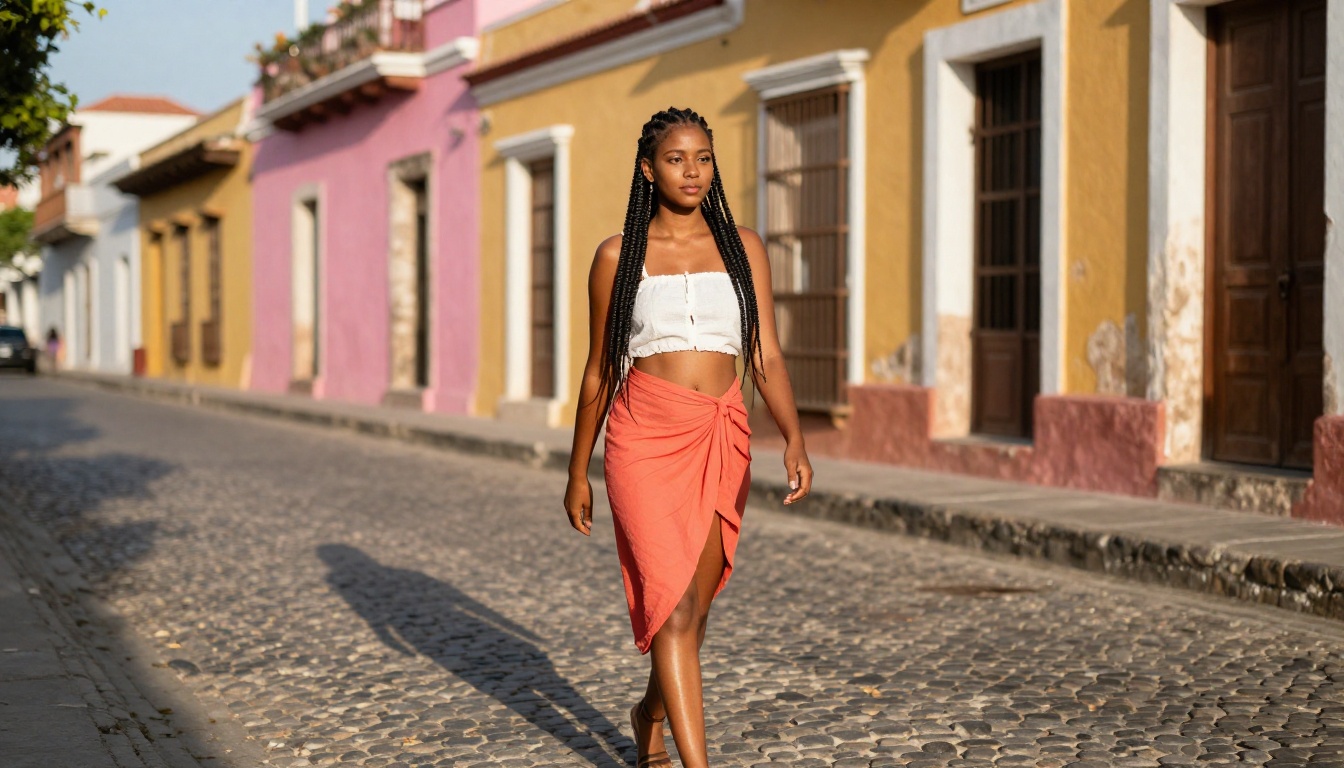
Wan 2.7 Image Pro and Dreamina 3.1 are particularly strong for travel content, capturing environmental authenticity with texture and color depth that make locations feel real rather than generated.
Portrait and Glamour Photography
Portrait work is where no restrictions tools demonstrate the largest quality advantage over filtered alternatives. The ability to describe skin texture, specific lighting setups, eye catchlights, and natural body proportion produces outputs that are difficult to distinguish from professional studio photography.
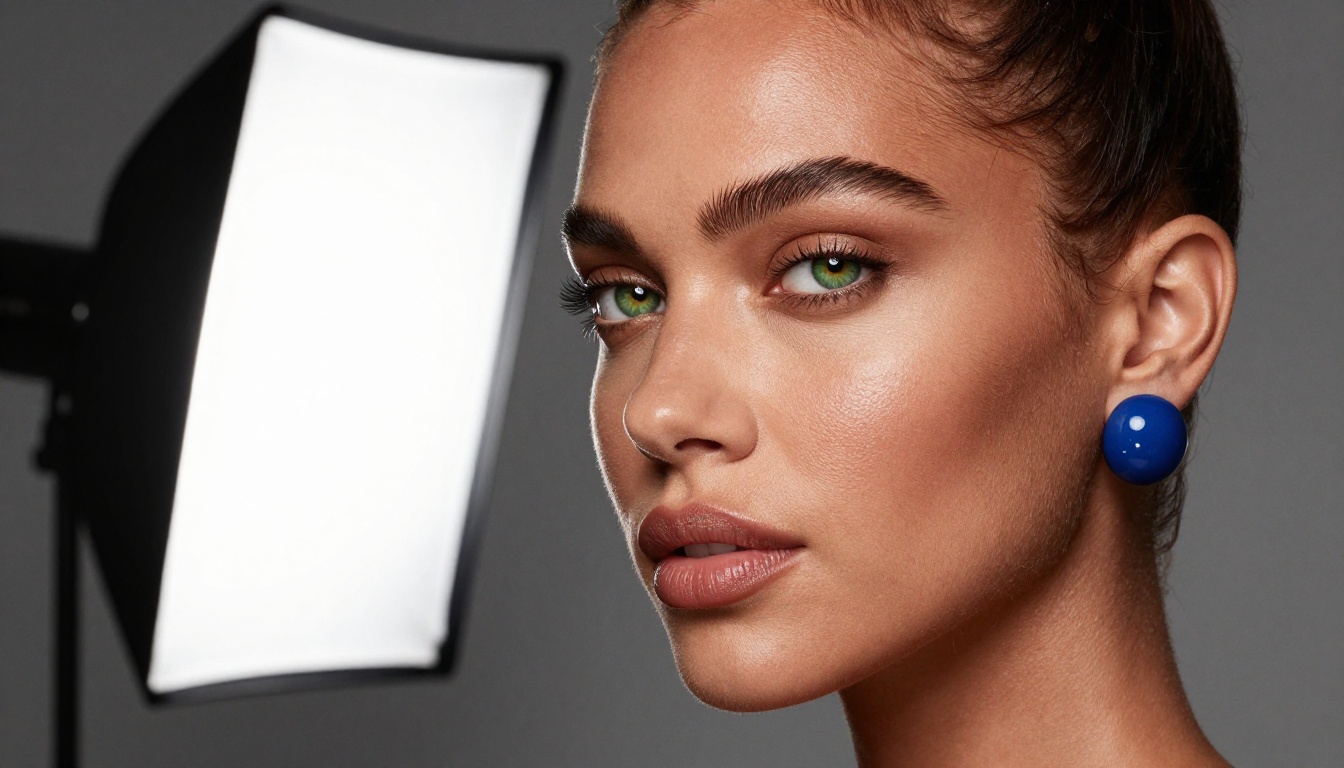
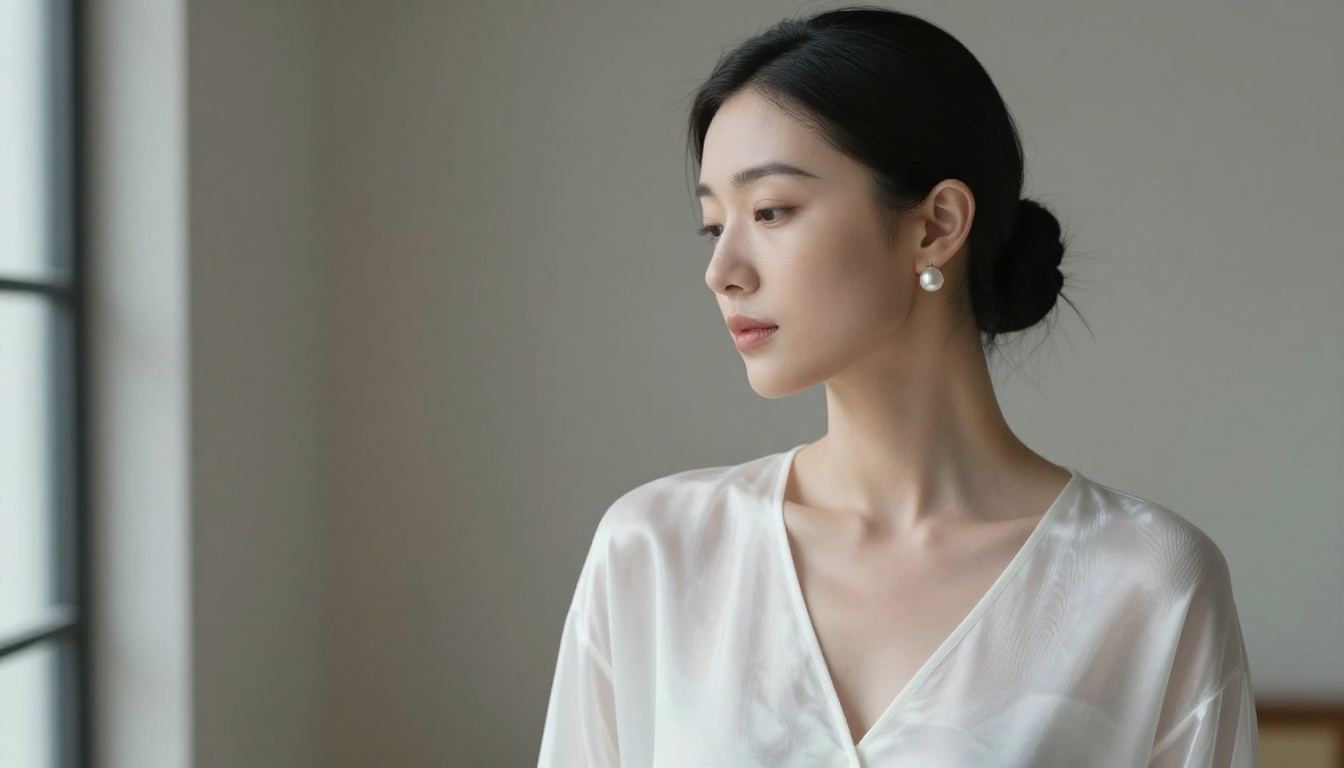
Seedream 4.5, Flux Pro, and Hunyuan Image 3 handle portrait skin detail at the fidelity level required for professional use. These models produce individual pore visibility, natural lip texture, and authentic hair strand rendering that filtered tools cannot replicate.
Fashion and Editorial Work
Fashion content demands environmental authenticity. A shoot set in Mykonos needs the specific light angle of the Greek afternoon, the correct architectural texture behind the subject, and the natural warmth of sun exposure on skin. Generic tools produce generic environments regardless of how specifically you describe the location.
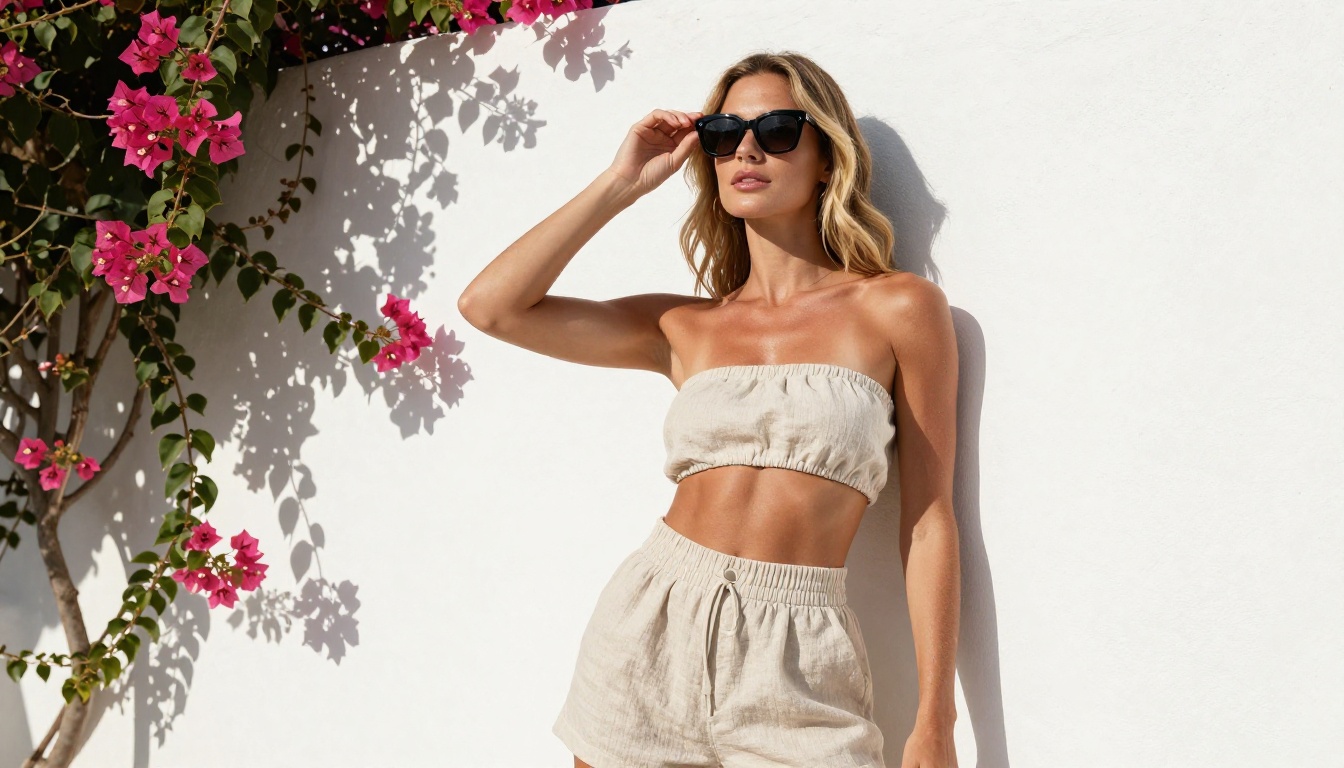
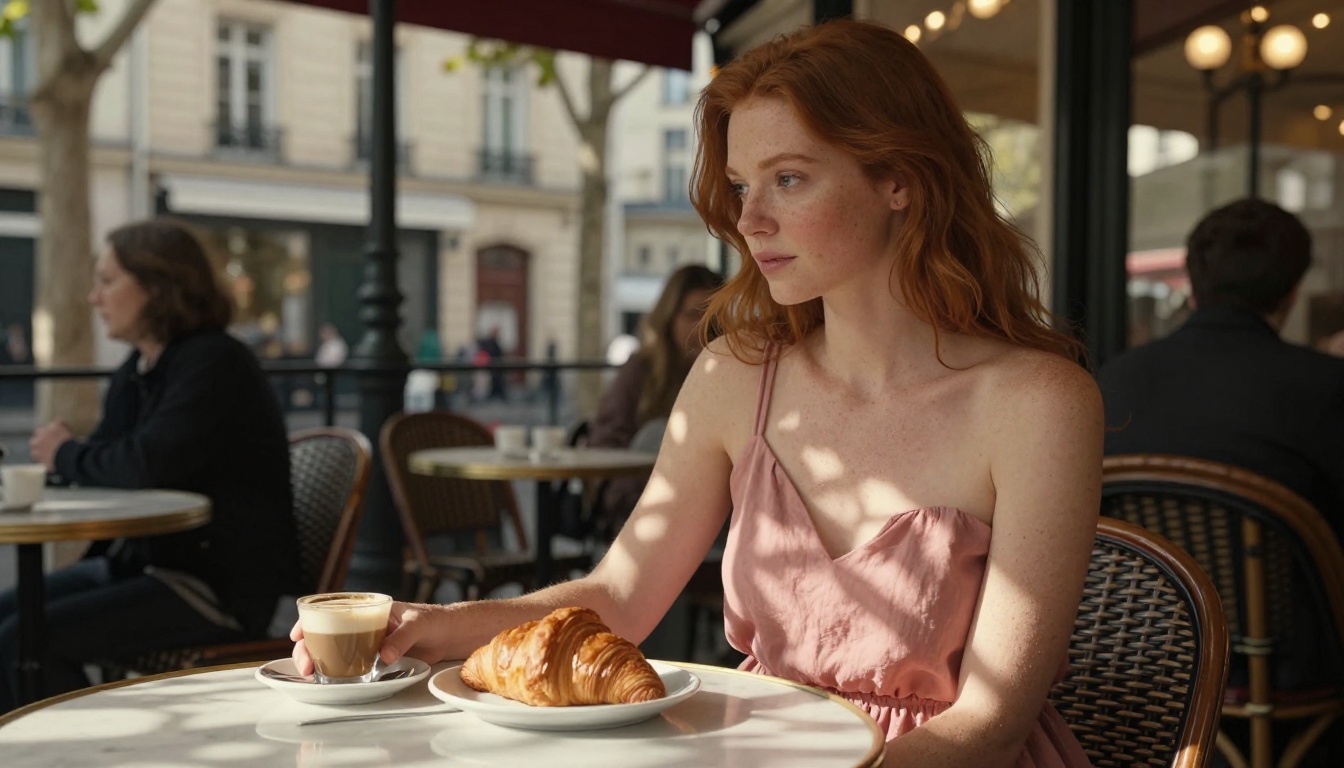
Dreamina 3.1 and Flux 2 Max are the strongest choices for editorial fashion work that requires genuine location context and cinematic lighting.
Night and Low-Light Scenes
Night photography simulation is technically demanding. The model has to handle ISO grain, background light bokeh, mixed color temperatures, reduced contrast, and natural subject sharpness all at once. Most filtered tools fall apart in these conditions because they were never trained to render low-light skin tones accurately.
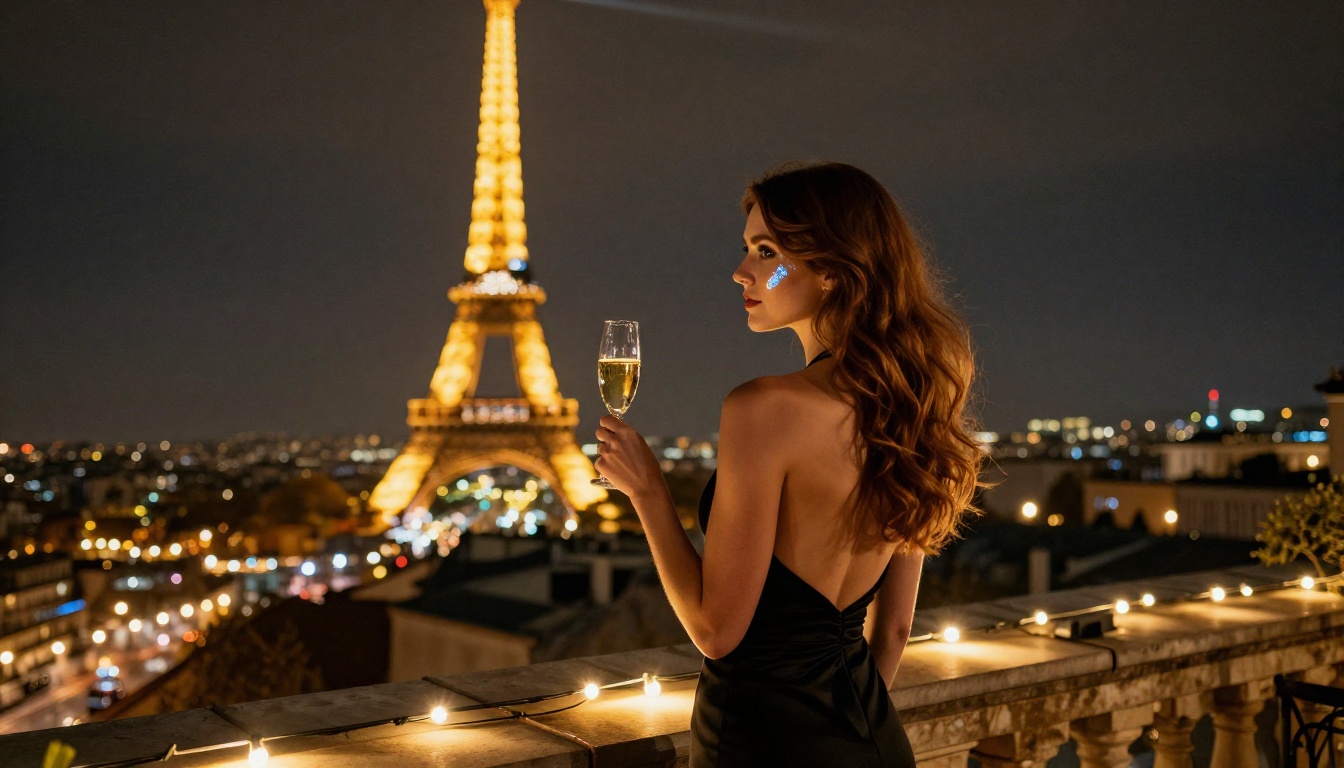
Include "ISO 3200, natural grain visible" in your prompt to signal the authentic film look rather than a clean, noise-free digital render. GPT Image 2 and Flux 2 Max both handle night and low-light simulation well when the prompt includes specific ISO and ambient light source descriptions.
Multi-Person and Group Scenes
Group scenes are the hardest category for most AI generators regardless of restrictions. Spatial relationships between figures break down, subjects look disconnected from each other, and individual faces lose distinctiveness when there are multiple subjects to render simultaneously.

Flux Dev and Qwen Image 2 Pro handle two-person scenes well when the prompt explicitly specifies exact positions, the physical relationship between subjects, and individual identifying features for each person. Three or more subjects remains a weak point across most current models regardless of platform.
Beyond the individual generation models, PicassoIA provides a set of editing and refinement tools that let you build on, modify, and upscale your generated images:
Start Creating Without Limits
Every model and tool described in this article is live and accessible on PicassoIA right now. Start with Seedream 4.5 for your first no restrictions generation. Take one of the prompt structures from this article, describe the scene you actually want, and observe what changes when the model receives your full creative intent without anything edited out.
For professional production volume, PicassoIA Image Editor Pro removes every generation limit. For rapid concept testing before committing to a full render, P Image returns results in under one second. The full library of 90+ models, including every tool mentioned in this article, is available at picassoia.com/en/all-models.
Creative latitude is not a premium feature. It is the baseline that any serious creative workflow requires. Tools that cannot offer it are simply the wrong tools for professional work.


