NSFW AI art has a reputation problem. Most people assume it means explicit content, but that's a small slice of what this category actually covers. Glamour photography, artistic nudity, boudoir aesthetics, suggestive fashion shoots — these are the words that get replaced: all of it falls under the NSFW umbrella, and all of it is genuinely thriving in the AI image space right now.
The real question isn't whether to create this kind of content. It's which free tools are actually worth your time, how to use them without burning hours on mediocre outputs, and where to get photorealistic results without a paid subscription.
This breakdown covers every major free model, proper prompting methods, and what separates images that look genuinely photographic from images that scream "AI artifact."
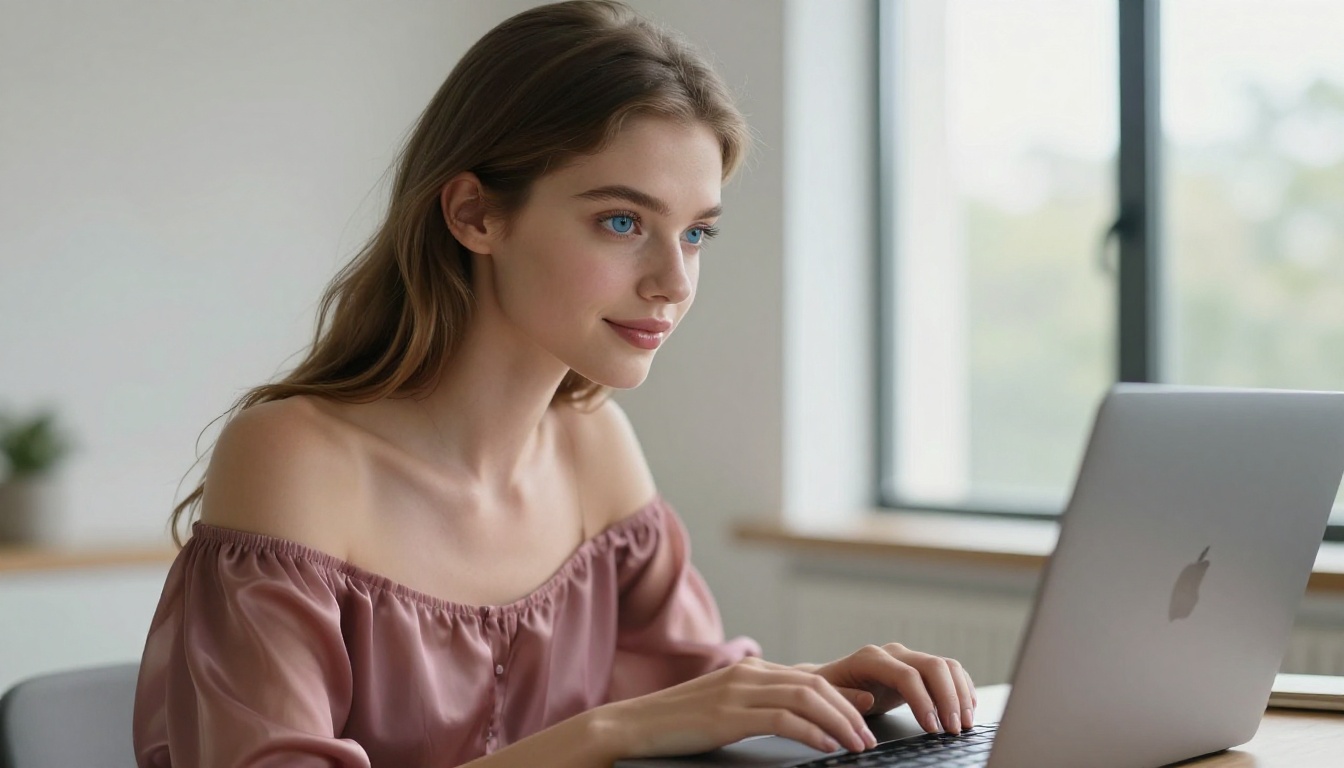
What NSFW AI Art Actually Is
The term "NSFW" in AI art doesn't default to pornographic content. It describes content someone might not open at work — suggestive imagery, glamour photography, intimate aesthetics, artistic body work. Creators use these tools for fashion references, fantasy character design, personal projects, and commercial-adjacent work.
Art vs. explicit content
There's a clear line between suggestive and explicit. Most platforms, including PicassoIA, allow the former while restricting the latter. This matters because it shapes which models you choose, how you prompt them, and what outputs you can realistically expect.
The best NSFW AI art sits in a specific zone: photorealistic, aesthetically intentional, and suggestive without being gratuitous. Think high-fashion editorial shoots, cinematic glamour photography, or tasteful boudoir aesthetics. That's the target for most creators working in this space.
Why the demand keeps growing
The market for suggestive AI art has expanded significantly because it solves real workflow problems:
- Photographers use it for shot planning and mood boards without hiring models
- Writers create character references and book cover concepts at zero cost
- Content creators build visual assets without model fees or studio costs
- Artists use it as a reference layer for their own work
The tools that serve this demand have gotten dramatically better. Two years ago, photorealistic skin texture was nearly impossible without heavy post-processing. Now it's table stakes across multiple free models.
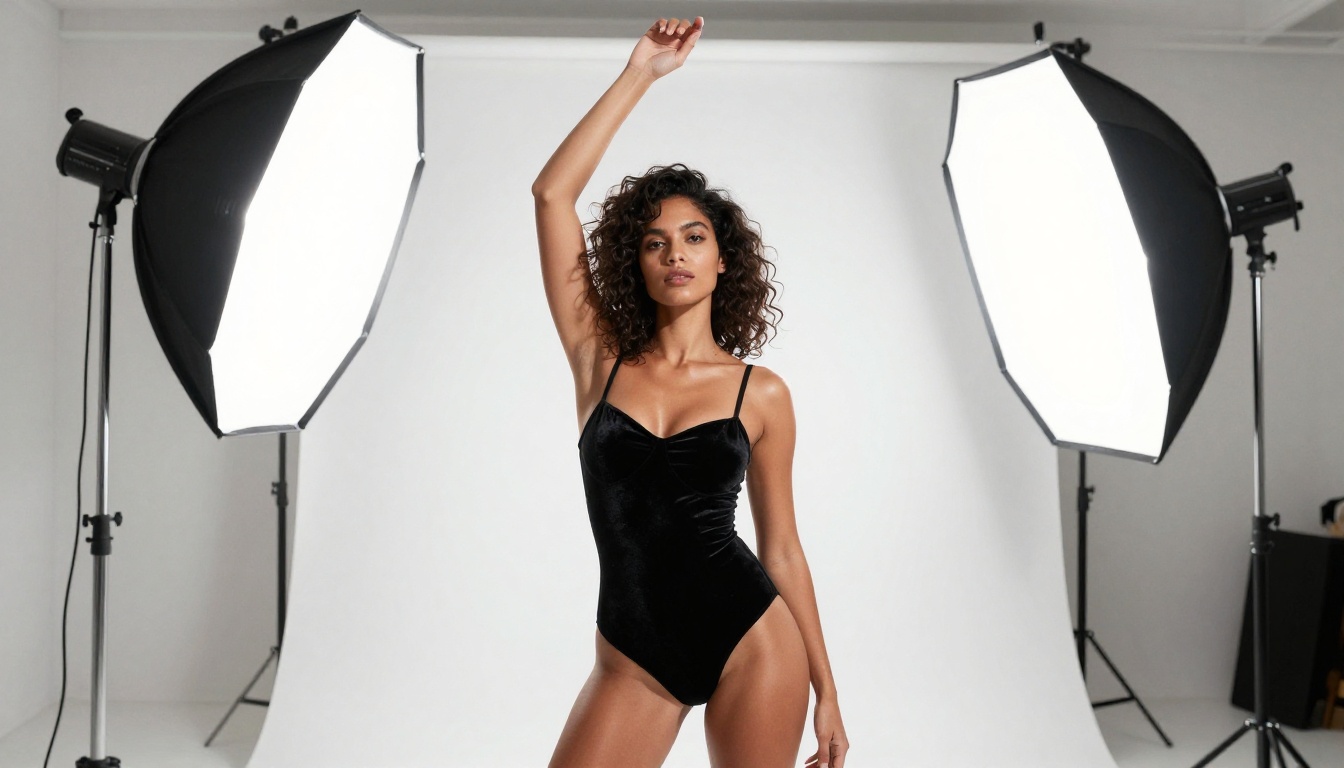
The Free Models Worth Your Time
Not all free AI image generators are equal. Some produce photorealistic outputs straight from a prompt. Others need heavy negative prompt engineering and still produce plasticky skin. Here's what actually matters.
Flux Dev and Flux Pro
Flux Dev is the current benchmark for free photorealistic image generation. It handles complex lighting scenarios, natural skin tones, and high-detail body rendering better than most paid alternatives from two years ago.
Flux Pro takes this further with improved prompt adherence, meaning what you type is closer to what you get. For suggestive content, this matters enormously because subtle details in pose, wardrobe, and environment make or break the final image.
If you need the absolute ceiling of the Flux family, Flux 1.1 Pro Ultra delivers ultra-realistic outputs with exceptional skin detail and natural lighting that can pass as professional photography at a glance.
💡 Tip: Flux models respond exceptionally well to photography-style prompts. Describe your image like a photographer's brief: include lens focal length, aperture, lighting direction, and film stock. You'll get dramatically different results compared to generic descriptions.
Realistic Vision v5.1
Realistic Vision v5.1 was built specifically for photorealistic human subjects. It became one of the most-used NSFW-adjacent models precisely because it excels at natural skin texture, believable body proportions, and realistic fabric behavior.
It's older than Flux but still competitive for portrait-focused work, especially when paired with ControlNet for pose guidance. For close-up glamour shots, it still outperforms many newer models on fine skin detail.
SDXL and DreamShaper XL
SDXL remains relevant because of its massive ecosystem of fine-tuned variants. The base model is strong, but its real value is compatibility with LoRA adapters that specialize it for specific aesthetics, from editorial fashion to intimate boudoir work.
DreamShaper XL Turbo trades some fine detail for much faster generation. For rapid iteration across multiple concepts, it's the best option in this category.
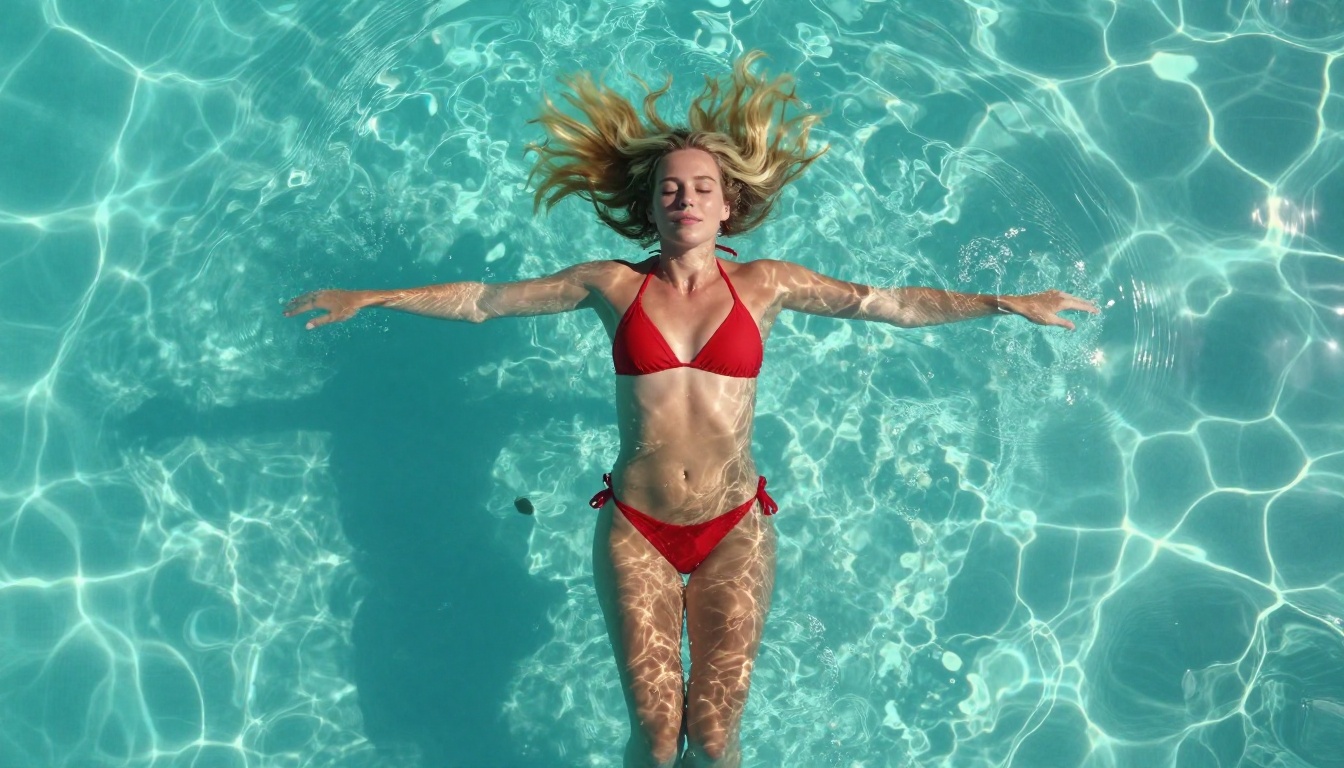
RealVisXL Turbo
RealVisXL v3.0 Turbo combines the photorealism of Realistic Vision with SDXL's resolution capabilities. It's particularly strong for fashion and glamour-style imagery because it handles complex lighting and fabric texture better than most alternatives.
The turbo version runs fast enough for practical iteration without major quality loss, making it a go-to for creators who need multiple variations quickly.
Stable Diffusion 3.5 Large
Stable Diffusion 3.5 Large brought Stability AI back into contention for top-tier photorealism. Its improvements in anatomy and proportional accuracy make it noticeably better for full-body compositions than earlier SD versions. For NSFW-adjacent work specifically, the improvement in body proportions matters more than most benchmarks capture.
How to Prompt for Suggestive AI Art
The difference between a generic output and a genuinely impressive image is almost entirely in the prompt. Most people write 10 to 15 words and wonder why their results look average. The models that produce photorealistic work respond to specificity.
What goes in a great prompt
A strong prompt for suggestive AI art follows this structure:
[Subject + Appearance] + [Wardrobe Detail] + [Setting/Environment] + [Lighting Specifics] + [Camera/Lens] + [Film/Texture Details]
Here's a practical example:
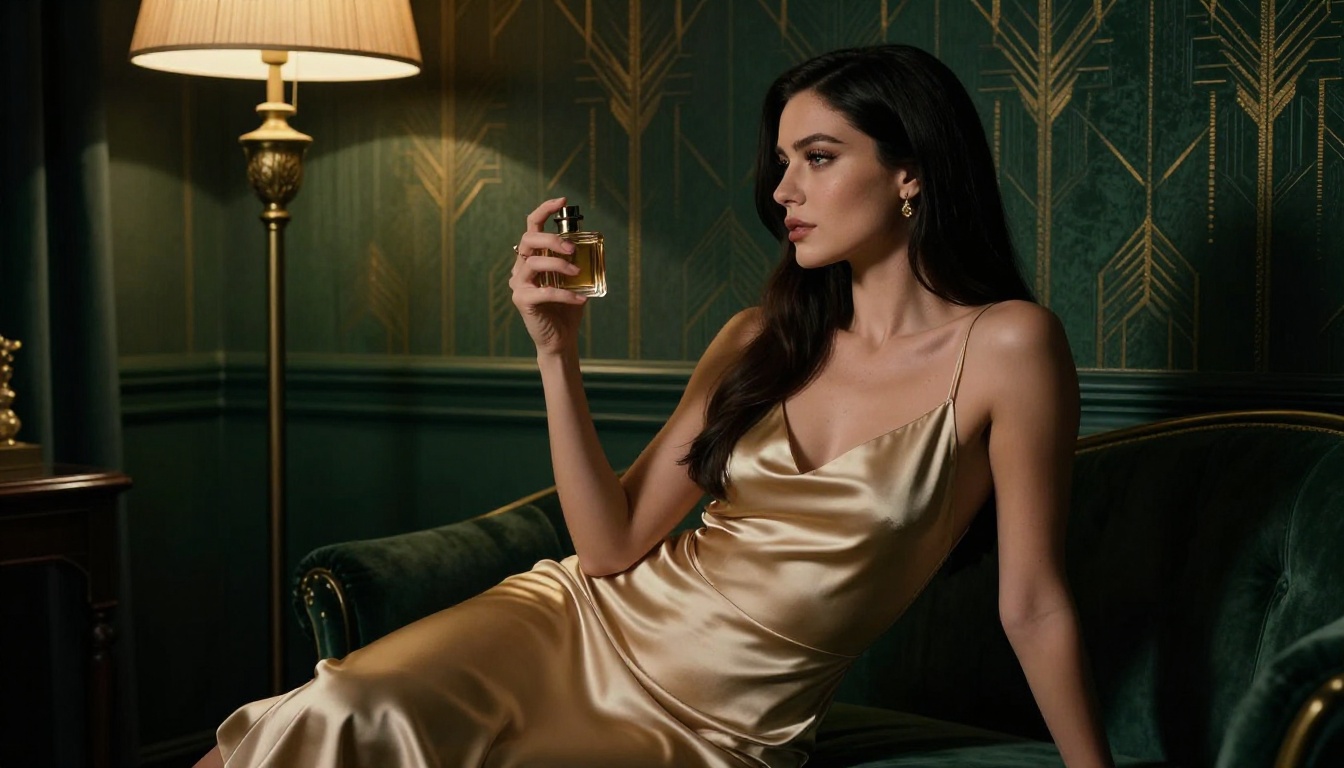
"A beautiful woman with sun-kissed skin and dark wavy hair, wearing a fitted satin slip dress in deep burgundy, standing in a candlelit Art Deco hotel suite, warm directional light from left casting dramatic shadows, shot on 85mm f/1.4 lens, shallow depth of field, Kodak Portra 400 film grain"
That prompt gives the model everything it needs: subject, wardrobe, environment, lighting direction, camera optics, and film stock. Each element constrains the generation toward a specific aesthetic.
| Prompt Element | Weak Version | Strong Version |
|---|
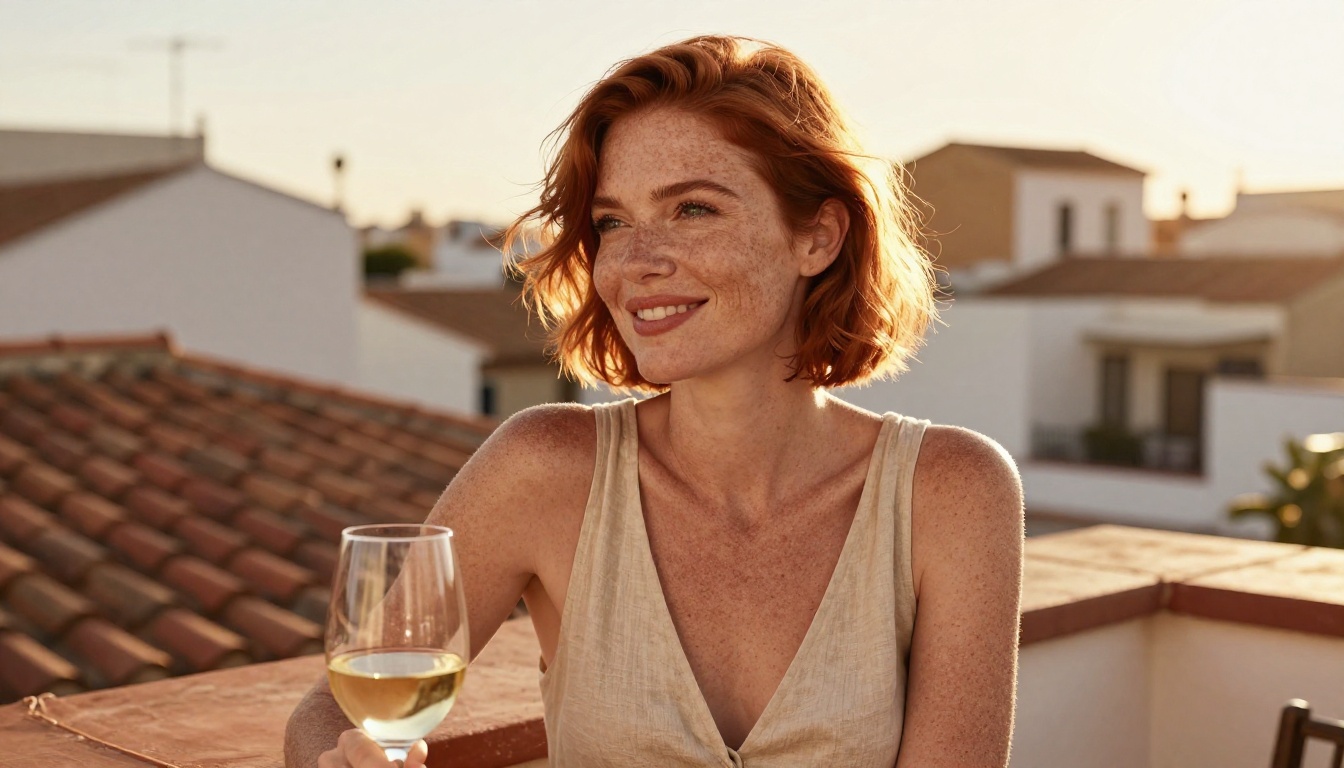
| Subject | "beautiful woman" | "woman with freckled skin and copper hair, mid-30s" |
| Wardrobe | "wearing a dress" | "fitted satin slip dress in deep burgundy with thin straps" |
| Lighting | "good lighting" | "warm Rembrandt light from camera-left at 45 degrees" |
| Camera | (none) | "85mm f/1.4 lens, shallow depth of field, bokeh background" |
| Film | (none) | "Kodak Portra 400 grain, natural skin tones, film emulation" |
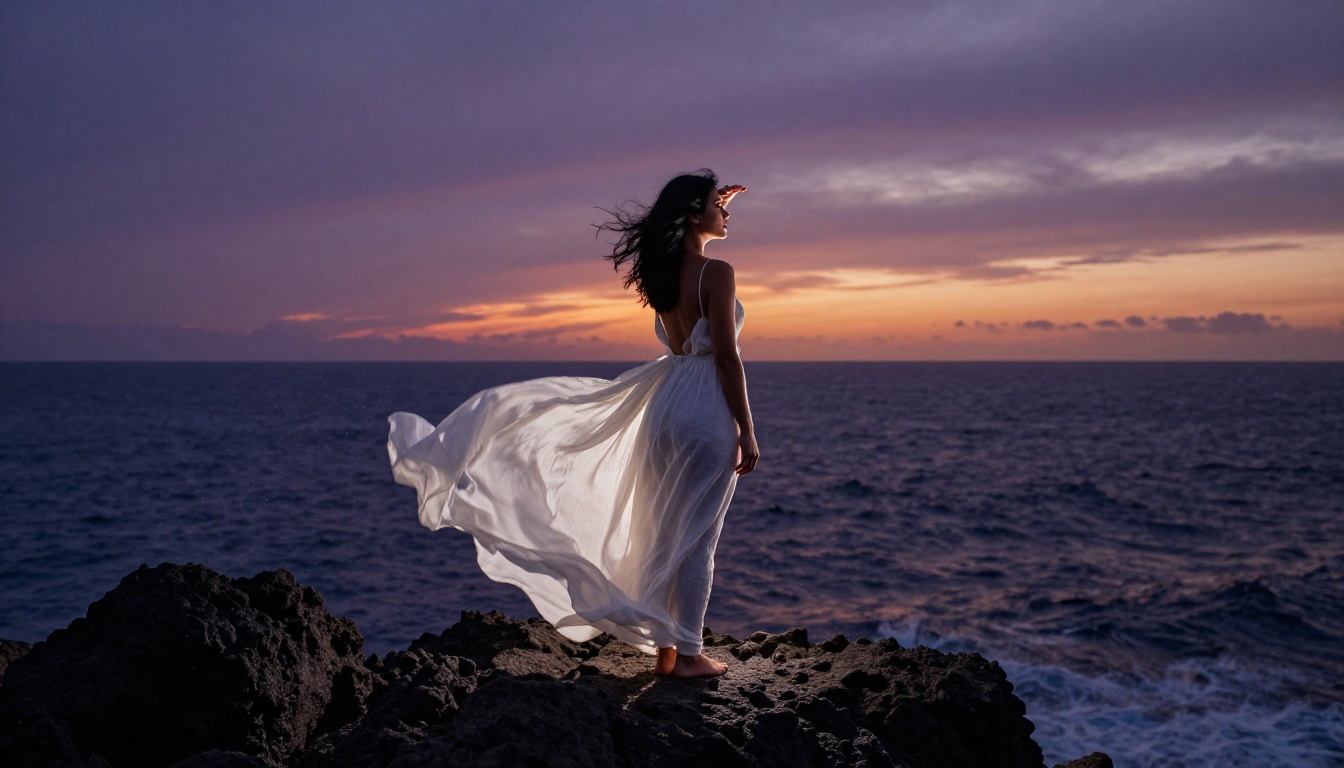
Negative prompts that work
For photorealistic NSFW-adjacent images, these negative prompt terms consistently improve results:
cartoon, anime, illustration, 3D render, CGI, plastic skinunrealistic proportions, deformed hands, extra fingersflat lighting, overexposed, blown highlightswatermark, text, signature, usernamelow quality, blurry, compressed artifacts
💡 Tip: Don't skip negative prompts on models like SDXL or Realistic Vision v5.1. They were trained on massive mixed datasets and will drift toward illustration styles without explicit exclusion terms.
How to Use Flux Dev on PicassoIA
Flux Dev is available directly on PicassoIA with no local setup required. Here's how to use it effectively for suggestive AI art.
Step 1: Open the model
Navigate to Flux Dev on PicassoIA. You'll find the prompt input, aspect ratio selector, and parameter controls on the generation panel. Select 16:9 for landscape or editorial shots, or 9:16 for portrait-orientation glamour photography.
Step 2: Write your prompt
Use the structure outlined above. For Flux specifically, the model responds better to natural language than comma-separated keyword lists. Write it like a photography brief.
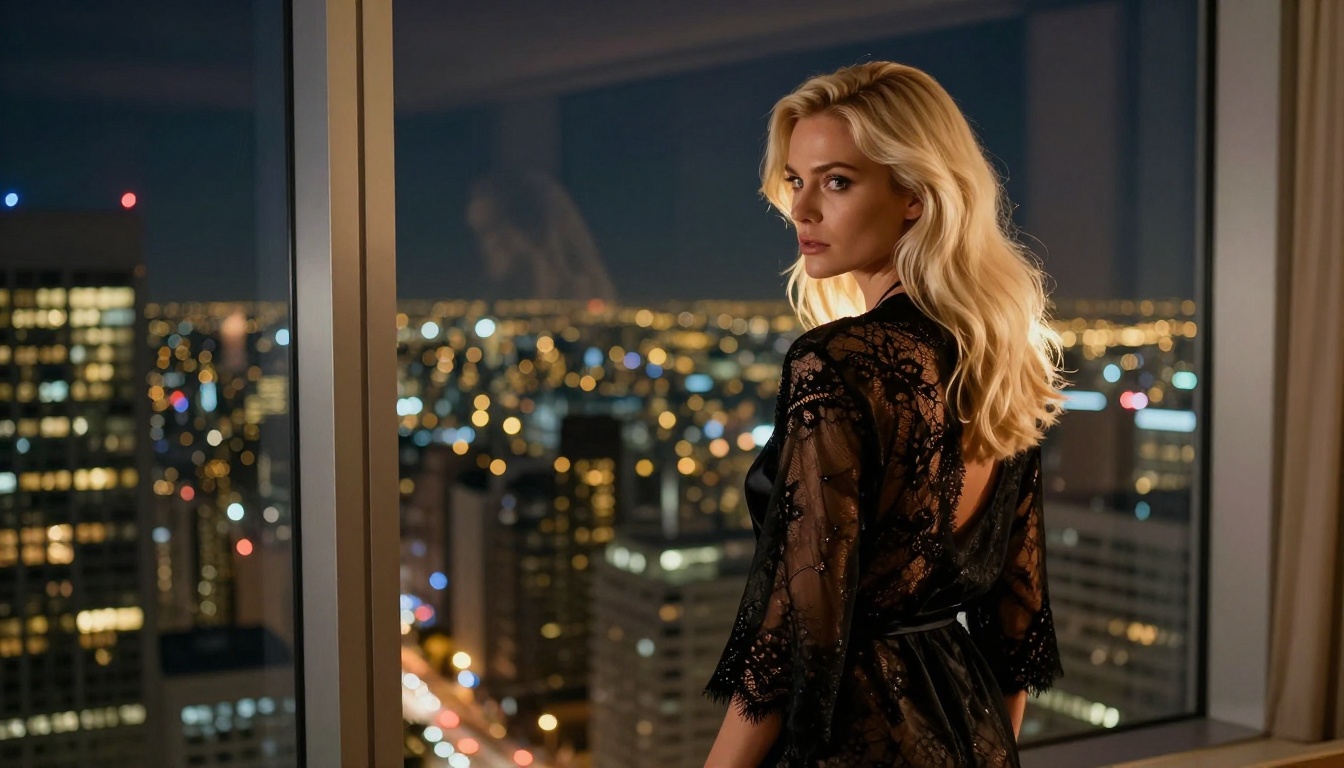
Strong: "A glamorous woman with long dark hair and olive skin, wearing an elegant off-shoulder gown in ivory silk, standing at a hotel balcony at night, warm city lights behind her, 85mm portrait lens, Kodak Portra 400"
Weaker: "beautiful woman, silk dress, night, glamorous, photorealistic"
Step 3: Adjust parameters
- Guidance Scale: Higher values (7 to 9) produce more prompt-adherent results. Lower values (3 to 5) allow more creative interpretation.
- Steps: 25 to 35 steps deliver the best quality-to-speed balance for Flux Dev.
- Seed: Once you find a composition you like, note the seed and vary only the prompt to iterate on it.
Step 4: Iterate systematically
Generate 3 to 4 variations before deciding on a direction. Change one element at a time: lighting, wardrobe, pose description. This systematic approach produces better results faster than random regeneration.
All of these models run on PicassoIA without local installation, GPU requirements, or any configuration overhead.
Common Mistakes That Kill Quality
Most creators hit the same walls early on. These are the four most common errors and how to fix them.
Too short, too vague
A 10-word prompt produces a 10-word-quality output. If you're generating suggestive content that requires specific aesthetics, the model needs specific input. Aim for 60 to 100 words minimum.
Wrong model for the task
Flux Dev and Realistic Vision v5.1 are optimized for photorealism. If you're using them with anime-adjacent prompts or heavily stylized requests, you're working against the model's core strengths. Match the model to the aesthetic you actually want.
Ignoring aspect ratio
For fashion and glamour photography, 9:16 or 4:3 often works better than 16:9. The aspect ratio affects composition dramatically. Test your prompt in multiple ratios before committing to a full generation pass.
Skipping the seed
When you get an output you like but want to refine it, always note the seed. Without it, you lose the composition entirely on regeneration. Seeds are your checkpoint system.
Prompt Templates That Work Right Now
Rather than starting from scratch, these templates have been tested across multiple models and produce consistently strong results for suggestive AI art.
Template 1: Poolside Editorial
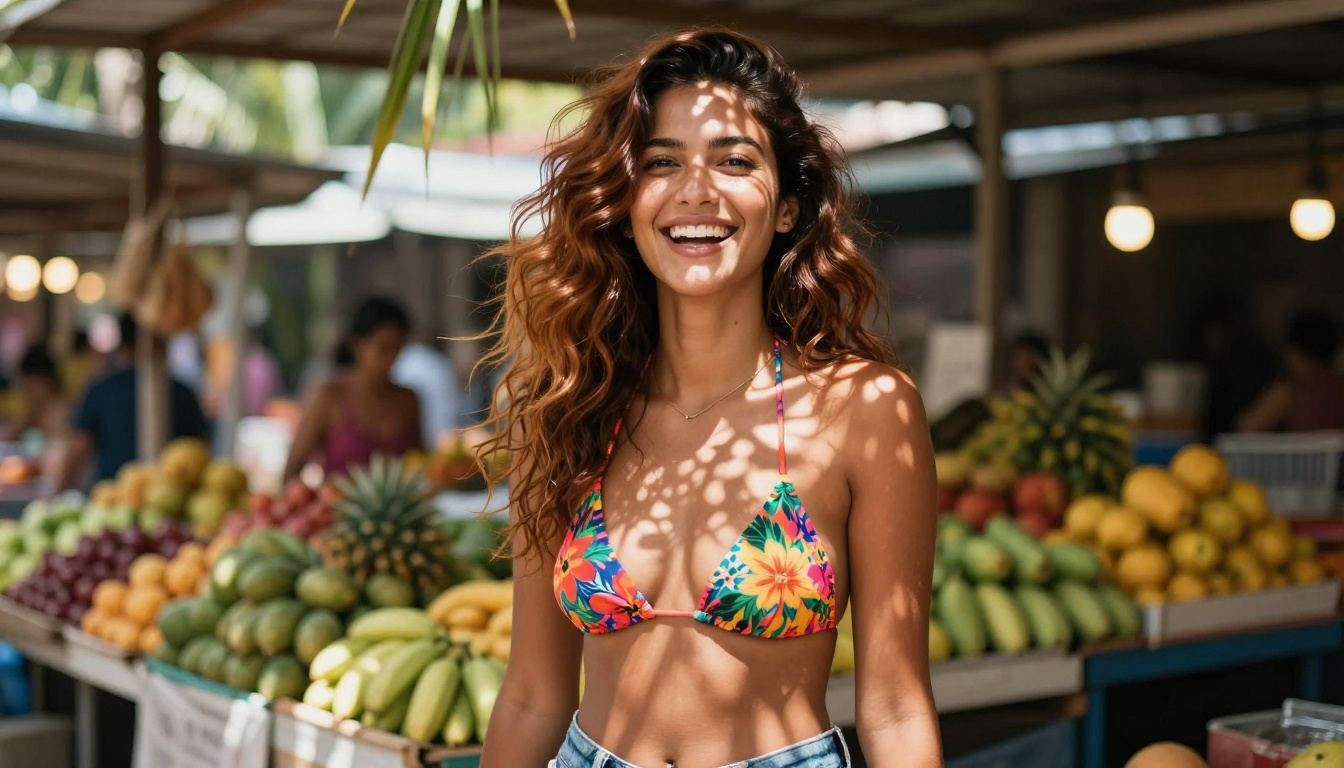
"Beautiful woman with [hair description] and [skin tone] skin, wearing a [color] [swimwear type], [pose description] by a luxury [setting], [time of day] light at [angle] degrees, [lens], shallow depth of field, Kodak Portra 400, photorealistic 8K"
Template 2: Boudoir Interior
"[Subject description], wearing [wardrobe], in a [interior setting] with [light source] from [direction], creating [shadow description], [lens], [film stock], natural skin texture, no retouching, 8K RAW"
Template 3: Outdoor Fashion
"[Subject] in a [location] at [time], wearing [outfit], [weather/atmosphere description], [directional light], [lens focal length] f/[aperture], [film emulation], photorealistic, no CGI"
These templates work because they force specificity on every variable that determines the final image's aesthetic quality.
More Than Just Images
The tools for NSFW-adjacent AI art don't stop at text-to-image generation. Once you have a strong base image, several other capabilities become directly relevant.
Super Resolution for print-quality output
Standard AI image outputs cap out around 1024x576 at 16:9. For print applications or high-detail display, that's insufficient. Super Resolution models on PicassoIA upscale outputs 2x to 4x while preserving and adding detail, making AI-generated glamour images viable for larger format uses without visible pixelation.
ControlNet for exact pose control
SDXL Multi ControlNet LoRA lets you provide a pose reference image and have the model generate a new subject in that exact position. For specific compositions, a precise camera angle or body position, this is significantly more efficient than prompt-engineering your way to the right pose.
The workflow is straightforward: source a pose reference, input it through ControlNet, describe the subject and environment in the text prompt. The model follows the skeletal structure of the reference while applying your stylistic description.
Face consistency across scenes
One persistent challenge with AI-generated characters is consistency across multiple images. Face Swap AI on PicassoIA solves this directly: generate a base subject you're satisfied with, then use it as a reference to maintain that character across different scenes, outfits, and lighting setups. This is particularly valuable for content creators who need visual series with a consistent protagonist.
What Makes One Image Look Professional
The gap between amateur and professional AI glamour photography comes down to four variables most creators overlook.
Lighting direction: Professional photographs have a clear light source with directional intent. "Good lighting" in a prompt produces nothing. "Warm Rembrandt light from camera-left at 45 degrees" produces something specific.
Film stock emulation: Adding "Kodak Portra 400," "Fujifilm Velvia," or "Kodak Ektar 100" shifts the color science of the entire image toward something that feels photographic rather than digital. It's one of the highest-value additions to any prompt.
Lens specification: "85mm f/1.4 shallow depth of field" is a complete sentence to a photorealistic AI model. It tells the model the compression, the background separation, and the subject isolation expected. "Portrait lens" tells it almost nothing.
Texture language: Describing skin as "matte with natural pores visible" or "sun-kissed with light freckles" produces dramatically more realistic outputs than "beautiful skin" or "perfect complexion."
These four elements separate images that get saved and shared from images that get discarded after one look.
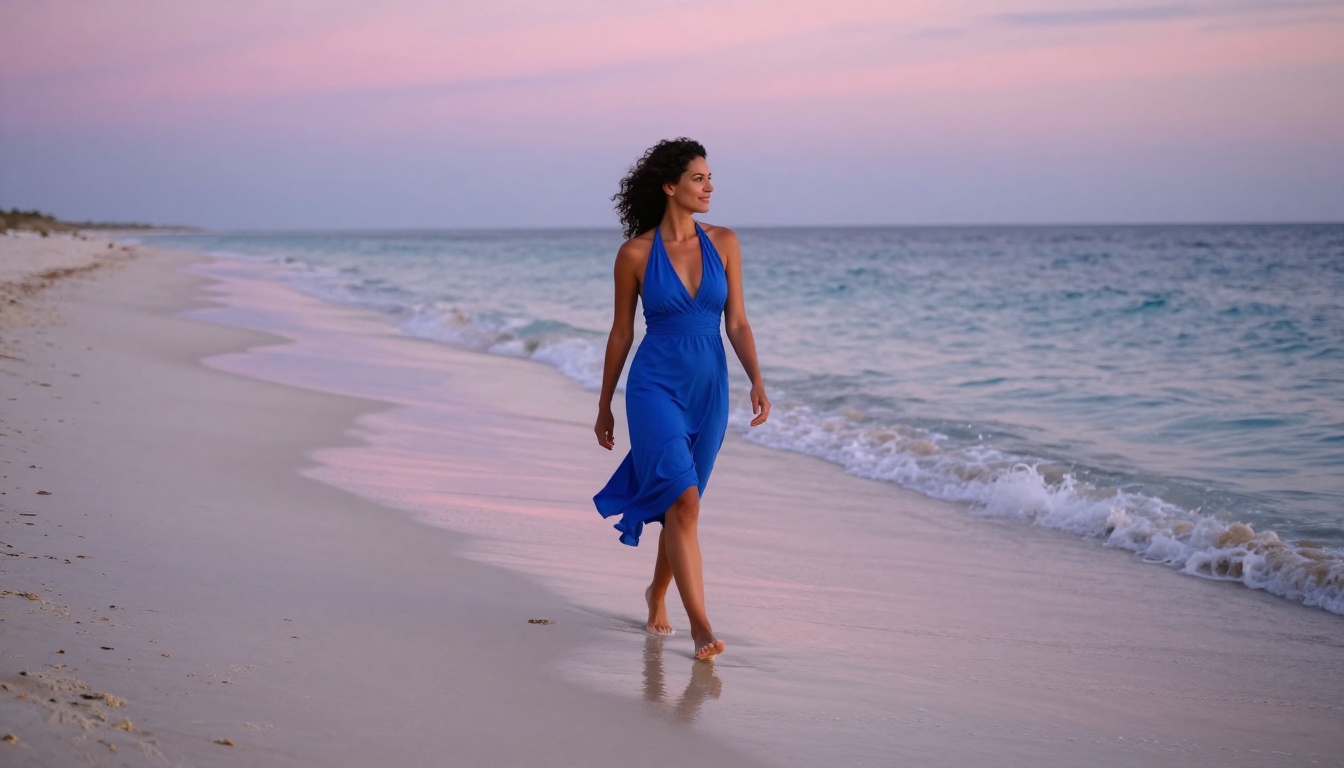
Start Creating on PicassoIA
Every model covered in this article, from Flux Dev to Realistic Vision v5.1 and RealVisXL Turbo, is accessible on PicassoIA right now. No local GPU setup. No Python environment. No SD WebUI configuration. You open the model page, type your prompt, and generate.
Start with Flux Dev if you're after maximum photorealism. Start with DreamShaper XL Turbo if speed and iteration matter more than pixel-perfect detail. Use the prompt templates above, swap the variables for your specific vision, and see what comes back on the first generation.
The ceiling on what's achievable with free NSFW AI art tools in 2027 is dramatically higher than most people assume. The models are capable. The results come down to how well you describe what you want.
Pick a model. Write a specific prompt. Generate. The first impressive output is one well-written prompt away.


