The hardest problem in AI art isn't generating beauty. It's generating believability. That skin catching morning light at exactly the right angle. The way fabric drapes over a shoulder. The imperfect perfection of a real face. For months, most models produced images that looked AI-generated the second you inspected them closely. FLUX.2 Max changed that conversation permanently.
This is what you need to know about creating NSFW AI art that stops people mid-scroll because they genuinely can't tell if it's real.
What Makes FLUX.2 Max Different from Every Other Model
4MP Output That Doesn't Flinch at Detail
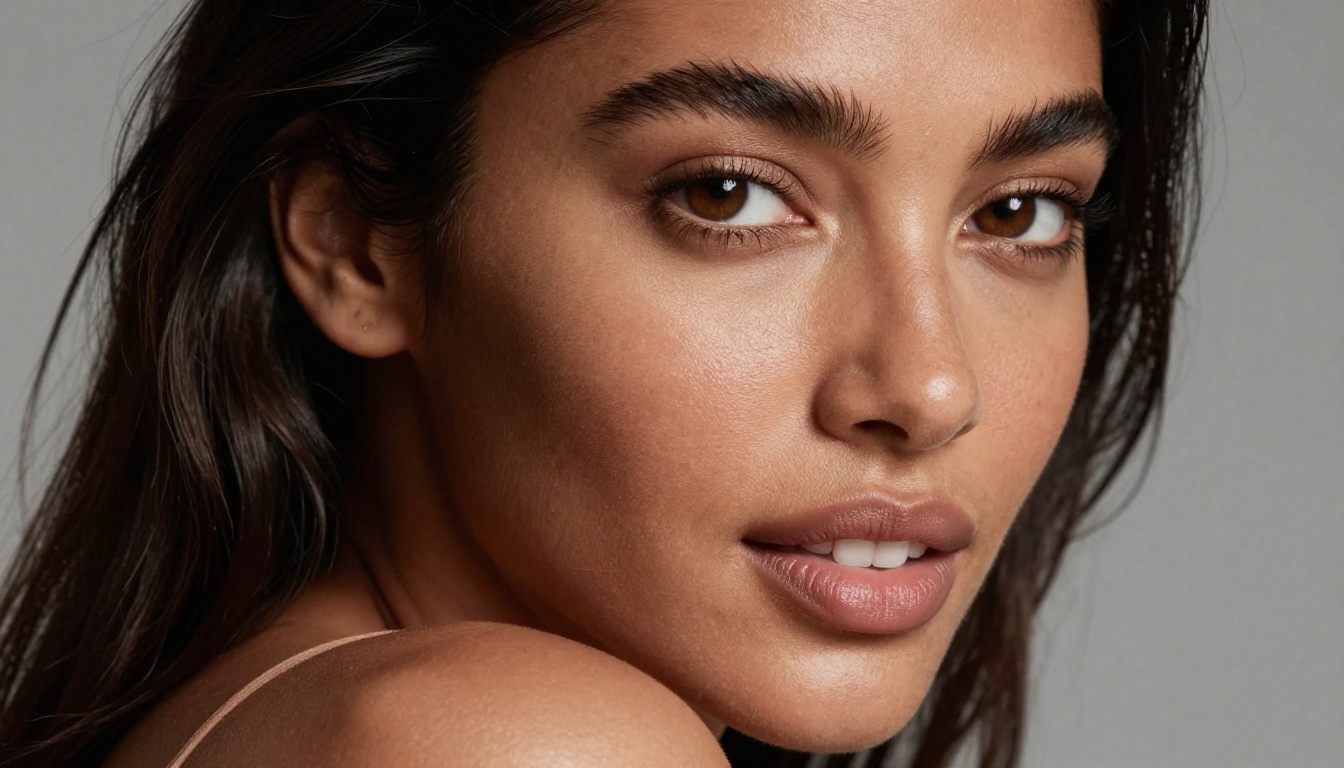
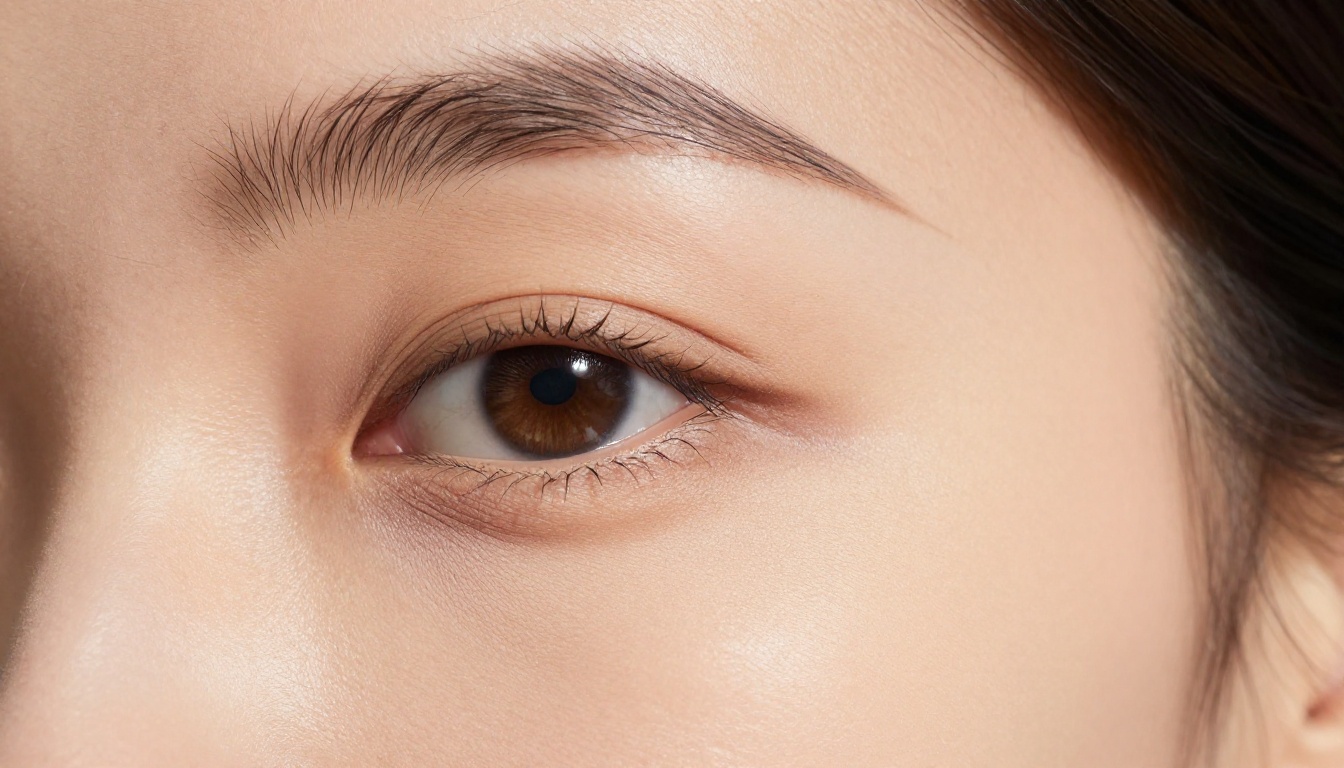
FLUX.2 Max from Black Forest Labs operates at 4 megapixels of native output, which places it in a completely different category than models that upscale from lower resolutions. The difference shows up most clearly in skin. Most generators, when pushed to produce fine detail, default to either a plastic oversmoothed texture or a noisy mess of artifacts. FLUX.2 Max produces verifiable pore structure, subsurface scattering effects, and micro-shadow variation that reads as photographed rather than rendered.
💡 Why 4MP matters: At 4MP native, you're generating enough pixels to sustain real texture even in tight portrait crops. Upscaling a 1MP image 4x always shows. Generating natively at 4MP never does.
The Science of Photorealistic Skin
Skin believability comes from three variables FLUX.2 Max handles better than its predecessors:
- Subsurface scattering — the way light enters skin slightly and bounces back red-pink
- Micro-shadow variation — small wrinkles, pores, and follicle shadows rendered at correct scale
- Specular coherence — highlights that respond correctly to a single consistent light source direction
FLUX 2 Dev and FLUX 2 Pro are strong performers, but neither matches Max's fidelity in close-up shots where skin becomes the centerpiece of the image.
Why NSFW AI Art Needs a Specific Model
The Problem with Generic Models
Most AI image models apply safety filters that don't just block explicit content. They actively suppress suggestive composition, bare skin, and certain lighting scenarios. The result is images that desaturate, add clothing, or plain refuse the most artistically interesting aspects of figure photography. Even when they do comply, the outputs look sterile and sanitized.
For AI-generated glamour, artistic figure work, and suggestive content, you need models that are both uncensored and photorealistic. Those two qualities rarely coexist in standard tools.
Which Models Actually Work for Adult Content
For NSFW AI art on PicassoIA, the model hierarchy looks like this:
Start with Seedream 4.5 for maximum creative freedom. It's the most permissive model on the platform and produces 4K images with exceptional body and face realism. Its color science leans warm and saturated, working beautifully for outdoor and golden-hour scenarios. Follow with FLUX.2 Max when you want the final 10% of skin photorealism that separates AI art from AI photography.
PicassoIA Image Editor Pro deserves a mention for a separate reason: it allows unlimited generations, which matters significantly when iterating on prompts to dial in exact lighting and pose. No credit anxiety, no generation limits, no waiting.
💡 Important: Seedream 5 Lite applies strict content filters and is not suitable for NSFW content. Always use Seedream 4.5 or FLUX.2 Max for adult-oriented artistic work.
How to Use FLUX.2 Max on PicassoIA
Setting Up Your First Generation
Getting your first FLUX.2 Max generation running takes about 90 seconds:
- Go to picassoia.com/en/collection/text-to-image/black-forest-labs-flux-2-max
- Log in or create your free account
- Enter your prompt in the text field (see prompt formulas below)
- Set aspect ratio to 16:9 for cinematic shots or 9:16 for portrait-format outputs
- Click Generate and wait approximately 30-60 seconds for the 4MP output
The interface is clean with no complex settings to configure for beginners. FLUX.2 Max handles the technical processing on Black Forest Labs infrastructure, accessed directly through PicassoIA's interface.
Parameters That Change Everything
While FLUX.2 Max runs well on defaults, two settings make a measurable difference for NSFW photography-style output:
- Steps: Higher step counts (30-40) produce more refined skin detail. The default works for testing but increase it for final outputs you want to keep or share.
- Guidance Scale: Keep this between 3.5 and 5 for natural-looking results. Too high creates an over-rendered, artificial look that immediately reads as AI.
Prompting for Results That Look Photographed
The difference between AI art and AI photography lives entirely in the prompt. FLUX.2 Max is capable of either. Here's how to push it firmly toward the photography end of the spectrum.
The Lighting Formula
Professional photographers know that lighting is 80% of any image. The same truth applies to prompting. Describe the light source, its direction, its color temperature, and what it does to the subject's body:
Weak prompt: beautiful woman, natural light
Strong prompt: volumetric golden hour light from the left window at 45 degrees, catching collarbone and cheekbone, creating soft face shadow on the right side, warm 3200K color temperature
Lighting descriptors that trigger photorealistic rendering in FLUX.2 Max:
volumetric morning light from left, soft shadow fallofflarge octabox at 45 degrees, beauty dish fill from opposite sidegolden hour backlight creating rim lighting on shoulders and hairovercast diffused daylight through sheer curtains, no hard shadowsmixed tungsten and window light, visible color temperature contrast
Composition and Angle Prompts
Angle dramatically affects how realistic an image reads. These specific terms produce the most reliable results:
| Angle | Prompt Trigger | Best Use |
|---|
| Low-angle | low angle looking up, slight upward tilt | Full-body power shots |
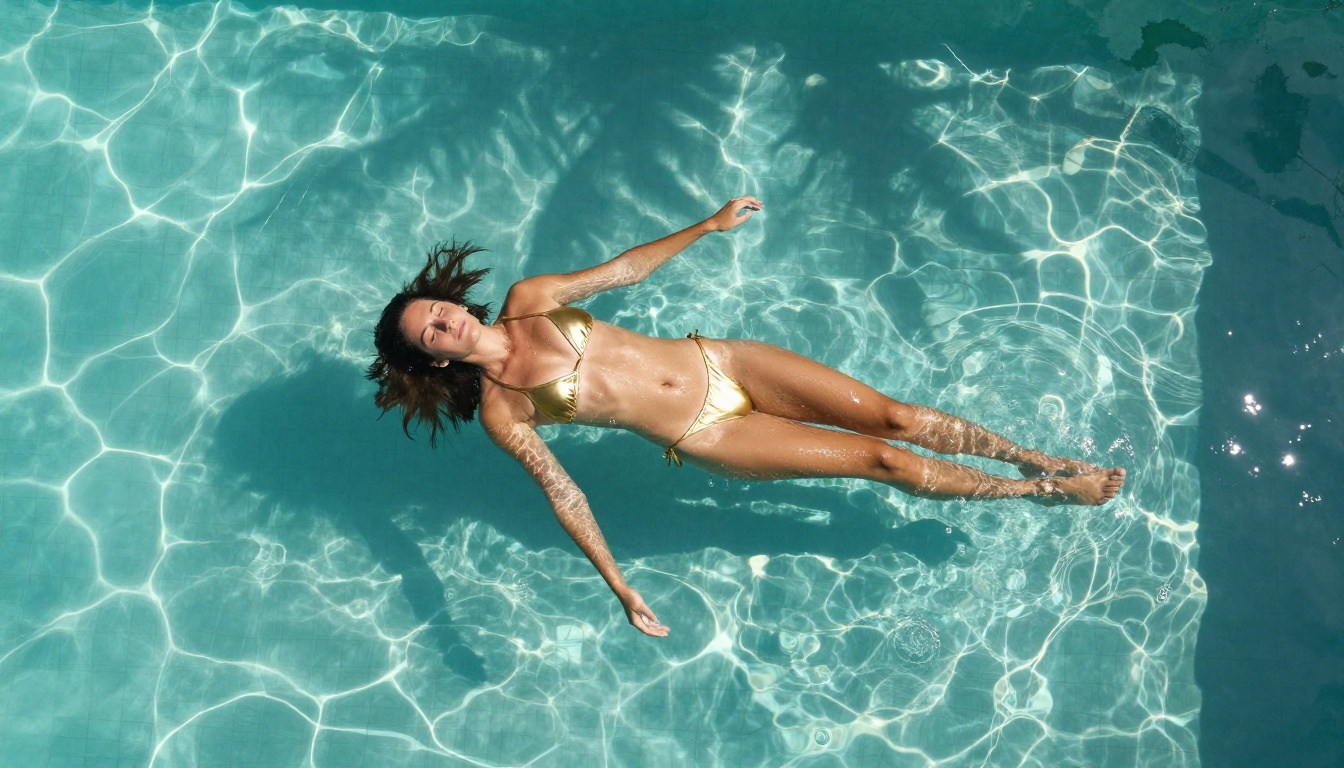
| Overhead | aerial directly overhead, top-down perspective | Pool, beach, lying shots |
| Close-up | 85mm portrait crop, face and décolletage | Skin detail and expression |
| 3/4 view | three-quarter profile, slight turn away from camera | Natural, candid look |
| Eye-level | eye level, straight-on, documentary style | Intimate, direct contact |
Skin Texture Triggers
These prompt fragments directly activate FLUX.2 Max's skin rendering capabilities. Drop them into any prompt for immediate improvement:
visible pores, subsurface scattering, micro-shadow variationnatural skin imperfections, no retouching artifactsskin texture detail, follicle shadows at correct scalewet skin with specular highlights, water droplet surface tensionKodak Portra 400 film grain, authentic natural skin tones85mm f/1.4 Canon, shallow depth of field, subject in sharp focus
Adding camera specifications is not cosmetic. FLUX.2 Max has been trained on vast photography datasets with embedded metadata, and mentioning specific lenses and film stocks genuinely shifts its output toward photographic rendering rather than illustration.
Upscaling Your FLUX.2 Max Output
Clarity Pro Upscaler for Portraits
FLUX.2 Max generates at 4MP natively, but sometimes you need larger print-ready or wallpaper-sized outputs. Clarity Pro Upscaler is the best option for portraits and figure photography because it preserves rather than invents skin texture during enlargement. It uses a detail-aware algorithm that distinguishes between skin, fabric, and background, upscaling each zone with different logic rather than applying a uniform filter.
For a 4MP FLUX.2 Max output at 3840x2160, Clarity Pro pushes it toward 7680x4320 without the plastic skin artifacts you get from generic upscalers.
Topaz for Maximum Resolution
When size is the priority and you need up to 6x enlargement, Topaz Image Upscale handles it better than any other option on PicassoIA. It's particularly effective on images with strong texture variety, where other tools average out detail into smooth blurs. A FLUX.2 Max portrait at 6x Topaz will stand up to large format printing.
For quick workflow on most images, Real ESRGAN provides free 4x upscaling that works well on everything except very tight skin crops, where it can over-sharpen fine pore detail.
FLUX.2 Max vs the Competition
FLUX.2 Max vs Seedream 4.5
These two models are the top performers for photorealistic NSFW content on PicassoIA, but they excel in different situations:
Seedream 4.5 has an inherent advantage in permissiveness. It generates 4K images with excellent body proportion and facial realism. Its color science leans warm and saturated, which works beautifully for outdoor and golden-hour scenarios. For purely uncensored output with maximum creative control over subject matter, start here.
FLUX.2 Max wins on micro-detail. Skin texture, fabric drape, hair strand behavior, and shadow gradients are all noticeably more refined. When the goal is producing an image indistinguishable from a photograph under close inspection, FLUX.2 Max is the right call.
The optimal workflow: use Seedream 4.5 to establish composition and iterate on creative direction, then switch to FLUX.2 Max to produce the final polished output.
FLUX.2 Max vs FLUX.2 Pro
Both come from Black Forest Labs. The practical differences between them:
- FLUX 2 Pro applies stronger content filtering and slightly softer skin rendering in suggestive scenes
- FLUX.2 Max outputs at higher native resolution with less filtering applied to artistic figure content
- For glamour figure photography, FLUX.2 Max produces noticeably more realistic results in direct comparison
FLUX 2 Dev sits below both in photorealism quality but generates faster, making it worth using for rapid iteration before committing to a Max generation that takes longer.
5 Prompts Worth Trying Right Now
These prompts have been tested and produce reliable results on FLUX.2 Max. Copy and run them directly:
1. Santorini Morning Shot
Beautiful woman with porcelain skin reclining on white linen, minimal white bikini top, morning golden hour light through sheer curtains, Aegean Sea visible through balcony doors, Canon EOS R5 85mm f/1.4, Kodak Portra 400, visible pores and collarbone shadow, 8K RAW --ar 16:9
2. Rainy Paris Window
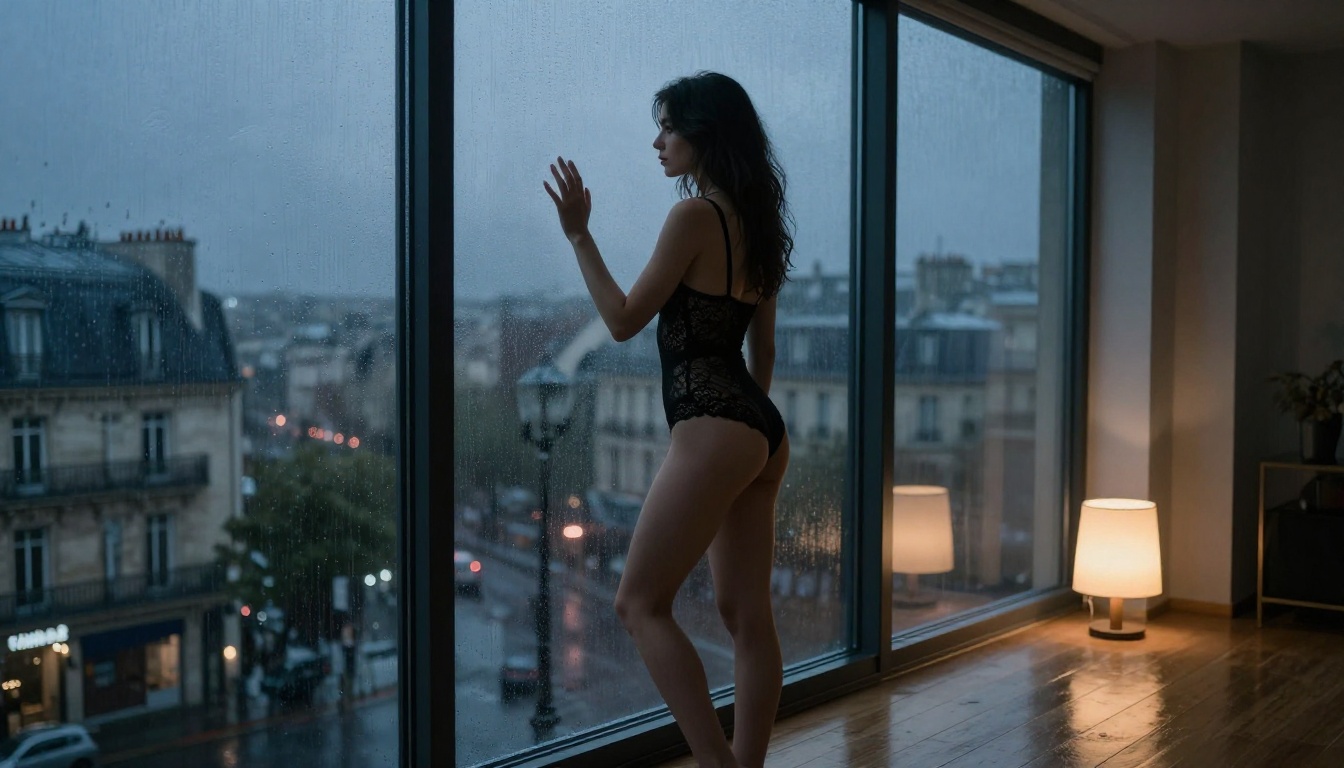
Woman in black lace bodysuit pressed against rain-streaked floor-to-ceiling glass, Paris cityscape at dusk, moody blue-grey backlight from window, single warm floor lamp, wet city light reflections on hardwood floor, 35mm lens, Ilford HP5 grain, photorealistic 8K RAW --ar 16:9
3. Golden Hour Rooftop
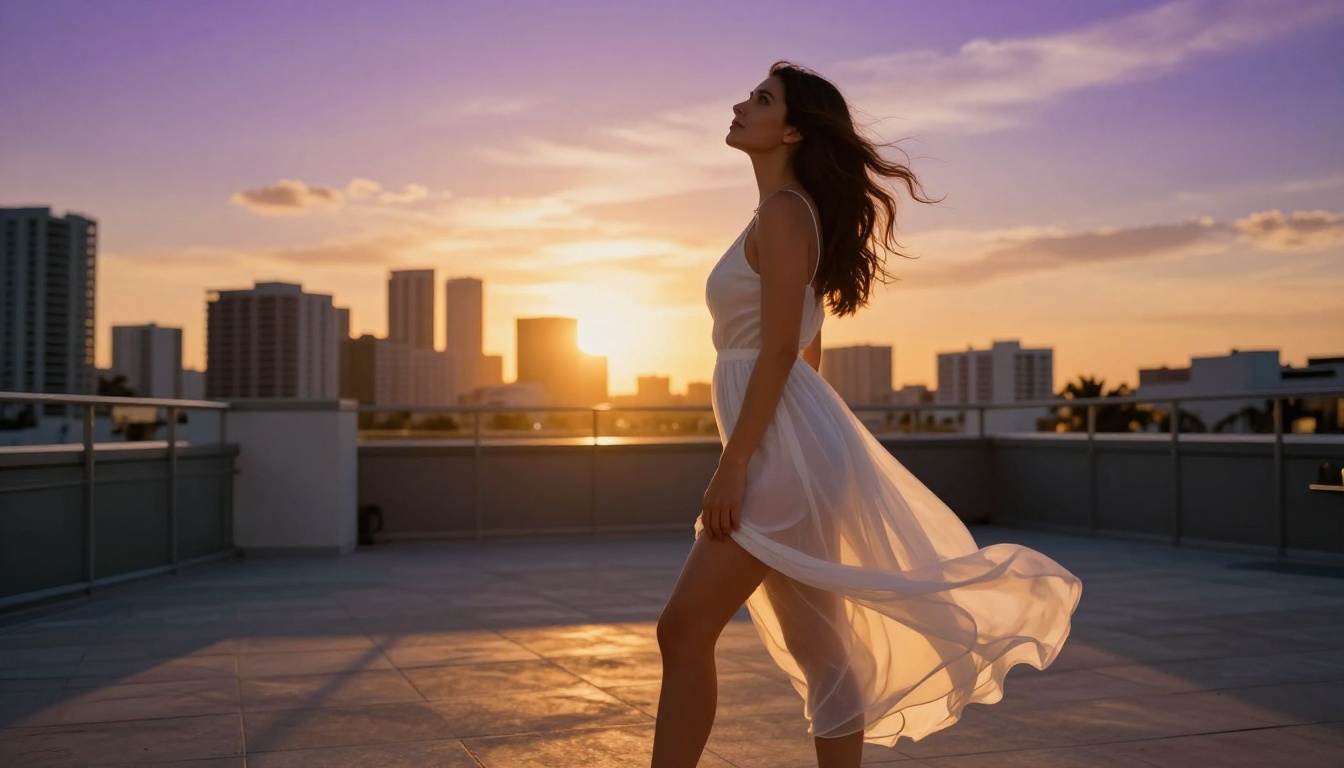
Confident woman in sheer white sundress on Miami rooftop at sunset, amber sky backlight with rim lighting on shoulders, wind lifting dress hem, Leica M11 28mm low-angle upward shot, deep purples and oranges in sky, natural skin texture, Kodak Portra 800 --ar 16:9
4. Ocean Emergence
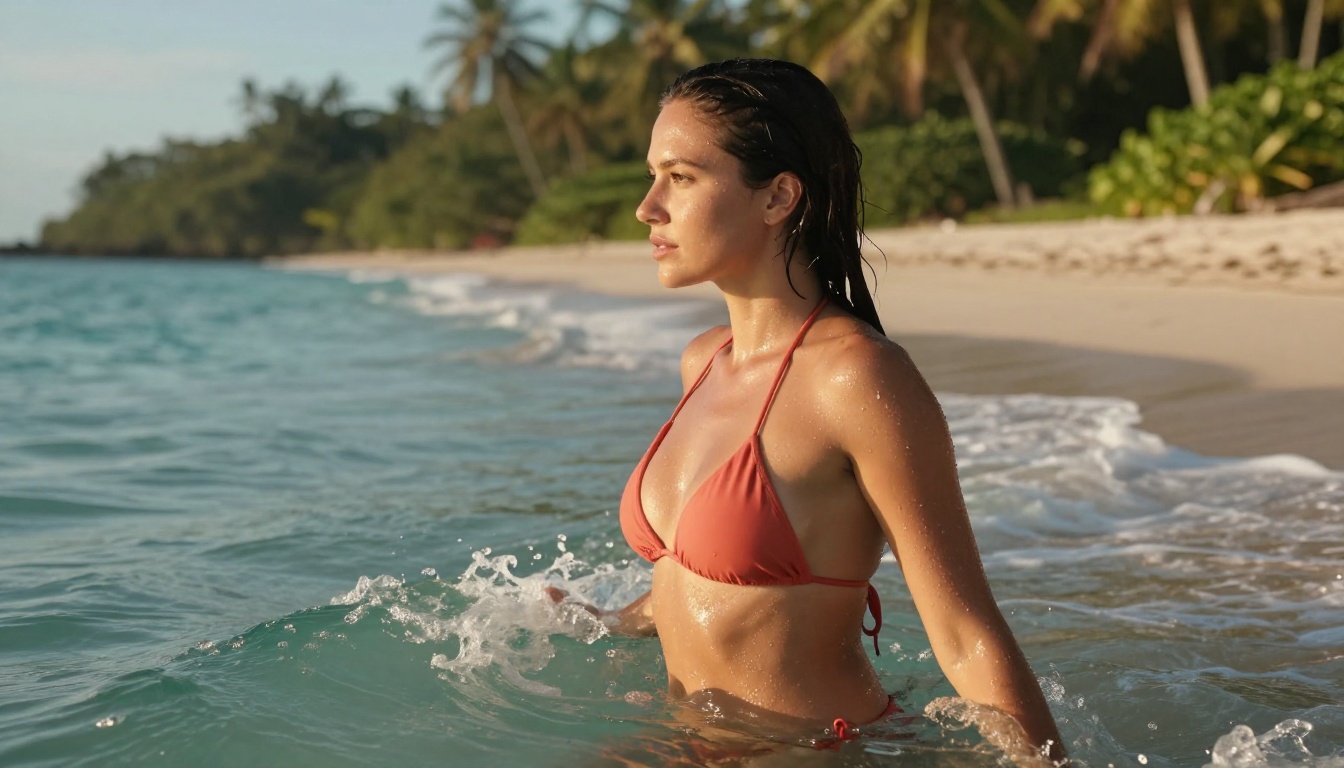
Woman emerging from tropical ocean waves, minimal coral bikini, wet skin in late afternoon sun, telephoto Canon 70-200mm f/2.8 compression, turquoise water with foam, detailed water droplet texture on skin surface, jungle background soft focus, golden hour lighting --ar 16:9
5. Studio Close-Up
Close-up portrait with bronze skin and dark wavy hair, bare shoulders with spaghetti straps, octabox at 45 degrees creating cheekbone shadow, natural catchlights in hazel eyes, Canon 85mm f/1.2 lens compression, neutral gray background blurred, Kodak Portra 400, authentic beauty photography 8K --ar 16:9
Create Your Own
The images throughout this article were generated using the photorealistic prompting formulas above, applied to models available directly on PicassoIA. No professional photography equipment, no studio rental, no contracts or release forms.
If you want the fastest entry point, go to picassoia.com/en/all-models and start with Seedream 4.5 for full creative freedom on adult-oriented content. When you're ready for the highest possible photorealism, switch to FLUX.2 Max and apply the prompt formulas above. Run your best outputs through Clarity Pro Upscaler or Topaz Image Upscale for results that print cleanly at any size.
For unlimited iterations without thinking about credits, PicassoIA Image Editor Pro has everything you need in one place.
The only thing left is trying it.


