You have too many tabs open. One for your NSFW AI chatbot, another for image generation, a third for upscaling, maybe a fourth for something else entirely. It adds up fast, and the workflow breaks down every time you switch contexts. The good news is that this problem is already solved. Platforms combining NSFW AI chat and image tools all in one place exist right now, and they work better than the patchwork of separate apps most people are still using.
This piece covers exactly what to expect from an all-in-one AI creative platform, which models to use for different tasks, how to get consistently good results, and why the combination of chat plus image generation is worth taking seriously.
What "All-in-One" Really Means
Saying a platform is "all-in-one" gets thrown around a lot. What it actually means in practice is different from the marketing pitch.
The problem with fragmented tools
When your chat AI lives on one website and your image generator lives on another, you lose time on every single session. You write a character description in chat, copy it manually into the image tool, tweak it there, realize the phrasing doesn't translate well, go back and adjust in chat, and repeat. It is a small friction per step, but it compounds into something genuinely annoying.
The deeper problem is consistency. Your chat context and your visual output never truly sync when they live in separate places. Characters lose their look. Moods shift between sessions. Details get dropped in translation.
Chat plus visuals in the same session
A platform that houses both changes how the creative loop works. You describe a scene in natural language with an AI chat model, then immediately pass that to an image generator with minimal adjustment. The context travels with you. The session stays coherent. That is the actual value of having NSFW AI chat and image tools all in one place.
AI Chat Models Worth Your Time
The chat side of an all-in-one platform only matters if the models are competitive. On a good platform, you have access to multiple large language models in one spot, with no context lost between switching.
LLMs that skip the corporate filter
Not every use case fits within what mainstream chatbot products allow. For creative writing, character development, adult fiction, and roleplay scenarios, you want models that respond to the full range of your prompt without constant refusals. Several models available on PicassoIA handle this well, including Meta Llama 3 70B Instruct, DeepSeek V3, and DeepSeek V3.1.
For premium-tier writing quality and reasoning depth, Claude 4 Sonnet and GPT-5 are available on the same platform. You switch between them without leaving the page.
💡 Tip: Use a smaller, faster model like GPT-5 Mini for rapid back-and-forth chat, then switch to a heavier model like Gemini 3 Pro for long-form writing sessions.
Picking the right model for your needs
Image Generation: The Real Power
Chat is useful. Images are what most people are actually here for. The image generation side of a good all-in-one platform should have range: photorealism, stylized art, body-positive variety, and fine control over anatomy and lighting.
Photorealism vs. stylized output
Different models have different strengths. For photorealistic output, Flux 1.1 Pro and Flux 1.1 Pro Ultra sit at the top right now. They handle skin texture, lighting, and depth of field better than most alternatives. For a slightly different aesthetic with a bit more painterly warmth, Realistic Vision v5.1 and DreamShaper XL Turbo are worth trying.
If you want stylized rather than photorealistic, Proteus v0.3 handles anime and semi-stylized output well without sacrificing anatomical accuracy.
The models pulling the most weight
SDXL remains a solid workhorse for general-purpose creation. Stable Diffusion 3.5 Large pushes composition quality further with stronger prompt adherence. For the highest-fidelity text prompt interpretation combined with visual accuracy, Flux 2 Pro is currently one of the strongest available.
How to Use Flux 1.1 Pro on PicassoIA
Flux 1.1 Pro is one of the most capable photorealistic image models on the platform. Here is how to use it effectively.
Step-by-step setup
- Go to the Flux 1.1 Pro page on PicassoIA.
- Type your prompt in the text field. Start with the subject, then add lighting, then camera details.
- Set the aspect ratio to 16:9 for wide scenes or 3:4 for portrait orientation.
- Leave safety settings at the default for general use, or adjust for more explicit creative content.
- Hit Generate and wait 10-20 seconds for the result.
- If the result is close but not quite right, use the Edit Image feature to refine specific areas with inpainting.
Parameters that change everything
- Steps: Higher step counts (30-50) improve detail at the cost of speed. For fast drafting, 20 steps works fine.
- CFG Scale: Values between 3.5 and 5.0 give good prompt adherence without over-saturating the image.
- Seed: Pin a seed when you find a composition you like and want to iterate on it.
- Negative Prompt: Block unwanted elements. Common additions: "blurry, low quality, watermark, extra limbs, bad anatomy."
💡 Pro tip: Describe your lighting source explicitly. "Warm side lighting from the left, golden hour" produces dramatically better skin rendering than a generic "beautiful lighting" instruction.

Model Showdown: Chat and Image Side by Side
Choosing the right model depends on what you are making. Here is a direct comparison across the models available on PicassoIA.
Image models compared
Which one to start with
If you are new to photorealistic NSFW image generation, start with Flux 1.1 Pro. The prompt-to-output quality is high even with simple descriptions, and it handles body proportions and skin lighting better than most models at its speed tier. Once you are comfortable, upgrade to Flux 1.1 Pro Ultra for shots where fine detail matters.
NSFW Output: The Aesthetic Standard
The word "NSFW" gets used to cover a huge range of content, from a suggestive social media post to fully explicit adult material. Where the best AI image tools sit is the middle zone: glamour, boudoir, artistic nudity, and sensual photography.
What "suggestive" looks like in practice
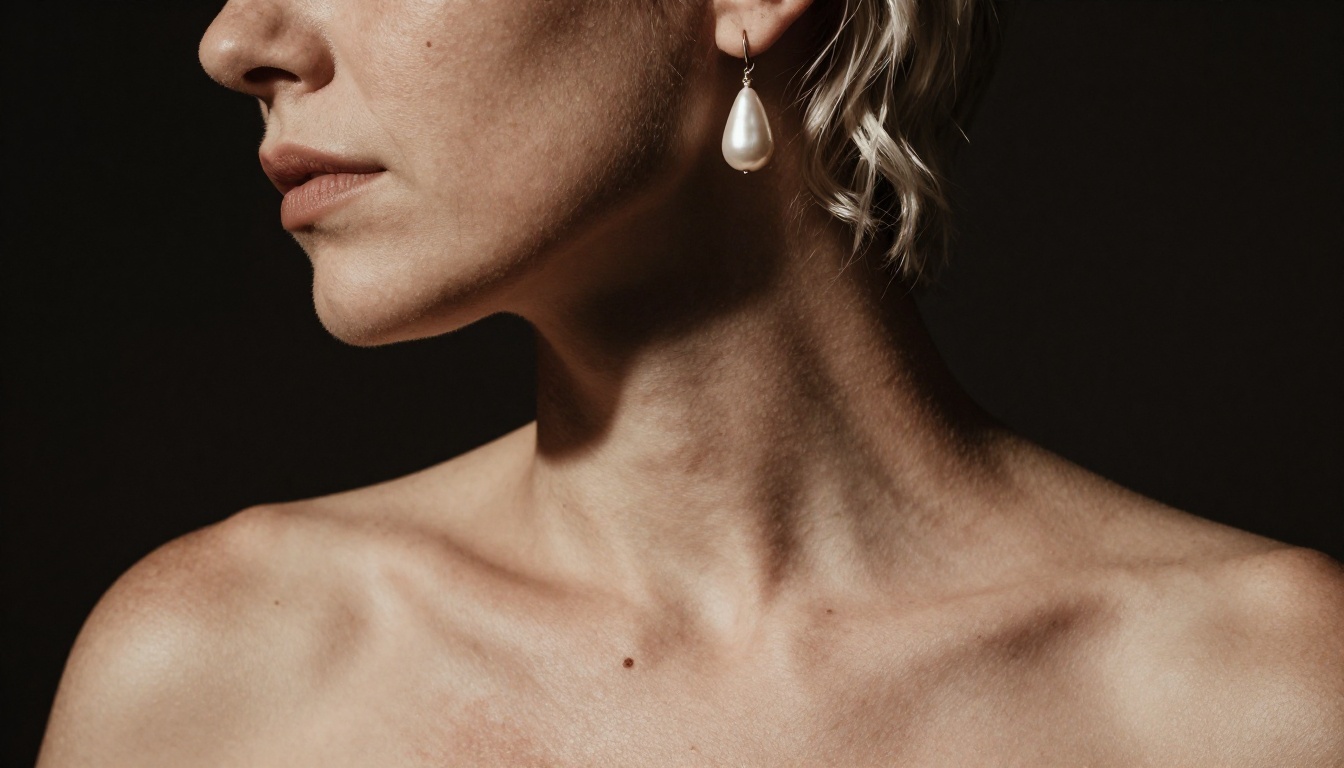
Think film photography. Lingerie editorial. The kind of image that would appear in a high-fashion magazine or a serious portrait photographer's portfolio. That is the aesthetic ceiling these models aim for, and they reach it consistently when prompted correctly.
Models like Flux 1.1 Pro and Realistic Vision v5.1 produce images that feel expensive. The skin reads as real. The light falls correctly. The scene has atmosphere. That is what separates AI-generated boudoir photography from the flat, lifeless output that characterized earlier generations of image models.
Artistic nudity and glamour photography
- Implied nudity: Draped fabric, strategic shadow, turned profiles. These prompt well with descriptions like "tasteful silhouette, soft backlit contour, draped linen."
- Boudoir: Lingerie, silk robes, candlelit settings. Describe textures specifically: "sheer lace with shadow detail, warm amber lamp, Persian rug."
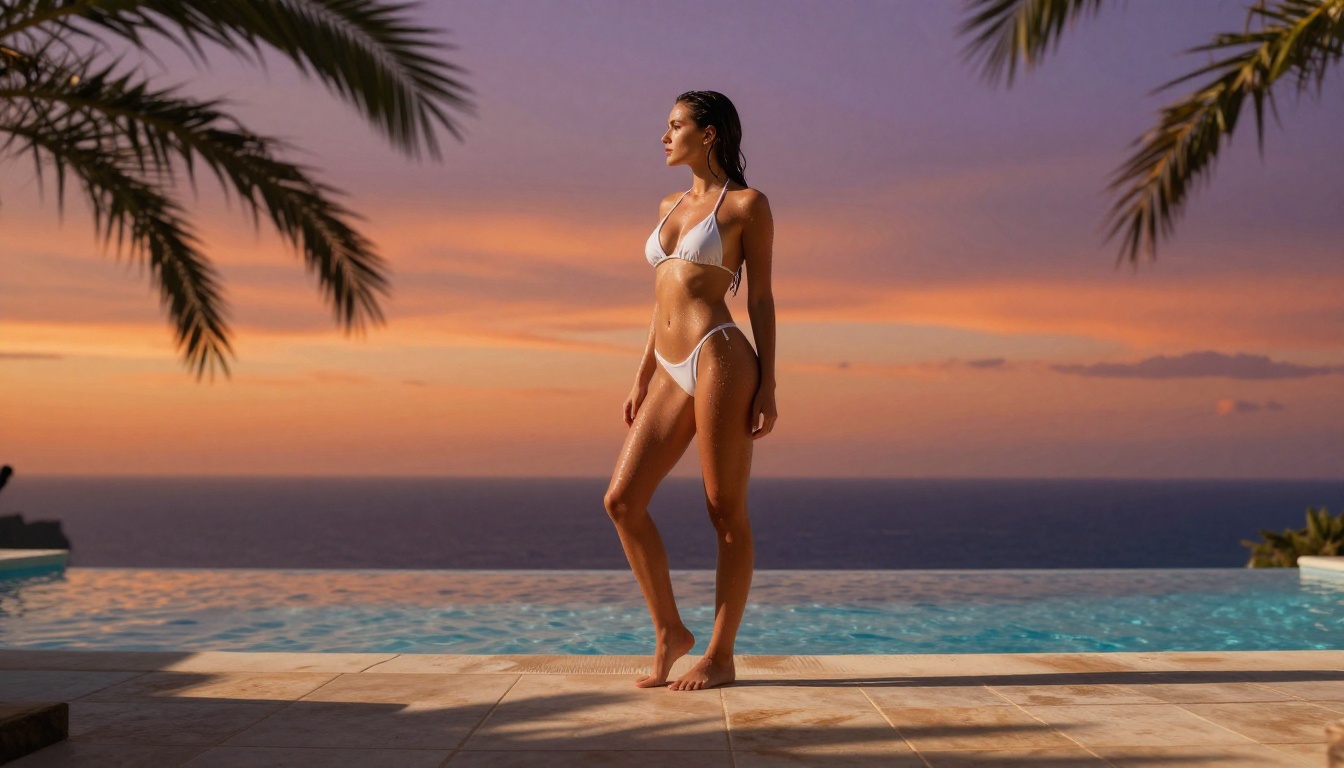
- Glamour: Pool-side, rooftop, golden hour exteriors. Combine location, clothing detail, and lighting direction in one sentence.
💡 Keep your prompts scene-based. Describe what a photographer would see through the viewfinder, not just what you want. That framing consistently gets better results from every model.
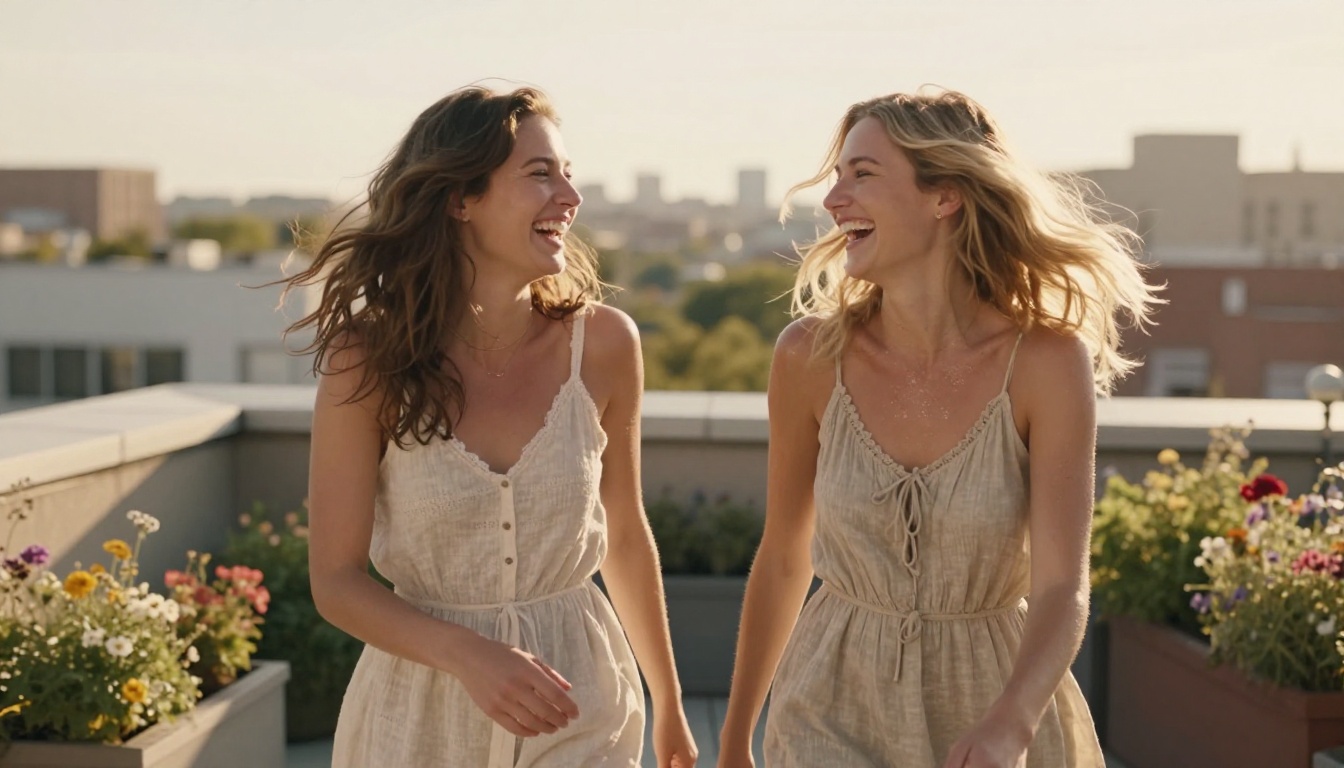
Image generation and AI chat are the core offering. But a real all-in-one platform adds tools that extend what you can do with the assets you create.
Image post-processing
After generation, several tools in the pipeline are worth knowing:
- Super Resolution: Upscale generated images 2x or 4x without quality loss. Essential before printing or sharing at full size.
- Background Removal: Clean cutouts for compositing, commercial use, or creative layering.
- Inpainting: Fix anatomy errors, swap facial expressions, or adjust clothing detail without regenerating the entire image.
- Outpainting: Extend the canvas of a generated image in any direction to add more scene context.
💡 After you generate a strong portrait with Flux 1.1 Pro, run it through super resolution to bring out fine texture detail before using it anywhere.
Video and audio tools
The platform also includes text-to-video models, lipsync tools, and AI music generation. For users building adult content brands, social media assets, or creative short films, these tools round out the workflow without requiring external software. You go from text description to finished visual to animated clip without leaving the platform.
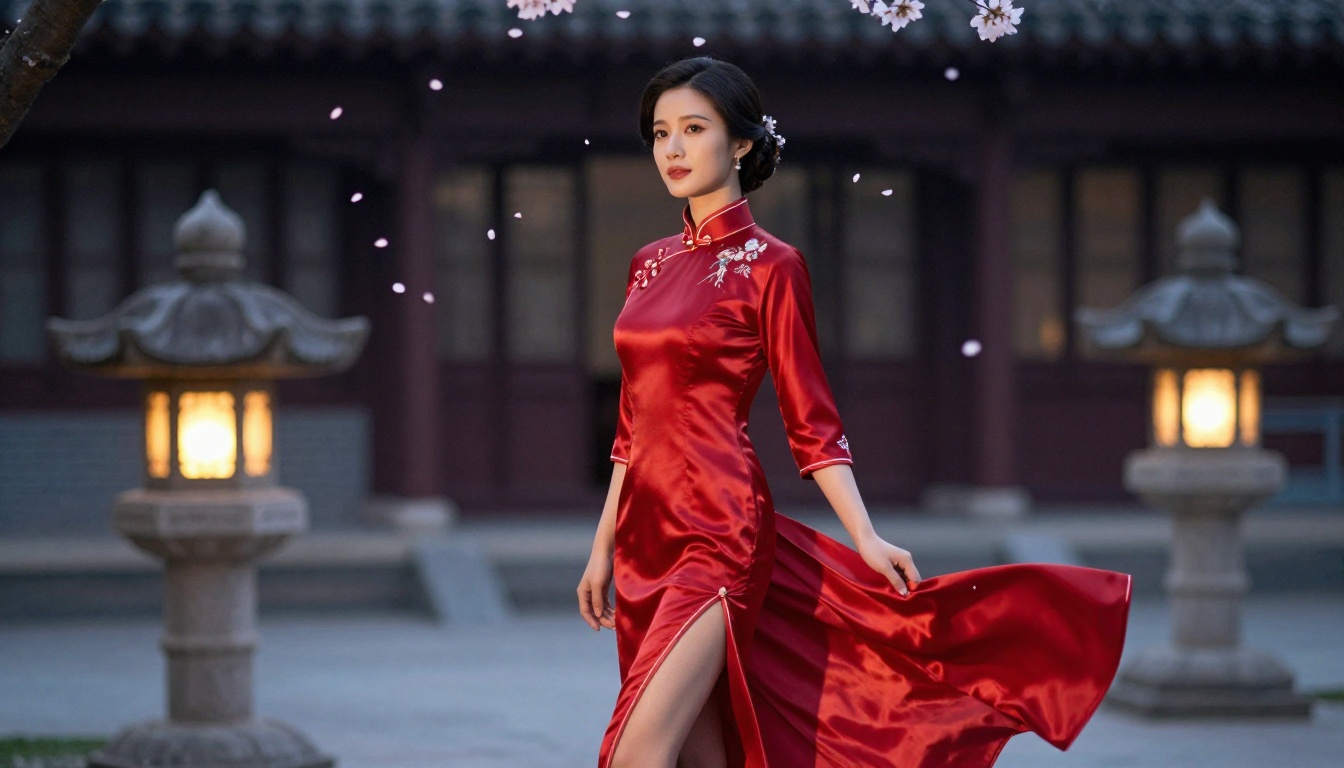
Prompt Writing That Actually Works
Bad prompts produce bad images, regardless of the model. This is where most people get stuck, and it has nothing to do with the technology.
Structure of a strong image prompt
A reliable prompt structure follows this order:
- Subject: Who or what is in the scene. Be specific about appearance, clothing, and pose.
- Environment: Where the scene takes place. Include textures, colors, and spatial details.
- Lighting: Direction, temperature, and quality of light. "Warm backlight from the left" beats "nice lighting" every time.
- Camera: Lens focal length, aperture, and distance from subject.
- Film stock or style: Kodak Portra 400, Fujifilm Pro 400H, shot on Leica. This shifts the color science of the result.
- Negative Prompt: What to exclude. Common issues to block: extra fingers, bad anatomy, cartoonish quality, watermarks.
Example:
"Young woman in silk camisole sitting on rumpled white sheets, morning light through sheer curtains creating soft diffused rim lighting, medium shot with 85mm f/1.8, Kodak Portra 400 color profile, natural bedroom setting with plants and coffee mug visible in soft background bokeh."
Chat prompts that get better responses
For AI chat and roleplay, the same principle applies: specificity wins.
- Set the scene with physical details before any dialogue begins
- Establish character voice, tone, and motivation
- Give the model a role explicitly ("respond as a character named...")
- Use prior model output to iterate rather than restarting from scratch
Models like Claude 4 Sonnet and GPT-5 respond especially well to rich scene-setting in the opening prompt. The more context you give upfront, the more coherent the conversation stays across many turns. For the most uncensored creative scenarios, Meta Llama 3 70B and DeepSeek V3.1 are typically the most permissive.
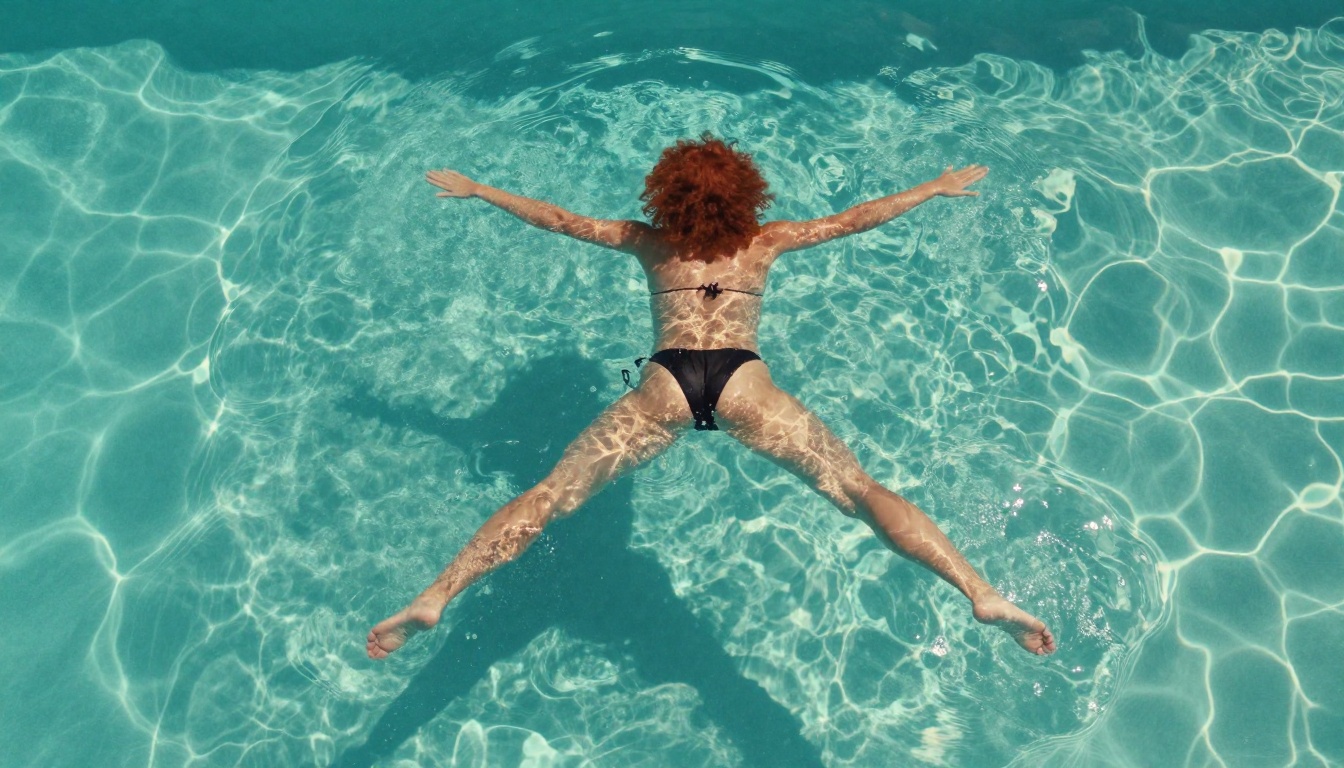
Why This Is the Better Way to Work
The case for having NSFW AI chat and image tools all in one place comes down to three things: speed, context, and range.
Speed because switching between platforms adds friction that compounds across every session. You stop. You copy. You paste. You re-explain context. You lose the thread. It is death by a thousand small interruptions.
Context because your creative ideas stay coherent when chat and visual generation live together. A character you built in conversation looks the same in the image you generate from it, because nothing got lost in translation between apps.
Range because accessing 91 image models and 34 chat models on a single platform means you are never stuck with a single aesthetic or a single creative voice. If Flux 2 Pro does not give you what you want on a particular image, you switch to Ideogram V3 Quality or Stable Diffusion 3.5 Large without opening a new tab.
The platforms that figured this out early are pulling ahead. For anyone doing character work, creative fiction, glamour imagery, or adult content production, the all-in-one approach is not just convenient. It is the better way to work.

Create Your Own Right Now
PicassoIA gives you access to everything covered in this article from a single platform. Whether you start with Flux 1.1 Pro for photorealistic image generation, Meta Llama 3 70B for creative chat, or any of the 34 other LLMs available, the full workflow is there without the tab-switching.
Start with a character description in chat. Drop that description straight into Flux 1.1 Pro or Flux 2 Pro and see what comes back. Adjust the lighting details. Pin a seed when you like the composition. Run the result through super resolution when it is right. That is the whole workflow. It takes about five minutes to learn and it beats every fragmented alternative currently available.
Stop switching tabs. Everything you need is already in one place.


