text to imagetext to video

NSFW AI on PicassoIA: content controls, safer prompting, and mature workflows

NSFW AI searches often mix curiosity with real creative needs, from mature fashion editorials to romance storytelling. This article breaks down how to approach mature prompts on PicassoIA in a way that stays tasteful and controlled, with clear boundaries, privacy habits, and practical prompting patterns for both images and videos.

NSFW AI on PicassoIA: content controls, safer prompting, and mature workflows
Cristian Da Conceicao

NSFW AI, what people usually mean

When people search for NSFW AI, they are usually looking for one of three things:

  • Mature themes (sensual mood, lingerie styling, romance, implied intimacy)
  • Content filtering (how to avoid generating something that crosses a line)
  • Privacy and control (how to work safely when the topic is sensitive)

This article focuses on the responsible, non-explicit side of the topic, how to plan prompts, how to keep outputs tasteful, and how to use PicassoIA settings to stay inside clear boundaries.

A creator writing a safety-minded prompt on a laptop

If your goal is explicit sexual content, do not try to work around safety systems. Build a concept that stays compliant for your audience.

What NSFW means in practice

NSFW is a label, not a single content type. In real projects, “mature” work often lives on a spectrum.

A simple way to think about levels

LevelTypical intentSafer examples of what to promptWhere projects go wrong
SafeGeneral audiencefashion editorials, swimwear ads, romantic lightingaccidental suggestive framing
MatureAdult audiencelingerie lookbook, implied intimacy, boudoir lighting, sensual mooddrifting into explicit detail
BlockedExplicit or exploitativenot something you should attempttrying to bypass boundaries

Blurred thumbnail grid with mature preview controls

If you create mature-themed content, a “good result” is not the goal. A clean workflow is.

Consent-minded workflow checklist

  • Use original characters or properly licensed references
  • Avoid using real person likenesses unless you have permission
  • Keep your content clearly adult-only in theme and presentation
  • Be careful with metadata and storage, sensitive prompts can reveal intent

Team reviewing a storyboard with rights and releases

Age gates and warning screens are part of the product

If you publish mature work (even if it is non-explicit), your audience needs clear signals.

  • Add a content warning where the preview appears
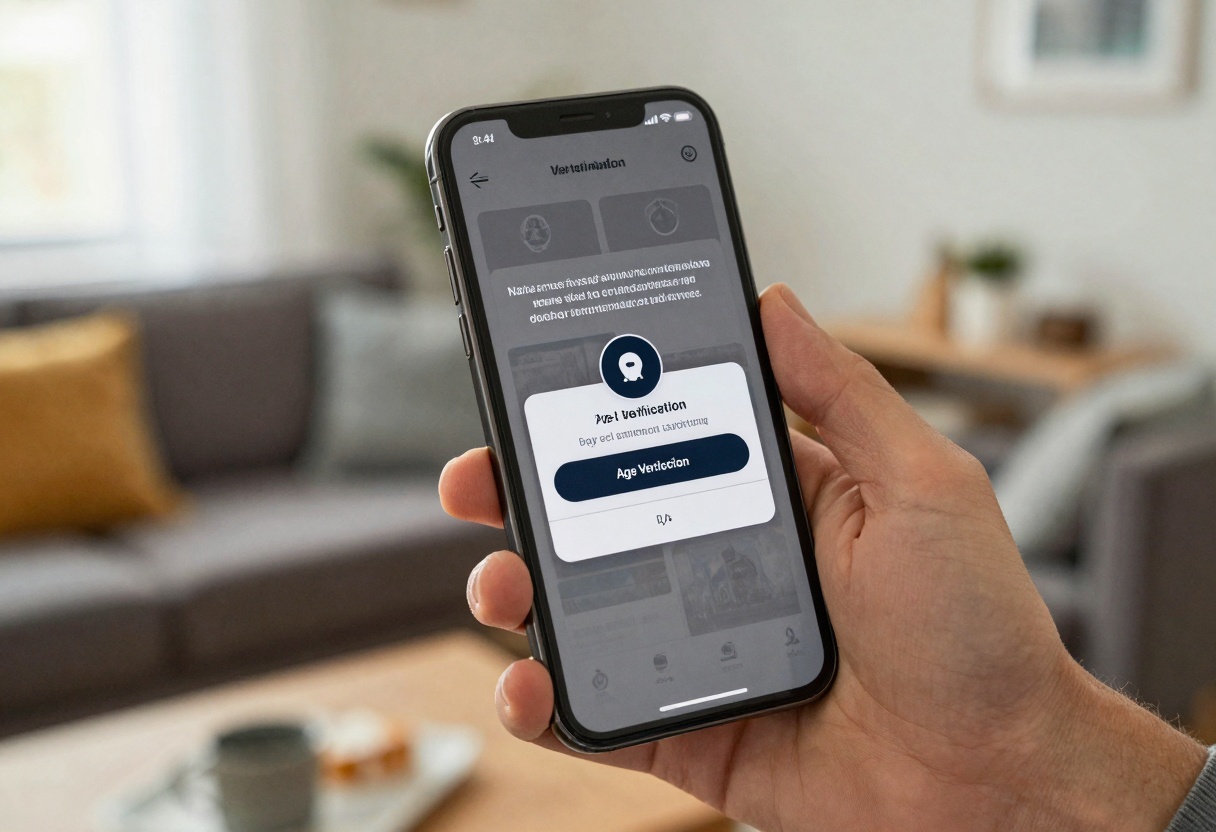
  • Use an age confirmation step before showing unblurred previews
  • Keep thumbnails blurred by default in shared spaces

Phone showing an age confirmation modal and warning overlay

Prompting mature themes without crossing lines

The easiest way to stay safe is to describe mood, styling, and cinematography, not anatomy.

A prompt pattern that stays tasteful

Use this structure:

  1. Subject and wardrobe (specific, non-explicit)
  2. Setting (studio backdrop, rainy window, candlelit room)
  3. Camera language (lens, framing, depth of field)
  4. Mood words (romantic, intimate, soft, dramatic)
  5. Boundaries (non-explicit, covered, implied, tasteful)

Example prompt you can adapt inside PicassoIA:

Tasteful editorial portrait, adult subject wearing an elegant silk robe,
soft window light, cinematic color grading, 85mm lens, shallow depth of field,
romantic mood, implied intimacy, non-explicit, covered, professional photography

Workplace scene representing review and moderation of sensitive projects

Negative prompts as guardrails

For mature but non-explicit work, a negative prompt is basically a boundary list.

  • explicit
  • graphic nudity
  • underage
  • real person
  • celebrity

Keep it short and avoid graphic detail.

A practical workflow inside PicassoIA (images)

For mature-themed images, consistency matters. Treat it like a photo shoot.

Step-by-step

  1. Pick a model on PicassoIA that matches your target look (photoreal, editorial, cinematic)
  2. Set an aspect ratio that fits the platform you publish to (3:2 for editorial, 9:16 for stories)
  3. Start with stricter safety settings, then adjust only if needed
  4. Generate small batches, compare, and iterate

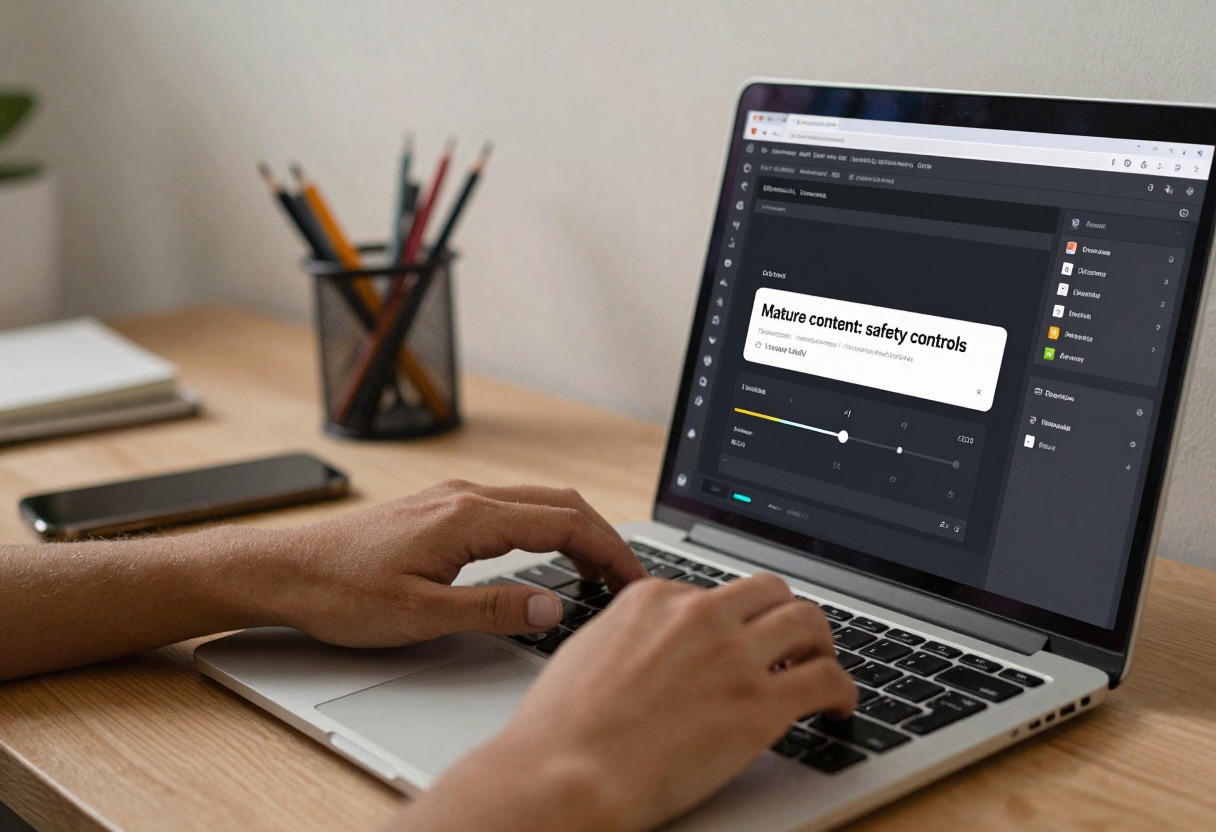
AI interface with safety controls and content boundaries

A small table for “prompt specificity”

Prompt styleExampleWhat usually happens
Vague“mature photo”unpredictable results and higher risk of crossing a line
Directed“editorial lingerie lookbook, soft window light, non-explicit”more consistent, safer framing
Production-ready“robe, covered, 85mm lens, soft shadows, color grade, negative prompt”the closest thing to a repeatable pipeline

A practical workflow inside PicassoIA (video)

Text-to-video adds motion, which means context changes frame to frame. Keep prompts even more controlled.

What to specify for mature-themed video

  • Wardrobe coverage and styling (keep it clear)
  • Camera move (slow dolly-in, handheld, static tripod)
  • Lighting (softbox, neon, candlelight)
  • Action (walking, turning, putting on a jacket)

Creator editing a video timeline with storyboard notes

If your prompt relies on explicit details to “work”, redesign the concept. You will get better results with stronger cinematic constraints.

Safety settings and review habits that save you time

A lot of people lose hours because they iterate on the wrong thing. Set your boundaries first.

Quick self-review before you hit Generate

  • Am I describing styling and mood, not anatomy?
  • Would I be comfortable showing a blurred thumbnail of this in a shared workspace?
  • Did I add a short negative prompt for obvious red flags?
  • Is this clearly adult-only in intent?

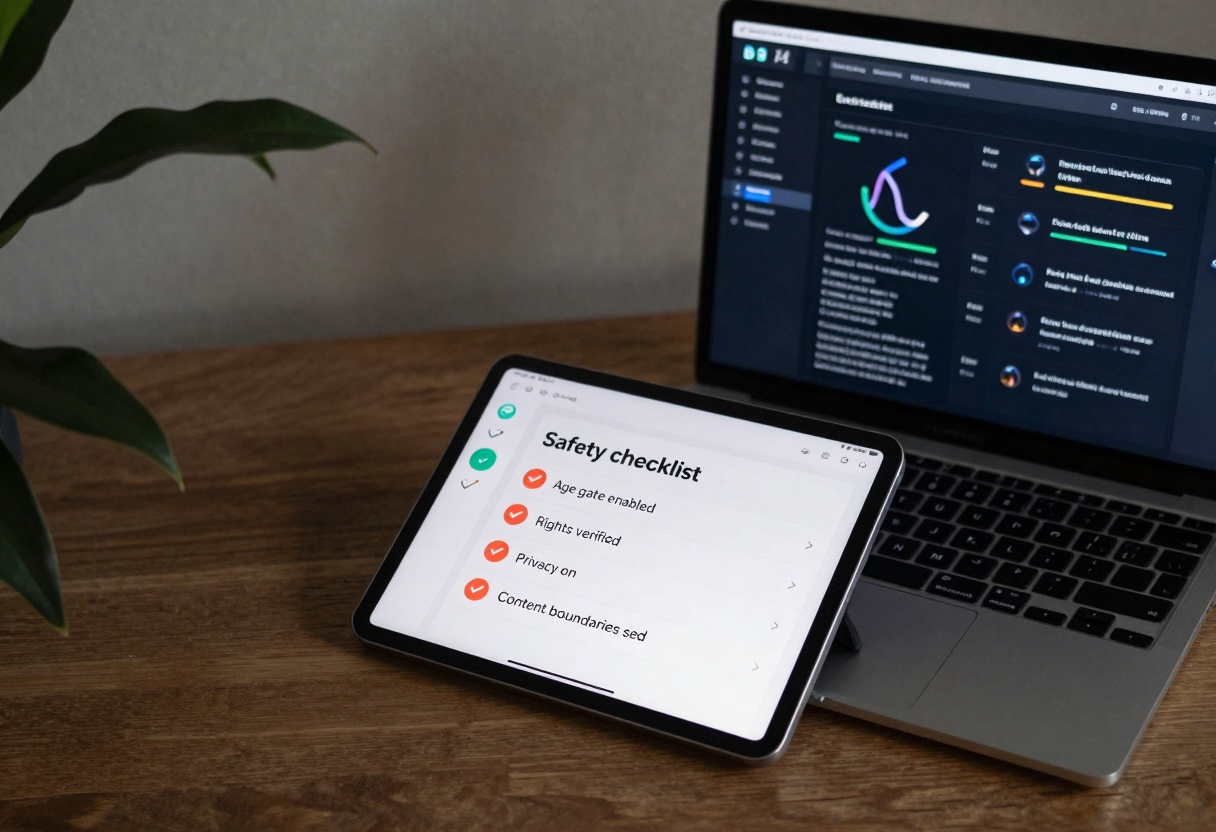
Tablet showing a safety checklist next to an AI dashboard

Privacy and sensitive projects

Even when the output is tasteful, the project context can be sensitive.

Good defaults for privacy

  • Keep mature projects in a separate workspace
  • Limit who can see previews, especially on shared accounts
  • Use descriptive but discreet file names
  • Store exports in a place with access controls

Secure dashboard with privacy, access control, and audit log icons

Padlock and cloud security concept for sensitive creative work

Common mistakes people make with NSFW AI prompts

  • Trying to be clever with wording, it usually produces messy outputs
  • Putting the “spicy” words first, instead of the cinematic constraints
  • Forgetting that video needs action cues, not just vibes
  • Skipping review and then sharing unblurred previews in the wrong places

Over-the-shoulder view of a creator using an AI prompt interface

How to use flux-2-pro on PicassoIA (tutorial)

Model page: flux-2-pro on PicassoIA

Step 1: Access the model page

Open the flux-2-pro page. This is where you enter prompts, adjust settings, and run generations.

Step 2: Configure required parameters

flux-2-pro requires only one field:

  • prompt: your text description

Step 3: Adjust optional settings (when you need more control)

Optional parameters you can tune:

  • aspect_ratio: choose a preset like 3:2, 16:9, 9:16, or match an input image
  • resolution: 0.5 MP to 4 MP (2 MP or below is often a good balance)
  • seed: set this when you want reproducible results
  • input_images: add up to 8 reference images for image-to-image guidance
  • output_format and output_quality: choose webp/jpg/png and quality
  • safety_tolerance: lower values are stricter, higher values are more permissive

For mature-themed work, start stricter, then relax settings only if your prompt is clearly non-explicit and you are still not getting the intended aesthetic.

Step 4: Generate the output

Click generate and wait for the render to finish. If the results feel off, change one thing at a time:

  1. tighten wardrobe and setting details
  2. specify lens and lighting
  3. add a short negative prompt for obvious issues

Step 5: Download the result

Save the image in your preferred format and keep any age-gated previews blurred where appropriate.


Key takeaways

  • Treat NSFW AI as a safety and workflow problem, not a loophole hunt
  • Prompt mood, wardrobe, lighting, and framing to stay tasteful
  • Use PicassoIA settings and review habits to keep outputs controlled

Ready to create responsibly? Try PicassoIA

Share this article