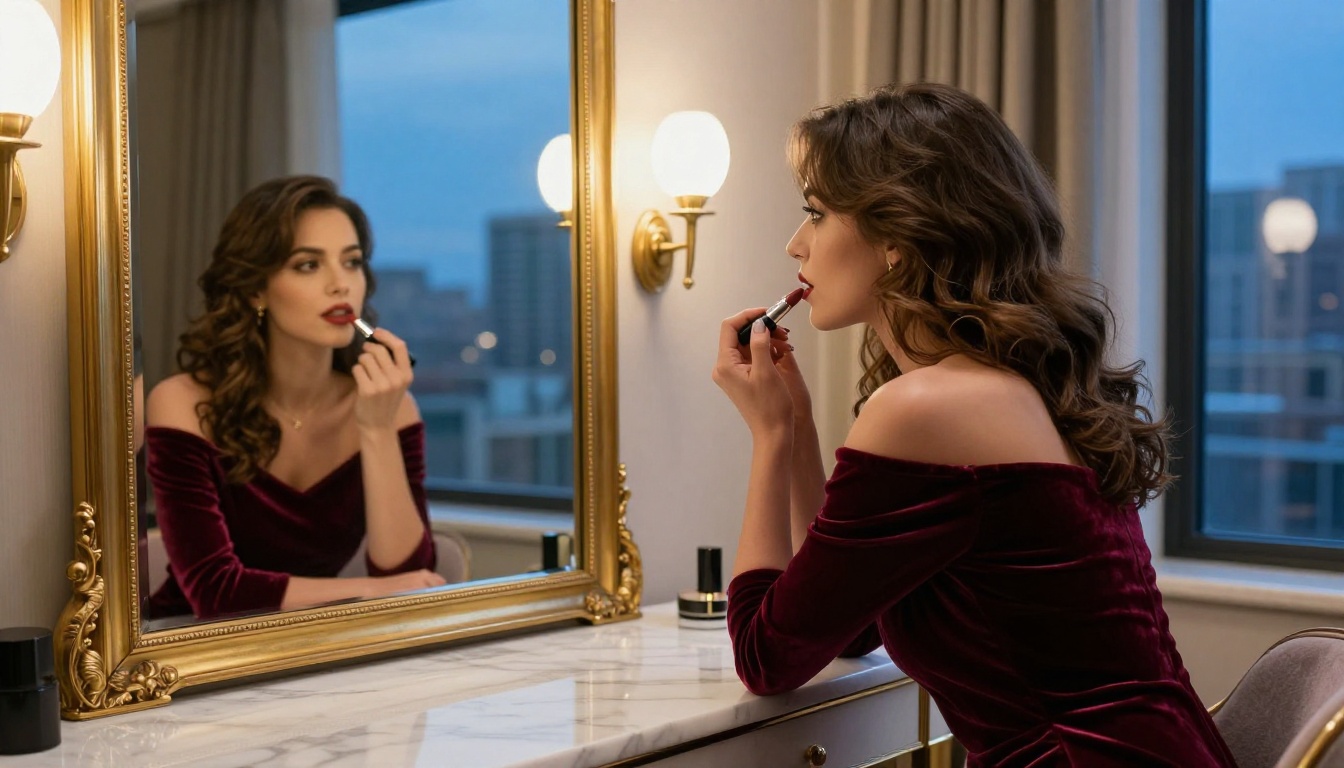
If you want to test NSFW AI generators before committing to a subscription, the free trial landscape in 2027 is surprisingly generous. Some platforms give you real credits upfront. Others let you test limited generations per day indefinitely. A few offer full model access for 24 hours. The quality gap between them, though, is massive.
This breaks down the top platforms, what their free tiers actually include, which AI models perform best for glamour and adult-adjacent content, and where you can start generating photorealistic results right now without pulling out a card.
Credits vs. Unlimited Access
Not all free trials are equal. There are two core models:
Credit-based trials give you a fixed number of generation credits (usually 10-50) that expire after a set period. Once they run out, the test is over unless you upgrade. This is the most common format.
Usage-limited free tiers let you generate a set number of images per day indefinitely. The daily cap is usually 5-20 images. Slower, but sustainable for casual use.
| Trial Type | Typical Limit | Best For |
|---|
| Credit-based | 10-50 credits | Quick quality test |
| Daily cap | 5-20 images/day | Long-term free use |
| Time-limited full access | 24-72 hours | Stress testing features |
| Freemium (watermarked) | Unlimited | Workflow testing only |
💡 Pro Tip: Always use your free credits on the platform's highest-quality model first, not the default or fastest option. You want to see what the platform can actually produce at its ceiling, not its floor.
Watermarks and Output Quality
A free tier with watermarks tells you almost nothing about whether the platform is worth paying for. You can check composition, color accuracy, and coherence from a watermarked image, but you cannot evaluate it for actual use.
Platforms that remove watermarks on free tiers signal confidence in their output. That confidence is usually justified.
The Models That Actually Deliver NSFW Results
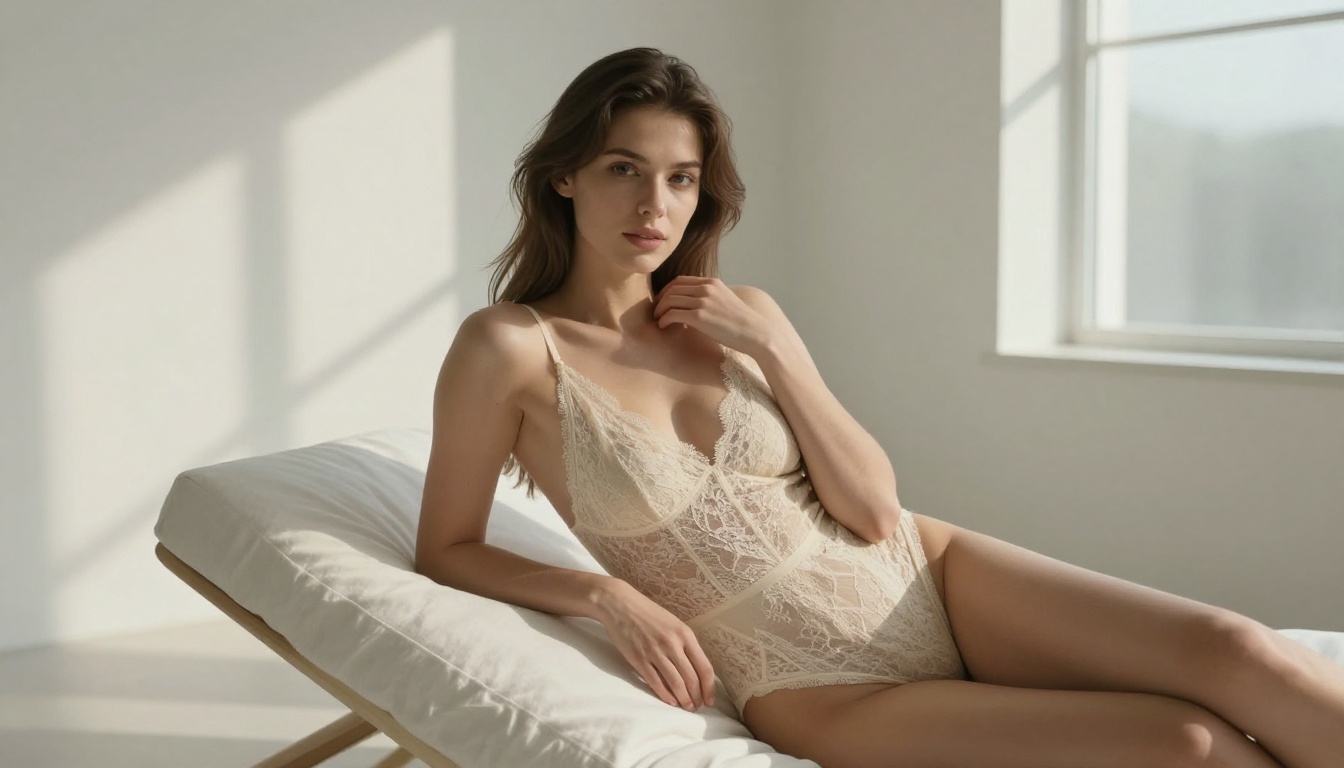
Before comparing platforms, it helps to know which AI models are built for the kind of output you want. Not all text-to-image models handle human anatomy, skin tones, and sensual aesthetics with equal skill.
Flux-Family Models
The Flux line from Black Forest Labs is currently the benchmark for photorealistic human generation. Flux 1.1 Pro produces exceptionally clean skin textures, natural lighting integration, and anatomy accuracy that earlier diffusion models struggled with. Flux 1.1 Pro Ultra takes this further with ultra-high-resolution output that holds fine detail at 100% crop.
For faster iteration, Flux Schnell trades a small amount of quality for 4x the generation speed, which is useful when you are testing prompt variations. Flux Dev sits between the two, offering research-grade quality at moderate speed.
The newer Flux 2 Pro represents the current state of the art for photorealistic fashion and glamour work. Its handling of fabric sheen, indirect skin lighting, and complex background-subject separation is noticeably better than its predecessors.
Stable Diffusion and SDXL Variants
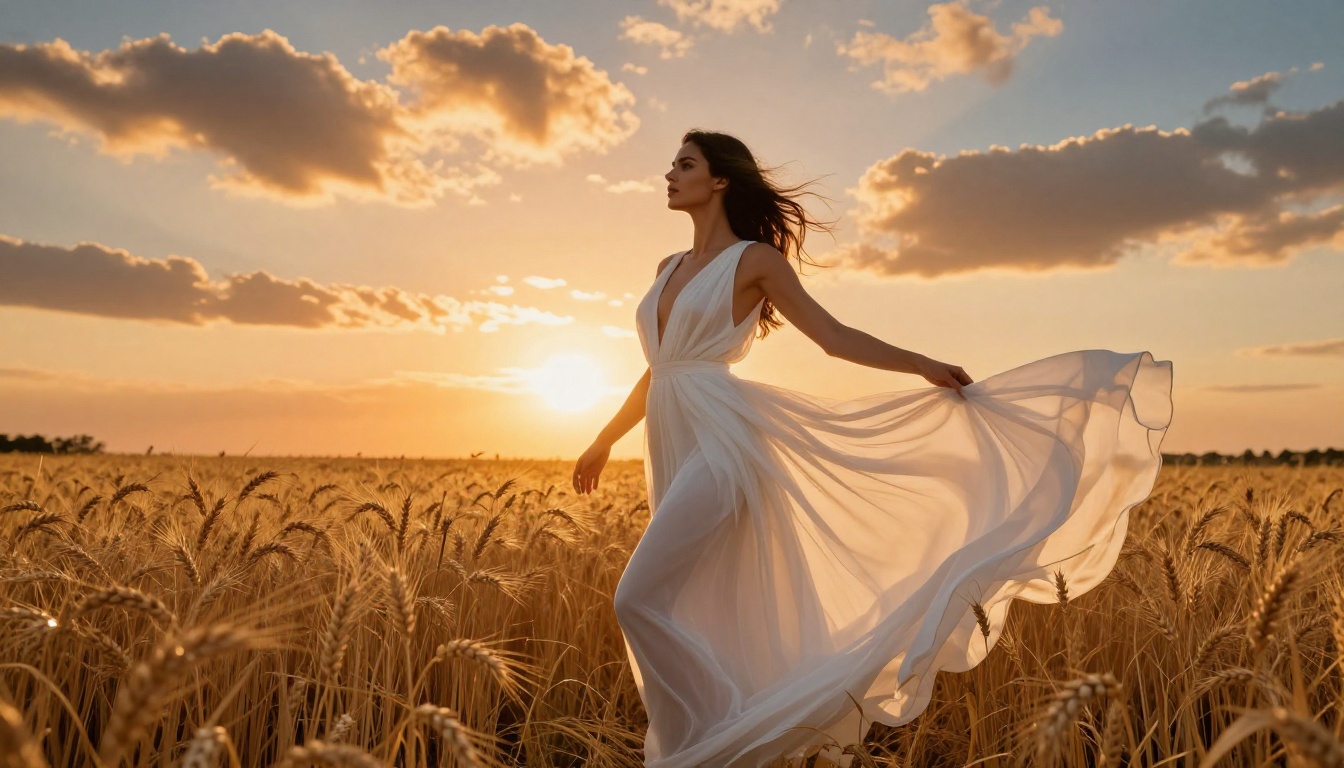
Stable Diffusion 3.5 Large brought significant improvements to prompt adherence and human form generation. It handles complex poses and partial clothed or implied scenarios better than SD 2.x generations. Stable Diffusion 3.5 Large Turbo runs at roughly 4x the speed with comparable output quality.
SDXL remains relevant specifically because of its massive fine-tuned model ecosystem. The base SDXL is a starting point. With the right LoRA stack, it becomes a specialized tool for specific aesthetic styles.
Photorealistic Specialists
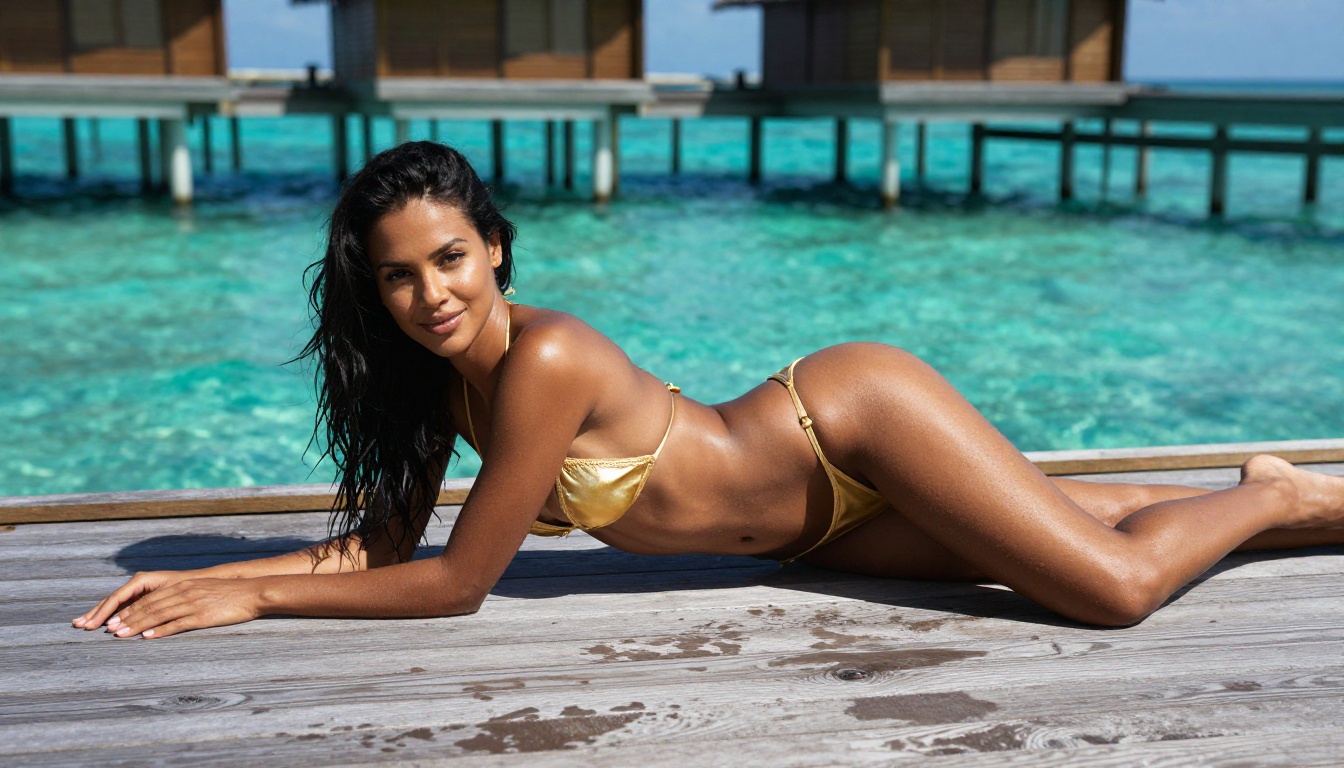
Realistic Vision v5.1 was trained specifically for photorealistic human output. It consistently produces images that read as photographs rather than AI renders, with natural skin tones, realistic hair, and authentic environmental integration.
Dreamshaper XL Turbo handles a wider aesthetic range. It sits between photorealism and idealized stylization, which makes it popular for glamour work where you want beauty-editorial quality rather than raw documentary realism.
PicassoIA: The Widest Model Selection
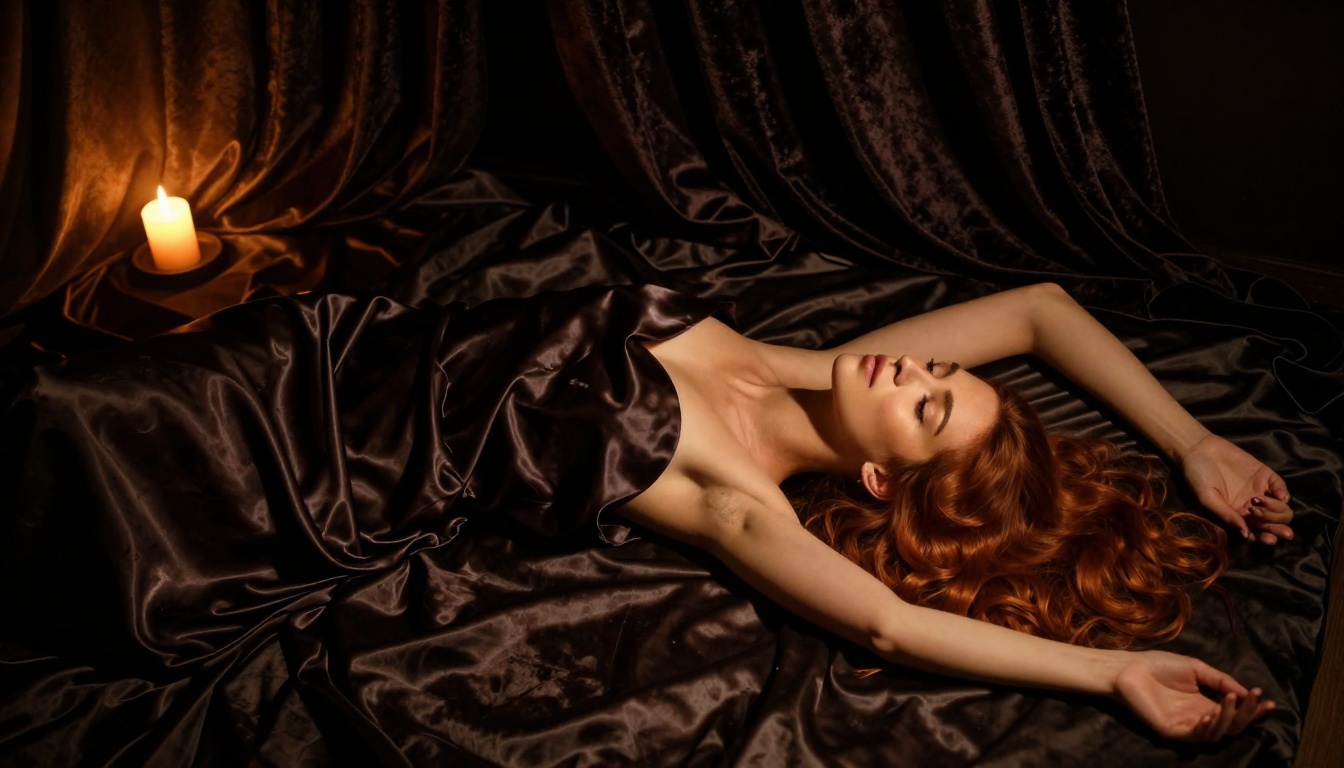
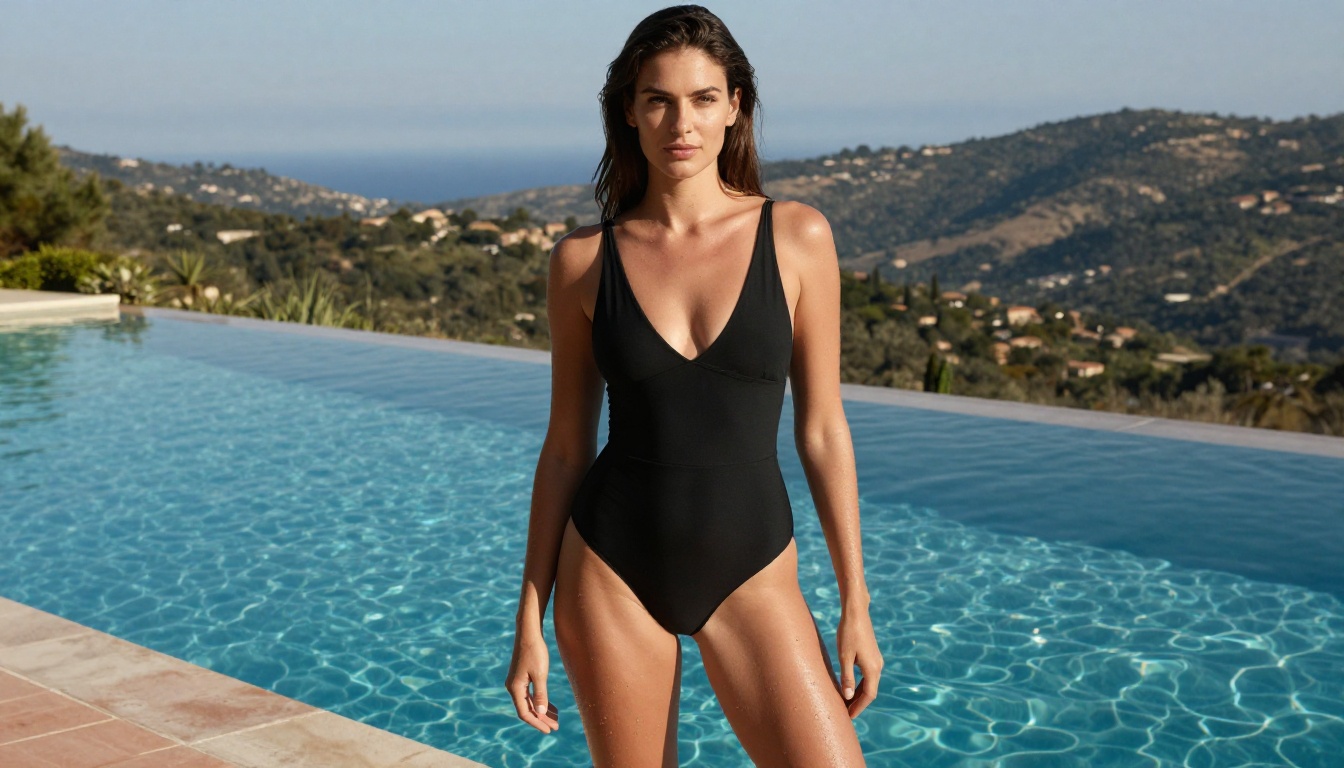
PicassoIA gives free users access to over 90 text-to-image models without requiring a credit card upfront. The free tier includes daily generation credits that reset, which means you can genuinely evaluate multiple models over several days.
The platform's strength is breadth. You can test Flux 1.1 Pro, Realistic Vision v5.1, and Dreamshaper XL Turbo side by side on the same prompt to see exactly where each model's strengths lie for your specific use case.
The NSFW content policy is calibrated to allow suggestive and glamour content without crossing into explicit territory. The output tends toward artistic and editorial quality rather than raw content, which suits most creative workflows.
Free tier includes:
- Daily generation credits (reset every 24 hours)
- Access to all 90+ text-to-image models
- No watermarks on output
- Standard resolution downloads
- Access to image editing, super resolution, and background removal tools
Replicate: Pay-Per-Use with Free Credits
Replicate provides new users with a credit allocation that lets you run several dozen generations across any available model. For NSFW work, this means access to fine-tuned Flux variants and community models that would otherwise require self-hosting.
The trade-off is that Replicate is a developer platform, not a consumer one. The interface requires you to understand model parameters. But for users comfortable with that learning curve, the model variety is unmatched.
💡 Replicate's free credits disappear faster than you expect on high-resolution outputs. Default your first tests to 512x512 to stretch the trial period.
Civitai: Community Models, Free Access
Civitai sits in a different category. It is primarily a model sharing community where independent creators publish fine-tuned Stable Diffusion and SDXL variants. Many of these are designed for NSFW outputs.
The platform itself has a free image generation feature powered by community models. The free tier is limited but functional for initial evaluation. The real value is the model library, which surfaces specialized variants unavailable on commercial platforms.
Output quality is inconsistent because you are running community-trained models rather than professionally optimized ones. But for specific aesthetics, the niche models here outperform general-purpose commercial alternatives.
Tensor.art: High Daily Limits
Tensor.art offers one of the most generous free daily generation allowances in the space. The platform runs on a credit system where free users receive enough daily allocation for 20-40 generations depending on model and resolution.
The NSFW pipeline is available to registered users with age verification. Model selection covers standard SDXL variants and several Flux-based options. Output quality is solid if not exceptional at the highest quality settings.

NightCafe: Credit-Based with Quality Tiers
NightCafe starts every new account with a batch of free credits and includes a daily credit refresh. The platform has been around since 2019, which means its infrastructure is stable and its generation queue is reliable.
NSFW content is available at certain account levels. The model selection is narrower than pure-generation platforms, but the community features and style presets accelerate the prompting process significantly for new users.
Free vs. Paid: The Actual Differences
What Changes When You Upgrade
The free tier on most platforms is genuinely useful for evaluation. Where it falls short is production use.
| Feature | Free Tier | Paid Tier |
|---|
| Resolution | Standard (512-1024px) | High resolution (2K-4K) |
| Queue priority | Standard queue | Priority generation |
| Concurrent generations | 1-2 at a time | 4-8+ simultaneous |
| Model access | Most models | All models including exclusive |
| Daily limits | 10-50 credits | 500+ or unlimited |
| Commercial license | Personal use only | Commercial rights included |
| Image upscaling | Limited | Full super resolution |
When to Stay Free
If you are evaluating a platform before purchasing, the free tier is exactly sufficient. Run 5-10 generations with your actual prompt style across 2-3 different models. That is enough data to know whether the platform will serve your needs.
If your use case is personal and non-commercial, several platforms maintain permanent free tiers with daily refresh rates that cover casual generation volumes indefinitely.
When the Free Tier Breaks Down
Batch generation is the primary limit. If you need 50 images for a project, spending those credits on one project eliminates your evaluation ability. Production use on a free tier is a dead end.
High-resolution output is almost always paywalled. The jump from standard to high-resolution matters enormously for glamour and fashion content where skin texture, fabric detail, and hair complexity define the quality impression.
Prompting for Photorealism
The single biggest quality lever on any of these platforms is prompt structure. A vague prompt produces a vague image. A specific one produces something usable.
The structure that works consistently: [Subject] + [Pose/Action] + [Environment] + [Lighting] + [Camera/Lens] + [Film/Style]
For glamour content specifically, lighting specification changes everything. "Soft golden hour light from the left" produces a completely different result than "overhead studio lighting." The model follows these specifications with high fidelity when using Flux-family models.
💡 Add these modifiers to any glamour prompt: "Kodak Portra 400 film grain, 85mm f/1.8, shallow depth of field, natural skin texture, photorealistic" to add consistent photographic quality without over-specifying the image content.
Model Selection for Your Aesthetic
Different models perform differently on different aesthetic targets:
Image-to-Image as a Refinement Step
Most platforms with NSFW capabilities also support image-to-image workflows. If a generation is 80% right, running it through img2img at low strength (0.3-0.4) refines the details without changing the overall composition. This is far more efficient than re-prompting from scratch.
Flux Kontext Pro is specifically built for text-guided image editing, meaning you can use natural language to refine specific aspects of an existing generation without starting over.
How to Use NSFW Models on PicassoIA
PicassoIA hosts several models that produce strong results for glamour and suggestive content. Here is how to get the best output from the platform:
Step 1: Choose your model
Navigate to the text-to-image collection and select Flux 1.1 Pro for photorealistic portraits or Dreamshaper XL Turbo for beauty-editorial aesthetics.
Step 2: Structure your prompt
Start with your subject description, then environment, then lighting conditions, then camera specifications. End with quality modifiers: "photorealistic, 8k, RAW photo, film grain, natural lighting."
Step 3: Set resolution
Use 16:9 ratio for editorial-style output. Standard resolution works on free tiers. Upgrade to high resolution once you have a prompt formula that consistently produces what you want.
Step 4: Use negative prompts
On models that support negative prompts, add: "cartoon, illustration, CGI, plastic skin, oversmoothed, artificial lighting, watermark" to steer output toward naturalistic results.
Step 5: Iterate with img2img
Take a generation that is 70-80% correct and run it through the image editing tools with a refined text prompt. The Flux Kontext Pro editor handles text-guided refinement with high precision.
| Platform | Free Tier | Model Access | Watermarks | NSFW Level |
|---|
| PicassoIA | Daily credits, 24h reset | 90+ models including Flux and SD 3.5 | None | Suggestive and Glamour |
| Replicate | One-time credit allocation | All community models | None | Varies by model |
| Civitai | Daily credits | Community fine-tunes | None | Explicit with age verification |
| Tensor.art | 20-40 generations per day | SDXL and Flux variants | None | Suggestive and Explicit |
| NightCafe | Daily refresh credits | Style presets, limited models | None | Limited |
Try Your First Generation Today
The fastest path from zero to a working NSFW AI generation workflow runs through a platform that gives you model variety, no watermarks, and a daily credit reset. Those three factors let you evaluate across different aesthetic targets without committing financially.
PicassoIA satisfies all three. You can start with Flux 1.1 Pro for maximum photorealism, test Dreamshaper XL Turbo for fashion-editorial aesthetics, and compare Realistic Vision v5.1 for naturalistic portrait work in a single session.
The model that clicks for your specific prompt style and aesthetic target will become obvious within 10-15 generations. That is a free afternoon of work on any of the platforms listed above.
The photorealism ceiling has moved dramatically in the past 18 months. Models like Flux 2 Pro and Stable Diffusion 3.5 Large produce output that was impossible to achieve without professional photography setups just two years ago. The free trial is enough to see that gap clearly.
Try your first generation today. The prompt structure, the model selection, and the iteration workflow above will get you to quality output faster than starting blind.